ToolMage
Sign in

Best 5 Kids AI tools for Personal

Popular Kids AI tools in Personal include Ello, Spark Studio, FoloToy, FictionGenie, and meetearnie, helping you work more efficiently.

Ello
Freemium

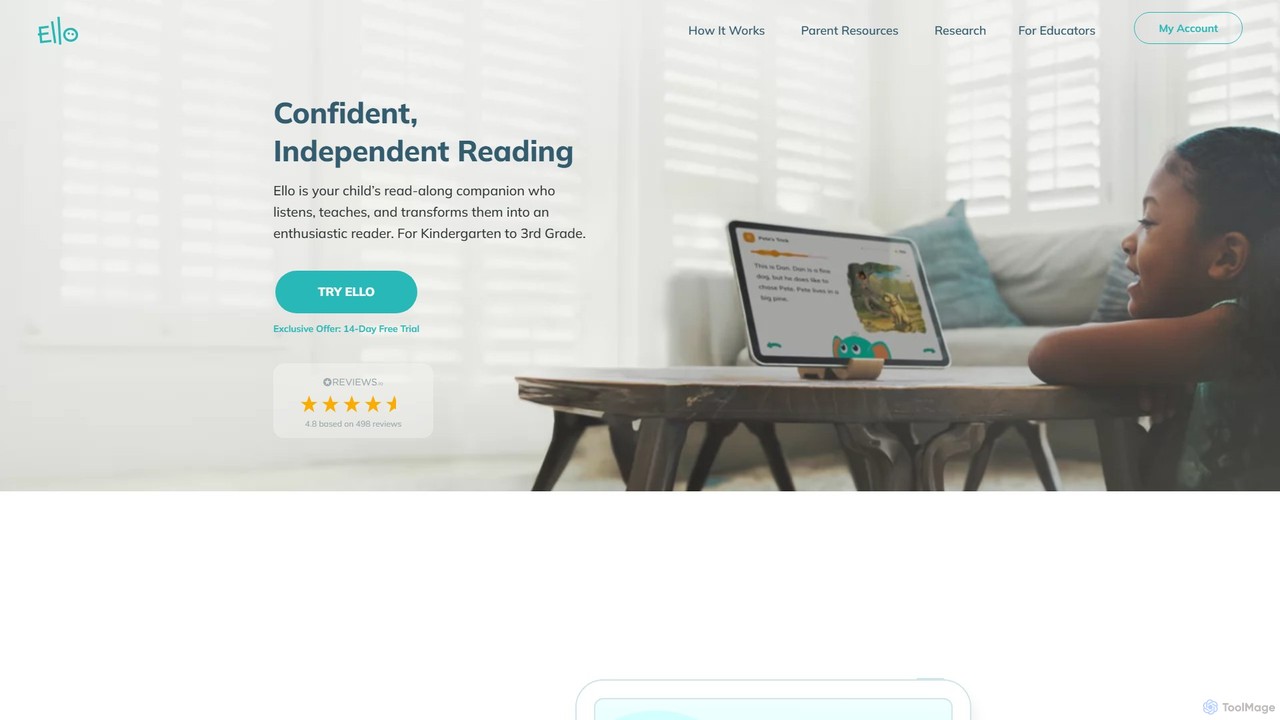
Ello

Ello is an AI-powered reading companion app designed for children in Kindergarten to 3rd grade. It acts as a personal read-along tutor that listens to your child, provides real-time assistance, and uses adaptive learning technology to transform them into confident, enthusiastic readers. It's built on the proven Science of Reading methodology.

Language Learning
Visits 39.4KFavorites 168Likes 156
meetearnie
Paid

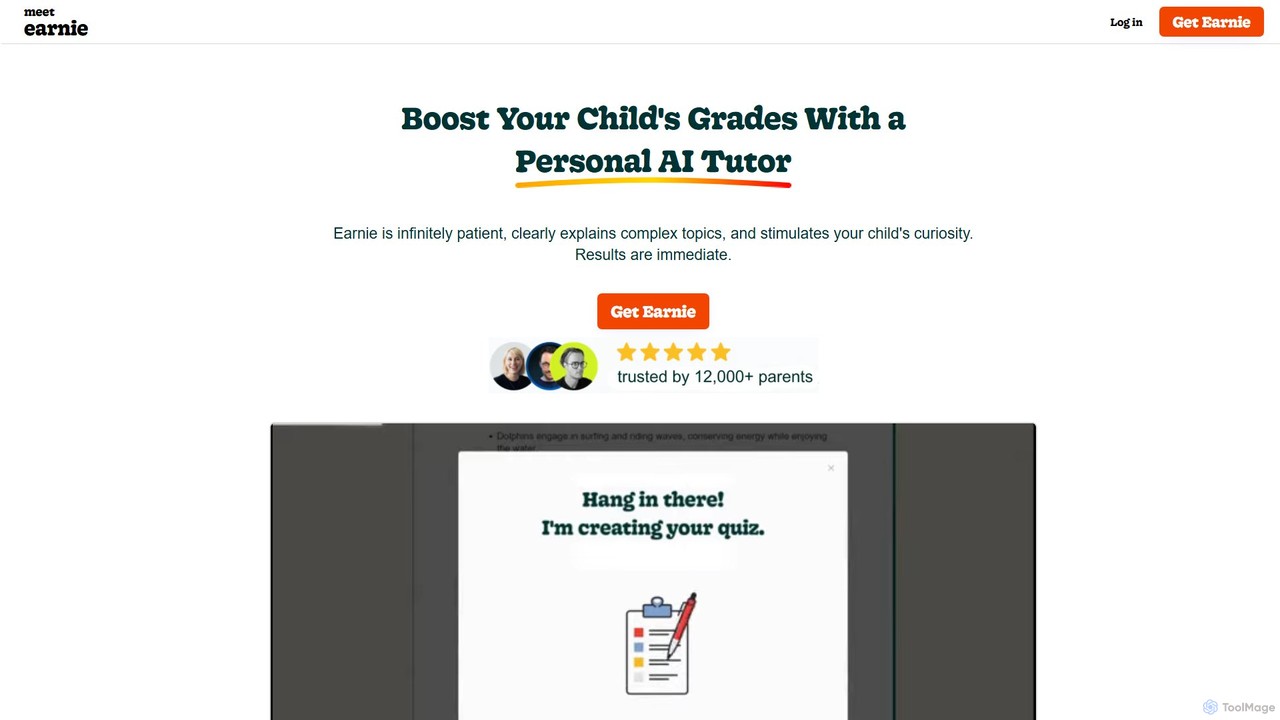
meetearnie

meetearnie is a personal AI tutor designed to boost your child's grades. It offers engaging conversations, personalized summaries, and interactive quizzes in a 100% safe environment. It adapts to your child's learning pace, stimulates curiosity, and provides weekly progress reports for parents.

Tutoring
Visits 5.3KFavorites 144Likes 138
FictionGenie
Freemium

FictionGenie

FictionGenie is an AI-powered, multilingual storybook platform for children. It offers interactive and adaptive stories designed to foster creativity, teach soft skills, and provide parents with detailed insights into their child's development, making learning a fun and personalized adventure.

Storytelling
Visits 5.4KFavorites 132Likes 132
FoloToy
Paid

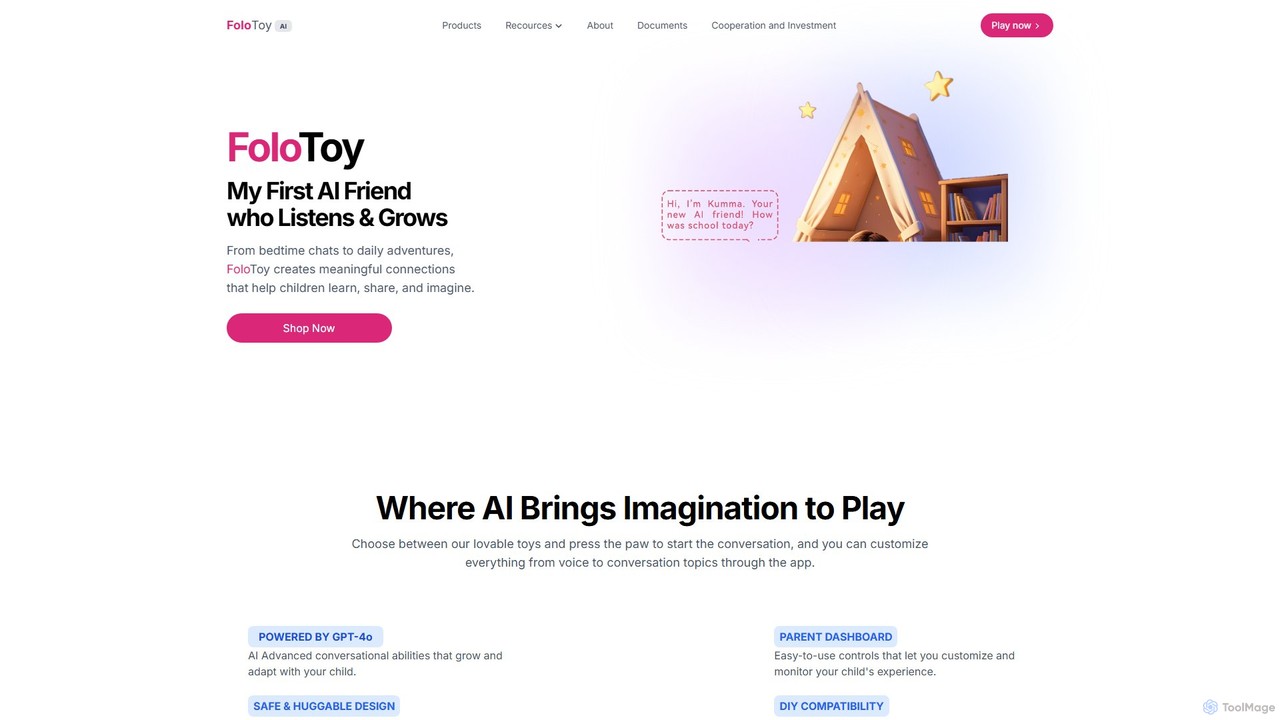
FoloToy

FoloToy is an innovative AI-powered plush toy for children, powered by GPT-4o. It serves as an interactive learning companion, offering personalized conversations, storytelling, and educational activities. With a parent dashboard for safety and a unique DIY kit to transform any toy into an AI friend, FoloToy blends imaginative play with advanced technology.

Early Learning
Visits 15.1KFavorites 104Likes 109
Spark Studio
Freemium

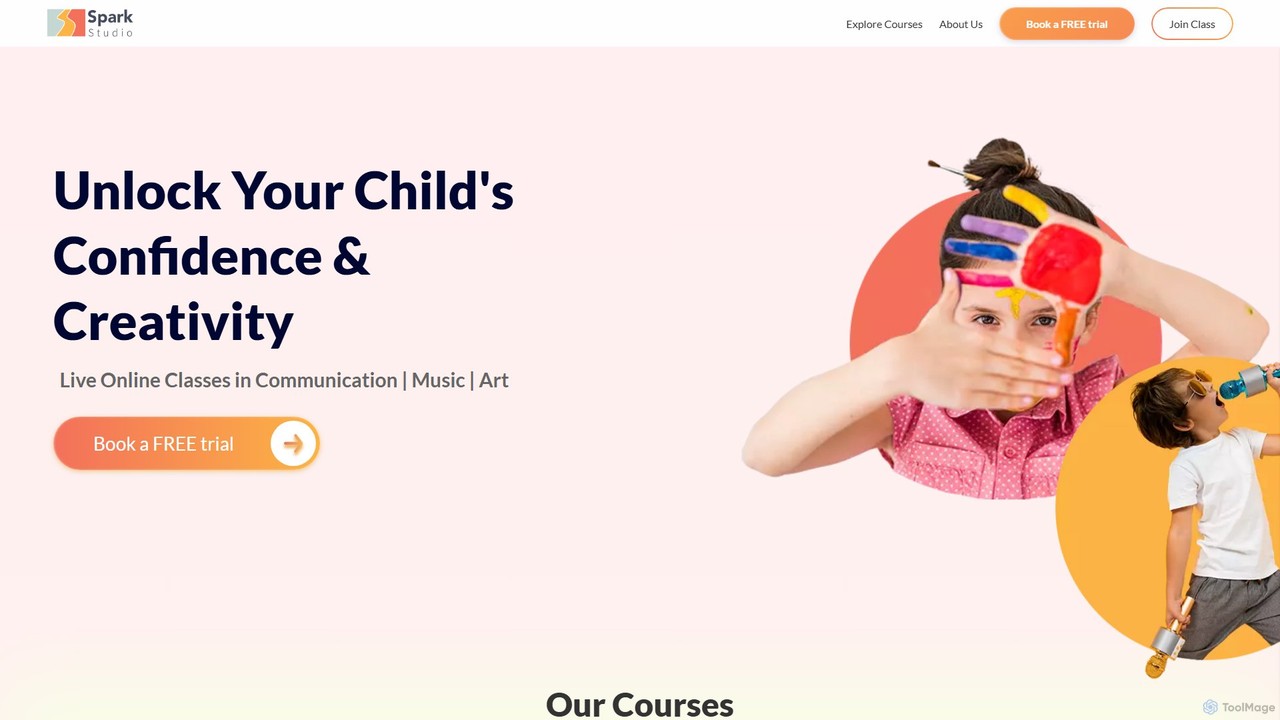
Spark Studio

Spark Studio is an online learning platform offering live, interactive classes for children aged 5-15. It focuses on extracurricular skills like communication, music, and visual arts to boost creativity and confidence. With small group settings and expert instructors, it provides a fun, engaging, and structured learning environment from the comfort of home.

E Learning
Visits 19.3KFavorites 90Likes 118

About Kids

AI Kids tools are applications designed to provide educational and creative experiences for children in a safe, interactive environment. These tools leverage artificial intelligence to personalize content, such as adapting learning games to a child's skill level or generating unique stories based on their input. They aim to make learning more engaging and foster creativity by turning complex concepts into playful activities. Unlike general personal tools, they prioritize age-appropriate content, intuitive interfaces, and robust safety features.

Core Features

  • Adaptive Learning: The AI adjusts the difficulty of puzzles, quizzes, and lessons based on the child's performance.
  • Interactive Storytelling: Generates personalized stories or allows children to influence the narrative through their choices.
  • Safe Creative Generation: Provides kid-friendly AI for creating images, music, or code with built-in content filters.
  • AI-Powered Tutoring: Offers homework assistance and practice in subjects like math and reading with instant feedback.
  • Gamified Experiences: Transforms educational content into engaging games and challenges to maintain interest.

Applicable Scenarios

These tools are ideal for parents seeking supplementary educational resources for home learning, teachers looking for engaging classroom activities, and children wanting to explore creative hobbies like art, music, or coding in a guided and safe digital space.

Selection Criteria

When choosing an AI tool for kids, prioritize age-appropriateness and ensure the content aligns with your child's developmental stage. Scrutinize the safety features, including parental controls and data privacy policies. Evaluate the educational value and how it supports learning goals, and finally, consider the user interface to ensure it is intuitive and enjoyable for a child to use independently.

Kids use cases

1

Creating a Personalized Bedtime Story

A parent looking for a new way to engage their child at bedtime uses an AI storytelling tool. They input key elements like the child's name, their favorite animal (a unicorn), and a location (a magical forest). The AI then generates a unique, age-appropriate story featuring the child as the hero on an adventure with their unicorn friend. This process not only creates a special bonding moment but also encourages the child's imagination and listening skills, providing a fresh story every night without requiring the parent to be a professional storyteller.

2

Interactive Math Homework Helper

A student struggling with fractions uses an AI-powered tutoring app. Instead of just giving answers, the app presents the math problem in a gamified interface. When the student makes a mistake, the AI provides a visual, step-by-step explanation tailored to their error, rather than a generic hint. It then generates a new, similar problem to ensure they have grasped the concept. This adaptive feedback loop helps the student build confidence and achieve mastery at their own pace, turning a frustrating homework session into an engaging learning experience.

3

Learning a New Language with an AI Pal

A child beginning to learn French uses an AI language app featuring a friendly animated character. The child can have simple, spoken conversations with the AI character, which uses speech recognition to understand their responses and correct their pronunciation in a gentle, encouraging way. The app includes vocabulary games and cultural stories that adapt based on the child's progress. This immersive and non-judgmental environment makes language practice fun and reduces the anxiety often associated with speaking a new language, accelerating their learning journey.

4

Designing a Character for a School Project

For an art class project, a student needs to design a fantasy creature. Using a kid-safe AI image generator, they type a simple prompt like "a friendly dragon made of flowers and leaves." The tool generates several visual options in different styles. The student can then refine the prompt, adding details like "with glowing blue eyes" or "in a cartoon style," until they get an image that matches their vision. This tool acts as a creative partner, helping the student overcome the initial blank page, visualize their ideas quickly, and provide a strong starting point for their final drawing or sculpture.

5

Introduction to Coding through Gamified Puzzles

A young learner interested in technology uses an AI coding platform for kids. The platform presents coding concepts as a series of interactive puzzles and quests, such as guiding a character through a maze. The child drags and drops visual code blocks to create commands. The AI provides real-time feedback, highlighting errors and suggesting logical fixes. As the child progresses, the AI introduces more complex concepts like loops and conditionals, adapting the difficulty to keep them challenged but not overwhelmed. This makes learning to code accessible and fun, building foundational computational thinking skills.

6

Composing a First Musical Piece

A child with an interest in music but no formal training uses an AI music creation tool. They can select a mood, like 'happy' or 'adventurous,' and a style, such as 'orchestral' or 'electronic.' The AI generates a base melody and harmony. The child can then easily modify the tune by dragging notes, changing instruments, or adjusting the tempo in a simple visual interface. The AI ensures that all changes remain musically coherent. This allows the child to experiment with musical ideas and experience the joy of creation without the steep learning curve of traditional music theory and software.

Kids FAQ

What are AI tools for Kids?

AI tools for Kids are software applications specifically designed for children that use artificial intelligence to create educational, creative, and entertaining experiences. Unlike general AI tools, they prioritize safety with features like content filtering and parental controls. Their core purpose is to make learning interactive and personalized, adapting to a child's individual pace and interests. Common examples include adaptive learning games, interactive story generators, and safe AI art creation platforms.

How do I choose a safe AI tool for my child?

Choosing a safe AI tool requires careful consideration. Follow these steps:

  • Check Age Ratings: Ensure the tool is appropriate for your child's developmental stage.
  • Review Privacy Policies: Understand what data is collected and how it is used. Look for tools that are compliant with child protection laws like COPPA.
  • Look for Parental Controls: Good tools offer dashboards for parents to monitor activity, set time limits, and manage content access.
  • Read Reviews: Seek feedback from other parents and educators on platforms like Common Sense Media to gauge the tool's safety and educational quality.
What are the educational benefits of AI tools for kids?

AI tools offer significant educational benefits by personalizing the learning experience. Their primary advantages include:

  • Adaptive Learning: They can adjust the difficulty of tasks in real-time to match a child's skill level, preventing boredom or frustration.
  • Instant Feedback: Children receive immediate, constructive feedback on their work, which helps reinforce concepts and correct mistakes quickly.
  • Increased Engagement: Through gamification and interactive content, these tools can make traditionally challenging subjects like math or coding more appealing.
  • Fostering Creativity: AI generation tools provide a safe space for children to experiment with art, music, and storytelling without fear of failure.
Are AI Kids tools different from general educational apps?

Yes, there is a key difference. While many educational apps offer static content like digital flashcards or pre-set quizzes, AI Kids tools are dynamic and adaptive. The AI component allows them to:

  • Personalize content in real-time based on user interaction.
  • Generate novel content, such as unique stories or images, providing endless variety.
  • Understand natural language, enabling conversational learning with AI tutors or characters.
  • Analyze performance data to identify a child's strengths and weaknesses and adjust the curriculum accordingly.

In essence, AI tools create a more interactive and responsive learning partner, whereas traditional apps often function more like a digital textbook.

At what age can children start using AI tools?

There is no single answer, as it depends on the specific tool and the child's development. Many AI tools are designed for specific age groups:

  • Preschool (3-5 years): Simple tools focusing on storytelling, basic letter/number recognition, and creative drawing with heavy parental guidance.
  • Elementary (6-10 years): More complex tools for learning math, coding basics, and language skills, often with gamified interfaces.
  • Middle School (11-13 years): Advanced tools for creative writing, complex problem-solving, and more sophisticated art or music generation.

The key is to choose age-appropriate tools and always supervise young children's use of technology to ensure a safe and positive experience.