Sales Best in category 1 results Email Assistant AI Tool

Popular AI tools in the Email Assistant field of Sales include Lavender, etc., helping you quickly improve efficiency.

Lavender

Lavender

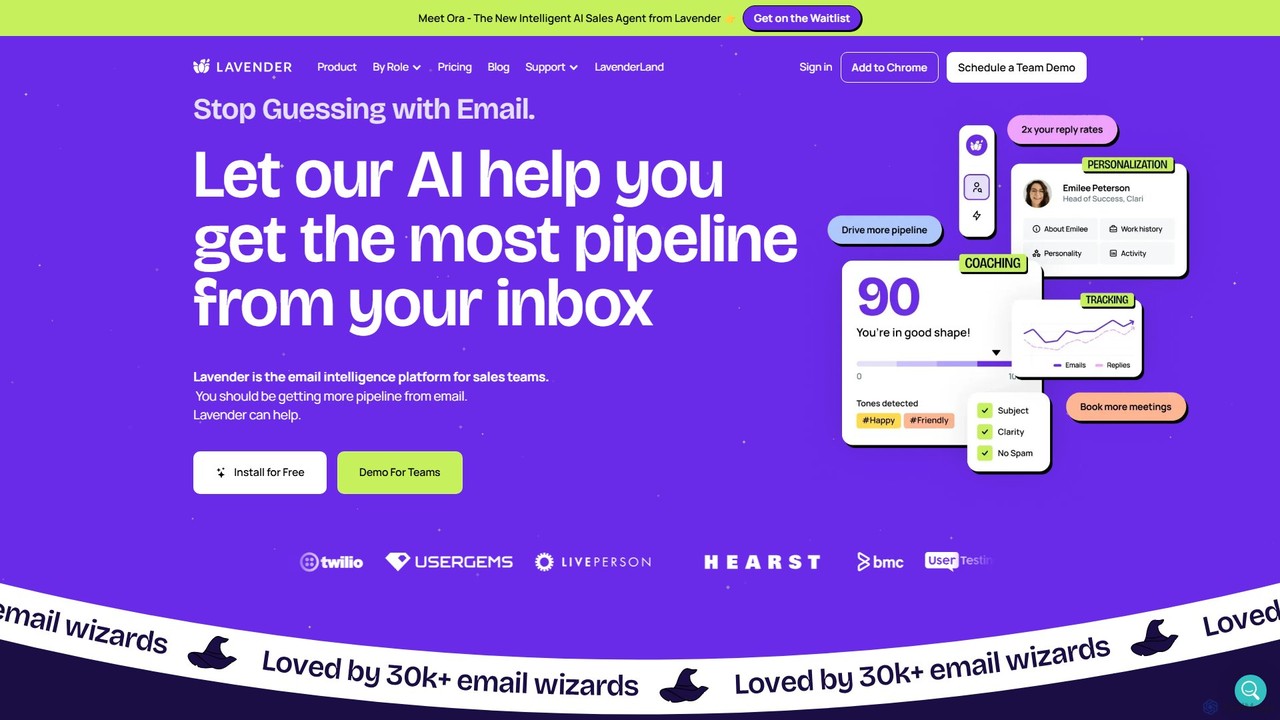
Lavender is an AI-powered email coach designed for sales professionals. It helps users write more effective emails by …

78.7K

About Email Assistant

Email Assistants are AI-powered tools designed to automate and enhance email communication within a sales context and beyond. Leveraging natural language processing (NLP), these tools draft replies, summarize long threads, and suggest improvements to tone and clarity. They are particularly valuable for sales teams and customer support, helping manage high volumes of correspondence to ensure timely, professional, and personalized responses. Unlike simple email templates, AI Email Assistants adapt to the context of the conversation, providing dynamic and relevant content for each interaction.

Core Features

  • AI-Powered Drafting: Generate complete emails or replies from brief prompts or keywords, saving significant writing time.
  • Tone and Style Analysis: Analyze and adjust the email's tone (e.g., formal, friendly, persuasive) to match the audience and objective.
  • Email Summarization: Condense long email threads into concise summaries, allowing users to quickly grasp key points and action items.
  • Automated Follow-ups: Schedule and send intelligent follow-up sequences that can be personalized based on recipient actions or lack thereof.
  • Predictive Text: Offer smart suggestions to complete sentences, speeding up the composition process and reducing errors.

Use Cases

Email Assistants are widely used by sales development representatives (SDRs) to personalize outreach at scale, customer service agents to handle inquiries faster, and executives to manage overflowing inboxes efficiently. They are crucial in any role that relies on high-volume or high-stakes email communication, from marketing campaigns to project management updates.

How to Choose

When selecting an Email Assistant, consider its integration with your existing email client (e.g., Gmail, Outlook). Evaluate the sophistication of its AI writing capabilities, its support for multiple languages, and its data privacy policies. Also, assess whether its features align with your primary goal, such as lead generation, customer support, or internal communication efficiency.

Email AssistantUse Cases

1

Automating Sales Outreach Follow-ups

A Sales Development Representative (SDR) manages hundreds of leads and needs to send personalized follow-ups without spending hours writing manually. Using an Email Assistant, they create a multi-step follow-up sequence. The AI customizes each email based on the initial outreach and the prospect's details from a CRM. The sequence automatically stops when a reply is received, preventing awkward duplicate messages. This process ensures consistent follow-up, increasing reply rates and saving the SDR over 10 hours per week on manual tasks.

2

Crafting Professional Customer Support Replies

A customer support agent handles a high volume of repetitive but slightly different queries about product features. Instead of typing out each response, the agent uses an Email Assistant. The tool analyzes the customer's question and instantly drafts an accurate and empathetic reply based on the knowledge base. The agent can quickly review and send it, ensuring a consistent brand voice and tone. This reduces the average response time by over 50% and improves customer satisfaction scores by providing high-quality, consistent answers.

3

Summarizing Complex Project Email Threads

A project manager joins a project midway and needs to get up to speed on a long, complex email chain with multiple stakeholders. Instead of spending hours reading, they use the email assistant's summarization feature. The tool analyzes the entire thread and provides a bulleted list of key decisions, action items with assigned owners, and unresolved questions. This allows the manager to grasp the project's current state in minutes, preventing critical information from being missed and enabling a much faster and more effective onboarding process.

4

Improving Executive Communication Clarity

A C-level executive is drafting an important company-wide announcement about a strategic shift. The message must be clear, confident, and motivating. After writing a draft, the executive uses their Email Assistant to analyze its tone and clarity. The tool suggests rephrasing certain sentences to sound more decisive and provides synonyms to avoid repetitive language. It also flags potentially ambiguous phrases. The result is a more polished and impactful communication that effectively conveys the intended message, reducing the risk of misinterpretation among employees.

5

Personalizing Cold Email Campaigns at Scale

A marketing manager is launching a cold outreach campaign to a segmented list of potential clients. Standard mail merge templates result in low engagement. By using an Email Assistant, the manager provides a base template and a list of prospects with their company info. The AI then generates a unique, personalized opening line for each recipient, referencing their company's recent achievements or their role. This hyper-personalization significantly boosts open and reply rates, leading to more qualified leads and meetings booked compared to generic campaigns.

6

Managing and Triaging a Shared Team Inbox

An operations team manages a shared inbox (e.g., [email protected]) with hundreds of incoming emails daily. Manually sorting and assigning them is time-consuming. An Email Assistant is configured to automatically categorize incoming emails based on keywords (e.g., 'Invoice', 'Support', 'Partnership'). It drafts initial replies for common queries and flags urgent messages for immediate human attention. This system streamlines inbox management, ensures no email is missed, and allows the team to focus on high-priority tasks rather than manual sorting and basic responses.

Email AssistantFrequently Asked Questions