
Sales Best in category 1 results Scheduling Automation AI Tool

Popular AI tools in the Scheduling Automation field of Sales include vark, etc., helping you quickly improve efficiency.

vark

vark

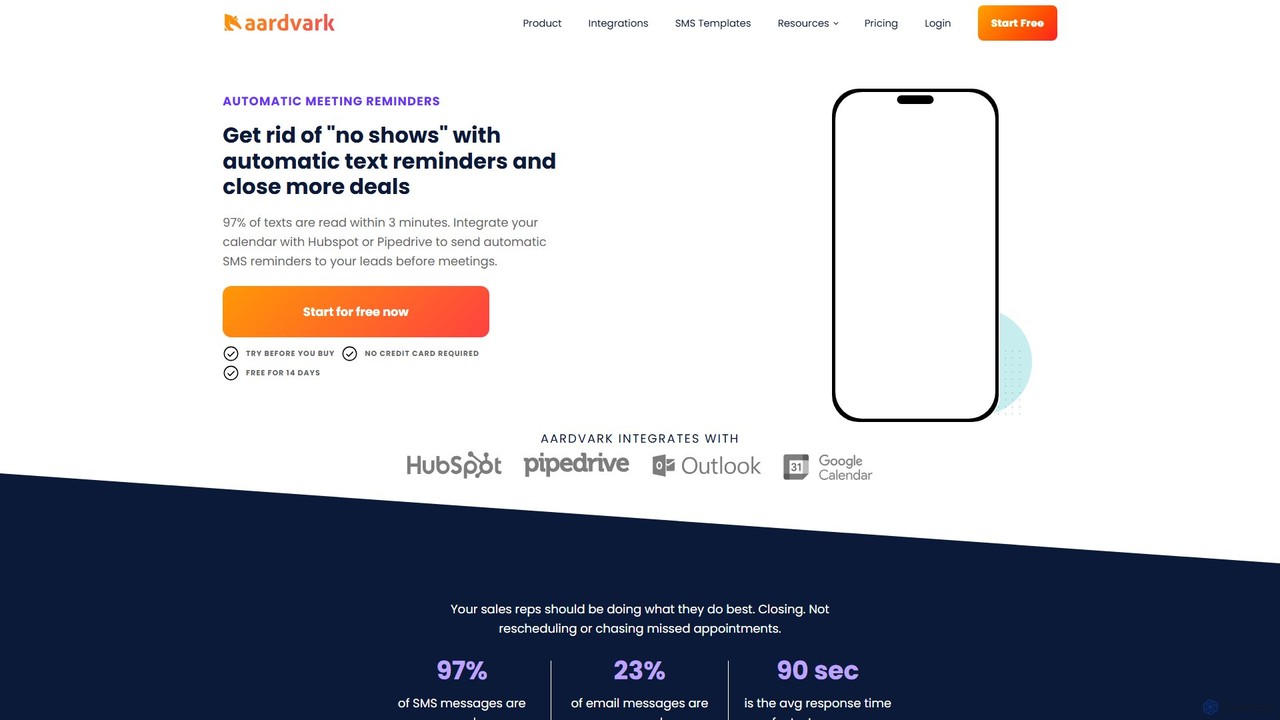
vark (Aardvark) is an automated SMS reminder platform designed for sales and marketing teams. It integrates with your …

5.9K

About Scheduling Automation

Scheduling Automation tools are AI-powered applications that streamline the process of booking meetings and appointments. They intelligently analyze calendars, identify mutual availability, and automate communication to eliminate back-and-forth emails. Primarily used in sales and client services, these tools accelerate the sales cycle by connecting with leads faster and reducing administrative overhead. Many platforms also offer advanced features like automated reminders, time zone detection, and deep integration with CRMs to ensure a seamless workflow.

Core Features

  • Real-time Calendar Sync: Two-way synchronization with calendars like Google, Outlook, and iCloud to prevent double bookings.
  • Shareable Booking Links: Create custom links for different meeting types that show your real-time availability.
  • Automated Workflows: Send automatic confirmation emails, reminders, and follow-ups to reduce no-shows.
  • Time Zone Intelligence: Automatically detect and display available times in the invitee's local time zone.
  • CRM Integration: Log meeting activities, create new contacts, and update records in sales platforms like Salesforce or HubSpot.

Use Cases

These tools are essential for sales teams booking product demos, consultants scheduling client consultations, and recruiters coordinating interviews. They are also widely used by customer success managers for onboarding calls and by any professional who needs to efficiently manage a high volume of external meetings.

How to Choose

When selecting a tool, evaluate its integration capabilities with your existing CRM, email, and video conferencing software. Consider the level of customization for booking pages and communication workflows. For teams, assess features like round-robin or collective scheduling. Finally, analyze the pricing model based on your team size and required feature set.

Scheduling AutomationUse Cases

1

Accelerate Sales Demo Bookings

A Sales Development Representative (SDR) needs to book qualified demos for Account Executives quickly. Instead of suggesting times via email, the SDR includes a personalized scheduling link in their outreach sequences. A prospect clicks the link, sees the Account Executive's real-time availability, and books a slot in seconds. The tool automatically creates the calendar event for both parties, adds a video conference link, and logs the activity in the CRM. This reduces the time-to-meeting from days to minutes, significantly increasing the conversion rate from lead to demo.

2

Streamline Client Consultation Scheduling

An independent consultant places a scheduling link on their website and in their email signature. Potential clients can view available consultation slots and book a session directly, without any email exchange. The system can be configured for different meeting types, such as a free 15-minute introductory call or a paid 60-minute strategy session. It can even integrate with payment gateways like Stripe or PayPal to collect fees upfront, securing the booking and improving cash flow for the consultant's business.

3

Automate Candidate Interview Coordination

A recruiter needs to schedule a panel interview involving a candidate and three internal hiring managers. Instead of a long email chain to find a common time, the recruiter uses a scheduling tool's group polling or collective availability feature. The tool overlays all internal calendars to suggest times that work for the entire panel. The candidate is then sent a link with only these pre-approved slots. This process dramatically reduces coordination time, minimizes scheduling errors, and provides a professional, modern experience for the candidate.

4

Simplify Customer Success Onboarding Calls

A Customer Success Manager (CSM) is responsible for onboarding new clients. Using a scheduling automation tool, a workflow is created to automatically send a welcome email with the CSM's booking link as soon as a new customer signs up. The link can be tied to a specific meeting type, like '60-Minute Onboarding Session'. This proactive approach ensures every new customer is engaged promptly, reduces the manual workload for the CSM, and standardizes the onboarding experience, leading to higher customer satisfaction and retention.

5

Manage High-Volume Service Appointments

A small business, such as a tutoring center or a repair shop, integrates a scheduling tool into its website. Customers can visit the site 24/7, view real-time availability for different services or staff members, and book an appointment directly. The system can be set up with buffer times between appointments and can handle cancellations or rescheduling automatically. This self-service model reduces the time staff spend on the phone booking appointments, minimizes human error, and provides a convenient experience for customers, leading to more bookings.

6

Optimize Internal Cross-Functional Meetings

A project manager needs to schedule a critical sync-up meeting with team members from engineering, marketing, and design, all of whom have packed and conflicting schedules. Instead of sending a poll or starting an email thread, the manager uses a scheduling tool that can access and overlay the internal calendars of all required attendees. The tool instantly identifies the few available common slots in the coming week. The manager can then book the meeting in one click, confident that everyone is available, saving significant administrative time and accelerating project timelines.

Scheduling AutomationFrequently Asked Questions