ToolMage
Sign in

Best 1 Conversational Search AI tools for Search Engines

Popular Conversational Search AI tools in Search Engines include Knowz, helping you work more efficiently.

Knowz
Freemium

Knowz

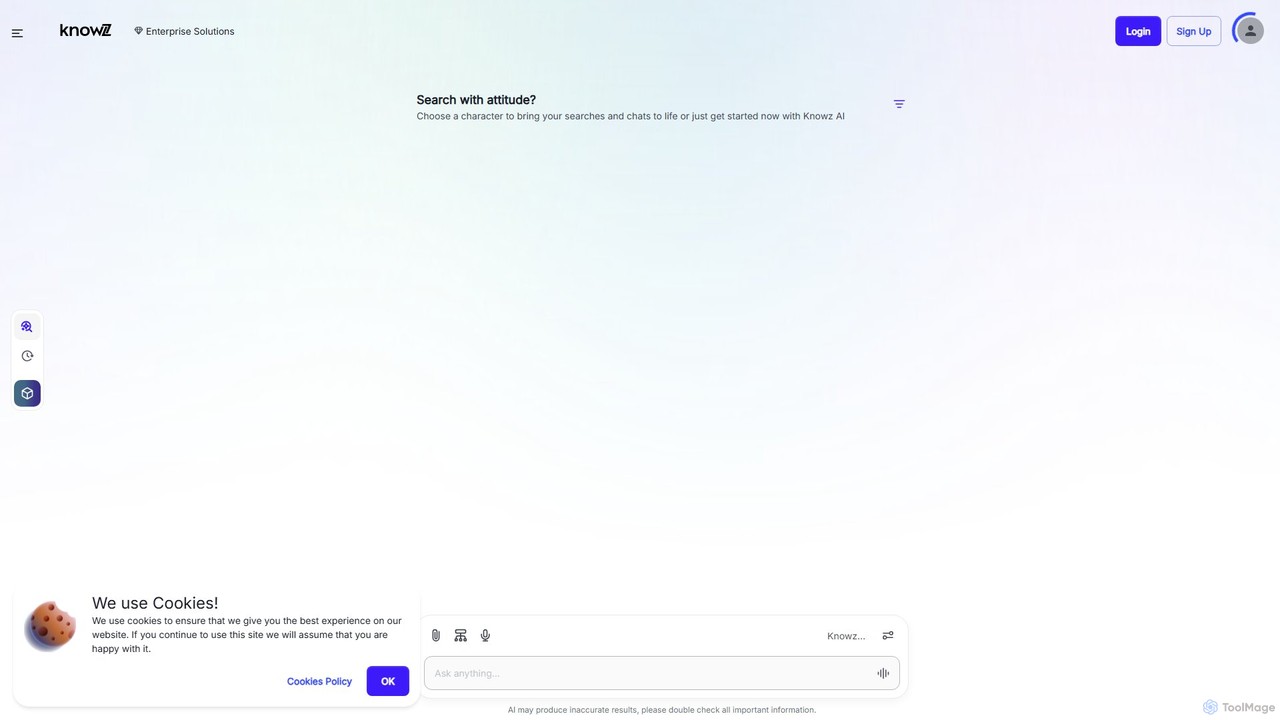
Knowz is an AI-powered enterprise search and automation platform designed to securely connect and manage organizational knowledge. It provides instant, accurate answers from company data, automates complex workflows across various business applications, and ensures enterprise-grade security and compliance.

Enterprise Search
Visits 5.7KFavorites 133Likes 136

About Conversational Search

Conversational Search tools are a type of search engine that provides direct, synthesized answers to user queries through natural language dialogue. They leverage large language models (LLMs) to understand complex questions, maintain conversational context, and generate human-like, informative responses. This allows users to find information, get summaries, and solve problems through an interactive exchange, rather than sifting through a list of links. Unlike traditional search, they excel at handling multi-step, nuanced, and exploratory queries by synthesizing information from multiple sources into a single, coherent answer.

Core Features

  • Natural Language Understanding (NLU): Accurately interprets complex, colloquial, and multi-part questions.
  • Answer Synthesis: Generates a single, comprehensive answer by combining information from various sources.
  • Contextual Memory: Remembers previous turns in the conversation to answer follow-up questions accurately.
  • Source Citation: Provides links to the original sources of information to ensure transparency and allow for fact-checking.
  • Multi-modal Capabilities: Often supports inputs and outputs beyond text, such as code snippets, data tables, or even images.

Use Cases

These tools are widely used by researchers for summarizing complex topics, developers for debugging code and generating boilerplate, and content creators for brainstorming ideas and drafting outlines. In business, they assist in market research by providing quick summaries of industry trends. For personal use, they are effective for travel planning, learning new skills, and getting direct answers to everyday questions.

How to Choose

When selecting a Conversational Search tool, evaluate the accuracy of its responses and its tendency to 'hallucinate' information. Consider the freshness of its data—whether it has real-time access to the internet. Also, assess the quality of its source citations, its speed, and any specialized capabilities it offers, such as data analysis or code execution, that may be relevant to your needs.

Conversational Search use cases

1

Accelerate Academic Research and Summarization

A university student writing a thesis on renewable energy uses a conversational search tool to quickly grasp complex topics. Instead of spending hours reading multiple papers, they ask, 'Summarize the key challenges in scaling solar power technology.' The tool provides a concise summary synthesized from recent academic journals and reports, complete with citations. The student then asks a follow-up question, 'Compare the efficiency of perovskite solar cells to traditional silicon cells,' receiving a detailed comparison table. This process significantly reduces research time and helps in building a structured argument for their paper.

2

Efficient Code Debugging and Generation

A software developer encounters a cryptic error message while working on a Python application. Instead of searching through forums like Stack Overflow, they paste the error and the relevant code block into a conversational search tool and ask, 'What is causing this TypeError and how can I fix it?' The AI analyzes the code's context, identifies that a function is returning 'None' instead of an expected integer, and provides a corrected code snippet. This immediate, context-aware feedback allows the developer to resolve the issue in minutes rather than hours, improving productivity and reducing frustration.

3

Brainstorming and Outlining for Content Creation

A content marketer is tasked with creating a comprehensive guide on 'Sustainable Urban Farming.' To kickstart the process, they ask a conversational search tool: 'Generate a blog post outline for a beginner's guide to sustainable urban farming.' The tool produces a structured outline with sections like 'What is Urban Farming?,' 'Benefits,' 'Getting Started,' and 'Common Challenges.' The marketer then refines the outline by asking for more detail on specific sections, such as 'List five innovative vertical farming techniques.' This interactive brainstorming process helps create a well-structured and thorough piece of content much faster than traditional research methods.

4

Simplify Complex Purchase Decisions

A consumer is looking to buy a new electric vehicle and is overwhelmed by the options. They use a conversational search tool to ask, 'Compare the range, charging speed, and price of the Tesla Model Y, Ford Mustang Mach-E, and Hyundai Ioniq 5.' The tool gathers the latest data from official websites and reputable reviews, presenting a clear, side-by-side comparison table. The user follows up with, 'Which of these has the best safety ratings from IIHS?' The tool provides the specific safety scores, helping the consumer make an informed decision based on their priorities without having to visit dozens of different websites.

5

Create Personalized Travel Itineraries

A traveler planning a 5-day trip to Rome wants a unique experience beyond the typical tourist spots. They instruct a conversational search tool: 'Create a 5-day itinerary for Rome focusing on ancient history and authentic local food, avoiding major crowds.' The AI generates a day-by-day plan that includes visits to lesser-known historical sites like the Baths of Caracalla, suggests specific local restaurants in the Trastevere neighborhood, and provides logistical details like opening times and travel tips between locations. This creates a highly personalized and efficient travel plan that would have taken hours of manual research to compile.

6

Solve Everyday Practical Problems

A home cook wants to prepare a meal but has limited ingredients: chicken breasts, spinach, and a can of tomatoes. Instead of browsing recipe websites, they ask a conversational search tool, 'What can I make for dinner with chicken, spinach, and tomatoes?' The tool suggests several recipes, such as 'Spinach and Tomato Stuffed Chicken' or a 'Simple Chicken and Spinach Skillet.' When the user chooses a recipe, they can ask for a step-by-step guide, nutritional information, or even wine pairing suggestions. This transforms a simple search into a dynamic cooking assistant, providing immediate and practical solutions for daily tasks.

Conversational Search FAQ

What is Conversational Search?

Conversational Search is an advanced form of search engine that interacts with users through natural language dialogue. Instead of just providing a list of links, it uses Large Language Models (LLMs) to understand the intent and context of a query to provide a direct, synthesized answer. Key features include the ability to remember previous parts of the conversation for follow-up questions, synthesize information from multiple sources into a single response, and often cite the sources used. It's designed to feel more like a conversation with an expert than a traditional keyword-based search.

How is Conversational Search different from a traditional search engine?

The primary difference lies in the output and interaction model. A traditional search engine (like classic Google) responds to keywords with a ranked list of links, requiring the user to visit pages and synthesize information themselves. A Conversational Search tool aims to do the synthesis for you.

  • Output: Provides a direct, synthesized answer instead of a list of links.
  • Interaction: Supports dialogue and follow-up questions by maintaining context, whereas traditional search treats most queries independently.
  • Understanding: Uses NLU to grasp complex, multi-part questions and user intent, rather than just matching keywords.
  • Goal: To be an 'answer engine' that resolves a query directly, not just a 'navigation engine' that points to potential answers.
How do I choose the best Conversational Search tool?

Choosing the right tool depends on your specific needs. Consider the following factors:

  • Accuracy and Factuality: How reliable are the answers? Does the tool have a tendency to 'hallucinate' or invent information? Look for tools that prioritize accuracy and provide clear source citations.
  • Data Freshness: Does the tool have real-time access to the internet, or is its knowledge limited to a specific cutoff date? For current events or recent data, live access is crucial.
  • Reasoning Capabilities: Assess its ability to handle complex, multi-step logic, perform calculations, or analyze data. Some tools are better at creative tasks, while others excel at logical reasoning.
  • Specialized Features: Do you need specific capabilities like code generation, image analysis, or integration with other applications? Choose a tool that offers the features most relevant to your workflow.
What are the limitations of Conversational Search?

While powerful, Conversational Search tools have limitations. The most significant is the risk of 'hallucinations,' where the AI generates plausible but incorrect or fabricated information. Users should always verify critical information, especially when sources are not cited. Another limitation can be data bias, as the models are trained on vast amounts of internet data which may contain existing societal biases. Finally, their understanding of nuance, sarcasm, or highly complex, domain-specific jargon can sometimes be imperfect, leading to misinterpretations of user queries.

Who can benefit from using Conversational Search tools?

A wide range of users can benefit from Conversational Search. Here are a few examples:

  • Students and Researchers: For quickly summarizing complex topics, finding sources, and structuring arguments.
  • Software Developers: For debugging code, understanding new libraries, and generating boilerplate code.
  • Content Creators and Marketers: For brainstorming ideas, creating outlines, and drafting initial content.
  • Professionals: For market research, summarizing reports, and quickly getting up to speed on new industry trends.
  • General Users: For everyday tasks like travel planning, recipe finding, product comparisons, and learning new skills.

Essentially, anyone who needs to find and synthesize information quickly can find value in these tools.