ToolMage
Sign in

Best 2 Reverse Image Search AI tools for Search

Popular Reverse Image Search AI tools in Search include FaceCheck.id and FaceSearchAI, helping you work more efficiently.

FaceCheck.id
Freemium

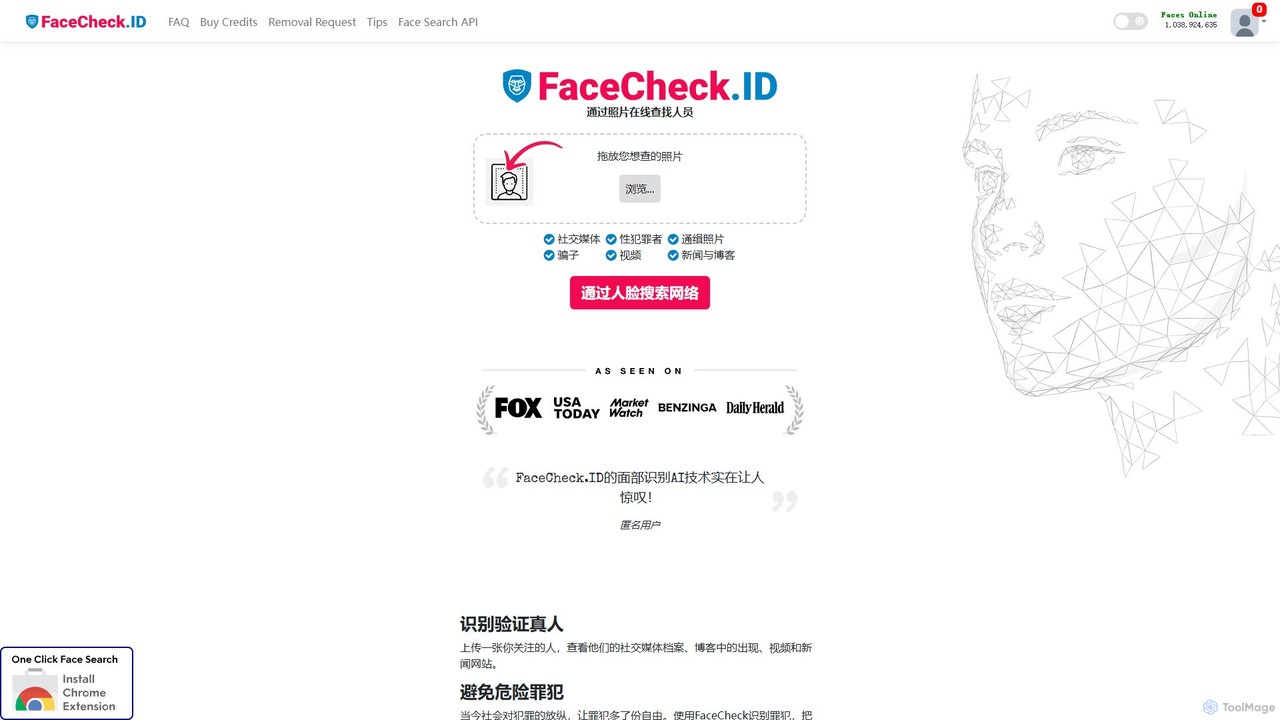
FaceCheck.id

FaceCheck.id is an advanced AI-powered facial recognition search engine. It allows you to perform a reverse image search using a photo to find people online, identify social media profiles, and uncover potential scammers, catfishes, or criminals for enhanced online safety.

Reverse Image Search
Visits 2MFavorites 135Likes 114
FaceSearchAI
Freemium

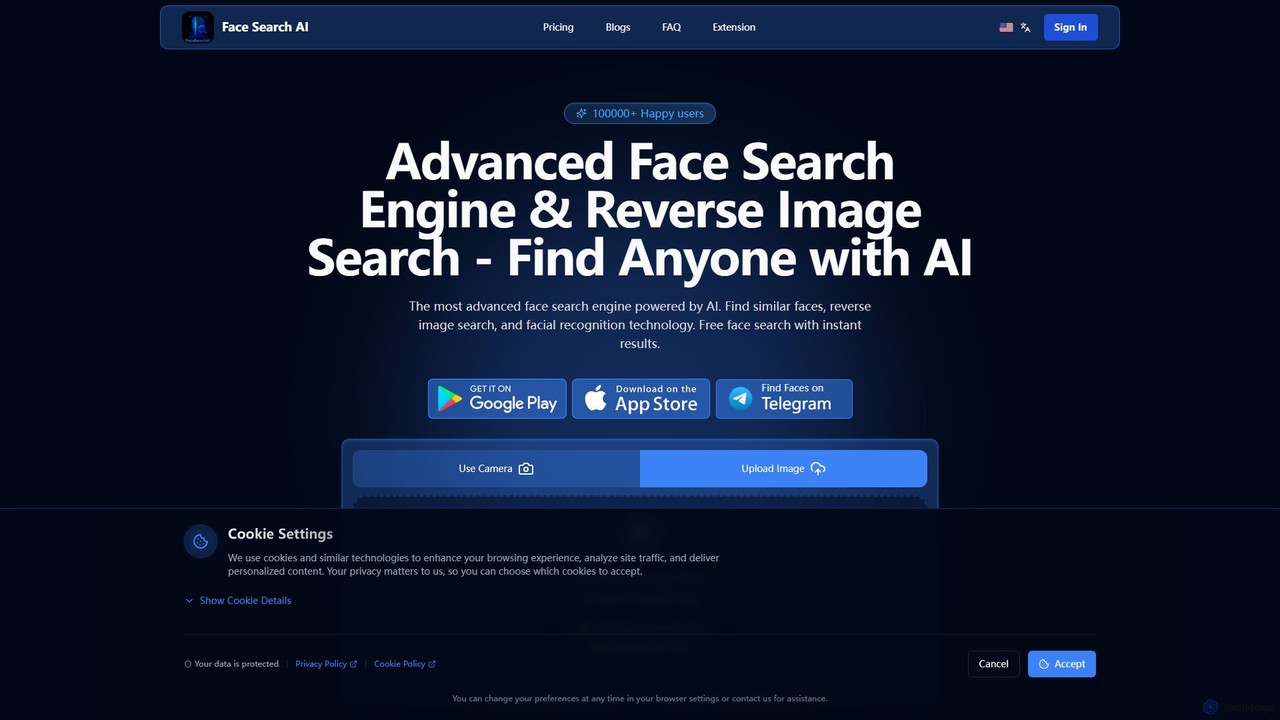
FaceSearchAI

FaceSearchAI is an advanced AI-powered facial recognition and reverse image search engine. It allows users to upload a photo to find similar faces across the internet, helping to protect personal privacy, monitor one's digital footprint, and detect copyright infringement. The platform emphasizes high accuracy, user privacy with end-to-end encryption, and provides a secure alternative to other face search tools.

Digital Asset Management
Visits 150KFavorites 133Likes 130

About Reverse Image Search

Reverse Image Search tools are a specialized category of search engines that use an image as the query instead of text. These tools analyze the visual data within an uploaded image—such as colors, shapes, patterns, and objects—to find matching or visually similar images across the web. This technology is invaluable for verifying the source of an image, discovering related content, and identifying objects or people. Unlike traditional search, reverse image search answers questions about the image itself, such as its origin, context, and other instances of its use online.

Core Features

  • Source Identification: Traces an image back to its original source or finds all web pages where it appears.
  • Similar Image Discovery: Finds images that are visually similar in style, composition, or color palette.
  • Object & Landmark Recognition: Identifies specific objects, products, landmarks, or even people within a photo.
  • Metadata Analysis: Extracts and searches for information embedded within the image file, such as creation date or camera type.
  • Copyright & Plagiarism Check: Helps creators and businesses monitor for unauthorized use of their visual assets.

Applicable Scenarios

This technology is widely used by journalists and fact-checkers to verify the authenticity of photos in news stories. Photographers and designers use it to track copyright infringement and find inspiration. E-commerce professionals can identify products from customer photos, while general users can use it to identify unknown plants, animals, or landmarks they've photographed.

Selection Criteria

When choosing a Reverse Image Search tool, consider the accuracy and comprehensiveness of its search index. Evaluate its search speed and the ability to handle various image formats and sizes. Also, review the platform's privacy policy to understand how your uploaded images are handled. For professional use, look for features like browser extensions, API access for automation, and batch processing capabilities.

Reverse Image Search use cases

1

Verifying News and Social Media Images

Journalists and fact-checkers frequently encounter viral images shared on social media without proper context. Using a reverse image search tool, they can upload the image to trace its origin. The tool scans the web for all instances of the photo, often revealing when and where it was first published. This process helps determine if an image is being used out of context, is digitally altered, or is from an entirely different event, which is crucial for debunking misinformation and maintaining journalistic integrity.

2

Protecting Copyright for Visual Creators

Photographers, illustrators, and graphic designers use reverse image search to protect their intellectual property. By periodically uploading their original works to a search tool, they can discover unauthorized use of their images on websites, blogs, or commercial products. The search results provide direct links to the infringing pages, allowing the creator to take appropriate action, such as sending a takedown notice or invoicing for usage. This serves as an essential tool for monitoring and enforcing copyright in the digital age.

3

Finding Products and Shopping Inspiration

E-commerce shoppers and style enthusiasts use reverse image search to find products they see in the real world or online. By taking a photo of an item—like a piece of furniture, a clothing article, or a home decor accessory—and uploading it, they can find where to purchase that exact item or discover visually similar alternatives. This transforms any image into a shopping opportunity, bridging the gap between visual inspiration and online retail. It's particularly useful for identifying items without brand names or clear descriptions.

4

Identifying People and Verifying Online Profiles

Individuals use reverse image search for personal security, such as verifying the identity of someone they met online. By searching a profile picture, a user can see if the image appears elsewhere on the internet under a different name or on stock photo websites. This is a common method for detecting fake profiles, or 'catfishing' schemes. It can also be used in a professional context to find more information about a public figure or to identify unnamed individuals in historical photos, provided the tool has facial recognition capabilities.

5

Discovering Visually Similar Art and Designs

Designers, artists, and content creators use reverse image search as a powerful tool for creative inspiration. By uploading an image that captures a specific aesthetic, color palette, or composition, they can discover a wide range of visually similar works. This helps in mood boarding, exploring different artistic styles, or finding alternative images that fit a particular design theme. It's a more intuitive way to search for visual ideas compared to relying on text keywords, which may not accurately capture the nuances of a style.

6

Identifying Unknown Landmarks, Plants, or Animals

For travelers, students, or hobbyists, reverse image search acts as a visual encyclopedia. By taking a photo of an unknown landmark, a mysterious plant in their garden, or an unfamiliar animal, they can upload it to identify what it is. The tool compares the photo against a vast database of images and provides potential matches along with names and additional information. This application turns a smartphone camera into a powerful identification tool, making it easy to learn more about the world around us.

Reverse Image Search FAQ

What is Reverse Image Search?

Reverse Image Search is a search engine technology that uses an image file as a query to find information online. Instead of typing keywords, you upload an image or provide its URL. The system then analyzes the visual content of your image and searches for identical or visually similar images across the web. This is useful for finding the source of a photo, identifying objects within it, or discovering related visual content.

How to choose the right Reverse Image Search tool?

When selecting a tool, consider these factors:

  • Search Database Size: A larger index means a higher chance of finding matches. Look for tools that crawl a significant portion of the web.
  • Accuracy: The tool should be effective at finding exact matches and relevantly similar images, even if the query image is cropped or edited.
  • Speed and Usability: The interface should be intuitive, allowing you to upload or paste image URLs easily, with fast result delivery.
  • Privacy Policy: Check how the service handles your uploaded images. Ensure they are not stored indefinitely or used without your permission, especially for sensitive content.
What's the difference between Reverse Image Search and regular text search?

The primary difference lies in the input query. A regular search uses text keywords to find relevant web pages, images, and information based on concepts and language. In contrast, a Reverse Image Search uses an entire image as the query. It analyzes visual data like pixels, colors, and shapes to find web pages containing that specific image or visually similar ones. Regular search answers 'what is this concept?', while reverse image search answers 'where is this image and what is in it?'.

Are my uploaded images safe with Reverse Image Search tools?

Safety depends on the specific tool's privacy policy. Reputable search engines like Google and Bing generally have policies that state they may temporarily store your image to perform the search but do not add it to their permanent search index. However, smaller or less-known services might have different policies. It is always recommended to read the privacy policy or terms of service before uploading personal, sensitive, or copyrighted images. For maximum privacy, look for tools that explicitly state they delete images immediately after the search is complete.

Can Reverse Image Search identify people?

Some advanced reverse image search tools, particularly those integrated with facial recognition technology, can identify public figures or find other photos of the same person online. However, the effectiveness varies greatly between tools. Major search engines often limit this capability for privacy reasons, focusing more on finding visually similar images rather than identifying private individuals. Specialized people-search tools may offer more accurate facial recognition, but it's not a guaranteed feature in all general-purpose reverse image search engines.