ToolMage
Sign in

Best 8 Digital Asset Management AI tools for Productivity

Popular Digital Asset Management AI tools in Productivity include DeviantArt, Cloudinary, FaceSearchAI, xiangji.ai, Onison, piXme, jjam, and KOR Protocol, helping you work more efficiently.

Cloudinary
Freemium

Cloudinary

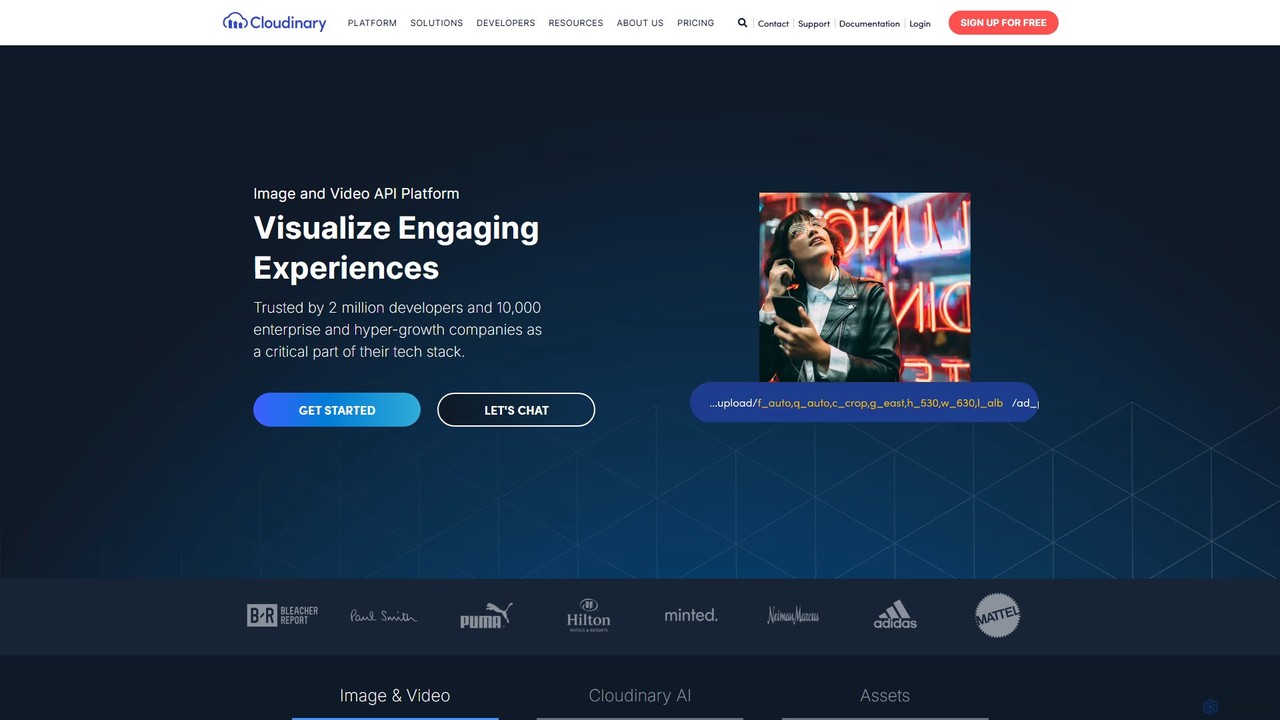
Cloudinary is an end-to-end media experience platform that uses AI to help developers and marketers manage, optimize, and deliver images and videos at scale. It provides a comprehensive solution for storage, real-time transformation, optimization, and delivery via a fast CDN.

Media Management
Visits 9.9MFavorites 142Likes 138
DeviantArt
Freemium

DeviantArt

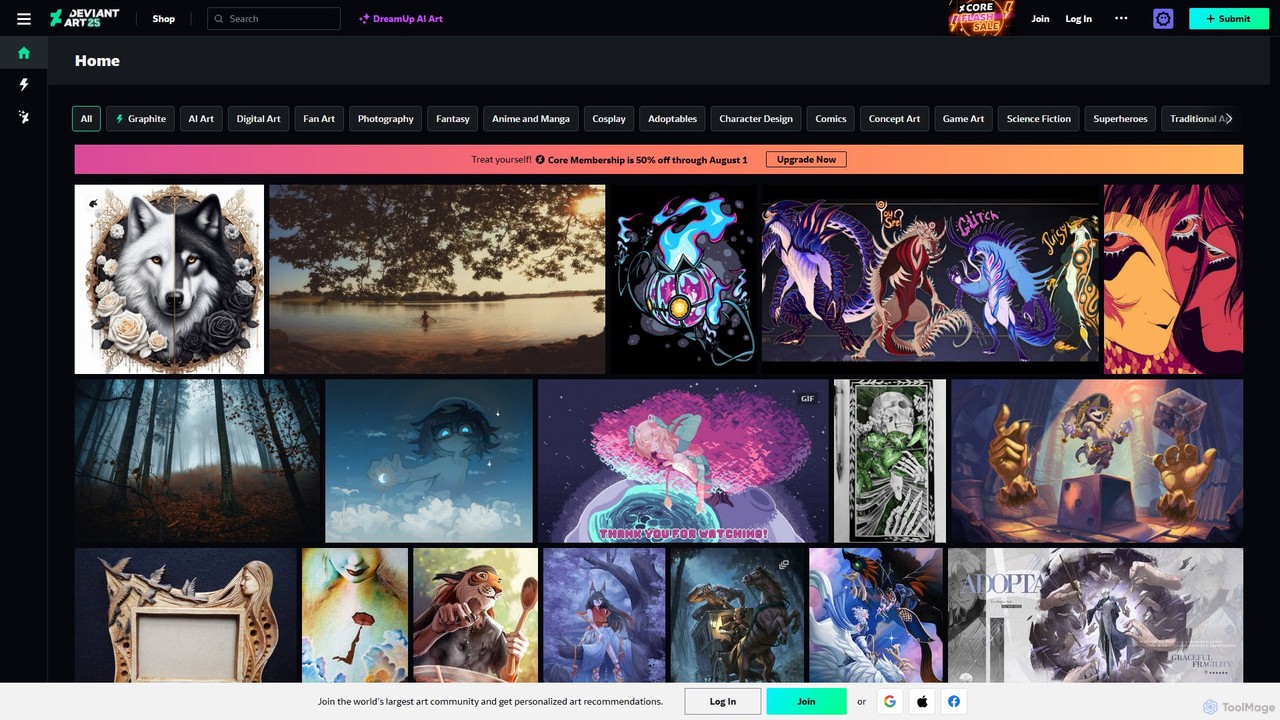
DeviantArt is the world's largest online art community and platform, featuring a vast collection of user-submitted artwork. It now integrates an AI art generator, DreamUp, allowing users to create, share, and discover unique digital art. It serves as a social network for artists and art enthusiasts to connect, learn, and trade.

Ai Art Generator
Visits 97.5MFavorites 112Likes 126
FaceSearchAI
Freemium

FaceSearchAI

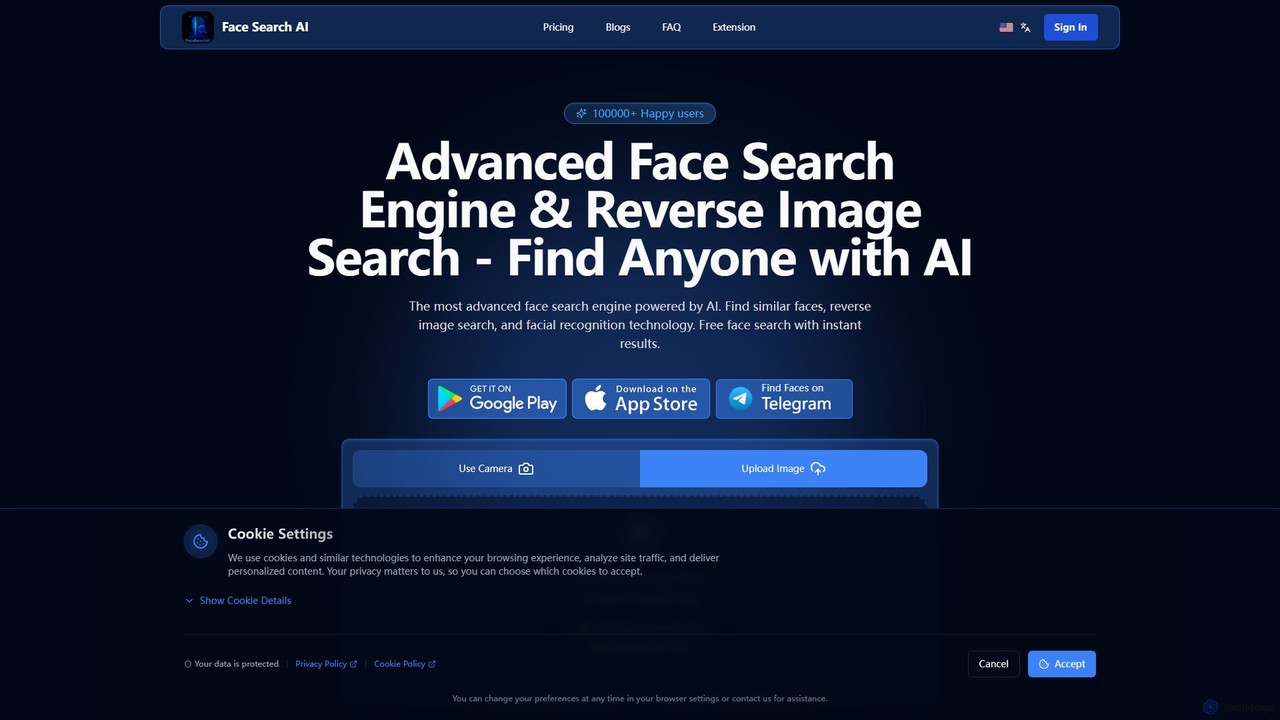
FaceSearchAI is an advanced AI-powered facial recognition and reverse image search engine. It allows users to upload a photo to find similar faces across the internet, helping to protect personal privacy, monitor one's digital footprint, and detect copyright infringement. The platform emphasizes high accuracy, user privacy with end-to-end encryption, and provides a secure alternative to other face search tools.

Digital Asset Management
Visits 150.8KFavorites 143Likes 140
xiangji.ai
Freemium

xiangji.ai

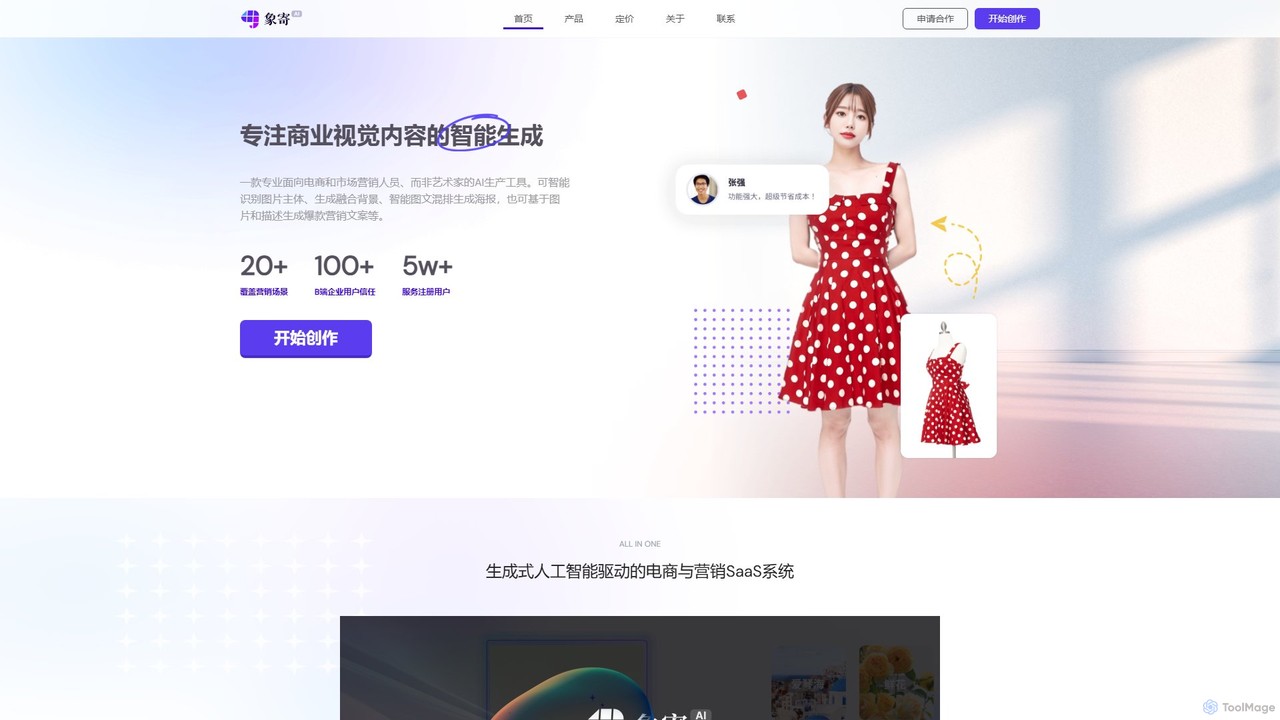
An AI-powered visual content generation platform designed for e-commerce and marketing. It specializes in creating high-quality product images, ad creatives, and marketing posters by intelligently fusing products into various scenes, generating compelling copy, and offering a suite of advanced image editing tools to boost efficiency and sales.

Image Editing
Visits 7.5KFavorites 101Likes 100
piXme
Freemium

piXme

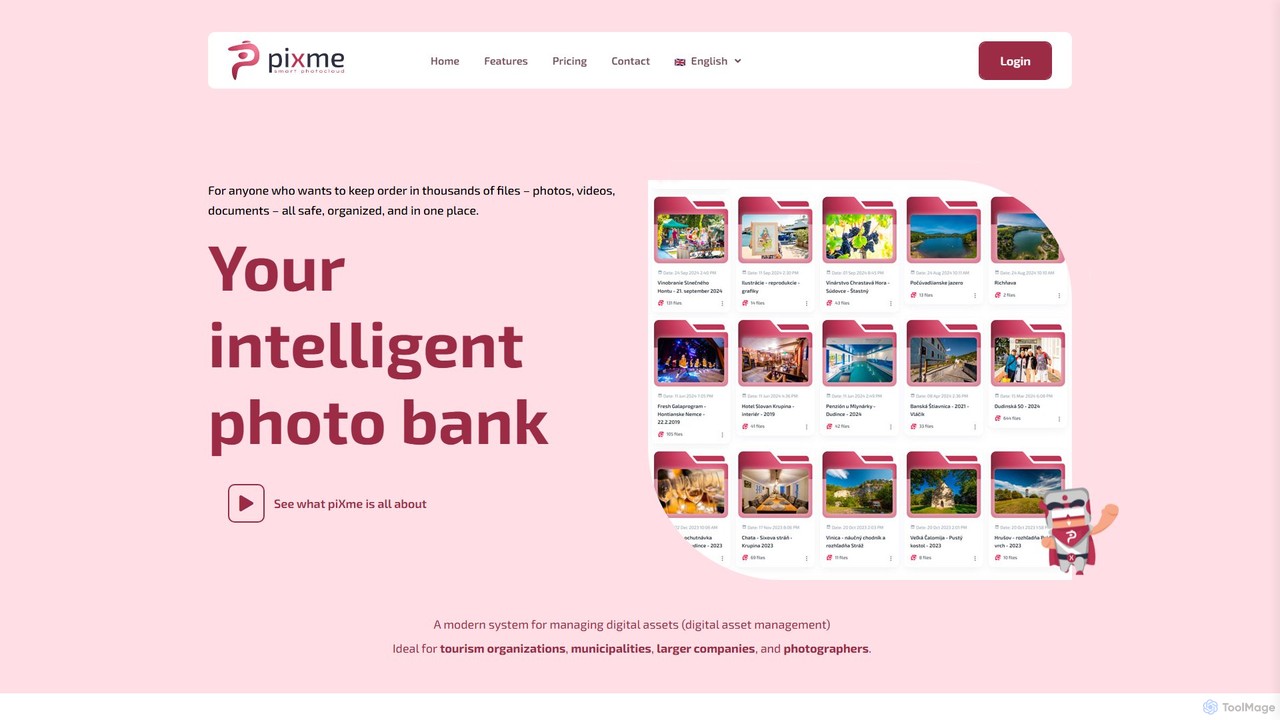
piXme is an intelligent Digital Asset Management (DAM) platform that uses AI to organize, back up, and search your photos, videos, and documents. Designed for businesses and professionals, it provides a secure, centralized cloud for all your digital files, saving time and improving workflow efficiency with powerful, content-aware search capabilities.

File Management
Visits 5.7KFavorites 121Likes 141
KOR Protocol

KOR Protocol

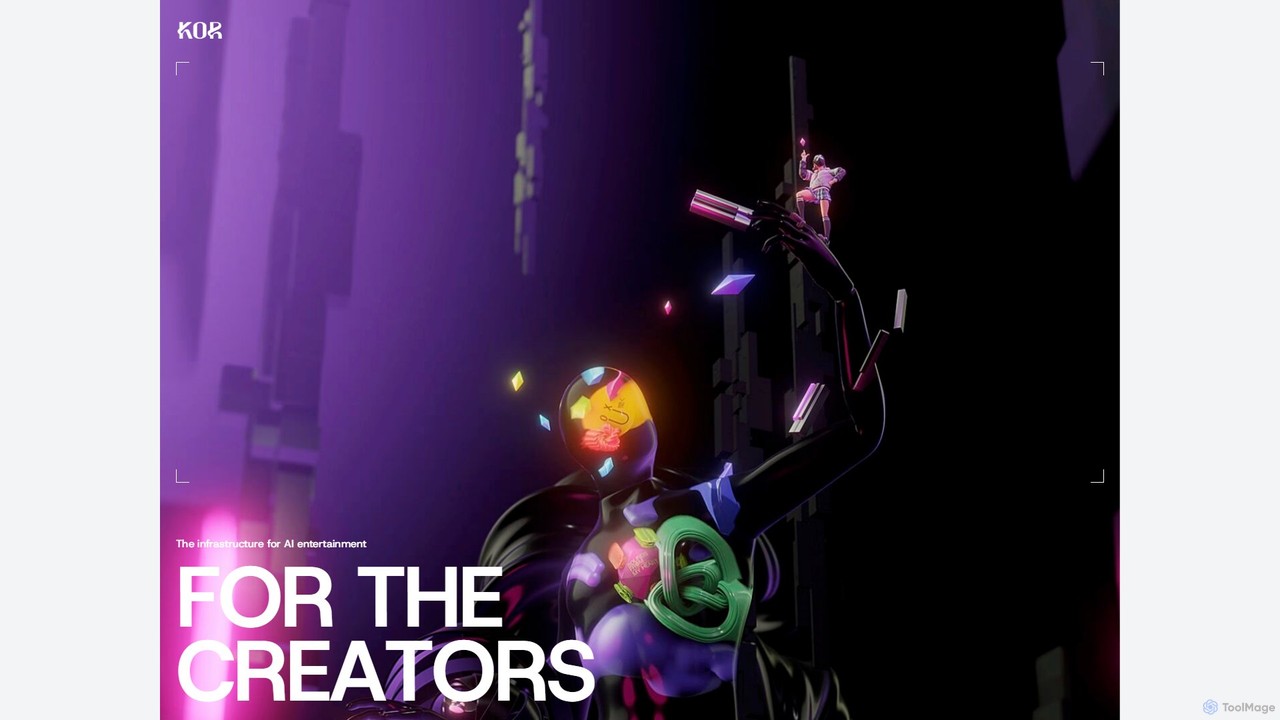
KOR Protocol is a Web3 infrastructure for AI-powered entertainment, empowering creators with on-chain IP protection, transparent licensing, and co-creation tools. It combines AI and blockchain to enable new revenue streams and collaborative experiences for artists, developers, and fans in music, gaming, and digital art.

Sdk
Visits 5.5KFavorites 120Likes 124
Onison
Freemium

Onison

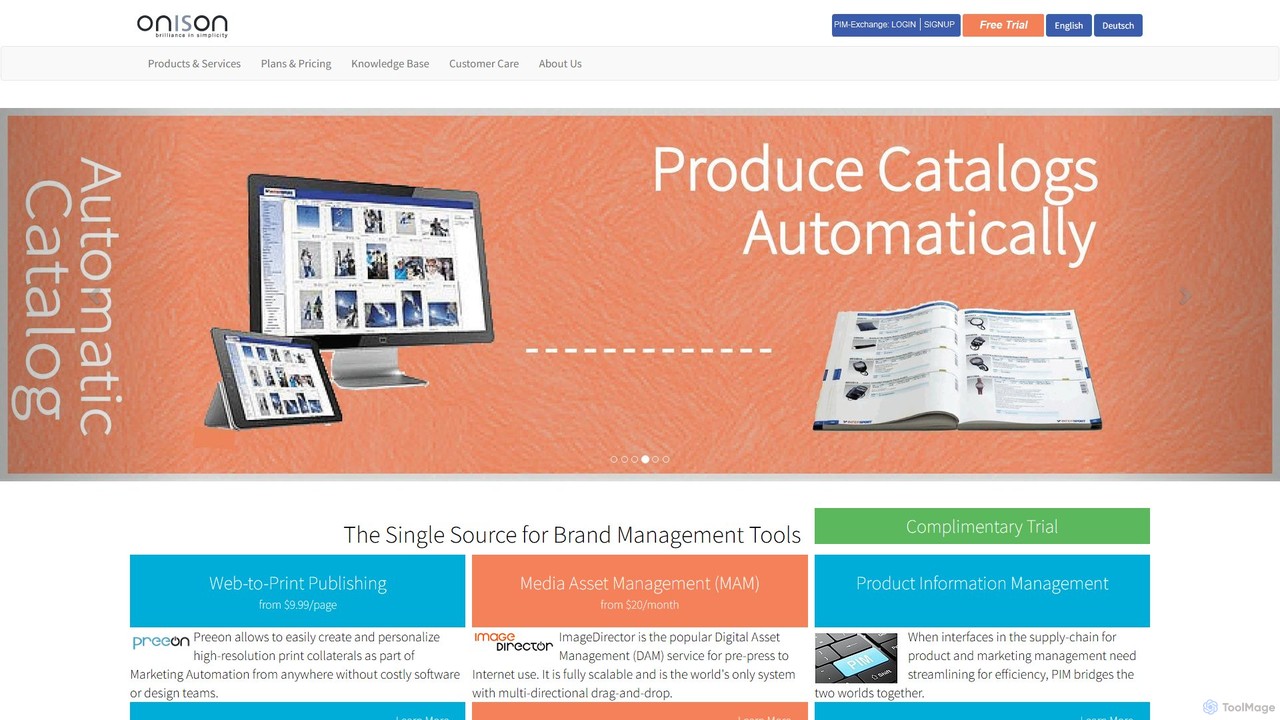
Onison is an integrated brand management and marketing automation platform. It combines Digital Asset Management (DAM), Web-to-Print (W2P), and Product Information Management (PIM) into a single source of truth. AI-powered features like background removal and semantic search help streamline workflows, ensure brand consistency, and automate the creation of marketing collateral.

Publishing
Visits 7.1KFavorites 126Likes 150
jjam
Freemium

jjam

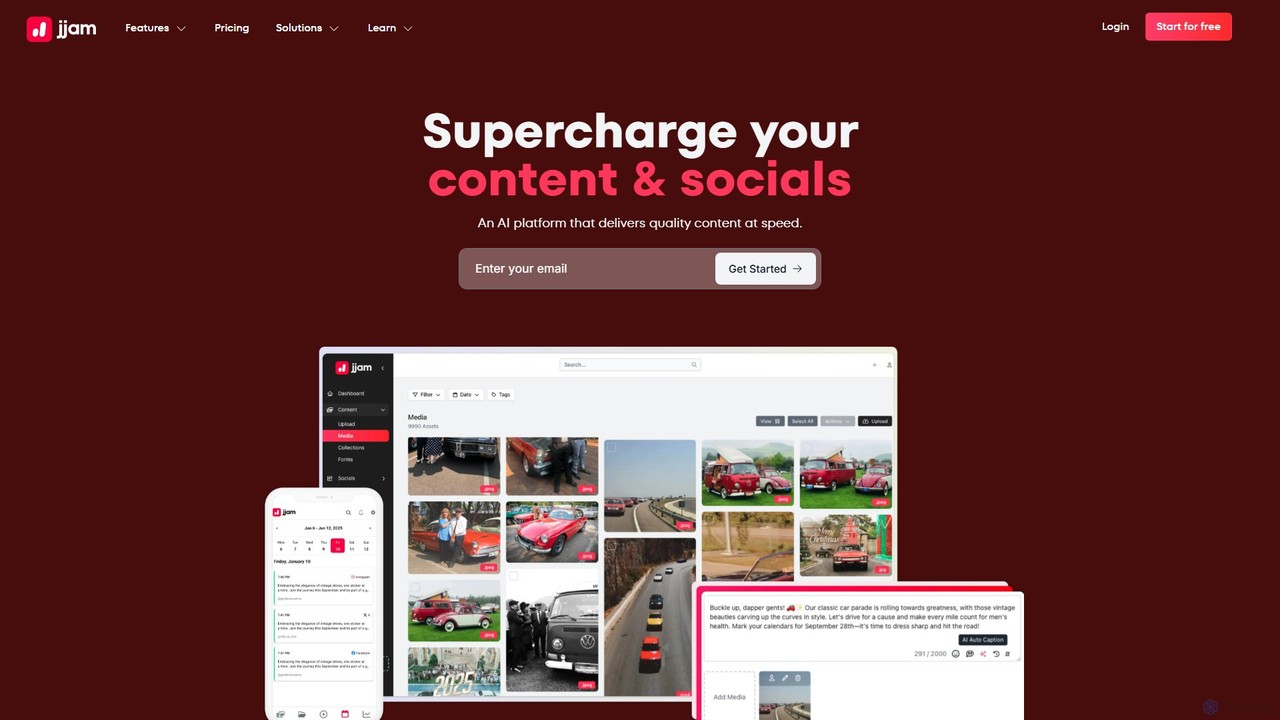
Jjam is an AI-powered platform designed to streamline content and social media management. It centralizes content collection, organization, and distribution, helping agencies, brands, and social media managers save time. Key features include AI auto-tagging, a social media scheduler, a link-in-bio builder, and robust tools for managing user-generated content (UGC).

Scheduling
Visits 5.6KFavorites 140Likes 157

About Digital Asset Management

Digital Asset Management (DAM) tools are centralized systems for storing, organizing, sharing, and managing an organization's digital content. Leveraging AI, these platforms automate critical processes like metadata tagging, object recognition in media, and intelligent content categorization. This enables creative and marketing teams to rapidly locate specific assets, maintain brand consistency across all channels, and streamline the entire content lifecycle. As a core component of the productivity stack, AI-powered DAMs transform static files into valuable, searchable, and reusable business assets.

Core Features

  • AI-Powered Tagging: Automatically analyzes images and videos to generate descriptive keywords, tags, and metadata, saving hours of manual work.
  • Advanced Search & Discovery: Utilizes natural language processing and visual search to find assets based on content, color, composition, or concepts.
  • Version Control & History: Tracks all revisions of an asset, allowing users to access previous versions and ensuring teams always use the latest approved file.
  • Access Control & Permissions: Provides granular control over who can view, edit, download, or share specific assets or collections, enhancing security.
  • Workflow Automation & Integrations: Connects seamlessly with creative tools (e.g., Adobe Creative Cloud), CMS, and marketing platforms to automate content distribution.

Use Cases

Digital Asset Management systems are essential for marketing and creative teams in medium to large enterprises, e-commerce businesses managing extensive product catalogs, and media companies with vast content archives. They are used to manage brand collateral, centralize campaign materials, and streamline video production workflows, ensuring all stakeholders have on-demand access to the right content.

How to Choose

When selecting a DAM tool, evaluate its scalability to handle your growing asset library. Assess the accuracy and scope of its AI features for tagging and search. Verify its integration capabilities with your existing software stack (e.g., CRM, PIM, design software). Finally, consider its security protocols, compliance certifications, and pricing model to ensure it aligns with your organizational needs and budget.

Digital Asset Management use cases

1

Centralizing Marketing Campaign Assets

A marketing team preparing for a multi-channel product launch uses a DAM to create a centralized hub for all campaign materials. They upload logos, product images, promotional videos, and ad copy. The system's AI automatically tags each asset with relevant keywords like 'Q3 Launch,' product name, and usage rights. This allows internal teams, freelancers, and external agencies to self-serve the correct, on-brand assets instantly. The result is improved brand consistency across all channels and a significant reduction in time spent searching for or requesting files.

2

Streamlining E-commerce Product Imagery

An e-commerce manager oversees a catalog with thousands of products, each with multiple images and videos. By using a DAM, all product media is stored and organized by SKU. AI features automatically tag images with attributes like 'front view,' 'lifestyle shot,' or color variations. The DAM integrates directly with their Product Information Management (PIM) and e-commerce platform, automating the process of updating product pages with the correct, high-resolution media. This reduces manual errors, accelerates the time-to-market for new products, and ensures a consistent customer experience.

3

Managing Brand Identity for Global Teams

A brand manager at a multinational corporation needs to ensure brand consistency across all regions. They use the DAM to create a dedicated 'Brand Portal'. This portal contains the latest approved logos, color palettes, font packages, and brand guideline documents. Access permissions are set so that employees and partners worldwide can only view and download the assets relevant to their region and role. This self-service model prevents the use of outdated logos or incorrect brand elements, empowering teams to create on-brand materials while maintaining central control.

4

Automating Video Content Archiving and Search

A media company with a vast archive of video footage needs an efficient way to manage and repurpose content. As new videos are ingested into the DAM, AI services automatically transcribe the audio to text, identify speakers, and recognize objects and scenes within the video. This makes the entire video library searchable. An editor can now search for 'CEO speaking about Q4 earnings' or 'drone shot of a coastline at sunset' and instantly find relevant clips, reducing search time from hours to seconds and accelerating post-production workflows.

5

Accelerating Social Media Content Creation

A social media manager needs to create a high volume of daily content. Instead of starting from scratch, they use the DAM's AI-powered search to find existing assets. They can search for 'happy customer photos from last summer' or 'videos featuring our blue product'. The DAM also provides insights on which assets performed best in previous campaigns. They can then quickly crop, resize, or apply templates to these assets directly within the DAM and push them to a content scheduling platform via an integration, significantly speeding up the content creation cycle.

6

Ensuring Legal and Licensing Compliance

An organization's legal team uses a DAM to mitigate risks associated with content usage. When a licensed asset, like a stock photo, is uploaded, its licensing agreement, usage rights, and expiration date are stored as metadata. The DAM can be configured to automatically alert stakeholders when a license is about to expire. It can also restrict the download of assets for unapproved uses (e.g., preventing an image licensed only for web use from being used in a print ad). This proactive management prevents copyright infringement and potential legal penalties.

Digital Asset Management FAQ

What is AI-powered Digital Asset Management (DAM)?

AI-powered Digital Asset Management (DAM) is a centralized system for storing, organizing, and distributing digital content, enhanced with artificial intelligence. AI automates tasks like tagging images and videos with relevant keywords, transcribing audio, and recognizing faces or objects. This makes assets much easier to find and manage, transforming a simple storage library into an intelligent, searchable content hub that boosts team productivity and ensures brand consistency.

What's the difference between a DAM and cloud storage like Google Drive?

While both store files, they serve different purposes. Cloud storage (like Google Drive or Dropbox) is primarily for general file storage and sharing. A DAM is a specialized system designed for managing the entire lifecycle of rich media assets. Key differences include:

  • Metadata & Search: DAMs offer advanced, customizable metadata and AI-powered search, while cloud storage has basic search capabilities.
  • Version Control: DAMs provide robust version history and control, ensuring users access the correct file.
  • Permissions: DAMs have granular access controls tailored for creative workflows and brand management.
  • Integrations: DAMs are built to integrate with marketing and creative tools (e.g., Adobe, Figma, CMS platforms).
How do I choose the right Digital Asset Management tool?

Choosing the right DAM involves assessing your specific needs. Consider these key factors:

  • Scalability: Will the system grow with your asset library? Evaluate storage capacity and performance under load.
  • User Experience: Is the interface intuitive for all users, from creatives to marketers? A complex system can hinder adoption.
  • AI Capabilities: How accurate and useful are the AI tagging and search features for your type of content?
  • Integrations: Does it connect seamlessly with your essential tools (e.g., Adobe Creative Cloud, WordPress, social media schedulers)?
  • Security & Permissions: Does it offer the granular control needed to protect your brand assets and manage user access effectively?
Who benefits most from using a DAM system?

While many departments can benefit, DAM systems provide the most value to teams that create, manage, and distribute a high volume of digital assets. This typically includes:

  • Marketing Teams: For managing campaign assets, ensuring brand consistency, and enabling sales teams.
  • Creative Teams & Agencies: For streamlining workflows, collaborating on projects, and managing client assets.
  • E-commerce Businesses: For organizing vast libraries of product photos, videos, and specifications.
  • Large Enterprises: For maintaining brand control, managing legal compliance, and supporting global teams.
What are the key AI features in a modern DAM?

Modern DAMs leverage AI to automate and enhance core functions. The most impactful AI features typically include:

  • Auto-Tagging: AI analyzes visual content to automatically apply relevant tags (e.g., 'beach', 'laptop', 'smiling person'), making assets searchable without manual effort.
  • Video Intelligence: This includes automatic transcription of spoken words, object recognition within video frames, and scene detection, making video content fully searchable.
  • Smart Cropping: AI identifies the focal point of an image and automatically suggests optimal crops for different channels like social media or web banners.
  • Content Recommendations: Some systems use AI to suggest relevant assets to users based on their role, current project, or the performance of similar assets in past campaigns.