ToolMage
Sign in

Best 1 Media Management AI tools for Developer Tools

Popular Media Management AI tools in Developer Tools include Cloudinary, helping you work more efficiently.

Cloudinary
Freemium

Cloudinary

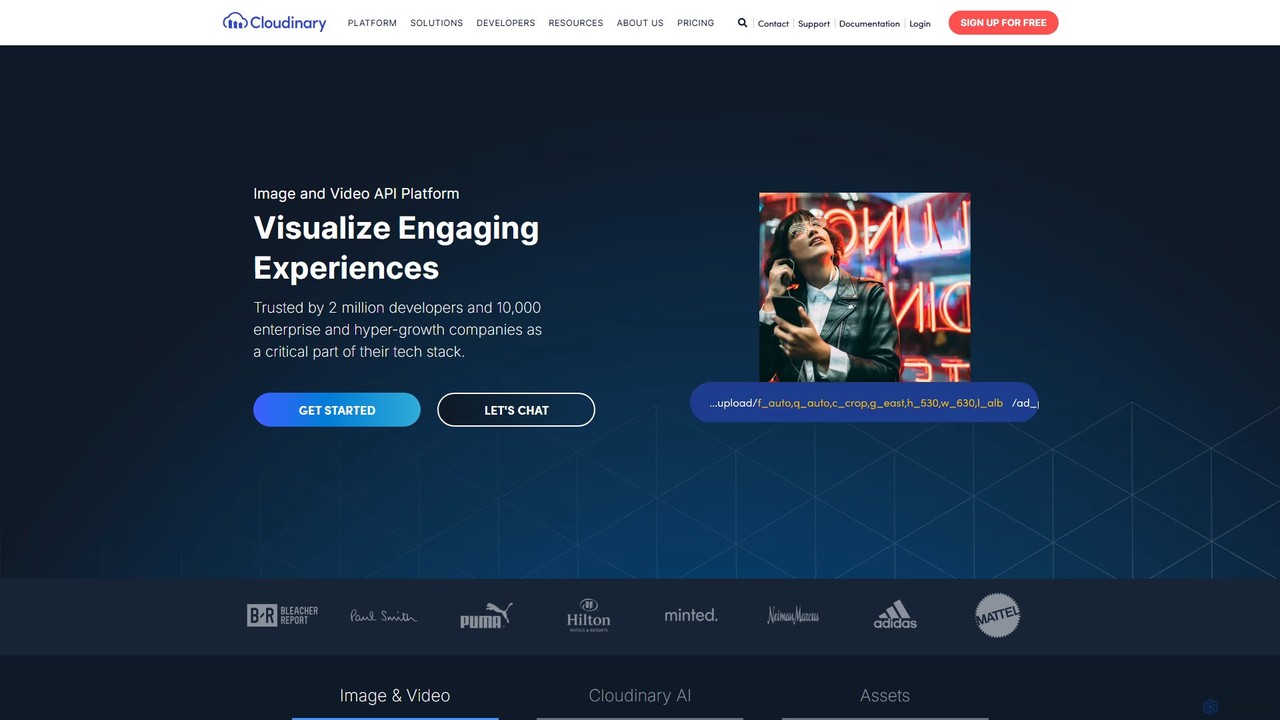
Cloudinary is an end-to-end media experience platform that uses AI to help developers and marketers manage, optimize, and deliver images and videos at scale. It provides a comprehensive solution for storage, real-time transformation, optimization, and delivery via a fast CDN.

Media Management
Visits 9.9MFavorites 154Likes 154

About Media Management

Media Management tools are AI-powered solutions designed for developers to programmatically store, process, optimize, and deliver digital media assets. As a specialized segment within developer tools, they leverage advanced algorithms to automate complex media workflows, ensuring efficient handling of images, videos, and audio across various platforms. These tools significantly streamline content pipelines, enhance user experience, and reduce operational overhead for applications dealing with rich media.

Core Features

  • Automated Media Processing: AI-driven resizing, cropping, watermarking, and format conversion for images and videos.
  • Intelligent Asset Tagging: Automatic generation of metadata, keywords, and categories using computer vision and natural language processing.
  • Optimized Content Delivery: Dynamic optimization of media files for different devices and network conditions, often integrated with CDNs.
  • Scalable Storage Solutions: Secure and highly available cloud storage for vast libraries of digital assets, with version control.
  • API & SDK Integration: Comprehensive APIs and SDKs for seamless integration into existing applications and development workflows.

Applicable Scenarios

E-commerce platforms needing to manage and optimize thousands of product images and videos for various display formats. Content management systems (CMS) requiring automated processing and delivery of user-generated content. Mobile app developers who need to efficiently store, retrieve, and display media content while ensuring fast load times.

How to Choose

Evaluate the breadth of media types supported (images, video, audio) and specific processing capabilities (e.g., advanced video encoding, AI-driven image analysis). Consider API robustness, documentation quality, and ease of integration with your existing tech stack. Assess scalability, storage costs, and global content delivery network (CDN) options for performance. Look for features like automated metadata generation, versioning, and access control for efficient asset organization.

Media Management use cases

1

Automating E-commerce Product Media Workflows

An e-commerce platform developer integrates a Media Management AI tool to automatically resize, watermark, and optimize product images for web, mobile, and social media. This ensures consistent branding and fast loading times across all channels, reducing manual effort by 90% and accelerating product launches.

2

Dynamic Video Encoding for Streaming Services

A streaming service developer uses AI Media Management to dynamically encode uploaded videos into multiple resolutions and formats. The tool automatically detects optimal settings for various devices and bandwidths, ensuring a smooth viewing experience for users while minimizing storage and delivery costs.

3

Intelligent Tagging of User-Generated Content

A social media application developer implements Media Management AI to automatically analyze and tag user-uploaded photos and videos. Using computer vision, the tool identifies objects, scenes, and emotions, generating relevant keywords and categories, which enhances content discoverability and improves search functionality for users.

4

Optimizing Media for Global Content Delivery

A global news portal developer leverages Media Management tools to optimize images and videos for different geographical regions and network conditions. The AI automatically compresses files and serves them from the nearest CDN edge location, significantly improving page load speeds and user engagement worldwide.

5

Automated Archiving and Version Control for Creative Assets

A game development studio integrates a Media Management solution to automatically archive and manage versions of all game assets (textures, models, audio). The tool ensures that every iteration is saved, easily retrievable, and linked to project milestones, preventing data loss and streamlining collaborative workflows.

6

AI-Powered Content Moderation for Media Uploads

A platform allowing user media uploads utilizes Media Management AI for automated content moderation. The tool scans images and videos for inappropriate content (e.g., nudity, violence) using advanced computer vision, flagging or removing problematic media before it goes live, thereby maintaining platform safety and compliance.

Media Management FAQ

What are AI Media Management tools for developers?

AI Media Management tools for developers are specialized platforms that use artificial intelligence to automate the entire lifecycle of digital media assets, from ingestion and processing to storage and delivery. They provide APIs and SDKs that allow developers to integrate advanced capabilities like intelligent tagging, automated optimization, and dynamic serving of images, videos, and audio directly into their applications, streamlining media workflows and enhancing user experiences.

How do Media Management tools differ from general Digital Asset Management (DAM) systems?

While both manage digital assets, Media Management tools, especially those for developers, focus heavily on programmatic automation, AI-driven processing, and integration via APIs/SDKs. General DAM systems often prioritize user interfaces for manual organization, search, and sharing. Developer-centric Media Management emphasizes scalable, automated workflows for applications, whereas DAMs are typically for creative teams or marketing departments.

What are the key benefits of using AI in Media Management?

Integrating AI into Media Management offers several key benefits:

  • Automation: AI automates repetitive tasks like tagging, resizing, and format conversion, saving significant time and resources.
  • Optimization: AI dynamically optimizes media for various devices and network conditions, improving load times and user experience.
  • Discoverability: Intelligent tagging and metadata generation make assets easier to search and retrieve.
  • Scalability: AI-driven processes can handle vast volumes of media efficiently, scaling with demand.
  • Personalization: AI can help deliver personalized media experiences based on user preferences and context.
What types of media can AI Media Management tools handle?

AI Media Management tools are designed to handle a wide range of digital media types. This primarily includes images (e.g., JPEG, PNG, WebP, GIF), videos (e.g., MP4, MOV, AVI, WebM), and audio files (e.g., MP3, WAV, AAC). Many advanced tools also support specialized formats and can perform AI-driven analysis or transformations specific to each media type, such as video transcription or image content analysis.

What should developers consider when integrating a Media Management API?

When integrating a Media Management API, developers should consider:

  • API Documentation & SDKs: Clear, comprehensive documentation and robust SDKs are crucial for smooth integration.
  • Scalability & Performance: Ensure the API can handle anticipated media volumes and deliver assets quickly.
  • Security & Compliance: Verify data encryption, access controls, and compliance with relevant regulations.
  • Cost Structure: Understand pricing models for storage, processing, and bandwidth.
  • Customization & Extensibility: Check if the API allows for custom transformations, webhooks, and integration with other services.