ToolMage
Sign in

Best 1 Spam Blocker AI tools for Security

Popular Spam Blocker AI tools in Security include Truecaller, helping you work more efficiently.

Truecaller
Freemium

Truecaller

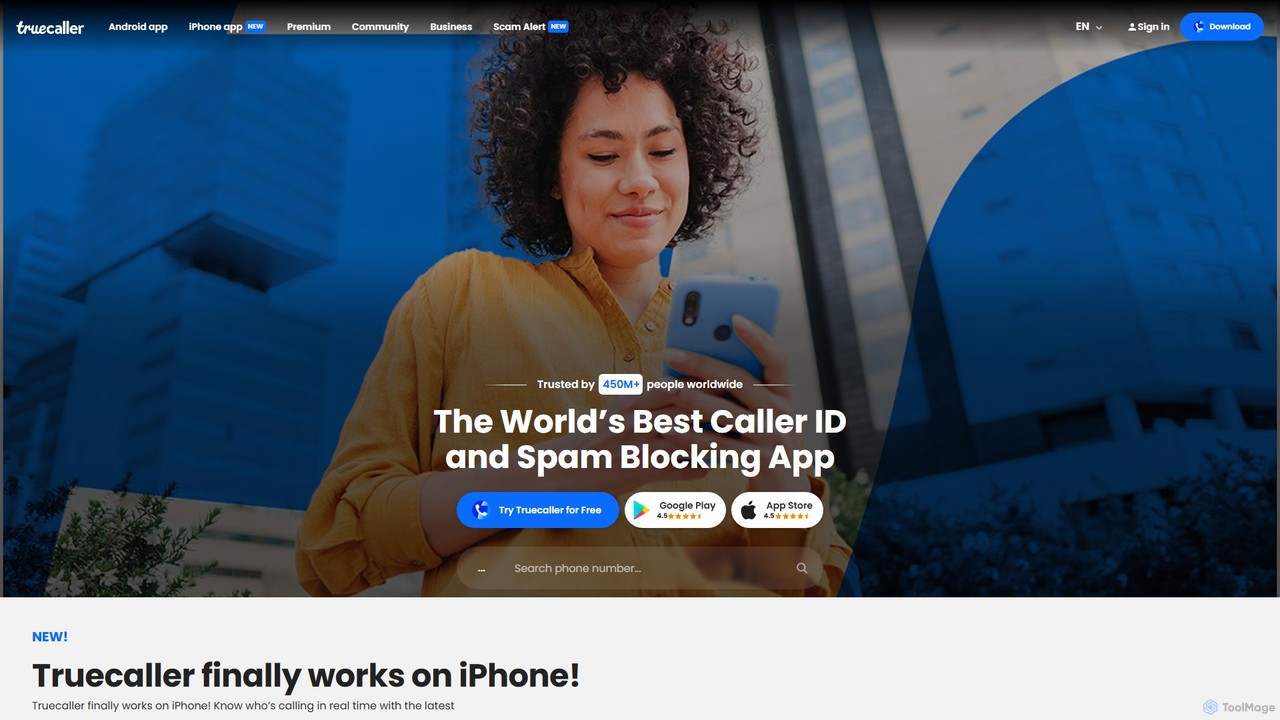
Truecaller is a leading global platform for verifying contacts and blocking unwanted communication. It uses AI and a vast community-based spam list to provide real-time Caller ID, powerful spam and fraud protection for calls and SMS, and an intelligent communication suite. It helps users identify unknown callers, avoid scams, and manage their communications safely and efficiently.

Android & Ios
Visits 18.5MFavorites 123Likes 112

About Spam Blocker

AI Spam Blockers are specialized security tools designed to automatically identify and filter unsolicited or malicious emails from reaching an inbox. They leverage machine learning algorithms, natural language processing (NLP), and reputation analysis to detect spam, phishing attempts, and malware with high accuracy. By creating a clean and secure email environment, these tools protect users from scams, reduce digital clutter, and enhance overall productivity. Their adaptive nature allows them to learn from new threats, continuously improving their filtering capabilities over time.

Core Features

  • AI-Powered Filtering: Utilizes machine learning models to analyze email content, headers, and sender patterns for sophisticated threat detection.
  • Phishing and Malware Protection: Specifically identifies and blocks emails containing malicious links, attachments, or fraudulent requests.
  • Sender Reputation Analysis: Evaluates the trustworthiness of sending domains and IP addresses to block known spammers.
  • Quarantine Management: Isolates suspicious emails in a secure folder for user review, preventing false positives from blocking legitimate mail.
  • Real-Time Threat Intelligence: Continuously updates its database with information on new spam campaigns and emerging threats from global networks.

Use Cases

Spam Blockers are essential for any organization that relies on email communication, from small businesses to large enterprises. IT administrators deploy them to protect corporate networks from cyber threats. Individuals use them to maintain a clean personal inbox, while website owners integrate them to prevent spam submissions through contact forms and comment sections.

How to Choose

When selecting a Spam Blocker, consider its filtering accuracy and the rate of false positives. Evaluate its integration capabilities with your existing email platform (e.g., Google Workspace, Microsoft 365). Also, assess the level of customization for filtering rules, the user-friendliness of its quarantine management interface, and its scalability to handle your email volume.

Spam Blocker use cases

1

Protecting Corporate Email from Phishing Attacks

An IT administrator for a medium-sized enterprise is responsible for safeguarding the company's 500+ employee inboxes from constant phishing threats. Using an AI Spam Blocker, they can implement a centralized security layer for the entire email system. The tool automatically analyzes all incoming emails in real-time, identifying and quarantining suspicious messages that impersonate executives or contain malicious links. This proactive defense significantly reduces the risk of employees falling victim to scams, preventing potential data breaches and financial loss without requiring manual intervention for every threat.

2

Maintaining a Clean and Professional Personal Inbox

A freelance consultant relies on their email for client communication and project management. Their inbox is frequently cluttered with unsolicited marketing messages, scams, and junk mail, causing important messages to get lost. By activating an advanced Spam Blocker, the tool learns their email patterns and preferences. It intelligently filters out irrelevant content while ensuring legitimate client emails are always delivered. This results in a more organized inbox, saving them valuable time each day and ensuring they can respond promptly to critical business opportunities.

3

Automating Spam Filtering for Website Contact Forms

A small business owner manages their company website, which includes a contact form for customer inquiries. The form is constantly targeted by bots submitting gibberish or malicious links, flooding their support inbox. By integrating a Spam Blocker API with their website form, they can automatically verify submissions. The AI analyzes the content and sender data of each submission, blocking automated spam before it ever reaches their inbox. This ensures their support team only spends time on genuine customer requests, improving response times and operational efficiency.

4

Securing Blog Comments and Community Forums

A community manager for an online publication needs to maintain a high-quality discussion environment in their blog's comment section. They face a daily battle against spam bots posting irrelevant links and advertisements. A Spam Blocker tool can be deployed to automatically moderate all new comments. It analyzes the text for common spam characteristics, checks links against a threat database, and flags or blocks inappropriate content. This automates the moderation process, fostering a safer and more engaging community for real users while freeing up the manager's time for more strategic tasks.

5

Protecting Educational Institutions' Email Networks

The IT department at a university is tasked with protecting thousands of student and faculty email accounts, which are prime targets for large-scale phishing campaigns. They deploy an enterprise-grade AI Spam Blocker across the entire network. The system provides robust protection by identifying targeted attacks, such as fake tuition payment requests or fraudulent login pages. It also allows for customized filtering policies for different user groups (students vs. faculty). This comprehensive approach secures sensitive academic and personal data, maintaining a safe digital learning environment for the entire institution.

6

Ensuring Secure Client Communication for Law Firms

A small law firm handles highly confidential client information via email, making security a top priority. Any breach or phishing attack could have severe legal and financial consequences. They use a professional Spam Blocker that offers advanced threat protection and email encryption features. The tool filters out all malicious emails, including sophisticated spear-phishing attempts targeting specific lawyers. This ensures that attorney-client communication remains confidential and secure, building trust with clients and complying with data protection regulations.

Spam Blocker FAQ

What is an AI Spam Blocker?

An AI Spam Blocker is a security tool that uses artificial intelligence, primarily machine learning and natural language processing, to identify and filter unwanted or malicious emails. Unlike traditional filters that rely on simple rules or keyword lists, AI-powered systems analyze a wide range of signals, including sender reputation, email content, structure, and user behavior. This allows them to adapt to new threats and detect sophisticated spam, phishing, and malware attacks with much higher accuracy and fewer false positives.

How do I choose the right Spam Blocker?

To choose the right Spam Blocker, consider the following factors:

  • Filtering Accuracy: Look for a high detection rate for spam and a low rate of false positives (legitimate emails marked as spam).
  • Integration: Ensure it seamlessly integrates with your current email provider, such as Google Workspace, Microsoft 365, or a private email server.
  • Customization: Check if you can create custom filtering rules, whitelists, and blacklists to tailor the protection to your specific needs.
  • Ease of Use: The tool should have a user-friendly interface for managing quarantined emails and viewing reports.
  • Scalability: Select a solution that can handle your current and future email volume without performance issues.
What is the difference between a Spam Blocker and a standard firewall?

A Spam Blocker and a firewall are both security tools, but they operate at different levels and protect against different threats. A Spam Blocker is specialized for email security, focusing on analyzing and filtering the content of incoming messages to stop spam, phishing, and email-borne malware. A firewall, on the other hand, is a network security device that monitors and controls incoming and outgoing network traffic based on predetermined security rules. It acts as a barrier between a trusted internal network and untrusted external networks, preventing unauthorized access but typically does not inspect the content of emails in detail.

Can a Spam Blocker stop 100% of all spam?

While modern AI Spam Blockers are highly effective, no solution can guarantee stopping 100% of all spam. Spammers constantly evolve their tactics to bypass filters. However, a high-quality Spam Blocker can significantly reduce the volume of spam reaching your inbox, often blocking over 99% of it. They use adaptive learning to continuously improve their detection capabilities against new threats. It's best to view a Spam Blocker as a critical layer in a multi-layered security strategy, which should also include user education on identifying suspicious emails.

Are Spam Blockers only for businesses?

No, Spam Blockers are valuable for both individuals and businesses. While businesses often require enterprise-grade solutions with centralized management to protect their employees and data, individuals can also benefit greatly. Many consumer email services like Gmail and Outlook have built-in spam filtering, but dedicated Spam Blocker tools can offer more advanced protection, greater customization, and a cleaner inbox experience. They are particularly useful for professionals, freelancers, or anyone who receives a high volume of email and wants to minimize distractions and security risks.