ToolMage
Sign in

Best 5 Document AI tools for Summarizer

Popular Document AI tools in Summarizer include Mapify, myaidrive, huixie, aiPDF, and Converse, helping you work more efficiently.

Converse
Freemium

Converse

Converse is an AI reading companion that saves and summarizes web articles, PDFs, and YouTube videos. It allows you to chat with your documents, get instant TLDRs, and organize content in a personal library, saving you time and enhancing comprehension.

Research
Visits 8.2KFavorites 122Likes 127
aiPDF
Freemium

aiPDF

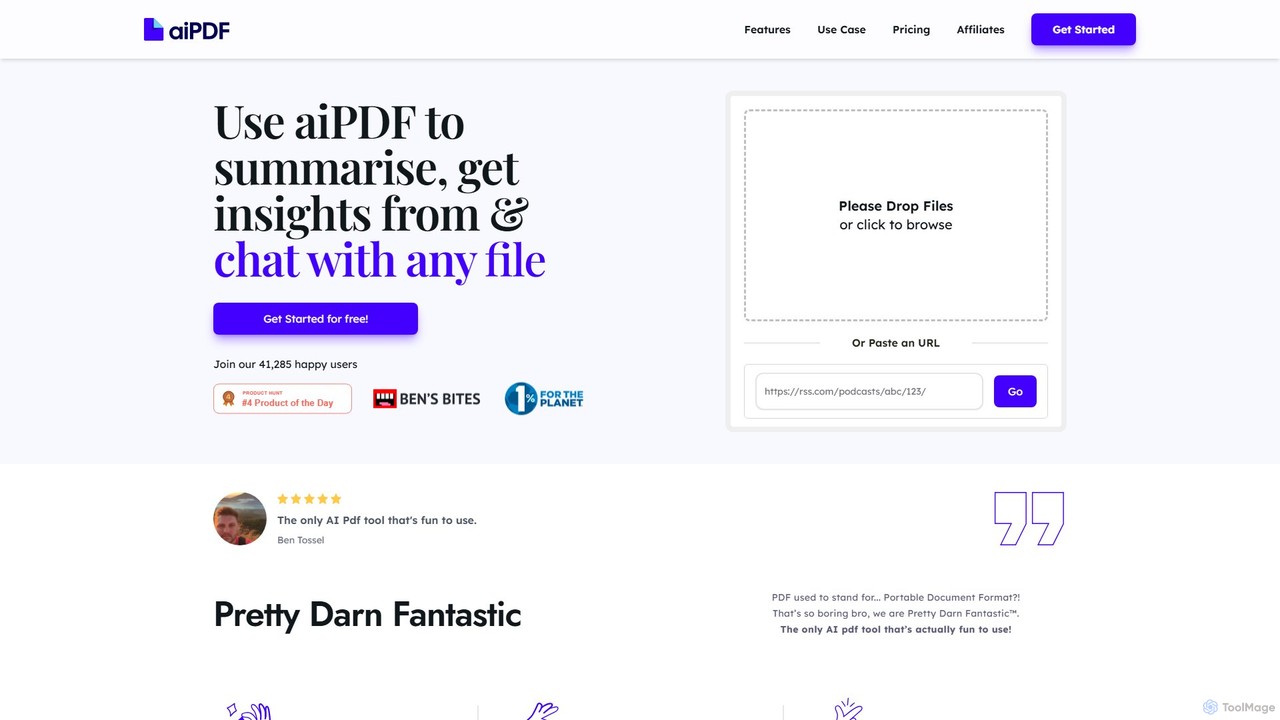
aiPDF is an AI-powered chat application that transforms static PDF documents into interactive conversations. Users can upload files, ask questions, summarize content, and extract key insights instantly. It supports various document types, including reports, essays, and ebooks, and provides source-backed answers for enhanced reliability. With a user-friendly interface and a focus on data privacy, aiPDF makes document analysis efficient and engaging for students, researchers, and professionals.

Data Analysis
Visits 9KFavorites 133Likes 144
Mapify
Freemium

Mapify

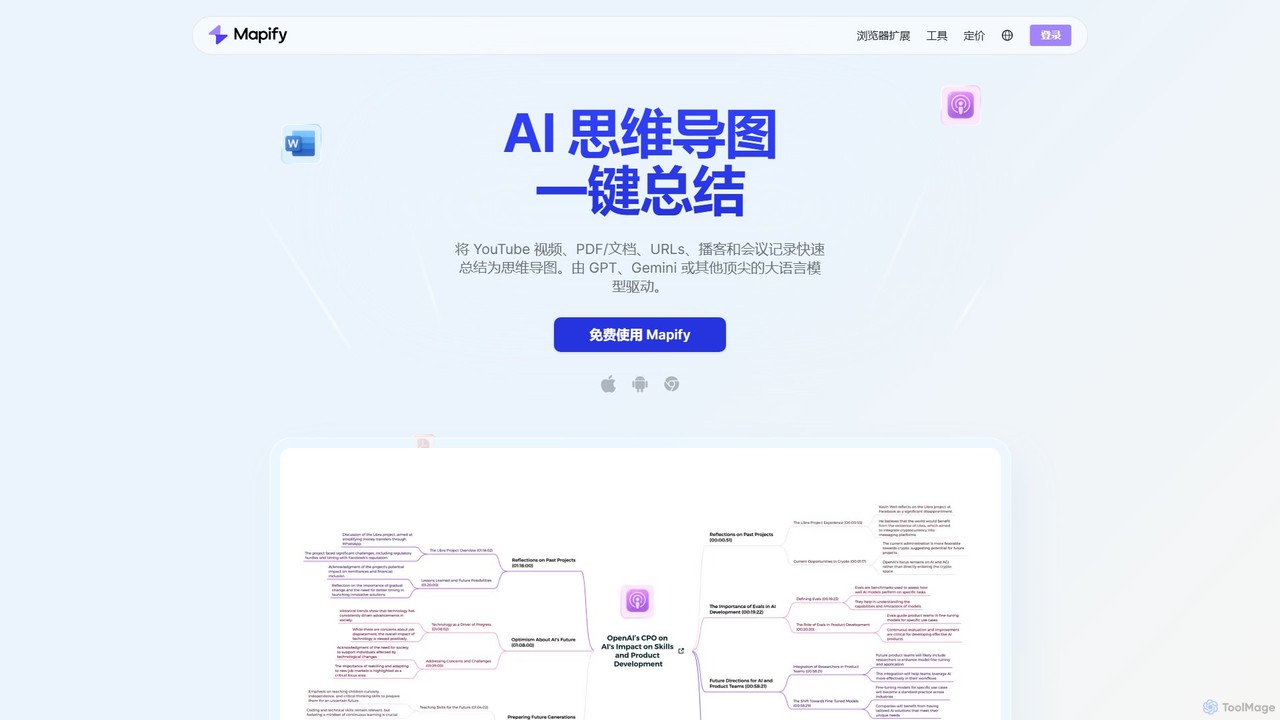
Mapify is an AI-powered tool that instantly transforms YouTube videos, PDFs, web pages, audio, and text into structured, interactive mind maps. It leverages top LLMs like GPT and Gemini to summarize complex information, helping users learn faster, brainstorm effectively, and enhance productivity.

Study
Visits 818.8KFavorites 138Likes 142
myaidrive
Freemium

myaidrive

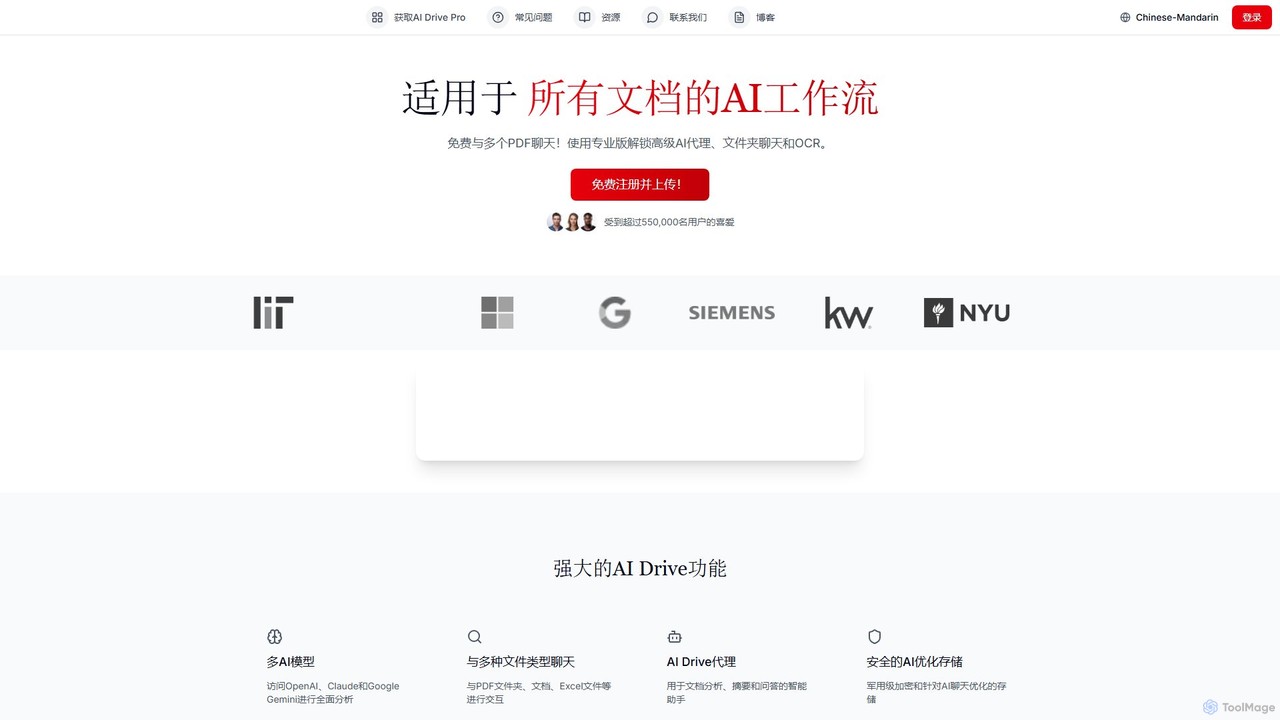
myaidrive is an AI-powered cloud storage platform that allows you to summarize, chat with, and organize your files. It integrates multiple AI models like GPT, Claude, and Gemini to analyze PDFs, documents, and spreadsheets. Features include secure storage, advanced OCR, and personalized AI memory for enhanced productivity.

Cloud Storage
Visits 47.3KFavorites 133Likes 137
huixie
Freemium

huixie

huixie is an intelligent AI writing assistant from iFlytek, designed to enhance writing efficiency and quality. It supports conversational writing, multi-modal content generation from audio/video/documents, and offers a wide range of templates for office work, marketing, and more. It acts as a comprehensive writing partner, from inspiration to polished final draft.

Content Generation
Visits 12.3KFavorites 162Likes 162

About Document

AI Document tools are a category of AI-powered solutions designed to process, analyze, and extract insights from various document formats. Leveraging advanced natural language processing (NLP) and machine learning, these tools go beyond simple text understanding to identify key information, structure data, and generate actionable intelligence. While often integrating sophisticated summarization capabilities, their primary focus is on comprehensive document interaction, enabling users to efficiently manage vast amounts of unstructured information. They are invaluable for transforming raw documents into structured, searchable, and understandable knowledge.

Core Features

  • Information Extraction: Automatically identifies and extracts specific data points, entities, and relationships from documents.
  • Semantic Search & Q&A: Allows users to query documents using natural language and receive precise answers or relevant passages.
  • Document Structuring & Classification: Organizes unstructured text into logical sections or categorizes documents based on content.
  • Content Generation from Documents: Can generate reports, outlines, or summaries based on the analyzed document content.
  • Anomaly Detection: Identifies unusual patterns or discrepancies within document sets, useful for compliance or fraud detection.

Use Cases

These tools are widely adopted across industries for tasks requiring deep document understanding. Legal professionals use them for contract review and e-discovery, while researchers leverage them to analyze academic papers and synthesize findings. Businesses apply them to process financial reports, customer feedback, and internal knowledge bases, transforming raw data into strategic insights and improving operational efficiency.

How to Choose

When selecting an AI Document tool, consider the types of documents it supports (e.g., PDF, Word, scanned images), its accuracy in information extraction, and the depth of its analytical capabilities. Evaluate integration options with existing workflows, data security protocols, and scalability for your document volume. User-friendliness and the ability to customize extraction rules are also crucial for optimal performance.


Document use cases

1

Automated Legal Contract Review

Legal teams utilize AI Document tools to rapidly review thousands of contracts, identifying critical clauses, compliance risks, and key terms. This significantly reduces manual review time, enhances accuracy, and ensures adherence to regulatory standards, allowing legal professionals to focus on strategic analysis rather than tedious document parsing.

2

Research Paper Analysis and Synthesis

Academic researchers and analysts employ these tools to process large volumes of scientific papers, extracting methodologies, results, and conclusions. The AI can then synthesize this information, helping to identify trends, gaps in literature, and generate comprehensive literature reviews much faster than traditional methods.

3

Customer Feedback Document Analysis

Businesses leverage AI Document tools to analyze customer feedback from various sources like support tickets, survey responses, and product reviews. The AI identifies recurring themes, sentiment, and pain points, providing actionable insights for product development, service improvement, and enhancing overall customer satisfaction.

4

Financial Report Data Extraction

Financial analysts use AI to automatically extract key financial metrics, such as revenue, profit margins, and growth rates, from quarterly and annual reports. This automation streamlines data collection, reduces errors, and enables quicker comparative analysis across companies or over time, supporting informed investment decisions.

5

Internal Knowledge Base Creation

Organizations deploy AI Document tools to process internal documents like manuals, FAQs, and policy guides, automatically structuring and indexing the content. This facilitates the creation and maintenance of a searchable knowledge base, empowering employees with instant access to information and reducing reliance on support staff.

6

Technical Documentation Q&A

Engineers and technical support personnel use AI Document tools to query complex technical manuals, specifications, or product guides. Instead of manually sifting through lengthy documents, they can ask natural language questions and receive precise, context-aware answers, accelerating troubleshooting and problem resolution.

Document FAQ

What are AI Document tools?

AI Document tools are specialized artificial intelligence applications designed to understand, process, and extract valuable information from various document types. They leverage advanced NLP to go beyond simple keyword matching, enabling deep content analysis, data extraction, and intelligent interaction with unstructured text. Their core purpose is to transform raw document data into actionable insights and structured knowledge.

How do AI Document tools differ from general summarizers?

While AI Document tools often include summarization, their scope is much broader. General summarizers primarily focus on condensing text into shorter versions. AI Document tools, however, analyze documents for specific data extraction, semantic search, question answering, classification, and even content generation based on document understanding. They interact with the document's structure and content more comprehensively to derive deeper insights than just a summary.

What types of documents can AI Document tools process?

AI Document tools are highly versatile and can process a wide array of document types. This includes common formats like PDFs, Word documents (.docx), plain text files (.txt), and web pages. Many advanced tools can also handle scanned documents (images) through Optical Character Recognition (OCR), handwritten notes, legal contracts, financial reports, research papers, and customer feedback forms, making them suitable for diverse applications.

What are the key benefits of using AI Document tools?

The primary benefits of AI Document tools include significant time savings by automating manual data entry and review, enhanced accuracy in information extraction, and improved decision-making through deeper insights. They boost operational efficiency, reduce human error, and enable organizations to unlock the value hidden within vast amounts of unstructured data, leading to better resource allocation and strategic outcomes.

How to choose the best AI Document tool for my needs?

To select the best AI Document tool, first define your specific needs: what document types will you process, and what information do you need to extract? Evaluate the tool's accuracy, supported languages, and integration capabilities with your existing systems. Consider its scalability, security features for sensitive data, and the level of customization offered for extraction rules. Finally, assess the user interface and customer support for ease of adoption and ongoing use.