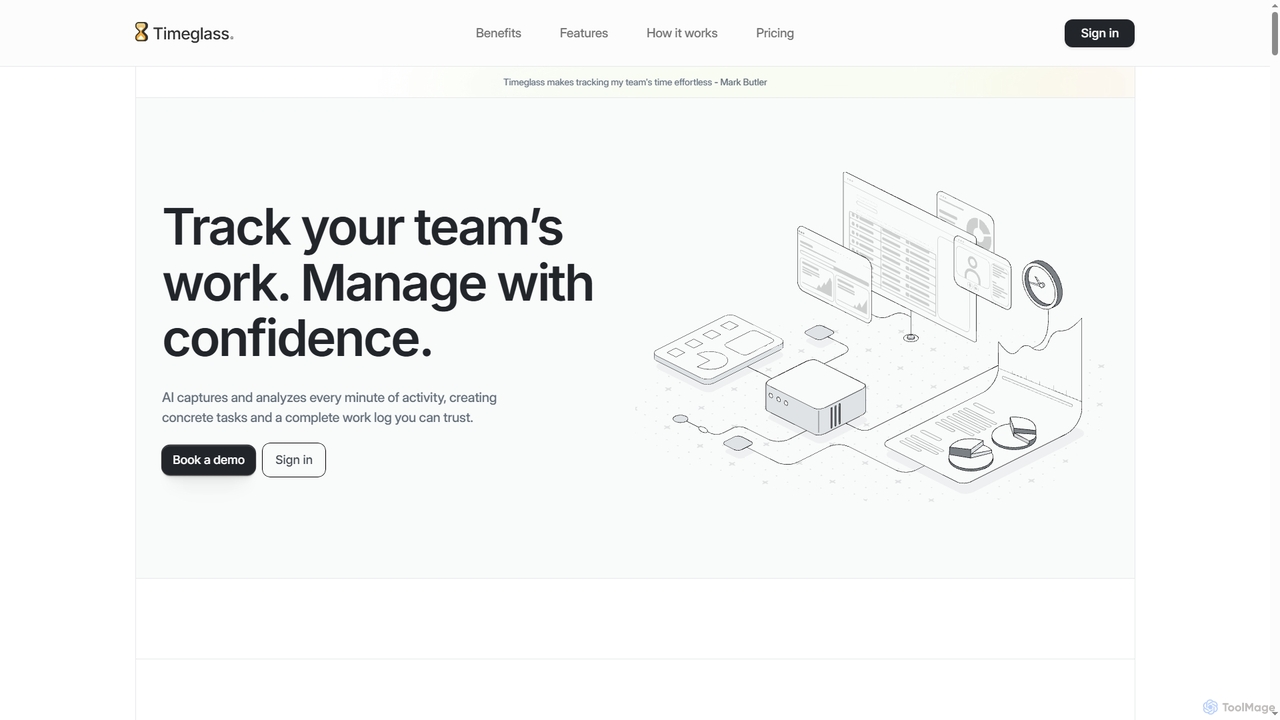
Timeglass
Timeglass is an AI-powered time tracking tool that automatically captures team activity through screenshots and app usage. It …
Timeglass is an AI-powered time tracking tool that automatically captures team activity through screenshots and app usage. It uses AI to generate detailed work logs, task lists, and real-time analytics, providing managers with clear visibility to improve productivity and build trust within remote and hybrid teams.
Qatalog
Qatalog is an intelligent work hub that unifies your teams, tools, and knowledge. It uses AI to create …
Qatalog is an intelligent work hub that unifies your teams, tools, and knowledge. It uses AI to create a central source of truth, enabling seamless search across all applications, clear visibility into projects and goals, and contextual understanding of who is working on what. By connecting disparate systems like Slack, Jira, and Google Drive, Qatalog reduces context switching and boosts productivity.
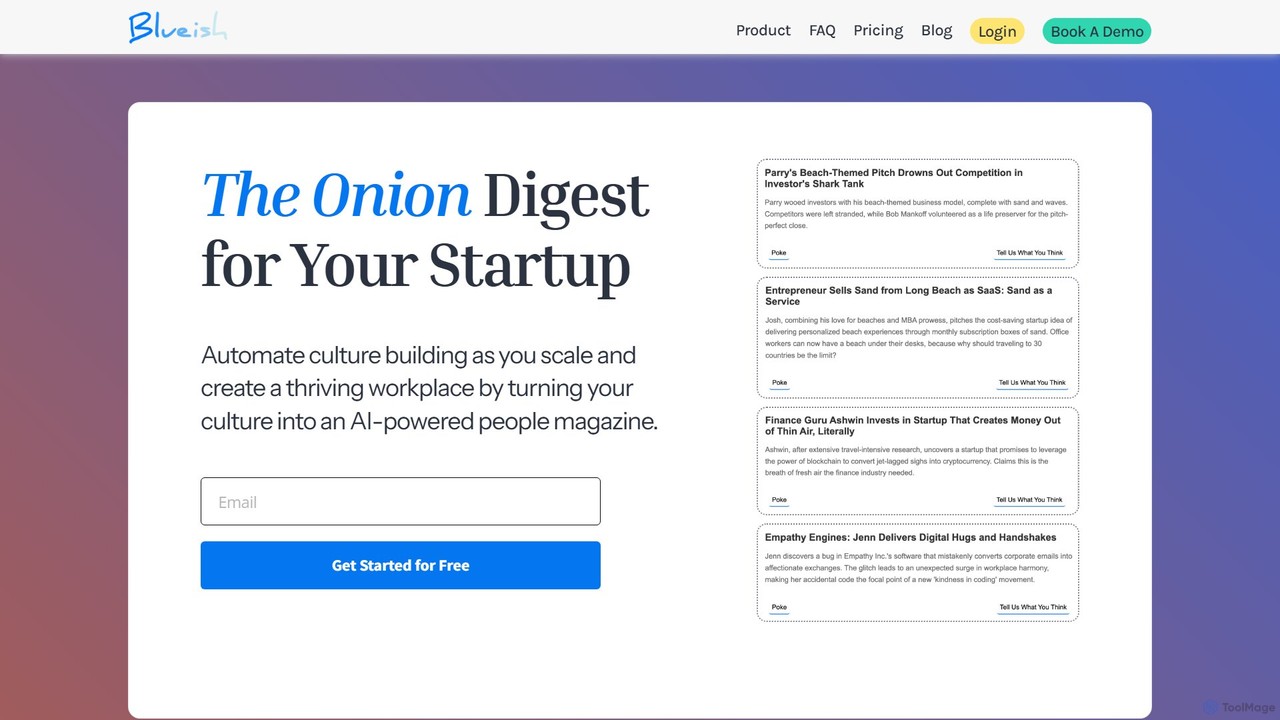
goblueish
goblueish is an AI-powered culture automation platform designed for distributed teams. It combats disconnection and boosts engagement by …
goblueish is an AI-powered culture automation platform designed for distributed teams. It combats disconnection and boosts engagement by transforming your company culture into a personalized "people magazine." Through automated stories, daily reflections, and gamification, it helps strengthen team bonds, improve morale, and reduce employee turnover effortlessly.
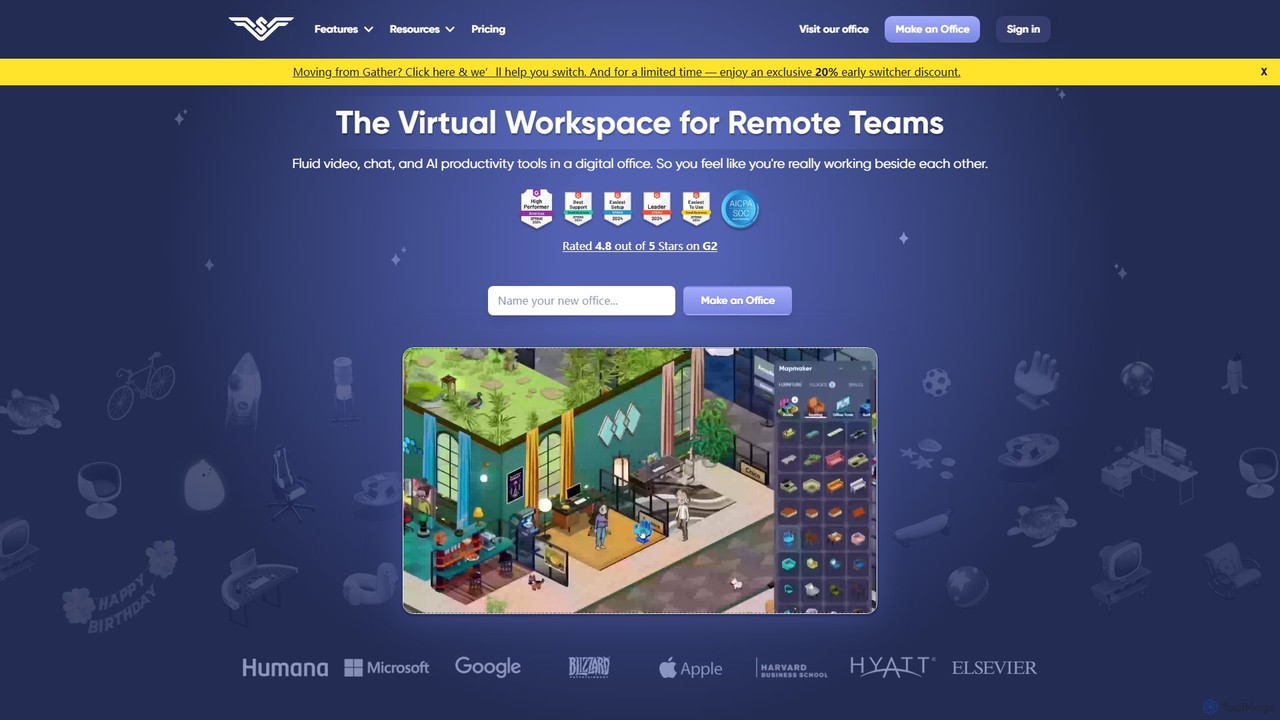
SoWork
SoWork is an AI-powered virtual workspace for remote teams, combining fluid video, chat, and productivity tools in a …
SoWork is an AI-powered virtual workspace for remote teams, combining fluid video, chat, and productivity tools in a customizable digital office. It aims to foster a sense of presence and seamless collaboration, making remote teams feel like they're working side-by-side.
About Team Management
AI Team Management tools are platforms that leverage artificial intelligence to streamline and optimize team collaboration, project execution, and performance tracking. They utilize machine learning algorithms to automate task allocation, predict project timelines, analyze communication patterns, and provide data-driven insights into team productivity. These tools help managers make informed decisions, reduce administrative overhead, and foster a more efficient and engaged work environment. By identifying potential bottlenecks and resource conflicts before they occur, they enable proactive management rather than reactive problem-solving.
Core Features
- Intelligent Task Automation: Automatically assigns tasks based on team member skills, availability, and current workload.
- Predictive Analytics: Forecasts project completion dates, budget overruns, and potential risks using historical data.
- Performance Insights: Analyzes individual and team performance metrics to identify coaching opportunities and recognize top contributors.
- Communication Analysis: Gauges team sentiment and collaboration patterns from communication data to identify bottlenecks.
- Resource Optimization: Intelligently allocates human and material resources across projects to maximize efficiency and prevent burnout.
Use Cases
These tools are ideal for project managers, team leads, and department heads in dynamic environments like tech companies, marketing agencies, and consulting firms. They are particularly effective for managing complex projects with tight deadlines, coordinating cross-functional teams, and improving the productivity of remote or hybrid workforces.
How to Choose
When selecting an AI Team Management tool, consider its integration capabilities with your existing software stack (e.g., Jira, Slack, Google Workspace). Evaluate its scalability to ensure it can grow with your team. Also, scrutinize its data privacy and security policies, and assess the level of customization available for workflows and reporting to match your specific KPIs.
Team ManagementUse Cases
Automating Project Task Delegation
A project manager in a software development team uses an AI tool to automatically assign new bug reports. The system analyzes each report's content, identifies the relevant code module, and assigns it to the developer with the most expertise and current availability. This eliminates manual triage, reduces response time by an average of 30%, and ensures a balanced workload across the team, preventing individual burnout.
Predicting Delays in a Marketing Campaign
A marketing manager uses an AI platform to oversee a multi-channel campaign. The tool analyzes progress data from all integrated platforms (social media schedulers, ad managers, content platforms). It flags a potential delay in video production due to a team member's unexpected leave and suggests reallocating a graphic designer to assist with preliminary storyboarding. This proactive alert allows the manager to adjust the plan and keep the campaign on schedule.
Improving Remote Team Collaboration
A manager of a fully remote team uses an AI tool that analyzes anonymized communication metadata from platforms like Slack and Microsoft Teams. The tool identifies that two key departments are communicating infrequently, creating a knowledge silo. It suggests scheduling a recurring cross-departmental sync-up and automatically proposes optimal times based on everyone's calendars. This fosters better collaboration and breaks down communication barriers without infringing on privacy.
Optimizing Resource Allocation in a Consulting Firm
A partner at a consulting firm uses an AI management tool to staff new client projects. Instead of manually reviewing spreadsheets of consultant skills and availability, they input the project requirements. The AI instantly recommends the optimal team composition, balancing senior and junior consultants, matching specific industry expertise, and considering current workloads to avoid over-allocation. This process reduces staffing time from days to minutes and improves project profitability.
Identifying Burnout Risks in a High-Pressure Team
A team lead in a fast-paced startup uses an AI tool to monitor workload metrics and anonymized activity patterns. The AI flags a developer whose data shows a pattern of consistently working late, taking fewer breaks, and having a high task-completion rate combined with a slight increase in code revisions. This combination suggests a high risk of burnout. The lead can then proactively check in with the team member to discuss workload and offer support before performance or well-being declines.
Streamlining New Employee Onboarding
An HR manager uses an AI team management platform to standardize the onboarding process. When a new hire is added, the system automatically generates a 30-day onboarding plan, assigning tasks like 'Complete HR paperwork', scheduling introductory meetings with key colleagues based on their availability, and providing access to relevant documents. The AI tracks the new hire's progress, sends reminders for pending tasks, and collects feedback, ensuring a consistent and efficient experience for every new team member.