Tools Best in category 2 results Browser Extension AI Tool

Popular AI tools in the Browser Extension field of Tools include Voclipai、Write2Learn, etc., helping you quickly improve efficiency.

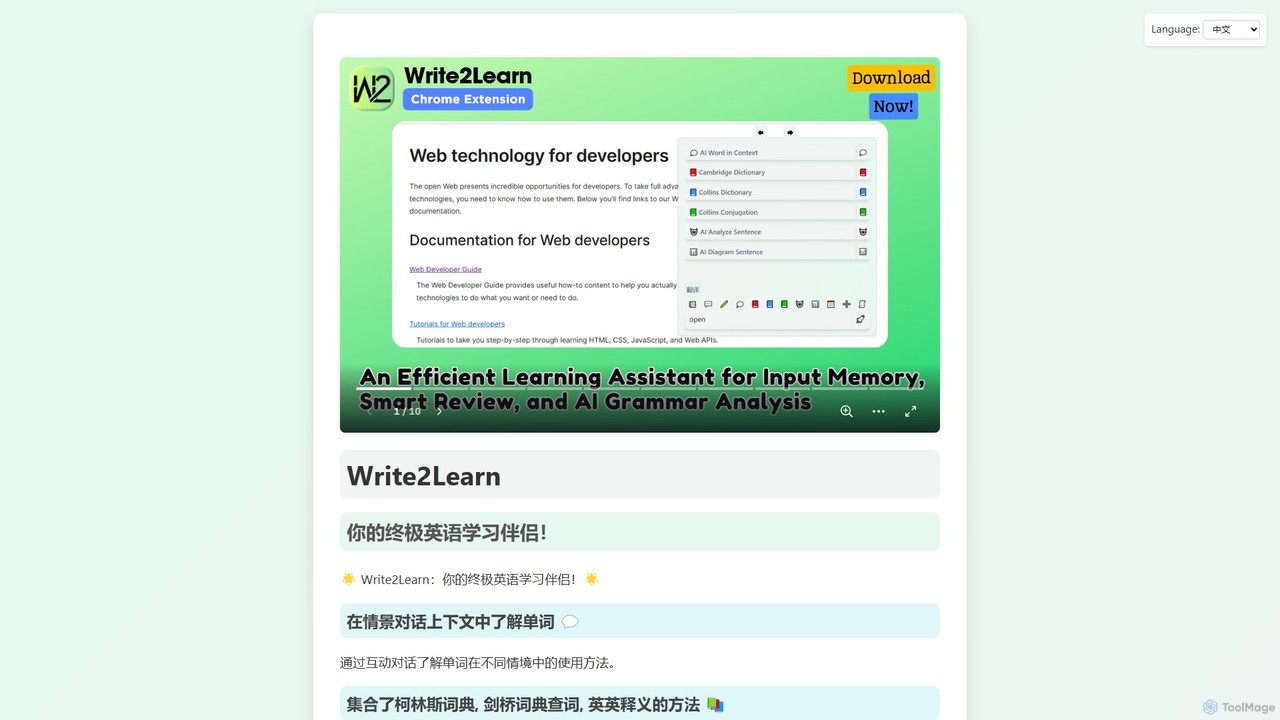
Write2Learn

Write2Learn

Write2Learn is an AI-powered English learning companion designed to enhance vocabulary and grammar skills. It offers contextual learning …

2.3K
Voclipai

Voclipai

Voclipai is an AI-powered vocabulary learning tool that helps you clip, understand, and memorize words from any language. …

3.7K

About Browser Extension

AI Browser Extensions are tools that integrate artificial intelligence capabilities directly into your web browser. They analyze the content of your current webpage to provide contextual assistance, such as summarizing articles, generating text, or extracting data. This seamless integration enhances productivity by allowing you to access powerful AI features without switching tabs or applications. These extensions effectively turn your browser into a smarter, more efficient workspace for research, writing, and data analysis.

Core Features

  • Contextual Awareness: Analyzes the content of the active webpage to provide relevant AI-powered suggestions and actions.
  • In-situ Content Generation: Drafts emails, social media posts, and other text directly within the webpage's text fields.
  • On-Demand Summarization: Condenses long articles, reports, or comment threads into concise summaries with a single click.
  • Data Extraction: Identifies and extracts specific information like names, dates, or contact details from unstructured text on a page.
  • Text Enhancement: Offers real-time grammar correction, style improvements, and translation for any selected text.

Use Cases

AI Browser Extensions are widely used by professionals and students who spend significant time online. Content creators use them to draft posts and find ideas, researchers to summarize articles and extract data, and marketers to analyze competitor websites. They are also valuable for developers seeking code explanations and anyone looking to improve their writing in emails or documents online.

How to Choose

When selecting an AI Browser Extension, first consider its core functionality and ensure it aligns with your primary tasks, such as writing or research. Check for compatibility with your browser (e.g., Chrome, Firefox, Edge). Review the privacy policy carefully to understand how your data is handled. Finally, assess its performance to ensure it doesn't significantly slow down your browsing experience.

Browser ExtensionUse Cases

1

Accelerate Social Media Content Creation

A social media manager uses an AI browser extension while reading an industry news article. Without leaving the page, they can highlight a key statistic, and the extension generates several draft tweets and a LinkedIn post summarizing the finding. It also suggests relevant hashtags. This process reduces the time spent switching between source material and content creation platforms, allowing for faster, more context-aware content publishing.

2

Efficient Academic and Market Research

A student writing a research paper uses an AI extension to instantly summarize lengthy academic journals and articles online. By selecting a complex paragraph, they can get a simplified explanation or find related sources. This allows them to quickly assess the relevance of numerous sources, extract key arguments, and build a bibliography without having to read every single document in its entirety, saving hours of research time.

3

Draft Professional Emails in Seconds

A sales representative uses an AI browser extension directly within their web-based email client. After a client meeting, they can type a few bullet points about the discussion, and the extension expands them into a well-structured, professional follow-up email. It can also adjust the tone to be more formal or persuasive. This streamlines communication and ensures all key points are covered clearly and professionally without manual drafting.

4

On-Page Code Explanation and Debugging

A web developer browsing a forum like Stack Overflow finds a complex code snippet. Instead of copying it to a separate application, they use their AI browser extension to highlight the code. The extension provides an immediate, line-by-line explanation of what the code does, identifies potential bugs, and can even suggest optimizations or translate it to another programming language. This in-context assistance dramatically speeds up learning and problem-solving.

5

Smarter Online Shopping Decisions

While browsing a product on an e-commerce site, a shopper uses an AI extension to analyze the customer reviews section. The tool automatically categorizes feedback into pros and cons, summarizing the most frequently mentioned points about product quality, shipping, and customer service. This provides a quick, unbiased overview, helping the shopper make a more informed decision without manually sifting through hundreds of reviews.

6

Immersive Language Learning While Browsing

A user learning Spanish installs an AI browser extension to help with their studies. While reading a news website in Spanish, they can highlight any unfamiliar word or phrase to get an instant translation, definition, and example sentences. The extension can also rephrase complex sentences to make them easier to understand. This turns everyday web browsing into an interactive and contextual language practice session, accelerating the learning process.

Browser ExtensionFrequently Asked Questions