TubeSum
TubeSum is an AI-powered Chrome extension that integrates directly with YouTube to provide concise video summaries. It helps …
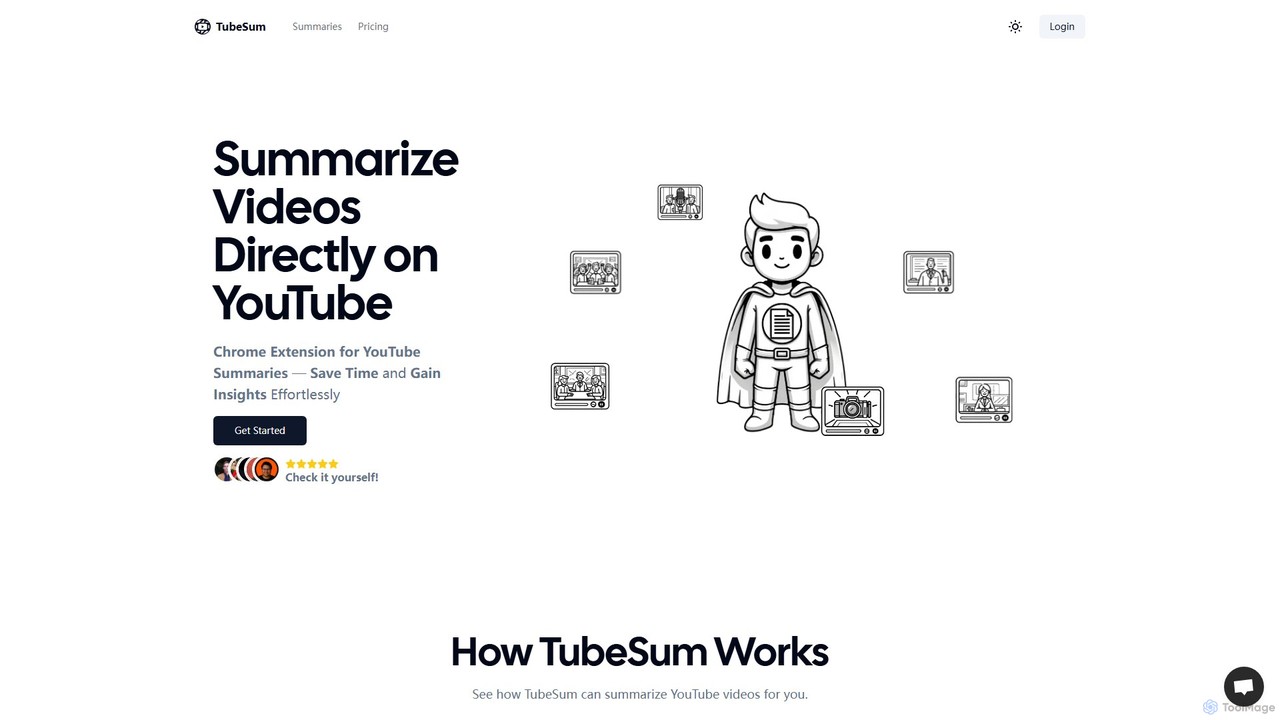
TubeSum is an AI-powered Chrome extension that integrates directly with YouTube to provide concise video summaries. It helps users save time and quickly grasp key insights from long videos like lectures, tutorials, reviews, and news broadcasts without watching them in their entirety.
About Assistant
AI Video Assistants are tools designed to automate and streamline the video creation workflow, acting as an intelligent partner from concept to completion. They leverage generative AI to interpret user inputs, such as text prompts or existing media, to automatically perform complex tasks like scripting, editing, and asset sourcing. This enables creators to produce high-quality videos with significant reductions in time and technical effort. Unlike traditional editors that require manual control over every element, these assistants proactively generate content and suggest edits, transforming the production process.
Core Features
- Automated Editing: Automatically assembles video clips, adds transitions, and syncs audio based on a script or content analysis.
- Script and Idea Generation: Creates compelling video scripts, outlines, or content concepts from a simple topic or keyword.
- Intelligent Asset Sourcing: Scans integrated libraries to find and suggest relevant stock footage, images, and background music.
- Voiceover and Subtitle Automation: Generates realistic text-to-speech voiceovers and automatically creates and synchronizes subtitles.
- Content Repurposing: Intelligently extracts key moments from long-form videos to create short, engaging clips for social media.
Use Cases
AI Video Assistants are ideal for content marketers, social media managers, educators, and small business owners who need to produce video content at scale without extensive technical skills. They are used for rapidly creating promotional videos, educational tutorials, social media stories, and corporate training materials, turning ideas into polished videos in minutes.
How to Choose
When selecting an AI Video Assistant, consider the level of automation required—from simple task assistance to full text-to-video generation. Evaluate the quality and size of its integrated stock media library. Assess its customization capabilities, ensuring you can fine-tune AI-generated results. Finally, check for integrations with other platforms or its ability to export in formats compatible with your workflow.

AssistantUse Cases
Rapid Social Media Video Creation
A social media manager needs to produce multiple short-form videos daily for platforms like TikTok and Instagram Reels. Instead of spending hours editing, they input a blog post URL or a simple text prompt into an AI Video Assistant. The tool automatically generates a script, selects engaging stock footage, adds animated captions, and produces a ready-to-publish video in under five minutes. This allows them to maintain a consistent posting schedule and react quickly to trending topics.
Automating Educational Tutorial Production
An online course creator needs to develop a series of video tutorials. They provide the AI Video Assistant with a structured outline for each lesson. The AI generates a clear, concise script and a professional-sounding voiceover. It then pairs the narration with relevant screen recordings or stock visuals, adds annotations to highlight key points, and applies consistent branding across all videos. This automates the repetitive aspects of production, allowing the creator to focus on delivering high-quality educational content.
Generating Product Marketing Videos at Scale
An e-commerce company needs unique video ads for hundreds of products. Manually creating them is not feasible. Using an AI Video Assistant, the marketing team uploads a product data feed (images, descriptions, prices). The assistant uses this data to automatically generate distinct video ads for each item, applying a branded template, selecting appropriate background music, and even creating different versions for A/B testing ad performance. This enables scalable and personalized video marketing.
Repurposing Webinars for Content Marketing
A marketing team hosts a one-hour webinar rich with valuable insights. To maximize its reach, they upload the recording to an AI Video Assistant. The tool automatically transcribes the entire session, identifies the most compelling soundbites and key topics, and generates a dozen short, shareable clips with subtitles. These clips are then easily distributed across LinkedIn, Twitter, and email newsletters, driving traffic back to the full webinar and extending the content's lifespan.
AI-Assisted Corporate Training Videos
An HR department needs to create standardized onboarding videos for new hires. They provide the AI assistant with text documents or PowerPoint presentations. The AI converts this material into a video series, generating a consistent voiceover, adding company branding, and inserting simple animations or stock footage to illustrate concepts. This ensures all new employees receive the same high-quality training information and frees up HR personnel from repetitive presentation tasks.
Drafting Video Concepts and Scripts
A content creator is experiencing a creative block. They use an AI Video Assistant's ideation feature, inputting a broad topic like "healthy breakfast ideas." The assistant generates several video concepts, including a "Top 5 Quick Recipes" listicle, a "Day in the Life" vlog, and a myth-busting format. For the chosen concept, it then drafts a complete script with scene descriptions, dialogue, and calls to action, providing a solid foundation that saves hours of brainstorming and writing.