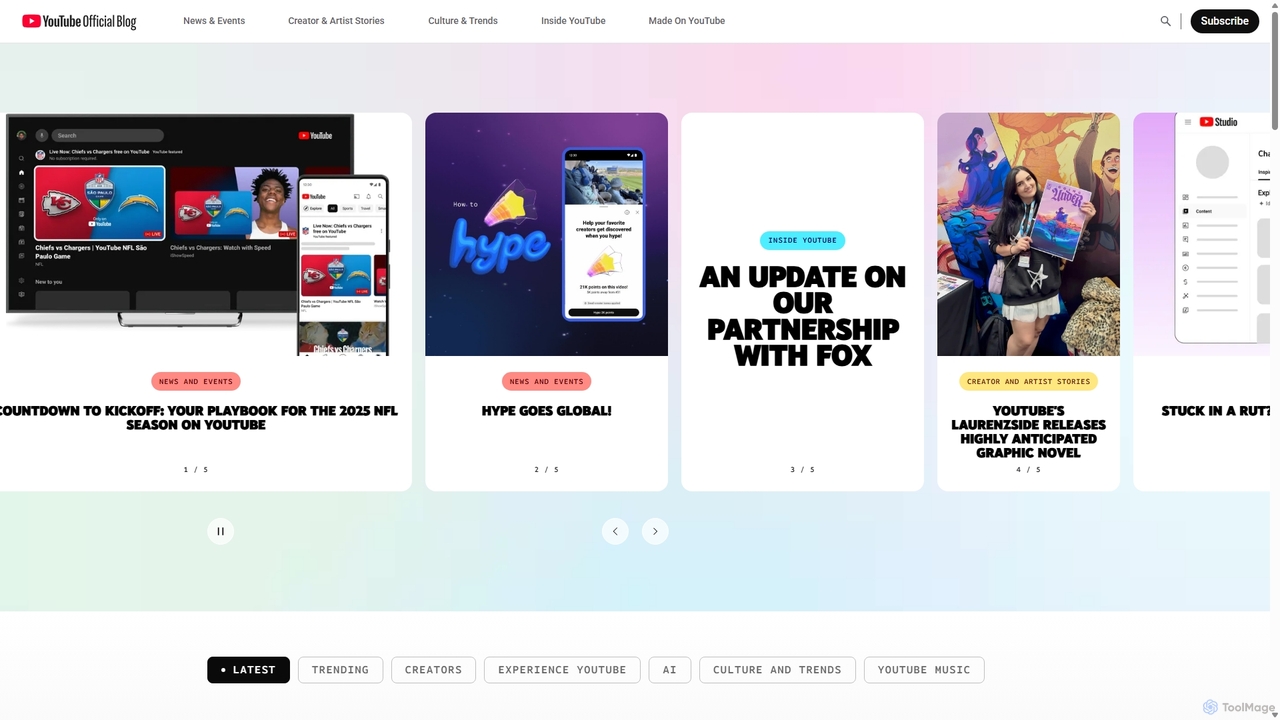
Official YouTube Blog
The Official YouTube Blog is the primary source for the latest news, updates, and insights directly from YouTube. …
The Official YouTube Blog is the primary source for the latest news, updates, and insights directly from YouTube. It provides in-depth information on new features, including AI-powered tools for creators, platform policy changes, and cultural trends, serving as an essential resource for creators, marketers, and enthusiasts.
About Creator Tools
AI Creator Tools are specialized video platforms designed to automate and enhance the content creation workflow for individual creators and brands. These tools leverage artificial intelligence to handle tasks like content repurposing, idea generation, and performance analysis, going beyond traditional video editing. They empower creators to produce high-quality, engaging video content at scale for platforms like YouTube, TikTok, and Instagram. This focus on the entire creation lifecycle, from concept to distribution, distinguishes them within the broader video software category.
Core Features
- AI Content Repurposing: Automatically extracts engaging short clips from long-form videos or podcasts for social media.
- Script & Idea Generation: Generates video topics, scripts, and outlines based on trends and user prompts.
- Automated Editing & Subtitling: Provides features like auto-cutting silences, adding dynamic captions, and inserting relevant B-roll.
- Performance Analytics: Offers insights into video engagement, audience retention, and suggests content improvements.
- Thumbnail & Title Optimization: Creates compelling, AI-generated thumbnails and titles to improve click-through rates.
Use Cases
These tools are ideal for YouTubers, podcasters, social media managers, and marketing teams. For instance, a podcaster can turn a one-hour audio episode into dozens of short video clips for social media in minutes. A marketing team can use AI to quickly generate video scripts for product announcements and promotional campaigns, ensuring consistent brand messaging.
How to Choose
When selecting an AI Creator Tool, consider its primary function—whether it excels at repurposing, scriptwriting, or all-in-one editing. Evaluate its integration with your target platforms (e.g., direct publishing to TikTok). Assess the pricing model, which is often subscription-based and may depend on video processing hours. Finally, consider the learning curve; some tools are designed for beginners while others offer more advanced controls.

Creator ToolsUse Cases
Repurpose Long-Form Content into Viral Shorts
A podcast creator with a weekly one-hour show needs to maintain a consistent presence on TikTok and YouTube Shorts without spending hours manually editing. They upload their long-form video to an AI Creator Tool. The tool automatically identifies the most engaging moments, potential viral hooks, and key topics. It then generates dozens of vertical, subtitled clips, complete with engaging headlines. This allows the creator to post 2-3 short videos daily, dramatically increasing their reach and driving traffic back to their full-length content, all while saving over 80% of their editing time.
Generate Video Scripts for Marketing Campaigns
A marketing team for a SaaS company needs to produce a series of short promotional videos for a new feature launch. Instead of extensive brainstorming sessions, they use an AI Creator Tool's scriptwriting feature. They input the feature's benefits, target audience (e.g., small business owners), and desired tone (e.g., informative and energetic). The AI generates several script variations, including hooks, key talking points, and calls-to-action. The team can then quickly refine the best script, ensuring brand consistency and a clear message, reducing the script development cycle from days to hours.
Automate Highlights from Live Streams
A Twitch streamer who broadcasts for 4-6 hours daily struggles to create highlight reels for YouTube. They connect their streaming account to an AI Creator Tool. The AI analyzes the entire stream in the background, detecting spikes in chat activity, emotional moments, and gameplay highlights. After the stream ends, the tool presents a curated list of timestamped clips, ranked by engagement potential. The streamer can then review, make minor edits, and directly export a polished highlight compilation, saving countless hours of manual review and allowing them to focus on their next live broadcast.
Optimize Thumbnails and Titles for Higher CTR
A YouTuber notices their videos have good watch time but low click-through rates (CTR). They use an AI Creator Tool that specializes in optimization. For their next video, they upload a few still frames and provide the video's topic. The AI generates five different thumbnail variations with different layouts, text overlays, and emotional expressions. It also suggests several title options, analyzing keywords and popular formats. The creator can then A/B test these options or choose the one predicted to perform best, leading to a measurable increase in CTR and overall channel growth.
Create Faceless Videos with AI Voiceovers
An educator wants to create an animated educational channel on YouTube but is not comfortable using their own voice or appearing on camera. They use an AI Creator Tool that integrates text-to-speech and simple animation. They write their script, choose a realistic AI voice that matches their desired tone, and the tool generates a professional-sounding voiceover. They can then sync this audio with simple animations or stock footage provided within the tool. This enables them to produce high-quality, informative 'faceless' content consistently, reaching a global audience without the need for expensive recording equipment or video production skills.
Analyze Video Performance to Guide Content Strategy
A brand's social media manager is responsible for growing their video engagement on Instagram Reels. They use an AI Creator Tool with built-in analytics. After posting several AI-generated clips, the tool analyzes which ones performed best. It provides insights beyond simple views, such as identifying that videos with question-based hooks have 50% higher retention in the first three seconds. It also highlights the optimal posting times based on audience activity. The manager uses this data-driven feedback to refine their content strategy, focusing on proven formats and topics to maximize engagement and channel growth.