ToolMage
Sign in

Best 2 Personalized Video AI tools for Video Generation

Popular Personalized Video AI tools in Video Generation include AnyCameo and SoftlyWished, helping you work more efficiently.

SoftlyWished
Freemium

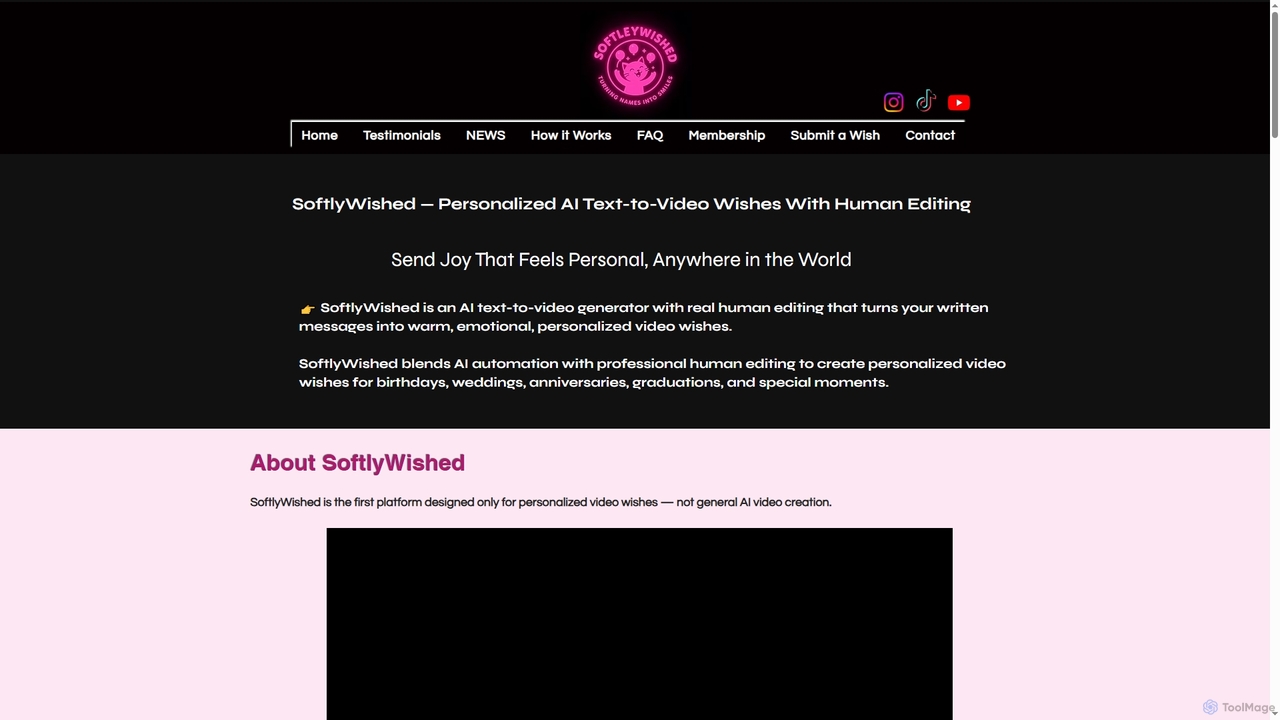
SoftlyWished

SoftlyWished is an innovative AI text-to-video generator that combines artificial intelligence with professional human editing to create deeply personalized and emotional video wishes. It transforms your written messages into heartfelt video greetings for any special occasion, offering a unique blend of automation and human touch without requiring editing skills or sign-ins.

Digital Greetings
Visits 5.5KFavorites 119Likes 127
AnyCameo
Paid

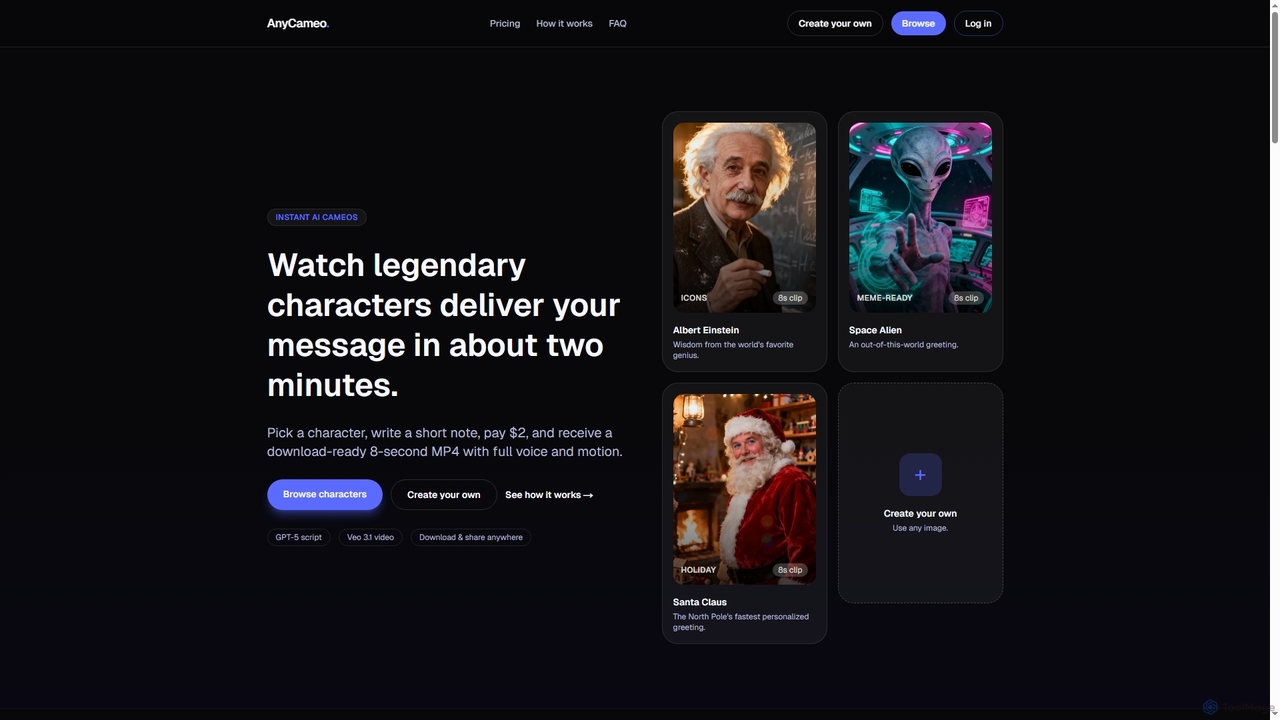
AnyCameo

AnyCameo offers instant, personalized AI-generated video messages from legendary characters or custom uploaded images. In about two minutes, users can create an 8-second MP4 clip with synchronized voice and motion, perfect for sharing on social media or personal greetings, all for a flat fee of $2.

Character Animation
Visits 6.1KFavorites 130Likes 138

About Personalized Video

Personalized Video tools are a specialized category of video generation software that automatically creates unique videos for each individual viewer. They work by dynamically inserting personal data—such as names, company logos, or user activity—into a pre-designed video template. This approach transforms generic video messages into highly relevant, one-to-one communications, significantly boosting engagement and conversion rates. Unlike standard video editors, these platforms are built for scalable, data-driven video production.

Core Features

  • Dynamic Data Integration: Connects with CRMs, spreadsheets, and APIs to pull viewer-specific data for personalization.
  • Customizable Templates: Allows users to create master video templates with placeholders for personalized text, images, and clips.
  • At-Scale Rendering: Generates thousands or even millions of unique video variations from a single template and data source.
  • Interactive Elements: Supports adding personalized call-to-action buttons and forms directly within the video player.
  • Performance Analytics: Tracks individual viewer engagement metrics like watch time and click-through rates.

Use Cases

These tools are widely used in marketing, sales, and customer success teams. For example, a sales team can send personalized video proposals to prospects, an e-commerce brand can create unique thank-you videos for each customer, and a SaaS company can deliver tailored onboarding tutorials to new users.

How to Choose

When selecting a Personalized Video tool, evaluate its data integration capabilities with your existing systems (e.g., Salesforce, HubSpot). Assess the flexibility of the template editor, the platform's rendering speed and scalability, and the depth of its analytics. Also, consider the pricing model, which is often based on the volume of videos generated.

Personalized Video use cases

1

Automated Sales Outreach Videos

Sales development representatives (SDRs) use these tools to scale their outreach efforts. By connecting the platform to their CRM, they can automatically generate hundreds of videos where each prospect's name, company name, and website screenshot are dynamically inserted. This approach replaces generic text emails with a personal touch, leading to higher open rates and more booked meetings.

2

Personalized E-commerce Customer Onboarding

E-commerce managers leverage personalized videos to welcome new customers post-purchase. The tool automatically generates a video featuring the customer's name and the specific products they bought. This creates a memorable unboxing experience, strengthens brand loyalty, and can be used to upsell related products, increasing customer lifetime value.

3

Scalable Customer Support Explanations

Customer support teams can resolve tickets more effectively by sending personalized video explanations. Instead of writing long emails, a support agent can use a template to generate a video that addresses the customer by name and visually walks them through the solution to their specific problem, often by inserting relevant screenshots or account data. This reduces resolution time and improves customer satisfaction.

4

Dynamic Event Invitations and Reminders

Event marketers use personalized videos to boost attendance for webinars and conferences. Each invitee receives a video invitation that includes their name, company, and perhaps a personalized agenda. This makes the invitation stand out in a crowded inbox and has been shown to significantly increase registration and show-up rates for events.

5

Personalized Employee Onboarding and Training

Human Resources departments streamline the onboarding process for new hires. Each new employee receives a welcome video from the CEO that addresses them by name and outlines their specific role and team. This creates a warm, personal welcome and ensures consistent delivery of key information at scale, improving employee engagement from day one.

6

Automated Billing and Account Summaries

Finance and SaaS companies use personalized videos to explain complex bills or account statements. The video can break down charges, highlight usage data, and explain renewal terms in a simple, visual format, addressing the customer by name. This approach reduces billing-related support queries and improves transparency, leading to higher customer trust.

Personalized Video FAQ

What are Personalized Video tools?

Personalized Video tools are software platforms that automatically generate unique video content for each individual recipient by merging data with a video template. Unlike traditional video, which is a one-to-many communication, personalized video creates a one-to-one experience. Key features include data integration, template customization, and at-scale rendering to produce thousands of unique videos efficiently.

How do Personalized Video platforms work?

They typically work in three steps. First, you create a master video template with designated placeholders for dynamic elements like names or images. Second, you connect a data source, such as a CRM or a spreadsheet, that contains the information for each recipient. Finally, the platform's rendering engine automatically generates a unique video for every row of data, inserting the personal information into the placeholders.

What is the difference between Personalized Video and general Video Generation?

The key difference is scale and data-driven personalization. General Video Generation tools (the parent category) focus on creating a single, high-quality video for a broad audience. Personalized Video tools, a subcategory, are specifically designed to create many variations of a video, each tailored to an individual viewer using their specific data. The goal of personalization is to increase relevance and engagement on a one-to-one basis, not just create one video for everyone.

Who should use Personalized Video tools?

These tools are ideal for B2C and B2B companies looking to improve engagement in their marketing, sales, and customer communications. Common users include sales teams for outreach, marketers for campaigns, e-commerce stores for post-purchase engagement, and customer success teams for onboarding and support. Any organization with a large customer or prospect base can benefit from scalable, personal communication.

How do I choose the right Personalized Video tool?

When choosing a tool, consider these key factors:

  • Integration: Does it seamlessly connect with your existing CRM, marketing automation platform, or other data sources?
  • Template Editor: How intuitive and flexible is the video template editor? Can it handle complex personalization logic?
  • Scalability: Can the platform handle the volume of videos you need to generate in a timely manner?
  • Analytics: Does it provide detailed analytics on viewer engagement that can be tied back to business outcomes?