LectureCraft
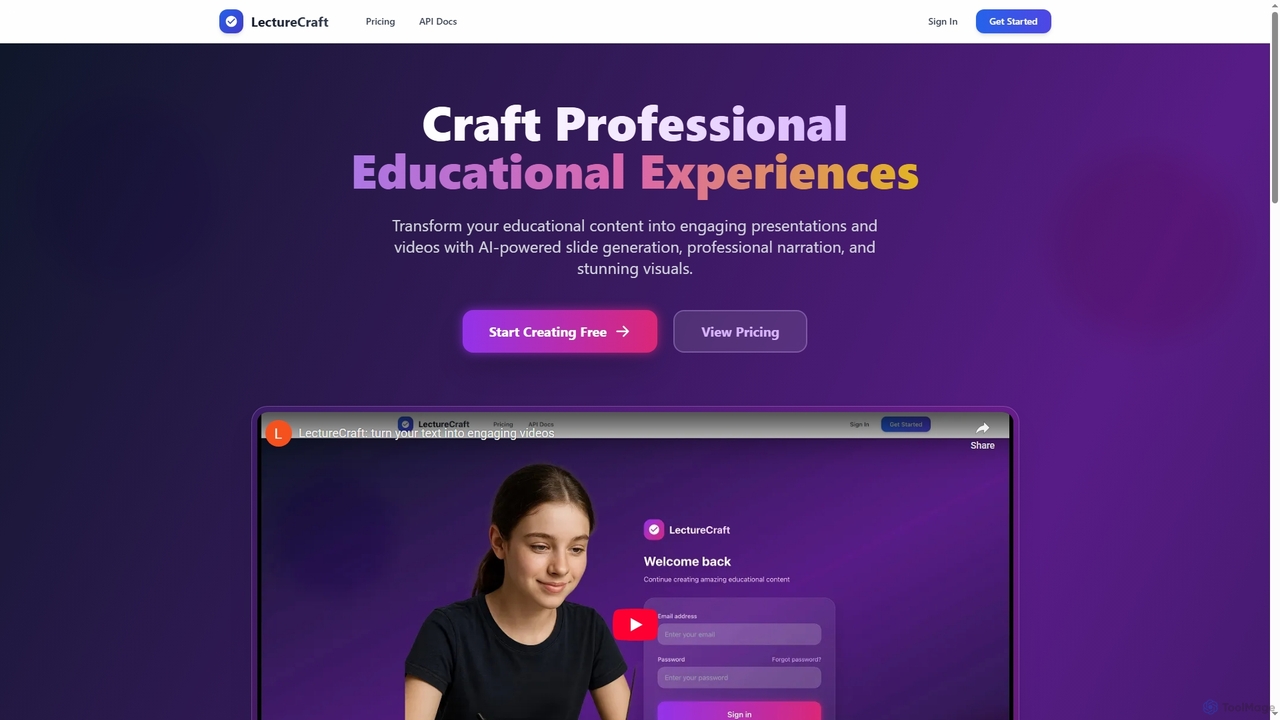
LectureCraft is an AI-powered platform designed for educators and content creators to transform text into engaging educational videos …
LectureCraft is an AI-powered platform designed for educators and content creators to transform text into engaging educational videos and presentations. It automates slide generation, provides natural voice-overs, and creates stunning visuals, significantly streamlining content creation in multiple languages.
About Presentation
AI Presentation tools are a specialized class of software that automates the creation of slide decks and video presentations from simple text inputs, documents, or prompts. These tools leverage generative AI to handle design, layout, content structuring, and media selection, transforming raw information into visually compelling narratives. They serve as a powerful asset for rapidly producing professional-quality presentations for business reports, educational lectures, or marketing campaigns. As a focused application within video generation, they excel at creating structured, information-rich content rather than general-purpose videos.
Core Features
- Automated Slide Generation: Instantly creates a full set of slides from a text prompt, document, or outline.
- AI-Powered Design & Layout: Intelligently selects appropriate templates, fonts, color schemes, and visual arrangements.
- Text-to-Speech Narration: Generates a natural-sounding voiceover for the presentation from a provided script.
- Smart Media Integration: Automatically finds and inserts relevant stock images, icons, and video clips to enhance slides.
- Content Summarization & Restructuring: Analyzes long-form text to extract key points and organize them into a logical presentation flow.
Use Cases
These tools are widely used by business professionals for creating sales pitches, internal reports, and meeting summaries. Marketers and content creators use them to repurpose articles into video presentations for social media and webinars. Educators and trainers also find them valuable for developing course materials and lecture slides efficiently.
How to Choose
When selecting an AI Presentation tool, consider the input flexibility (text, URL, document upload). Evaluate the level of design customization and brand control offered. Check the available output formats (e.g., MP4, PDF, PPTX) and the quality and variety of AI voices for narration. Finally, assess its integration capabilities with other platforms you use.

PresentationUse Cases
Rapid Business Proposal Creation
A sales manager needs to create a customized pitch deck for a new client under a tight deadline. Instead of spending hours designing slides, they input key client information, pain points, and proposed solutions into an AI Presentation tool. The AI instantly generates a professional 10-slide presentation with a consistent brand theme, relevant visuals, and structured talking points. The manager can then make minor tweaks and have a client-ready proposal in under 30 minutes, significantly accelerating the sales cycle.
Repurposing Blog Posts into Video Summaries
A content marketer wants to increase engagement by converting a popular, long-form blog post into a short video for social media. They paste the article's URL into an AI Presentation tool. The AI analyzes the text, extracts key takeaways, and generates a series of concise slides with stock images and icons. It also creates a voiceover script and generates the audio. The result is an engaging 2-minute video summary that can be shared on platforms like LinkedIn or YouTube, extending the content's reach and catering to visual learners.
Generating Academic Lectures and Course Materials
An educator needs to prepare a lecture on a complex scientific topic. They upload their research paper or detailed notes to an AI Presentation tool. The AI parses the document, identifies the core concepts, methodology, and conclusions, and structures them into a logical slide deck. It suggests diagrams, charts, and relevant imagery to explain difficult concepts visually. This allows the educator to focus on refining the narrative and delivery, rather than spending hours on slide design, making lecture preparation significantly more efficient.
Producing Employee Onboarding and Training Videos
An HR department needs to create a standardized set of training modules for new hires. They provide the AI Presentation tool with content from their employee handbook and policy documents. The tool breaks down the information into bite-sized video presentations, each focusing on a specific topic like 'Company Culture' or 'IT Security Policies'. By adding an AI-generated voiceover and company branding, the HR team can produce a consistent and professional library of training materials without needing a dedicated video production team, ensuring all new employees receive the same high-quality information.
Summarizing Weekly Team Meetings and Reports
A project manager spends too much time creating weekly progress presentations. Now, they paste their bullet-point notes or a brief report summary into an AI Presentation tool. The AI expands these points into clear, concise slides, automatically adding icons or charts to represent data points like 'Tasks Completed' or 'Budget Spent'. This transforms a dry text update into a visually engaging summary that can be quickly presented in a team meeting or shared as a video update, saving the manager valuable preparation time each week.
Prototyping Investor Pitch Decks
A startup founder needs to create a compelling pitch deck to secure funding. Using an AI Presentation tool, they can rapidly prototype multiple versions of their deck. By simply inputting their business plan outline, they can generate decks with different visual styles, narrative flows, and data visualizations. This allows them to test various approaches and gather feedback from advisors quickly, without investing significant time and resources into manual design. The AI acts as a creative partner, helping to refine the story and find the most impactful way to present their vision to investors.