ToolMage
Sign in

Best 3 Production AI tools for Video

Popular Production AI tools in Video include Speakflow, LiveArena, and Production Standard, helping you work more efficiently.

Production Standard
Paid

Production Standard

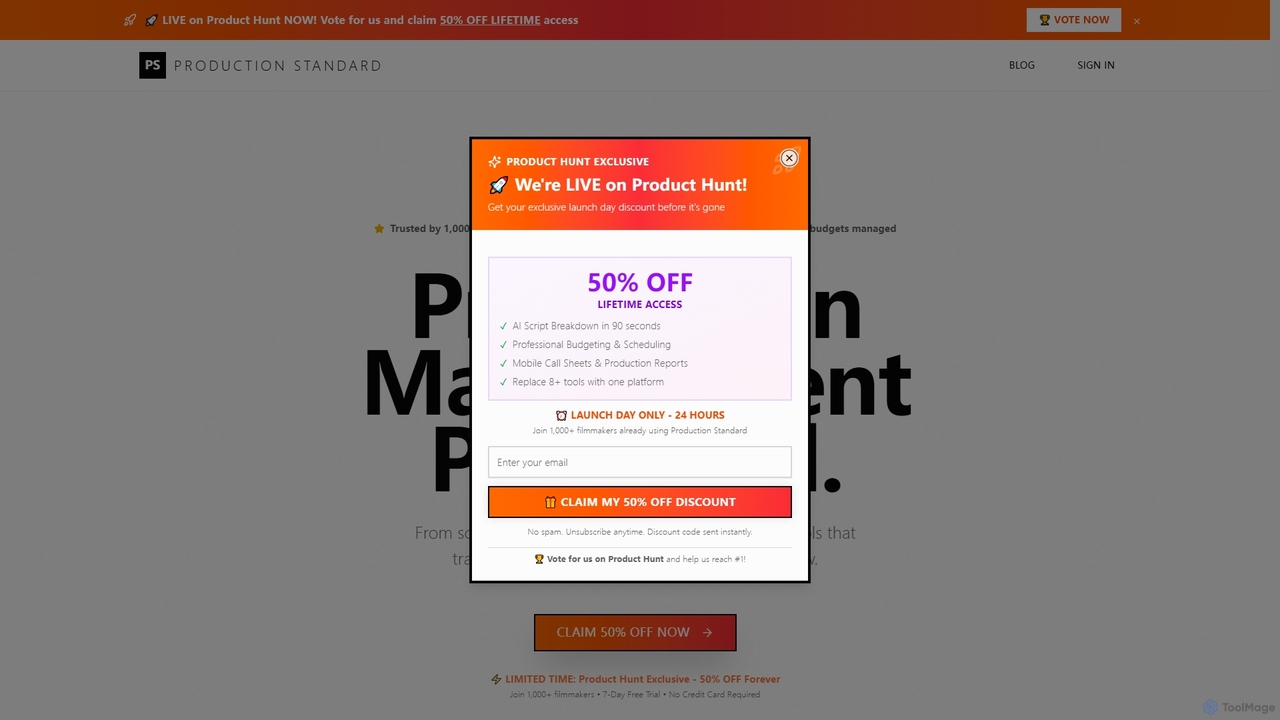
An AI-powered, all-in-one film production management platform. It streamlines pre-production by automating script breakdowns, optimizing schedules, managing budgets, and generating call sheets. Designed by filmmakers, it replaces over 8 tools, saving time and money while ensuring a professional workflow from script to wrap.

Management
Visits 5.3KFavorites 86Likes 80
Speakflow
Freemium

Speakflow

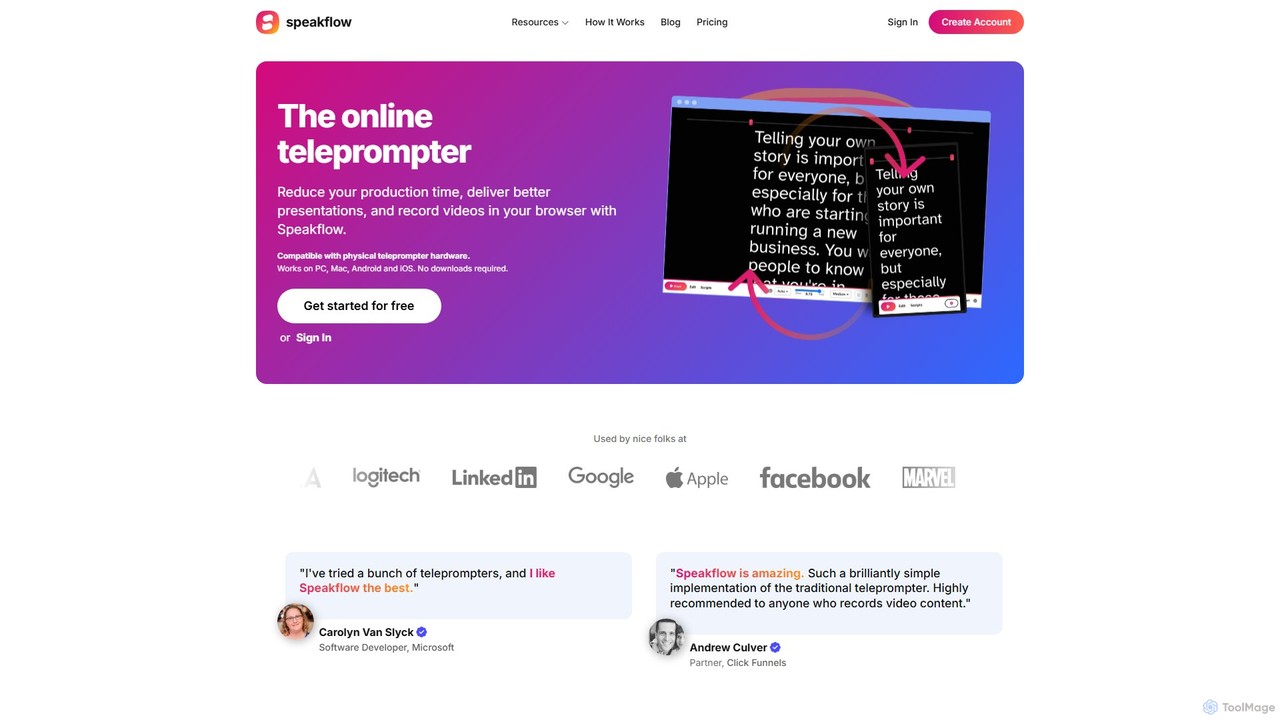
Speakflow is an intelligent, browser-based teleprompter designed for creators, presenters, and teams. It uses voice recognition to scroll your script automatically as you speak, syncs across multiple devices, and allows for in-browser video recording and team collaboration. Reduce production time and deliver flawless presentations with this all-in-one tool.

Content Creation
Visits 178.5KFavorites 132Likes 136
LiveArena

LiveArena

LiveArena is an AI-powered video production platform that democratizes professional broadcasting. Its AI Producer technology automates tasks like camera switching and graphics insertion, enabling organizations to easily create high-quality live streams and recordings for hybrid meetings, webinars, and events without a large production crew.

Virtual Classroom
Visits 6.4KFavorites 120Likes 134

About Production

AI Video Production tools are a class of software that uses generative artificial intelligence to create new video content from scratch. These tools leverage advanced models like text-to-video and image-to-video to translate user prompts into dynamic visual sequences. They significantly lower the barrier to video creation, enabling users to produce original footage, animations, and visual effects without needing cameras, physical sets, or complex animation skills. This approach accelerates content workflows and opens up new creative possibilities for visual storytelling.

Core Features

  • Text-to-Video Generation: Creates video clips directly from descriptive text prompts.
  • AI Avatar Creation: Generates and animates lifelike or stylized virtual presenters for narration and presentations.
  • Virtual Environment & Set Design: Produces realistic or imaginative backgrounds and scenes for videos.
  • Style Transfer & Consistency: Applies a specific artistic style across multiple generated clips to maintain a cohesive look.
  • Automated Motion & Cinematography: Generates camera movements, transitions, and object animations based on high-level instructions.

Use Cases

These tools are widely used by marketers for creating scalable social media ads and product demos. Content creators and educators leverage them to produce engaging explainer videos and visual content without filming. They also serve filmmakers and designers for rapid prototyping and pre-visualization of complex scenes.

How to Choose

When selecting an AI Video Production tool, evaluate the output quality and resolution. Consider the level of creative control and customization offered. Assess the generation speed, the consistency of the AI's output, and the platform's pricing model, which is often based on generation time or the number of videos created.

Production use cases

1

Rapidly Generate Social Media Video Ads

A digital marketer needs to launch a campaign with multiple video ad variations for A/B testing. Instead of a costly and time-consuming video shoot, they use an AI production tool. By inputting different text prompts like 'a sleek smartphone on a minimalist background with glowing particles' and 'a person happily using a smartphone in a bright cafe,' the tool generates several distinct 15-second video clips. This allows the marketer to create and test over ten ad variations in a single afternoon, optimizing for engagement without a large production budget.

2

Create Corporate Training Videos with AI Avatars

An HR department is tasked with creating a series of compliance training videos for a global workforce. To ensure consistency and easy updates, they use an AI avatar tool. They upload a script, choose a pre-designed avatar, and select a voice. The AI generates a video of the avatar presenting the material clearly. When a policy changes, they simply edit the script and regenerate the video in minutes, avoiding the need to re-hire an actor and book a studio, while also easily localizing the content with different AI voices.

3

Pre-visualize Film and Animation Scenes

A film director or animator needs to storyboard a complex action sequence. Using an AI video production tool, they can input scene descriptions from the script, such as 'a wide shot of a spaceship landing in a desert at dusk.' The AI generates a rough visual representation of the scene, helping the creative team visualize camera angles, pacing, and composition. This process, known as pre-visualization or 'previz,' allows for faster iteration on creative ideas before committing to expensive animation or live-action production.

4

Produce Animated Explainer Videos for Products

A tech startup wants to create an engaging animated video to explain how their new software works. Lacking an in-house animation team, they turn to an AI production platform. They provide a script, choose an animation style (e.g., 2D flat design, whiteboard), and the AI generates the entire video, complete with animated characters, screen captures, and scene transitions. This enables them to produce a professional-looking explainer video within a few hours at a fraction of the cost of traditional animation services.

5

Generate Custom B-Roll and Stock Footage

A documentary filmmaker is editing a piece about future technology but can't find specific stock footage for concepts like 'nanobots repairing cells.' Using a text-to-video AI tool, they can generate highly specific, custom B-roll clips that precisely match their narrative needs. This avoids generic stock footage and gives them complete creative control over the visuals, allowing them to illustrate abstract or non-existent concepts effectively and affordably.

6

Automate Real Estate Virtual Tours

A real estate agency wants to create compelling video tours for dozens of properties quickly. They upload still photos of each room into an AI video production tool. The AI then animates these images, creating smooth panning and zooming effects (the Ken Burns effect), and stitches them together into a cohesive video tour. By adding AI-generated narration based on the property description, the agency can produce professional virtual tours for every listing automatically, enhancing their marketing efforts without requiring a videographer for each property.

Production FAQ

What are AI Video Production tools?

AI Video Production tools are applications that use generative AI to create new video content from user inputs like text or images. Unlike traditional video editors that modify existing footage, these tools generate original video clips, animations, or virtual scenes from scratch. They are primarily used for tasks like text-to-video creation, AI avatar presentations, and generating custom visual effects, making video creation more accessible and efficient.

How do I choose the right AI Video Production tool?

To choose the right tool, consider these key factors:

  • Output Quality: Check the maximum resolution (e.g., 1080p, 4K) and look for examples to assess visual clarity and realism.
  • Creative Control: Determine how much you can influence the output, such as camera angles, character appearance, and artistic style.
  • Use Case Alignment: Select a tool specialized for your needs, whether it's realistic video, animated explainers, or AI avatars.
  • Pricing Model: Compare costs, which are often based on credits, subscription tiers, or the length of video generated.
What's the difference between AI Video Production and AI Video Editing tools?

The key difference lies in their core function. AI Video Production tools create new video content that didn't exist before, using generative models to turn prompts into visuals. In contrast, AI Video Editing tools manipulate existing video footage. They automate tasks like cutting scenes, adding subtitles, removing backgrounds, or enhancing video quality, but they work with pre-recorded material rather than generating it.

What kind of video quality can I expect from AI Production tools?

The quality of AI-generated video is improving rapidly but can vary significantly between platforms. Top-tier tools can now produce coherent, high-definition (1080p or higher) clips with impressive realism and detail, especially for shorter durations. However, users may still encounter occasional visual artifacts, strange physics, or a lack of perfect temporal consistency in longer videos. It's best suited for short-form content, ads, and conceptual visuals rather than feature-length films.

Who can benefit from using AI Video Production tools?

A wide range of users can benefit. Marketers can quickly create ad variations and social media content. Businesses and educators can produce training and explainer videos without high production costs. Content creators can generate unique B-roll and visual elements. Filmmakers and game developers can use them for rapid prototyping and pre-visualization of ideas before committing to full-scale production.