Video Best in category 1 results Recording AI Tool

Popular AI tools in the Recording field of Video include Riverside, etc., helping you quickly improve efficiency.

Riverside

Riverside

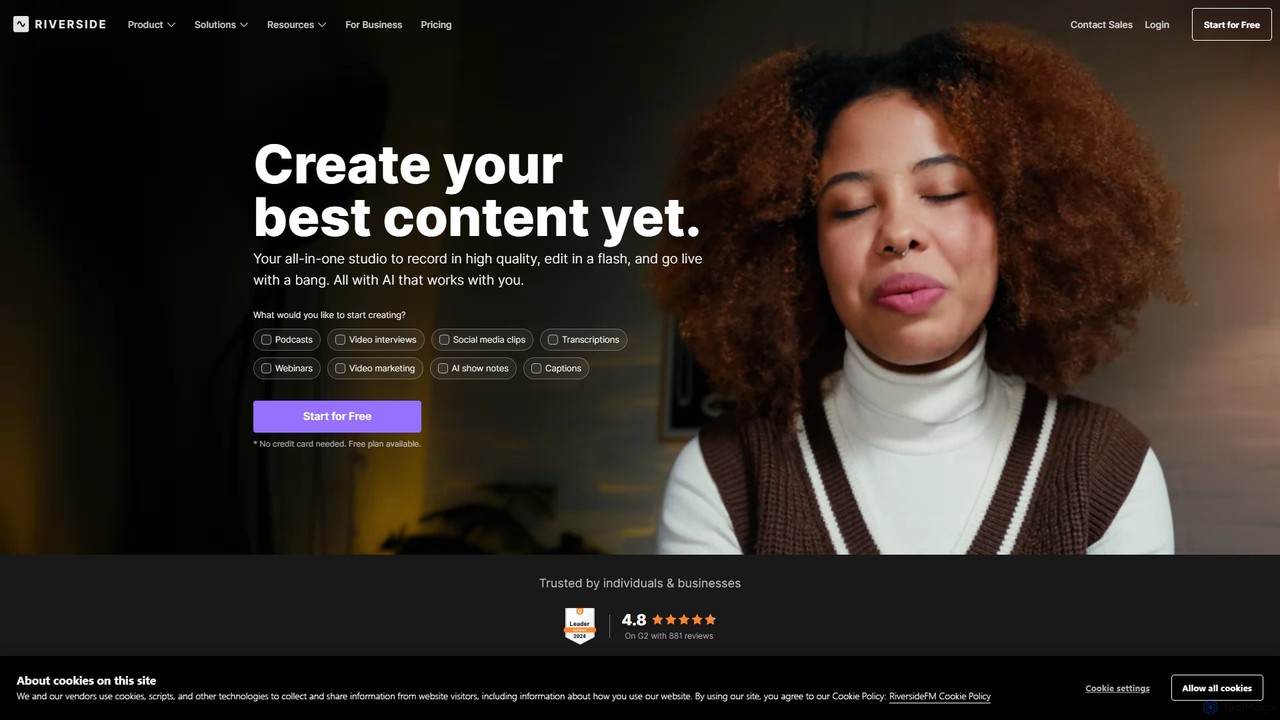
Riverside is an all-in-one platform for podcast and video creation, leveraging AI to streamline recording, editing, and live …

3.9M

About Recording

AI Recording tools are applications that use artificial intelligence to capture, transcribe, and process video and audio content. These tools go beyond simple screen capture by incorporating features like real-time transcription, speaker identification, and automated summarization. They are designed to streamline the content creation workflow, making it easier to capture information accurately and prepare it for editing or distribution. By automating tedious tasks, AI Recording software significantly reduces post-production time and effort.

Core Features

  • Real-time Transcription: Automatically converts spoken words into text during the recording session.
  • AI Speaker Framing: Dynamically keeps the speaker centered in the frame, similar to a virtual camera operator.
  • Automated Summarization: Generates concise summaries, chapters, and key takeaways from the recorded content.
  • Content-based Editing: Allows users to edit the video by simply editing the text transcript.
  • Filler Word Removal: Intelligently detects and removes filler words like 'um' and 'ah' from the recording.

Use Cases

These tools are widely used in corporate environments for recording meetings and generating automated minutes. Content creators, educators, and marketers use them to produce tutorials, podcasts, and webinars more efficiently. UX researchers and sales teams also leverage them to capture and analyze user interviews and product demos, extracting insights with ease.

How to Choose

When selecting an AI Recording tool, consider the accuracy of its transcription and speaker recognition. Evaluate its integration capabilities with other platforms like calendars, cloud storage, or project management tools. Assess the quality of its AI-powered editing features, such as summarization and filler word removal. Finally, consider the pricing model and collaboration features to ensure it fits your team's workflow and budget.

RecordingUse Cases

1

Automating Meeting Minutes and Action Items

A project manager uses an AI Recording tool to capture a weekly team sync. The tool records the video call, transcribes the entire conversation in real-time, and distinguishes between different speakers. After the meeting, it automatically generates a concise summary, highlights key decisions, and creates a list of action items with assigned owners. This eliminates the need for manual note-taking and ensures all tasks are accurately captured, saving the manager several hours per week.

2

Creating Polished Educational Content

An online educator records a software tutorial using an AI Recording tool. The tool's AI speaker framing keeps them perfectly centered as they move. While recording, they make a few mistakes. Instead of re-recording, they use the content-based editing feature. By simply deleting the corresponding incorrect sentences from the transcript, the tool automatically cuts those segments from the video, creating a seamless final product in minutes.

3

Streamlining User Research Interviews

A UX researcher conducts remote user interviews to gather feedback on a new product feature. They use an AI Recording tool to capture the video call. The tool automatically transcribes the entire session. Later, the researcher can search the transcript for keywords like 'confusing' or 'frustrating' to instantly jump to critical moments in the video. The AI also generates a summary of key themes, accelerating the analysis process and making it easier to share insights with the product team.

4

Repurposing Webinars into Social Media Clips

A marketing team hosts a one-hour webinar. Using an AI Recording tool, they not only capture the event but also get an instant transcript. The tool's AI identifies the most engaging questions from the Q&A session and suggests several key moments as potential short-form video clips. The team can then quickly edit these highlights directly within the tool and export them as vertical videos, ready for posting on platforms like TikTok and Instagram Reels, maximizing the webinar's reach.

5

Recording Asynchronous Team Updates

A software developer needs to explain a complex piece of code to their remote team. Instead of scheduling a meeting, they use an AI Recording tool to create a quick screen recording. The tool automatically generates chapters based on the different functions they explain. They can also easily trim the start and end of the video. The final recording, complete with a searchable transcript and chapters, is shared in the team's communication channel, allowing colleagues to watch and understand the update at their own convenience.

6

Capturing and Analyzing Sales Demos

A sales representative records a product demo for a potential client using an AI Recording tool. The tool transcribes the call and identifies key questions asked by the client. The sales manager can later review the recording and its transcript to analyze the rep's performance, identify areas for improvement, and understand the client's main concerns without having to watch the entire hour-long video. This data helps in refining the sales pitch and training the team more effectively.

RecordingFrequently Asked Questions