ToolMage
Sign in

Best 6 Storyboarding AI tools for Video

Popular Storyboarding AI tools in Video include Boords, Katalist, story_boards.ai, aiscreenwriter, Voxxio, and Immersfy, helping you work more efficiently.

Immersfy
Freemium

Immersfy

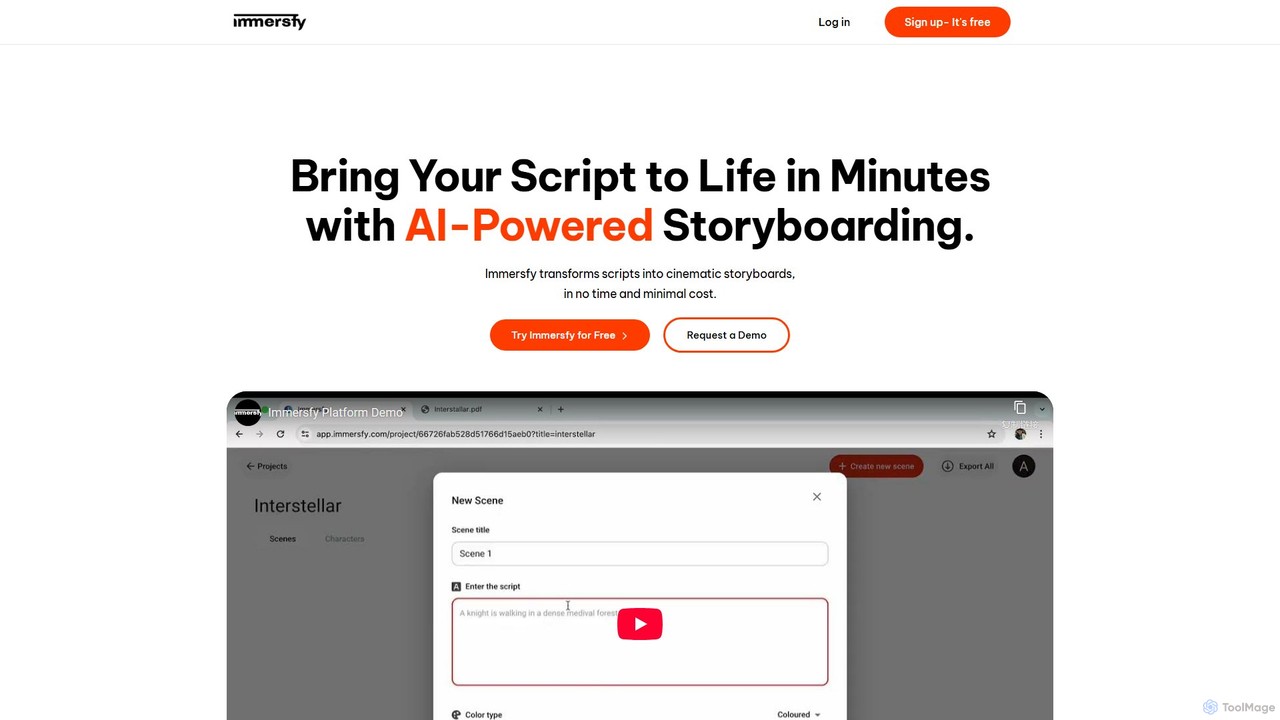
Immersfy is an AI-powered platform that transforms scripts into cinematic storyboards in minutes. It's designed for filmmakers, content creators, and agencies to visualize their stories quickly and cost-effectively, streamlining the pre-production process.

Generative Art
Visits 5.5KFavorites 148Likes 118
Voxxio
Freemium

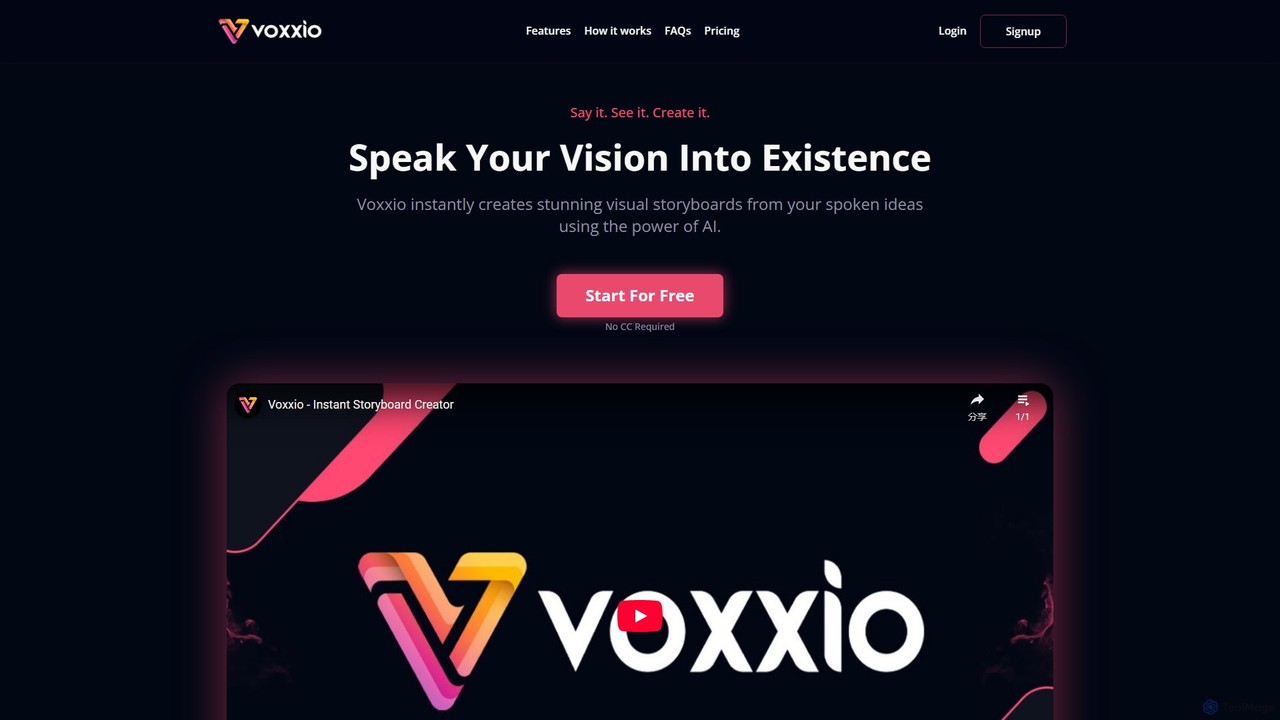
Voxxio

Voxxio is a revolutionary AI storyboard generator that transforms your spoken or written ideas into stunning visual narratives instantly. Designed for creators of all types—filmmakers, writers, advertisers, and educators—it eliminates the need for artistic skills, allowing you to visualize concepts, plan scenes, and bring stories to life with unprecedented speed and ease.

Image Generation
Visits 5.6KFavorites 109Likes 120
story_boards.ai
Freemium

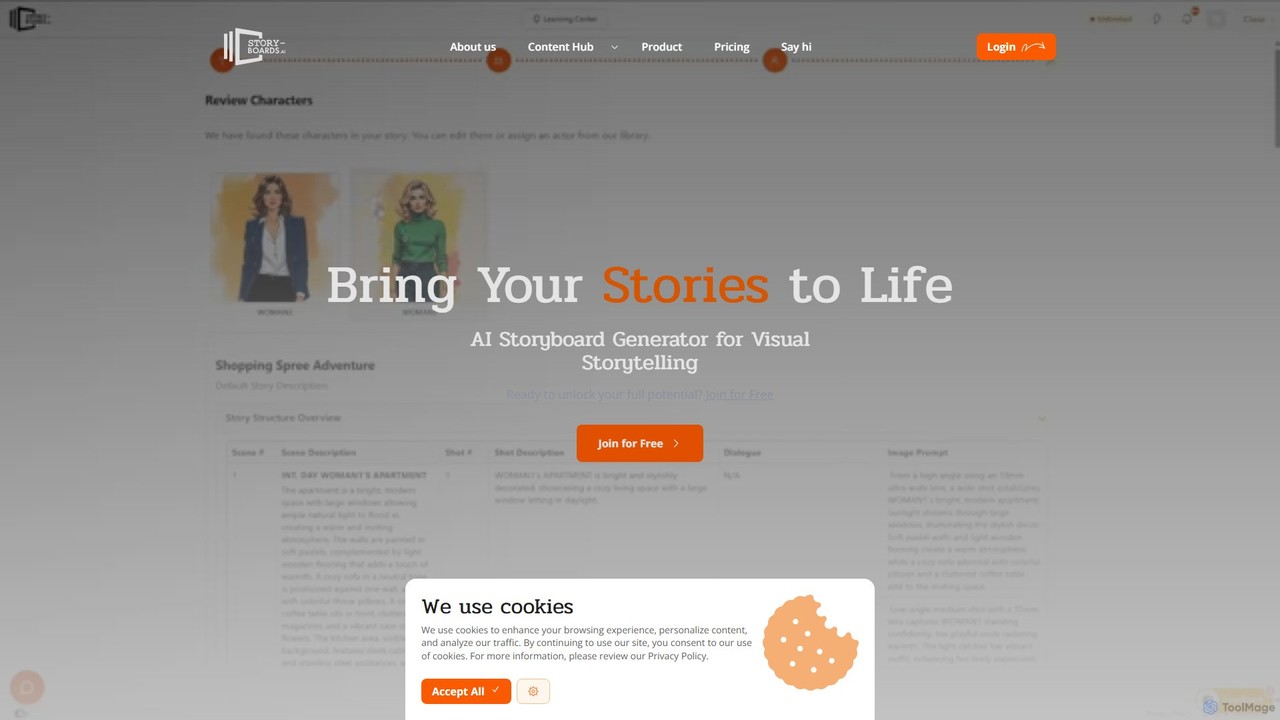
story_boards.ai

story_boards.ai is an AI-powered platform that transforms scripts and ideas into vivid visual storyboards. Designed for filmmakers, ad creators, and storytellers, it streamlines the pre-production process by generating consistent characters, suggesting scene compositions, and enabling team collaboration, turning text into compelling visuals in minutes.

Image Generation
Visits 13.8KFavorites 114Likes 127
Boords
Freemium

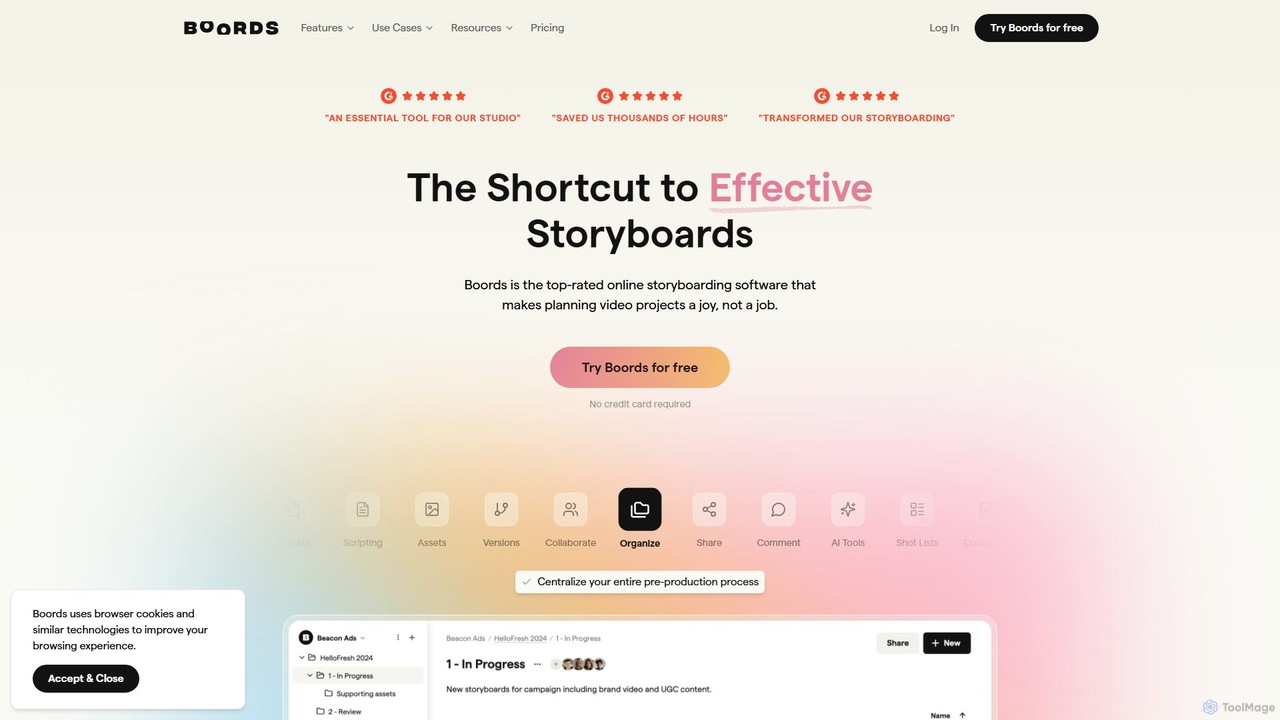
Boords

Boords is an AI-powered online storyboarding software that streamlines the entire video pre-production process. It helps creative teams collaborate on scripts, generate storyboard images with AI, create animatics, and manage client feedback in a single, intuitive platform, making video planning faster and more efficient.

Video Marketing
Visits 246.3KFavorites 93Likes 98
Katalist
Freemium

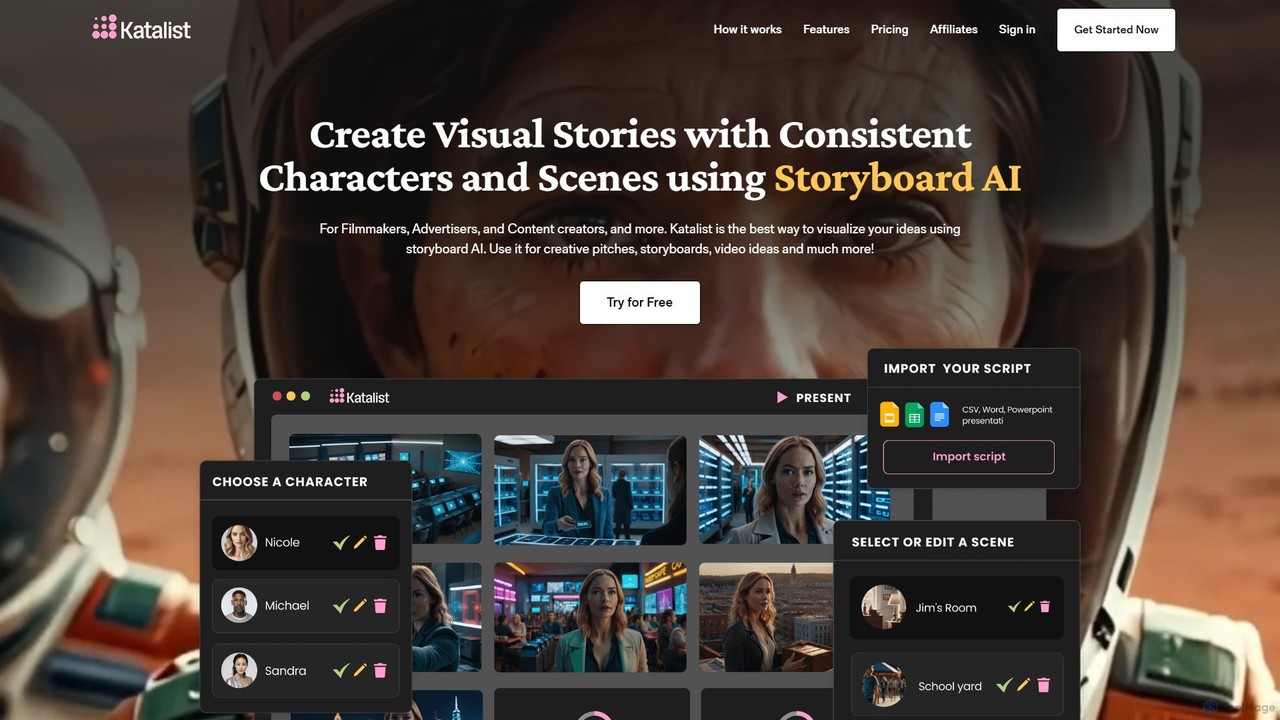
Katalist

Katalist is an AI-powered platform that transforms scripts into dynamic storyboards and videos in a single click. It's designed for filmmakers, content creators, and marketers to visualize stories rapidly, maintain character consistency, and accelerate the pre-production process by up to 4x.

Social Media
Visits 92KFavorites 116Likes 122
aiscreenwriter
Freemium

aiscreenwriter

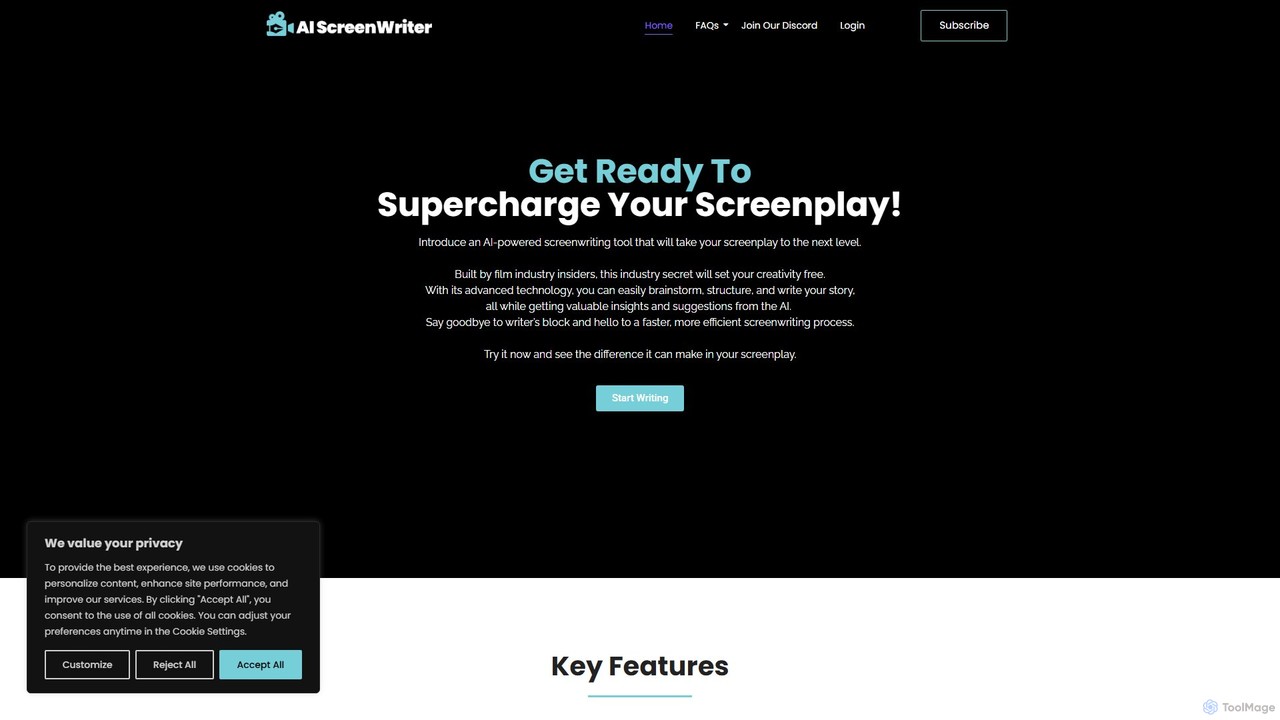
aiscreenwriter is an AI-powered tool designed for filmmakers, and storytellers. It helps generate film scripts, detailed story outlines, and comprehensive character sheets. This creative assistant streamlines the writing process, helps overcome writer's block, and provides tools for brainstorming, structuring narratives, and formatting scripts to industry standards, turning your ideas into production-ready content.

Creative Tools
Visits 7.5KFavorites 109Likes 132

About Storyboarding

AI Storyboarding tools are a specialized category of software that automates the creation of visual narratives from text. They leverage generative AI models to transform scripts, prompts, or ideas into a sequence of illustrated panels, forming the blueprint for a video, film, or animation. This process significantly accelerates pre-production by providing instant visual feedback and facilitating rapid iteration on scene composition and pacing. These tools bridge the gap between a written concept and a visual plan, enabling creators to refine their vision before committing to production resources.

Core Features

  • Text-to-Scene Generation: Instantly converts script lines or descriptive prompts into corresponding visual storyboard panels.
  • Consistent Visual Style: Maintains a uniform artistic style, character design, and color palette across all generated scenes.
  • Automated Camera Angle Suggestions: Recommends cinematic camera shots (e.g., wide, medium, close-up) based on script context.
  • Script Parsing & Scene Breakdown: Automatically analyzes an imported script to identify scenes, characters, and actions for visualization.
  • Interactive Timeline Editor: Allows users to easily rearrange panels, adjust timing, and add director's notes or dialogue.

Use Cases

These tools are invaluable for filmmakers, animators, and ad agencies in the pre-production phase to visualize scripts and pitch concepts. Marketing teams use them to quickly mock up video campaigns, while game developers design narrative cutscenes. Content creators and instructional designers also benefit by planning their video flow and visual elements efficiently.

How to Choose

When selecting an AI Storyboarding tool, consider the quality and diversity of its image generation style. Evaluate its ability to maintain character and style consistency. Check for robust script integration features and the flexibility of its timeline editor. Finally, assess the pricing model—whether it's based on credits or subscriptions—to ensure it aligns with your project frequency and budget.

Storyboarding use cases

1

Rapidly Visualize a Film Script

A screenwriter or director needs to pitch a new film concept to producers. Instead of hiring an artist, they input the script into an AI Storyboarding tool. The AI parses the text, identifies key scenes, and generates a complete visual storyboard in a chosen artistic style. This allows them to present a compelling visual narrative, make real-time edits based on feedback, and get project approval much faster than with traditional methods.

2

Plan a Social Media Video Ad Campaign

A marketing manager is tasked with creating a series of short video ads for a new product. Using an AI Storyboarding tool, the team inputs different ad concepts and taglines. The tool generates multiple storyboard variations for each concept, exploring different visual styles and camera angles. This enables A/B testing of visual approaches before production begins, optimizing the campaign's potential impact and saving on costly reshoots.

3

Design Video Game Cutscenes

A narrative designer for a video game needs to map out the game's cinematic sequences. They use an AI Storyboarding tool to translate the game's script into visual panels. The tool's ability to maintain character consistency is crucial for visualizing how key characters will appear and act in different scenes. This visual blueprint guides the animation and 3D modeling teams, ensuring the final cutscenes align with the narrative vision.

4

Structure a YouTube Explainer Video

A content creator is producing a complex explainer video. To ensure a clear and engaging flow, they outline the script's key points in an AI Storyboarding tool. The tool generates simple, clear visuals for each point, helping the creator plan the B-roll footage, on-screen text, and animations needed. This pre-visualization step streamlines the filming and editing process, resulting in a more polished and professional final video.

5

Develop Corporate Training Modules

An instructional designer is creating an e-learning course that includes several animated video scenarios. They use an AI Storyboarding tool to quickly sketch out each training module's narrative. The tool helps visualize character interactions and step-by-step processes, ensuring the educational content is clear and visually engaging. The resulting storyboard serves as a clear guide for the animation team, reducing ambiguity and production time.

6

Mockup an Animated Series Pitch

An independent animator has an idea for a new animated series but lacks the resources for a full pilot. They write a pilot script and use an AI Storyboarding tool to generate a high-quality storyboard reel. By adding temporary voice-overs and sound effects to the sequenced panels, they create a professional-looking pitch deck that effectively communicates the show's tone, style, and story, increasing the chances of securing funding.

Storyboarding FAQ

What are AI Storyboarding tools?

AI Storyboarding tools are applications that use artificial intelligence to automatically generate a sequence of visual panels from text input like a script or prompt. They streamline the pre-production process by quickly translating written ideas into a visual format. Key features often include text-to-image generation, style consistency, and automated suggestions for camera angles, helping creators visualize their narrative before filming or animation begins.

How do I choose the right AI Storyboarding tool?

To choose the right tool, evaluate these factors:

  • Image Quality & Style: Does the AI generate visuals that match your desired aesthetic? Look for tools with diverse style options.
  • Consistency Control: How well does the tool maintain character and background consistency across different panels?
  • Script Integration: Can it import scripts and automatically break them down into scenes?
  • Collaboration Features: Does it allow team members to comment on and edit the storyboard?
  • Export Options: Can you export the storyboard in useful formats like PDF, image sequences, or video files?
What's the difference between AI Storyboarding and traditional digital storyboarding?

The primary difference is automation. Traditional digital storyboarding requires an artist to manually draw or assemble pre-made assets for each panel, which is time-consuming. AI Storyboarding tools automate the image creation process, generating visuals directly from text descriptions. This allows for much faster iteration and concept exploration, as entire scenes can be visualized in minutes instead of hours or days. However, traditional methods may offer more precise artistic control over every detail.

What key features should I look for in an AI Storyboarding tool?

Look for a combination of generative AI power and practical workflow features. Essential features include high-quality text-to-image generation, the ability to define and maintain consistent characters, a flexible timeline for reordering scenes, options to specify camera shots (e.g., close-up, wide shot), and the ability to add notes, dialogue, and sound direction to each panel. Strong script import and export capabilities are also crucial for integrating the tool into a professional video production workflow.

Who can benefit from using AI Storyboarding tools?

A wide range of creators can benefit. Filmmakers and animators use them to accelerate pre-production and pitching. Marketing and advertising professionals can quickly create mockups for video campaigns. Game developers can design narrative cutscenes. YouTubers and online content creators can plan their video structure. Even instructional designers and UX designers can use them to visualize training modules or user flows, making these tools versatile for anyone involved in visual storytelling.