SummarizeYou
SummarizeYou is an AI-powered tool that instantly summarizes YouTube videos. It provides concise summaries, timestamped breakdowns, downloadable subtitles, …
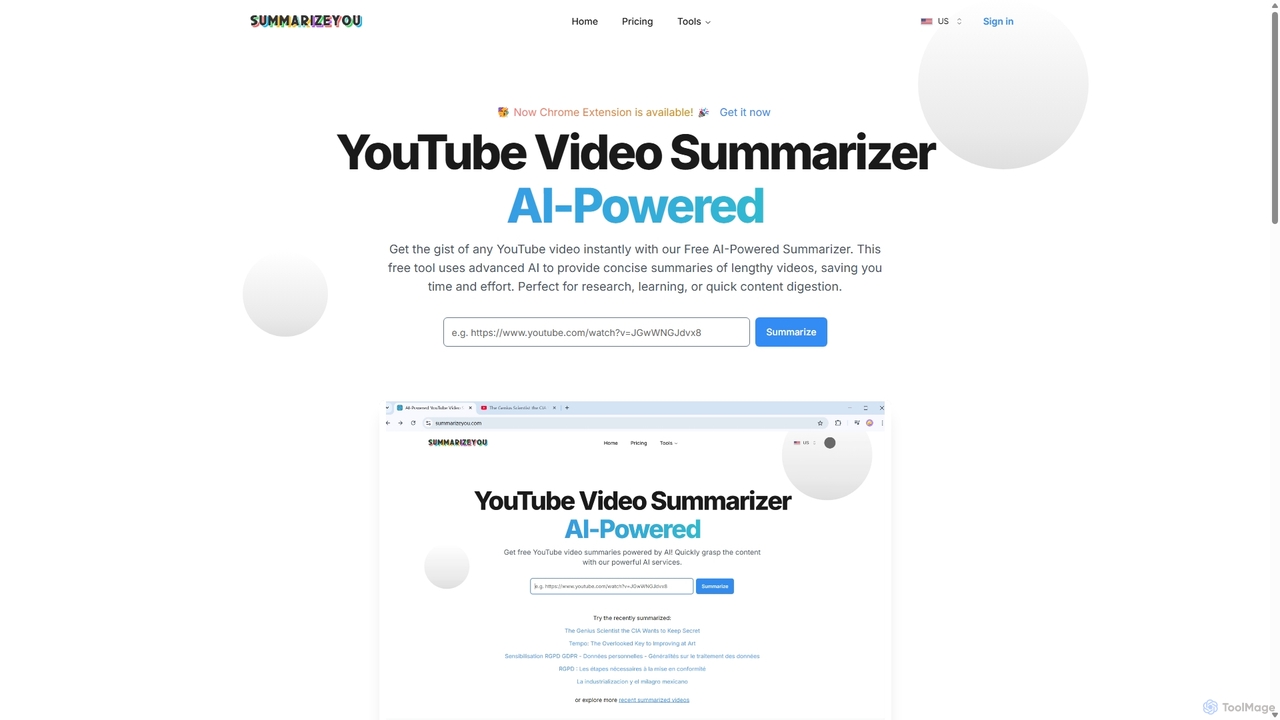
SummarizeYou is an AI-powered tool that instantly summarizes YouTube videos. It provides concise summaries, timestamped breakdowns, downloadable subtitles, and interactive mind maps, saving time for students, researchers, and professionals. It also features a Chrome extension for seamless integration.
Summarize.ing
Summarize.ing is an AI-powered tool that instantly generates comprehensive summaries of any YouTube video. Powered by Claude 3.5 …
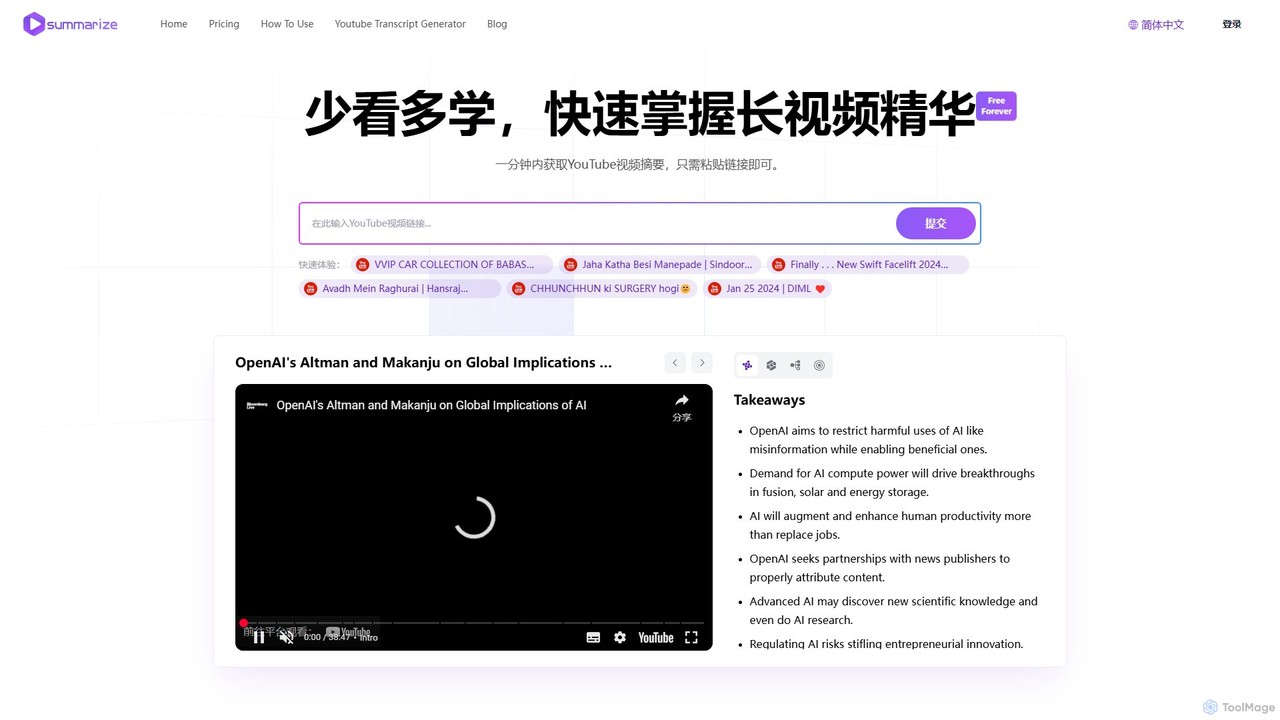
Summarize.ing is an AI-powered tool that instantly generates comprehensive summaries of any YouTube video. Powered by Claude 3.5 Sonnet, it extracts key points, creates mind maps, and provides FAQs to help you learn faster and save valuable time. Simply paste a video link to get detailed, multi-dimensional insights in under a minute. Ideal for students, researchers, and lifelong learners.
ytsummary
ytsummary is a ChatGPT-powered AI tool that instantly generates concise summaries, key points, and visual mind maps for …
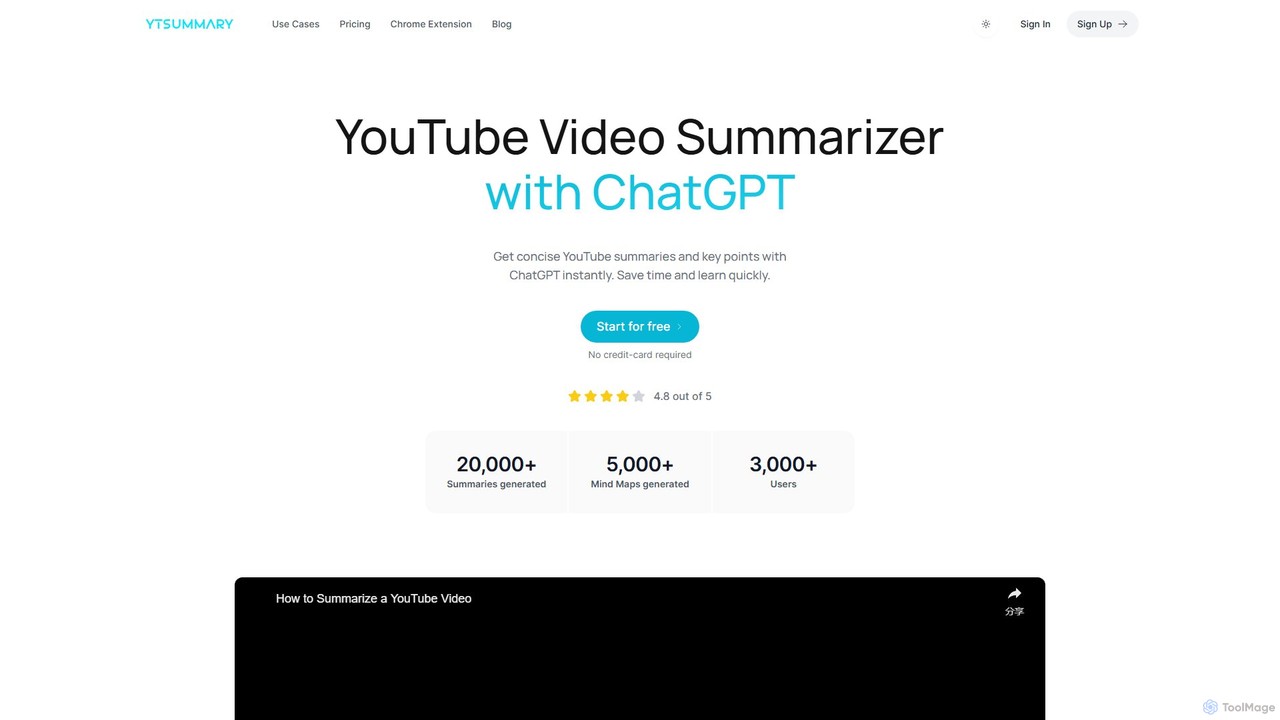
ytsummary is a ChatGPT-powered AI tool that instantly generates concise summaries, key points, and visual mind maps for any YouTube video. It's designed to save you time, enhance learning, and boost productivity by allowing you to grasp the core content of long videos without watching them in their entirety. It supports multiple languages, various export formats, and includes a convenient Chrome extension.
About Tools
AI Video Tools are a category of specialized applications that automate specific tasks within the video production workflow. Leveraging machine learning algorithms, these tools handle functions like transcription, quality enhancement, and content analysis without requiring a full editing suite. They are designed to streamline repetitive processes, improve video accessibility, and enhance visual quality with minimal manual effort. This focused approach allows creators and professionals to efficiently tackle specific challenges in their video projects.
Core Features
- Automated Transcription & Subtitling: Converts spoken audio in videos into text for accurate captions and subtitles.
- Video Quality Enhancement: Uses AI to upscale resolution, reduce noise, and stabilize shaky footage.
- Smart Object Removal: Intelligently identifies and removes unwanted objects or people from video scenes.
- Content Analysis & Tagging: Automatically analyzes video content to generate descriptive keywords and metadata.
- AI-Powered Clipping: Identifies key moments or highlights in longer videos to create short, shareable clips.
Use Cases
These tools are widely used by content creators for generating accessible subtitles, marketing teams for repurposing and enhancing ad footage, and educational institutions for transcribing lectures. Post-production houses also use them for cleanup tasks like object removal, saving significant time in the editing process.
How to Choose
When selecting an AI Video Tool, consider its specific function and how it fits your workflow. Evaluate the accuracy of its AI model (e.g., transcription accuracy), processing speed, supported video formats, and integration capabilities with your primary editing software. Also, review the pricing model, whether it's subscription-based or pay-per-use.
ToolsUse Cases
Generate Accurate Subtitles for Social Media
A social media manager needs to increase the accessibility and watch time of their brand's videos on platforms like Instagram and TikTok, where many users watch with the sound off. Using an AI Video Tool, they upload the final video file. The tool's speech-to-text engine automatically transcribes the audio and generates time-coded subtitles. The manager can quickly review and edit the text for accuracy before exporting the video with burned-in captions, ensuring the message is clear to all viewers and improving engagement metrics.
Restore and Upscale Archival Footage
A documentary filmmaker has sourced rare, low-resolution archival footage from the 1980s. To integrate it into their modern 4K production, they use an AI video enhancement tool. The tool analyzes the footage, reduces grain and compression artifacts, and intelligently upscales the resolution to 4K. This process sharpens details and improves clarity, allowing the historical clips to blend seamlessly with newly shot high-definition content without appearing jarring or low-quality.
Create Searchable Lecture Archives
An online learning platform records hours of video lectures each week. To make this content more accessible and useful for students, they process all videos through an AI transcription tool. The tool generates a full, time-stamped text transcript for each lecture. This transcript is then published alongside the video, allowing students to search for specific keywords, quickly navigate to relevant sections, and read along, significantly improving the learning experience and content discoverability.
Remove Unwanted Objects from Video Shots
During a commercial shoot, a boom microphone accidentally appeared in the corner of a perfect take. Instead of reshooting, the post-production editor uses an AI object removal tool. They simply mark the microphone in the relevant frames. The AI analyzes the surrounding pixels and intelligently fills in the space, seamlessly removing the object from the scene. This saves hours of complex manual rotoscoping and preserves the original high-quality performance.
Automate Video Content Tagging for Media Libraries
A large media company manages a vast library of stock video footage. Manually tagging each clip is a time-consuming task. They implement an AI video analysis tool that automatically scans every new video. The tool identifies objects, scenes, actions, and even emotions, generating a comprehensive list of relevant metadata tags. This automates the cataloging process, making the entire library instantly searchable for producers and clients looking for specific types of content.
Repurpose Webinars into Social Media Clips
A B2B marketing team wants to promote a one-hour webinar on social media. Instead of manually re-watching and cutting clips, they use an AI clipping tool. The tool analyzes the webinar's transcript and visual cues to identify the most engaging questions, key insights, and speaker highlights. It then automatically suggests several short, shareable clips, complete with captions. The team can select the best ones, make minor edits, and quickly distribute them across multiple platforms, maximizing the webinar's reach.