Toolsmart
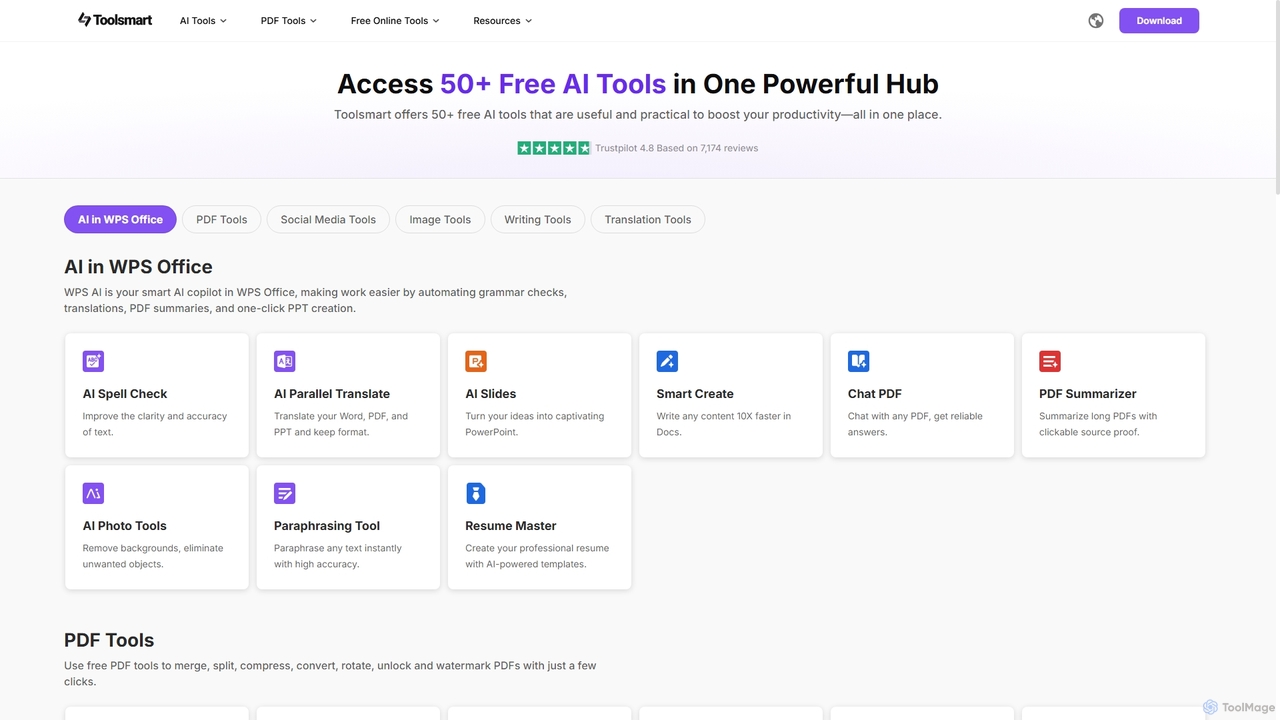
Toolsmart is a comprehensive suite of over 50 free AI-powered tools designed to boost productivity. It offers a …
Toolsmart is a comprehensive suite of over 50 free AI-powered tools designed to boost productivity. It offers a wide range of utilities in one convenient hub, including PDF converters and editors, social media video downloaders, advanced image editing tools like background and watermark removers, and a variety of AI writing assistants for paraphrasing, summarizing, and humanizing text. No sign-up is required for most tools, providing a fast, accessible, and ad-free user experience for creators, marketers, and professionals.
WooTechy
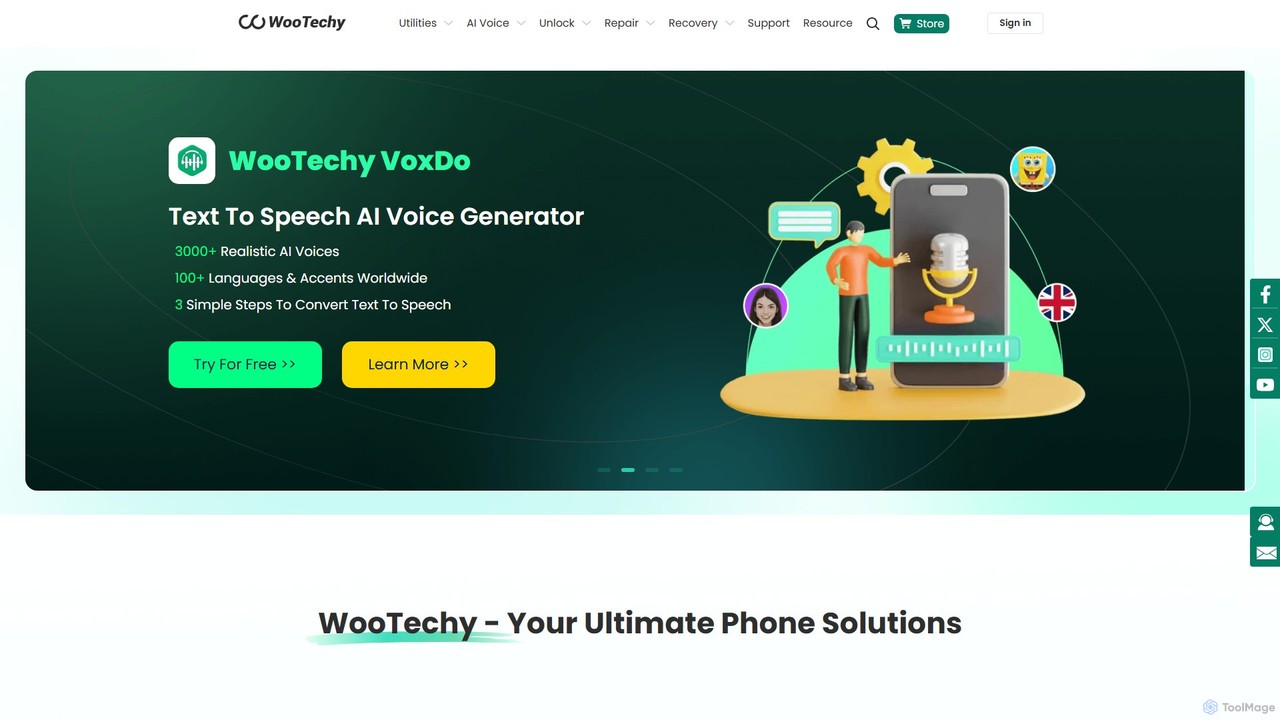
WooTechy offers a comprehensive suite of software solutions for iOS, Android, and PC. It specializes in device unlocking, …
WooTechy offers a comprehensive suite of software solutions for iOS, Android, and PC. It specializes in device unlocking, system repair, data recovery, and location spoofing. The suite also includes powerful AI tools like VoxDo for text-to-speech with over 3000 voices and SoundBot for real-time voice changing, providing solutions for both practical problems and creative projects.
About Video Downloader
Video Downloader tools are designed to save online video content from various platforms directly to a user's local device. These tools typically work by parsing video URLs and extracting the underlying video stream, allowing for offline viewing, archiving, or re-editing. They provide a convenient solution for accessing digital media without an internet connection and managing personal video libraries efficiently.
Core Features
- Platform Compatibility: Supports downloading from a wide range of popular video-sharing and social media platforms.
- Quality Selection: Offers options to download videos in various resolutions, from standard definition to high definition (HD) and even 4K.
- Format Conversion: Ability to convert downloaded videos into different file formats like MP4, MOV, AVI, or extract audio as MP3.
- Batch Downloading: Allows users to queue and download multiple videos simultaneously, saving time and effort.
- Subtitle & Audio Download: Supports downloading associated subtitles or extracting only the audio track from a video.
Applicable Scenarios
Video downloaders are widely used by content creators for archiving source material, students saving educational lectures for offline study, and travelers downloading entertainment for long journeys. They also serve individuals who wish to back up their own uploaded content or create personal offline media libraries.
How to Choose
When selecting a video downloader, consider its compatibility with your preferred platforms, the range of output qualities and formats offered, and its ease of use. Look for features like batch downloading and subtitle support, and always verify the tool's legality and reputation to ensure safe and ethical use.
Video DownloaderUse Cases
Archiving Educational Lectures for Offline Study
Students and lifelong learners can use video downloaders to save online courses, tutorials, and academic lectures from platforms like YouTube or educational portals. This allows them to create a personal library of learning materials, accessible anytime without an internet connection, facilitating focused study and review, especially in areas with unreliable connectivity.
Creating Offline Entertainment Libraries for Travel
Frequent travelers or commuters can download movies, TV shows, documentaries, or music videos from various online sources. By saving this content to their devices, they can enjoy uninterrupted entertainment during flights, train rides, or in areas without internet access, significantly enhancing their travel experience without relying on mobile data or Wi-Fi.
Content Creation and Re-editing of Public Domain Footage
Video editors and content creators can utilize video downloaders to acquire public domain footage, stock videos, or their own previously uploaded content for re-editing, repurposing, or creating compilations. This streamlines the workflow by providing direct access to source material, enabling creative professionals to integrate diverse clips into new projects without quality loss.
Backing Up Personal Videos from Social Media
Individuals can use video downloaders to create personal backups of their own vlogs, family videos, or memorable clips uploaded to social media platforms. This ensures that precious memories are securely stored on a local device, protecting against potential data loss if a platform changes its policies, experiences technical issues, or if the original content is accidentally deleted.
Analyzing Competitor Video Content Offline
Marketing professionals and business analysts can download public promotional videos, advertisements, or product demonstrations from competitors. This allows for detailed offline analysis of their strategies, ad creatives, and content styles without requiring an active internet connection, facilitating competitive research and strategic planning for their own campaigns.
Saving Music Videos for Audio Extraction
Users interested in music can download music videos to extract only the audio track, effectively converting them into MP3 files. This is useful for creating a personalized offline music library, compiling playlists, or using the audio in other creative projects (while respecting copyright laws). It offers flexibility for enjoying visual content in an audio-only format.