
ToolMage
Sign in

Best 1 Video Downloading AI tools for Video

Popular Video Downloading AI tools in Video include Nabla Mind, helping you work more efficiently.

Nabla Mind
Freemium

Nabla Mind

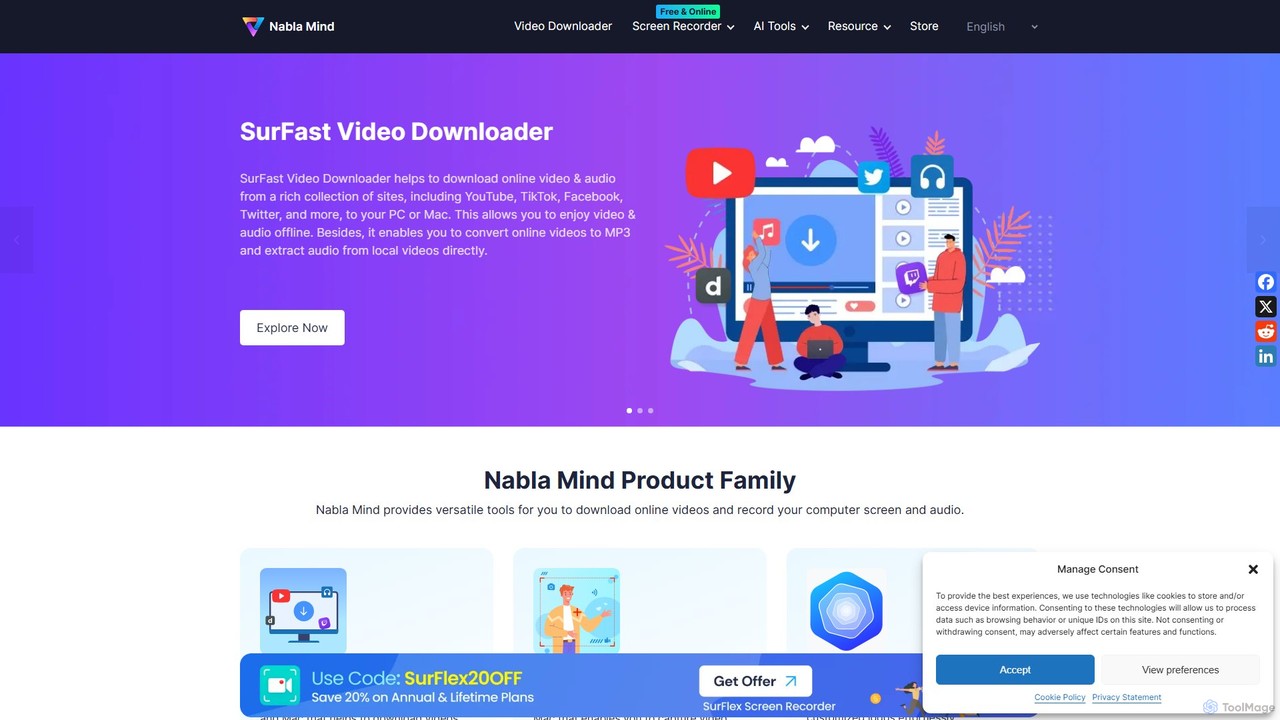
Nabla Mind offers a suite of powerful software for content creators and professionals, including SurFast Video Downloader, SurFlex Screen Recorder, and AI-powered utilities. Easily download online videos, record your screen with audio, and leverage AI for creative tasks like logo design and automatic captioning.

Logo Generation
Visits 162.3KFavorites 145Likes 156

About Video Downloading

Video Downloading tools are specialized software and online services designed to extract and save video content from various internet platforms to local devices. These tools often leverage sophisticated parsing algorithms and smart detection capabilities to identify video streams, offering users options for different formats and resolutions. They empower individuals and professionals to watch content offline, archive important media, or repurpose videos for personal and professional projects, significantly enhancing content accessibility and management.

Core Features

  • Multi-Platform Support: Download videos from popular sites like YouTube, Vimeo, TikTok, and various social media platforms.
  • Resolution & Format Selection: Choose desired video quality (e.g., 720p, 1080p, 4K) and output formats (e.g., MP4, AVI, MOV, MP3).
  • Batch Downloading: Save multiple videos, entire playlists, or channels simultaneously, streamlining the download process.
  • Audio Extraction: Convert video files to audio-only formats (e.g., MP3, WAV) for listening on the go.
  • Subtitle Download: Option to download accompanying subtitles or captions along with the video content.

Use Cases

Content creators frequently utilize video downloading tools to archive their published work or gather reference material for new projects, ensuring offline access to essential media assets. Educators and students can download lectures or tutorials for offline study, particularly beneficial in areas with limited or unreliable internet access.

How to Choose

When selecting a video downloading tool, prioritize its compatibility with your most frequently used platforms and desired output formats. Evaluate download speed, support for high resolutions (like 4K), and the availability of batch downloading features. Additionally, consider user-friendliness, security measures to prevent malware, and whether it offers an ad-free downloading experience.

Video Downloading use cases

1

Archiving Personal Content

Content creators download their own videos from platforms to create local backups and maintain a personal archive of their work. A YouTuber regularly downloads all their uploaded videos from their channel to a local hard drive. This ensures they have original, high-quality copies of their content, independent of platform availability, and can easily access them for re-editing or repurposing without needing an internet connection.

2

Offline Learning & Education

Students and professionals download educational videos, lectures, or tutorials for offline viewing and study. A university student needs to review several hours of online lectures for an upcoming exam but has unreliable internet at home. They use a video downloading tool to save all required lecture videos to their laptop, allowing them to study effectively anywhere, anytime, without buffering issues.

3

Reference Material for Creative Projects

Designers and video editors download specific clips or entire videos as reference for inspiration, mood boards, or learning new techniques. A graphic designer is working on a new animation project and needs to study various motion graphics examples. They download several short animation clips from design showcases to analyze techniques, frame rates, and visual styles, using them as direct visual references during their creative process.

4

Travel Entertainment

Individuals download movies, TV shows, or documentaries from streaming services (where permitted) to watch during flights or long commutes without internet access. Before a long international flight, a traveler downloads a few episodes of their favorite series and a documentary from a supported platform. This provides them with entertainment options throughout their journey, eliminating the need for in-flight Wi-Fi or relying on limited in-flight entertainment.

5

Social Media Content Preservation

Marketers or individuals save important social media videos (e.g., viral campaigns, personal memories) for analysis, backup, or sharing. A social media manager identifies a highly successful competitor's video campaign on TikTok. They use a video downloader to save the video for internal team analysis, studying its structure, engagement tactics, and visual elements to inform their own future content strategy.

6

Repurposing Public Domain/Royalty-Free Content

Users download public domain or royalty-free videos for integration into their own projects, such as presentations, documentaries, or educational materials. A documentary filmmaker finds several historical public domain video clips on an archive website. They download these clips using a video downloader, then integrate them into their documentary film, enriching the narrative with authentic historical footage without copyright concerns.

Video Downloading FAQ

What are Video Downloading tools?

Video Downloading tools are applications or online services that enable users to save video content from websites directly to their devices. They work by identifying and extracting the video stream, often allowing users to select preferred formats and resolutions for offline viewing, archiving, or repurposing. These tools enhance content accessibility and management for various personal and professional needs.

How do Video Downloading tools work?

These tools typically function by parsing the URL of a video page to detect the underlying video file or stream. They then initiate a download request, often bypassing platform restrictions. Some advanced tools may use browser extensions or dedicated software to capture video data as it streams, offering various quality and format options. The process involves identifying the direct source of the video and then facilitating its transfer to the user's device.

Are Video Downloading tools legal?

The legality of video downloading depends heavily on the source content's copyright and the platform's terms of service. Downloading copyrighted material without permission for commercial use is generally illegal. However, downloading public domain videos, your own content, or content with explicit download permissions for personal, non-commercial use is often permissible. Always check the terms of service and copyright status of the content you intend to download to ensure compliance.

What features should I look for in a Video Downloader?

Key features to consider include broad platform compatibility (e.g., YouTube, Vimeo, social media), support for various resolutions (up to 4K) and formats (MP4, MP3 for audio), batch downloading capabilities, and the option to download subtitles. A user-friendly interface, fast download speeds, and a reputation for security (to avoid malware) are also crucial. Look for tools that offer regular updates to maintain compatibility with evolving platforms.

What is the difference between a Video Downloader and a Video Converter?

A Video Downloader primarily focuses on extracting and saving video content from online sources to your device. Its main function is to acquire the video file. A Video Converter, on the other hand, changes the format of an existing video file (e.g., from AVI to MP4) or extracts audio from a video that is already on your device. While some downloaders include basic conversion features, their core purpose differs significantly: one for acquisition, the other for transformation.