Convai
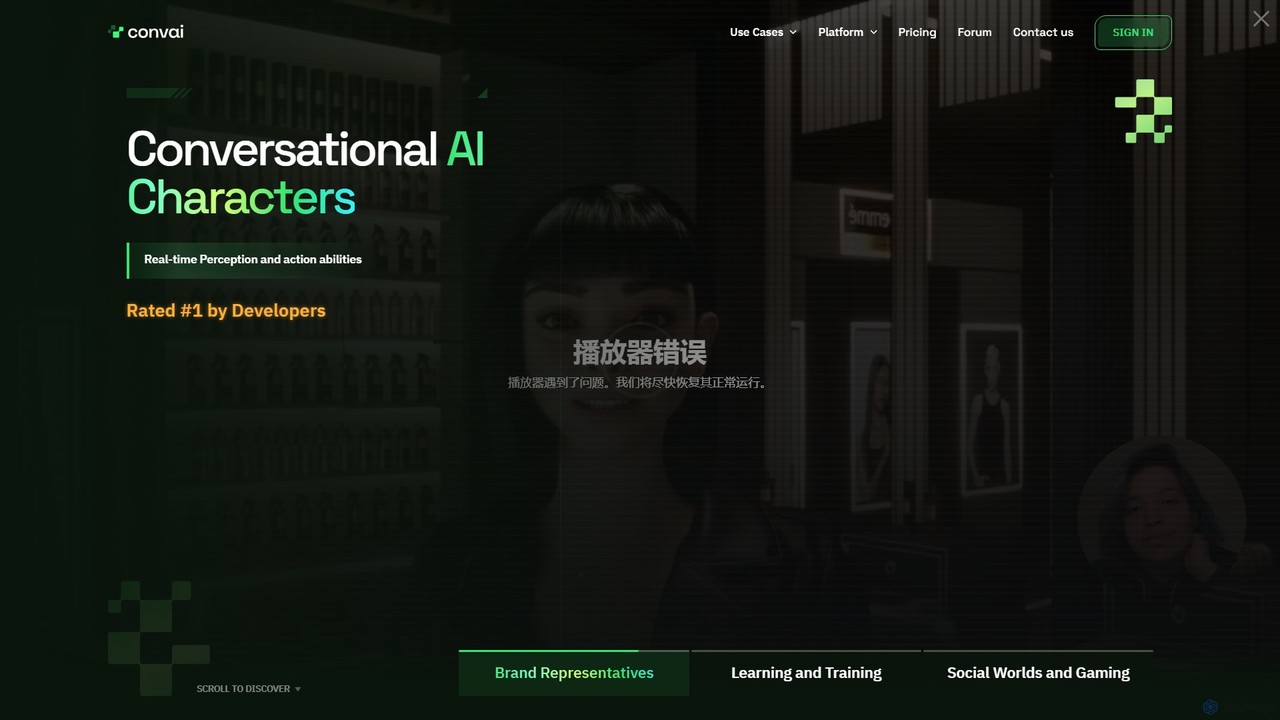
Convai is a developer platform for creating intelligent, conversational AI characters (NPCs) for games and virtual worlds. It …
Convai is a developer platform for creating intelligent, conversational AI characters (NPCs) for games and virtual worlds. It features real-time perception, multimodal interaction (vision, sound, text), and seamless integration with major game engines like Unreal and Unity, enabling lifelike and dynamic virtual experiences.
About Character Animation
AI Character Animation tools are a class of software that uses artificial intelligence to bring digital characters to life. These tools analyze inputs like audio voiceovers, video footage, or text scripts to automatically generate realistic movements, facial expressions, and lip-syncing. This technology dramatically accelerates the animation workflow, enabling creators to produce high-quality animated content for games, films, and virtual reality experiences without the need for complex manual rigging or keyframing. They serve as a powerful bridge between static 3D models and dynamic, expressive digital beings.
Core Features
- Audio-to-Animation: Automatically generates accurate lip-sync and corresponding facial expressions from an audio file.
- AI Motion Capture (MoCap): Extracts full-body or facial movements from a standard video recording and applies them to a 3D character.
- Text-to-Animation: Interprets text prompts or scripts to produce relevant character gestures, emotions, and body language.
- Automatic Rigging: Utilizes AI to instantly create a digital skeleton (rig) for a 3D model, preparing it for animation in minutes.
- Animation Retargeting: Adapts existing motion data from one character to another, even if they have different body proportions.
Applicable Scenarios
These tools are widely used in indie game development for creating non-player characters (NPCs), by social media managers for producing content with virtual influencers, and in corporate training for building immersive simulations. They are also invaluable for animators and filmmakers looking to rapidly prototype scenes or generate foundational animations for their projects.
Selection Criteria
When choosing a tool, consider the supported input types (audio, video, text) and 3D model formats (FBX, VRM, GLB). Evaluate the quality and style of the resulting animation to ensure it matches your project's needs. Also, check for integration capabilities with game engines like Unity and Unreal Engine, and consider the pricing model—whether it's a subscription or pay-per-use.

Character AnimationUse Cases
Animate Virtual Influencers for Social Media
A marketing team manages a brand's virtual mascot for platforms like TikTok and Instagram. Instead of spending days on manual animation for each short video, they upload a voiceover audio file to an AI character animation tool. The tool automatically generates precise lip-sync and natural facial expressions on their 3D mascot model. Within minutes, they can export the animated clip, add it to their video editor, and publish timely, engaging content, increasing their production output by over 500%.
Rapid Prototyping for Indie Game NPCs
A solo indie game developer needs to populate their world with dozens of non-player characters (NPCs) that interact with the player. Using an AI motion capture tool, they record themselves performing various actions like walking, talking, and gesturing with a simple webcam. The AI extracts the motion data and applies it to their different NPC models in the game engine. This allows them to quickly prototype and test character interactions in-game, bypassing the slow and costly process of manual keyframe animation or hiring an animator.
Automate E-Learning and Explainer Videos
An educational content company wants to create a series of engaging explainer videos featuring an animated instructor. They finalize the script and record the voiceover. By feeding both the text and audio into an AI animation tool, they generate a fully animated character that gestures appropriately based on the script's context and speaks with perfect lip-sync. This automates a significant portion of the production, allowing them to scale their video output without a large animation team.
Enhance Avatars in VR and the Metaverse
A user wants their avatar in a social VR platform to be more expressive and lifelike. They connect an AI character animation tool that uses their webcam and microphone in real-time. As they speak, the tool captures their facial expressions and mouth movements, translating them instantly onto their digital avatar. This creates a much more immersive and personal social experience, as their avatar mirrors their real-world emotions and reactions, improving communication in the virtual space.
Generate Foundational Animation for Short Films
A small animation studio is producing an animated short film on a tight budget. To accelerate the process, they use an AI tool to generate the initial animation pass. They upload the dialogue audio to create the base facial animation and lip-sync for all characters. This provides a solid foundation, freeing up their skilled animators to focus their time on refining key poses, adding nuanced secondary motion, and polishing the final performance, rather than starting from a blank slate.
Develop Realistic Corporate Training Simulations
An HR department is creating a virtual reality simulation to train employees on customer service skills. They need realistic characters that can act out various scenarios. Using an AI animation tool, they can generate character animations based on a script, creating lifelike interactions. For example, an 'angry customer' character can be animated with corresponding facial expressions and agitated body language, providing a more effective and immersive training experience for employees to practice their responses.