ToolMage
Sign in

Best 4 Augmented Reality AI tools for Virtual Reality

Popular Augmented Reality AI tools in Virtual Reality include Tat Ink, Wonda Pro, Seed3D, and TattooMind, helping you work more efficiently.

Seed3D
Paid

Seed3D

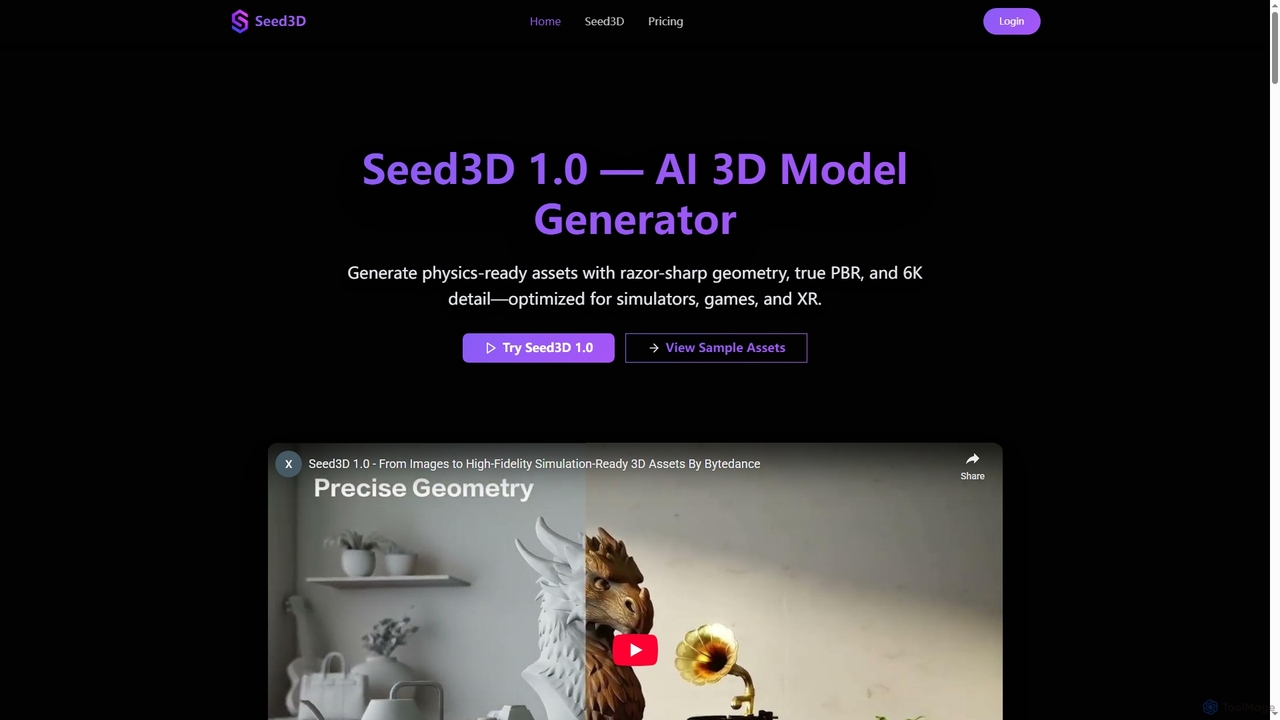
Seed3D is an AI-powered 3D model generator that creates high-fidelity, physics-ready 3D assets from a single image. It delivers razor-sharp geometry, true PBR materials, and 6K textures, optimized for simulators, games, and XR applications.

3D Modeling
Visits 5KFavorites 107Likes 109
TattooMind
Freemium

TattooMind

TattooMind is the #1 AI tattoo app that transforms your unique tattoo ideas into custom designs. It offers an AI generator, remix capabilities, image-to-stencil conversion, and a 3D virtual try-on feature, empowering both enthusiasts and artists to visualize and create their dream ink effortlessly.

Tattoo Design
Visits 4.9KFavorites 142Likes 138
Tat Ink
Freemium

Tat Ink

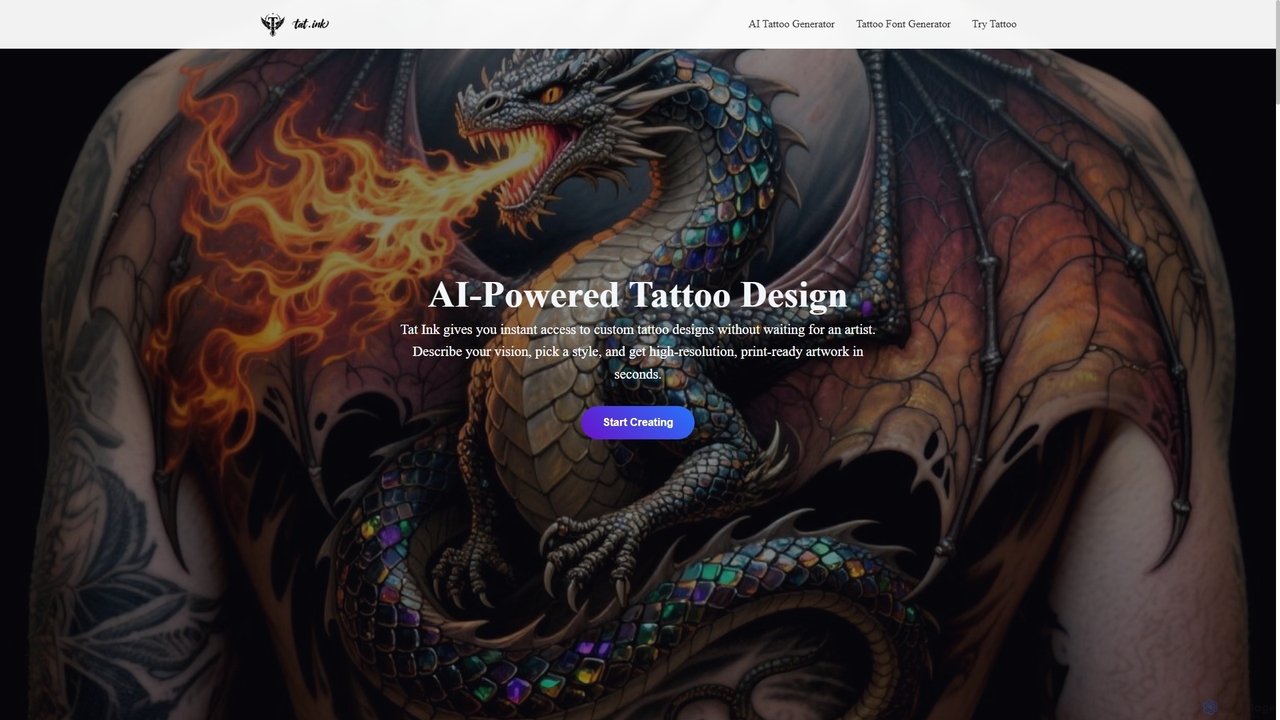
Tat Ink is an innovative AI-powered platform that transforms your tattoo ideas into unique, high-resolution designs in seconds. It offers an AI tattoo generator, a vast idea explorer, a versatile font generator, and a realistic virtual try-on feature, allowing users to visualize custom ink on their skin before commitment. Perfect for enthusiasts, artists, and designers seeking creative inspiration and personalized body art.

Idea Generation
Visits 84.8KFavorites 122Likes 151
Wonda Pro
Freemium

Wonda Pro

Wonda Pro is an immersive simulation training platform for healthcare professionals. It uses AI and VR to help users practice and master critical communication and clinical skills in a safe, virtual environment, ultimately improving patient outcomes.

Training
Visits 7.4KFavorites 128Likes 137

About Augmented Reality

Augmented Reality (AR) tools are a class of software designed to overlay computer-generated images, 3D models, and data onto the real world. These tools use a device's camera, such as a smartphone or smart glasses, to recognize and map the physical environment, allowing digital content to be anchored to real-world objects and spaces. The primary value of AR tools is their ability to create interactive, context-aware experiences that enhance user perception and provide information directly within their field of view. This technology bridges the gap between the digital and physical worlds without completely immersing the user, distinguishing it from Virtual Reality.

Core Features

  • Real-World Tracking (SLAM): Enables the software to understand the geometry of a physical space and track the user's position within it.
  • 3D Object Overlay: Allows for the placement and anchoring of virtual 3D models into the live camera view of the real environment.
  • Image & Object Recognition: Identifies specific 2D images (markers) or 3D objects to trigger and display relevant AR content.
  • Interactive Elements: Provides capabilities for users to interact with virtual objects through gestures, taps, or voice commands.

Use Cases

AR tools are widely adopted in retail for virtual try-on experiences and product visualization in a customer's home. In manufacturing and maintenance, they provide remote assistance and overlay step-by-step instructions onto complex machinery. Educational institutions use AR to create immersive learning materials, bringing abstract concepts to life.

How to Choose

When selecting an AR tool, consider the target platform (iOS, Android, WebAR, or smart glasses). Evaluate the tool's tracking capabilities—whether it supports markerless tracking (SLAM) or requires specific markers. Also, assess its compatibility with various 3D file formats and the level of technical expertise required, from no-code platforms for marketers to comprehensive SDKs for developers.

Augmented Reality use cases

1

Interactive Product Visualization for E-commerce

An e-commerce manager for a furniture brand uses an AR tool to create 'View in Your Room' experiences. Customers can use their smartphone camera to place a virtual, true-to-scale 3D model of a sofa or table directly into their living room. This allows them to check for size, style, and color fit before making a purchase. The tool integrates with the product pages on the website, significantly increasing user engagement and reducing return rates by providing a realistic preview of the product in the customer's own environment.

2

Remote Assistance for Field Technicians

A senior engineer uses an AR platform to guide a junior field technician through a complex repair. The technician, wearing AR glasses or using a tablet, shares their live camera feed. The remote expert can then draw annotations, place 3D arrows, and display technical manuals directly onto the technician's view of the machinery. This real-time visual guidance eliminates miscommunication, reduces repair time, and minimizes the need for senior experts to travel to job sites, saving costs and improving operational efficiency.

3

Immersive Educational Experiences in Museums

A museum curator collaborates with developers using an AR tool to create an interactive exhibit. Visitors can point their smartphones at a dinosaur skeleton, and an AR overlay appears, showing the dinosaur with skin and muscles, along with animations of its movement. Tapping on different parts of the virtual model brings up text and audio information about its anatomy. This application transforms a static display into an engaging and memorable learning experience, making complex scientific information accessible and exciting for all ages.

4

Creating AR Marketing Campaigns and Filters

A marketing team for a cosmetics brand uses a no-code AR platform to develop a social media filter. This filter allows users to virtually 'try on' different shades of lipstick through their front-facing camera. The campaign encourages users to share photos and videos of themselves using the filter with a specific hashtag. This approach generates significant user-generated content, boosts brand awareness, and provides a fun, interactive way for potential customers to engage with the product line without visiting a physical store.

5

Architectural and Real Estate Visualization

An architect uses an AR application to showcase a proposed building design on an empty plot of land. By pointing a tablet at the site, clients and stakeholders can see a full-scale 3D model of the building superimposed onto the real-world environment. They can walk around the virtual structure, view it from different angles, and even see how shadows will fall at different times of the day. This provides a powerful and intuitive way to communicate design intent and gain project approval, far surpassing traditional 2D blueprints or small-scale physical models.

6

AR-Powered Navigation and Wayfinding

A large airport or shopping mall implements an AR wayfinding feature in its mobile app. A visitor, feeling lost, opens the app and points their phone's camera forward. The app overlays a clear path of virtual arrows and directional signs onto the live view, guiding them step-by-step to their desired gate, store, or facility. This system is more intuitive than looking back and forth at a 2D map, as it provides guidance directly within the user's real-world context, reducing stress and improving the overall visitor experience.

Augmented Reality FAQ

What are Augmented Reality (AR) tools?

Augmented Reality (AR) tools are software applications that enhance the real world by overlaying digital information onto it. Unlike Virtual Reality (VR), which creates a completely artificial environment, AR adds layers of virtual content—such as 3D models, text, or animations—to your live view of the physical world, typically through a smartphone or smart glasses. These tools are used to create interactive experiences for gaming, retail, education, and industrial applications.

What is the main difference between Augmented Reality (AR) and Virtual Reality (VR)?

The primary difference lies in how they interact with reality. Augmented Reality (AR) enhances your existing reality by overlaying digital elements onto your real-world view. You remain aware of and interact with your physical surroundings. Virtual Reality (VR), on the other hand, replaces your reality with a completely computer-generated, immersive environment, typically requiring a headset that blocks out the real world. In short, AR adds to your world, while VR creates a new one.

How do I choose the right AR tool?

Choosing the right AR tool depends on your project's specific needs. Consider these factors:

  • Target Platform: Will your experience run on iOS/Android (native apps), web browsers (WebAR), or dedicated hardware like smart glasses?
  • Technical Skill: Are you a developer who needs a full SDK (like ARKit, ARCore, or Unity), or a marketer looking for a no-code/low-code platform to build campaigns?
  • Content Type: Does your project involve simple image overlays, complex 3D models, or interactive animations? Ensure the tool supports your required asset types.
  • Tracking Requirements: Do you need markerless tracking (which recognizes surfaces) or marker-based tracking (which recognizes specific images)?
What are the key features of AR development tools?

Most AR development tools and platforms share a set of core features essential for building augmented reality experiences. These typically include:

  • 3D Engine Integration: Support for rendering realistic 3D models and animations, often through integration with engines like Unity or Unreal Engine.
  • Plane Detection: The ability to identify horizontal and vertical surfaces in the real world, such as floors, walls, and tabletops, to place virtual objects on them.
  • Image Tracking: The capability to recognize a specific 2D image and use it as an anchor to display AR content.
  • Cross-Platform Support: SDKs and platforms that allow developers to build an AR app once and deploy it on both iOS and Android devices.
Who can benefit from using AR tools?

A wide range of professionals and industries can benefit from AR tools. Retailers and e-commerce brands use AR for virtual try-on and product visualization. Educators and trainers create immersive learning materials and simulations. Marketers develop engaging campaigns and interactive advertisements. Architects and real estate agents visualize buildings and properties in real-world locations. Finally, industrial technicians use AR for remote assistance and guided maintenance, improving efficiency and safety.