Crawly
Web Scraping
AI TOOL COMPARISON
What is the difference, and which fits your workflow? Compare features, usage, pricing models and traffic side by side.
Web Scraping
Web Scraping
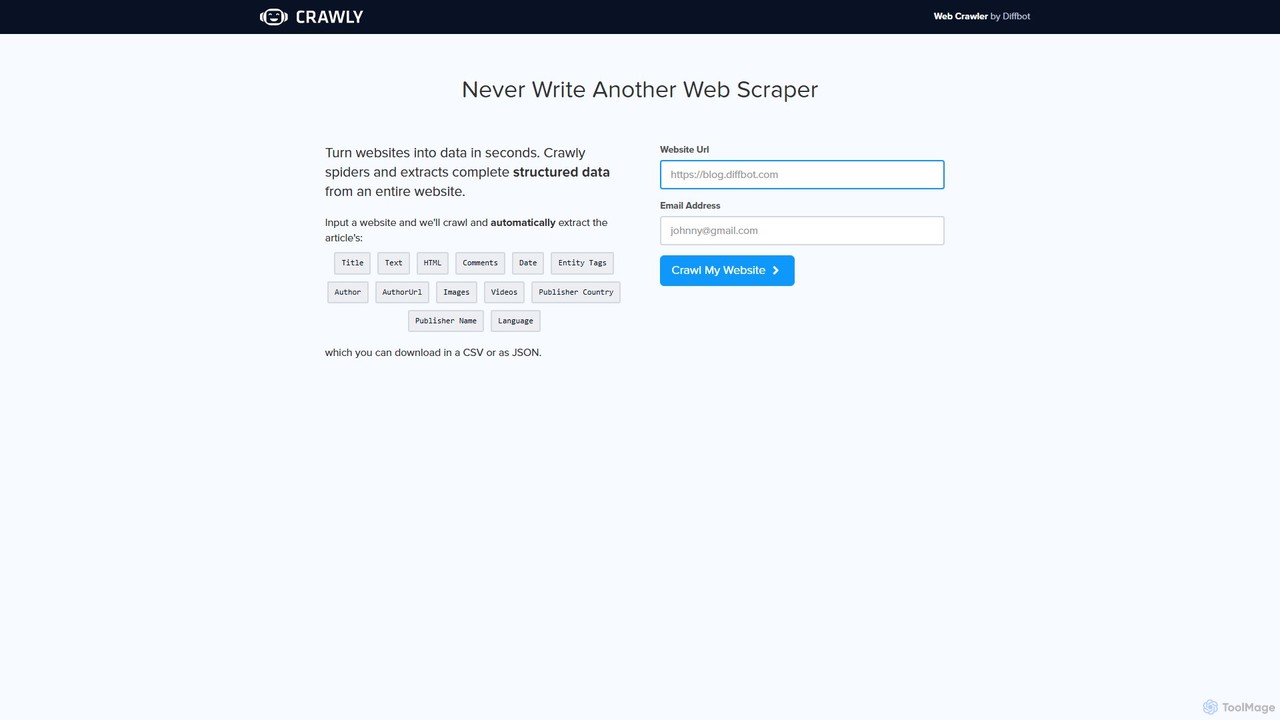
Crawly is an AI-powered web crawler by Diffbot that automatically extracts structured data from entire websites. Simply input a URL, and Crawly spiders the site to pull key information like articles, products, and discussions, converting it into clean JSON or CSV data without any coding required.
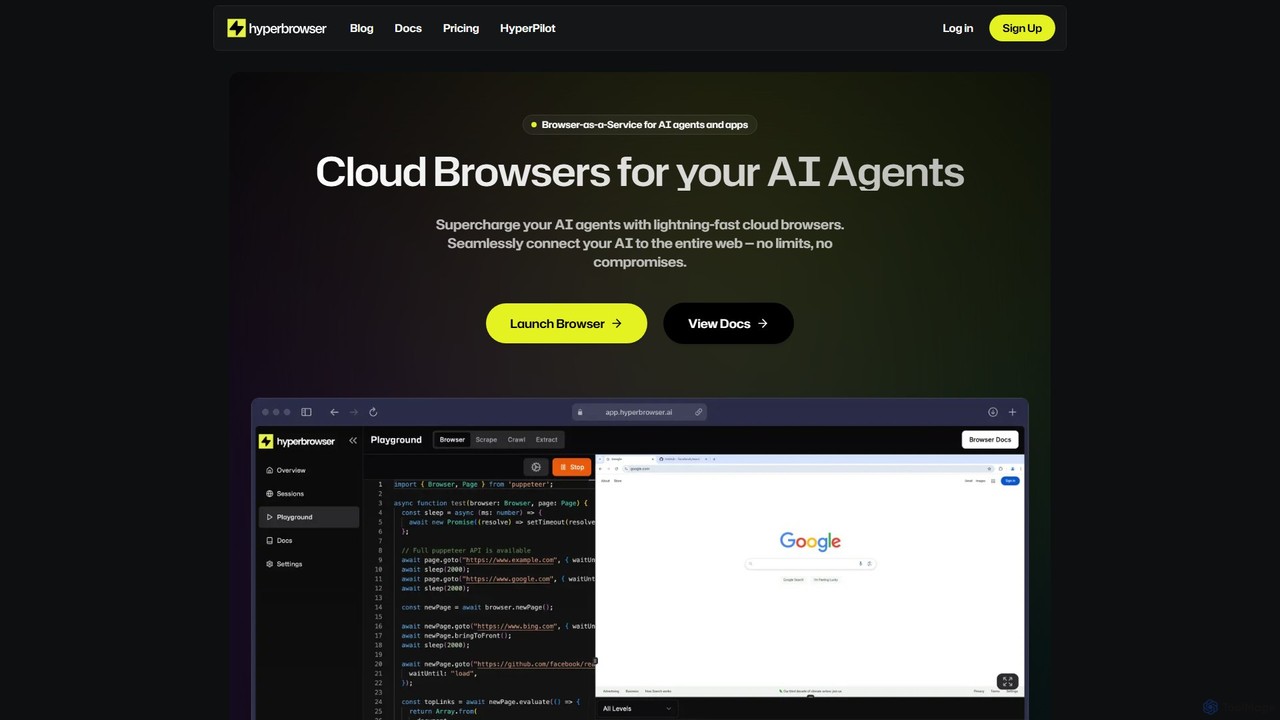
Hyperbrowser is a Browser-as-a-Service platform designed for AI agents and developers. It provides scalable, lightning-fast cloud browsers to automate web tasks, extract data, and enable AI-driven web interactions. With features like stealth browsing, automatic captcha solving, and developer-friendly APIs, it empowers complex workflows without limits.
Compare product focus, pricing models and audiences. Highlighted rows indicate different listed information; unknown pricing does not mean free.
| Quick facts | Crawly | Hyperbrowser |
|---|---|---|
| Pricing model | Freemium | Freemium |
| Product type | Web | Web |
| Primary focus | Web Scraping | Web Scraping |
| Audience and roles | No data available | No data available |
| Categories | Web Scraping · Api · Market Research · Automation | Web Scraping · Api · Automation |
| Added | Aug 10, 2025 | Aug 5, 2025 |
| Updated | Nov 19, 2026 | Nov 19, 2026 |
Explore the listed product descriptions, features and workflows. Taxonomy labels alone are not feature evaluations.
Crawly is a powerful and intelligent web crawler developed by Diffbot, a leader in AI-powered data extraction. It is designed to completely eliminate the manual and technical challenges of web scraping. Instead of writing complex code or using fragile selectors that break with website updates, Crawly leverages advanced artificial intelligence, including computer vision and natural language processing, to understand and interpret web pages like a human. This allows it to automatically identify and extract complete, structured data from an entire website with just a single URL as input.
The core promise of Crawly is to 'turn websites into data in seconds.' It navigates through a website, following links and analyzing the structure of each page to differentiate between various content types such as articles, products, discussions, and image galleries. The extracted data is then organized into a clean, structured format, ready for immediate use in applications, data analysis, or machine learning models.
Using Crawly is designed to be incredibly simple and accessible to everyone, regardless of technical skill. The process involves just a few steps:
Crawly is a versatile tool suitable for a wide range of applications:
The primary advantage of Crawly is its simplicity and power. It democratizes web data extraction, allowing non-developers to perform tasks that would typically require a team of engineers. It saves immense amounts of time and resources by automating the entire scraping process. Furthermore, its AI-driven approach ensures higher accuracy and greater resilience than traditional methods, providing a reliable stream of high-quality data. By being a product of Diffbot, it is backed by enterprise-grade technology trusted by major corporations worldwide.
Crawly offers a free trial crawl directly from its homepage, allowing users to test its capabilities by entering a URL and an email address. This is designed to provide a sample of the structured data that the tool can produce. For more extensive needs, such as large-scale crawling, frequent data extraction, or API access for programmatic use, users would typically subscribe to the full suite of tools offered by its parent company, Diffbot. Diffbot's pricing is tiered, with plans available for startups, businesses, and large enterprises, offering different levels of API calls and features.
Hyperbrowser is a powerful Browser-as-a-Service (BaaS) platform engineered to connect AI agents and applications to the entire web. It provides developers with access to a fleet of high-speed, secure, and scalable cloud browsers, eliminating the complexities of managing local browser instances. This service is specifically designed for demanding tasks such as large-scale web scraping, browser automation, and enabling sophisticated AI agents to interact with websites as a human would. By offering headless browsers in isolated containers, Hyperbrowser ensures reliability, security, and peak performance for any project, from simple data extraction to complex, mission-critical automated workflows.
Getting started with Hyperbrowser is a straightforward process designed for developers. First, you sign up on the website to create an account and obtain your unique API key. You can start with the generous free plan which requires no credit card. Once you have your key, you can integrate Hyperbrowser into your application using its developer-friendly SDKs for Python and NodeJS, or by making direct cURL requests to its API. The platform provides clear documentation and code examples, including integrations with popular AI frameworks like OpenAI Tools and Anthropic Tools. For instance, you can launch a browser session, assign a task to an AI agent (e.g., 'Order Garlic Noodles from Burma Love on Doordash'), and have Hyperbrowser manage the entire web interaction, returning the structured result.
Hyperbrowser is versatile and can be applied to a wide range of scenarios. Its primary use cases include: Large-Scale Web Scraping, where users can extract and structure data from millions of pages, such as scraping Google search results or e-commerce sites like Shopify without getting blocked. Another key application is powering AI Web Agents, enabling them to perform complex actions like booking appointments, making purchases, or conducting detailed competitive analysis. It is also invaluable for Automated Software Testing, allowing developers to run end-to-end tests in real browser environments at scale. Furthermore, businesses use it for Market Research and Competitive Analysis by automating the collection of data on competitors' pricing, products, and marketing strategies.
The main advantage of Hyperbrowser is its ability to provide scalable, reliable, and undetectable browser automation. The platform guarantees 99.9% uptime, making it suitable for mission-critical applications. Its lightning-fast, sub-second browser launch times allow for rapid scaling on demand. The built-in fault tolerance and auto-recovery mechanisms ensure that workflows are resilient and reliable. Most importantly, its advanced stealth capabilities and automatic captcha solving significantly increase the success rate of web automation tasks that would otherwise be blocked by anti-bot measures.
Hyperbrowser offers a flexible, transparent pricing structure with a freemium model to suit different needs.
Free Plan: $0/month, includes 1,000 credits, 1 concurrent browser, 7 days of data retention, and basic stealth mode.
Startup Plan: $30/month (plus usage), includes 30,000 credits, 25 concurrent browsers, 30 days of data retention, auto captcha solving, and basic stealth mode.
Scale Plan: $100/month (plus usage), includes 100,000 credits, 100 concurrent browsers, 30 days of data retention, auto captcha solving, and advanced stealth mode.
Enterprise Plan: Custom pricing for high-volume needs, offering 250+ concurrent browsers, 180+ days of data retention, premium support, and compliance options like HIPAA/SOC 2.
Usage is billed at $0.001 per credit, $0.10 per browser hour, and $10 per GB of proxy data.
Their taxonomy shows where the products overlap and where each one has a more distinct focus. Unknown fields are shown explicitly and are never filled with assumptions.
Traffic is shown on the same scale so differences in market visibility are not visually understated.
Both charts share the same months and vertical scale. Each tool identifies its latest reporting month; missing months are left blank, not counted as zero. Regional and source visit counts are estimates calculated from the reported shares.
| Country/region | Percentage | Estimated visits |
|---|---|---|
| 🇳🇬Nigeria | 82.43% | 1.5K |
| 🇩🇪Germany | 9.9% | 177 |
| 🇨🇦Canada | 7.67% | 137 |
| Country/region | Percentage | Estimated visits |
|---|---|---|
| 🇺🇸United States | 43.97% | 31.4K |
| 🇮🇳India | 28.23% | 20.2K |
| 🇻🇳Vietnam | 12.18% | 8.7K |
| 🇧🇷Brazil | 8.2% | 5.9K |
| 🇩🇪Germany | 7.42% | 5.3K |
| Source type | Percentage | Estimated visits |
|---|---|---|
| Direct | 91.73% | 65.5K |
| Referral | 7.22% | 5.2K |
| 1.05% | 750 |
Ratings, comments, favorites, and likes are community signals—not a substitute for product fit.
This page is assembled from ToolMage product listings, taxonomy, traffic statistics and on-site user feedback. It is not a hands-on test or an independent review.