
ToolMage
Sign in
Fig
Terminal · 48K monthly visits

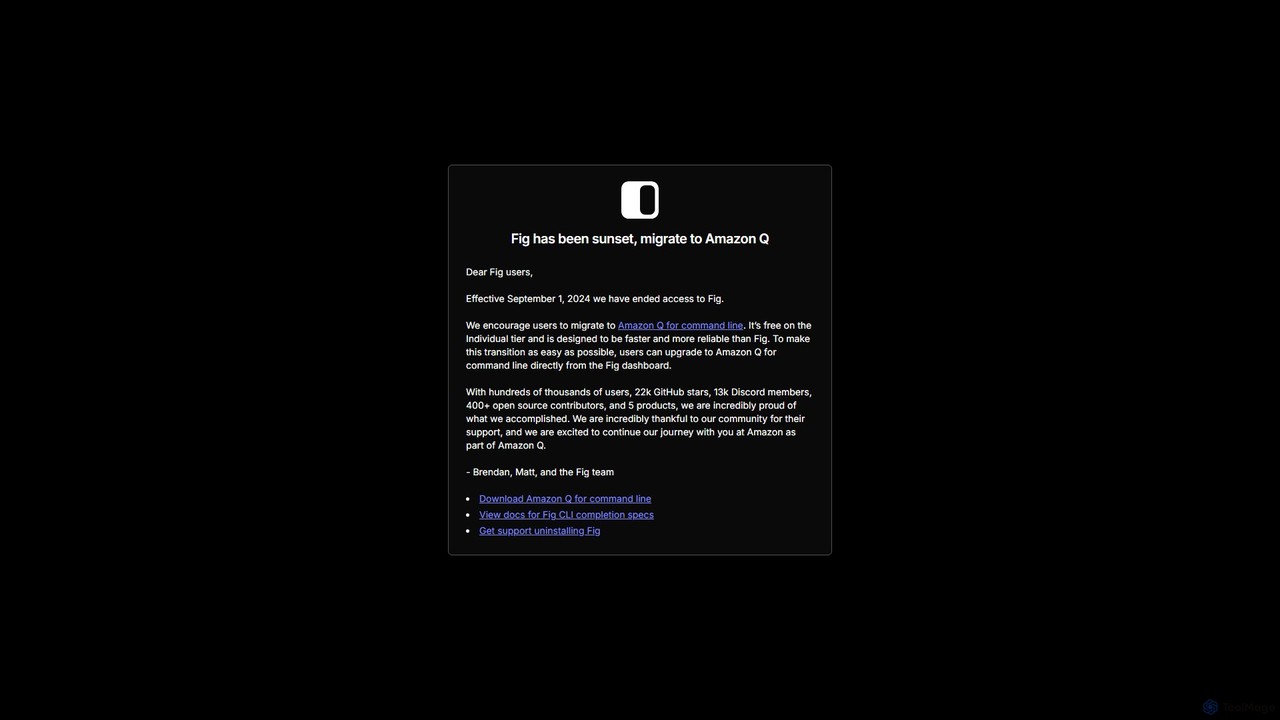
Fig was a popular open-source tool that added IDE-style visual autocomplete to the command line. It has been acquired by AWS and is now sunset, with users encouraged to migrate to its successor, Amazon Q for command line, which is free for individuals.

VS
gptcli
Code Assistant · 3.2K monthly visits

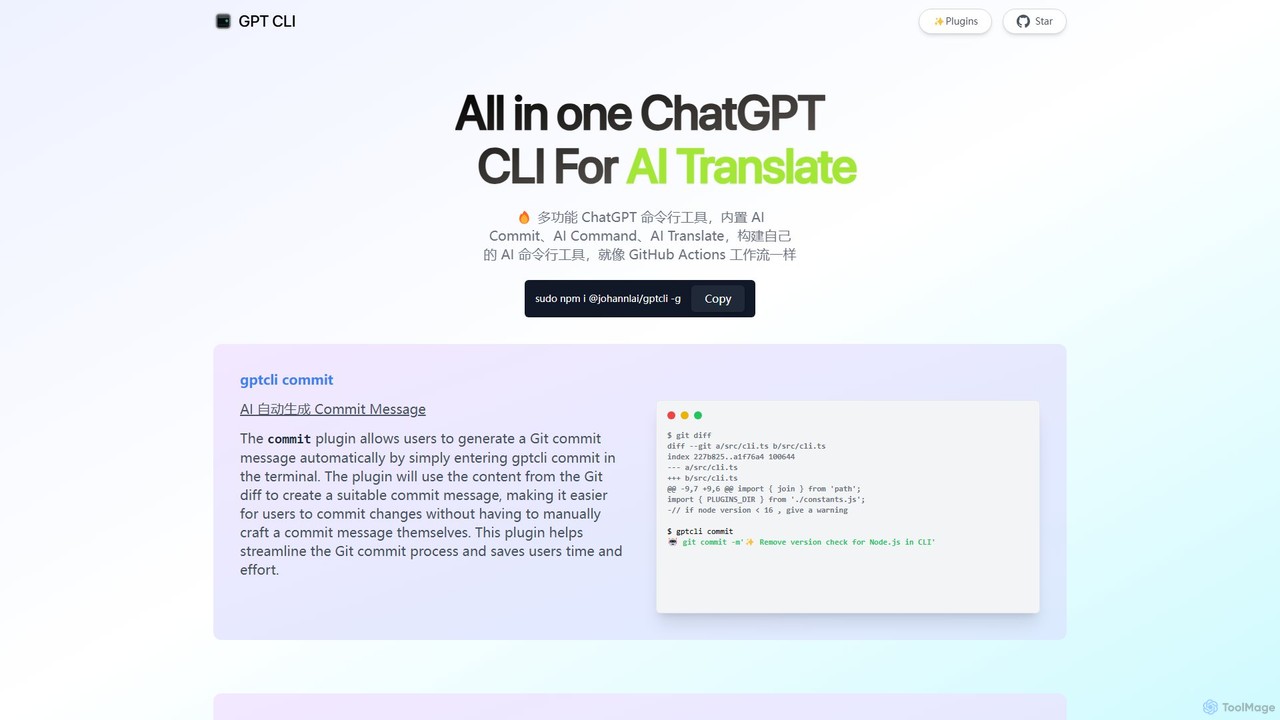
gptcli is a versatile, open-source command-line tool that integrates ChatGPT directly into your terminal. It streamlines developer workflows with features like AI-powered Git commits, natural language to shell command translation, and in-terminal chat. With its extensible plugin system, you can build your own custom AI CLI tools, making it the ultimate productivity enhancer for anyone who works extensively with the command line.

Fig vs gptcli: pricing, features, traffic, and use cases

Compare Fig and gptcli across positioning, pricing, traffic, and user feedback using structured factual data.

Updated Aug 5, 2026

Product overview

Fig Product overview

Fig was a popular open-source tool that added IDE-style visual autocomplete to the command line. It has been acquired by AWS and is now sunset, with users encouraged to migrate to its successor, Amazon Q for command line, which is free for individuals.
Preview

gptcli Product overview

gptcli is a versatile, open-source command-line tool that integrates ChatGPT directly into your terminal. It streamlines developer workflows with features like AI-powered Git commits, natural language to shell command translation, and in-terminal chat. With its extensible plugin system, you can build your own custom AI CLI tools, making it the ultimate productivity enhancer for anyone who works extensively with the command line.

Preview

Detailed feature comparison

FeatureFiggptcli
Primary categoryTerminalCode Assistant
Added2025-08-112025-08-06
PricingFreemiumFree
Official websitefig.iowww.gptcli.com
Product typeAppApp
Performance data
User ratingNot verifiedNot verified
Comments00
Monthly visits48K3.2K
Monthly growth-34.7%20.4%
Favorites124115
DetailsView detailsView details

Fig vs gptcli monthly traffic

Compare Fig and gptcli by monthly reach, traffic trend, visit depth, top regions, and acquisition sources.

How to interpret the traffic data

In the Fig vs gptcli monthly traffic comparison, Fig currently shows 48K visits and gptcli shows 3.2K; Fig has about 14.9 times the visible traffic of gptcli, an absolute difference of about 44.8K visits. This reflects visible reach, not feature quality or paid users.

Both tools provide verified traffic details, so monthly trends, visit depth, regions, and acquisition sources can be compared on the same basis.

Fig monthly traffic:

Latest traffic

Monthly visits
48K
Avg. visit duration
0:16
Pages per visit
1.72
Bounce rate
37.22%
Data updated 2026-06-15

Monthly traffic trend

  • 2025/9: 152.2K Monthly visits
  • 2026/1: 172.5K Monthly visits
  • 2026/2: 132.3K Monthly visits
  • 2026/3: 109.5K Monthly visits
  • 2026/4: 73.5K Monthly visits
  • 2026/5: 48K Monthly visits

Top regions

Top 5 countries/regions
Country/regionPercentageTraffic
🇺🇸United States39.65%19K
🇻🇳Vietnam22.22%10.7K
🇧🇷Brazil13.38%6.4K
🇹🇭Thailand12.54%6K
🇷🇺Russia12.21%5.9K

Search keywords

fig.iofig terminalgcloudtokei exclude testszoxide remove entry

gptcli monthly traffic:

Latest traffic

Monthly visits
3.2K
Avg. visit duration
0:00
Pages per visit
1.11
Bounce rate
30.83%
Data updated 2026-06-15

Monthly traffic trend

  • 2025/9: 6.6K Monthly visits
  • 2026/1: 0 Monthly visits
  • 2026/2: 2.8K Monthly visits
  • 2026/3: 3.2K Monthly visits
  • 2026/4: 2.7K Monthly visits
  • 2026/5: 3.2K Monthly visits

Search keywords

chat gpt clichatgpt clicli chatgptgpt ccligpt cli
Traffic-based selection guidance: If public market visibility is an important first-pass criterion, investigate Fig first. The final choice should still follow taxonomy, use case, and a real trial because higher traffic does not prove broader capabilities or better workflow fit.

Usage comparison

Compare the core capabilities of Fig and gptcli

Fig Core features

Automation
Terminal

gptcli Core features

Automation
Code Assistant
Command Line

Use cases

Fig Use cases

cli
command line
developer tools
open source
terminal
Amazon Q
autocomplete
aws
productivity
shell

gptcli Use cases

cli
command line
developer tools
open source
terminal
automation
chatgpt
commit message
Git
node.js

Fig vs gptcli:In-depth comparison and selection guidance

First decide whether the products solve the same kind of need

This in-depth Fig vs gptcli comparison uses only the product records, taxonomy, audience, traffic, and community signals available on this page. Fig is primarily listed under “Terminal”, while gptcli is primarily listed under “Code Assistant”, so the first decision is whether your actual task matches their recorded scope.

The structured fields currently show these decision-relevant differences: Primary category (Fig: Terminal; gptcli: Code Assistant); Pricing (Fig: Freemium; gptcli: Free); Monthly visits (Fig: 48K; gptcli: 3.2K); Monthly growth (Fig: -34.7%; gptcli: 20.4%); Favorites (Fig: 124; gptcli: 115). These facts are more useful for selection than brand visibility alone.

What market visibility and monthly traffic mean

In the Fig vs gptcli monthly traffic comparison, Fig currently shows 48K visits and gptcli shows 3.2K; Fig has about 14.9 times the visible traffic of gptcli, an absolute difference of about 44.8K visits. This reflects visible reach, not feature quality or paid users.

Both tools provide verified traffic details, so monthly trends, visit depth, regions, and acquisition sources can be compared on the same basis.

If public market visibility is an important first-pass criterion, investigate Fig first. The final choice should still follow taxonomy, use case, and a real trial because higher traffic does not prove broader capabilities or better workflow fit.

Product positioning, use cases, and roles

Fig and gptcli currently overlap in shared categories: Automation; shared tags: cli, command line, developer tools, open source, and terminal. This can place both on the same shortlist, but it does not prove equal implementation, depth, or cost.

Fig's unique categories/tags are Terminal, Amazon Q, autocomplete, aws, productivity, and shell; gptcli's are Code Assistant, Command Line, automation, chatgpt, commit message, Git, and node.js. These unique fields are the strongest differentiators: validate the product whose recorded scope matches the task instead of following traffic alone.

What ratings, comments, and favorites can tell you

Fig has no verified rating, 0 comments, 124 favorites, and 125 likes;gptcli has no verified rating, 0 comments, 115 favorites, and 118 likes。

Neither product has enough rating or comment samples for a credible reputation ranking.

Selection guidance by actual need

When to evaluate Fig first

Put Fig on the priority trial list when the task aligns with “Terminal” and especially Terminal, Amazon Q, autocomplete, aws, productivity, and shell. This follows recorded positioning and does not imply unlisted capabilities are absent.

Fig also currently records: pricing is freemium, product type is app, 48K verified monthly visits, no verified user rating. Verify any hard requirement around price, platform, or reach before trial, and do not let sparse review data substitute for testing.

When to evaluate gptcli first

Put gptcli on the priority trial list when the task aligns with “Code Assistant” and especially Code Assistant, Command Line, automation, chatgpt, commit message, and Git. This follows recorded positioning and does not imply unlisted capabilities are absent.

gptcli also currently records: pricing is free, product type is app, 3.2K verified monthly visits, no verified user rating. Verify any hard requirement around price, platform, or reach before trial, and do not let sparse review data substitute for testing.

How to validate the recommendation before deciding

The available data describes positioning, public visibility, and community signals, but it cannot prove output quality, speed, integration effort, privacy, or long-term cost in your workflow. Before deciding, run the same representative tasks in Fig and gptcli, then record completion time, accuracy, manual corrections, and the real paid threshold. A like-for-like trial turns this comparison into a defensible adoption decision.

Comparison FAQ

How should I choose between Fig and gptcli?
Compare positioning, pricing, taxonomy, and traffic maturity, then verify the latest details on each official website.
Where does this comparison data come from?
The factual baseline is derived from product, taxonomy, traffic, and community data. Reviewed editorial conclusions show their source and verification date.
What do unknown fields mean?
Unknown means there is not enough reliable evidence; the page does not fill gaps with assumptions.