ToolMage
Sign in

AI TOOL COMPARISON

FireCMS vs Tersa

What is the difference, and which fits your workflow? Compare features, usage, pricing models and traffic side by side.

Jump to key differences

Product overview

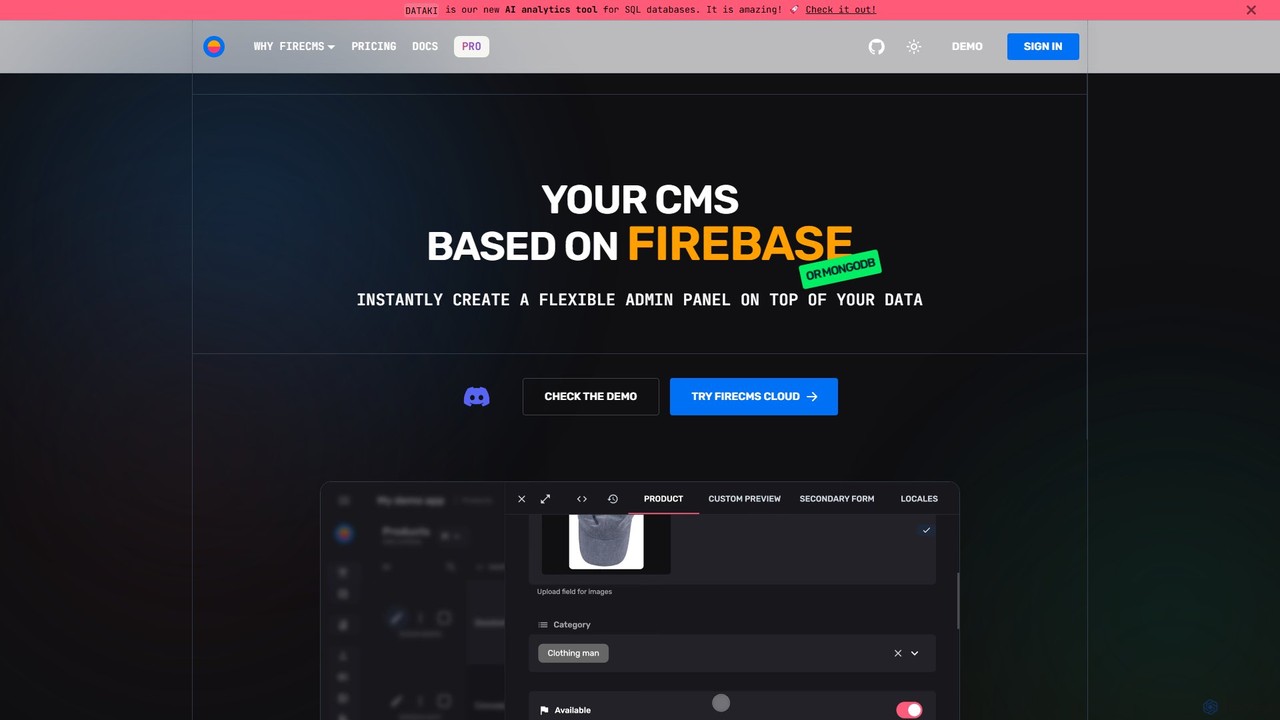
FireCMS Product overview

FireCMS is an open-source, headless CMS and admin panel builder for Firebase and MongoDB. It enables developers and startups to instantly create flexible, powerful back-office applications with an intuitive, Airtable-like interface. Featuring AI-powered data queries, automatic schema detection, extensive customization with React, and a rich content editor, FireCMS streamlines development and content management, offering both cloud and self-hosted solutions.

Preview

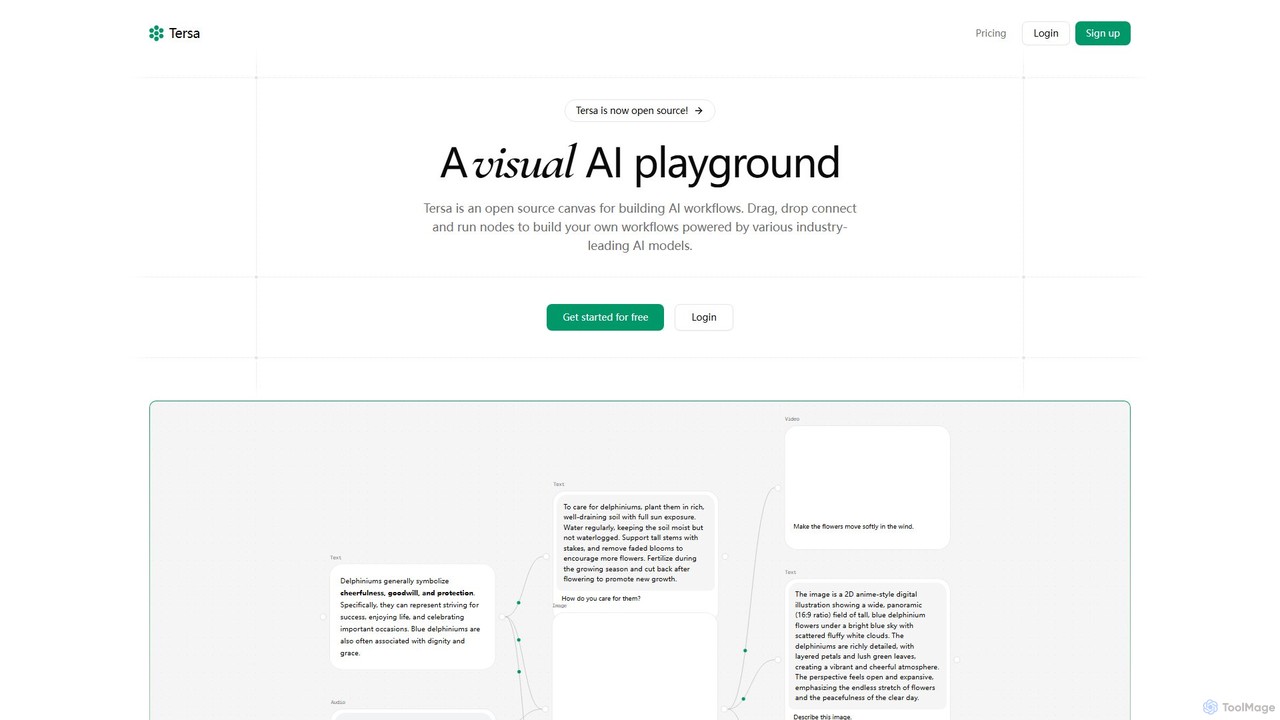
Tersa Product overview

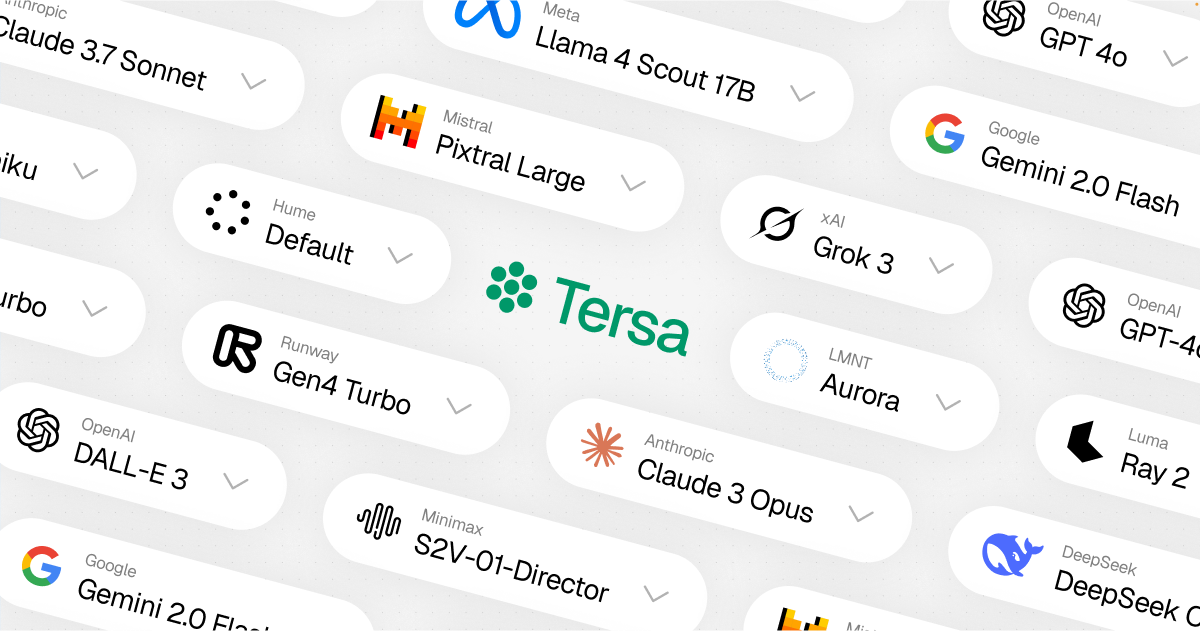
Tersa is an open-source visual AI playground for building complex AI workflows. It features a drag-and-drop canvas where users can connect nodes to integrate over 100 AI models from leading providers like OpenAI and Anthropic. It supports multi-modal operations, including text generation, image creation, video synthesis, audio transcription, and code transformation, making it a versatile tool for developers and creators.

Preview

Quick facts

Compare product focus, pricing models and audiences. Highlighted rows indicate different listed information; unknown pricing does not mean free.

FireCMS VS Tersa — Quick facts
Quick factsFireCMSTersa
Pricing modelFreemiumFreemium
Product typeWebWeb
Primary focusContent Management SystemGenerative Ai
Audience and rolesNo data availableNo data available
CategoriesContent Management System · Database · No Code & Low CodeGenerative Ai · Multi Modal · Workflow Automation · No Code & Low Code
AddedAug 12, 2025Aug 7, 2025
UpdatedNov 19, 2026Nov 19, 2026

Features, usage and use cases

Explore the listed product descriptions, features and workflows. Taxonomy labels alone are not feature evaluations.

FireCMS

FireCMS is a comprehensive, open-source platform designed to build powerful back-office applications and admin panels on top of Firebase or MongoDB backends. It transcends the traditional definition of a CMS, offering a highly extensible and customizable headless solution for developers, startups, and agencies. By providing an intuitive, Airtable-like user interface with inline editing and real-time updates, FireCMS significantly simplifies data management and content creation, allowing teams to focus on their core application logic rather than building internal tools from scratch.

How to use FireCMS

Getting started with FireCMS is designed to be a swift and straightforward process, whether you opt for the managed cloud service or a self-hosted solution.

  1. Connect Your Project: For the Cloud version, you simply connect your Firebase or MongoDB project. FireCMS can help set up a Service Account to establish a secure connection.
  2. Define Your Data Models: You have two powerful options. Let FireCMS automatically infer your data structure from your existing database, or use the intuitive visual schema editor to manually define collections, fields, and relationships. For developers, schemas can be defined in TypeScript for complete type safety.
  3. Go Live Instantly: Once your models are defined, your fully functional, production-ready admin panel or CMS is immediately accessible. For self-hosted versions, you can initialize a fully customizable project using the command npx create-firecms-app, giving you granular control over components, business logic, and authentication.

Core Features of FireCMS

  • AI-Powered Data Interaction: Engage with your data using natural language. The "DataTalk" feature allows you to ask questions like "Count users who signed up last month," and it generates the necessary code and results instantly. It also offers AI-powered content autofill using GPT models to streamline data entry.
  • Flexible Data Modeling: Features automatic schema detection, an intuitive drag-and-drop schema editor, and the ability to define schemas in TypeScript for robust type safety. It supports over 20 field types and advanced validation options.
  • Advanced Editing Experience: Provides a best-in-class UX with a choice between a spreadsheet-like view for quick edits and powerful, detailed forms. It also includes a Notion-style rich text editor for creating articles, blogs, and documentation.
  • High Extensibility and Customization: Built with React, FireCMS allows you to extend the CMS with your own custom components. Create custom property fields, entity views, or navigation items to perfectly match your project's needs.
  • Seamless Backend Integration: Natively supports Firebase/Firestore and MongoDB Atlas, leveraging their full power and scalability. It does not impose any specific data structure, making it compatible with any existing project.
  • Efficient Data Management: Includes streamlined tools for data import and export. You can easily import data from CSV, JSON, or Excel files, with automatic data type detection and conversion.
  • Comprehensive Change History: Tracks all modifications made to your data, ensuring data integrity and allowing you to revert to previous states if necessary.
  • User and Role Management: Provides tools to manage users and define roles, ensuring secure and granular access control to your data.

Use Cases for FireCMS

FireCMS is versatile and caters to a wide range of users:

  • Developers: Rapidly build internal tools, CRUD interfaces, and complex back-offices without the hassle of frontend development, allowing them to focus on core business logic.
  • Startups: Get an MVP's admin panel or a basic CMS up and running in minutes instead of weeks, enabling fast iteration and efficient data management from day one.
  • Agencies: Deliver custom, reliable, and scalable back-office solutions for clients, built on the robust infrastructure of Google Cloud and MongoDB Atlas.
  • Content Managers: Enjoy a best-in-class user experience for managing application data and rich content through an intuitive and easy-to-use interface.

Advantages of FireCMS

FireCMS stands out for its speed, flexibility, and developer-first approach. Its ability to generate a functional admin panel instantly saves significant development time. The open-source nature provides transparency and freedom, while the high level of customization with React ensures it can be tailored to any specific requirement. Testimonials from users at Microsoft and IKEA highlight its superior user experience compared to competitors and its flexibility in integration.

Pricing and Plans

FireCMS offers a flexible pricing structure to suit different needs:

  • Community (Free): A self-hosted, MIT-licensed plan. It includes the first-class CMS/admin panel, integration with Firebase/MongoDB, access to 40+ components, and full CMS customization. Ideal for individual developers and open-source projects.
  • FireCMS Cloud (€9.99/user/month): A fully managed, no-code/low-code solution with a one-month free trial. It includes everything in the Community plan plus user and role management, data import/export, theme customization, and AI content generation.
  • PRO (€49.99/project/month): The ultimate self-hosted solution for startups, agencies, and enterprises. It unlocks all features, including the visual schema editor, advanced data import/export, custom authentication, priority support, and full access to all FireCMS plugins.

Tersa

Tersa is a revolutionary open-source platform designed as a visual AI playground. It empowers users to build, test, and deploy complex AI-powered workflows using an intuitive, node-based canvas. By abstracting away the complexity of API integrations and coding, Tersa makes advanced AI technology accessible to developers, creators, and teams of all sizes. The core philosophy is to provide a flexible and powerful environment for experimenting with and combining the capabilities of various industry-leading AI models.

The platform operates on a simple yet powerful drag-and-drop mechanism. Users can create nodes by simply dropping files (like text, images, audio, or code snippets) onto the canvas or by selecting them from a comprehensive menu. These nodes represent inputs, AI models, or processing functions. By connecting these nodes, you can create a logical flow of data, chaining multiple AI operations together to achieve sophisticated results. For instance, you can transcribe an audio file, summarize the resulting text, and then use that summary to generate a relevant image, all within a single, visually clear workflow.

How to use Tersa

Using Tersa is designed to be straightforward and intuitive, even for those new to AI workflow automation. Here’s a typical process:

  1. Start with an Input: Begin by dragging and dropping a file (e.g., a .txt file, an image, an audio clip) onto the canvas. Tersa will automatically create an input node for it.
  2. Select an AI Model: Choose an AI model node from the library. Tersa provides access to over 100 models from providers like OpenAI, Anthropic, Runway, and more. Select the model that best suits your task, such as GPT-4o for text generation or DALL-E 3 for image creation.
  3. Connect the Nodes: Draw a connection from your input node to the AI model node. This tells the workflow to send the data from the input to the model for processing.
  4. Chain Operations: For more complex tasks, connect the output of one AI model to the input of another. For example, the text output from an audio transcription node (Whisper) can be fed into a text synthesis node (Claude 3.5 Sonnet) to create a summary.
  5. Run and Iterate: Execute the workflow to see the results. You can easily modify connections, swap out models, or adjust prompts to fine-tune your output, making it an ideal environment for rapid prototyping and experimentation.

Core Features of Tersa

  • Visual Workflow Builder: An intuitive drag-and-drop canvas powered by React Flow that makes building and understanding complex AI pipelines simple.
  • Extensive Model Integration: Connect to over 100 models from 27 of the world's top AI providers, including OpenAI (GPT-4o, DALL-E 3), Anthropic (Claude 3.5 Sonnet), Runway (Gen4 Turbo), and more.
  • Multi-Modal Capabilities: Seamlessly process and generate various data types, including text, images, audio, video, and code, all within a single integrated workflow.
  • Open Source: Tersa is fully open-source, offering transparency, encouraging community contributions, and allowing for unlimited customization.
  • File-to-Node Creation: A user-friendly feature where dropping files directly onto the canvas instantly creates the corresponding data nodes.
  • Code Transformation: Specialized nodes for analyzing, refactoring, and optimizing code, acting as a powerful assistant for developers.
  • Team Collaboration: Upcoming features for Pro users include live collaboration, allowing teams to build and manage workflows together in real-time.

Use Cases for Tersa

Tersa's flexibility allows for a wide range of applications:

  • Automated Content Creation: Build a workflow that takes a title as input, generates a full article using GPT-4o, creates a header image with DALL-E 3, and transcribes a related audio commentary with Whisper.
  • Developer Assistant: Create a pipeline to refactor code. Input a code file and a text node with instructions (e.g., "Convert this to Python and add comments"), and let an AI model handle the transformation.
  • Multimedia Projects: Generate a short video from a text prompt using Runway's Gen4 Turbo, or create an animated video from a static image.
  • Data Analysis and Summarization: Chain nodes to transcribe meeting recordings, generate summaries, and extract key action items automatically.

Advantages of Tersa

Tersa offers significant advantages over traditional methods of AI integration:

  • Accessibility: Its no-code/low-code visual interface democratizes AI, allowing non-programmers to build powerful applications.
  • Flexibility: Mix and match the best models from different providers for each specific task within a single workflow, avoiding vendor lock-in.
  • Speed and Efficiency: Rapidly prototype and test complex AI chains without writing extensive boilerplate code for API calls.
  • Transparency and Trust: As an open-source tool, users can inspect the code, understand how it works, and contribute to its development.

Pricing and Plans

Tersa offers a simple and transparent pricing model based on credits, with plans suitable for different levels of usage:

  • Hobby (Free): Perfect for personal use and testing. Includes 200 credits per month, access to basic AI models, and general support for a single user.
  • Pro ($29/month): Designed for professional use or small teams. Includes everything in Hobby, plus 1,600 credits per month, access to all AI models, priority support, and upcoming live collaboration features. A 20% discount is available with yearly billing.
  • Enterprise (Custom): For large teams and enterprise use. Offers everything in Pro, plus unlimited credits, custom AI model integration, dedicated support, and custom authentication options. Contact Tersa for a custom quote.

Positioning

Their taxonomy shows where the products overlap and where each one has a more distinct focus. Unknown fields are shown explicitly and are never filled with assumptions.

Categories

Shared
No Code & Low Code
Only FireCMS
Content Management SystemDatabase
Only Tersa
Generative AiMulti ModalWorkflow Automation

Tags

Shared
developer toolslow-codeno-codeopen source
Only FireCMS
admin paneldatabase managementFirebasefirestoreheadless CMSmongodbreacttypescript
Only Tersa
AI modelsAI playgroundanthropicdall-e 3generative AIOpenAIvisual programmingworkflow automation

Audience and roles

Shared
No listed items
Only FireCMS
No listed items
Only Tersa
No listed items

Traffic comparison

Traffic is shown on the same scale so differences in market visibility are not visually understated.

How to interpret the traffic data

Both charts share the same months and vertical scale. Each tool identifies its latest reporting month; missing months are left blank, not counted as zero. Regional and source visit counts are estimates calculated from the reported shares.

FireCMS monthly traffic:

Latest traffic · 2026-05

Monthly visits
28.4K
Avg. visit duration
1:19
Pages per visit
2.75
Bounce rate
39.17%
Data updated 2026-06-15

Monthly traffic trend

  • 2025-09: 28.6K
  • 2026-01: 17.6K
  • 2026-02: 15.7K
  • 2026-03: 14.8K
  • 2026-04: 21.2K
  • 2026-05: 28.4K

Top regions

Top 5 countries/regions
Country/regionPercentageEstimated visits
🇩🇪Germany39.19%11.1K
🇮🇳India20.68%5.9K
🇷🇺Russia15.93%4.5K
🇺🇸United States13.31%3.8K
🇧🇷Brazil10.89%3.1K

Traffic sources

Source typePercentageEstimated visits
Direct98.93%28.1K
Email1.07%304

Search keywords

firebasefirecmsfirecms docsfriecms playconsole firebasegradient generator

Tersa

No data available

Community signals

Ratings, comments, favorites, and likes are community signals—not a substitute for product fit.

FireCMS

Rating
No data available
Comments
0
Favorites
156
Likes
156

Tersa

Rating
No data available
Comments
0
Favorites
152
Likes
157

FireCMS vs Tersa · Comparison FAQ

What do FireCMS and Tersa have in common?
Both tools are listed under No Code & Low Code. These categories indicate overlapping use cases; compare their detailed descriptions for workflows, capabilities and limitations.
Are FireCMS and Tersa free?
Listed pricing models: FireCMS — Freemium; Tersa — Freemium. Missing pricing is not proof of a free plan, and freemium does not mean every feature is free. Check official sites for current plans, limits and trials.
How should I choose between FireCMS and Tersa?
The primary listed category is Content Management System for FireCMS, and Generative Ai for Tersa. Compare features, steps and use cases, then verify pricing, data permissions and deployment needs. This page does not include hands-on testing and does not declare a winner from traffic or tags.

Sources and comparison methodology

This page is assembled from ToolMage product listings, taxonomy, traffic statistics and on-site user feedback. It is not a hands-on test or an independent review.
  • Feature and plan descriptions reflect information in the listings, not real-time guarantees. Verify pricing, quotas, availability and privacy terms on the official sites.
  • Traffic uses the reporting months shown. Missing statistics do not mean zero visits, and different periods do not establish growth or superiority. Regional and source visit counts are estimates based on shares.
  • Different tags indicate differences in the listings, not proof that the other product lacks a capability. Ratings, favorites and visits are not used to declare a winner.

Related comparisons