FlutterFlow
Low Code No Code
AI TOOL COMPARISON
What is the difference, and which fits your workflow? Compare features, usage, pricing models and traffic side by side.
Low Code No Code
Frameworks & Libraries
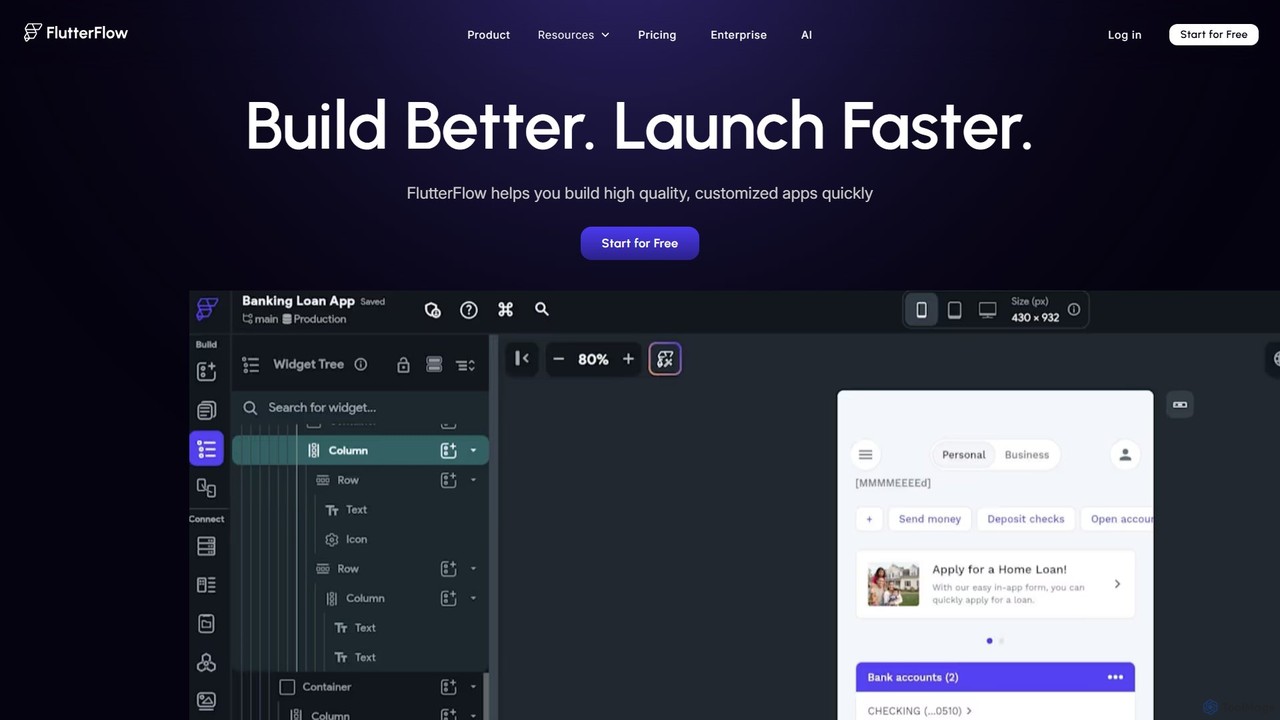
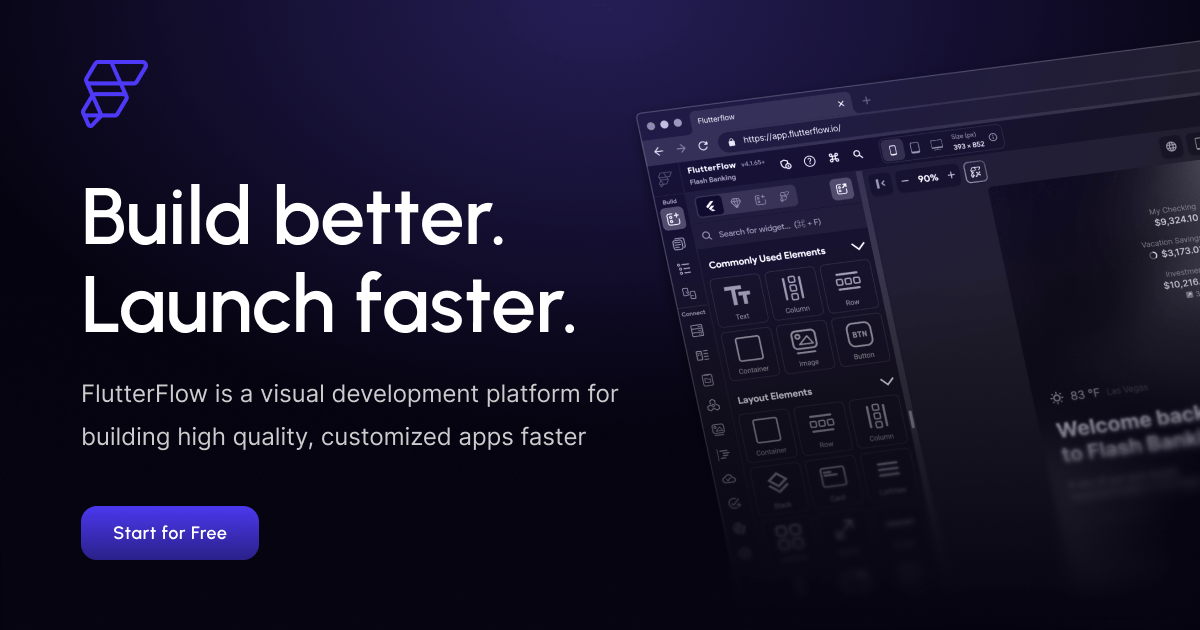
FlutterFlow is a low-code platform for visually building native mobile, web, and desktop applications. It empowers developers and non-developers to create high-quality, customized apps with a drag-and-drop interface, pre-built components, and powerful integrations like Firebase and Supabase, significantly accelerating the development process.
React is a free and open-source JavaScript library for building user interfaces based on components. Developed by Meta, it enables developers to create large-scale web and native applications with complex, interactive UIs efficiently. It uses a declarative approach and a component-based architecture to build encapsulated components that manage their own state.
Compare product focus, pricing models and audiences. Highlighted rows indicate different listed information; unknown pricing does not mean free.
| Quick facts | FlutterFlow | React |
|---|---|---|
| Pricing model | Freemium | Free |
| Product type | Web | Web |
| Primary focus | Low Code No Code | Frameworks & Libraries |
| Audience and roles | No data available | No data available |
| Categories | Low Code No Code · Mobile Development · Web Development · App Builder | Frameworks & Libraries · Mobile Development · Web Development |
| Added | Aug 16, 2025 | Aug 7, 2025 |
| Updated | Nov 19, 2026 | Nov 19, 2026 |
Explore the listed product descriptions, features and workflows. Taxonomy labels alone are not feature evaluations.
FlutterFlow is a revolutionary low-code development platform built on Google's Flutter framework, designed to drastically simplify and accelerate the process of creating high-quality, native applications for mobile (iOS & Android), web, and desktop. It provides a powerful visual interface that allows everyone from seasoned developers to product managers and entrepreneurs to bring their app ideas to life without writing extensive code. Trusted by teams at major companies like Google, Atlassian, and Wendy's, FlutterFlow bridges the gap between idea and execution, enabling rapid prototyping, MVP development, and the creation of full-featured, scalable applications.
The platform's core is a sophisticated drag-and-drop builder, complemented by over 200 pre-designed UI elements and a vast marketplace of templates. This allows users to construct beautiful and complex user interfaces with ease. Beyond the UI, FlutterFlow features a visual Action Flow Editor for defining application logic, state management, and user interactions. Its recent integration of AI Agents further streamlines development by automating tasks and generating code snippets. With FlutterFlow, you are never locked in; you have the freedom to export the full, clean Flutter source code at any time, giving you complete ownership and control for future scaling.
Using FlutterFlow is an intuitive, step-by-step process designed for maximum efficiency:
FlutterFlow is versatile enough for a wide range of projects:
The platform offers significant advantages over traditional development:
FlutterFlow offers a freemium model with plans tailored to different needs:
React is a declarative, efficient, and flexible JavaScript library for building user interfaces. It lets you compose complex UIs from small and isolated pieces of code called “components”. Developed and maintained by Meta, React has become one of the most popular tools for frontend web development and also extends to mobile development through React Native.
The core philosophy of React is its component-based architecture. Developers build encapsulated components that manage their own state, then compose them to make complex UIs. Since component logic is written in JavaScript instead of templates, you can easily pass rich data through your app and keep state out of the DOM. React uses a declarative paradigm, meaning you describe what your UI should look like for any given state, and React will efficiently update and render just the right components when your data changes. This is made possible by the Virtual DOM, which minimizes direct manipulation of the actual DOM, leading to significant performance gains.
To start using React, developers typically set up a development environment. While previously `Create React App` was the standard, the official recommendation is now to use a full-stack React framework like Next.js or Remix. These frameworks provide a robust setup out-of-the-box, including routing, data fetching, and code splitting.
1. Setup a Project: Use a framework's CLI to create a new project, e.g., `npx create-next-app@latest`.
2. Create Components: React components are JavaScript functions that return markup. This markup is written in JSX (JavaScript XML), a syntax extension that allows you to write HTML-like code inside JavaScript. For example: `function Welcome(props) { return
3. Manage State and Interactivity: Use React Hooks to add state and interactivity. The `useState` hook allows a component to remember information, while `useEffect` lets you perform side effects, like fetching data. For example, `const [count, setCount] = useState(0);` creates a state variable.
4. Compose Components: Build complex UIs by combining smaller, reusable components. You can pass data from parent to child components via “props”.
5. Handle Data and Routing: In a framework like Next.js, you can define pages as components and use built-in data fetching functions to load data on the server or client, which is then passed to your page components.
React's flexibility makes it suitable for a wide range of applications:
React offers numerous advantages that contribute to its popularity:
React is a free and open-source library licensed under the MIT License. There are no costs associated with using React in your projects, whether they are personal or commercial. The development and maintenance are sponsored by Meta and a large community of individual developers and companies.
Their taxonomy shows where the products overlap and where each one has a more distinct focus. Unknown fields are shown explicitly and are never filled with assumptions.
Traffic is shown on the same scale so differences in market visibility are not visually understated.
Both charts share the same months and vertical scale. Each tool identifies its latest reporting month; missing months are left blank, not counted as zero. Regional and source visit counts are estimates calculated from the reported shares.
| Country/region | Percentage | Estimated visits |
|---|---|---|
| 🇮🇳India | 36.78% | 711.2K |
| 🇺🇸United States | 27.82% | 538K |
| 🇬🇧United Kingdom | 17.19% | 332.4K |
| 🇲🇽Mexico | 9.17% | 177.3K |
| 🇳🇬Nigeria | 9.04% | 174.8K |
| Source type | Percentage | Estimated visits |
|---|---|---|
| Direct | 92.94% | 1.8M |
| Referral | 5.23% | 101.1K |
| 1.83% | 35.4K |
| Country/region | Percentage | Estimated visits |
|---|---|---|
| 🇮🇳India | 35.3% | 689.8K |
| 🇺🇸United States | 30.62% | 598.3K |
| 🇨🇳China | 16.19% | 316.4K |
| 🇩🇪Germany | 9.15% | 178.8K |
| 🇬🇧United Kingdom | 8.74% | 170.8K |
| Source type | Percentage | Estimated visits |
|---|---|---|
| Direct | 80.22% | 1.6M |
| Referral | 19.26% | 376.4K |
| 0.52% | 10.2K |
Ratings, comments, favorites, and likes are community signals—not a substitute for product fit.
This page is assembled from ToolMage product listings, taxonomy, traffic statistics and on-site user feedback. It is not a hands-on test or an independent review.