GitKraken
Version Control
AI TOOL COMPARISON
What is the difference, and which fits your workflow? Compare features, usage, pricing models and traffic side by side.
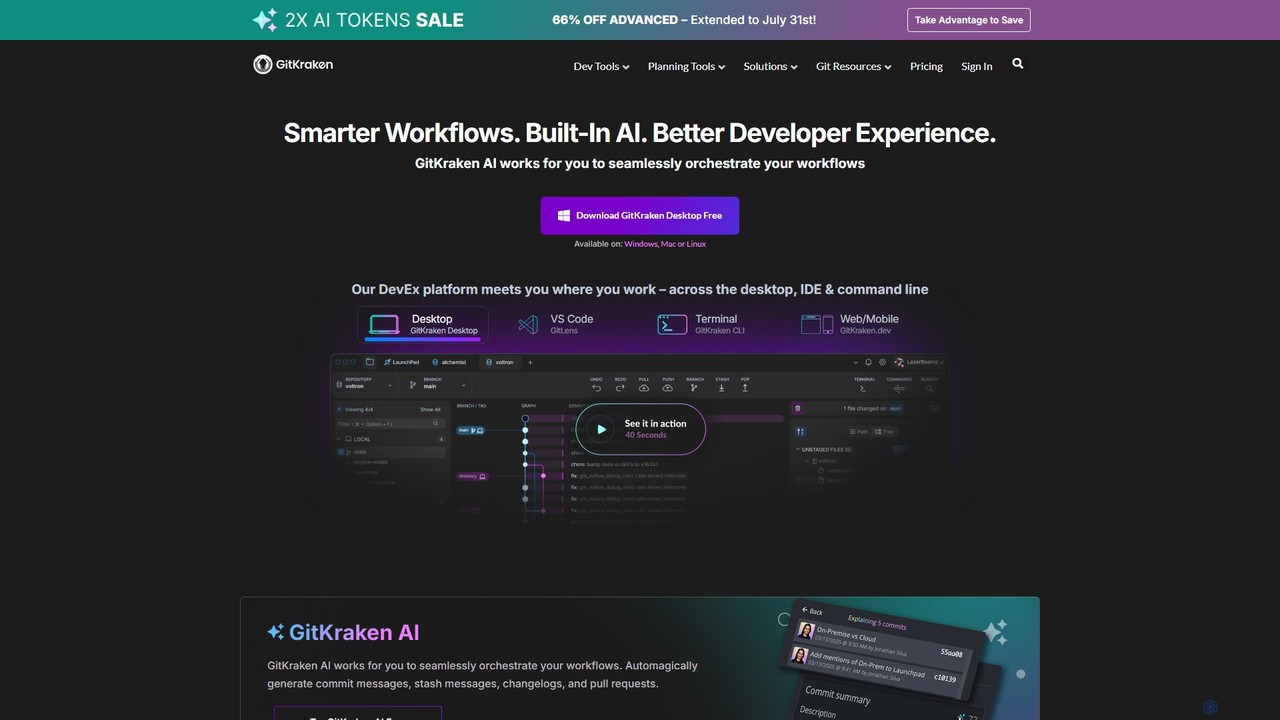
GitKraken is a legendary suite of Git tools designed to enhance the developer experience. Featuring a visual Git GUI, a powerful CLI, and IDE integrations, it leverages built-in AI to automate tasks like generating commit messages and pull requests. It streamlines workflows, improves team collaboration, and provides powerful visualization for complex repositories.
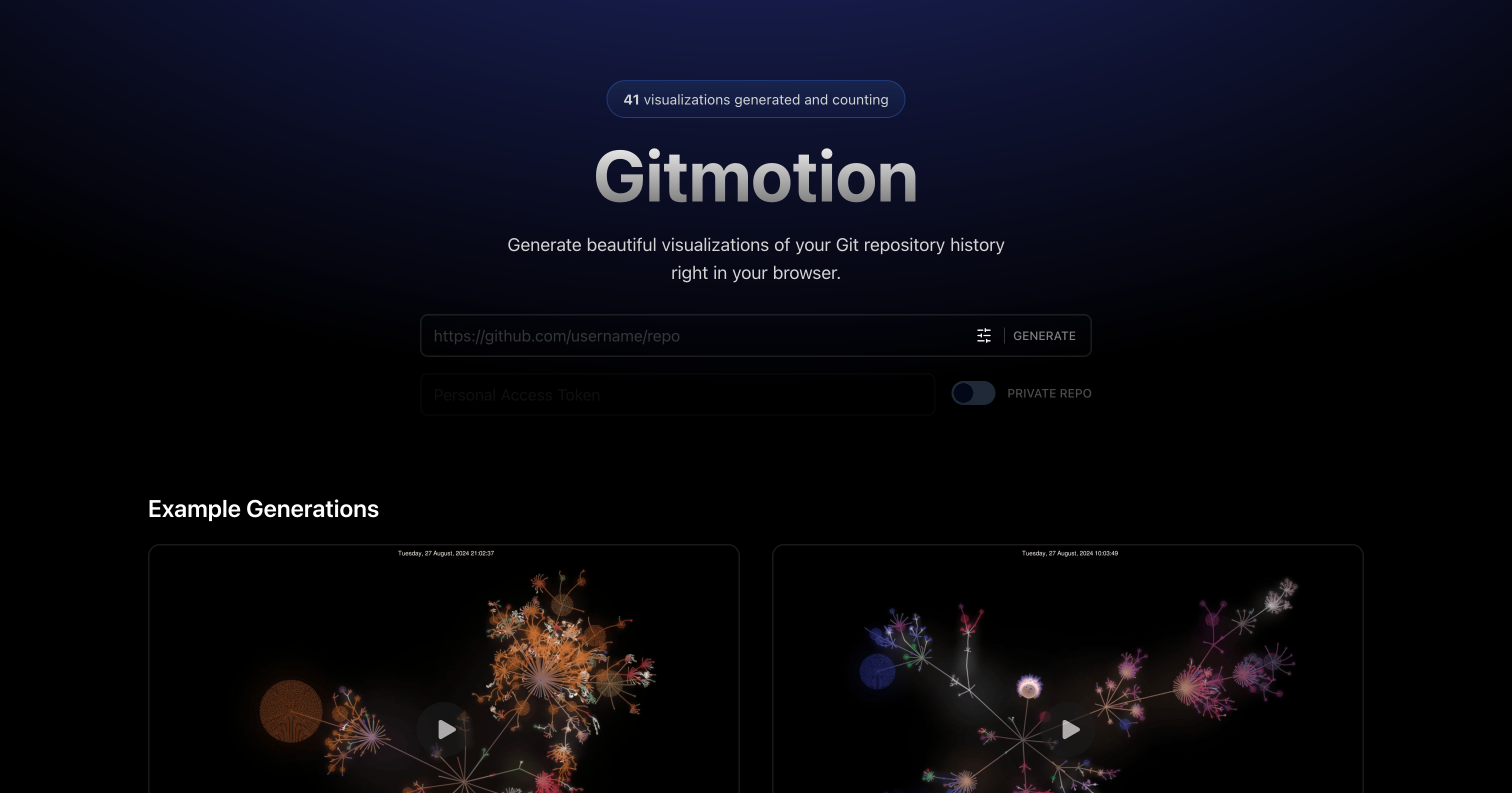
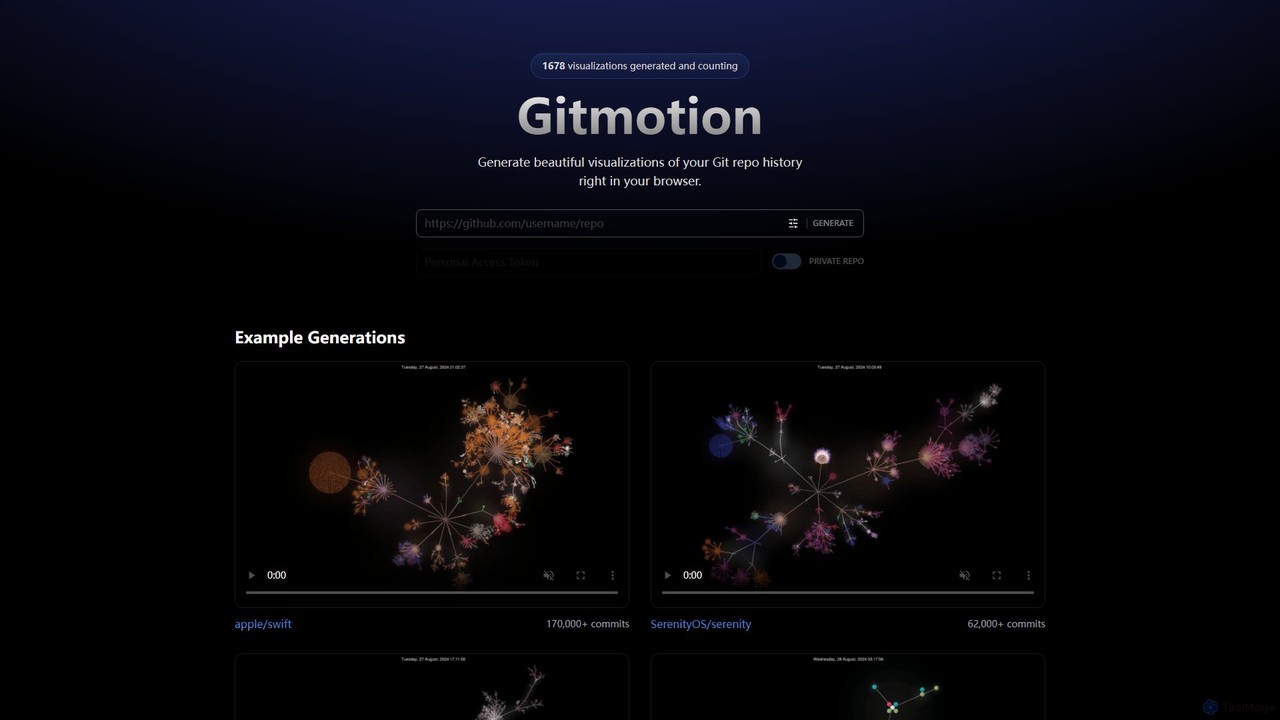
Gitmotion is a web-based tool that generates beautiful, animated visualizations of your Git repository history. It transforms complex commit logs into dynamic and easy-to-understand videos or images, perfect for project analysis, presentations, and team onboarding. It supports both public and private repositories, offering a simple way to see the evolution of your code.
Compare product focus, pricing models and audiences. Highlighted rows indicate different listed information; unknown pricing does not mean free.
| Quick facts | GitKraken | Gitmotion |
|---|---|---|
| Pricing model | Freemium | Freemium |
| Product type | App | Web |
| Primary focus | Version Control | Data Visualization |
| Audience and roles | No data available | No data available |
| Categories | Version Control · Code Assistant · Project Management | Data Visualization · Version Control · Visualization |
| Added | Aug 2, 2025 | Aug 9, 2025 |
| Updated | Nov 19, 2026 | Nov 19, 2026 |
Explore the listed product descriptions, features and workflows. Taxonomy labels alone are not feature evaluations.
GitKraken is the world's leading Developer Experience (DevEx) platform, offering a suite of legendary Git tools trusted by over 10 million developers from more than 100,000 organizations. The platform is designed to make Git easier, safer, and more powerful, supporting developers across their entire workflow on desktop, in the IDE, and via the command line. The core of GitKraken's offering is a unified experience that integrates seamlessly with all major Git hosts like GitHub, GitLab, Bitbucket, and Azure DevOps.
At the heart of its modern toolkit is GitKraken AI, a smart assistant that works to orchestrate developer workflows. It automates routine tasks by generating commit messages, pull request descriptions, changelogs, and stash messages, allowing developers to focus on writing code rather than administrative overhead. This AI integration, combined with powerful visualization and collaboration features, aims to significantly boost productivity and improve code quality.
Getting started with GitKraken is straightforward and tailored to your preferred environment:
For Individual Developers: Solo developers can supercharge their productivity by using the visual GUI to manage private and public projects, leveraging AI to speed up routine Git tasks, and using the powerful merge tool to handle complex branches with ease.
For Development Teams: Teams, especially those that are distributed, can use Workspaces to onboard new developers in minutes instead of months. The platform facilitates better collaboration, helps prevent merge conflicts, and keeps everyone aligned on multi-repo projects.
For Team Leads & Managers: GitKraken provides unparalleled visibility into development progress. With Git Integration for Jira and Team Insights, leads can track work, analyze DORA metrics, and understand project health without leaving their planning tools.
GitKraken's primary advantage is its focus on creating a superior Developer Experience (DevEx). It achieves this by:
GitKraken offers a tiered pricing model to suit different needs:
Paid plans are billed annually per seat, with introductory discounts often available for the first seat.
Gitmotion is an innovative online tool designed for developers, project managers, and teams who want to visualize the history of their software projects. It takes the often complex and text-heavy log of a Git repository and transforms it into a beautiful, animated, and insightful visualization. This allows users to see the flow of development, the merging of branches, and the contributions of different team members over time in a dynamic and engaging format. The entire process is handled directly in your browser, eliminating the need for complex local installations or command-line wizardry.
By simply providing a URL to a public Git repository, or by authenticating to access a private one, Gitmotion processes the commit history and renders a motion graphic. These visualizations are not just aesthetically pleasing; they are powerful tools for communication and analysis. They can reveal patterns in development, highlight periods of intense activity, and illustrate the growth and evolution of a codebase from its inception to its current state. The tool is built to handle repositories of all sizes, from small personal projects to massive open-source endeavors like Swift or React.
Using Gitmotion is a straightforward process designed for simplicity and speed:
Gitmotion is a versatile tool with numerous applications:
Gitmotion stands out by making Git history accessible and engaging. Its primary advantage is its simplicity and power. Unlike command-line tools like Gource, which require setup and configuration, Gitmotion is a 'plug-and-play' solution. It democratizes the ability to create stunning code visualizations. The browser-based approach ensures accessibility across all operating systems without any dependencies. Furthermore, its ability to handle both private and large-scale public repositories makes it a flexible tool for both corporate and open-source environments.
Gitmotion operates on a freemium model, providing value for both casual users and professional teams.
Their taxonomy shows where the products overlap and where each one has a more distinct focus. Unknown fields are shown explicitly and are never filled with assumptions.
Traffic is shown on the same scale so differences in market visibility are not visually understated.
Both charts share the same months and vertical scale. Each tool identifies its latest reporting month; missing months are left blank, not counted as zero. Regional and source visit counts are estimates calculated from the reported shares.
| Country/region | Percentage | Estimated visits |
|---|---|---|
| 🇺🇸United States | 47.82% | 269.7K |
| 🇮🇳India | 14.76% | 83.3K |
| 🇨🇳China | 14.37% | 81.1K |
| 🇲🇽Mexico | 11.7% | 66K |
| 🇧🇷Brazil | 11.35% | 64K |
| Source type | Percentage | Estimated visits |
|---|---|---|
| Direct | 54.24% | 305.9K |
| Referral | 38.07% | 214.7K |
| 7.69% | 43.4K |
No data available
Ratings, comments, favorites, and likes are community signals—not a substitute for product fit.
This page is assembled from ToolMage product listings, taxonomy, traffic statistics and on-site user feedback. It is not a hands-on test or an independent review.