

Anifusion Overview
Anifusion is a comprehensive, all-in-one AI-powered platform designed to bring your stories to life as manga, comics, or anime-style art. Operating entirely within your browser, it eliminates the need for external software or advanced artistic skills. Whether you're a writer dreaming of seeing your characters visualized, an artist looking to streamline your workflow, or a hobbyist exploring creative storytelling, Anifusion provides the tools to transform simple text prompts into captivating visual narratives.
The platform is built around a seamless, user-friendly process. You begin by structuring your page with a highly flexible layout tool, then populate each panel with AI-generated images based on your story descriptions. Finally, you can refine every detail using a powerful integrated canvas editor. Anifusion supports various styles, from classic black and white manga to full-color comics and superhero sagas, utilizing advanced AI models like AnimagineXL and FLUX.1 to ensure high-quality, stylistically appropriate results.
How to use Anifusion
Creating your own manga with Anifusion is a straightforward, three-step process designed for both beginners and experts:
- Choose or Create a Layout: Start in the layout creator. You can select from a wide library of pre-designed comic presets, suitable for various narrative paces and styles. Alternatively, you can design your own unique layout from scratch. The intuitive tools allow you to split panels horizontally or vertically, duplicate them, and adjust their size and shape to perfectly match your storytelling vision. The system supports both Western (left-to-right) and traditional Manga (right-to-left) reading flows.
- Tell Your Story with AI: Once your layout is set, move to the 'Page' tab. For each panel, write a descriptive prompt detailing the scene, characters, and action. Anifusion's AI will interpret your text and generate a corresponding image. You can manage your prompts effectively using the Prompt Library feature to ensure consistency.
- Final Edits & Download: Use the powerful, full-featured canvas editor to polish your creation. You can make precise adjustments with tools like Inpainting to edit specific parts of an image, use Face Enhancement to add detail to characters, and leverage Pose Control for consistent character stances. Add dialogue and sound effects using the advanced text support, which includes vertical text and a variety of manga fonts. Once you're satisfied, you can download your work. Premium users have the option to export to Photoshop for further editing.
Core Features of Anifusion
- Text-to-Manga AI: The core engine that converts your written story descriptions into fully illustrated manga or comic panels.
- Advanced Layout Editor: An intuitive, flexible tool to create custom panel layouts. It includes presets, horizontal/vertical split functions, duplication, and resizing, supporting both Western and Manga reading directions.
- Integrated Canvas Studio: A comprehensive in-browser editor for refining generated images. It includes features like inpainting, face enhancement, and pose control, eliminating the need for external tools.
- Multiple AI Models: Access to different AI models like AnimagineXL 3.1 (for colored/B&W manga) and FLUX.1 (for superhero comics) to achieve diverse artistic styles.
- Advanced Text Support: Easily add dialogue and narration with support for vertical text, various manga-style fonts, and text effects to create impactful panels.
- Prompt Library: A management system to save, organize, and reuse your prompts for character and style consistency across your project.
- Character Sheet Generation: A dedicated feature to help create and maintain consistent character designs throughout your story.
- Commercial Rights: Users retain full commercial rights to all the works they create on the platform.
Use Cases for Anifusion
Anifusion is a versatile tool suitable for a wide range of creative projects:
- Aspiring Manga Artists and Comic Creators: Individuals without traditional drawing skills can visualize and publish their own original stories.
- Writers and Novelists: Quickly create concept art, character sheets, or fully illustrated versions of their literary works.
- Professional Artists: Use it as a rapid prototyping and storyboarding tool to quickly iterate on ideas and streamline their workflow.
- Hobbyists and Storytellers: Create unique comics for social media, personal blogs, or simply for the fun of creative expression.
- Educators and Students: A tool for creating engaging educational content or for students to complete creative assignments in a visual format.
- Marketing and Content Creation: Generate unique visual content for marketing campaigns, presentations, or brand storytelling.
Advantages of Anifusion
Anifusion stands out by offering several key benefits:
- Accessibility: It democratizes comic creation by removing the barrier of artistic skill. Anyone with a story can become a creator.
- All-in-One Solution: It integrates every step of the comic creation process—layout, generation, editing, and text—into a single, seamless web application.
- Efficiency and Speed: Drastically reduces the time it takes to produce a comic page, allowing for rapid creation and iteration.
- High Customization: Offers deep control over layouts, character poses, image details, and text styles, enabling a unique final product.
- Cost-Effective: The freemium model allows users to start for free, with an affordable premium plan for heavy users that unlocks advanced features and generous credit limits.
Pricing and Plans
Anifusion offers a simple and transparent pricing structure:
- Free Tier: €0 per month. This plan includes 20 free credits and access to one workspace, making it ideal for trying out the platform.
- Premium Tier: €20 per month. This plan provides 10,000 credits per month, unlimited workspaces, unlimited comic generation, the ability to use multiple LoRA models, early access to new features, and the option to export comics to Photoshop files.
All plans grant you full commercial rights to your creations.
Traffic
Latest traffic
Status
Monthly traffic trend
- 2025-9: 61.5K
- 2026-1: 123.8K
- 2026-2: 164.1K
- 2026-3: 162.6K
- 2026-4: 171.1K
- 2026-5: 155.8K
Geography
Top 5 countries / regions
- 🇯🇵Japan44.7%
- 🇺🇸United States31.0%
- 🇧🇷Brazil9.2%
- 🇻🇳Vietnam8.6%
- 🇮🇳India6.5%
Traffic sources
| Source type | Percentage |
|---|---|
Direct | 84.7% |
Referral | 15.1% |
Email | 0.2% |
Top keywords
| Keyword | Cost per click |
|---|---|
| ai manga | $1.50 |
| anifusion | $1.62 |
| nova anime xl | $2.43 |
| pony diffusion | $0.92 |
| pony diffusion v6 xl | $1.03 |
Anifusion Videos on YouTube

たいき【AI漫画スクール】Anifusion公認
Anifusion Alternatives
neuralcanvas
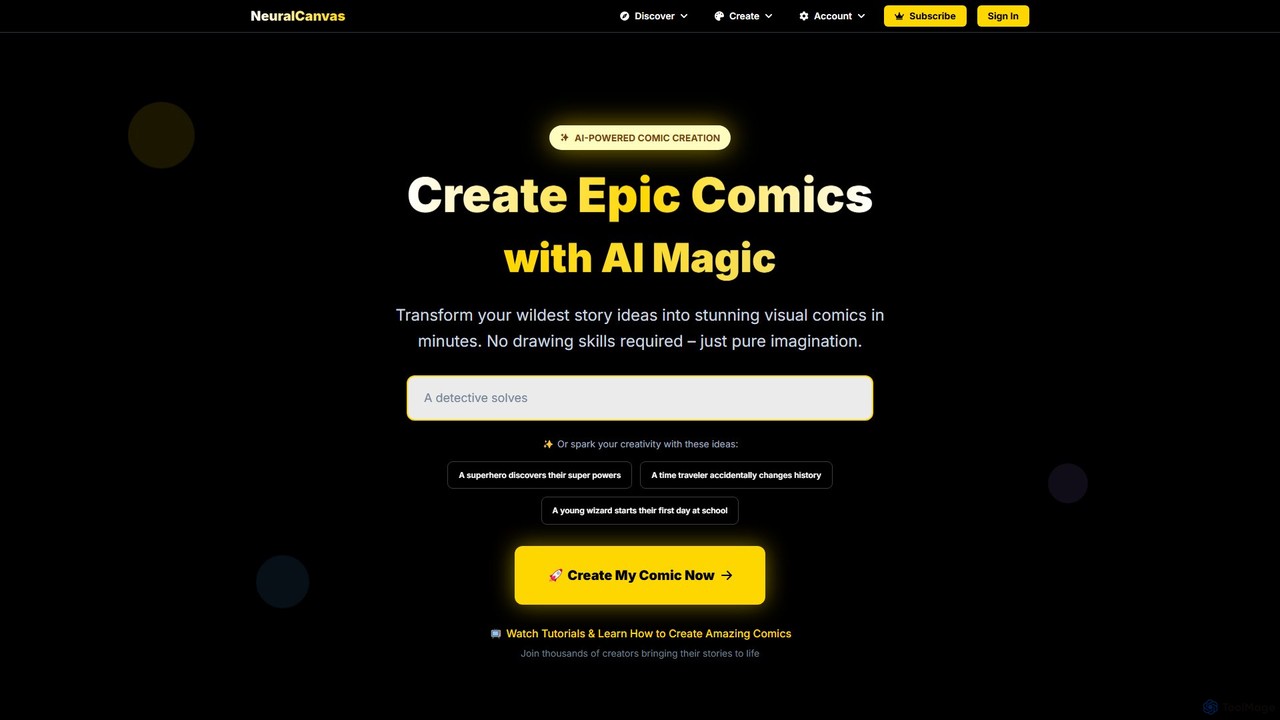
neuralcanvas is an AI-powered platform that transforms your story ideas into stunning visual comics. No drawing skills are needed. It allows users to generate consistent characters, create speech bubbles, write stories with AI assistance, and even monetize their creations through a built-in marketplace.
Comic Generation
Storia
Storia is an AI-powered creative platform that transforms your ideas into captivating illustrated stories and comics. Simply provide a text prompt, and Storia's advanced generative models will produce unique characters, scenes, and narrative panels, making visual storytelling accessible to everyone.
Generative Art
Llamagen
Llamagen is a powerful AI-driven platform that transforms text into high-quality comics, manga, and storyboards in seconds. It focuses on maintaining character consistency, offers 4K resolution, and supports multi-format conversion, making it ideal for storytellers, artists, and content creators to bring their ideas to life effortlessly.
Comic Generation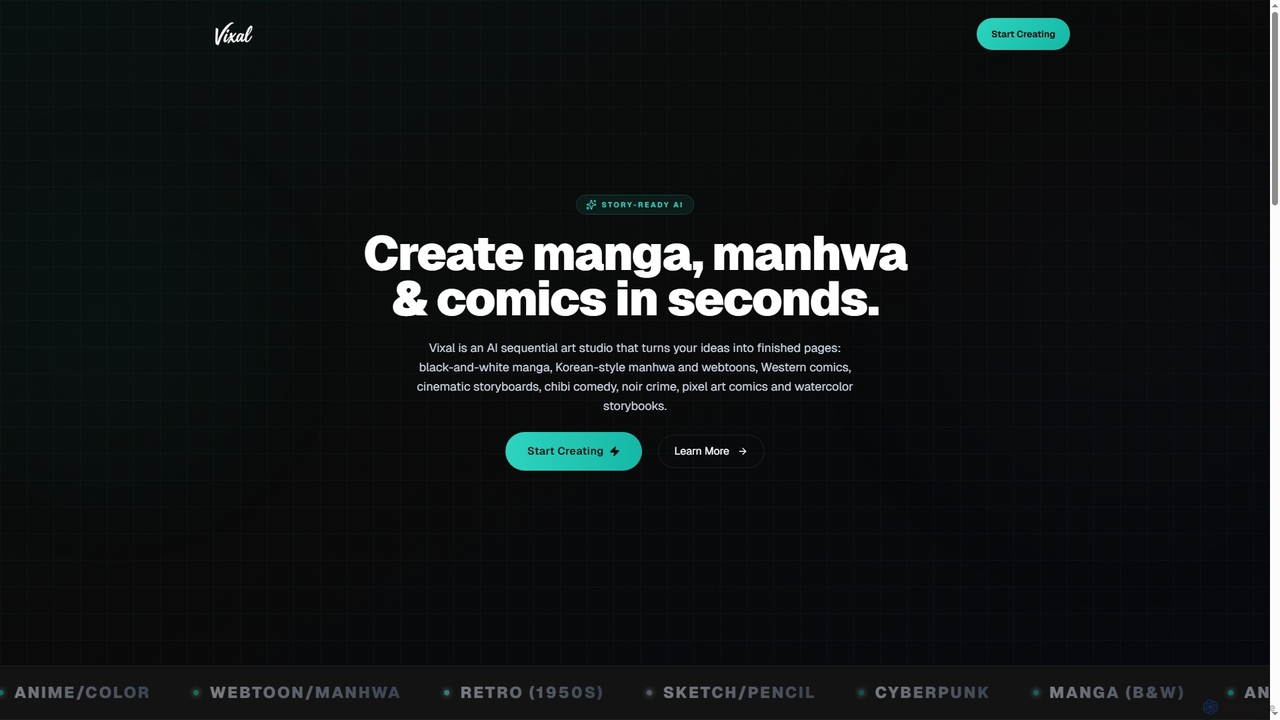
Vixal
Vixal is an innovative AI sequential art studio designed to transform your creative ideas into stunning manga, manhwa, webtoons, and comics in seconds. It offers over 24 diverse styles, from classic black-and-white manga to cyberpunk and watercolor storybooks, enabling artists and storytellers to generate complete pages and storyboards rapidly.
Comic Creation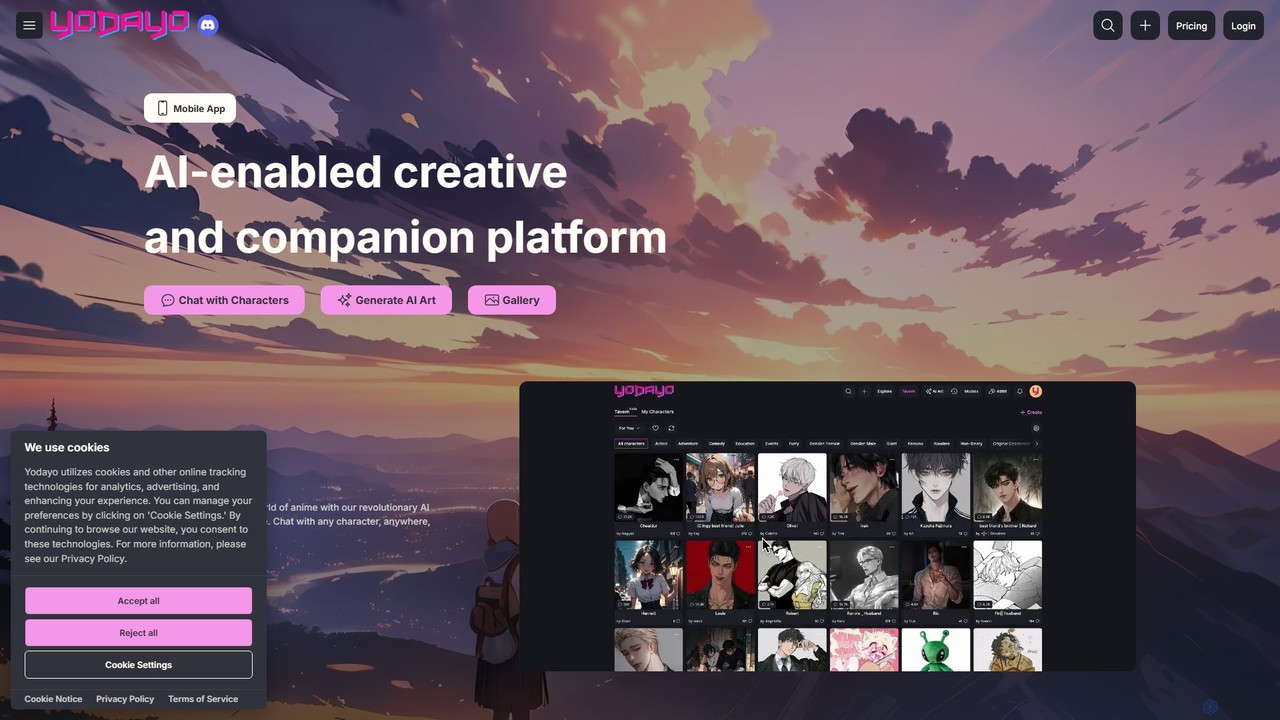
Yodayo
Yodayo is an AI-powered creative platform dedicated to the anime fandom. It combines a powerful AI art generator with an immersive character chatbot experience, allowing users to create stunning visuals and interact with lifelike AI companions in a vibrant community setting.
Social PlatformsAnifusion Categories
Anifusion Embed Widget
Copy this embed code to place the badge on your blog, article, or product site and send readers directly to this ToolMage detail page.

Related AI tools
Vixal
Vixal is an innovative AI sequential art studio designed to transform your creative ideas into stunning manga, manhwa, webtoons, and comics in seconds. It offers over 24 diverse styles, from classic black-and-white manga to cyberpunk and watercolor storybooks, enabling artists and storytellers to generate complete pages and storyboards rapidly.
Comic Creationneuralcanvas
neuralcanvas is an AI-powered platform that transforms your story ideas into stunning visual comics. No drawing skills are needed. It allows users to generate consistent characters, create speech bubbles, write stories with AI assistance, and even monetize their creations through a built-in marketplace.
Comic GenerationStoria
Storia is an AI-powered creative platform that transforms your ideas into captivating illustrated stories and comics. Simply provide a text prompt, and Storia's advanced generative models will produce unique characters, scenes, and narrative panels, making visual storytelling accessible to everyone.
Generative Art
animeshorts
An AI-powered platform for creating anime shorts and comics, with a special focus on the BL (Boys' Love) genre. It offers integrated tools for script generation, storyboarding, and art creation, allowing creators to effortlessly bring their stories to life, from script to finished comic.
Comic GenerationLlamagen
Llamagen is a powerful AI-driven platform that transforms text into high-quality comics, manga, and storyboards in seconds. It focuses on maintaining character consistency, offers 4K resolution, and supports multi-format conversion, making it ideal for storytellers, artists, and content creators to bring their ideas to life effortlessly.
Comic Generation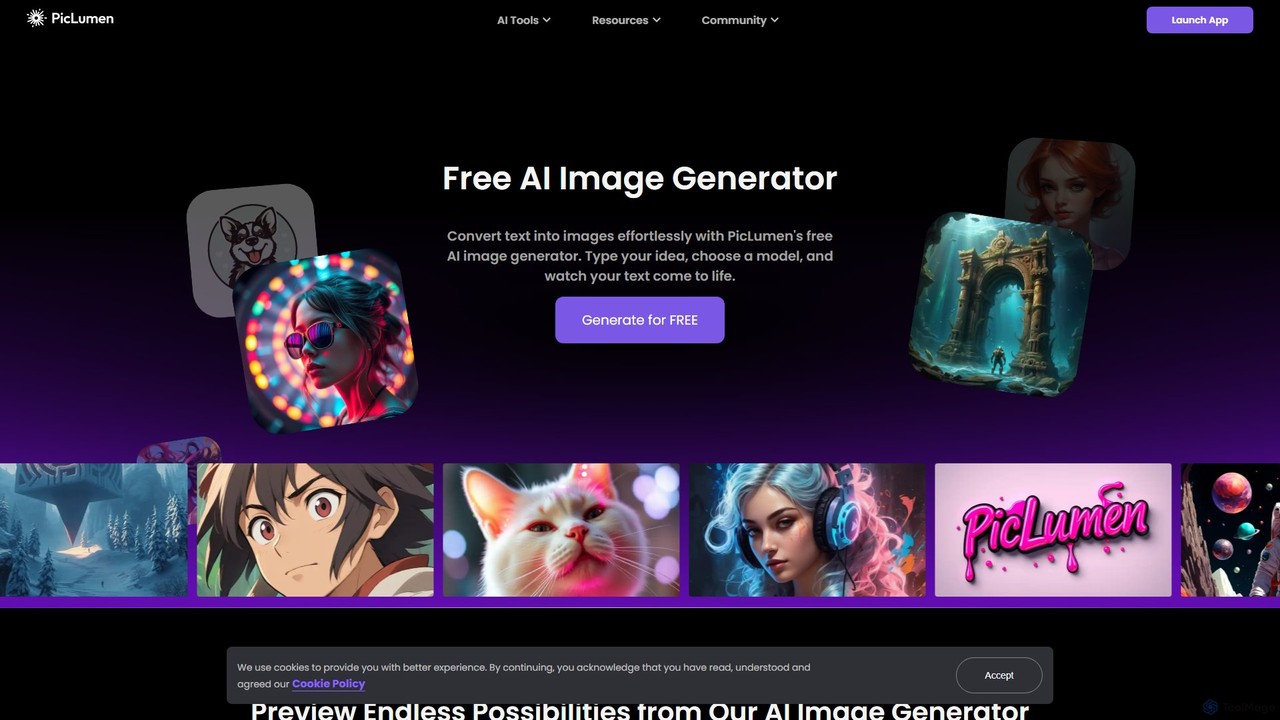
piclumen
PicLumen is a free, versatile AI image generator and editor that transforms text into stunning visuals. It offers a suite of tools including a background remover, image upscaler, colorizer, and an advanced image-to-image generator with multiple fine-tuned models for realistic photos, anime, and line art.
Generative Art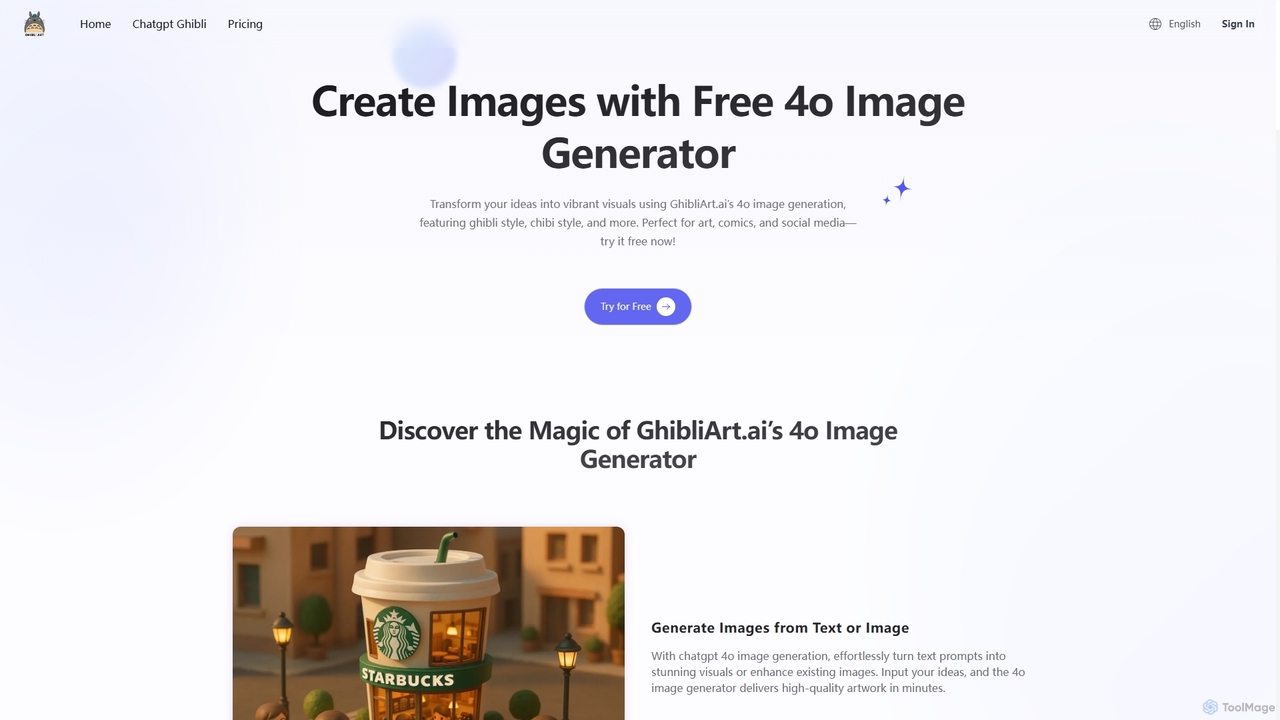
GhibliArt.ai
GhibliArt.ai is a powerful AI art generator powered by GPT-4o, specializing in creating stunning visuals in the iconic Ghibli style. It also supports a wide range of other artistic styles like Chibi, Pixar, 3D, and more. Users can generate images from text prompts or transform existing photos, making it perfect for artists, content creators, and developers.
Art Generator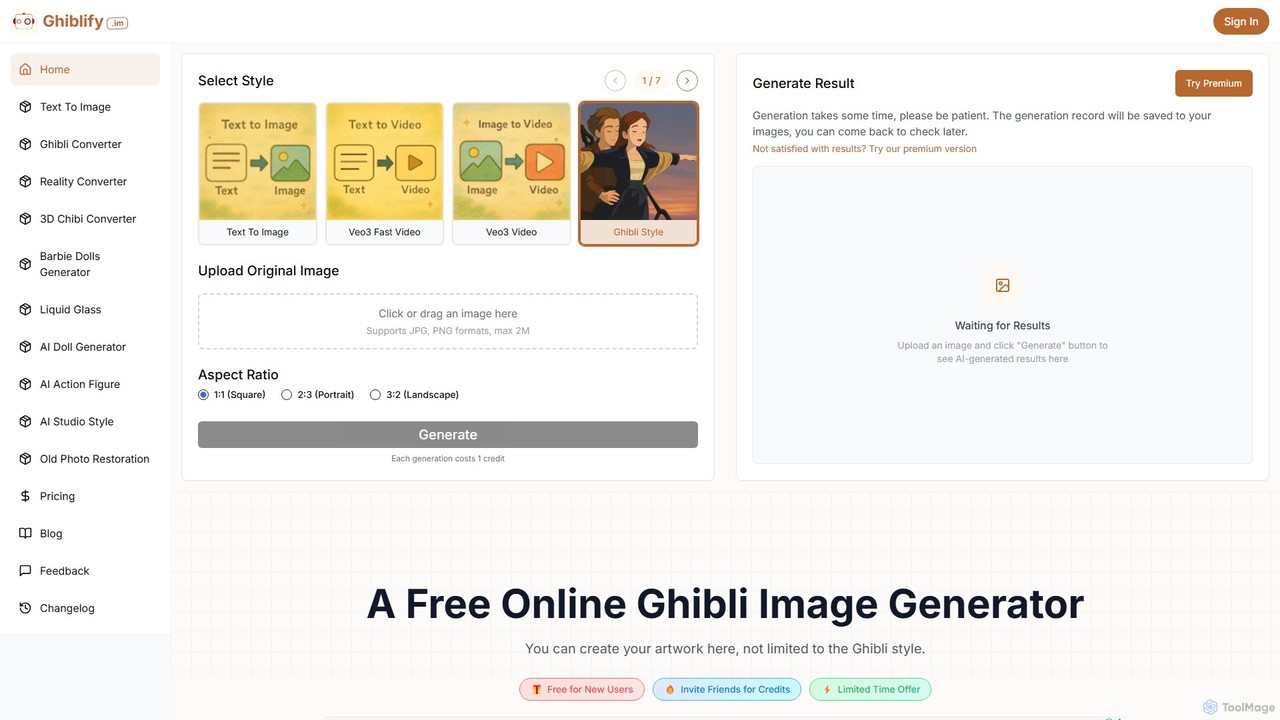
ghiblify
Ghiblify is a specialized AI art and video generator that brings the enchanting, timeless art style of Studio Ghibli to your fingertips. Using advanced AI, it transforms text prompts or existing images into stunning masterpieces that capture the signature watercolor textures and whimsical character designs of Ghibli films. It's perfect for anime fans, artists, and creators looking to generate unique, high-quality artwork and animations in seconds.
Anime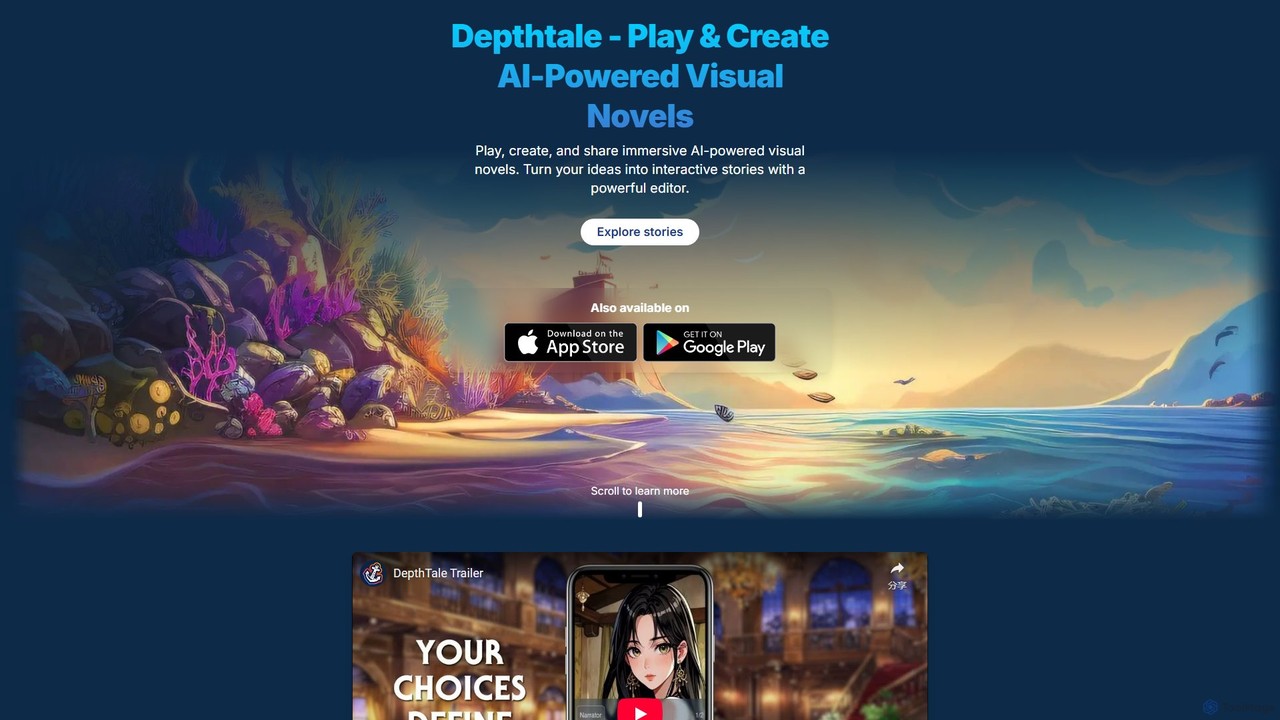
Depthtale
Depthtale is an AI-powered platform for creating and playing interactive visual novels. It combines traditional storytelling with point-and-click adventure elements, allowing creators to build immersive worlds with AI-generated art and readers to experience narratives shaped by their choices.
Image Generation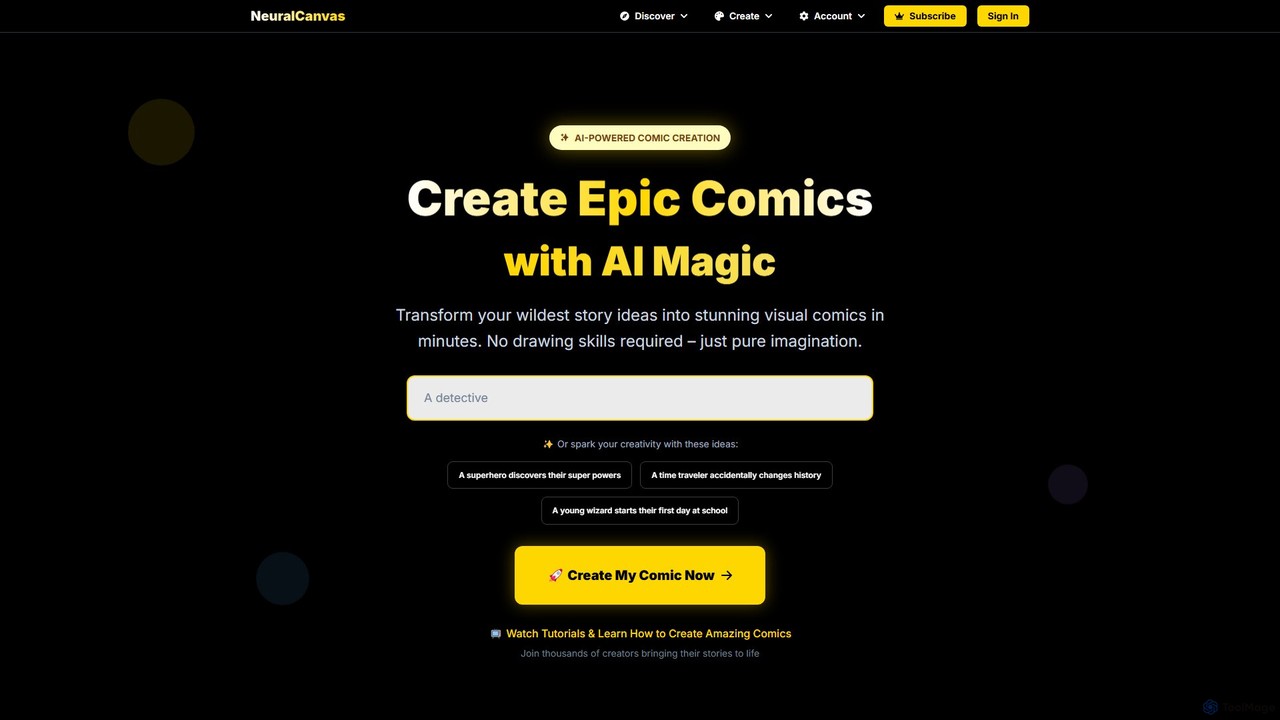
Neural Canvas
Neural Canvas is an AI-powered platform that transforms your story ideas into stunning visual comics. No drawing skills are needed; simply provide your narrative, and the AI generates consistent characters, scenes, and speech bubbles. It offers an all-in-one solution from creation to monetization, featuring a marketplace where creators can sell their comics and earn royalties.
Comic Generation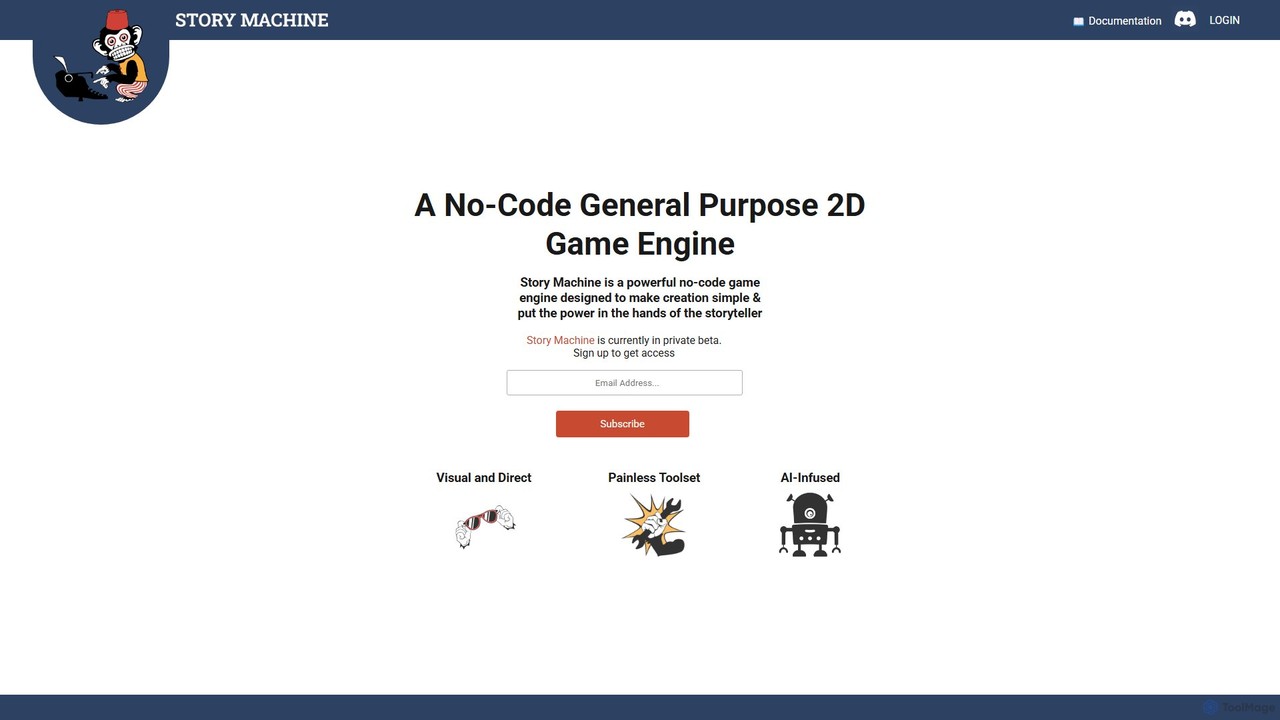
Story Machine
Story Machine is a powerful no-code 2D game engine designed for storytellers. It features a visual drag-and-drop interface, an integrated AI art generator for creating characters and backgrounds from prompts, and a streamlined toolset. This allows anyone to build interactive 2D adventure games and visual novels without writing a single line of code, focusing purely on creativity and narrative.
Image Generation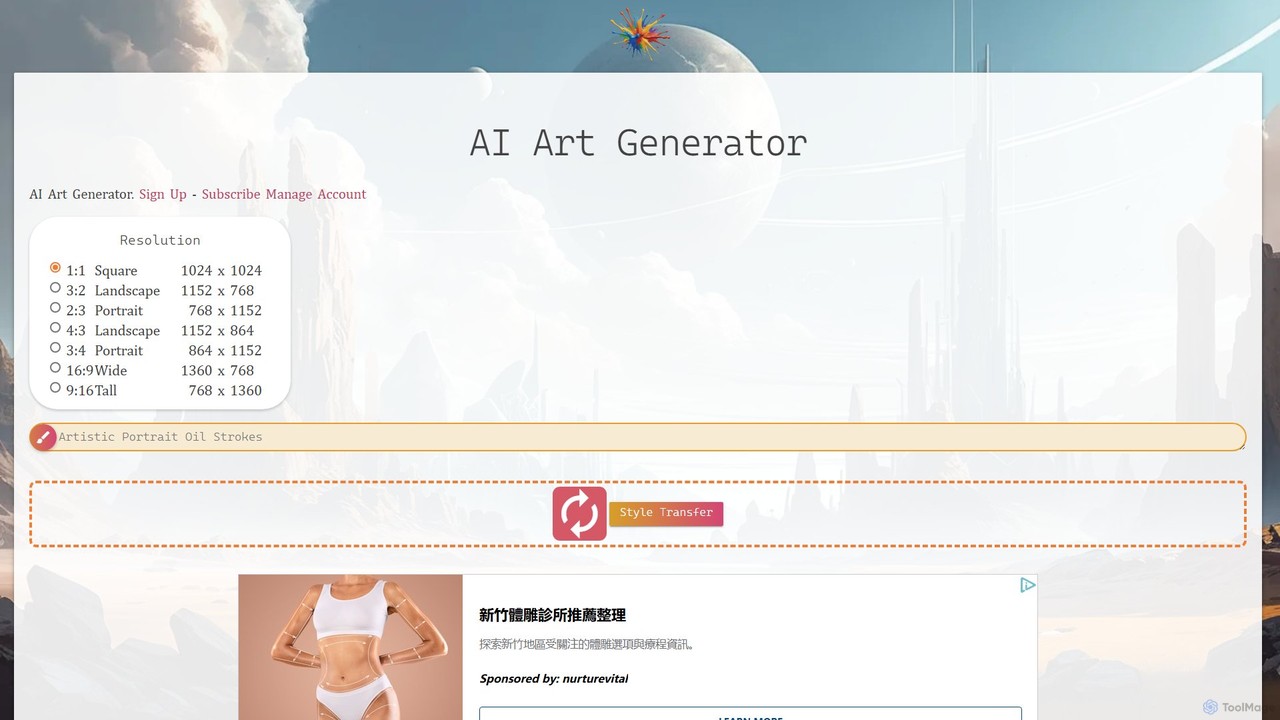
AI Art Generator + Image Search
A comprehensive AI art platform that allows users to generate stunning images from text prompts across a vast library of styles. It features advanced tools like style transfer, 2K upscaling with eye correction, an integrated editor, and the unique ability to animate static images into short videos. Ideal for artists, designers, and creators seeking a versatile and powerful visual creation tool.
Digital ArtYodayo
Yodayo is an AI-powered creative platform dedicated to the anime fandom. It combines a powerful AI art generator with an immersive character chatbot experience, allowing users to create stunning visuals and interact with lifelike AI companions in a vibrant community setting.
Social Platforms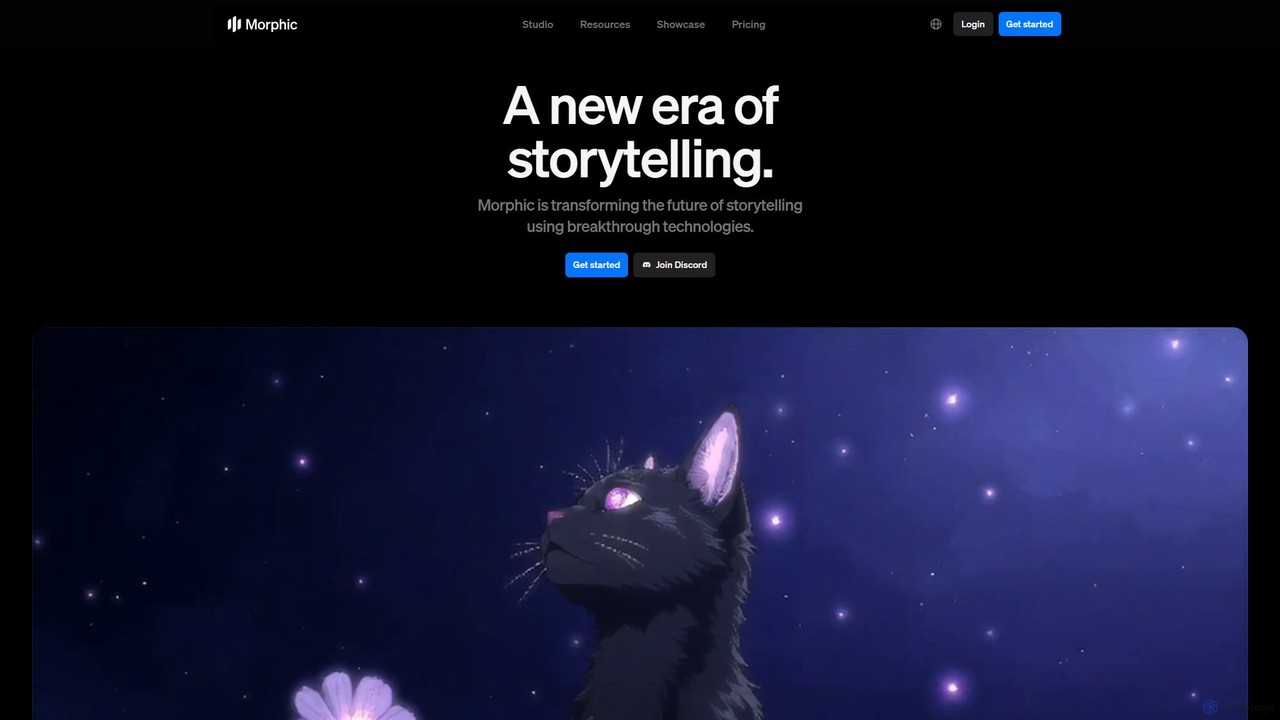
Morphic
Morphic is an AI-powered video creation studio designed for filmmakers, animators, and game designers. It provides an end-to-end platform to transform ideas into cinematic stories with features like consistent character generation, advanced camera controls, and a collaborative editing canvas. Turn your vision into high-quality animated content efficiently.
Generative Art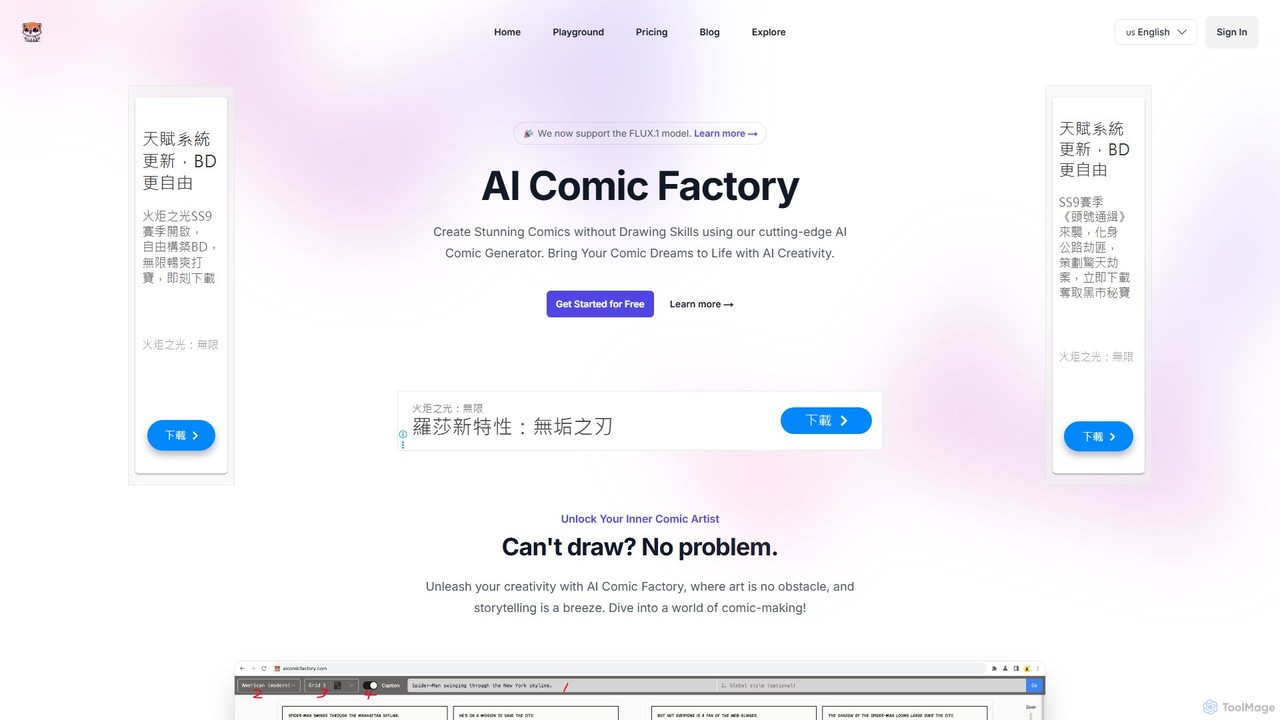
AI Comic Factory
AI Comic Factory is a cutting-edge AI tool that empowers anyone to create stunning comics from simple text descriptions. No drawing skills are required. Choose from over 15 diverse styles, including American, Japanese, and 3D, to bring your stories to life. The platform ensures character consistency across panels, allows for prompt editing, and supports reference image uploads for personalized creations. It's the perfect tool for storytellers, marketers, and comic enthusiasts to visualize their ideas effortlessly.
Entertainment
Anifusion Comments (0)
Sign in to comment.
Sign inNo comments yet.