

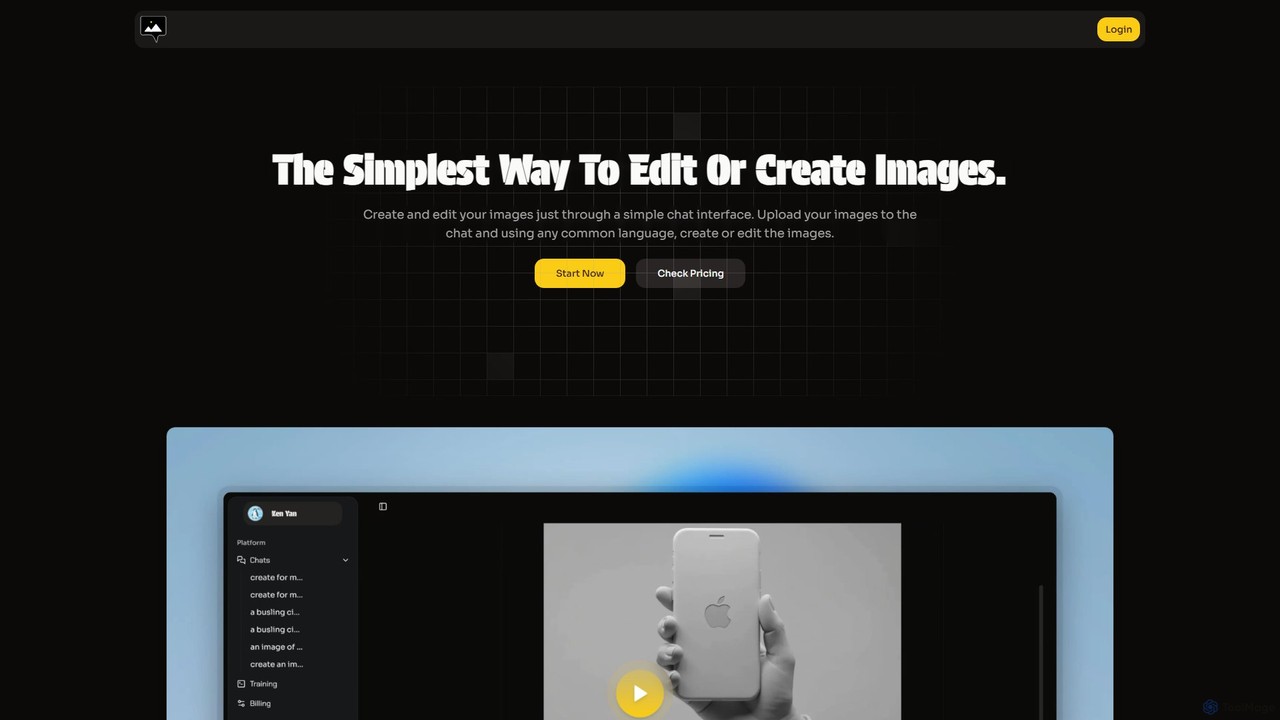
chatimages Overview
chatimages revolutionizes the way we interact with image editing and creation. It replaces complex software interfaces with a simple, intuitive chat conversation. This AI-powered platform allows users to upload their images and manipulate them using plain text commands, just like talking to a professional designer. Whether you want to remove a background, add an object, change lighting, or even generate a completely new image from your imagination, chatimages makes it as easy as sending a message. The tool is designed for maximum accessibility, breaking down barriers of technical skill and language, supporting over 20 languages for a truly global user base.
How to use chatimages
Getting started with chatimages is incredibly straightforward. The entire process is designed around a conversational flow:
- Start a Chat: Navigate to the chatimages website and begin a new conversation.
- Upload an Image: You can upload an existing image you wish to edit directly into the chat window.
- Give Commands: Type your request in natural language. For example, you could say "remove the background," "change the sky to a sunset," or "add a coffee cup on the table."
- Use Specific Functions: For more targeted actions, you can use special commands like @bg for background tasks, @relight to adjust lighting, @Edit for specific modifications, or @Create to generate a new image from a text description.
- Iterate and Refine: The AI will process your request and present the result. You can continue the conversation to make further adjustments until you are satisfied.
- Download: Once you have the perfect image, you can download it in various formats like PNG or JPG.
Core Features of chatimages
- Conversational Editing: The primary feature is the ability to edit images using natural language commands in a chat interface.
- AI Image Generation (@Create): Leverage state-of-the-art models to bring your ideas to life by simply describing the image you want to create.
- Background Management (@bg): Seamlessly remove backgrounds from photos or replace them with a different scene or a solid color.
- Intelligent Relighting (@relight): Artificially adjust the lighting in your photos. Change the direction, color, and intensity of light to completely alter the mood.
- Precise Object Editing (@Edit): Add, remove, or replace specific objects or elements within your image with simple text instructions.
- Virtual Try-On (@Try_on): A specialized feature for fashion and e-commerce, allowing you to see how different clothes would look on a person.
- Image Combination (@Combine): Merge elements from multiple images into a single, cohesive picture.
- Multilingual Support: Communicate with the AI in your native language, with support for over 20 languages.
- Multiple Format Downloads (@Format): Download your final creations in formats that suit your needs, with more options being added.
Use Cases for chatimages
chatimages is a versatile tool suitable for a wide range of users:
- E-commerce Store Owners: Quickly create professional product photos by removing or changing backgrounds, and generating lifestyle shots without expensive photoshoots.
- Social Media Managers: Generate eye-catching visuals, memes, and promotional content on the fly to keep their audience engaged.
- Content Creators & Bloggers: Design unique thumbnails, illustrations, and in-post graphics that match their content's theme.
- Marketing Professionals: Develop campaign assets and A/B test different visual concepts rapidly.
- Personal Users: Retouch personal photos, create fun images for friends and family, or bring imaginative concepts to life.
Advantages of chatimages
The key advantage of chatimages is its radical simplicity. It democratizes image editing by removing the steep learning curve associated with traditional software like Photoshop. Its efficiency is unparalleled—tasks that could take minutes or hours are reduced to seconds. The platform's versatility, combining robust editing tools with powerful generation capabilities in one interface, makes it a comprehensive solution. Furthermore, its multilingual nature makes it a truly global tool, accessible to anyone regardless of their native language.
Pricing and Plans
chatimages uses a flexible, token-based pricing model, ensuring you only pay for what you use. One token is consumed for one major image editing or generation task. Unused tokens do not expire.
- Popular Plan: $5 per month, which includes 50 tokens. Ideal for light or occasional use. Features include AI image editing, email support, and 1-week chat history storage.
- Starter Plan: $29 per month, which includes 200 tokens. Suited for regular users and small businesses. Includes all features of the Popular plan plus 1-month chat history storage.
- Enterprise Plan: $199 per month, which includes 1600 tokens. Designed for large organizations and heavy users. Offers early access to new features and integrations, priority email support, and 3-month chat history storage.
- Custom Purchase: Users can also purchase a custom number of tokens at any time.
chatimages Alternatives
Magic Studio
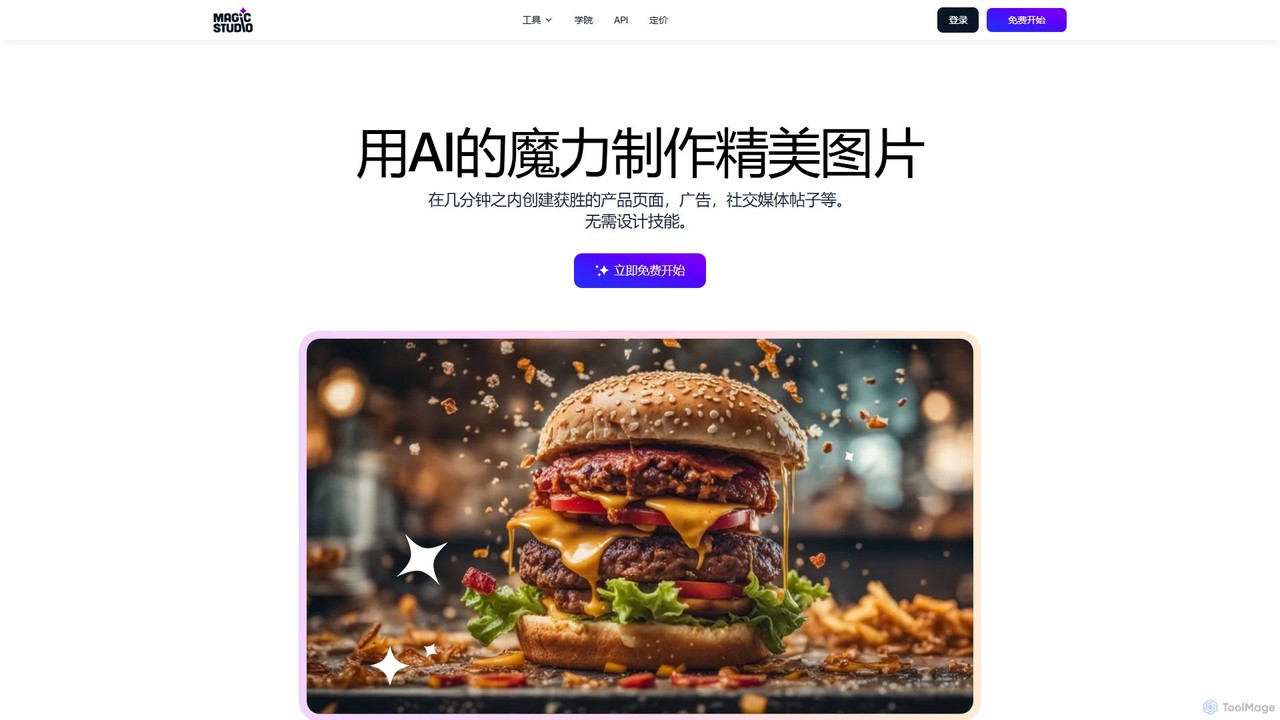
Magic Studio is an all-in-one AI-powered image editing suite designed for everyone. It allows users to effortlessly create stunning visuals, remove unwanted objects, change backgrounds, generate images from text, and enhance photo quality in seconds, no design skills required.
Product Photos
Kira
Kira is a powerful AI-powered platform for professional-grade image generation and editing. It combines a versatile text-to-image generator with a comprehensive suite of editing tools, including background removal, inpainting, upscaling, and stylization. Its key feature is the ability to maintain consistent styles and characters across multiple edits and generations, making it ideal for branding, marketing, and creative projects that require a cohesive visual identity.
Graphic Design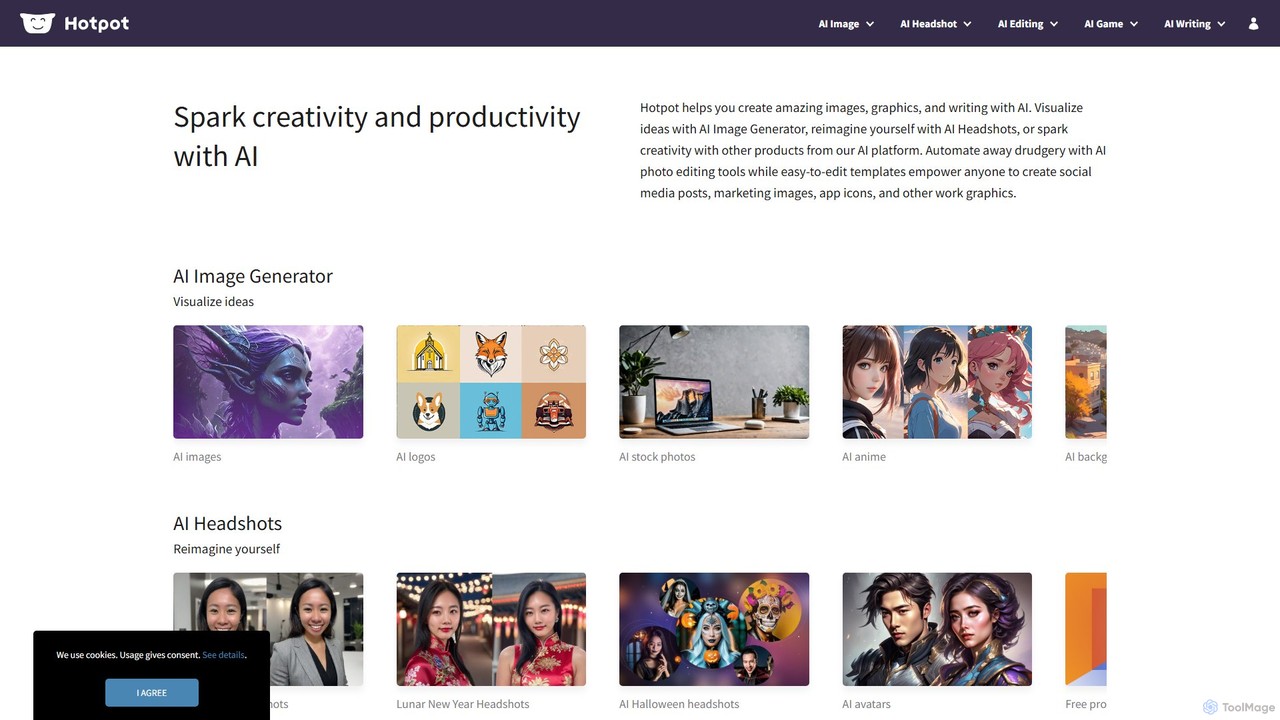
Hotpot.ai
Hotpot.ai is a versatile AI platform designed to enhance creativity and productivity. It offers a suite of tools for generating images, professional headshots, and various graphics. With features like AI photo editing, background removal, and content creation for social media and apps, Hotpot.ai aims to make design and media creation faster, easier, and more accessible for everyone.
Graphic Design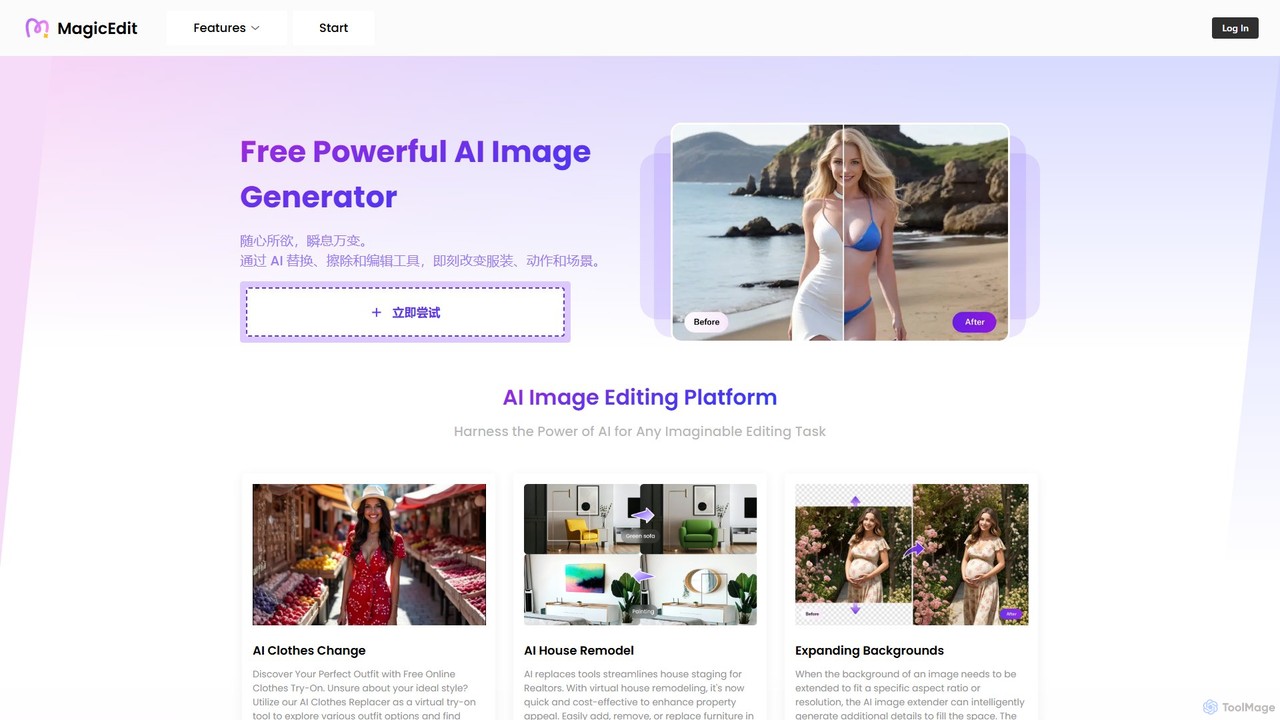
MagicEdit
MagicEdit is a powerful AI-driven image editing suite that allows users to effortlessly modify photos. Its key features include object and person removal, AI-powered clothing and background replacement, image expansion (outpainting), virtual hairstyle try-ons, and AI image generation from text prompts. It's designed for both casual users and professionals in marketing, real estate, and e-commerce, making complex photo editing simple and fast.
Image Generator
picsify
Picsify is an all-in-one AI-powered platform for visual content creation. Effortlessly generate stunning images from text, edit photos with professional tools like background removal and object erasing, and enhance image quality with a single click. Ideal for marketers, designers, and content creators.
Graphicschatimages Categories
chatimages Embed Widget
Copy this embed code to place the badge on your blog, article, or product site and send readers directly to this ToolMage detail page.

Related AI tools

Cloudbooklet AI
Cloudbooklet AI is a versatile suite of free online AI tools, featuring an unlimited AI image generator, a powerful face swap for photos and videos, an AI chatbot, and more. Create, edit, and transform digital content effortlessly without any sign-up required.
Face Swap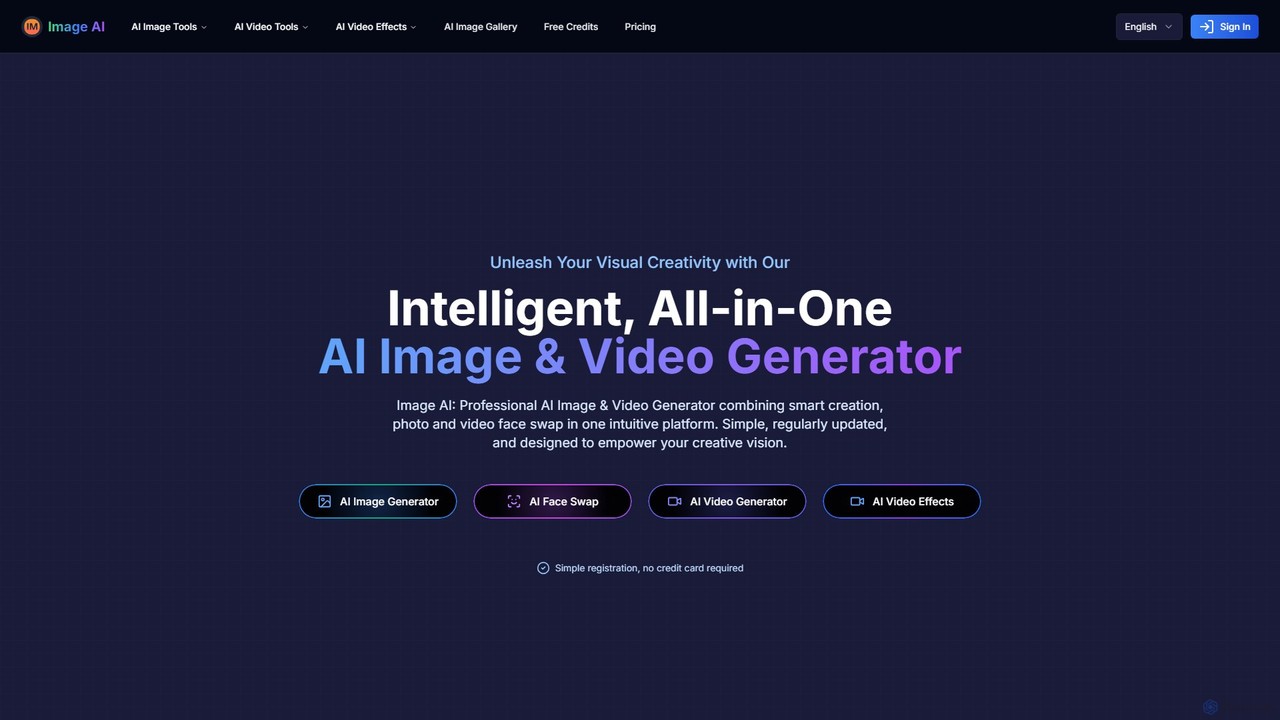
imgai
imgai is a comprehensive, all-in-one AI platform for image and video creation and editing. It offers a vast suite of tools, including text-to-image generation, face swapping for photos and videos, image upscaling, background removal, photo restoration, and unique artistic effects. Designed for both professionals and casual users, it provides a user-friendly experience with a generous free plan and flexible credit-based pricing.
Face Swap
Picit
Picit is a comprehensive, free online AI image suite. It offers a wide range of tools, including text-to-image generation, background removal, image upscaling, AI filters, avatar creation, and watermark removal. Designed for ease of use, it empowers users to create and edit high-quality visuals in seconds without any cost or technical expertise, making it ideal for designers, marketers, and content creators.
Image Editing
pix.chat
pix.chat is an innovative AI-powered platform that transforms text-based conversations into stunning visual art. Through an intuitive chat interface, users can generate, edit, and refine images using natural language commands. It's designed for creators, marketers, and designers who want to produce high-quality visuals quickly and collaboratively, without needing complex software.
Digital Art
dzine
dzine is an all-in-one, controllable AI design platform for generating and editing images, videos, and 3D models. It excels at creating consistent characters and offers a comprehensive suite of tools, including text-to-video, generative fill, and face swapping, streamlining the creative workflow for designers, developers, and marketers.
Graphic Design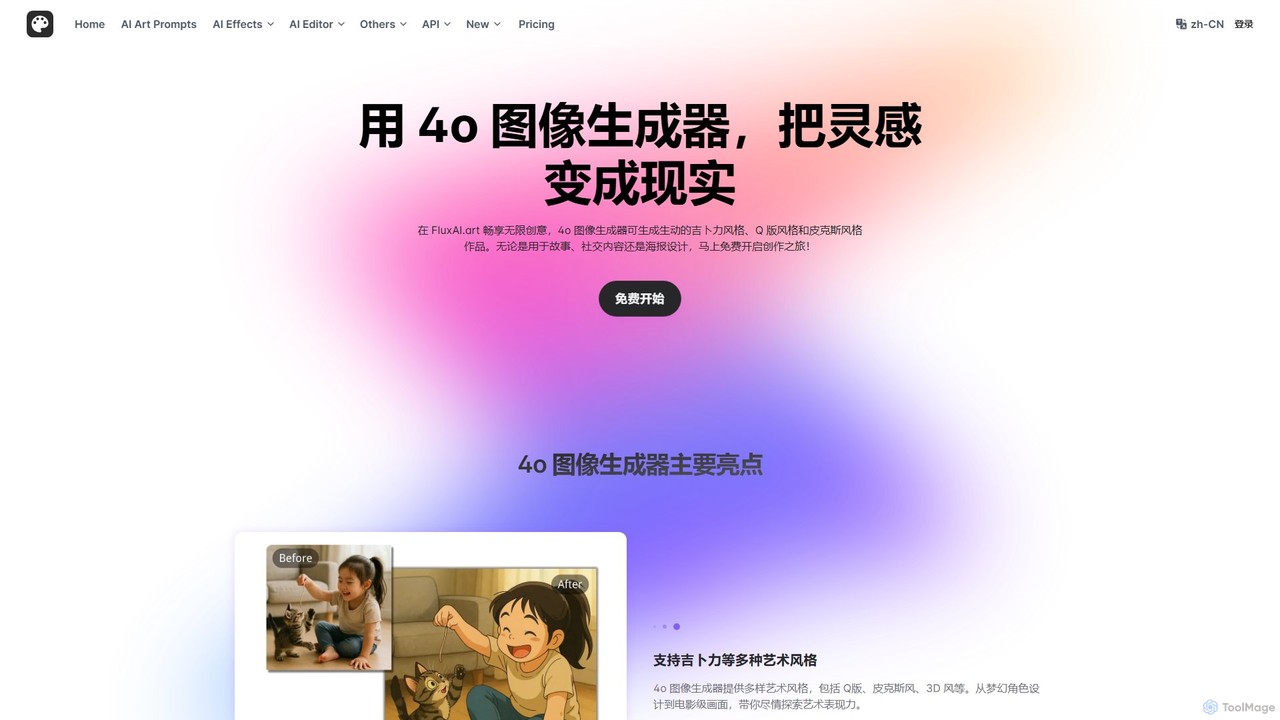
FluxAI.art
FluxAI.art is a powerful AI image generator powered by GPT-4o, enabling users to create stunning visuals in various artistic styles like Ghibli, Pixar, and Q-style (Chibi). It offers text-to-image generation, image recreation, and unique tools like a realistic aging filter and stylized text integration. It's designed for artists, designers, marketers, and social media users.
Ai ArtMagic Studio
Magic Studio is an all-in-one AI-powered image editing suite designed for everyone. It allows users to effortlessly create stunning visuals, remove unwanted objects, change backgrounds, generate images from text, and enhance photo quality in seconds, no design skills required.
Product PhotosKira
Kira is a powerful AI-powered platform for professional-grade image generation and editing. It combines a versatile text-to-image generator with a comprehensive suite of editing tools, including background removal, inpainting, upscaling, and stylization. Its key feature is the ability to maintain consistent styles and characters across multiple edits and generations, making it ideal for branding, marketing, and creative projects that require a cohesive visual identity.
Graphic DesignHotpot.ai
Hotpot.ai is a versatile AI platform designed to enhance creativity and productivity. It offers a suite of tools for generating images, professional headshots, and various graphics. With features like AI photo editing, background removal, and content creation for social media and apps, Hotpot.ai aims to make design and media creation faster, easier, and more accessible for everyone.
Graphic DesignMagicEdit
MagicEdit is a powerful AI-driven image editing suite that allows users to effortlessly modify photos. Its key features include object and person removal, AI-powered clothing and background replacement, image expansion (outpainting), virtual hairstyle try-ons, and AI image generation from text prompts. It's designed for both casual users and professionals in marketing, real estate, and e-commerce, making complex photo editing simple and fast.
Image Generatorpicsify
Picsify is an all-in-one AI-powered platform for visual content creation. Effortlessly generate stunning images from text, edit photos with professional tools like background removal and object erasing, and enhance image quality with a single click. Ideal for marketers, designers, and content creators.
Graphics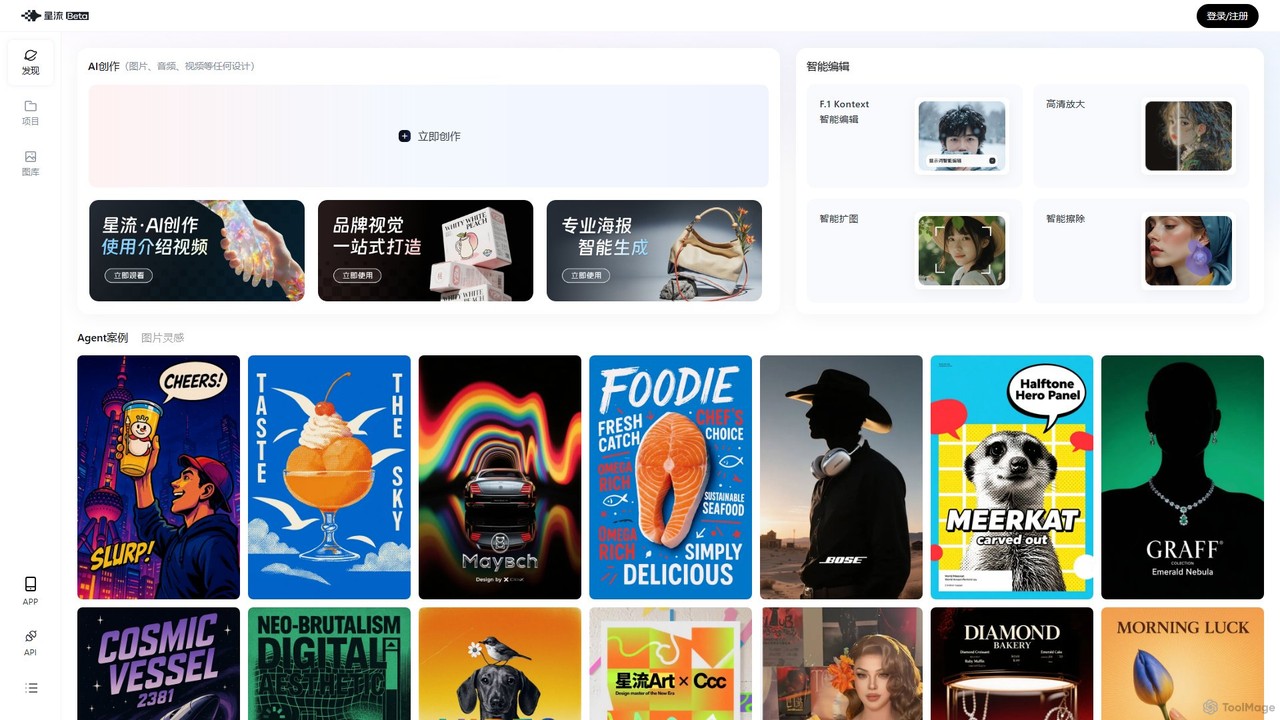
Xingliu
Xingliu is a next-generation AI creation suite that seamlessly integrates content generation and smart editing. Create stunning images, posters, and designs from text prompts, and refine them with powerful tools like HD upscaling, smart outpainting, object removal, and background cutout. It's an all-in-one platform for designers, marketers, and creators to bring their ideas to life effortlessly.
Image Generation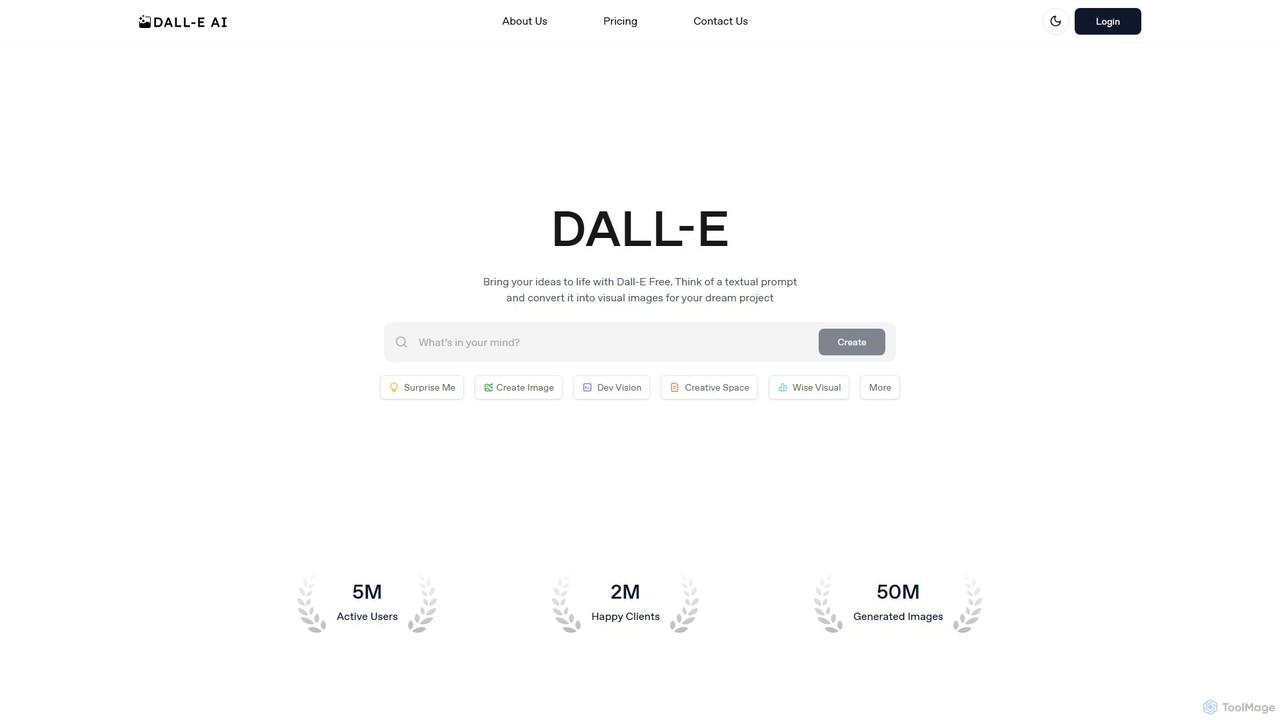
dall_efree
An accessible AI image generation platform powered by DALL-E 2 and DALL-E 3. It allows users to create images from text prompts, edit existing images, and upscale resolutions. It offers a free plan for casual use and affordable premium plans for faster generation, higher volume, and commercial rights, all through a user-friendly web interface.
Image Generation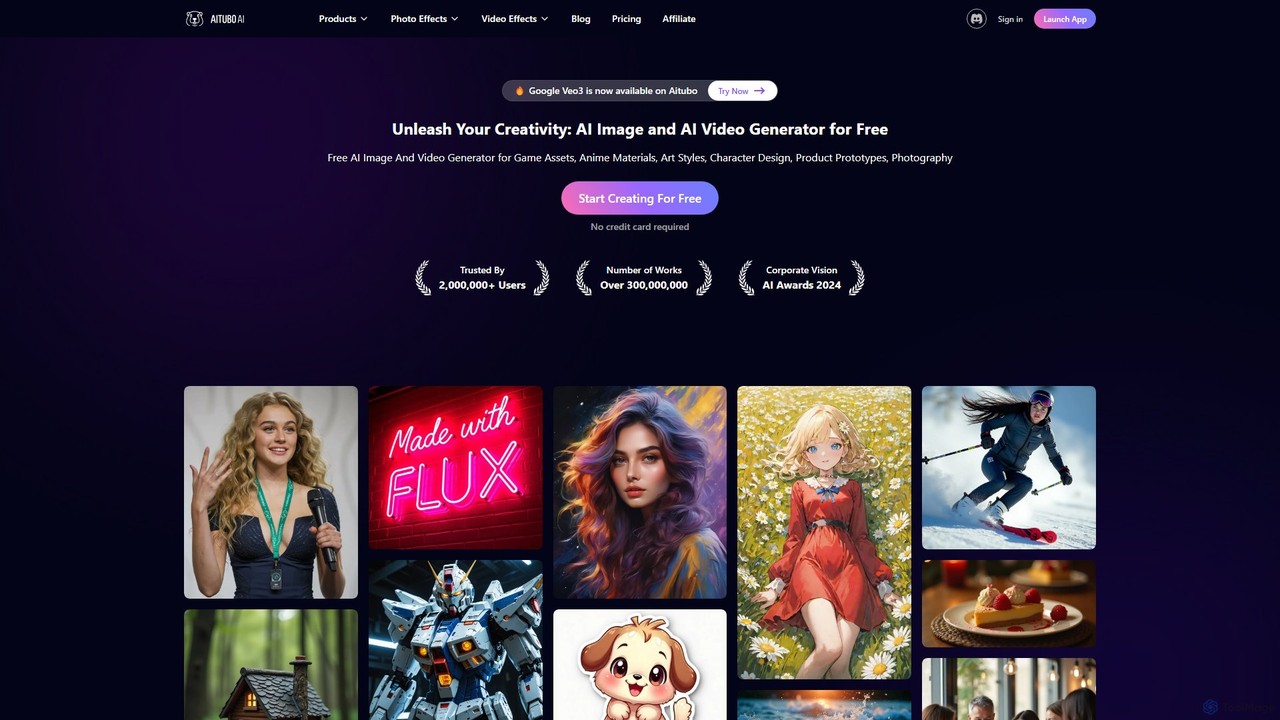
Aitubo
Aitubo is a comprehensive AI creative suite for generating and editing images and videos. It features advanced models like Flux and SD3, offering tools for text-to-image, text-to-video, background removal, image enhancement, face swapping, and AI character chat. Ideal for artists, designers, and content creators.
Chatbots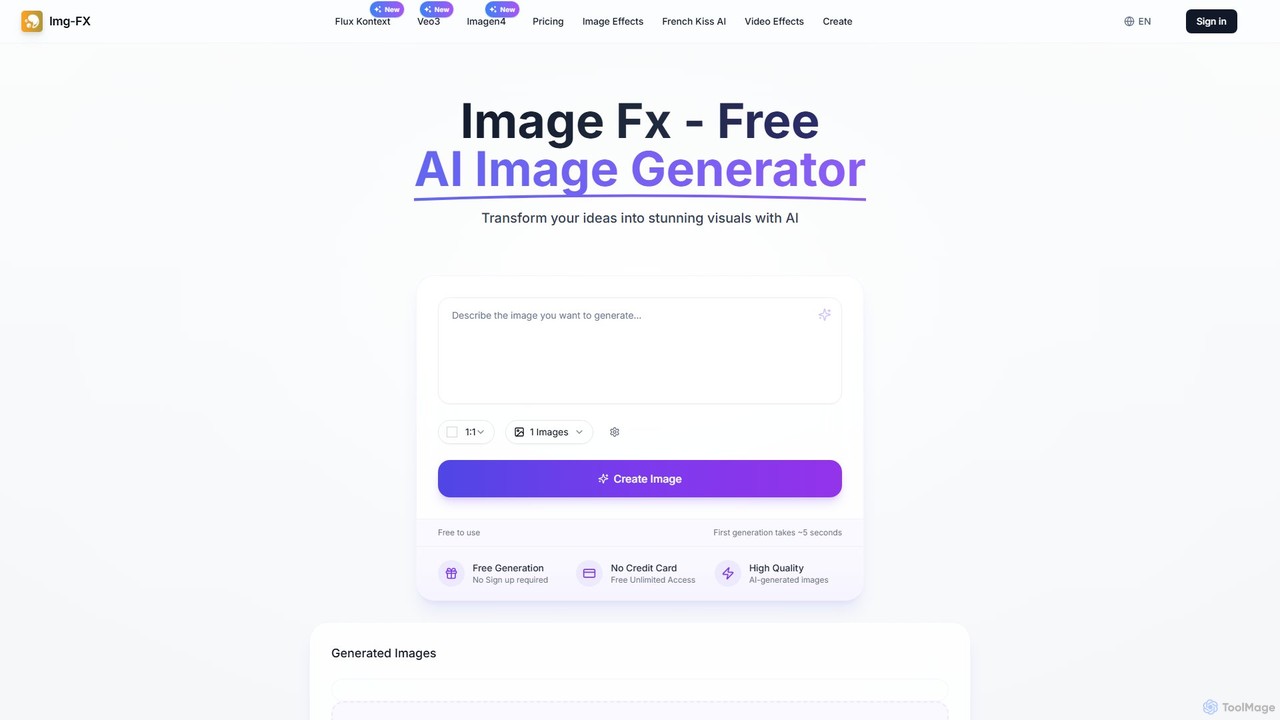
img_fx
A versatile AI creative suite for generating stunning images and videos. It offers free, no-signup text-to-image creation powered by Google's Imagen, advanced context-aware image editing with Flux Kontext, and high-quality text-to-video generation with Veo 3. Ideal for artists, marketers, and creators of all skill levels.
Image Editing
chatimages Comments (0)
Sign in to comment.
Sign inNo comments yet.