

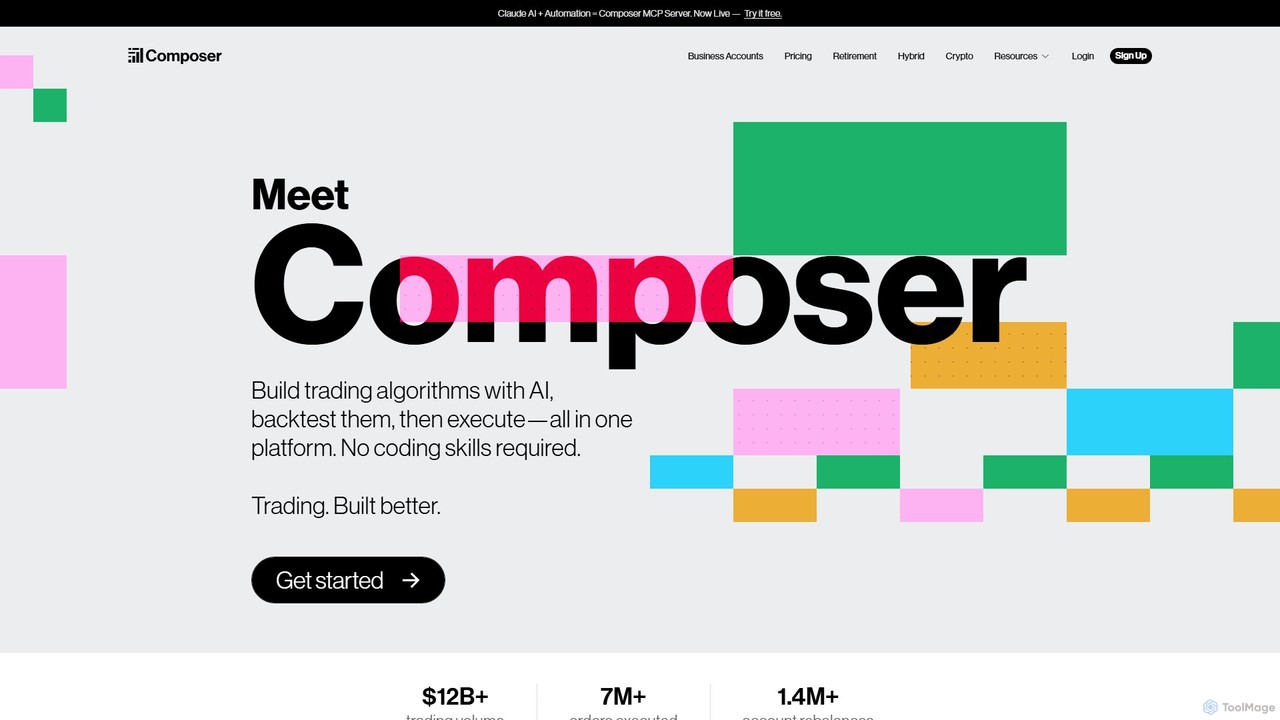
Composer Overview
Composer is a revolutionary all-in-one platform designed to democratize quantitative investing. It empowers both novice and experienced investors to build, test, and execute sophisticated trading algorithms without writing a single line of code. By integrating AI-powered tools with a full-service brokerage, Composer provides a seamless experience from strategy conception to automated execution. The platform's core mission is to make data-driven, emotion-free investing accessible to everyone, moving beyond traditional stock picking to systematic, rules-based portfolio management.
The platform's standout feature is its AI-assisted editor. Users can describe their investment goals, risk tolerance, and strategic ideas in plain English, and Composer's AI will generate a corresponding trading algorithm. This algorithm, or "Symphony" as it's called on the platform, can then be rigorously backtested against historical data to evaluate its potential performance. This process allows users to refine and optimize their strategies based on metrics like annualized returns, Sharpe ratio, and max drawdown before committing any capital.
How to use Composer
Getting started with Composer is designed to be intuitive. First, you open and fund a brokerage account directly within the platform, which supports individual accounts as well as Traditional and Roth IRAs. Then, you can explore three primary ways to build your portfolio:
- Create with AI: Simply type your investment idea into the AI editor. For example, you could write, "I want a strategy that invests in leading semiconductor companies and rebalances based on momentum." The AI will generate a complete, editable strategy for you.
- Use Pre-built Strategies: Composer offers a curated library of "Symphonies" created by experts. These cover various themes like Long-Term Growth, Technology Focus, or Diversification. You can invest in them directly or use them as a template for your own custom strategy.
- Build from Scratch: For those who prefer a hands-on approach, the no-code visual editor allows you to construct strategies from the ground up. You can set conditions (if-this-then-that logic), apply weighting methods (e.g., inverse volatility, market cap), and dynamically select assets based on specific criteria.
Once a strategy is selected or created, you can backtest it, compare it against benchmarks, and when you're ready, deploy it for automated trading. Composer will then handle all the buying, selling, and rebalancing automatically according to your rules.
Core Features of Composer
- AI-Powered Strategy Creation: Use natural language to generate complex trading algorithms instantly.
- No-Code Visual Editor: Build and customize strategies with an intuitive drag-and-drop interface.
- Automated Trading & Rebalancing: The platform automatically executes trades to keep your portfolio aligned with your strategy.
- Comprehensive Backtesting: Test your strategies against years of historical data with detailed performance analytics.
- Pre-built & Community Strategies: Access a marketplace of ready-to-use strategies or remix those shared by the community.
- Integrated Brokerage: A full-featured brokerage supporting stocks, ETFs, and crypto, as well as retirement accounts (IRA).
- Advanced Analytics: Track key metrics like Sharpe Ratio, Calmar Ratio, Beta, Max Drawdown, and more to understand your portfolio's risk and return profile.
- Zero Commissions: No commissions or management fees on trades; the service operates on a simple subscription model.
Use Cases for Composer
Composer is versatile and caters to a wide range of investors:
- Retail Investors: Individuals who want to automate their investment process and implement strategies that are more sophisticated than simple buy-and-hold.
- Thematic Investors: Users who want to create portfolios based on specific trends, such as renewable energy, AI, or inflation hedging.
- Quantitative Analysts: Professionals and hobbyists who want a rapid prototyping and execution tool without the overhead of building their own infrastructure.
- Financial Advisors & Funds: Business accounts can leverage Composer for data-driven portfolio management, with API access and priority support.
Advantages of Composer
The primary advantage of Composer is its ability to level the playing field, giving retail investors access to tools previously reserved for high-end quantitative hedge funds. It removes the emotional aspect of investing by enforcing a disciplined, data-driven approach. The all-in-one nature of the platform—combining ideation, backtesting, and execution—streamlines the entire workflow. Furthermore, its transparent, subscription-based pricing model is straightforward and avoids hidden fees, making sophisticated trading more affordable.
Pricing and Plans
Composer offers a flexible pricing structure:
- Free Plan: Allows users to buy, hold, and sell stocks, ETFs, and crypto. You can also build and backtest strategies and access portfolio metrics. For automated crypto strategies, a 0.3% fee per trade applies.
- Trading Pass (Subscription): This unlocks the full power of automated trading for stock and ETF strategies. It is required for running Symphonies live.
- Monthly: $32 per month.
- Yearly: $384 per year (a 20% savings over the monthly plan).
- Business Account: Custom pricing for funds and entities. This plan includes API access, priority support, and full IP ownership of strategies. Interested parties can book a call for more details.
*Other regulatory fees from FINRA & SEC may apply on the sale of securities.
Traffic
Latest traffic
Status
Monthly traffic trend
- 2025-9: 195.0K
- 2026-1: 246.4K
- 2026-2: 180.5K
- 2026-3: 189.7K
- 2026-4: 265.4K
- 2026-5: 278.0K
Geography
Top 5 countries / regions
- 🇺🇸United States93.3%
- 🇨🇦Canada2.3%
- 🇩🇪Germany1.7%
- 🇸🇬Singapore1.6%
- 🇻🇳Vietnam1.2%
Traffic sources
| Source type | Percentage |
|---|---|
Direct | 88.3% |
Email | 7.7% |
Referral | 4.0% |
Top keywords
| Keyword | Cost per click |
|---|---|
| composer | $2.06 |
| composer ai | $2.60 |
| voo vs vti | $0.73 |
| vti vs voo | $0.74 |
| vxus vs voo | $2.00 |
Composer Videos on YouTube



Shark Numbers

Composer Alternatives
Quantle
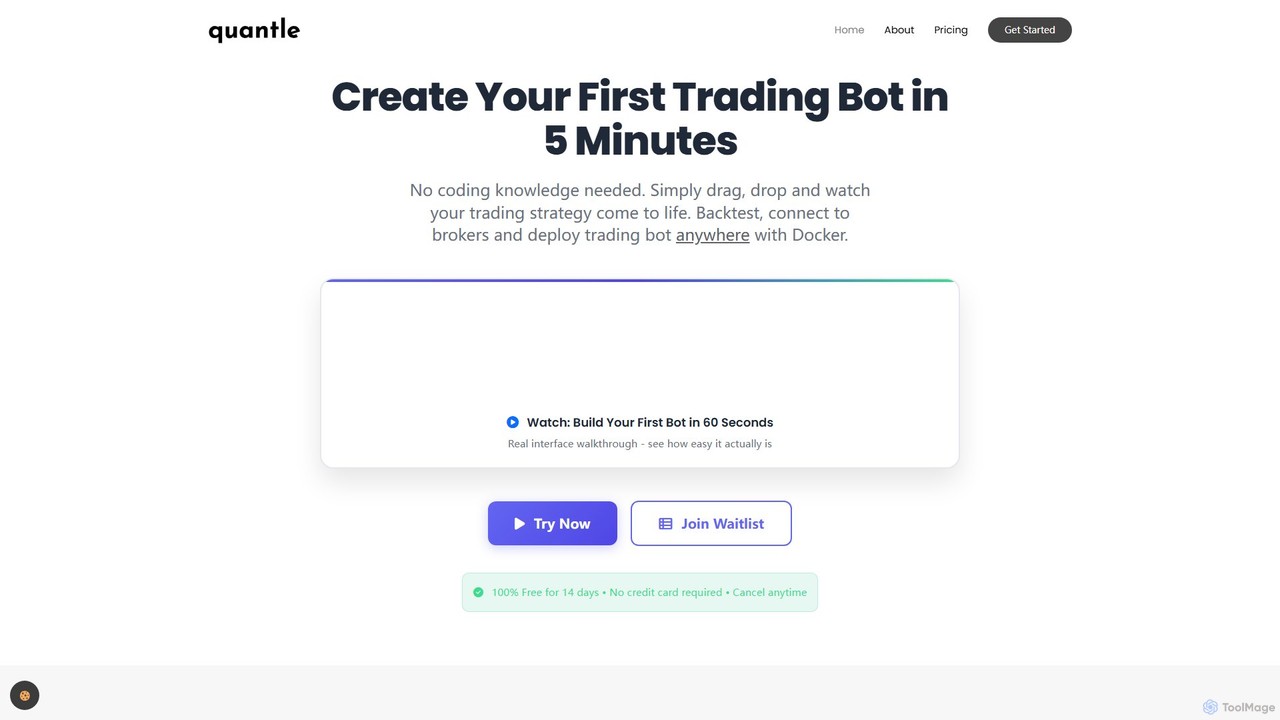
Quantle is a no-code platform that empowers traders to create, backtest, and deploy automated trading bots. Using an intuitive drag-and-drop interface and AI-powered optimization, users can build and validate complex strategies against historical data in minutes and deploy them seamlessly to over 10 supported brokers. It's designed for both beginners and professionals seeking to automate their trading without writing a single line of code.
No Code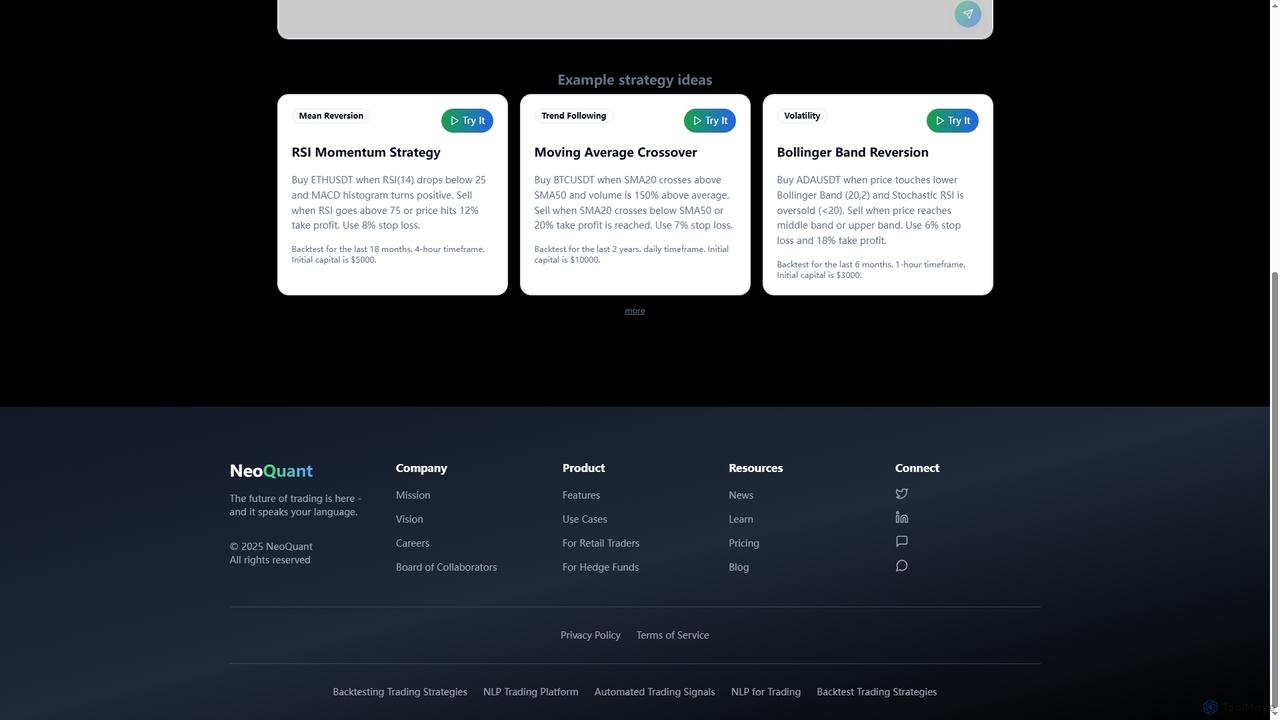
Neoquant
An AI-powered trading platform that enables users to create, backtest, and deploy sophisticated trading strategies using natural language, without writing any code. It provides advanced analytics, risk-free demo trading, and professional Python code output for both retail traders and quantitative professionals.
No Code
Surmount
Surmount is an AI-powered investment management platform that democratizes professional-grade trading tools. It allows users to automate their investment strategies without any coding, connect to their existing brokerage accounts, and access personalized or pre-built portfolios designed by experts and AI. It aims to make intelligent, data-driven investing accessible to everyone, from beginners to experienced traders.
Investing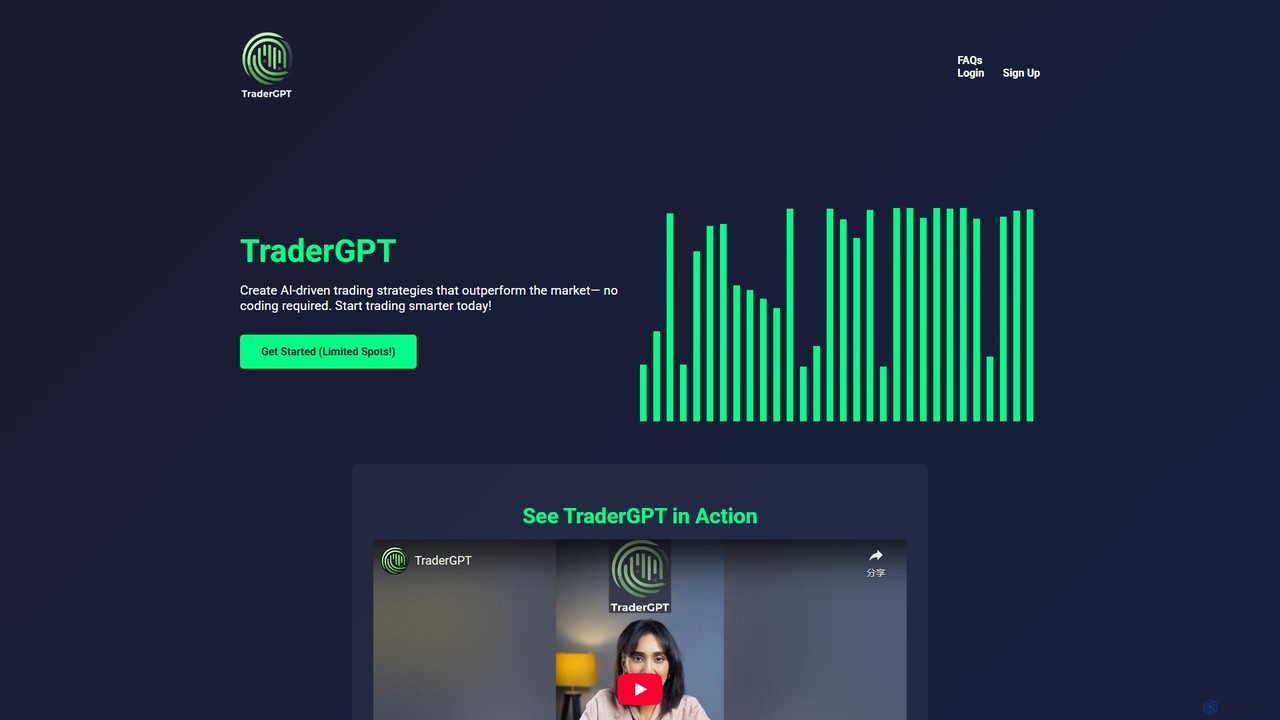
TraderGPT
TraderGPT is an AI-powered trading bot that enables users to create, test, and deploy sophisticated trading strategies without any coding. It leverages AI for market sentiment analysis, historical data, and economic indicators to automate trades in stocks, crypto, and forex.
Market Analysis
Quantz
Quantz is an AI-powered platform designed for quantitative financial analysis and algorithmic trading. It empowers traders and analysts to build, backtest, and deploy complex trading strategies using natural language and advanced machine learning models, without requiring extensive coding knowledge. Access real-time market data, optimize portfolios, and automate your trading with institutional-grade tools.
InvestingComposer Categories
Composer Embed Widget
Copy this embed code to place the badge on your blog, article, or product site and send readers directly to this ToolMage detail page.

Related AI tools
Quantle
Quantle is a no-code platform that empowers traders to create, backtest, and deploy automated trading bots. Using an intuitive drag-and-drop interface and AI-powered optimization, users can build and validate complex strategies against historical data in minutes and deploy them seamlessly to over 10 supported brokers. It's designed for both beginners and professionals seeking to automate their trading without writing a single line of code.
No CodeNeoquant
An AI-powered trading platform that enables users to create, backtest, and deploy sophisticated trading strategies using natural language, without writing any code. It provides advanced analytics, risk-free demo trading, and professional Python code output for both retail traders and quantitative professionals.
No Code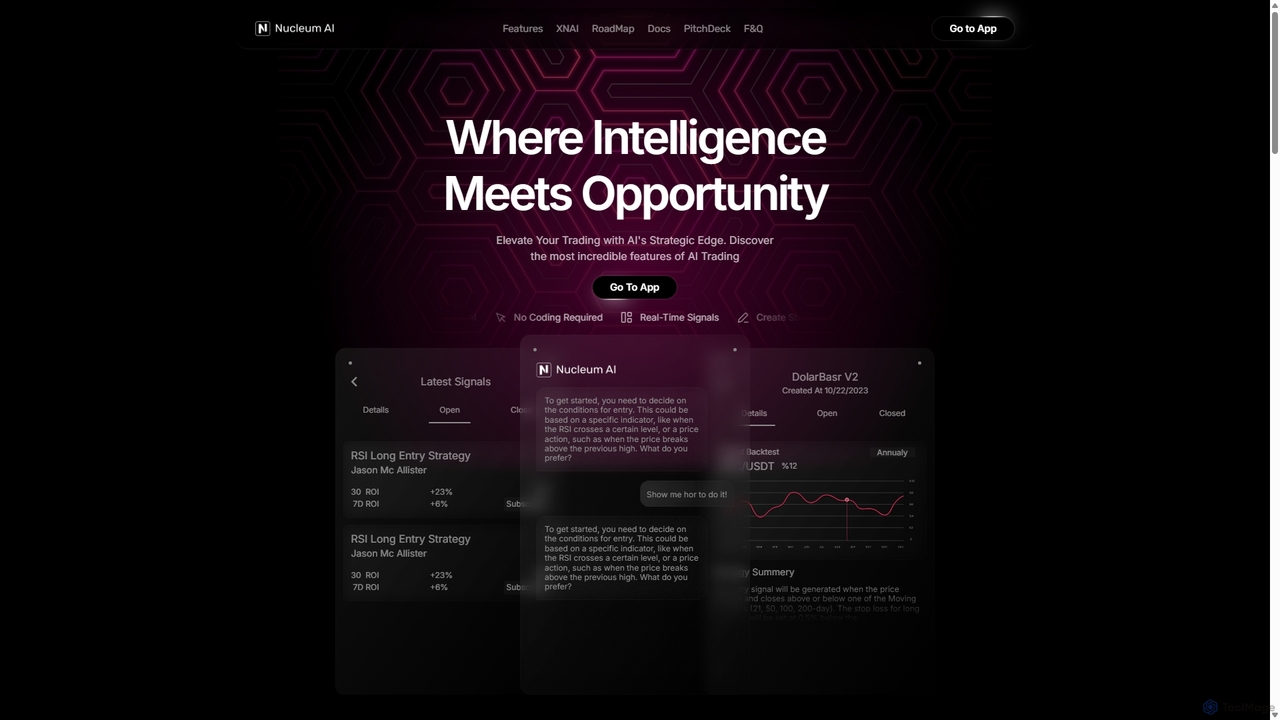
Nucleum AI
Nucleum AI is a no-code, AI-powered platform that enables users to create, backtest, and deploy algorithmic trading strategies for cryptocurrency markets through a simple conversational interface. Monetize your strategies or subscribe to others in a community-driven marketplace.
CryptoSurmount
Surmount is an AI-powered investment management platform that democratizes professional-grade trading tools. It allows users to automate their investment strategies without any coding, connect to their existing brokerage accounts, and access personalized or pre-built portfolios designed by experts and AI. It aims to make intelligent, data-driven investing accessible to everyone, from beginners to experienced traders.
InvestingTraderGPT
TraderGPT is an AI-powered trading bot that enables users to create, test, and deploy sophisticated trading strategies without any coding. It leverages AI for market sentiment analysis, historical data, and economic indicators to automate trades in stocks, crypto, and forex.
Market AnalysisQuantz
Quantz is an AI-powered platform designed for quantitative financial analysis and algorithmic trading. It empowers traders and analysts to build, backtest, and deploy complex trading strategies using natural language and advanced machine learning models, without requiring extensive coding knowledge. Access real-time market data, optimize portfolios, and automate your trading with institutional-grade tools.
Investing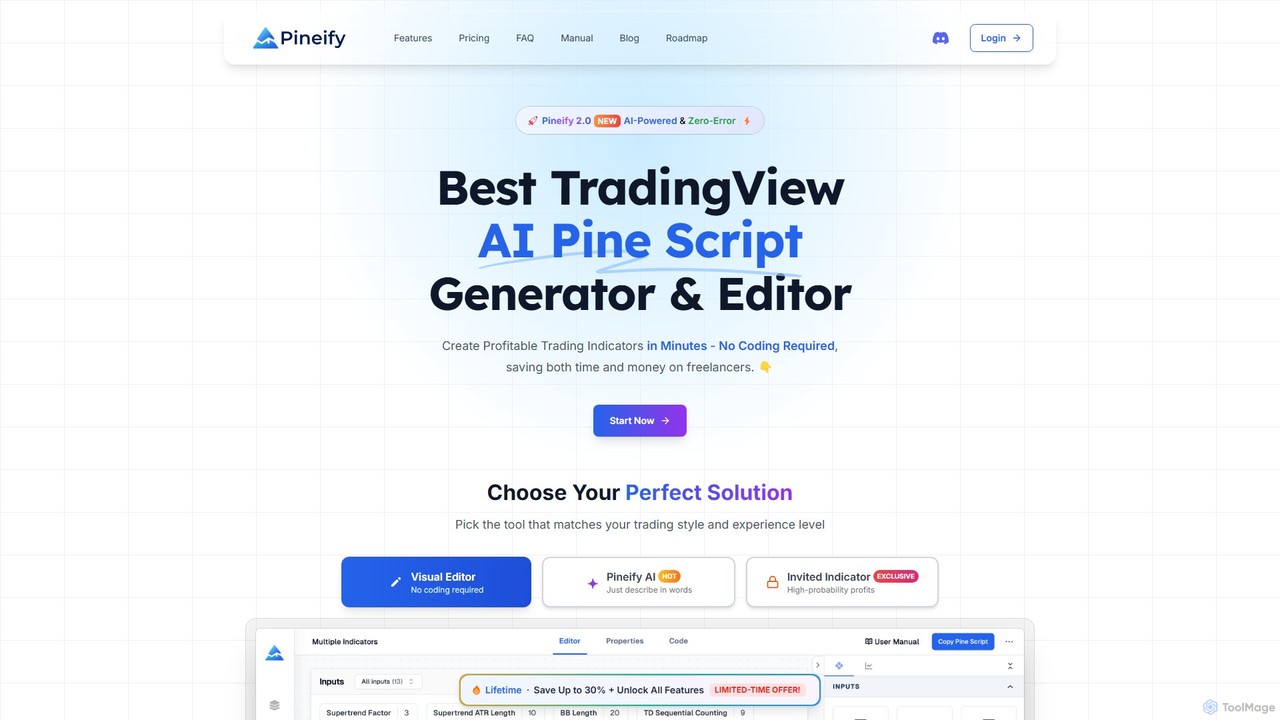
Pineify
Pineify is an AI-powered platform for creating TradingView indicators and strategies. It features a no-code visual editor and an advanced AI Pine Script generator that supports models like GPT-4o and Gemini. Users can build, backtest, and deploy complex trading tools in minutes, bypassing TradingView's limitations without any coding knowledge, saving significant time and money.
Code Generation
Kvants
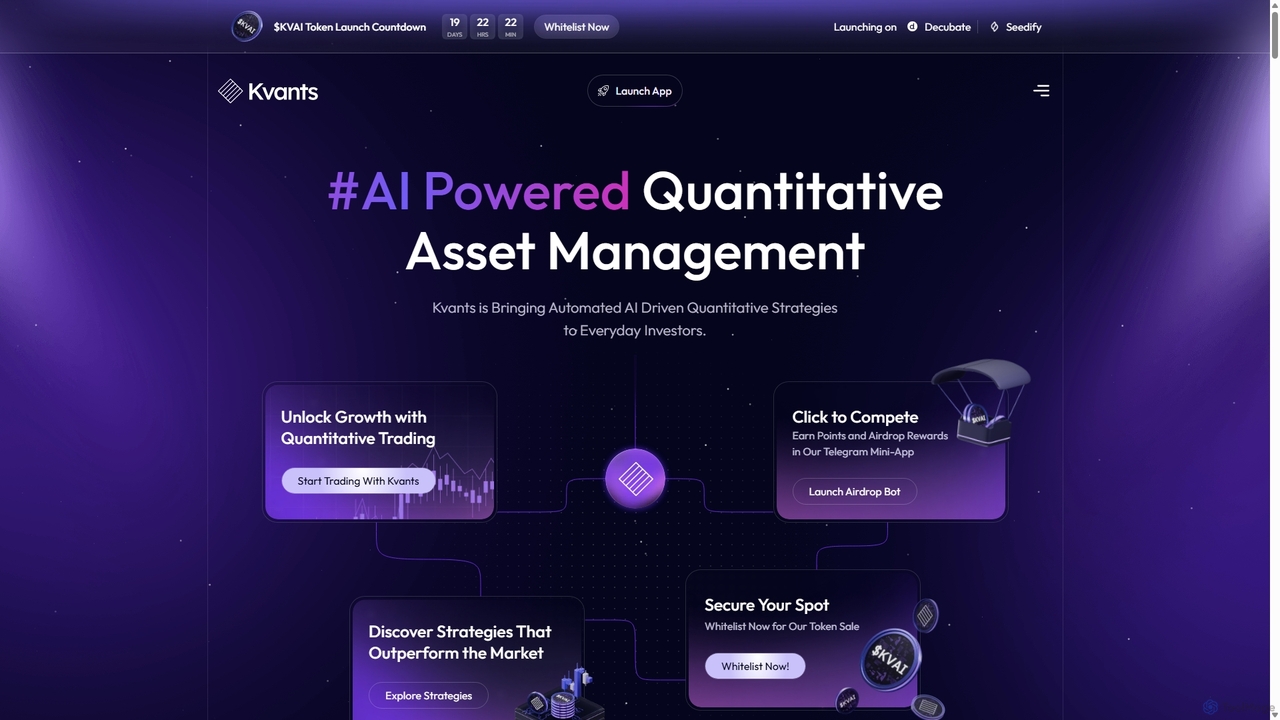
Kvants is an AI-powered asset management platform designed to make automated quantitative trading strategies accessible to everyday investors. It focuses on the digital asset market, leveraging advanced algorithms and data-driven insights to offer market-neutral and alpha-generating strategies, aiming to deliver consistent performance even in volatile markets.
Crypto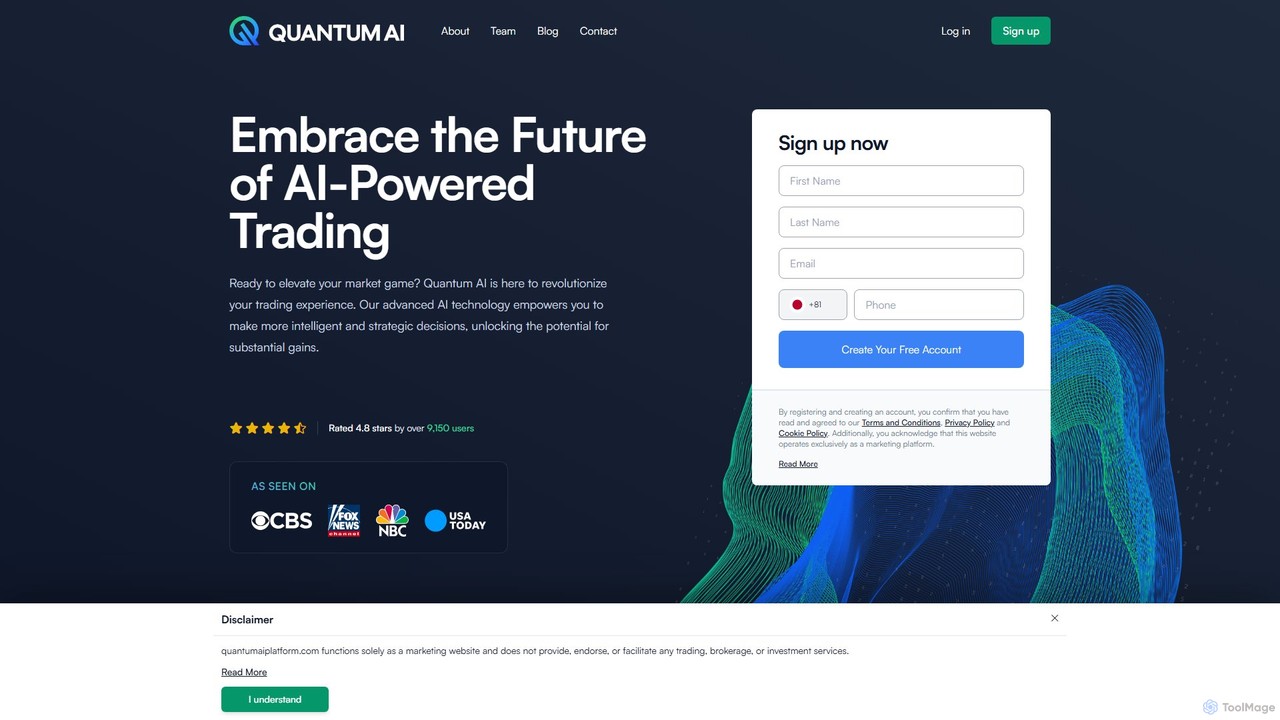
Quantum AI Platform
Quantum AI Platform is an advanced AI-powered trading tool designed to automate cryptocurrency trading. It leverages sophisticated algorithms to analyze market trends, news, and social sentiment, executing trades automatically to help users make intelligent and strategic investment decisions. It's suitable for both novice and experienced traders.
Cryptocurrency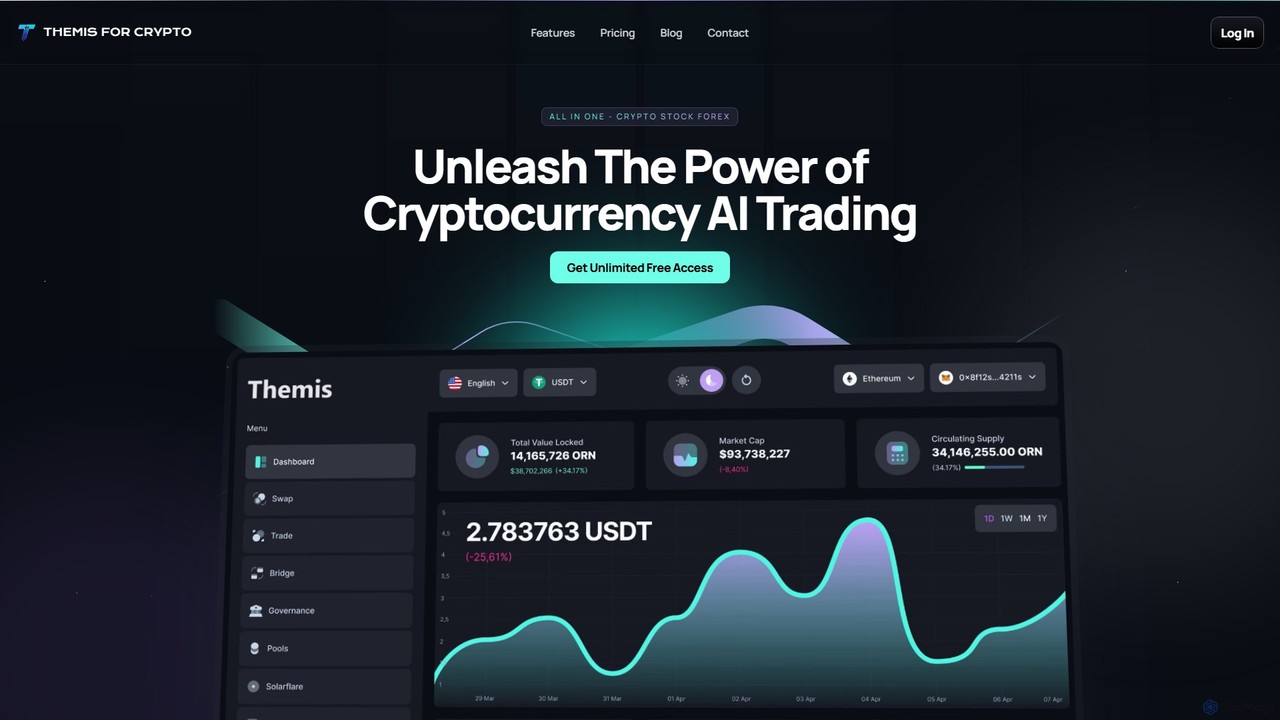
themisforcrypto
themisforcrypto is an all-in-one AI trading platform for cryptocurrency, stocks, and forex. It offers a no-code trading bot creator, AI-powered research and analysis, strategy backtesting, and a unique WhatsApp AI assistant. Suitable for both beginners and experts, it automates trading 24/7, making data-driven decisions to optimize portfolio performance.
Crypto
potato.trade
Potato.trade was an innovative AI-powered platform designed for automated financial trading. Although the service is now closed, its legacy continues as the company has evolved into Telescope (telescope.co), a firm specializing in advanced AI finance solutions. This description explores the original vision and inferred capabilities of potato.trade and its transition into the broader financial intelligence services offered by Telescope.
Investing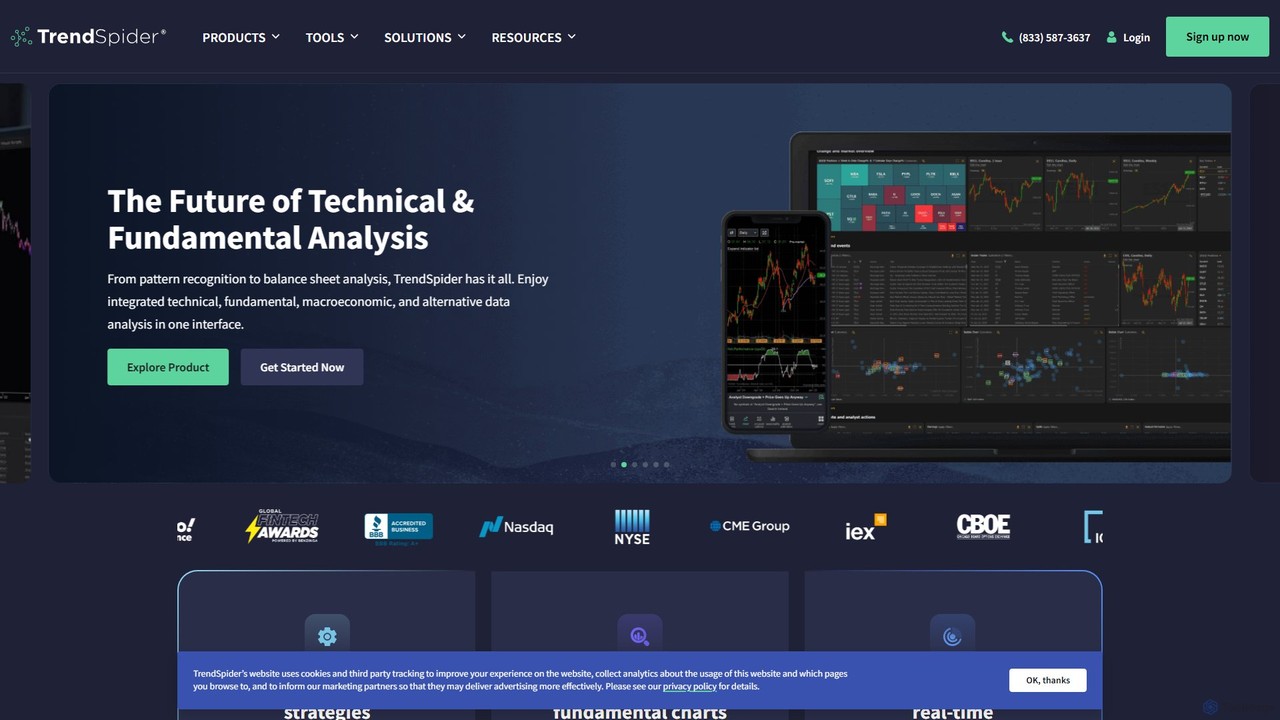
TrendSpider
TrendSpider is an all-in-one, AI-powered technical analysis and trading platform designed for traders. It automates chart analysis, strategy backtesting, and trade idea generation, featuring predictive AI models, a no-code strategy builder, and real-time market scanning to help traders make smarter, faster decisions.
Cryptocurrency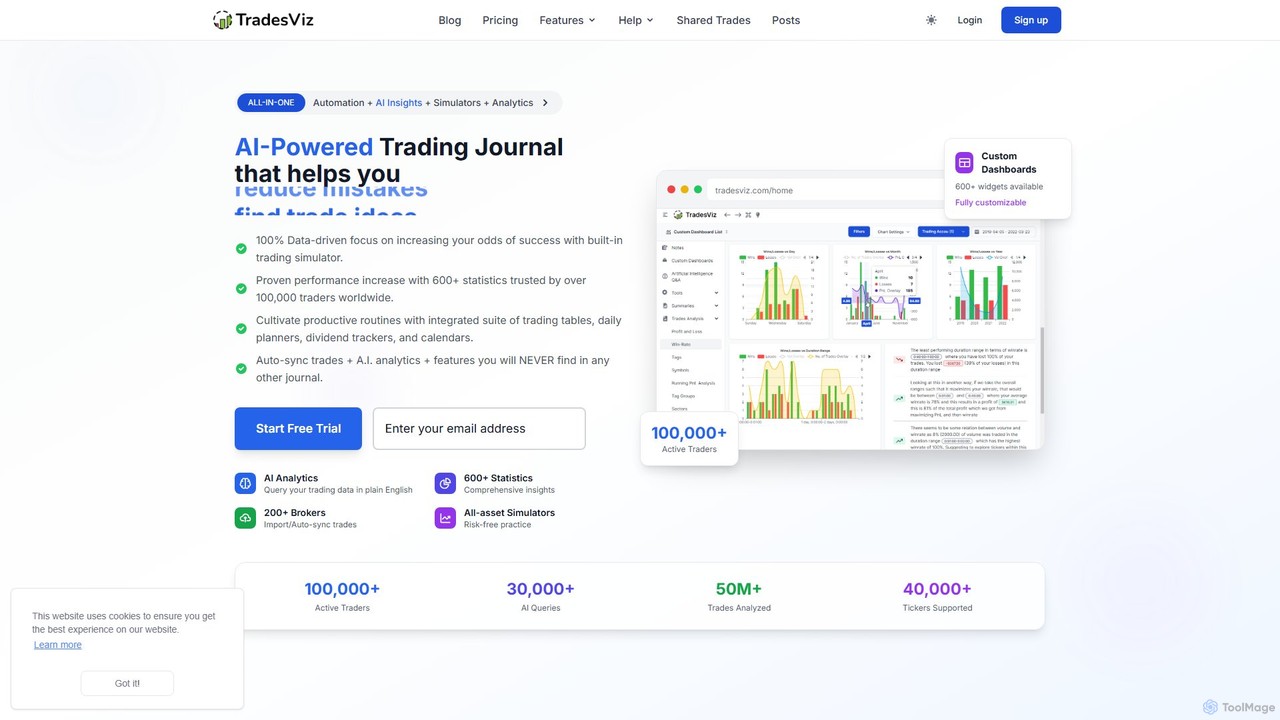
TradesViz
TradesViz is an all-in-one, AI-powered online trading journal for traders across all markets, including stocks, options, futures, forex, and crypto. It goes beyond simple journaling, offering advanced analytics, versatile trading simulators, a powerful backtesting engine, and detailed options flow analysis. It's designed to help traders of all levels improve their performance through data-driven insights and strategy refinement.
Simulation
Intellectia
Intellectia is an AI-powered investment platform designed to democratize financial intelligence. It provides Wall Street-level insights for stocks, ETFs, and cryptocurrencies to individual investors. The platform offers tools like an AI Stock Picker, swing trading signals, a financial AI agent for Q&A, and portfolio tracking of top investors, helping users make smarter, data-driven trading decisions.
Investing
Composer Comments (0)
Sign in to comment.
Sign inNo comments yet.