
DocsAI Overview
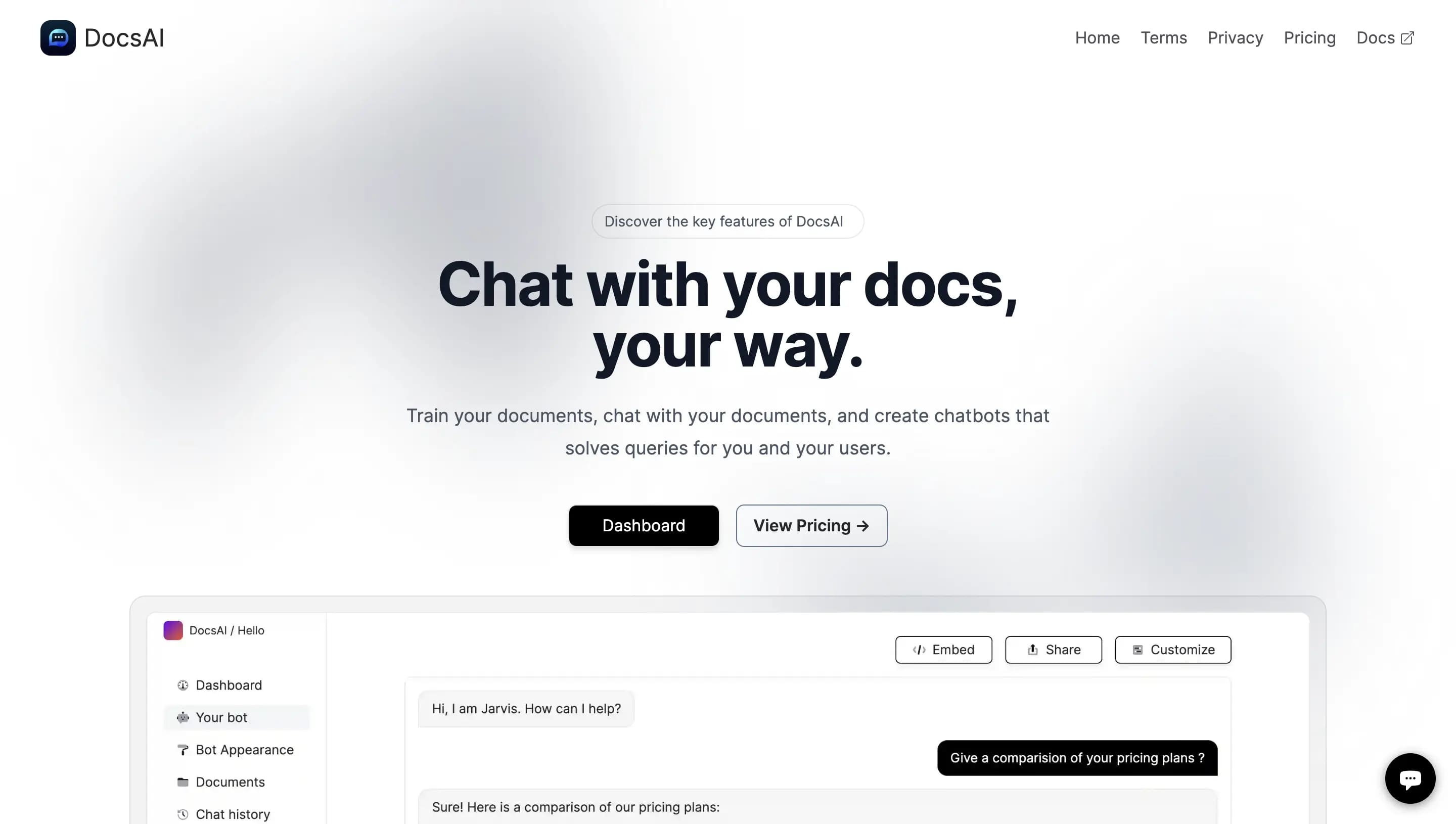
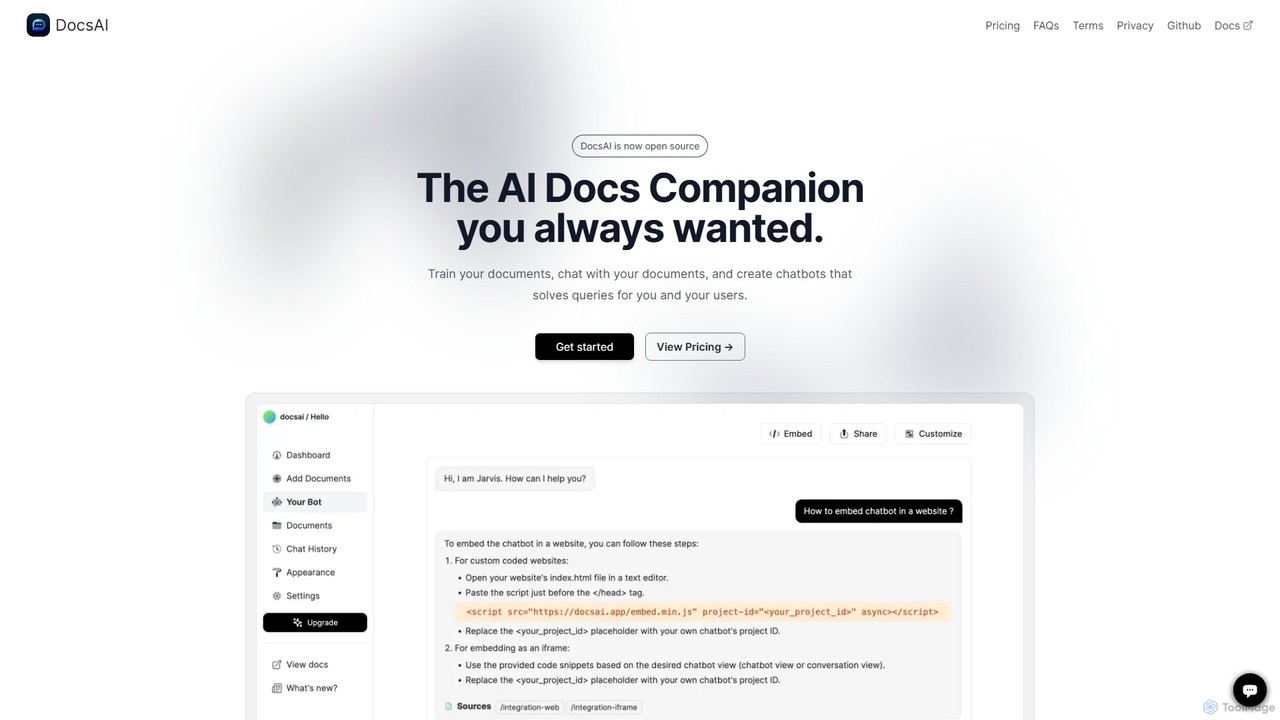
DocsAI is an innovative, open-source AI companion designed to revolutionize how you interact with your documents. It empowers you to create intelligent, conversational chatbots trained on your own knowledge base. By transforming static documents into dynamic, interactive resources, DocsAI helps you modernize your workflow, provide instant support to users, and unlock valuable insights from your content.
The platform allows you to train an AI on a wide variety of data sources, making it a versatile solution for both internal and external use. Once trained, the AI can answer complex queries, helping users find the information they need without manually sifting through pages of text. As an open-source project, DocsAI offers unparalleled transparency, flexibility, and community-driven development, allowing for extensive customization and self-hosting.
How to use DocsAI
Getting started with DocsAI is a straightforward process designed for efficiency:
- Create an Organization: Your first step is to sign up and create an organization. This acts as a central hub for all your chatbot projects.
- Create a Project: Within your organization, create a new project. Each project corresponds to a unique chatbot that you can tailor for a specific purpose or website.
- Upload Documents: Navigate to the 'Documents' tab and add your knowledge sources. DocsAI supports multiple formats, including crawling entire websites, uploading text files, PDFs, Docx files, and connecting to Notion and Confluence pages.
- Indexing: The platform will then fetch and index the content from your sources. The time required depends on the volume and complexity of the data. You can safely navigate away while the process completes.
- Chat and Refine: Once indexing is complete, your bot is ready. You can interact with it directly from the dashboard to test its responses. If an answer isn't perfect, you can suggest improvements to help the AI learn and correct itself.
- Customize and Embed: Go to the 'Bot Appearance' section to customize the chatbot's look and feel to match your brand's colors and style. Then, simply copy the provided script and paste it into your website's HTML to embed the chat widget. Alternatively, you can share the chatbot via a direct link.
Core Features of DocsAI
- Open Source: Full transparency and the ability to self-host and customize the platform to your specific needs.
- Multi-Source Training: Train your chatbot on data from websites, text files, PDFs, Docx, Notion, and Confluence.
- Customizable Chatbot: Tailor the visual appearance of your AI companion to align with your brand identity.
- Embeddable Widget & Sharable Link: Easily integrate the chatbot into any website or share it with users through a unique link.
- Custom API Access: Utilize the API for custom integrations and direct programmatic interaction with your chatbot.
- Integrations: Seamlessly connects with Slack. Integrations with Crisp, Discord, and databases are planned for the future.
- Conversation Analysis: Gain insights from user interactions by generating summaries, analyzing user mood, and identifying potential leads.
- Continuous Learning: Improve your bot's accuracy by suggesting better answers to user queries.
- Multi-Language Support: Break down language barriers and cater to a global audience.
- Mobile-Friendly PWA: Access and manage your chatbots on the go with a Progressive Web App that offers an app-like experience.
Use Cases for DocsAI
DocsAI is a versatile tool suitable for various applications:
- Customer Support Automation: Embed a chatbot on your website to provide 24/7 answers to frequently asked questions, reducing the workload on your support team.
- Internal Knowledge Management: Create an internal AI assistant for your team to quickly find information from company policies, technical documentation, and internal wikis stored in Notion or Confluence.
- Lead Generation: Engage website visitors by answering their questions about products or services, and capture their information to generate qualified leads.
- Enhanced Documentation: Improve user experience on documentation sites by allowing developers and users to ask questions in natural language instead of manually searching.
Advantages of DocsAI
The primary advantage of DocsAI lies in its open-source nature, which provides ultimate control and flexibility. It combines ease of use with powerful features, allowing even non-technical users to build and deploy sophisticated chatbots. The ability to train on diverse data sources and integrate with essential tools like Slack makes it a highly adaptable solution. Furthermore, features like conversation analysis and lead generation provide tangible business value beyond simple Q&A functionality.
Pricing and Plans
DocsAI offers a freemium model with plans catering to different needs. Yearly subscriptions include a discount equivalent to two free months.
- Free Plan: Includes 30 credits and 2MB of storage, perfect for testing and small personal projects.
- Basic Plan ($9/month): Designed for small websites, offering 2 projects, 5MB storage, 1000 credits/month, and API integration.
- Professional Plan ($49/month): Ideal for startups, with 5 projects, 25MB storage, 5000 credits/month, and advanced features like conversation summary and mood analysis.
- Enterprise Plan ($129/month): For larger companies, providing unlimited projects, 100MB storage, 12,000 credits/month, and all advanced features.
A unique feature is "Freedom credits," which are purchased credits that you can keep and use forever, even if you cancel your subscription.
DocsAI Alternatives
DocsBot
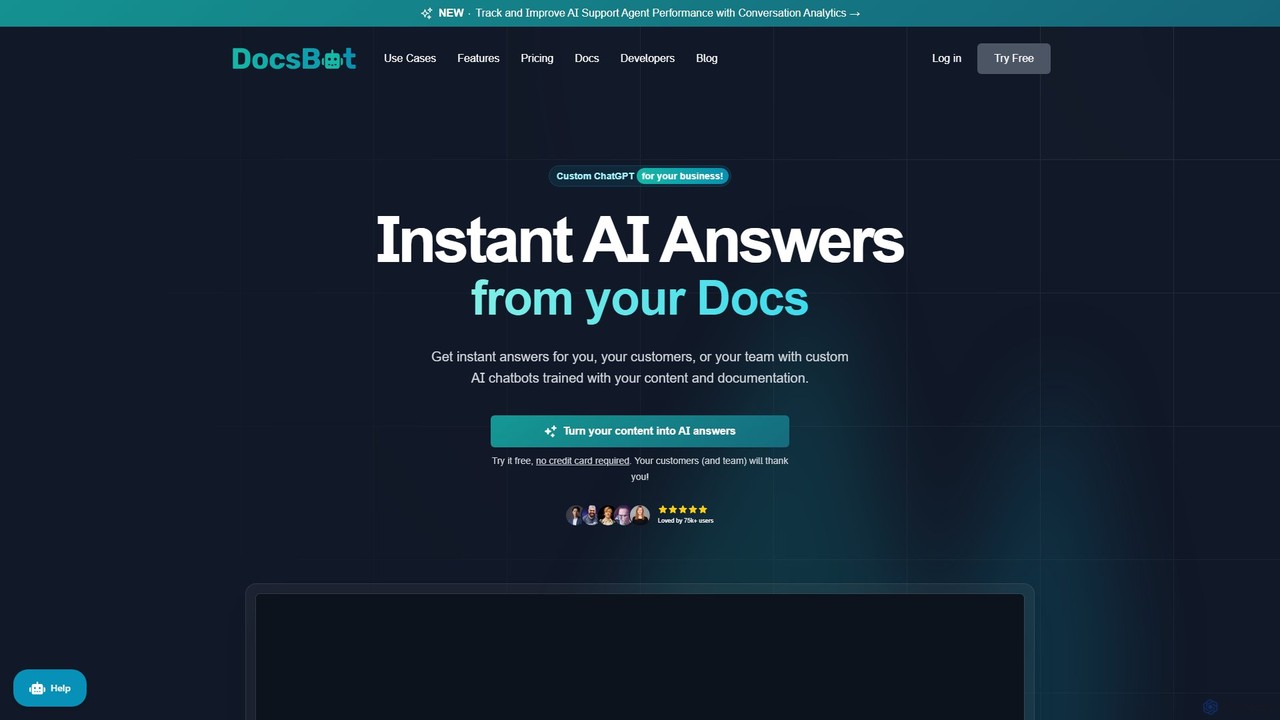
DocsBot is an AI-powered platform that allows businesses to create custom chatbots trained on their own documentation and content. It provides instant, accurate answers for customers and employees, automating support, improving internal knowledge access, and accelerating research without any coding.
Chatbot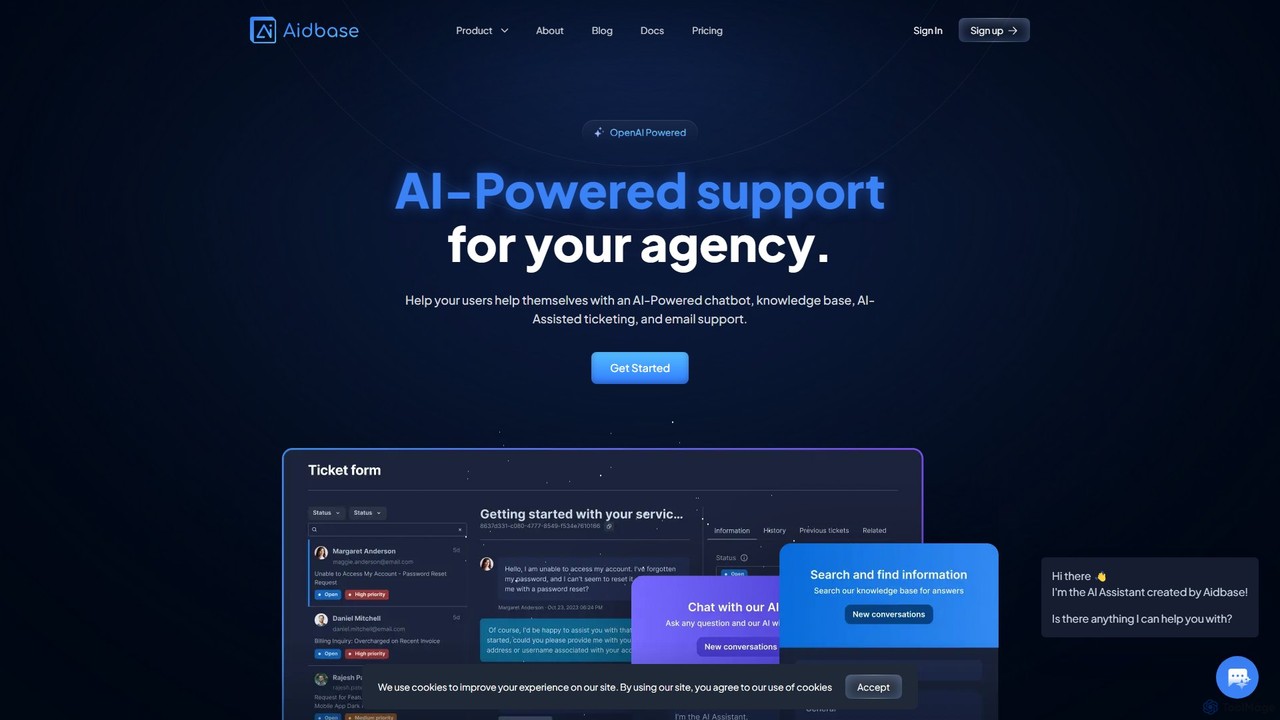
Aidbase
Aidbase is an all-in-one AI-powered support ecosystem for SaaS and eCommerce businesses. It provides an AI chatbot, knowledge base, AI-assisted ticketing, and a unified email inbox to automate customer service, reduce response times, and help users self-serve around the clock.
Chatbot
knowledgebot.ai
knowledgebot.ai is an AI-powered platform that allows you to create custom chatbots from your own knowledge base. Simply upload documents, add website links, or provide text, and it builds an intelligent bot that can answer questions, provide support, and engage users based on your specific data.
Chatbot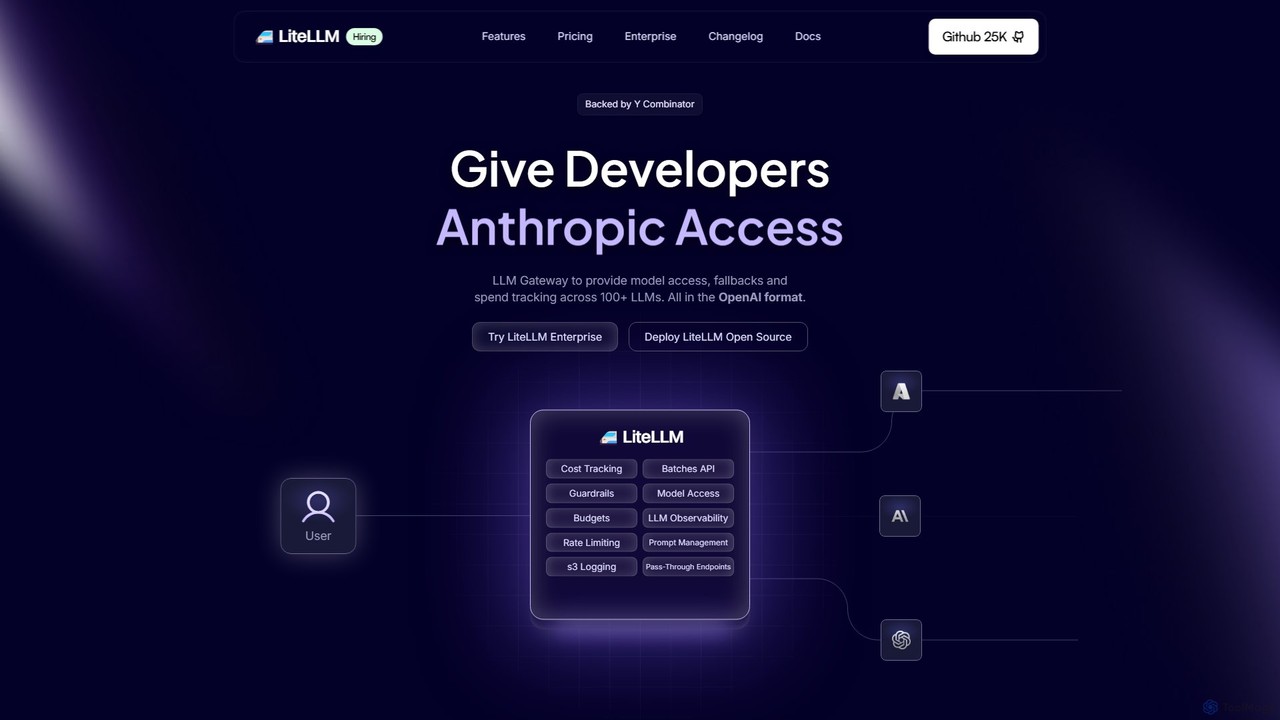
Berri
Berri is a no-code platform that allows you to build custom AI chatbots trained on your own data. Instantly transform your documents, websites, and knowledge bases into an interactive, conversational AI assistant to enhance customer support, generate leads, or streamline internal knowledge sharing.
Chatbot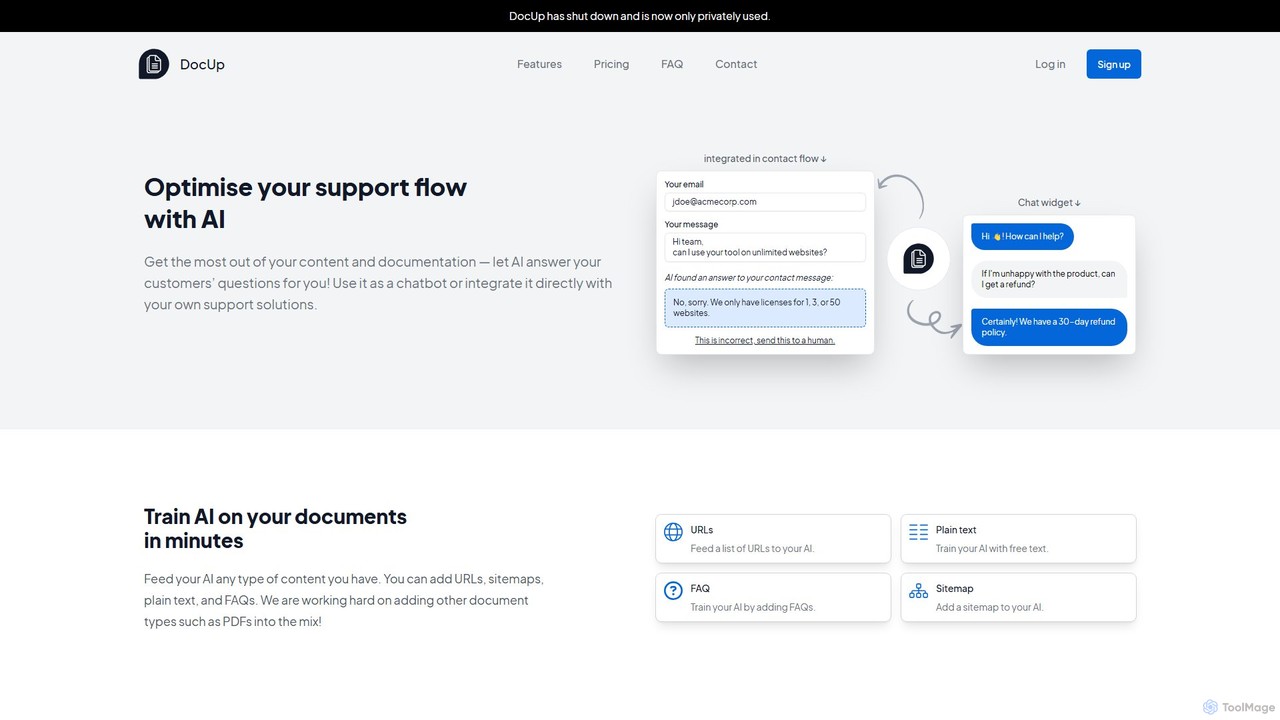
DocUp
DocUp is an AI-powered platform that transforms your documentation into an intelligent chatbot and Q&A system. Instantly answer customer questions, reduce support tickets, and improve user self-service by deploying an AI assistant trained on your knowledge base, FAQs, and manuals. Offers both a customizable widget and a flexible API for seamless integration.
ChatbotDocsAI Categories
DocsAI Embed Widget
Copy this embed code to place the badge on your blog, article, or product site and send readers directly to this ToolMage detail page.

Related AI tools
Denser
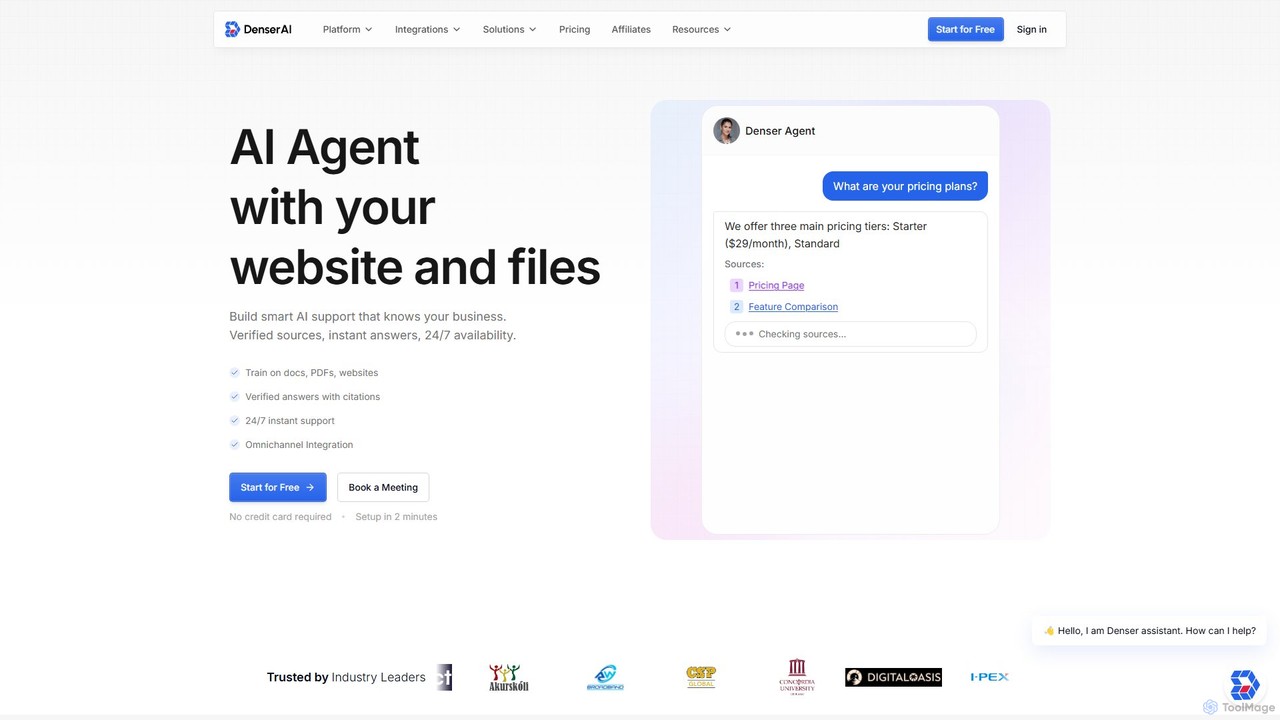
Denser is a no-code AI platform for building enterprise-grade AI agents and chatbots. Train AI on your website content, documents, and files to provide instant, verified answers for customer support, lead generation, and internal automation, complete with source citations.
ChatbotDocsBot
DocsBot is an AI-powered platform that allows businesses to create custom chatbots trained on their own documentation and content. It provides instant, accurate answers for customers and employees, automating support, improving internal knowledge access, and accelerating research without any coding.
ChatbotAidbase
Aidbase is an all-in-one AI-powered support ecosystem for SaaS and eCommerce businesses. It provides an AI chatbot, knowledge base, AI-assisted ticketing, and a unified email inbox to automate customer service, reduce response times, and help users self-serve around the clock.
Chatbotknowledgebot.ai
knowledgebot.ai is an AI-powered platform that allows you to create custom chatbots from your own knowledge base. Simply upload documents, add website links, or provide text, and it builds an intelligent bot that can answer questions, provide support, and engage users based on your specific data.
Chatbot
Chatwith
Chatwith is a no-code platform for creating custom AI chatbots trained on your own data, such as websites, documents, and videos. It instantly answers customer queries 24/7, integrates with over 5000 apps to perform actions, and supports 95+ languages. Fully customizable and easy to embed, it helps businesses boost sales, improve support, and generate leads without any coding required.
Chatbot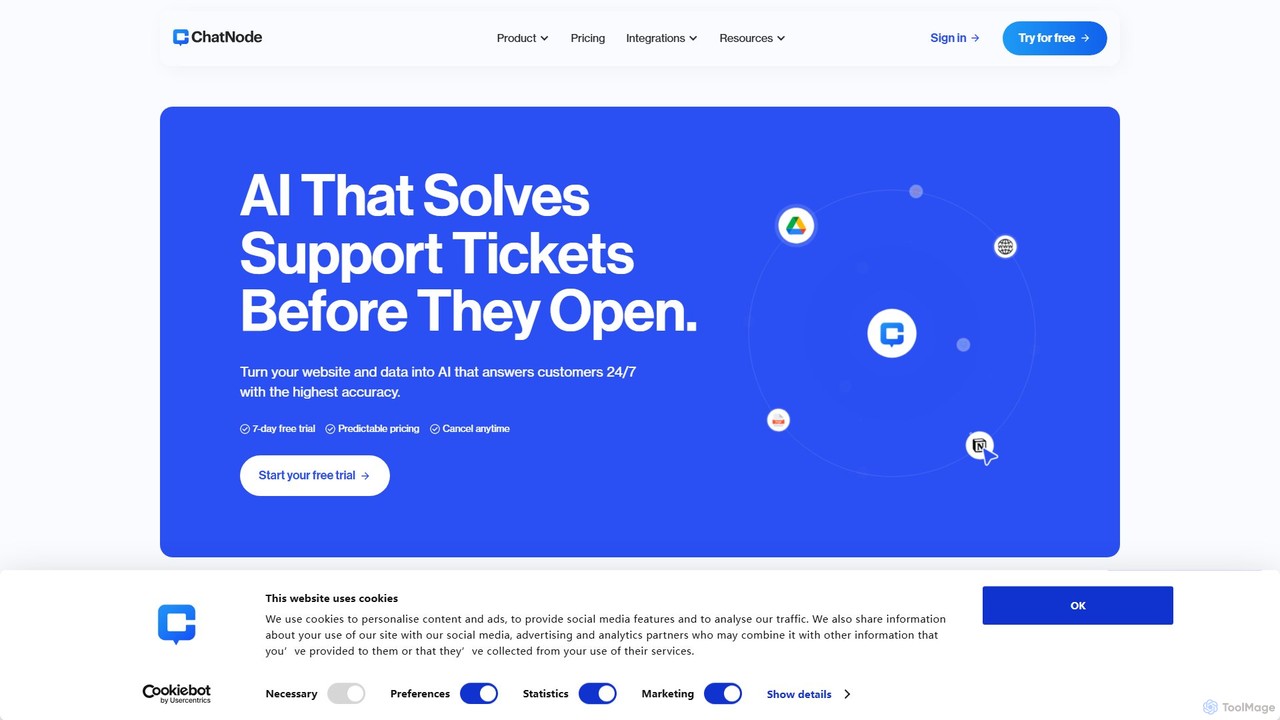
ChatNode
ChatNode is a no-code AI chatbot builder that allows you to create custom chatbots trained on your own data. Easily add a ChatGPT-like assistant to your website to automate customer support, answer questions 24/7, and generate leads, significantly reducing response times and improving user engagement.
Chatbot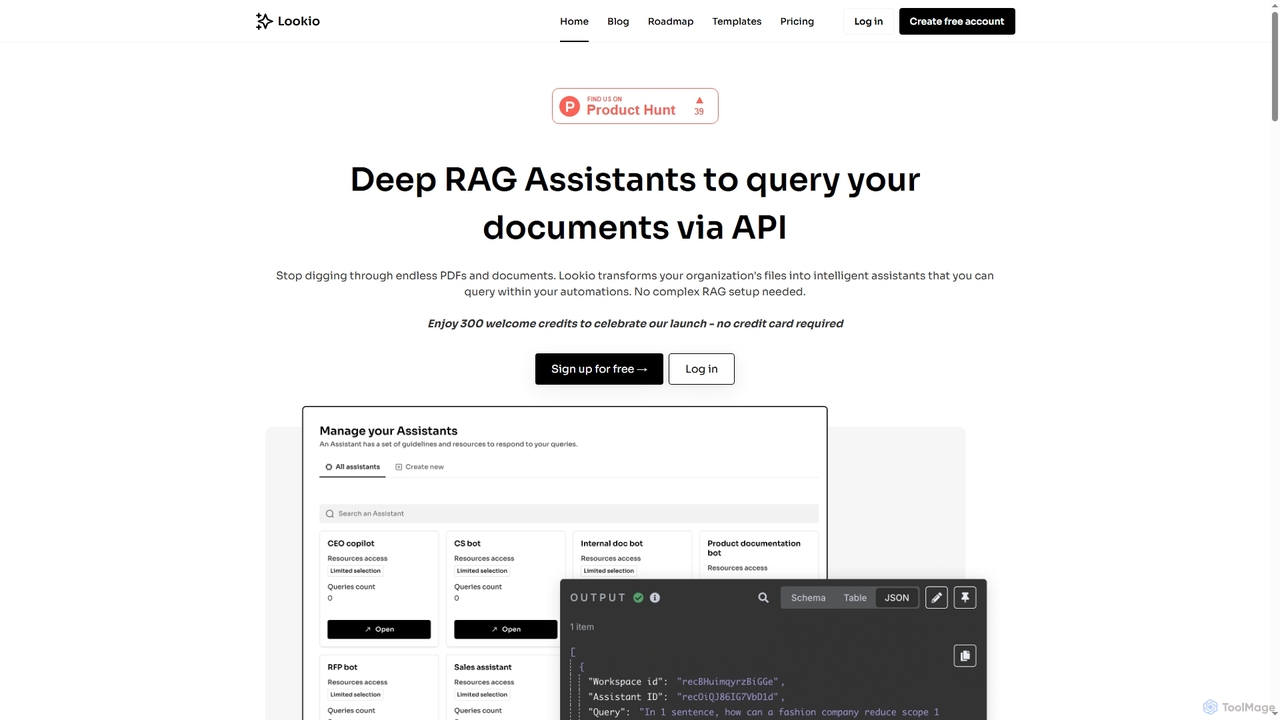
Lookio
Lookio is an API-first platform that transforms your company documents into intelligent Deep RAG (Retrieval-Augmented Generation) assistants. Securely upload your knowledge base and use the API to automate workflows, power customer support, and generate expert content.
Chatbots
Owlbot
Owlbot is an advanced AI chatbot platform that allows you to create custom chatbots trained on your own data. It supports 95 languages, integrates with multiple data sources like documents and websites, and offers features like lead generation, API access, and a choice of 12+ LLM models to automate customer support and internal queries.
Chatbot
EmbedAI
EmbedAI is a no-code platform that allows you to create custom AI chatbots trained on your own data. Easily build and embed a ChatGPT-like assistant on your website to automate customer support, generate leads, and provide instant answers to user questions 24/7.
Chatbot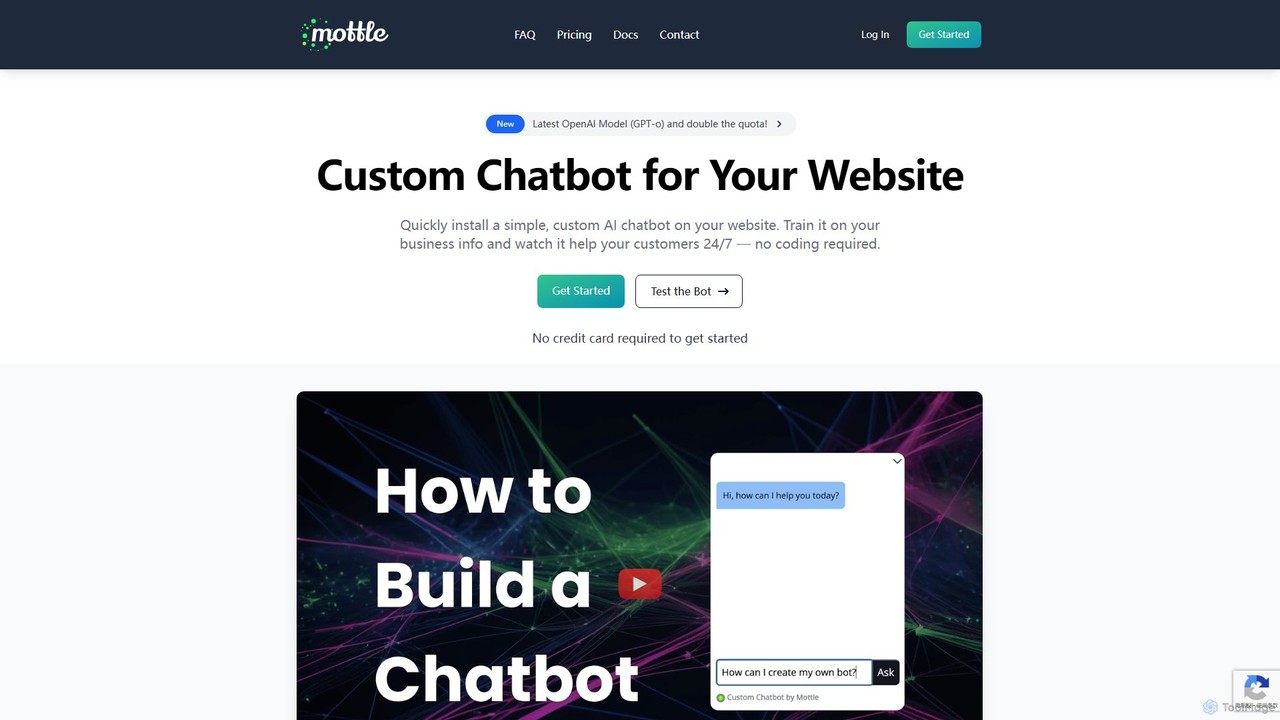
mottle
Mottle is a no-code platform that enables businesses to create and deploy custom AI chatbots on their websites. Powered by the latest OpenAI models like GPT-4o, it allows you to train a chatbot on your specific business information, documents, and FAQs. This provides instant, 24/7 customer support, answers user queries accurately, and enhances user engagement without any coding knowledge required. It's designed for quick setup, easy debugging, and seamless integration.
Chatbot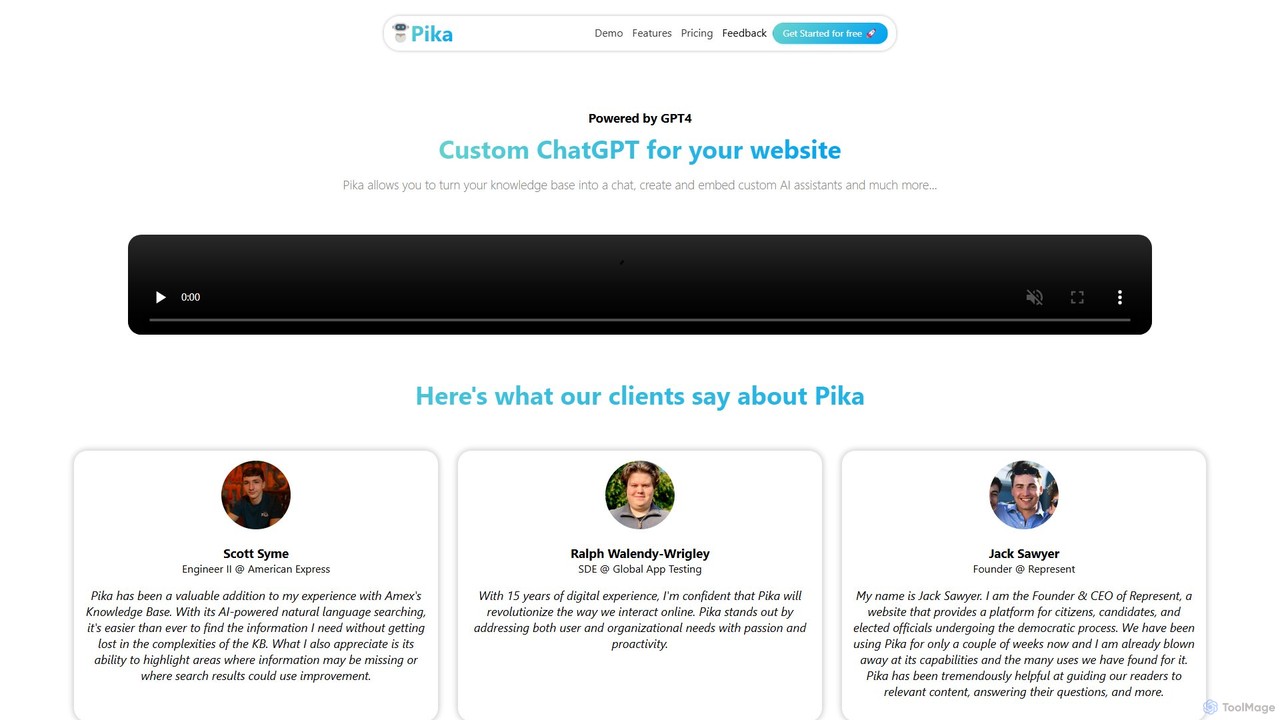
Pika
Pika is an AI platform that allows you to create custom GPT-4 powered chatbots for your website. Easily transform your knowledge base—including PDFs, DOCX files, and URLs—into an interactive AI assistant. Customize its appearance and behavior to match your brand, embed it on your site in minutes, and improve user engagement and support without any coding required.
Chatbot
Jyek
Jyek is an AI agent platform that understands objectives, creates execution plans, uses tools, and delivers verifiable results for complex, multi-step tasks.
Automation
OpenAssistantGPT
OpenAssistantGPT is an open-source, no-code platform for building and deploying custom AI chatbots. Powered by OpenAI's Assistant API (including GPT-4o), it allows you to train a chatbot on your website content or documents, embed it seamlessly, and automate customer support, lead generation, and internal knowledge management.
Chatbot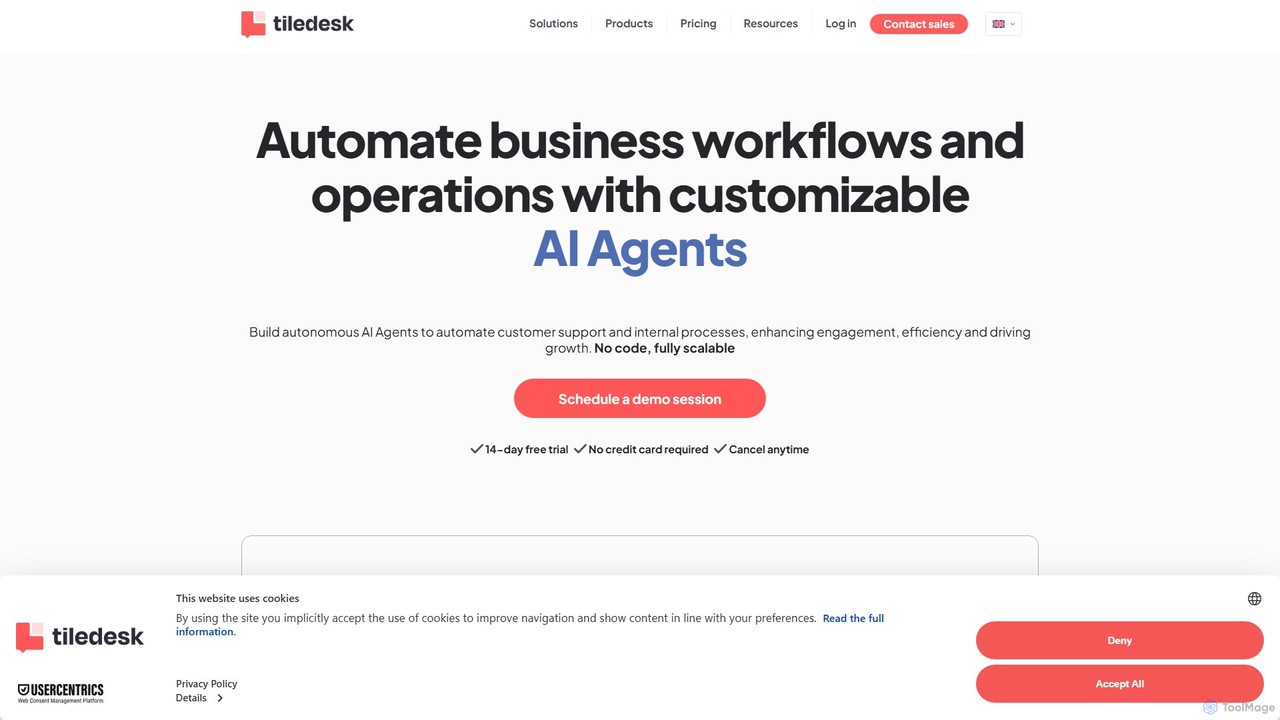
Tiledesk
Tiledesk is a no-code platform for building and deploying AI agents and chatbots. It automates customer support and business workflows by integrating with your knowledge base, offering omnichannel live chat, and providing powerful analytics to enhance efficiency and customer engagement.
Chatbot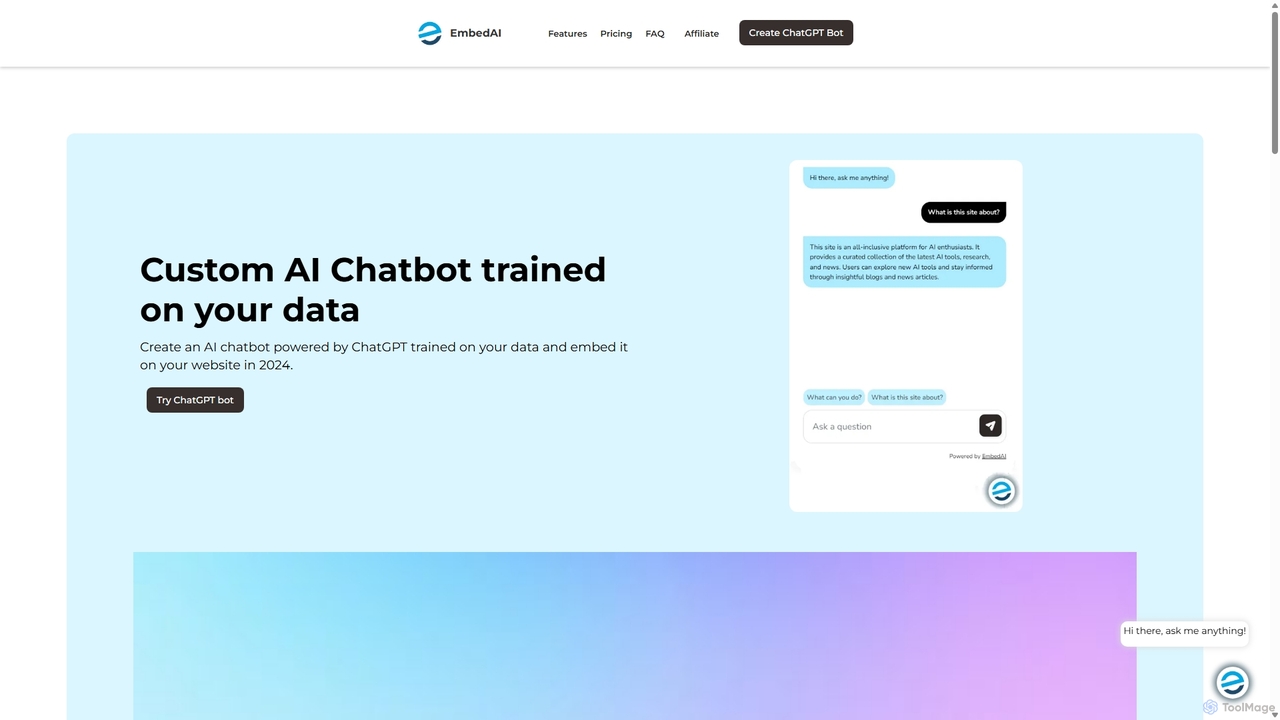
EmbedAI
EmbedAI is an AI chatbot builder that allows you to create custom ChatGPT & Gemini-powered chatbots trained on your own data. Easily upload files, link websites, or use YouTube videos to train your bot. Customize its appearance and embed it on your website to automate customer support, enhance user engagement, and provide instant answers in over 100 languages.
Chatbots
DocsAI Comments (0)
Sign in to comment.
Sign inNo comments yet.