

kiwi Overview
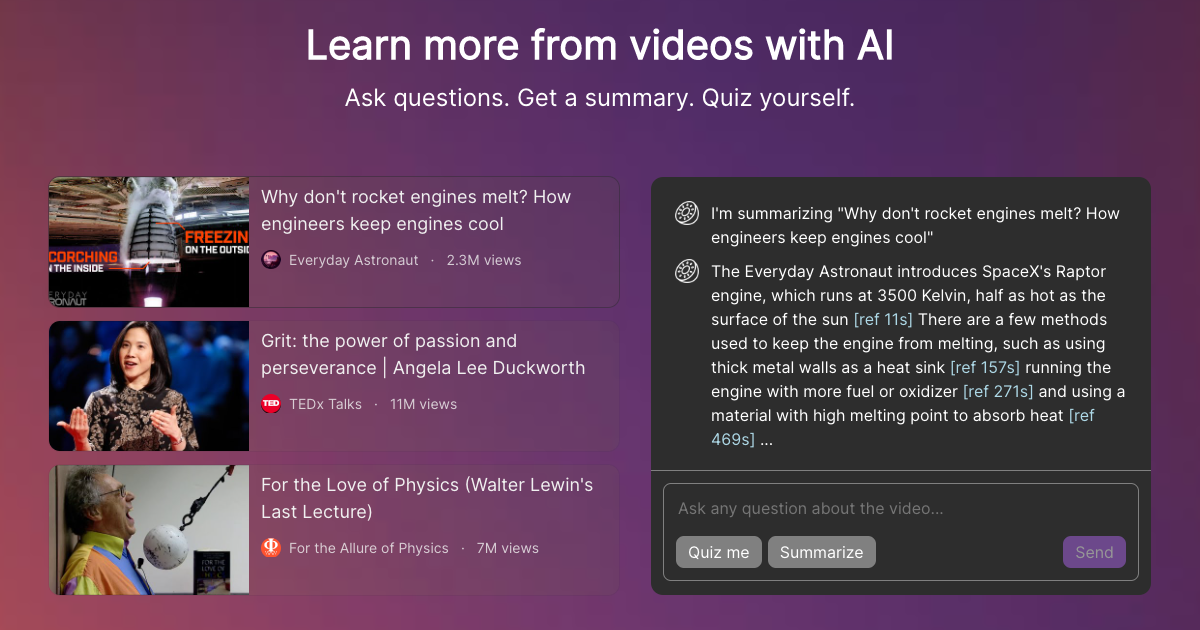
kiwi is an innovative AI-powered platform designed to enhance the video learning experience. In an age of information overload, kiwi acts as a smart companion, helping users extract key insights from long videos without having to watch them in their entirety. By simply providing a video link, users can unlock a suite of tools that includes asking direct questions to the video's content, generating concise and accurate summaries, and even creating interactive quizzes to test comprehension. The platform is built for efficiency, providing timestamped references for all its answers, allowing users to instantly verify information and jump to the relevant part of the video. Currently in its alpha stage, kiwi is positioned to become an indispensable tool for anyone who relies on video for education, research, or professional development.
How to use kiwi
Using kiwi is a straightforward process designed for maximum user-friendliness. Follow these simple steps to start learning smarter from videos:
- Find a Video: Select a video you want to analyze from a platform like YouTube. This could be an educational lecture, a documentary, a tutorial, or a conference talk.
- Provide the Link: Copy the URL of the video and navigate to the kiwi website. Paste the link into the designated input field on the homepage.
- AI Processing: kiwi's AI will begin processing the video's content, transcribing the audio and analyzing the key topics discussed.
- Interact with the Content: Once processed, an interactive panel will appear. You can type specific questions into the chat box (e.g., "What was the main conclusion of the study mentioned?").
- Generate Summaries and Quizzes: Use the dedicated buttons to request a full summary of the video or to have the AI generate a quiz based on the core concepts presented.
- Review and Verify: All summaries and answers provided by kiwi include clickable timestamps that take you directly to the corresponding moment in the video, making it easy to check the context and deepen your understanding.
Core Features of kiwi
- AI-Powered Q&A: Ask specific, natural language questions about the video's content and receive instant, contextually accurate answers.
- Instant Video Summarization: Get a comprehensive yet concise summary of any video, highlighting the main arguments, key points, and conclusions.
- Interactive Quiz Generation: Automatically create quizzes from the video material to reinforce learning, test your knowledge, and improve information retention.
- Timestamped References: Every piece of information generated by the AI, from summary points to answers, is linked to the exact timestamp in the video, ensuring transparency and accuracy.
- Broad Platform Support: Designed to work with a wide range of video content from popular platforms, making it a versatile learning tool.
Use Cases for kiwi
kiwi is a versatile tool with applications for various users:
- Students: Quickly review hours of lecture content, prepare for exams by quizzing themselves on key topics, and find specific information for research papers and assignments without re-watching entire videos.
- Professionals and Researchers: Stay updated with the latest industry trends from webinars and conference talks. Efficiently extract data points and expert opinions for reports and analysis.
- Lifelong Learners: Absorb knowledge from documentaries, interviews, and educational talks on platforms like TED more effectively. Engage deeply with topics of interest by asking targeted questions.
- Content Creators: Analyze existing content to identify key themes, structure, and talking points for research or to create derivative works like blog posts or social media updates.
Advantages of kiwi
kiwi offers a significant competitive edge over passive video consumption. Its primary advantage is massive time savings, condensing hours of video into minutes of focused learning. It promotes active learning rather than passive viewing, leading to better comprehension and long-term retention. The tool also enhances accessibility, allowing users who prefer reading or have hearing impairments to engage with video content effectively. The timestamped references provide a layer of trust and accuracy not found in other summarization tools.
Pricing and Plans
kiwi is currently in its alpha development phase and is available for free use. As an early-stage product, the team is focused on gathering user feedback to refine its features. Official pricing and subscription plans have not yet been announced. Users can likely expect a freemium model in the future, with a free tier for basic use and paid plans for advanced features and higher usage limits.
Traffic
Latest traffic
Status
Monthly traffic trend
- 2025-9: 1.4K
- 2026-1: 1.3K
- 2026-2: 908
- 2026-3: 1.5K
- 2026-4: 626
- 2026-5: 658
Geography
Top 5 countries / regions
- 🇮🇳India100.0%
Top keywords
| Keyword | Cost per click |
|---|---|
| kiw | $1.10 |
| kiwi ai | $0.70 |
| kiwiai | $1.00 |
| kiwi ia | $1.22 |
| kiwn video ai | $0.00 |
kiwi Alternatives
ChatTube
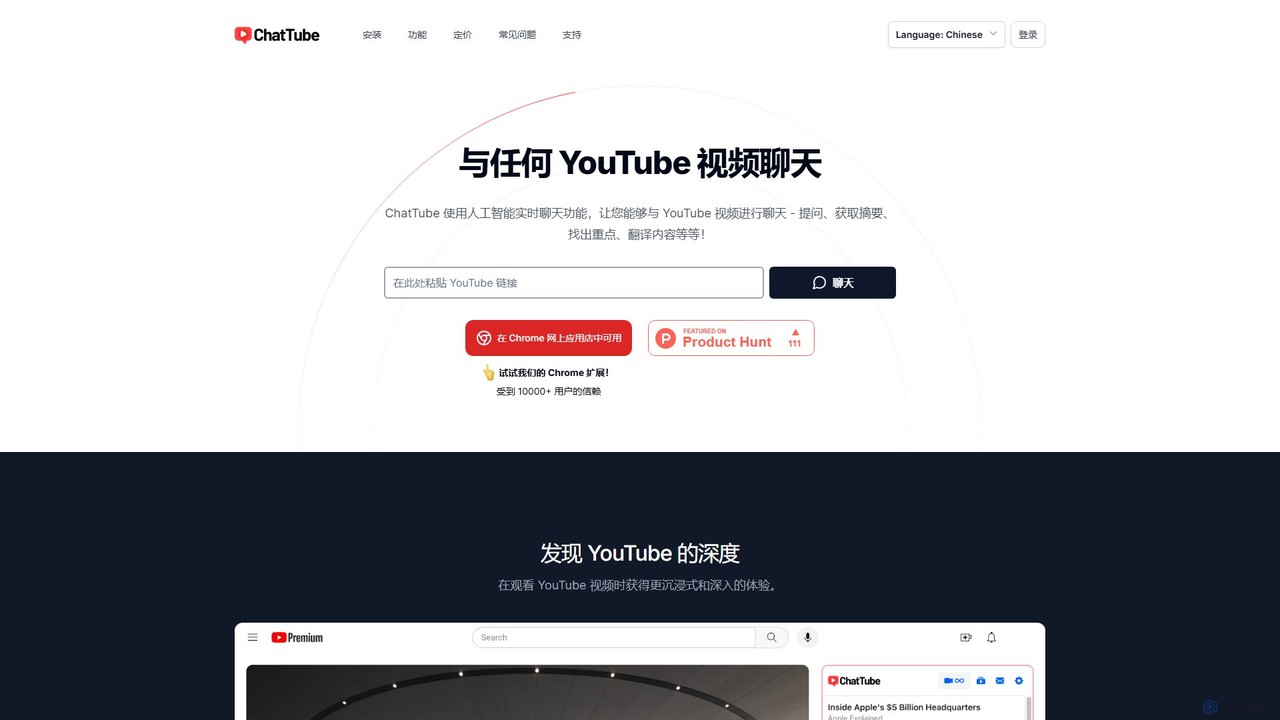
ChatTube is an AI-powered tool, available as a Chrome extension and web app, that lets you interact with any YouTube video. Ask questions, get instant summaries, find key information, and translate content to enhance your learning, research, and content discovery experience.
Learning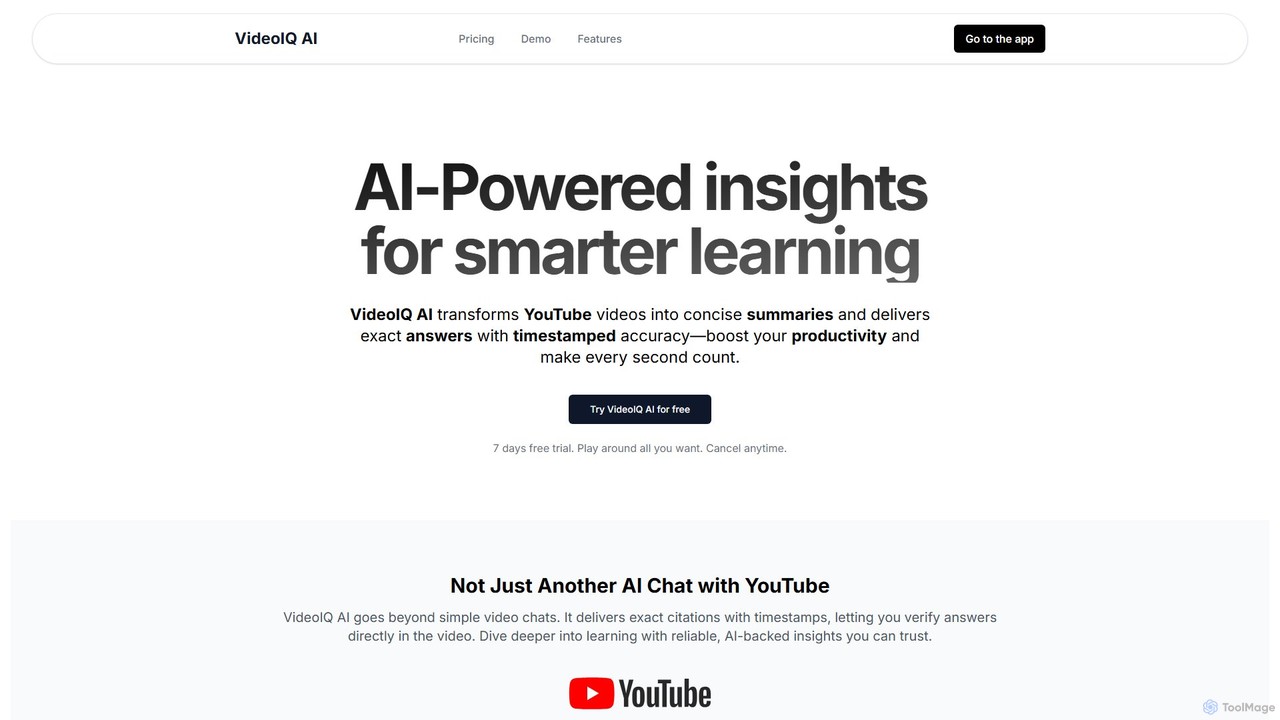
VideoIQ AI
VideoIQ AI is an AI-powered tool that transforms YouTube videos into concise summaries and interactive chatbots. Ask questions and get precise, timestamped answers to quickly find the information you need. It enhances learning and boosts productivity by making video content searchable and digestible, saving you valuable time.
Learning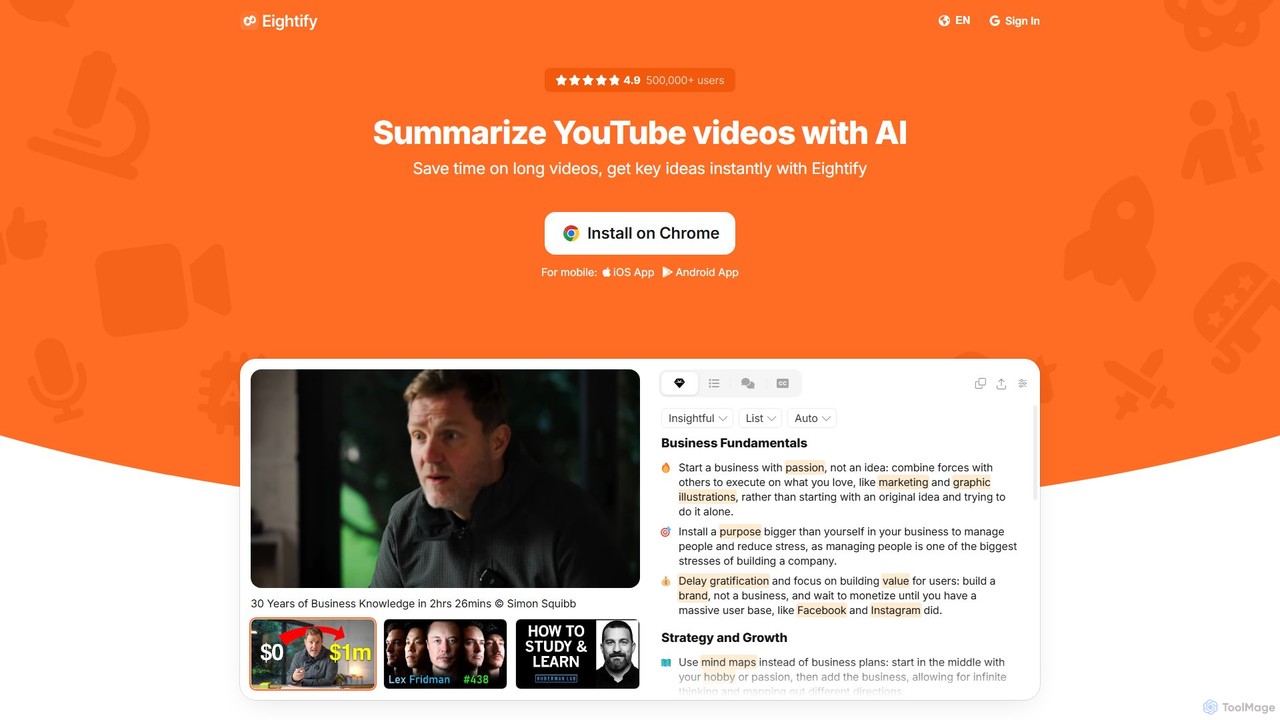
Eightify
Eightify is an AI-powered YouTube video summarizer that saves you time by generating concise, accurate summaries. Available as a browser extension and mobile app, it extracts key ideas, provides timestamped outlines, and transcribes video content. With support for over 40 languages, it's the perfect tool for professionals, students, and content creators to quickly grasp the essence of long videos, boosting productivity and learning efficiency.
Learning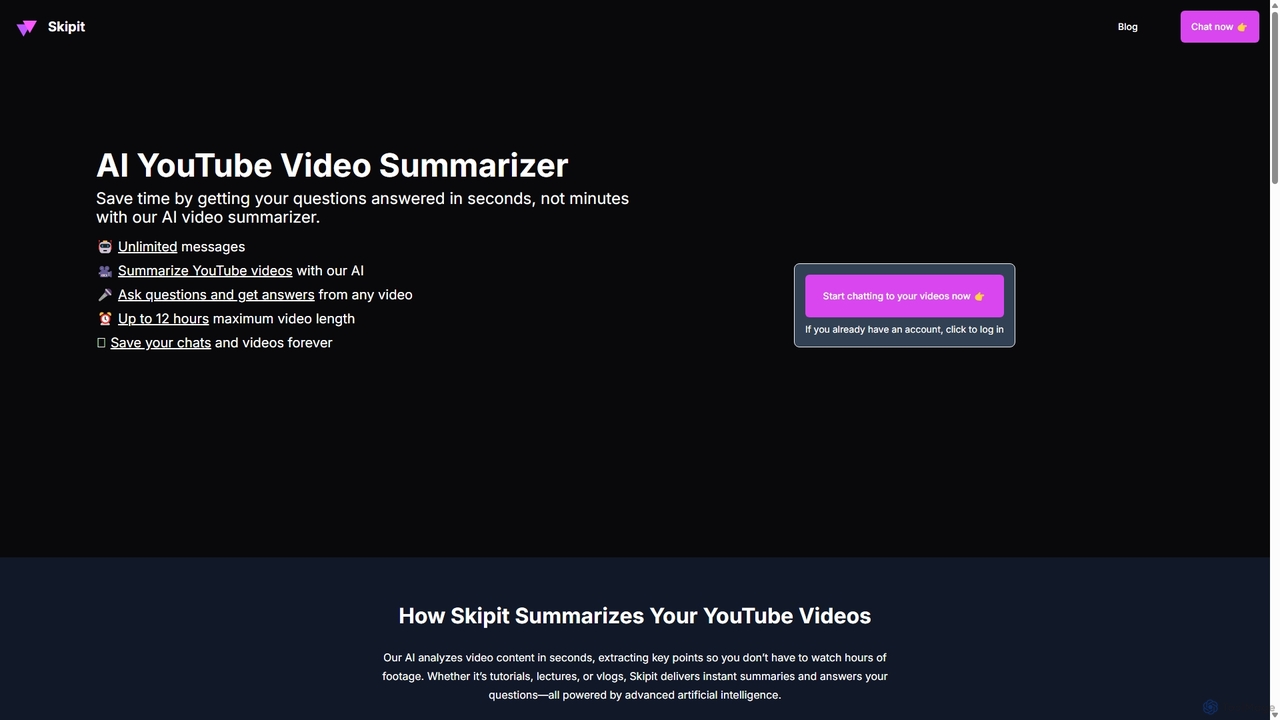
Skipit
Skipit is an AI-powered tool that summarizes YouTube videos instantly. It allows you to chat with any video, ask specific questions, and get key insights in seconds without watching the entire content. Ideal for students, professionals, and creators, it supports videos up to 12 hours long, saving you valuable time and boosting productivity.
Learning
tldwai
tldwai is an AI-powered video summarizer that transforms long videos from YouTube or local files into concise, easy-to-read text summaries. It supports a vast range of languages, helping users save time, overcome language barriers, and quickly grasp key information from any video content.
Learningkiwi Categories
kiwi Embed Widget
Copy this embed code to place the badge on your blog, article, or product site and send readers directly to this ToolMage detail page.

Related AI tools
ChatTube
ChatTube is an AI-powered tool, available as a Chrome extension and web app, that lets you interact with any YouTube video. Ask questions, get instant summaries, find key information, and translate content to enhance your learning, research, and content discovery experience.
LearningVideoIQ AI
VideoIQ AI is an AI-powered tool that transforms YouTube videos into concise summaries and interactive chatbots. Ask questions and get precise, timestamped answers to quickly find the information you need. It enhances learning and boosts productivity by making video content searchable and digestible, saving you valuable time.
LearningSkipit
Skipit is an AI-powered tool that summarizes YouTube videos instantly. It allows you to chat with any video, ask specific questions, and get key insights in seconds without watching the entire content. Ideal for students, professionals, and creators, it supports videos up to 12 hours long, saving you valuable time and boosting productivity.
Learningtldwai
tldwai is an AI-powered video summarizer that transforms long videos from YouTube or local files into concise, easy-to-read text summaries. It supports a vast range of languages, helping users save time, overcome language barriers, and quickly grasp key information from any video content.
Learning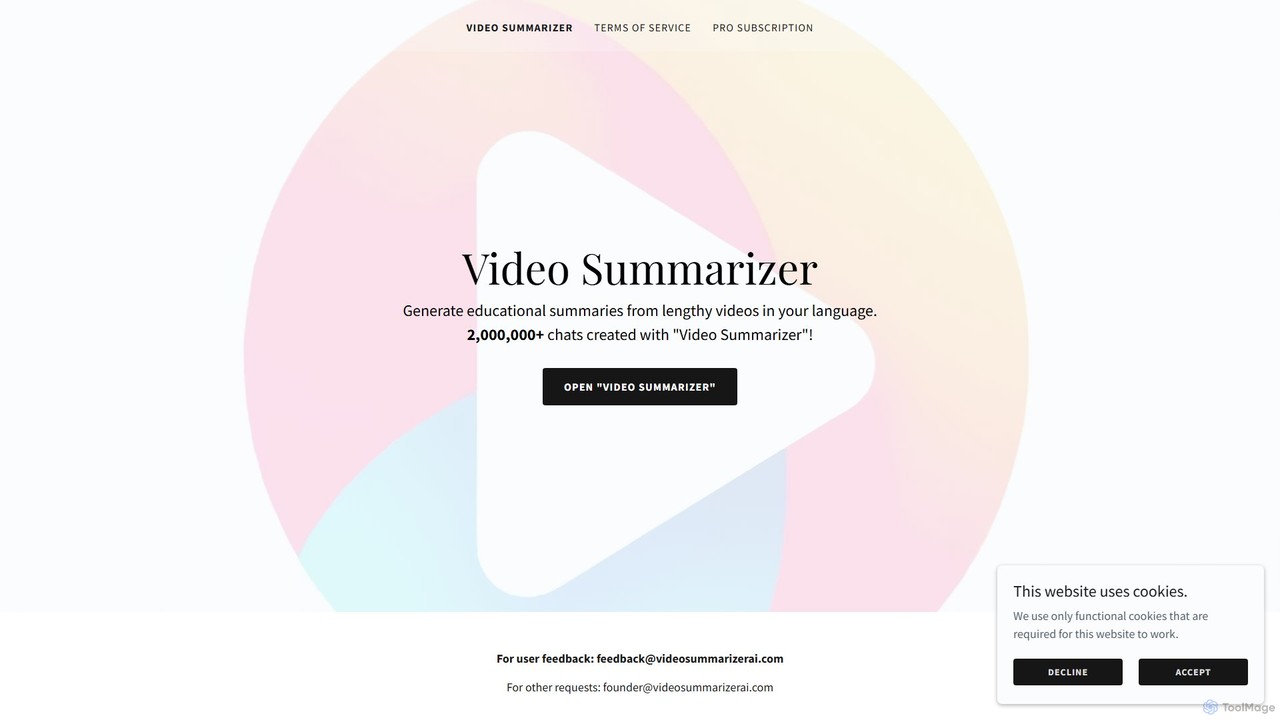
Video Summarizer AI
Video Summarizer AI is an intelligent tool that generates concise, educational summaries from lengthy videos in multiple languages. Ideal for students, researchers, and professionals, it quickly extracts key information from lectures, webinars, and talks, saving you valuable time.
Learning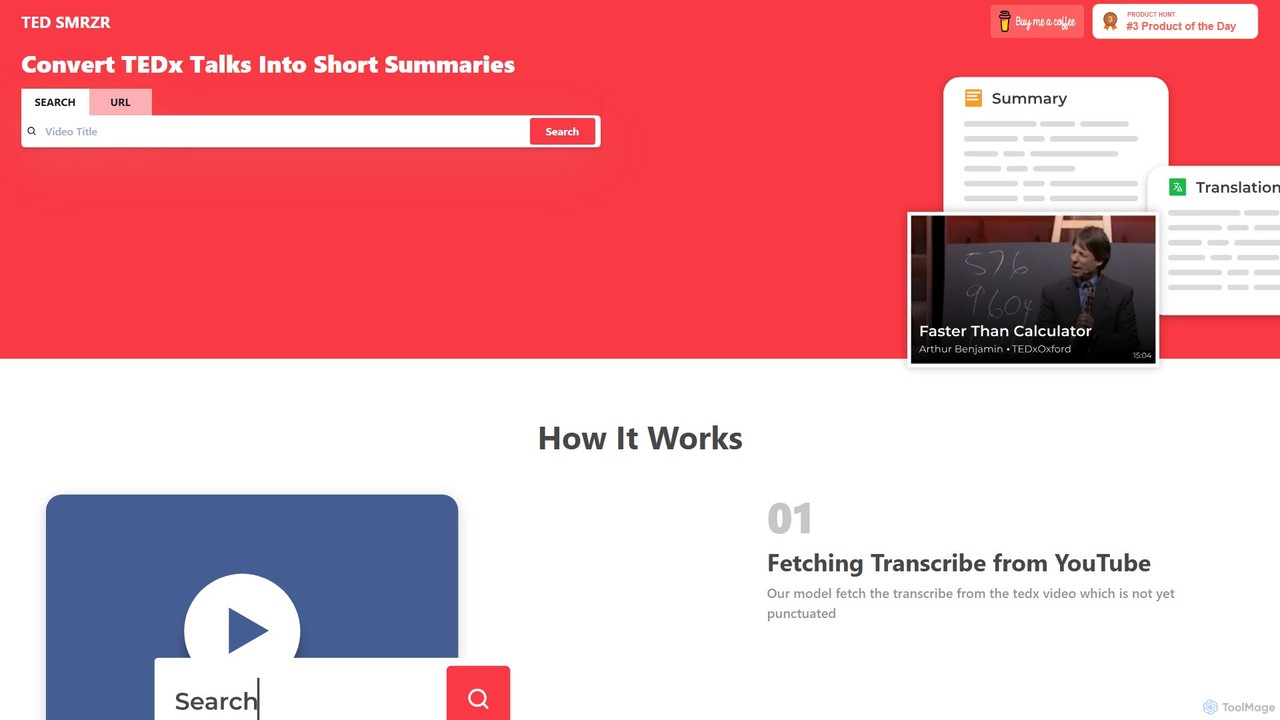
TED SMRZR
TED SMRZR is an AI-powered tool that transforms lengthy TED and TEDx talks into concise, easy-to-read summaries. Simply paste a YouTube URL, and the tool will fetch the transcript, add punctuation, and generate a summary. It also allows you to compare multiple talks for deeper insights and offers translations, making knowledge from TED accessible to everyone in a fraction of the time.
Learning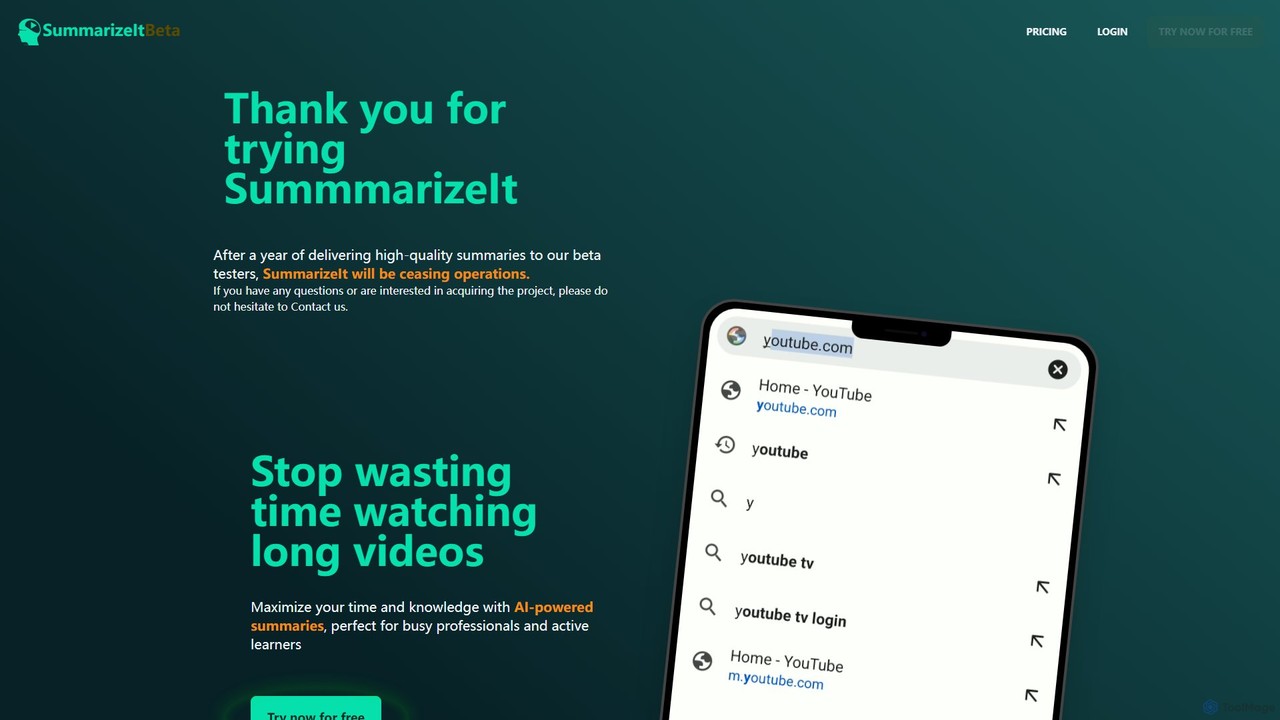
SummarizeIt
SummarizeIt is an AI-powered tool designed to save you time by generating concise summaries of long YouTube videos. It quickly extracts key points and insights, making it perfect for busy professionals, students, and anyone looking to learn more efficiently.
Learning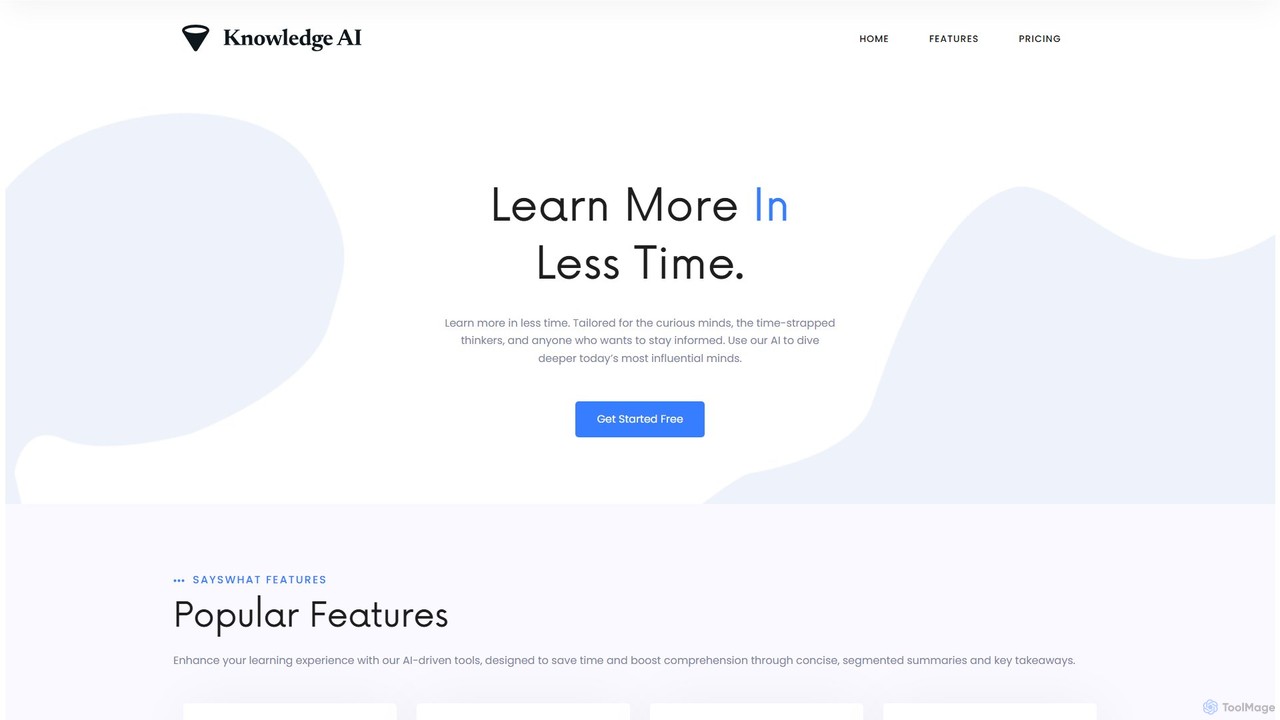
Knowledge AI
Knowledge AI is an AI-powered learning platform designed to save you time and enhance comprehension. It transforms long YouTube videos and audio files into concise, digestible summaries. By extracting key concepts, generating Q&As, and providing segmented breakdowns, it helps busy professionals, students, and curious minds learn more effectively and stay informed without sifting through hours of content.
Learning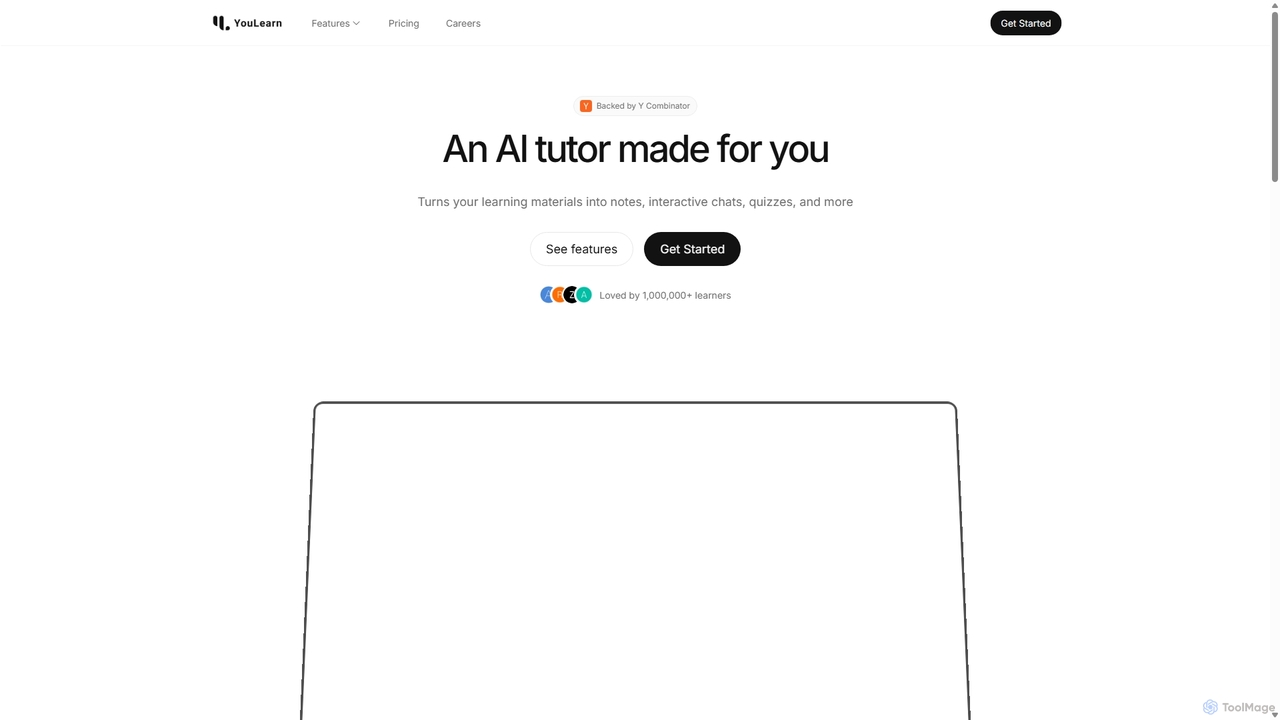
YouLearn
YouLearn is a Y Combinator-backed AI tutor that transforms any learning material—like PDFs, YouTube videos, and lectures—into interactive study tools. It creates summaries, flashcards, and quizzes, and offers an AI chat feature to simplify complex topics, helping over a million students and professionals learn smarter and faster.
Learning Assistant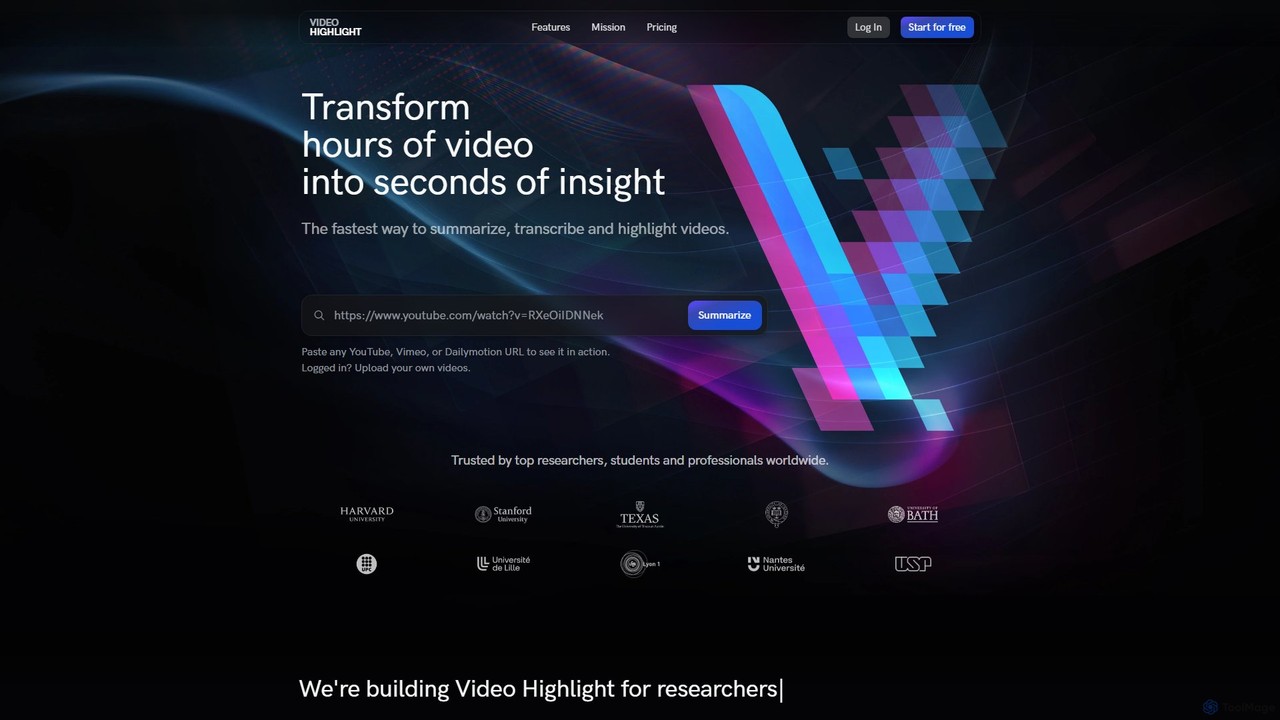
Video Highlight
Video Highlight is an AI-powered tool that transforms long videos into concise, actionable insights. It instantly generates timestamped summaries, accurate transcripts, and allows interactive chat with video content. Ideal for researchers, students, and content creators looking to save time and enhance productivity.
Note Taking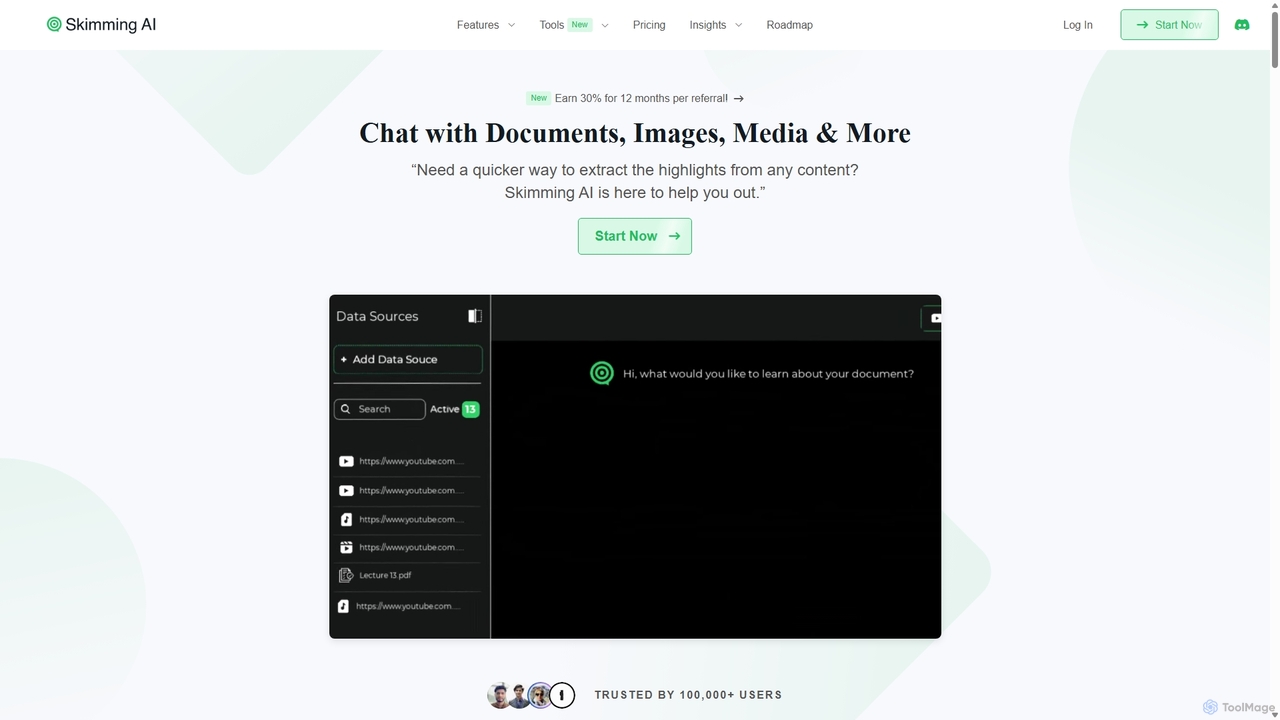
Skimming AI
Skimming AI is a versatile AI-powered platform that allows you to chat with and summarize a wide range of content, including documents, PDFs, YouTube videos, audio, images, and social media posts. Instantly extract key insights, ask questions, and get accurate answers without sifting through hours of material. It's designed to boost productivity for students, researchers, and professionals by making information consumption faster and more efficient across multiple formats and languages.
Analysis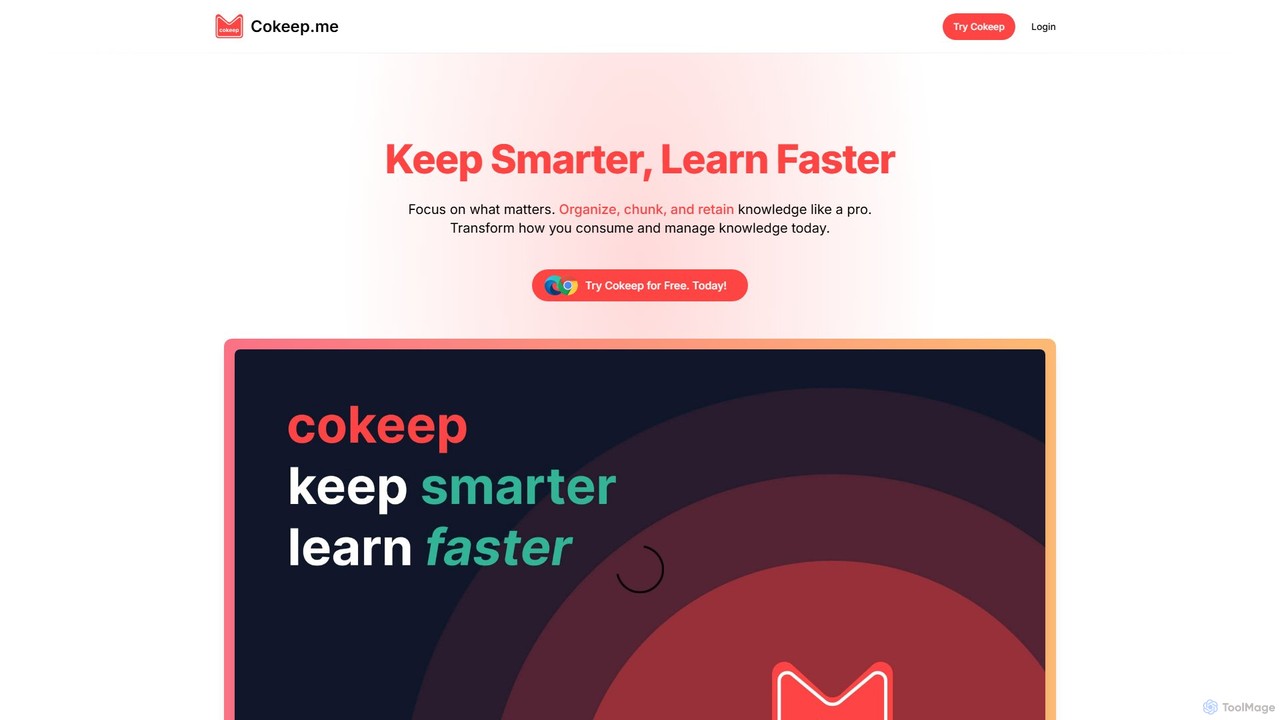
Cokeep
Cokeep is an AI-powered knowledge management tool designed to help you save, organize, and learn from online content more effectively. It transforms articles and videos into digestible summaries, automatically tags information, and provides a collaborative space to manage your learning resources, helping you combat information overload and retain knowledge faster.
Learning
captr
captr is an AI-powered assistant that transforms long videos, primarily from YouTube, into concise summaries, full transcripts, and actionable insights. It allows users to quickly understand video content without watching it in its entirety, ask questions, and export key information, boosting productivity and learning efficiency.
Note TakingEightify
Eightify is an AI-powered YouTube video summarizer that saves you time by generating concise, accurate summaries. Available as a browser extension and mobile app, it extracts key ideas, provides timestamped outlines, and transcribes video content. With support for over 40 languages, it's the perfect tool for professionals, students, and content creators to quickly grasp the essence of long videos, boosting productivity and learning efficiency.
Learning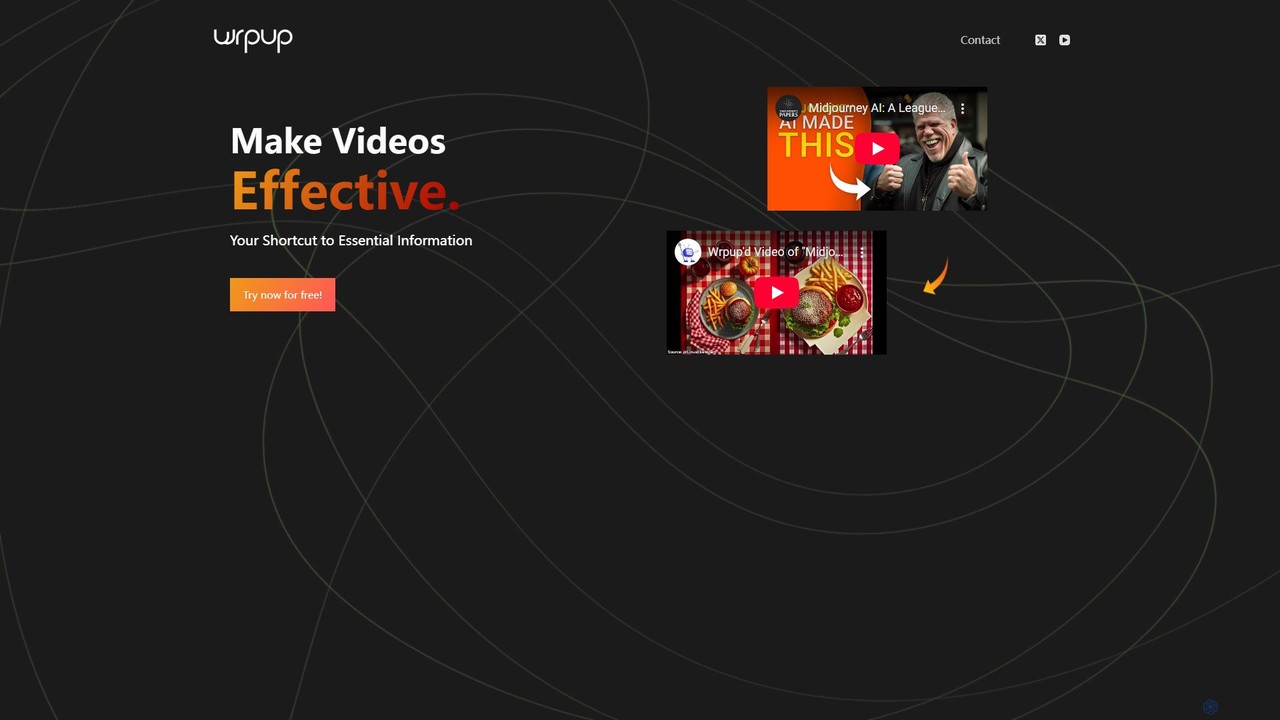
Wrpup
Wrpup is an AI-powered tool that transforms long YouTube videos into concise, shareable highlights. It saves time by automatically identifying key moments, helping users quickly grasp essential information. Ideal for marketers, students, and professionals looking to boost engagement and improve content ROI.
Social Media
kiwi Comments (0)
Sign in to comment.
Sign inNo comments yet.