


Oneclik Overview
Oneclik is a cutting-edge AI video generation platform that specializes in automating the production of viral 'faceless' videos. It serves as a comprehensive content automation solution for creators and marketers aiming to dominate short-form video platforms like TikTok, YouTube Shorts, Instagram Reels, and Snapchat Spotlight. The core mission of Oneclik is to empower users to create high-retention, monetizable video content with minimal effort, effectively turning content creation into a streamlined, one-click process.
The platform is built around a library of trendy, pre-designed video templates that are regularly updated to reflect current viral trends. This ensures that the content produced is always relevant and has a higher probability of being picked up by platform algorithms. By handling the technical aspects of video creation, Oneclik allows creators to focus on strategy and scaling their faceless content channels, which can generate significant revenue through ad-sharing programs and affiliate marketing.
How to use Oneclik
The workflow in Oneclik is designed for simplicity and speed, broken down into three intuitive steps:
- Choose Your Template: Begin by browsing Oneclik's extensive library of viral video templates. These templates are categorized by style and trend, providing a solid foundation for your video's structure and flow.
- Prepare Your Video Content: Next, you provide the script. You have multiple options: extract a script directly from an existing viral video by providing its URL, write your own script manually, or leverage the platform's AI to generate a compelling script from scratch. After the script is ready, you can select a suitable background video and choose from a variety of AI-generated voices for the voice-over.
- Customize and Finalize: Once the initial video is generated, you can enter the customization phase. Oneclik offers a suite of editing tools to make your video unique. You can add and style subtitles to match your brand, insert B-roll footage for visual variety, apply overlays and transitions, and add sound effects to enhance engagement. After finalizing your edits, simply download the video and post it to your chosen social media platforms.
Core Features of Oneclik
- Viral Video Templates: Access a constantly updated library of templates based on the latest social media trends.
- AI Script Generation: Automatically create engaging video scripts using AI, saving time on content writing.
- Script Extractor: Repurpose content by extracting scripts from any existing online video with a URL.
- AI Voice-Overs: Choose from a selection of realistic AI voices to narrate your videos, eliminating the need for recording your own audio.
- Automated Subtitles: Generate and customize subtitles to improve accessibility and viewer retention.
- Rich Customization Suite: Enhance videos with B-rolls, overlays, transitions, sound effects, and branding elements.
- Multi-Platform Support: Create videos optimized for YouTube Shorts, TikTok, Instagram Reels, and Snapchat Spotlight.
- Monetization-Ready Content: Generate videos that are eligible for monetization on platforms that pay for views, provided original scripts and backgrounds are used.
Use Cases for Oneclik
Oneclik is ideal for a wide range of users, including:
- Faceless Channel Owners: Automate content production for multiple niche channels on YouTube and TikTok to maximize ad revenue.
- Social Media Managers: Quickly create a high volume of quality short-form video content for clients to boost engagement and growth.
- Affiliate Marketers: Produce promotional videos with clear calls-to-action, driving traffic to affiliate links in bios or descriptions.
- TikTok & Instagram Influencers: Diversify content strategy with engaging faceless videos that tap into new audiences and trends.
- Entrepreneurs & Small Businesses: Create marketing videos to promote products or services without the high cost of traditional video production.
Advantages of Oneclik
The primary advantage of Oneclik is its ability to dramatically accelerate the content creation process, claiming to be 10x faster than traditional methods. It democratizes video production by removing barriers like editing skills, on-camera presence, and expensive equipment. The focus on 'faceless' content allows for greater privacy and scalability, enabling a single user to manage multiple successful channels simultaneously. Furthermore, its emphasis on viral templates and AI-driven content helps users stay ahead of trends and maximize their potential for virality and monetization.
Pricing and Plans
Oneclik operates on a subscription model with several paid plans, offering both monthly and yearly (with a 20% discount) billing options. There is no free trial due to the high costs of AI generation.
- Starter Plan: $29/month for 30 videos (up to 1 min 30s each). Includes subtitles, voice-over, and script extractor.
- Clipper Plan: $49/month for 80 videos (up to 2 mins each). Includes all Starter features.
- Pro Plan (Most Popular): $69/month for 150 videos (up to 3 mins each). Includes all Clipper features plus AI script generation, script upgrades, and premium support.
- Enterprise Plan: Custom pricing for organizations with specific needs, offering custom video quotas, enterprise-level support, and payment via invoice.
Traffic
Latest traffic
Status
Monthly traffic trend
- 2025-8: 11.2K
- 2025-9: 7.1K
- 2026-2: 119
- 2026-3: 0
- 2026-4: 119
- 2026-5: 1.7K
Geography
Top 5 countries / regions
- 🇹🇭Thailand50.5%
- 🇮🇳India27.1%
- 🇻🇪Venezuela14.2%
- 🇧🇷Brazil6.0%
- 🇲🇽Mexico2.2%
Top keywords
| Keyword | Cost per click |
|---|---|
| ai click | $0.00 |
| click ia | $0.00 |
| one click | $1.36 |
| one click ai | $0.21 |
| oneclip | $0.00 |
Oneclik Alternatives
Revid AI
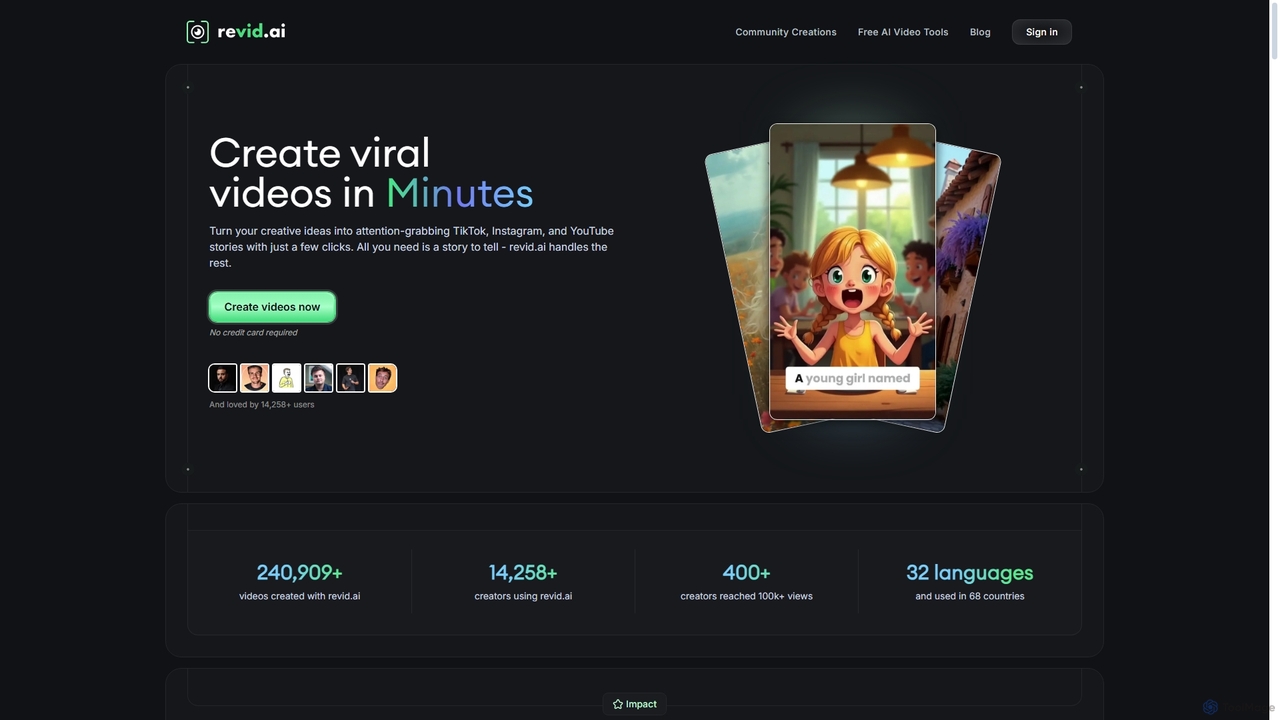
Revid AI is a powerful AI video generator designed to create viral short-form videos for platforms like TikTok, Instagram, and YouTube in minutes. It transforms your ideas, text, links, or existing content into engaging videos, complete with AI-generated scripts, realistic voiceovers, dynamic visuals, and automated captions. It's the ultimate tool for content creators and marketers looking to save time and boost engagement without needing any video editing skills.
Video Marketing
OpusClip
OpusClip is a generative AI video repurposing tool that turns long videos into viral short clips with one click. It automatically identifies the most compelling hooks, reframes the video, adds dynamic captions, and scores clips for virality, streamlining content creation for social media.
Video Marketing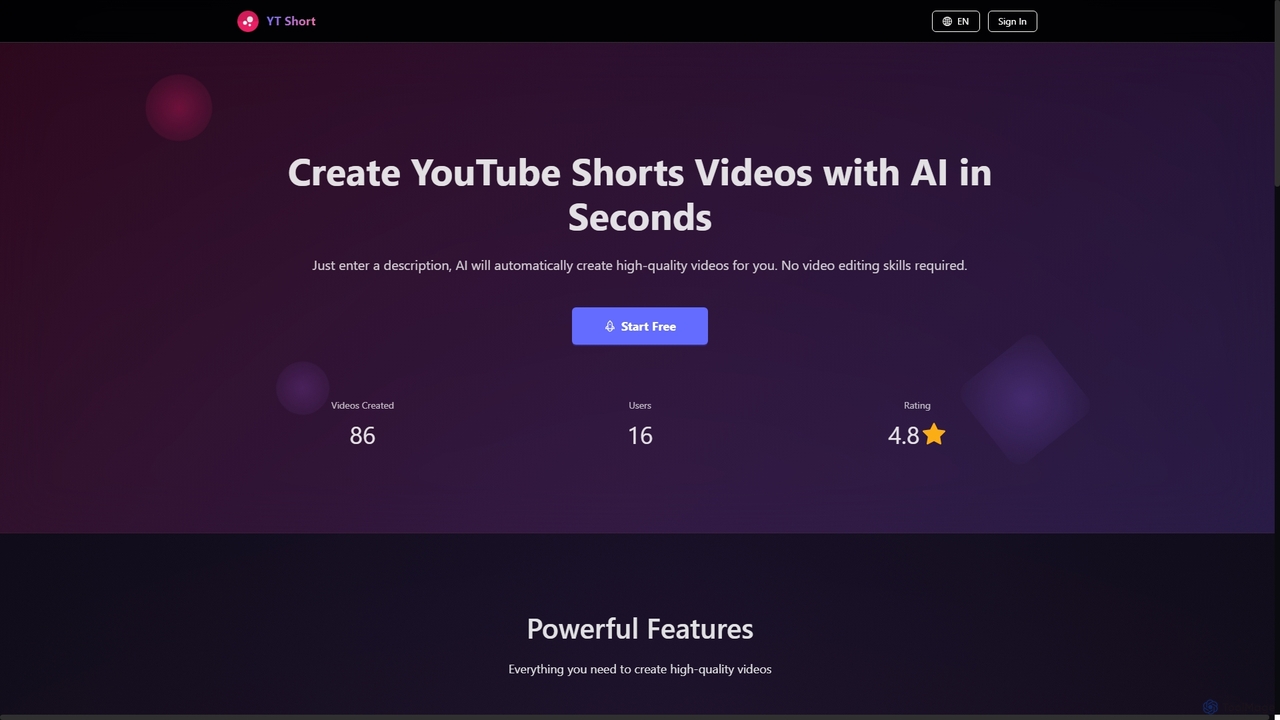
YT Short
YT Short is an AI-powered video generator designed to create high-quality YouTube Shorts and Instagram Reels in seconds. Users simply provide a text description, and the AI automatically generates vertical 9:16 videos without requiring any video editing skills. It offers fast creation, customization, and direct upload capabilities.
3D
ShortsGenerator
ShortsGenerator is an AI-powered platform that automates the creation of viral short videos for YouTube, TikTok, and Instagram. Simply provide a link, text, or an idea, and the AI generates engaging, faceless videos with scripts, visuals, and voiceovers in minutes. It's designed for creators and marketers to save time, repurpose content, and significantly boost audience engagement without needing any video editing skills.
Video Marketing
SendShort.ai
SendShort.ai is an AI-powered platform that transforms long-form videos into engaging, viral-ready short clips for social media. Automatically identify key moments, add dynamic captions, and repurpose your content for TikTok, Reels, and Shorts in minutes, maximizing your reach and saving hours of editing time.
Video MarketingOneclik Categories
Oneclik Jobs
Oneclik Embed Widget
Copy this embed code to place the badge on your blog, article, or product site and send readers directly to this ToolMage detail page.

Related AI tools
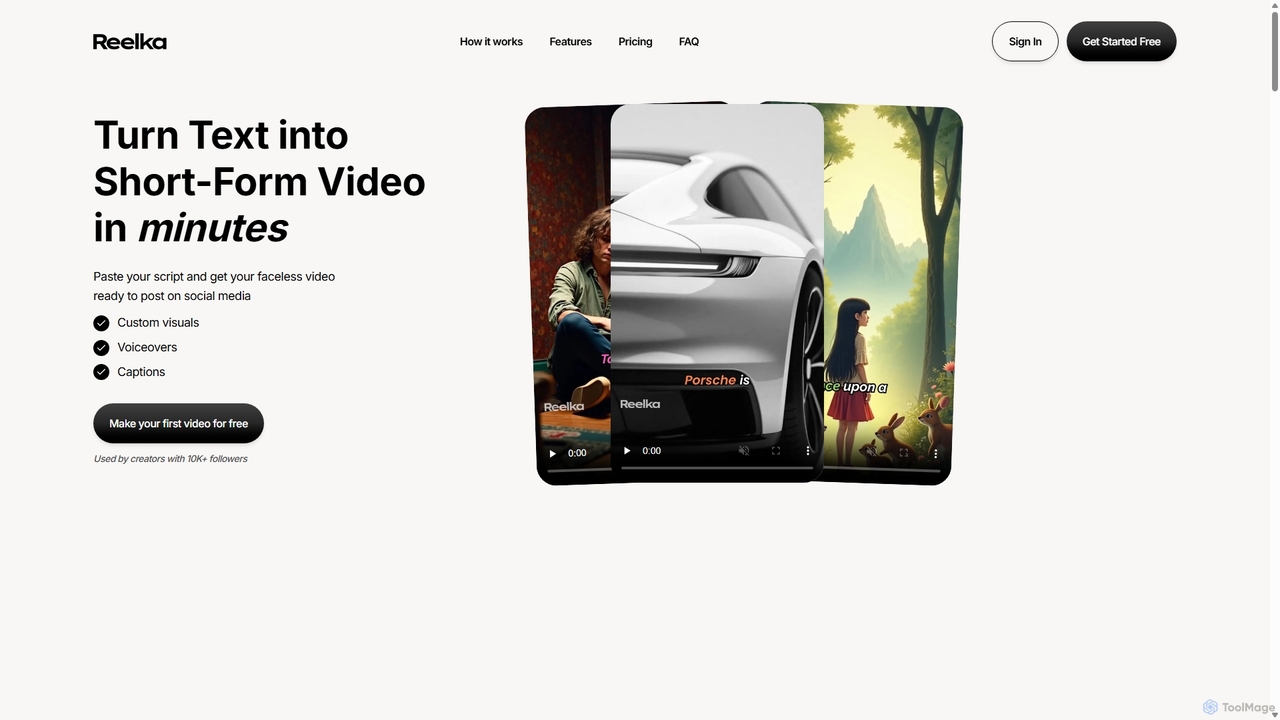
Reelka
Reelka is an AI-powered video creation platform that transforms text scripts into engaging, short-form videos in minutes. Ideal for social media, it automates the entire process from scriptwriting and voiceover generation to visual selection and captioning. Users can customize styles, replace visuals, and export HD, watermark-free videos, saving hours of complex editing work and overcoming the steep learning curve of traditional video software. It's designed for creators and marketers to produce consistent, high-quality content effortlessly.
Automation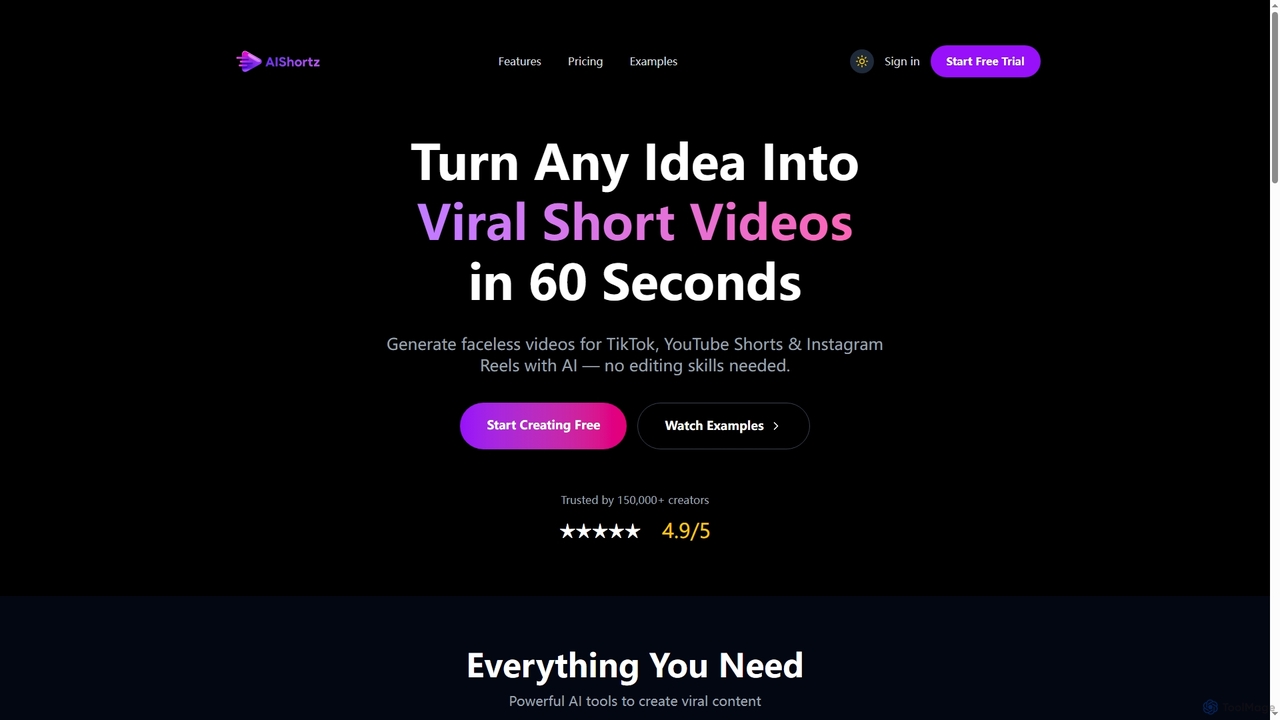
AIShortz
AIShortz is a leading AI video generator designed to transform any idea into viral short videos for platforms like TikTok, YouTube Shorts, and Instagram Reels in just 60 seconds. It enables creators to produce high-quality, faceless content with natural AI voiceovers, royalty-free music, and automatic captions, all without requiring editing skills.
3D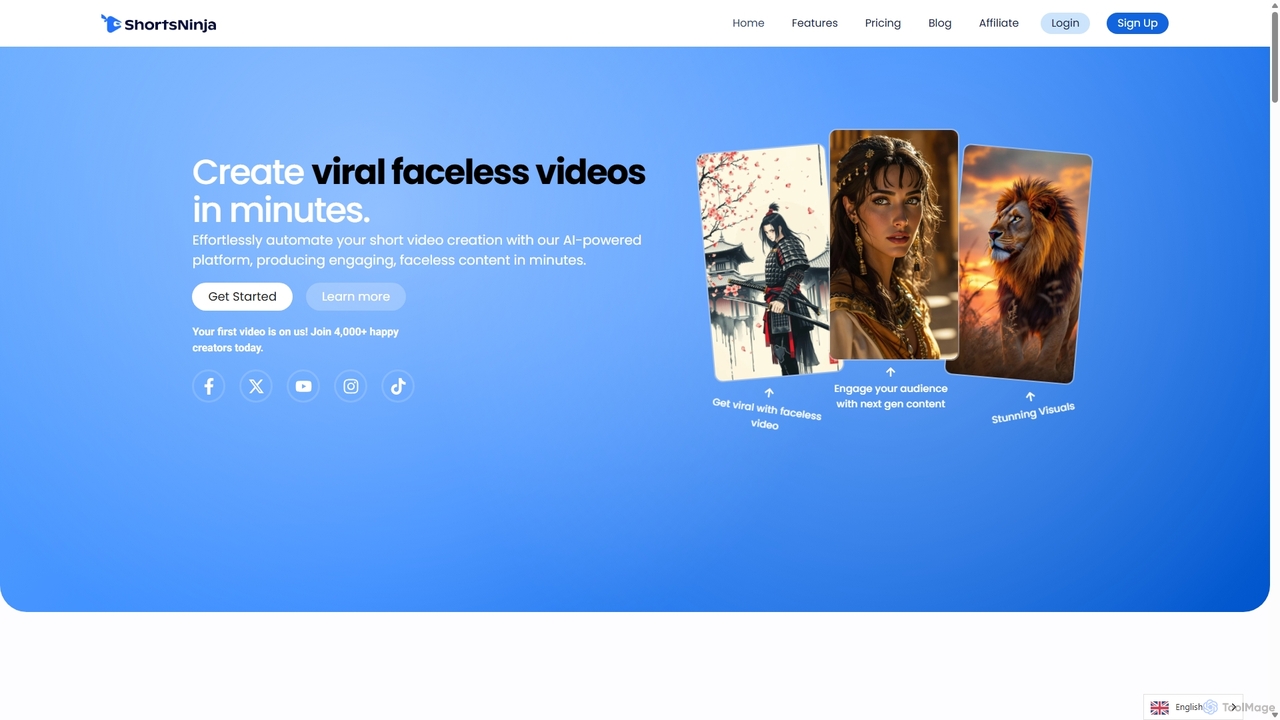
ShortsNinja
ShortsNinja is an AI-powered platform that automates the creation of engaging, faceless short videos for TikTok, YouTube, and Instagram. In just minutes, it transforms your ideas into viral-potential content with AI-generated visuals, realistic voiceovers in 50+ languages, and automated social media publishing. It's the perfect tool for creators and marketers looking to scale their video content production effortlessly.
Automation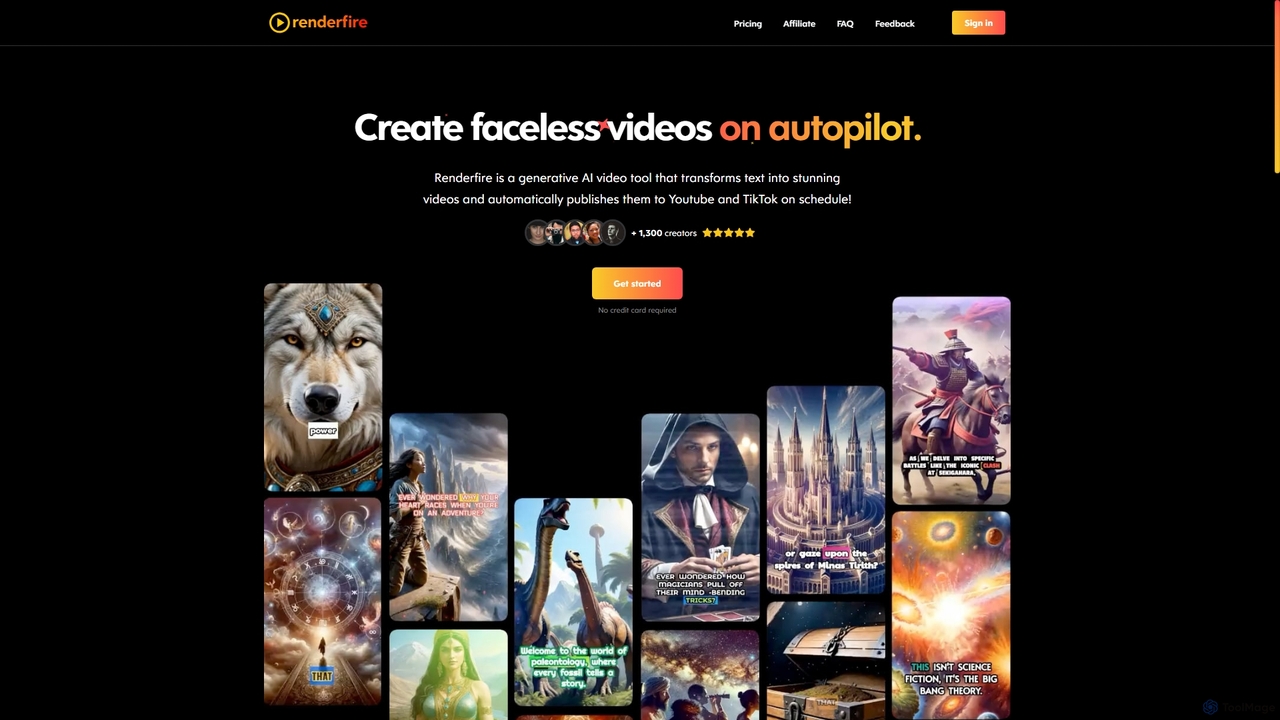
Renderfire
Renderfire is a generative AI tool that automates the creation and publication of 'faceless' short videos. Users select a topic, and the AI generates a complete video from text, including visuals and voiceover. It features scheduled, automatic posting to YouTube and TikTok, making it ideal for content creators aiming to scale their output with minimal effort and maintain channel consistency.
Content CreationRevid AI
Revid AI is a powerful AI video generator designed to create viral short-form videos for platforms like TikTok, Instagram, and YouTube in minutes. It transforms your ideas, text, links, or existing content into engaging videos, complete with AI-generated scripts, realistic voiceovers, dynamic visuals, and automated captions. It's the ultimate tool for content creators and marketers looking to save time and boost engagement without needing any video editing skills.
Video Marketing
Jyek
Jyek is an AI agent platform that understands objectives, creates execution plans, uses tools, and delivers verifiable results for complex, multi-step tasks.
Automation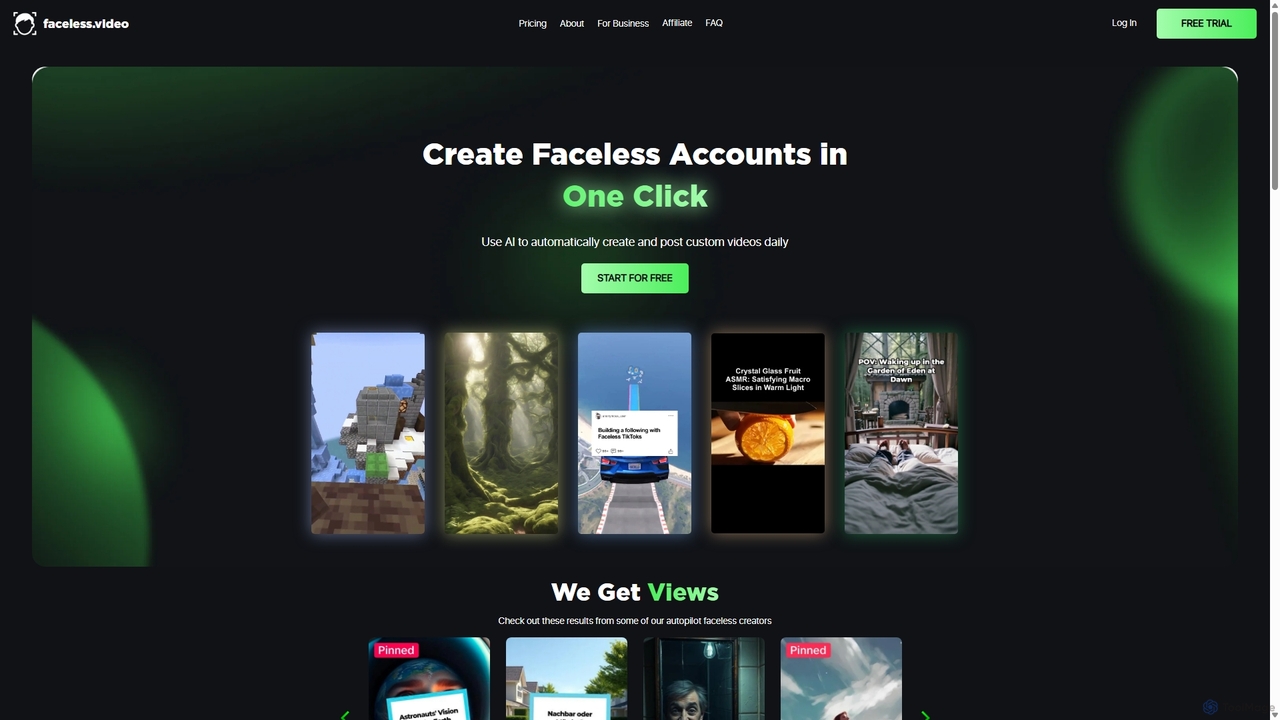
Faceless
Faceless is an AI-powered platform that automates the creation and posting of 'Faceless' videos for social media. It handles the entire workflow from scriptwriting and video editing to daily posting, enabling users to grow their channels on autopilot. Ideal for content creators and businesses looking to save time and scale content production effortlessly.
Automation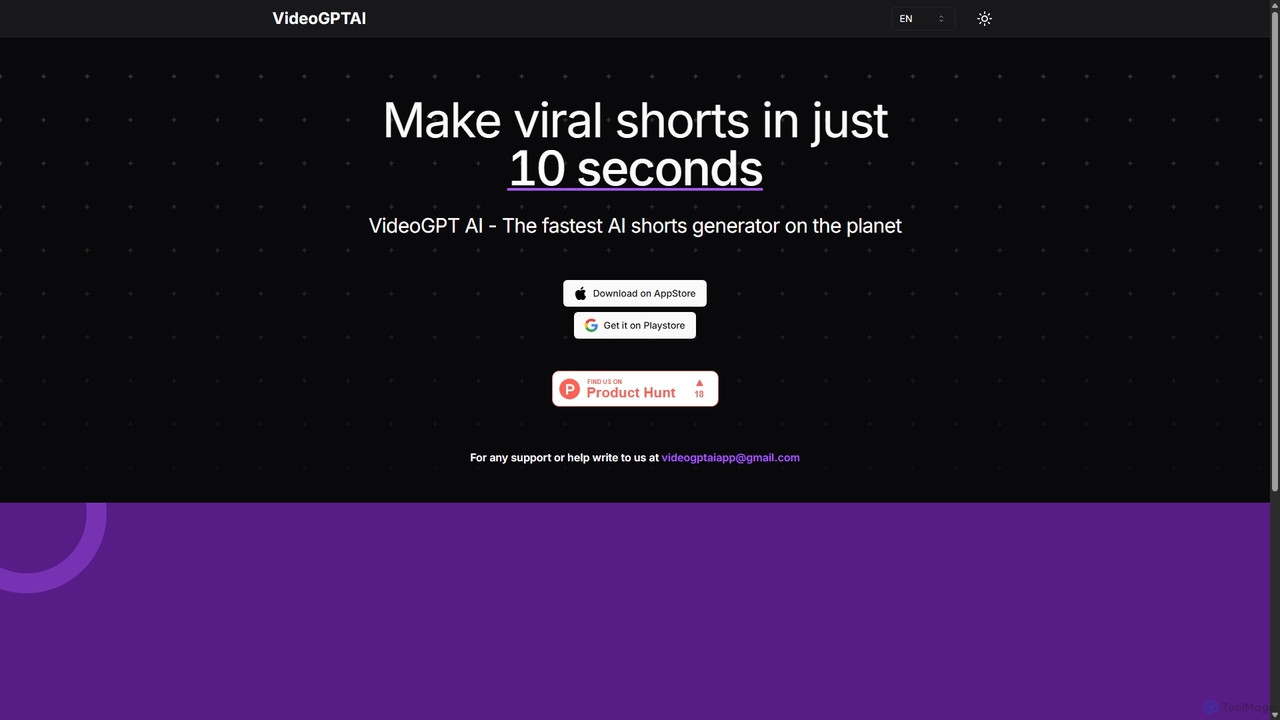
VideoGPTAI
VideoGPTAI is a powerful AI-driven mobile application designed to create viral short-form videos for social media in seconds. By simply providing a text prompt or topic, users can generate engaging videos complete with stock footage, AI voiceovers, background music, and animated captions, perfect for TikTok, YouTube Shorts, and Instagram Reels.
Automation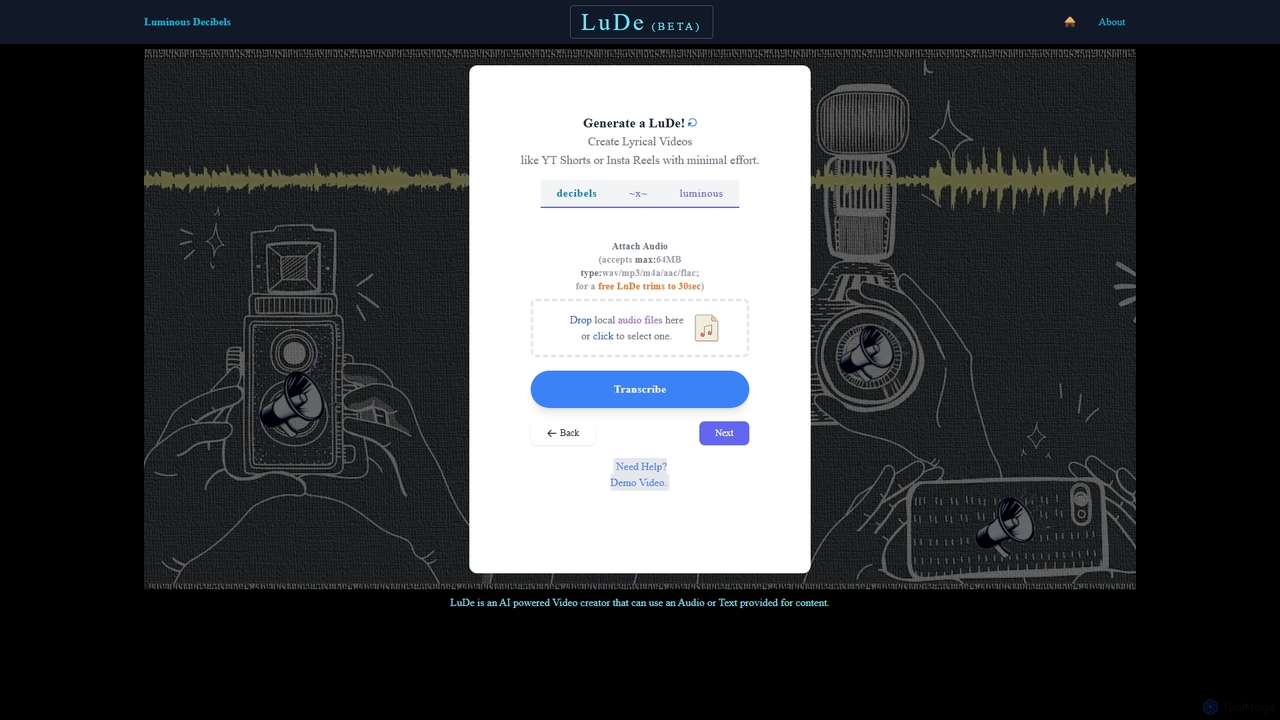
LuDe BETA
LuDe BETA is an AI-powered tool that effortlessly transforms audio files into captivating lyrical videos. Simply upload your audio, let the AI transcribe it, choose a dynamic background, and generate professional-looking videos for social media platforms like YouTube Shorts, Instagram Reels, and TikTok. Perfect for creators, musicians, and podcasters who want to create engaging content without complex video editing.
Transcription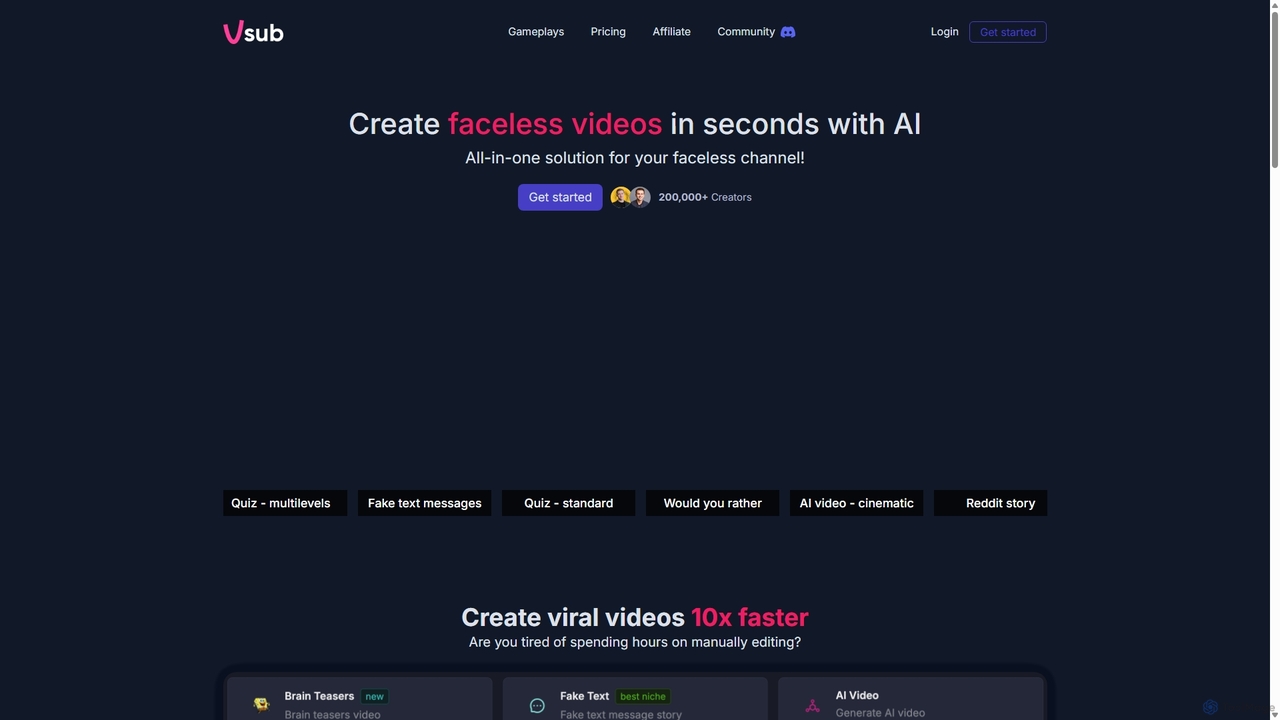
Vsub
Vsub is an AI-powered platform designed for creating engaging, faceless short videos in seconds. It serves as an all-in-one solution for content creators, enabling them to produce viral content for platforms like YouTube Shorts, TikTok, and Instagram Reels 10x faster than traditional methods.
Automation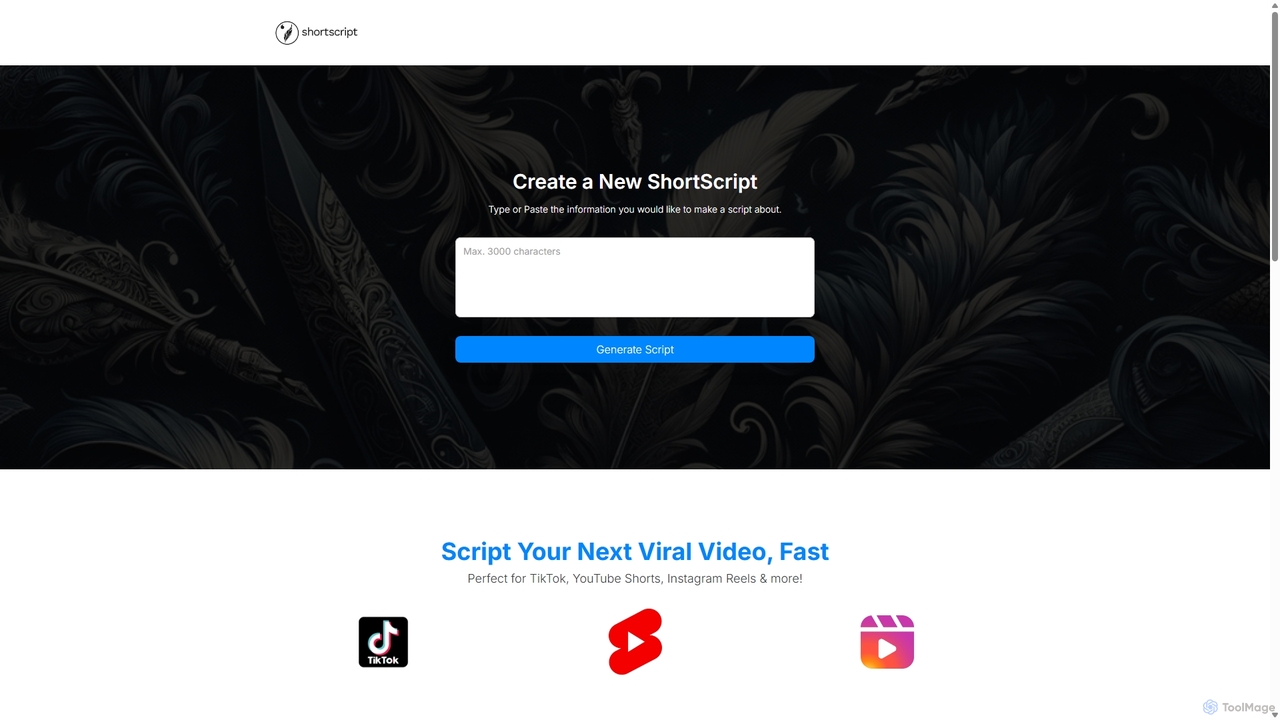
ShortScript
ShortScript is an AI-powered script generator designed to create engaging scripts for viral short-form videos on platforms like TikTok, YouTube Shorts, and Instagram Reels. It helps creators find trending topics, convert ideas or articles into scripts instantly, and manage their content workflow in one place.
Automation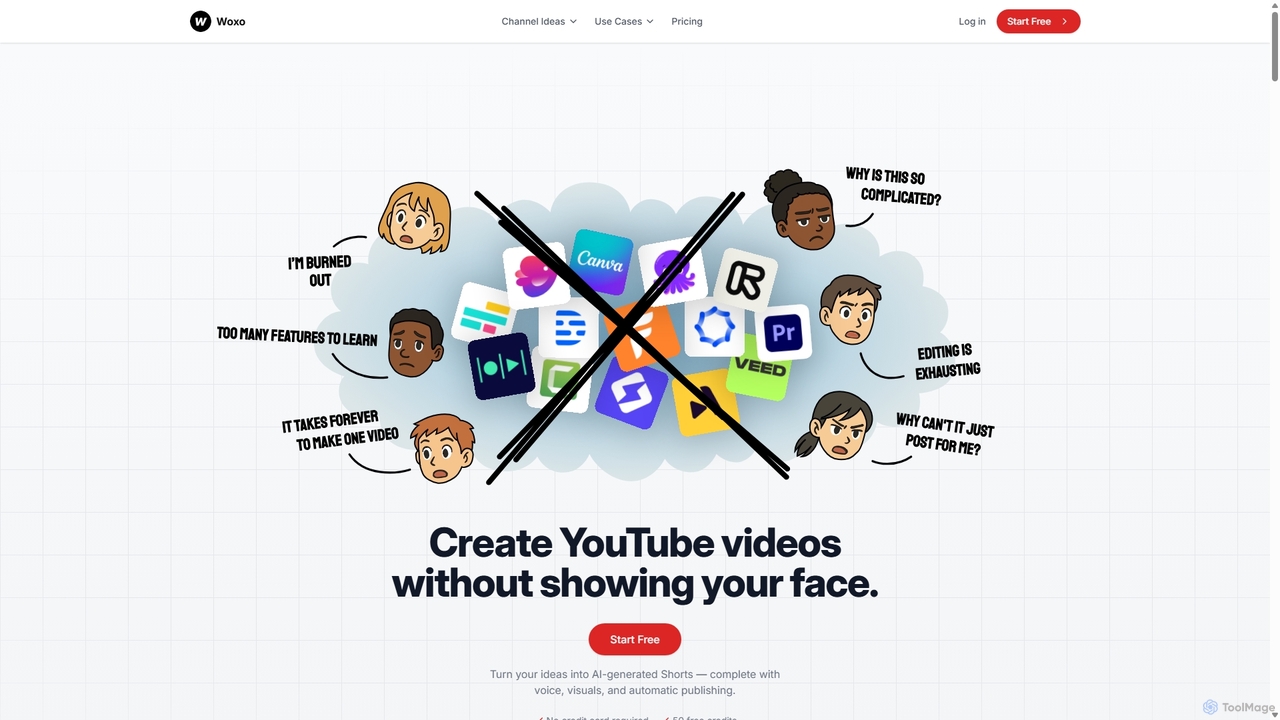
Woxo
Woxo is an AI-powered video generator that transforms simple text prompts into complete, ready-to-publish, faceless YouTube Shorts. It automates scriptwriting, visual creation, voiceovers, and captions, enabling creators to produce engaging content in minutes without any editing skills or on-camera presence. Ideal for scaling YouTube channels with consistent, high-quality short-form videos.
AutomationOpusClip
OpusClip is a generative AI video repurposing tool that turns long videos into viral short clips with one click. It automatically identifies the most compelling hooks, reframes the video, adds dynamic captions, and scores clips for virality, streamlining content creation for social media.
Video MarketingYT Short
YT Short is an AI-powered video generator designed to create high-quality YouTube Shorts and Instagram Reels in seconds. Users simply provide a text description, and the AI automatically generates vertical 9:16 videos without requiring any video editing skills. It offers fast creation, customization, and direct upload capabilities.
3D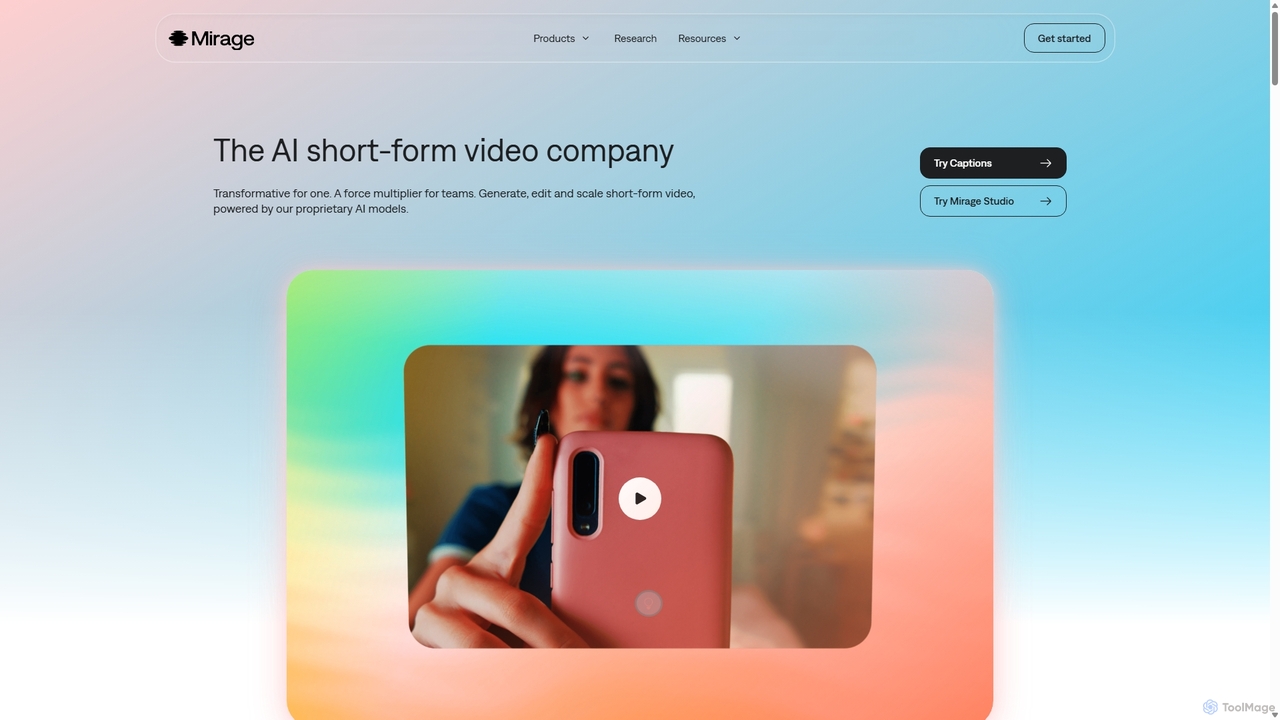
Mirage
Mirage is an AI video platform that transforms ideas into engaging short-form videos. It offers the Captions app for creators to generate and edit talking videos with text prompts, and Mirage Studio for teams to scale video production. Powered by proprietary AI, Mirage creates photorealistic footage and AI avatars, streamlining video creation for platforms like TikTok and Instagram.
Advertising
Oneclik Comments (0)
Sign in to comment.
Sign inNo comments yet.