Video Best in category 2 results Social Media Video AI Tool

Popular AI tools in the Social Media Video field of Video include Oneclik、LuDe BETA, etc., helping you quickly improve efficiency.

Oneclik

Oneclik

Oneclik is an AI-powered platform designed to automate the creation of viral, faceless short-form videos for social media. …

1.9K
LuDe BETA

LuDe BETA

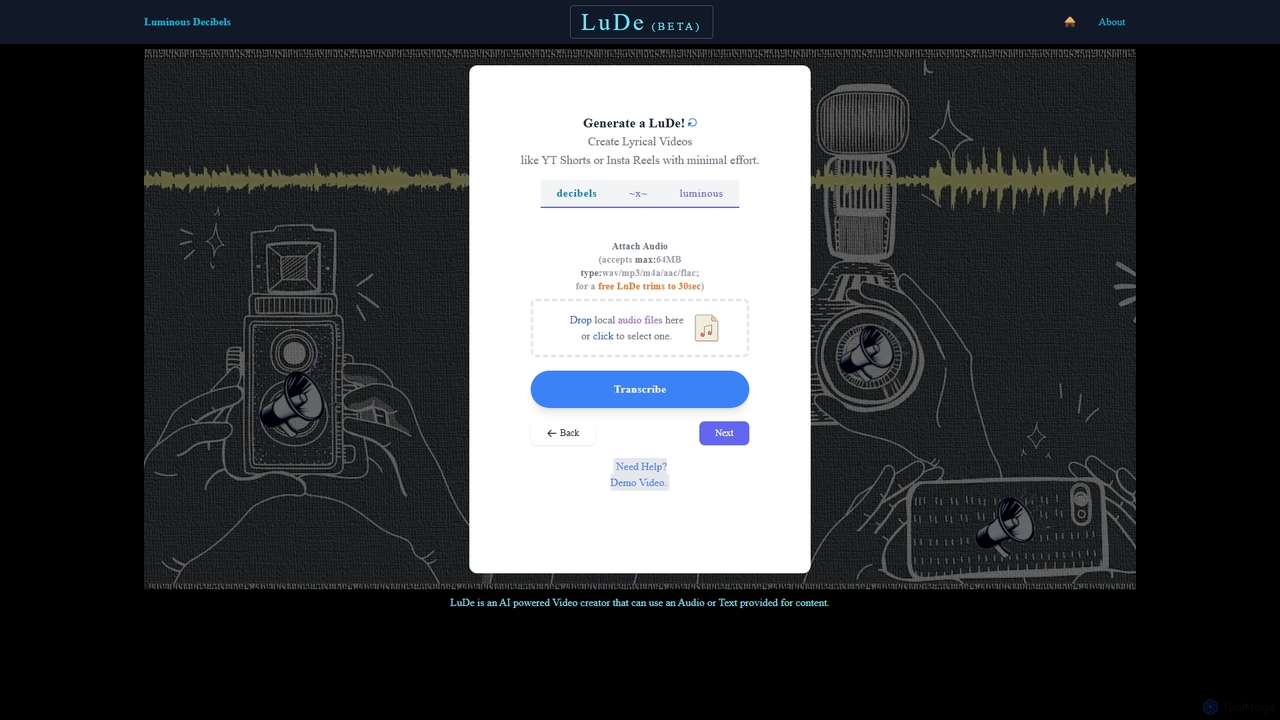
LuDe BETA is an AI-powered tool that effortlessly transforms audio files into captivating lyrical videos. Simply upload your …

1.8K

About Social Media Video

AI Social Media Video tools are a specialized category of software that automates the creation of short, engaging videos optimized for platforms like TikTok, Instagram Reels, and YouTube Shorts. These tools leverage AI to analyze content, identify viral-worthy moments, generate dynamic captions, and apply trending effects. This enables creators and marketers to produce a high volume of platform-native content quickly, without extensive video editing skills. Unlike general video editors, these tools focus specifically on short-form formats, vertical aspect ratios, and features designed to maximize audience engagement and retention.

Core Features

  • Automated Content Repurposing: Turns long-form videos, podcasts, or webinars into multiple short, shareable clips.
  • AI-Powered Captioning: Generates animated, word-by-word subtitles in popular styles to improve viewer retention.
  • Vertical Format Optimization: Automatically reframes horizontal video content for mobile-first viewing (9:16 aspect ratio).
  • Trend Analysis & Suggestions: Recommends trending audio, effects, and video structures to increase visibility.
  • Template-Based Creation: Offers pre-built, customizable templates for specific social media platforms and content types.

Use Cases

These tools are ideal for social media managers, content creators, and digital marketing agencies needing to maintain a consistent posting schedule. They are commonly used to transform podcasts into shareable clips, create promotional videos from product demos, and generate daily content for brand channels to boost online presence.

How to Choose

When selecting a tool, consider its content repurposing capabilities (e.g., from video, audio, or text), the style and customizability of its AI captions, and the range of supported social media platforms. Also, evaluate the AI's ability to accurately identify engaging moments from your source material and the quality of its template library.

Social Media VideoUse Cases

1

Repurpose Podcasts into Viral TikTok Clips

For podcasters and content managers aiming to expand their reach. Upload a full audio or video podcast episode. The AI transcribes the content, identifies key hooks, compelling questions, and insightful moments, then automatically generates 10-15 short, vertical video clips. Each clip features dynamic, word-by-word captions and can be branded with logos and colors. This process transforms one long-form asset into a week's worth of social media content, saving hours of manual searching and editing.

2

Create Engaging Instagram Reels for E-commerce

For e-commerce brand managers needing to quickly produce promotional content. Input a product page URL or a brief product description. The AI generates a short video script, finds relevant stock footage or uses uploaded product images, and creates an engaging Instagram Reel. It can add text overlays highlighting key features, suggest trending audio to increase reach, and end with a clear call-to-action. This allows for rapid creation and A/B testing of ad creatives and organic posts to drive sales.

3

Generate YouTube Shorts from Webinar Recordings

For B2B marketers and educators looking to maximize the value of their long-form content. After a webinar, upload the full recording. The AI analyzes the transcript and video to pinpoint key questions from the audience, expert insights, and 'aha' moments. It then automatically creates dozens of 60-second Shorts, reframing the speaker and slides for a vertical view, adding captions for silent viewing, and applying a branded overlay. This repurposes a single event into a sustained content campaign on YouTube.

4

Automate Video Ad Creation for Social Campaigns

For performance marketers running paid social campaigns. Provide a script, a landing page URL, or key marketing messages. The tool generates multiple video ad variations by combining these inputs with a library of stock footage, music, and AI voiceovers. It can create different versions optimized for various platforms and placements (e.g., square for feeds, vertical for Stories). This facilitates rapid A/B testing to find the most effective ad creative without relying on a dedicated video production team, improving campaign ROI.

5

Produce Daily Content for Personal Branding

For coaches, consultants, and influencers who need to maintain a consistent online presence. Use a mobile app to record a short thought, tip, or update. The AI automatically enhances the video by adding professional, animated captions, applying a branded background or template, and suggesting relevant B-roll footage to make it more dynamic. This workflow turns a simple, raw recording into a polished social media video in minutes, enabling daily posting with minimal effort and maintaining top-of-mind awareness with their audience.

6

Transform Blog Posts into Explainer Videos

For content marketers aiming to repurpose written content for video-first platforms. Paste the URL of a blog post into the tool. The AI summarizes the key points, structures them into a video script, and generates a short, animated explainer video. It automatically finds relevant stock videos and images to match the text, adds an AI-generated voiceover, and includes on-screen text and subtitles. This strategy expands the reach of existing content to new audiences on platforms like YouTube and Instagram without requiring any video production skills.

Social Media VideoFrequently Asked Questions