

Paper Polyglot Overview
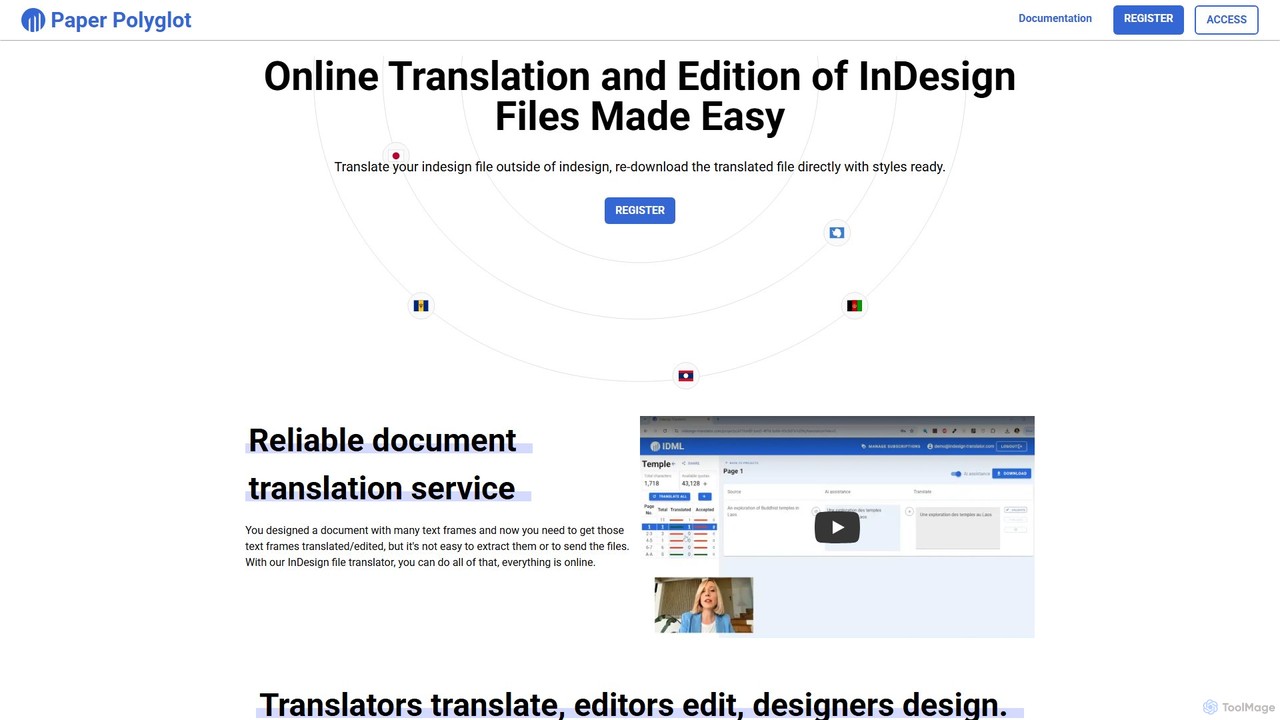
Paper Polyglot is a specialized online platform designed to revolutionize the way designers, translators, and marketing teams handle multilingual Adobe InDesign projects. It directly addresses the cumbersome and error-prone process of manually extracting, translating, and re-inserting text into complex layouts. By providing a centralized, web-based environment, Paper Polyglot streamlines the entire localization workflow, ensuring that the final translated document retains its original design integrity, including all character and paragraph styles.
The service is built for efficiency and collaboration. It cleverly separates the roles of designer, translator, and editor. Designers can focus on design, simply exporting their final layout as an .idml file. Translators and editors receive a simple web link, granting them access to a user-friendly interface where they can work on the text without needing an InDesign license or dealing with the complexities of the software. The platform's AI assistant, powered by Google Translate, offers a solid first draft, which can then be refined by human professionals to ensure accuracy and nuance. This hybrid approach significantly accelerates the translation process while maintaining high quality.
How to use Paper Polyglot
The workflow for translating a document with Paper Polyglot is straightforward and designed for users of all technical levels. The process involves a few simple steps:
- Export to IDML: In Adobe InDesign, open your document and export it in the .idml (InDesign Markup Language) format. This is done via the 'File' > 'Export' menu. The .idml format is crucial as it contains all the text and styling information in an accessible structure.
- Create a Project: Log in to Paper Polyglot and create a new project. You will need to name your project and specify the source and target languages for the translation.
- Upload the File: Upload the .idml file you just exported. The system will automatically process the file in seconds, extracting all text from every text frame and organizing it by spreads.
- Translate the Content: You have multiple options for translation. You can use the 'Translate All' button for an instant, AI-generated translation of the entire document. Alternatively, you can go through each text frame individually, using the AI suggestion as a starting point and editing it for accuracy. You can also share a unique project link with a professional translator or editor, who can then access the project and perform the translation directly in their browser without needing to sign up.
- Monitor and Review: As the project owner, you can monitor the translation progress in real-time.
- Download the Translated File: Once the translation is complete and reviewed, simply click the download button. Paper Polyglot will generate a new, fully translated .idml file. When you open this file in InDesign, you will find that all the text has been replaced with the translation, while every single style, layout, and format has been perfectly preserved.
Core Features of Paper Polyglot
- Seamless IDML Integration: Works directly with InDesign's .idml format for perfect compatibility.
- Style and Formatting Preservation: Automatically maintains all original character styles, paragraph styles, and layout formatting.
- AI-Assisted Translation: Features a one-click 'Translate All' function and individual text frame suggestions powered by Google Translate to speed up the process.
- Effortless Collaboration: Generate a shareable link for translators or editors to work on the text online, without requiring them to have an InDesign license or a Paper Polyglot account.
- Live Progress Monitoring: Track the status of translations in real-time within the project dashboard.
- Support for 100+ Languages: Capable of handling translations for a vast range of global languages.
- Same-Language Editing: The platform can also be used for proofreading and editing text within the same language, making it a versatile collaborative tool.
Use Cases for Paper Polyglot
Paper Polyglot is ideal for a variety of professional scenarios, including:
- Marketing and Advertising: Translating brochures, flyers, catalogs, and ad campaigns for international markets.
- Corporate Communications: Localizing annual reports, white papers, presentations, and corporate branding materials.
- Publishing: Creating multilingual versions of books, magazines, and e-books while maintaining a consistent design.
- Technical Documentation: Translating user manuals, instruction guides, and technical datasheets where precise formatting is critical.
Advantages of Paper Polyglot
The primary advantage of Paper Polyglot is its immense efficiency gain. It eliminates the tedious and error-prone task of copy-pasting text, which often leads to broken formatting and missed text frames. It professionalizes the workflow by allowing designers, translators, and editors to work in parallel within their areas of expertise. This collaborative model reduces back-and-forth communication, shortens project timelines, and ultimately lowers the cost of localization.
Pricing and Plans
Paper Polyglot offers a subscription-based model with several tiers to fit different needs:
- Solo Plan: $12 per month. Includes one file at a time, support for 100+ languages, and a 25,000-character translation limit.
- Duo Plan: $22 per month. Allows up to two files at a time, support for 100+ languages, and a 50,000-character translation limit.
- Unlimited Plan: $35 per month. Offers an unlimited number of files, support for 100+ languages, and a 75,000-character translation limit.
Traffic
Latest traffic
Status
Monthly traffic trend
- 2025-7: 0
- 2025-8: 828
- 2025-9: 1.2K
- 2026-3: 0
- 2026-4: 0
- 2026-5: 116
Geography
Top 5 countries / regions
- 🇳🇱Netherlands100.0%
Top keywords
| Keyword | Cost per click |
|---|---|
| translate indesign files | $0.00 |
Paper Polyglot Alternatives
translateimages
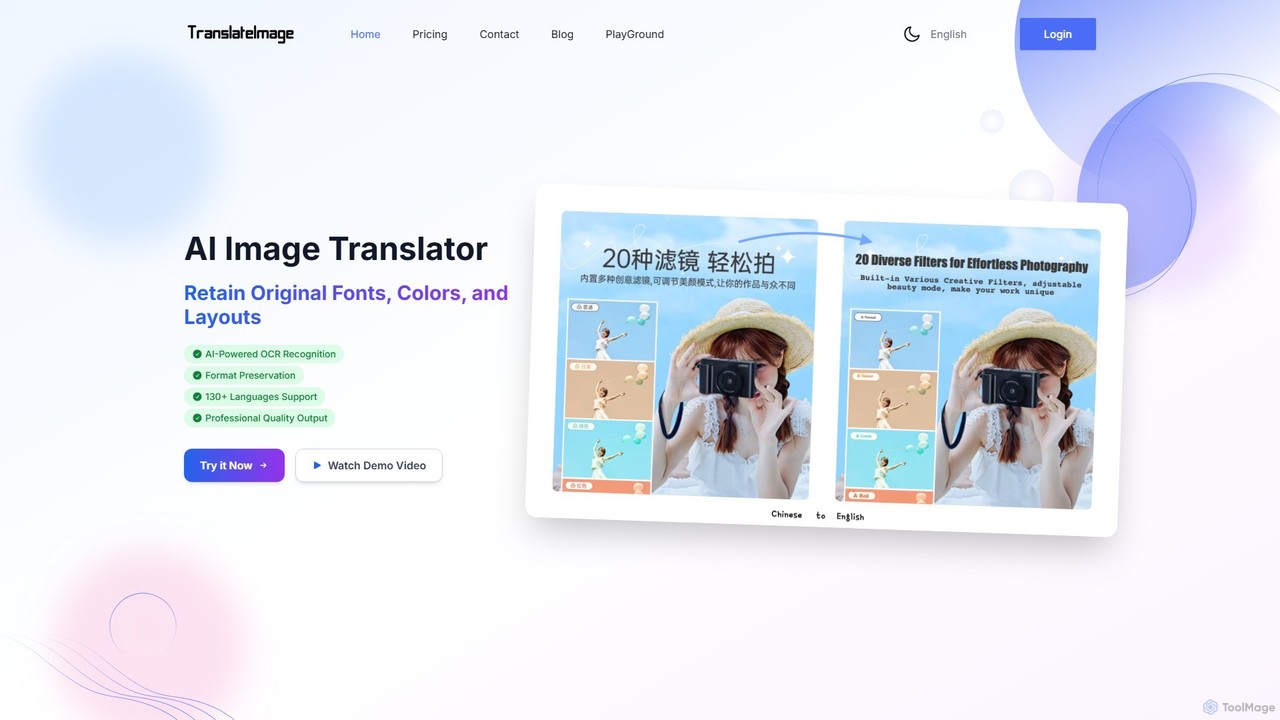
translateimages is an AI-powered tool that translates text within images into over 130 languages. It uses advanced OCR technology to accurately detect and translate text while preserving the original layout, fonts, colors, and formatting, making it ideal for localizing marketing materials, e-commerce products, and technical documents.
Image Editing
anylanguage.ai
anylanguage.ai is an advanced AI-powered platform for real-time translation and content localization. It helps businesses and individuals break language barriers by providing fast, accurate, and context-aware translations for websites, documents, and applications across over 100 languages. Seamlessly integrate multilingual capabilities into your workflow.
Api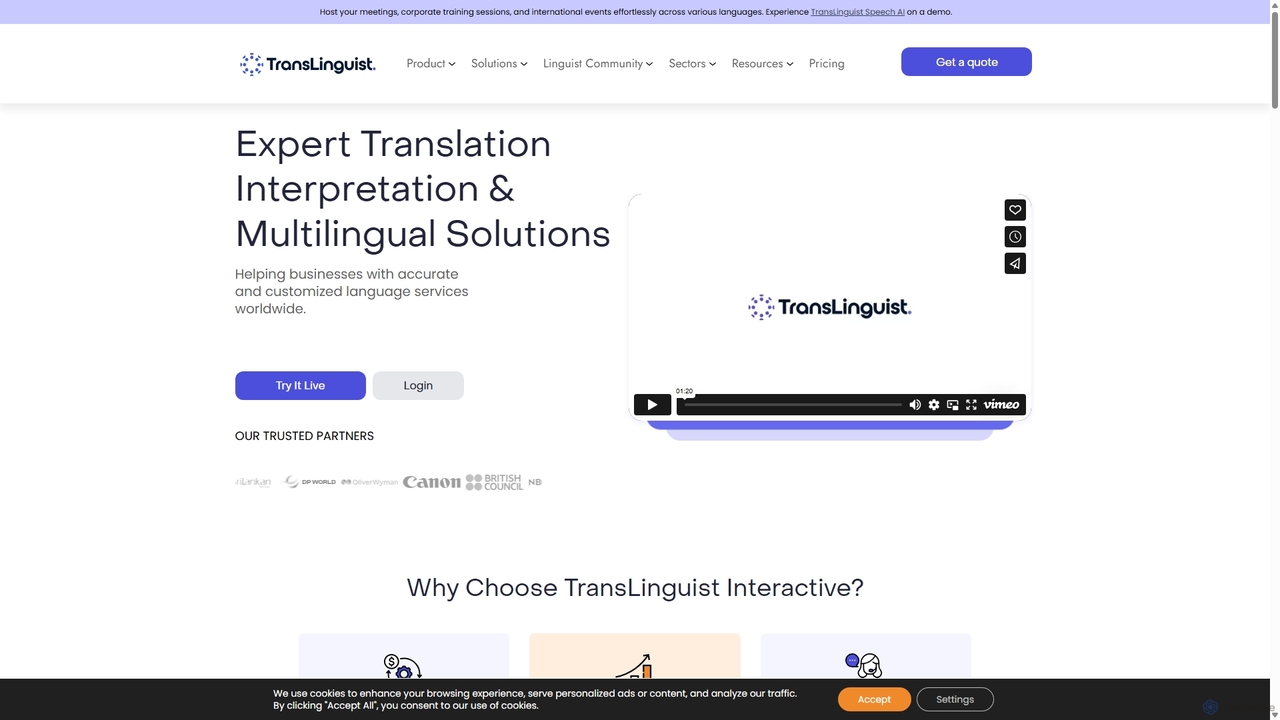
TransLinguist
TransLinguist is an AI-powered SaaS platform offering comprehensive language solutions. It combines advanced AI technology with human expertise for live interpretation, speech-to-speech translation, and localization services. Ideal for global meetings, conferences, and multilingual content management, it supports remote, hybrid, and on-site events, ensuring seamless communication across languages and cultures.
Meetings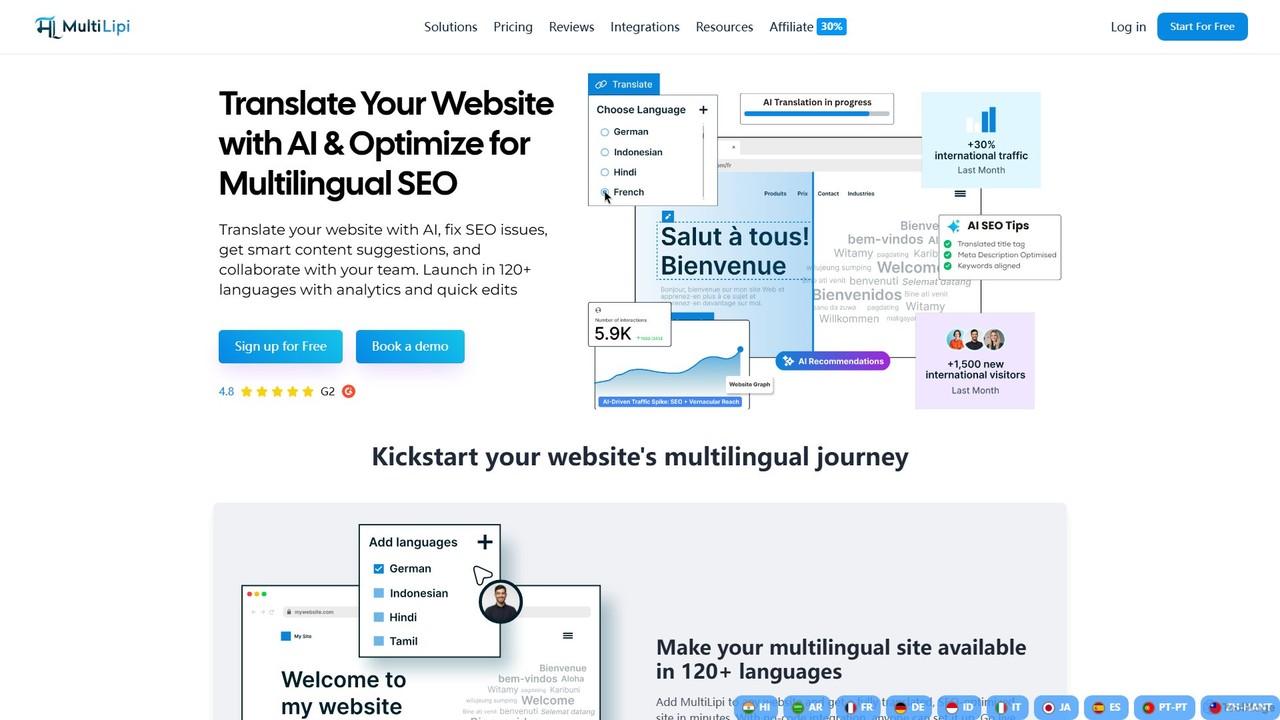
multilipi
multilipi is an AI-powered platform that automatically translates your website content into over 100 languages, optimizing it for multilingual SEO. It offers a seamless, no-code integration to help businesses expand their global reach, improve user experience, and increase international traffic. It combines machine translation with a visual editor for human refinement.
Localization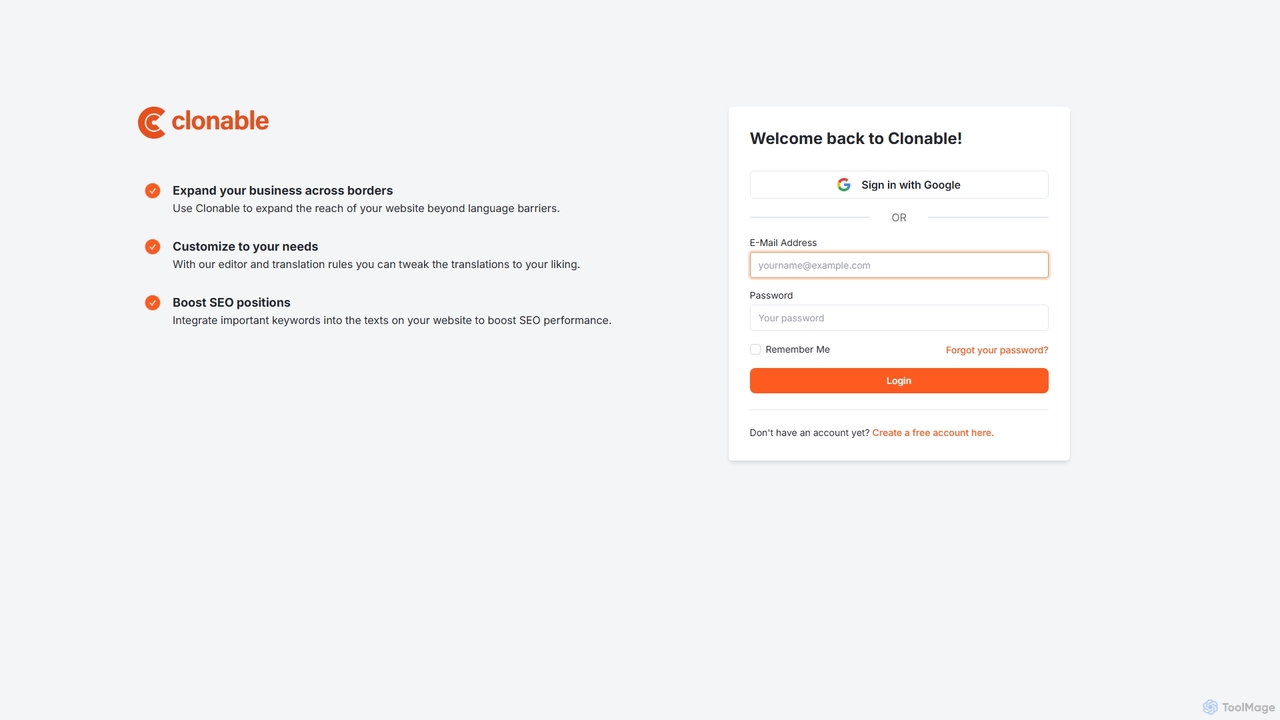
Clonable
Clonable is an AI-powered website translation and localization platform that enables businesses to effortlessly create multilingual versions of their websites. It clones your site and translates the content, offering full customization and robust SEO features to help you expand your global reach and rank higher in international search results.
LocalizationPaper Polyglot Categories
Paper Polyglot Embed Widget
Copy this embed code to place the badge on your blog, article, or product site and send readers directly to this ToolMage detail page.

Related AI tools
translateimages
translateimages is an AI-powered tool that translates text within images into over 130 languages. It uses advanced OCR technology to accurately detect and translate text while preserving the original layout, fonts, colors, and formatting, making it ideal for localizing marketing materials, e-commerce products, and technical documents.
Image Editinganylanguage.ai
anylanguage.ai is an advanced AI-powered platform for real-time translation and content localization. It helps businesses and individuals break language barriers by providing fast, accurate, and context-aware translations for websites, documents, and applications across over 100 languages. Seamlessly integrate multilingual capabilities into your workflow.
Api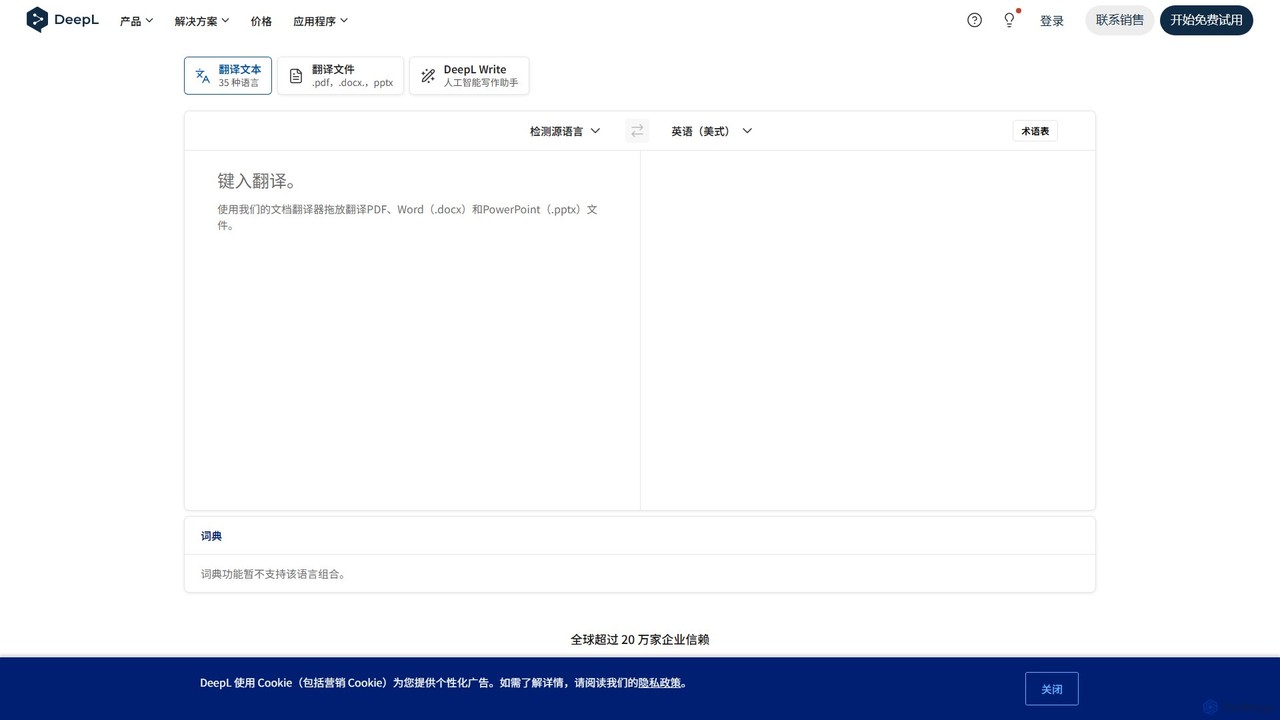
DeepL
A world-leading AI translation and writing tool renowned for its unparalleled accuracy and nuanced, natural-sounding results. DeepL translates text, full documents, and images across 30+ languages while preserving formatting. It also features DeepL Write, an AI writing assistant to improve clarity and style, and offers top-tier data security for professional users.
Communication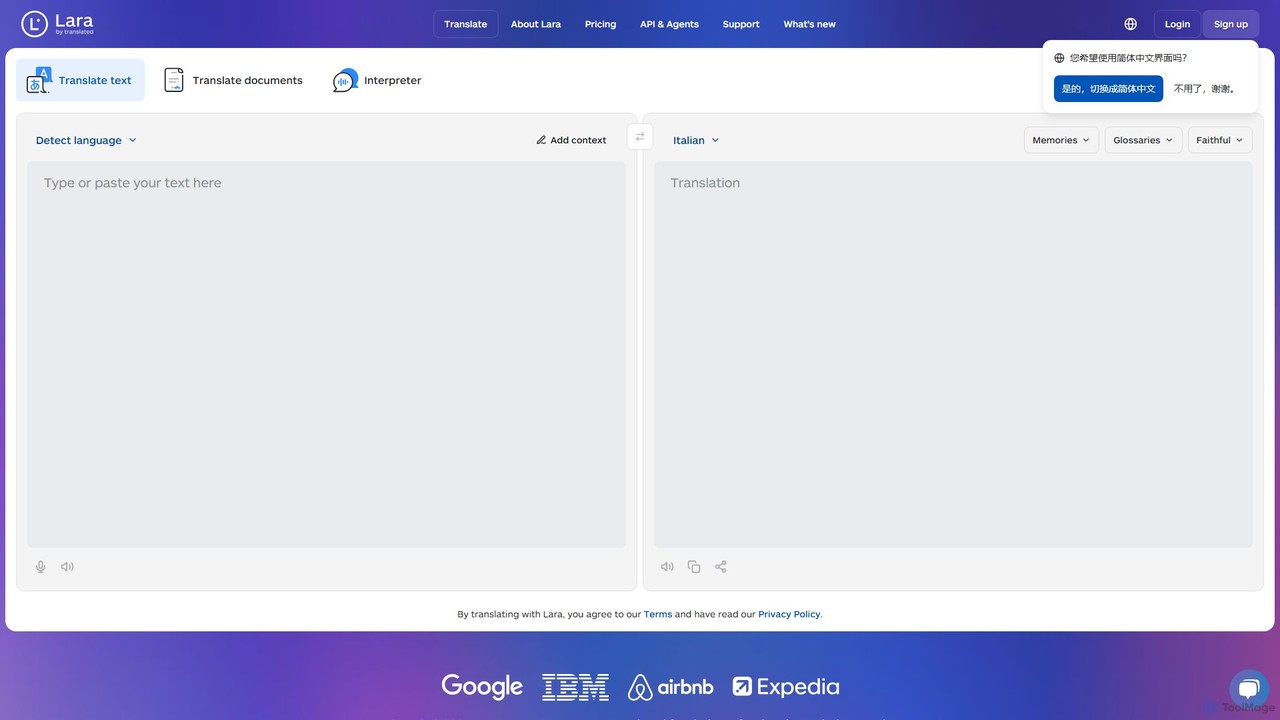
Lara Translate
Lara Translate is an advanced AI translation tool offering superior accuracy and reliability. It understands full document context, explains its translation choices, and provides multiple styles (Faithful, Fluid, Creative). Outperforming leading MT systems, it's designed for individuals, teams, and enterprises seeking human-quality translation with the option to access professional linguists.
Localization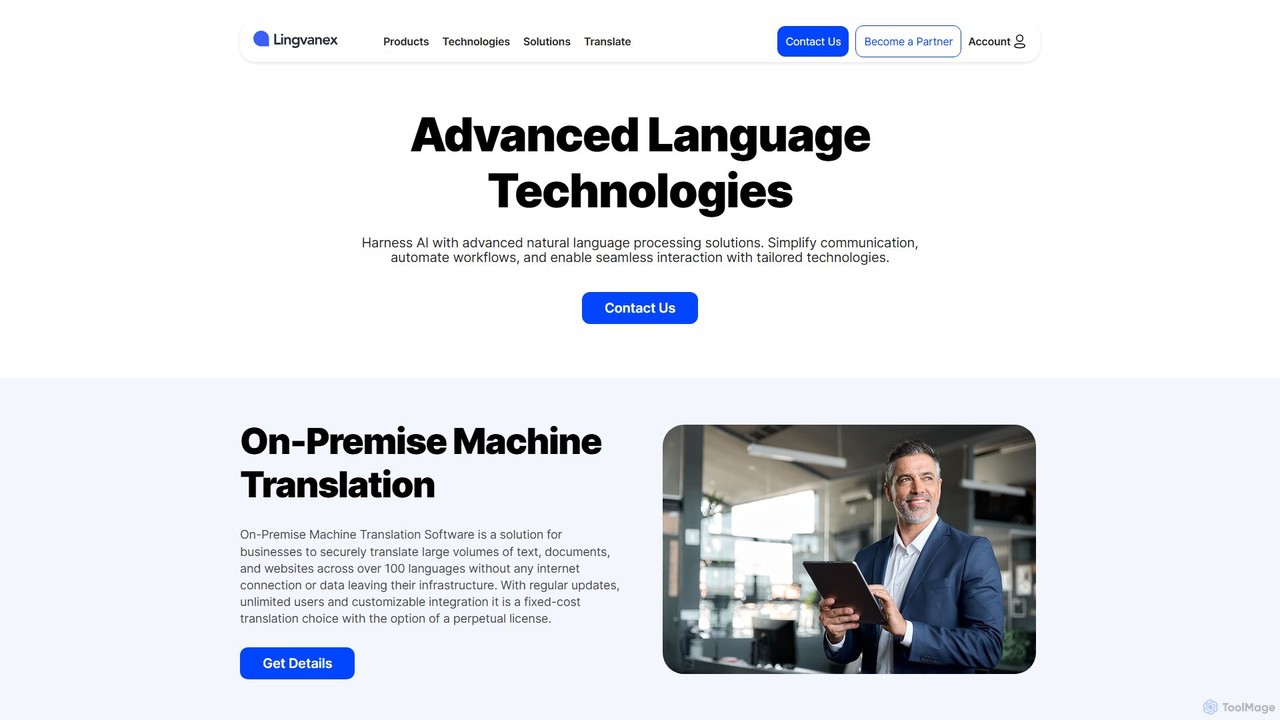
Lingvanex
Lingvanex provides advanced AI-powered language solutions, including machine translation and speech recognition. It specializes in secure, on-premise software for businesses, ensuring data privacy. Supporting over 100 languages, it offers customizable, high-speed translation for text, documents, and websites, catering to enterprise-level needs.
Enterprise Solutions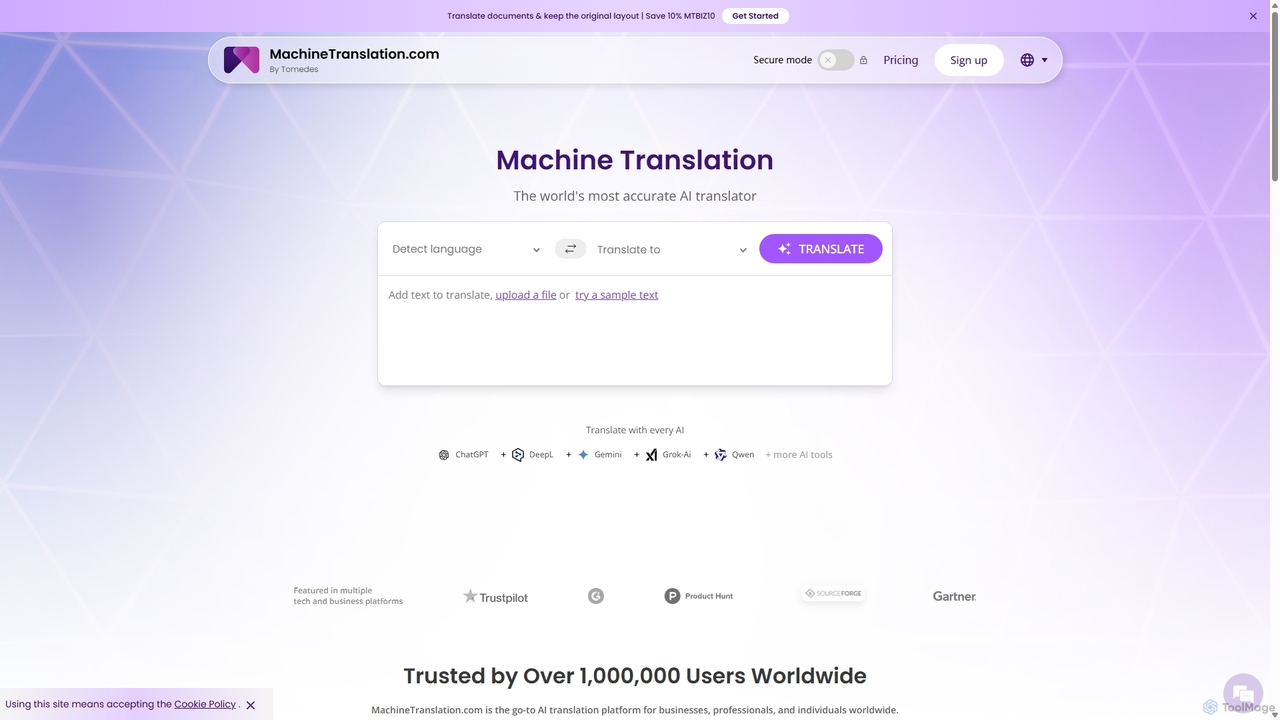
Machine Translation
An advanced AI translation platform that aggregates multiple top-tier engines like ChatGPT, DeepL, and Gemini. It provides side-by-side comparisons, quality scores, and customization options to deliver the most accurate and context-aware translations for businesses, professionals, and individuals. Supports over 270 languages and various file formats.
Localization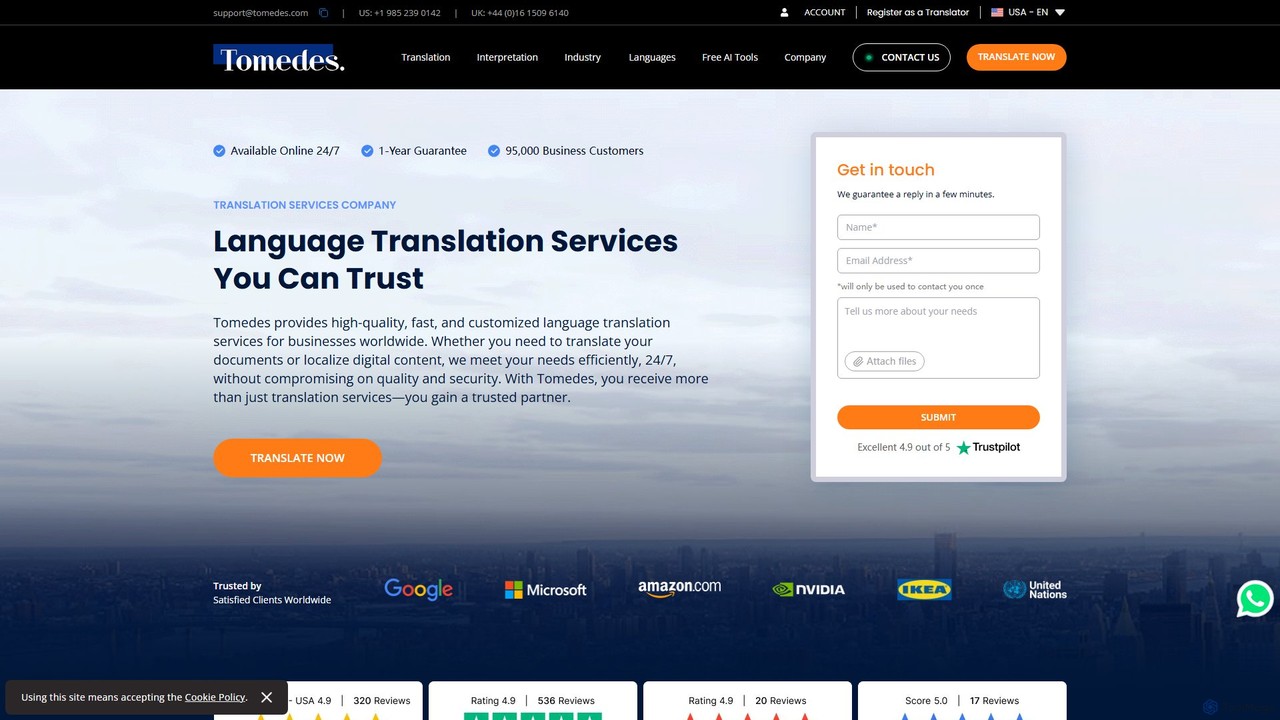
tomedes
Tomedes is a global language service provider that combines advanced AI technology with a network of over 20,000 human translators. It offers professional translation, localization, and interpretation services in over 150 languages for businesses worldwide. Specializing in various industries, Tomedes ensures high-quality, fast, and secure language solutions with 24/7 support and a one-year accuracy guarantee.
Localization
Jyek
Jyek is an AI agent platform that understands objectives, creates execution plans, uses tools, and delivers verifiable results for complex, multi-step tasks.
Automation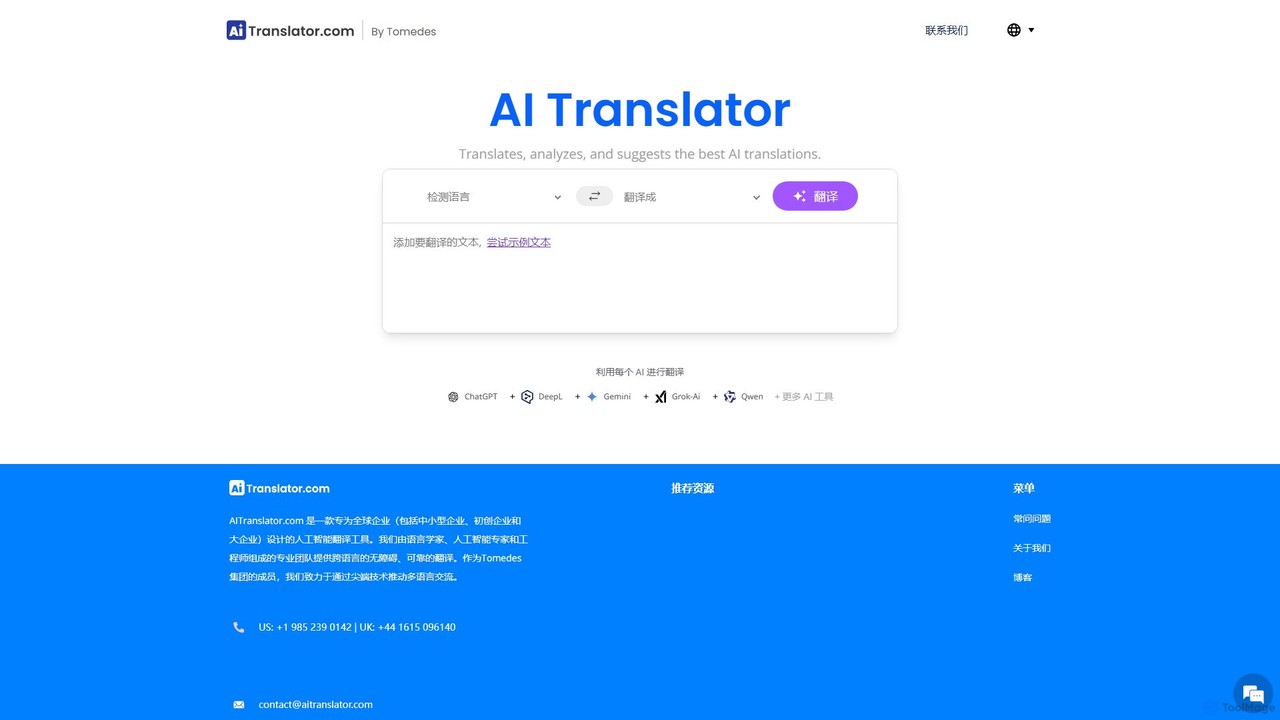
AITranslator
AITranslator is an advanced AI-powered translation platform that simplifies global communication. It uniquely compares outputs from leading translation engines, provides AI-assisted quality scores, and integrates human expertise. This hybrid approach ensures fast, accurate, and cost-effective translations for businesses, e-commerce, and tech companies, helping them localize content and expand their global reach with confidence.
Localization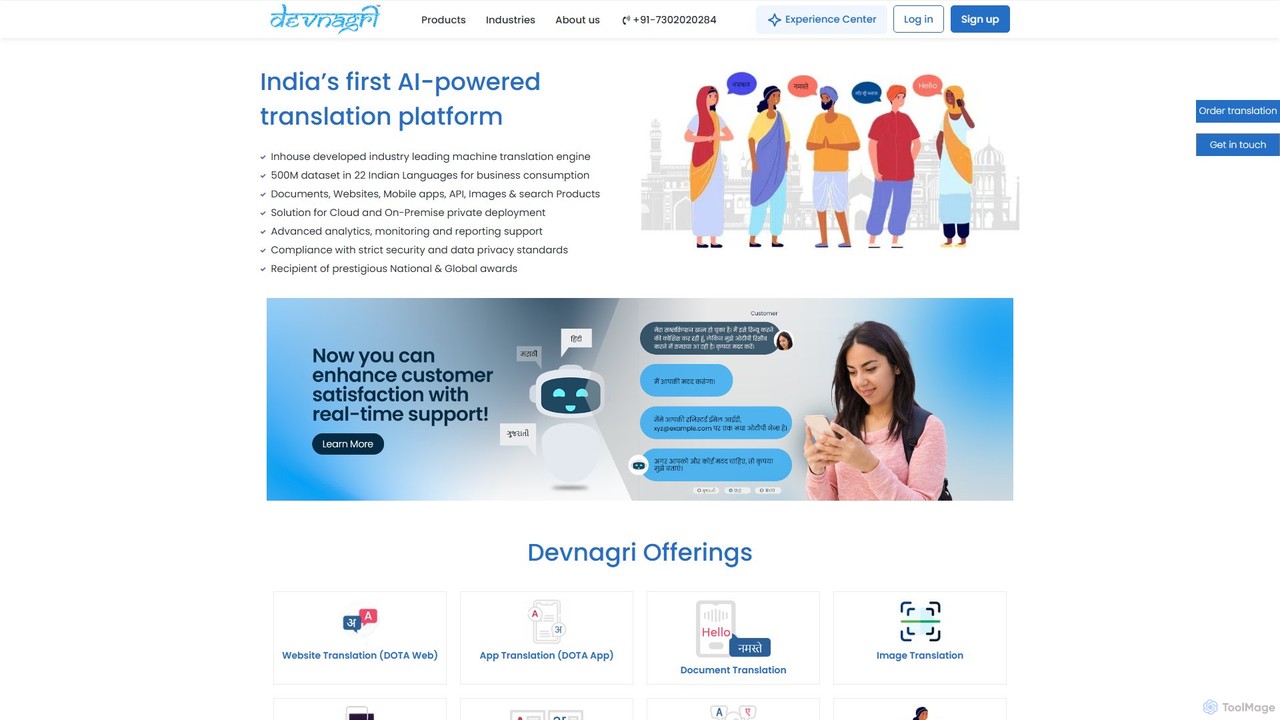
Devnagri
Devnagri is India's first AI-powered translation platform specializing in over 22 Indian languages. It offers comprehensive localization solutions for businesses, including website, app, document, and image translation. By leveraging its advanced machine translation engine, Devnagri helps companies bridge the language gap and connect with the 90% of India's population that is non-English speaking, ensuring cost-effective, scalable, and accurate content delivery.
Localization
BookTranslator
BookTranslator is an AI-powered tool that translates entire EPUB and PDF books in minutes. Leveraging advanced AI, it offers high-quality, context-aware translations in over 76 languages while preserving the original book's layout. It's designed for readers, authors, and researchers who need fast, accurate, and affordable access to global literature and documents.
Localization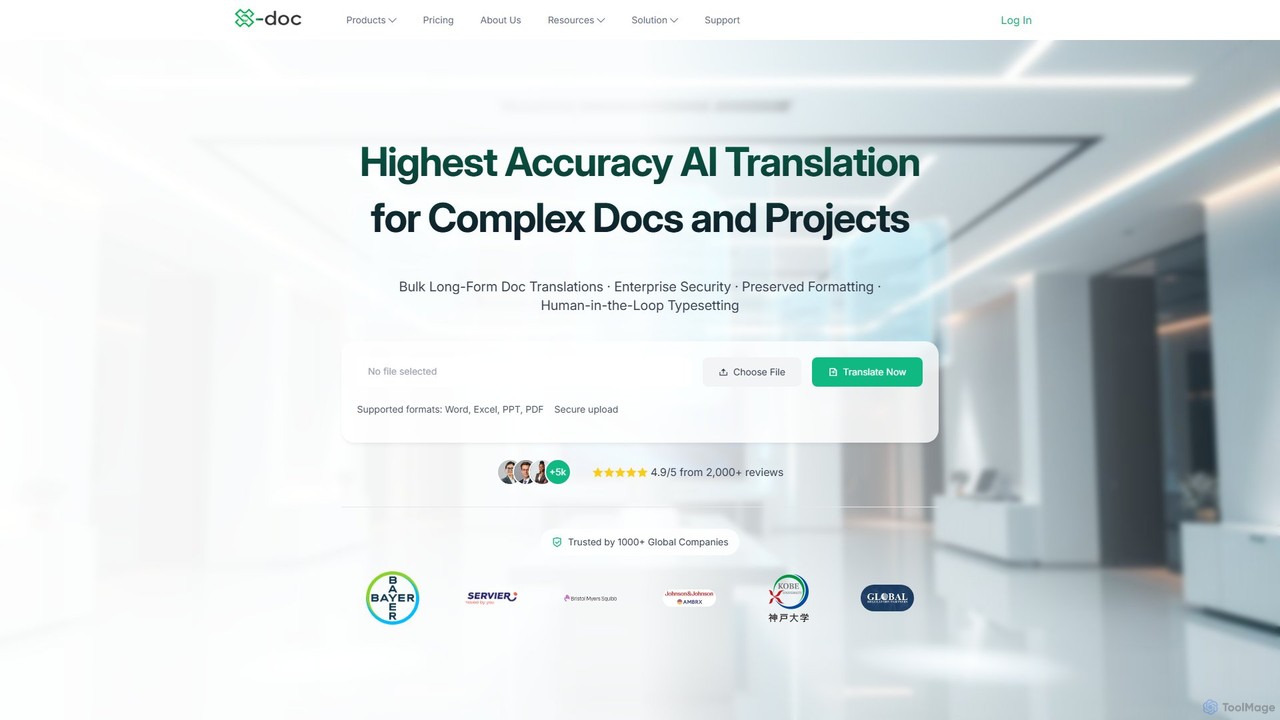
x_doc
x_doc is a specialized AI translation platform designed for high-accuracy translation of technical and professional documents. Leveraging advanced generative AI and deep industry expertise, particularly in pharmaceuticals and life sciences, it offers up to 99% accuracy. It supports over 108 languages, provides enterprise-grade security (SOC2, ISO27001), and features like terminology management and translation memory to ensure consistency and quality for complex projects.
Document Management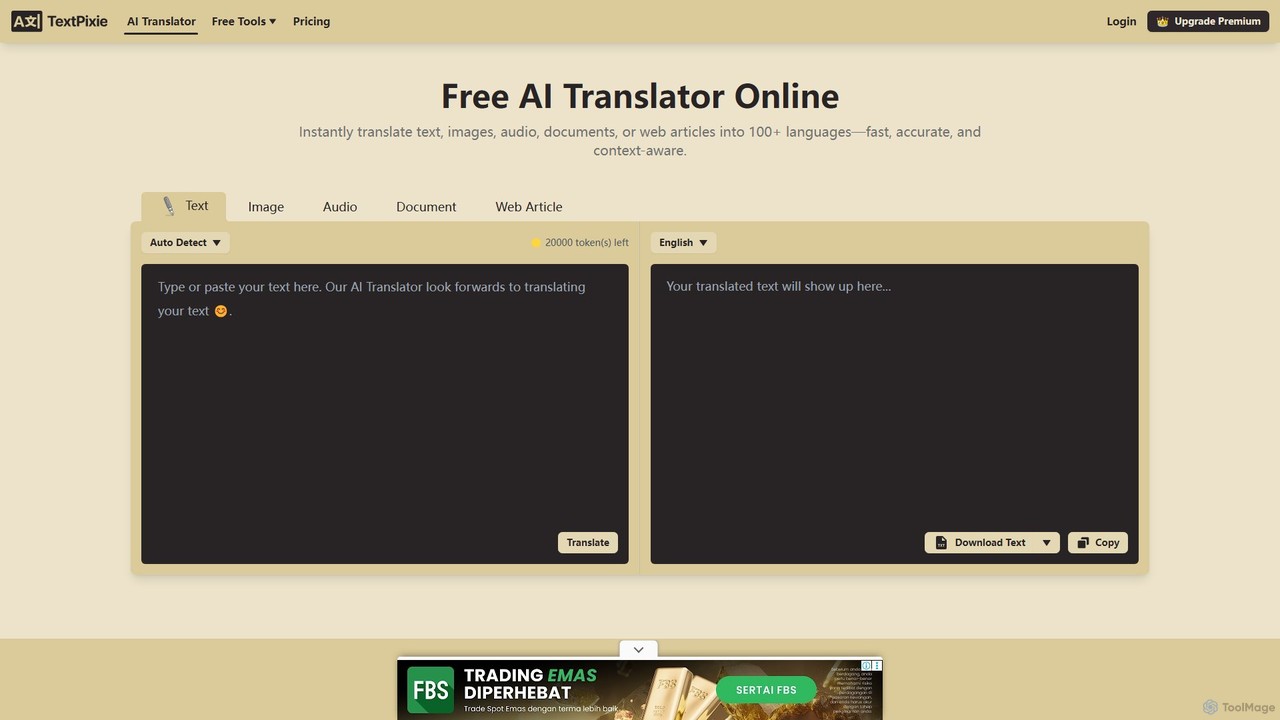
TextPixie
TextPixie is a versatile AI-powered online translator that handles text, images, audio, documents, and web articles. It supports over 100 languages, offering fast, accurate, and context-aware translations. Key features include a powerful OCR for image-to-text extraction and a generous free plan, making it an accessible tool for global communication.
Localization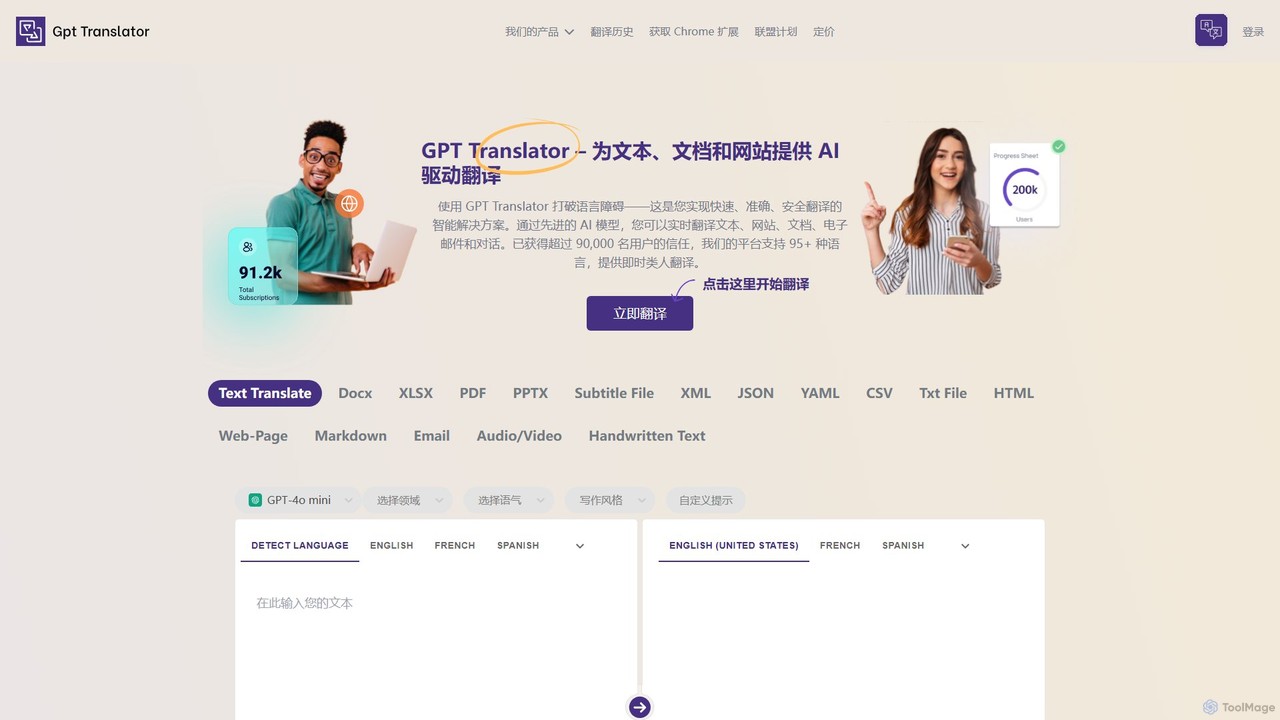
GPT Translator
GPT Translator is an advanced AI-powered translation tool that supports over 100 languages. It handles various formats including text, documents (DOCX, PDF, PPTX), websites, audio/video, and even handwritten text. Powered by multiple AI engines like GPT-4o and Gemini, it provides fast, context-aware, and format-preserving translations, making it ideal for businesses, students, and developers.
Api
ModernMT
ModernMT is an enterprise-grade, adaptive AI translation platform that learns from human corrections in real-time. It provides context-aware, document-level translations in 200 languages, offering superior quality and efficiency for businesses, LSPs, and professional translators through its powerful API and CAT tool integrations.
Localization
Paper Polyglot Comments (0)
Sign in to comment.
Sign inNo comments yet.