
Paper Polyglot
Paper Polyglot is an online AI-powered tool designed to simplify the translation of Adobe InDesign files. It allows …
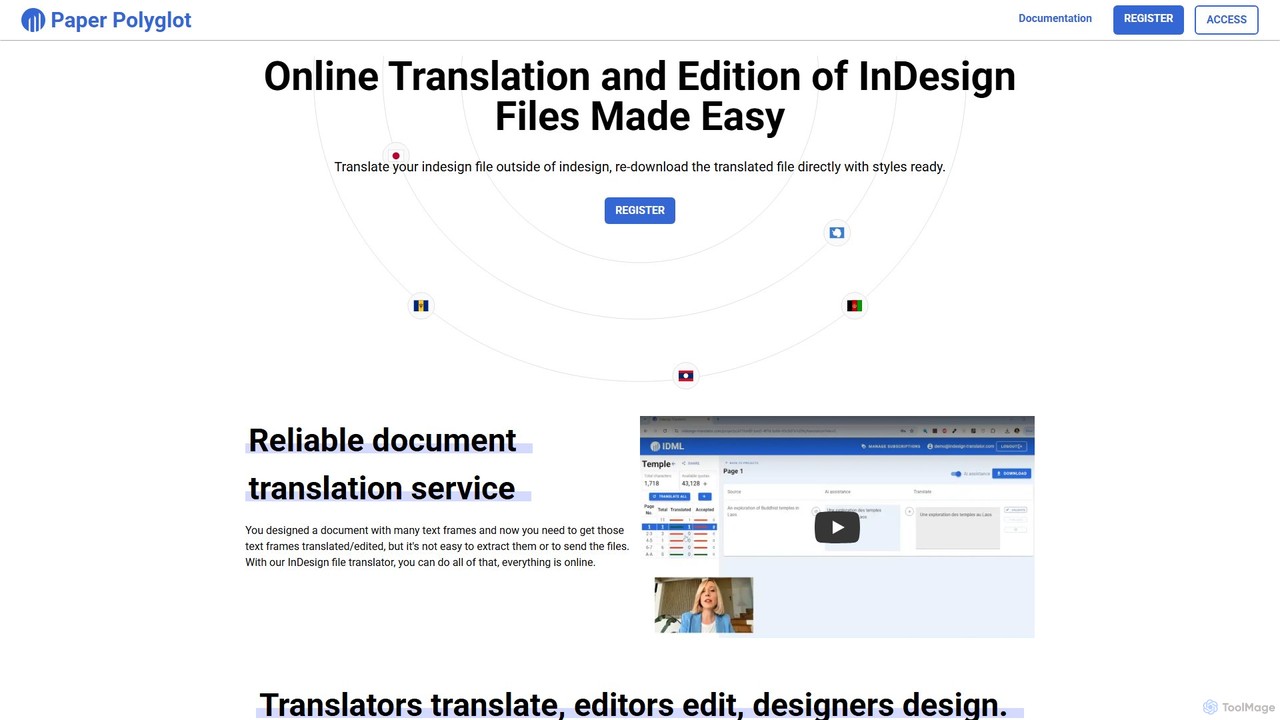
Paper Polyglot is an online AI-powered tool designed to simplify the translation of Adobe InDesign files. It allows users to upload .idml files, automatically extracts all text, and provides an integrated environment for AI-assisted or manual translation. The platform preserves all original formatting and styles, enabling seamless collaboration with translators and streamlining the entire localization workflow for designers and marketers.
About Document Editing
AI Document Editing tools are applications that use artificial intelligence to streamline the creation, formatting, and refinement of professional documents. These tools go beyond basic spell-checking, employing AI to analyze content structure, suggest layout improvements, and ensure stylistic consistency. They help users produce visually appealing and coherent reports, proposals, and manuals with significantly less manual effort. This makes them a crucial asset within the design ecosystem for tasks where content clarity and professional presentation are paramount.
Core Features
- Intelligent Formatting & Layout: Automatically adjusts text, images, and tables to maintain a clean, professional, and consistent layout throughout the document.
- Content Summarization & Generation: Condenses long passages into key points or expands on ideas to help draft content more quickly.
- Style & Brand Consistency Analysis: Scans documents to ensure they adhere to predefined brand guidelines, including fonts, colors, and tone of voice.
- Automated Template Application: Intelligently applies the correct template and formatting based on the document's content and purpose.
- Contextual Grammar & Tone Suggestions: Provides advanced recommendations for improving clarity, readability, and tone, tailored to the document's intended audience.
Applicable Scenarios
These tools are widely used by business professionals for creating polished sales proposals and annual reports. Marketing teams use them to ensure brand consistency across white papers and case studies. Additionally, researchers and academics rely on them to format complex papers and dissertations according to strict publication guidelines, automating tedious tasks like citation formatting.
Selection Criteria
When choosing an AI Document Editing tool, evaluate the range of supported document formats (e.g., PDF, DOCX). Assess the depth of its AI capabilities, from basic formatting to advanced content analysis. Consider its integration options with other platforms like cloud storage or collaboration suites. Finally, examine the level of customization available for templates and brand style guides to ensure it meets your specific organizational needs.
Document EditingUse Cases
Automating Business Proposal Creation
A sales manager needs to create a customized proposal for a high-value client under a tight deadline. Instead of building it from scratch, they use an AI document editor. They input key client data and project scope, and the tool automatically generates a draft using a pre-approved company template. The AI formats financial data into clear charts, ensures all branding elements are correct, and suggests professional phrasing for key sections. This process reduces creation time from hours to minutes, ensuring a polished, consistent, and error-free proposal is sent on time.
Streamlining Academic Paper Formatting
A postgraduate researcher is preparing a manuscript for submission to a scientific journal with very specific formatting rules (e.g., APA 7th edition). Manually formatting citations, references, headings, and page margins is tedious and prone to error. By using an AI document editor, the researcher can simply write their content and then apply the journal's style guide with one click. The tool automatically structures the bibliography, formats in-text citations correctly, and adjusts the entire layout to meet the publication's requirements, saving dozens of hours and reducing the risk of rejection due to formatting errors.
Ensuring Brand Consistency in Marketing Reports
A marketing team produces weekly performance reports for various stakeholders. Maintaining consistency in branding, tone, and data visualization is crucial but time-consuming. The team adopts an AI document editor with a custom brand profile. Now, when an analyst pastes raw data and draft text, the tool automatically applies the company's official fonts and color palette, converts data tables into on-brand charts, and rewrites sentences to match the company's formal communication style. This ensures every report is professional and perfectly aligned with the brand identity, without manual design checks.
Collaborative Review of Legal Contracts
A legal team is drafting a complex contract with multiple contributors. Tracking changes, ensuring consistent terminology, and maintaining proper formatting is a challenge. They use a cloud-based AI document editor for collaboration. The tool not only tracks edits from all users but also uses AI to flag inconsistent clause definitions or undefined terms. It can summarize lengthy sections for quick review and automatically format the entire document according to the firm's standard layout. This enhances accuracy, speeds up the review cycle, and reduces the risk of costly errors in the final contract.
Creating Interactive Training Manuals
An HR department is tasked with creating a new employee training manual. To make it more engaging than a static PDF, they use an AI document editor that supports interactive elements. The tool helps structure the content into logical modules and suggests where to add quizzes, embedded videos, and collapsible sections for a better learning experience. The AI also analyzes the text for readability and suggests simplifying complex jargon. The result is a dynamic, easy-to-navigate digital manual that improves knowledge retention and engagement for new hires.
Localizing Technical Documentation for Global Markets
A software company is releasing its product in multiple countries and needs to translate its user manuals. A technical writer uses an AI document editor designed for localization. After the text is translated, the tool automatically adjusts the layout to accommodate different text lengths (e.g., German text is often longer than English). It ensures that screenshots and diagrams remain correctly aligned with the corresponding text in all language versions. This prevents the need for manual redesign of each translated document, saving significant time and ensuring a consistent, professional look across all markets.