
reportcardcomments Overview
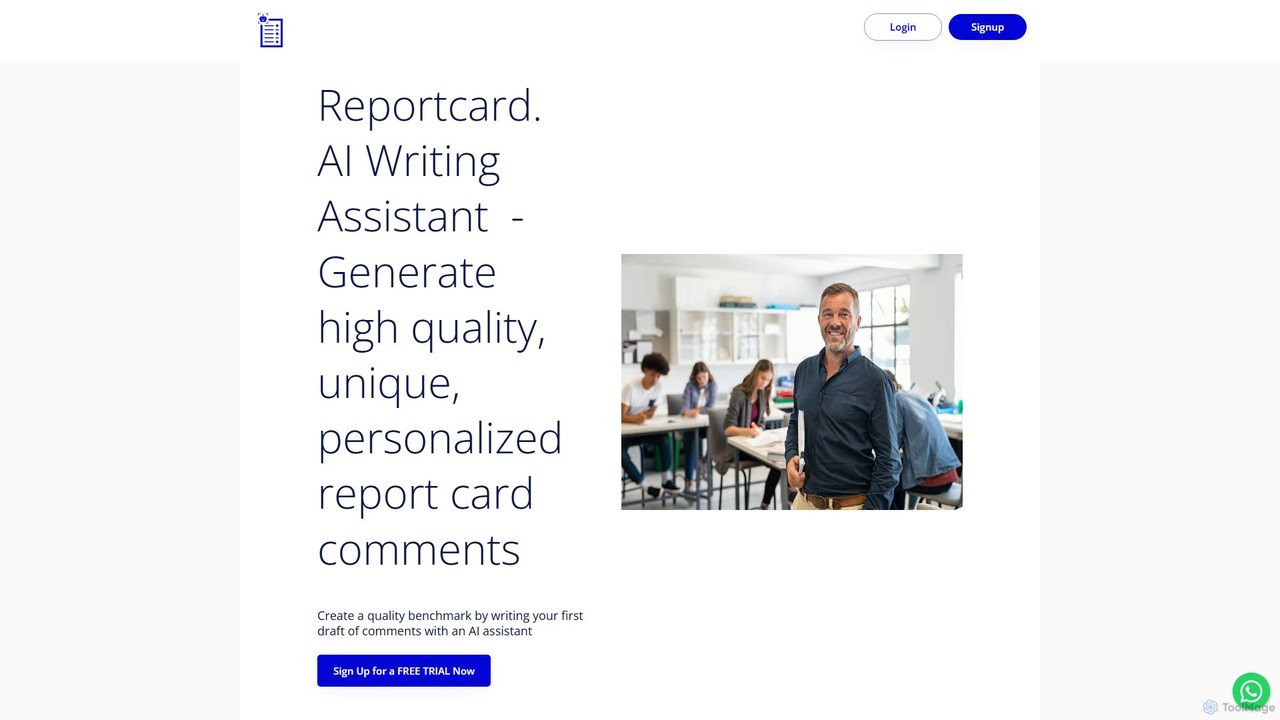
reportcardcomments is an innovative AI writing assistant specifically created to support educators in one of their most time-consuming tasks: writing report card comments. Developed by teachers for teachers, this tool understands the nuances and demands of crafting meaningful, constructive, and personalized feedback for students. It aims to transform the report card writing process from a stressful, lengthy chore into an efficient and manageable task, allowing teachers to produce a high-quality first draft in a fraction of the time. This frees them up to focus on the crucial aspects of personalization and providing insightful observations about each student's progress.
The platform leverages advanced large language models to generate comments that are not only grammatically perfect and free of spelling errors but also tailored to specific character count limits often imposed by school board reporting software. It intelligently handles gender and pronouns, ensuring accuracy and inclusivity across all comments. By automating the foundational writing, reportcardcomments serves as a powerful benchmark tool, significantly enhancing productivity and reducing the anxiety associated with report card season.
How to use reportcardcomments
Using reportcardcomments is a straightforward, three-step process designed for maximum efficiency:
- Upload Student Data: Begin by uploading a simple spreadsheet containing your students' first names and their corresponding grades. This initial step allows the AI to personalize the comments for each student in your class.
- Input Curriculum Expectations: Select the curriculum standards you have covered during the reporting term. The platform comes pre-loaded with the K-12 Ontario curriculum for convenience. For teachers in other provinces, states, or countries, you can simply copy and paste your specific curriculum expectations directly into the provided text box.
- Generate and Refine: The AI will instantly generate an eloquently written first draft of your comments. You can then use built-in features like 'Rephrase' to explore different phrasings or set a 'Max Character Count' to meet specific requirements. Once satisfied, you can review, make final personal touches, and export the comments into a file, ready for your school's reporting system.
Core Features of reportcardcomments
- AI-Powered Comment Generation: Utilizes sophisticated AI to create unique, high-quality, and context-aware report card comments based on your inputs.
- Curriculum Integration: Comes pre-loaded with the K-12 Ontario curriculum and allows for easy copy-pasting of any other curriculum standards, making it adaptable worldwide.
- Personalization and Customization: Generates comments using student names and grades. Features like 'Rephrase' and 'Max Character Count' provide further control over the final output.
- Error-Free Writing: Automatically corrects grammar, spelling, and ensures correct usage of gender and pronouns, eliminating the need for tedious proofreading.
- Efficient Workflow: Streamlines the entire process from data upload to final export, drastically reducing the time spent on writing comments.
- Data Export: Allows you to easily export the generated comments into a file, making it simple to transfer them to official report card software or documents.
Use Cases for reportcardcomments
reportcardcomments is a versatile tool for various educational professionals:
- K-12 Classroom Teachers: Can quickly generate drafts for an entire class, saving dozens of hours each reporting period and ensuring consistent quality.
- Subject-Specific Teachers: Can input specialized curriculum expectations to generate relevant comments for subjects like Math, Science, Arts, or Physical Education.
- Special Education Teachers: Can create a strong foundation for highly individualized comments, which can then be further tailored to reflect specific IEP goals and student progress.
- School Administrators: Can recommend the tool to their staff to standardize the quality of report card comments across the school and support teacher well-being by reducing workload.
Advantages of reportcardcomments
The primary advantage of reportcardcomments is the immense time savings it offers. By automating the draft-writing process, it frees up teachers to focus on what truly matters: teaching and providing nuanced, human-centric feedback. The tool produces high-quality, eloquent, and error-free drafts, which serve as a superior benchmark compared to starting from scratch. This significantly reduces the stress and anxiety often associated with the report card deadline crunch. Being designed by teachers, it is intuitively built to address the real-world challenges educators face during reporting.
Pricing and Plans
reportcardcomments operates on a freemium model. You can get started by signing up for a free trial to experience the AI writing assistant and see how it can reduce your stress and workload. For continued access and full features, various subscription plans are available. Please visit the official website for detailed and up-to-date pricing information.
reportcardcomments Alternatives
ReportPoint
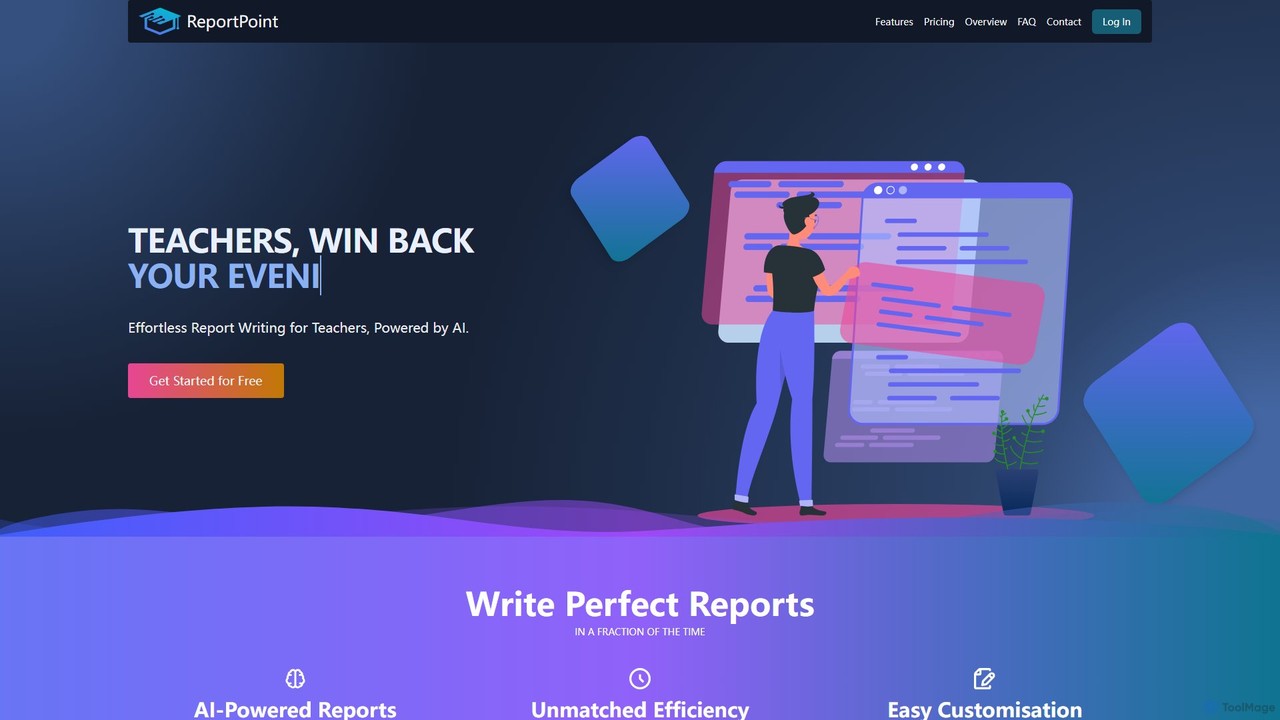
An AI-powered tool designed for teachers to effortlessly generate personalized student reports. By converting simple bullet points into comprehensive, well-structured narratives, ReportPoint saves educators countless hours on administrative tasks, allowing them to focus more on teaching.
Teaching Assistant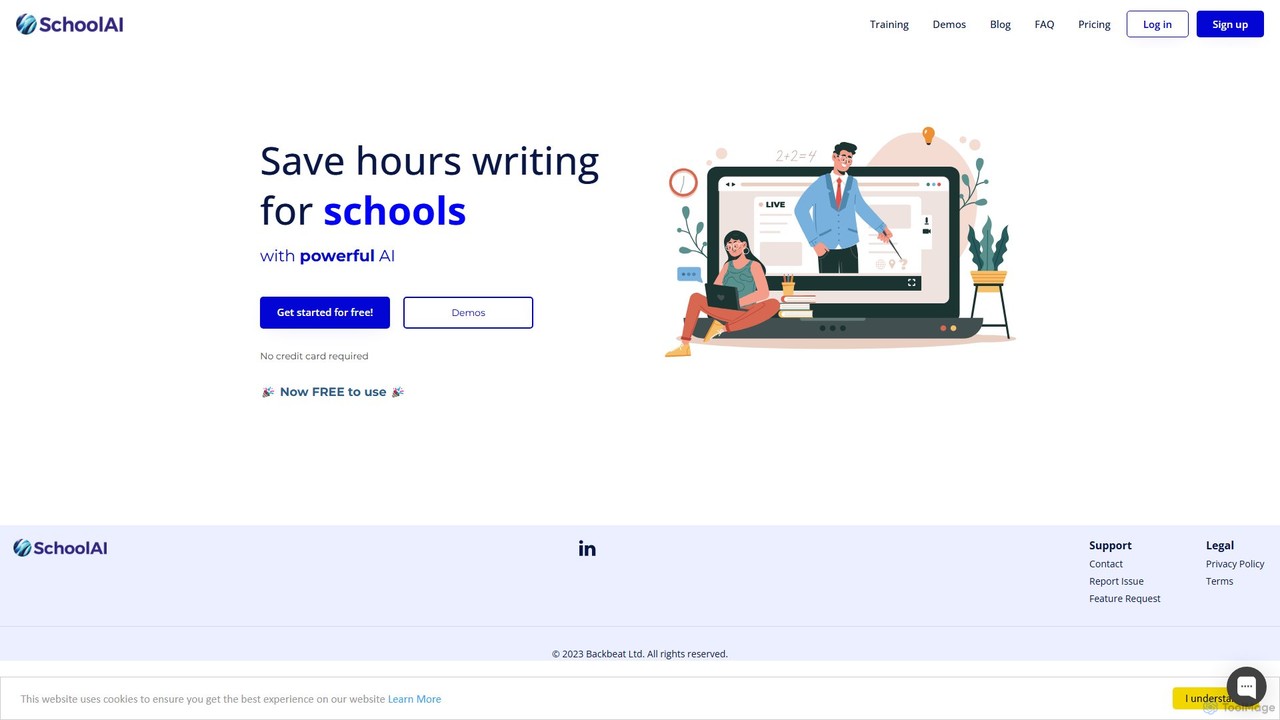
SchoolAI
SchoolAI is a trusted AI platform designed for education, empowering teachers and supporting every learner. It offers tools for personalized learning, lesson planning, real-time student monitoring, and content creation, saving educators over 10 hours per week. With a strong focus on safety and data privacy (FERPA & COPPA compliant), SchoolAI provides an interactive AI assistant for students and a comprehensive productivity suite for teachers, all within a secure, teacher-controlled environment.
Personalized Learning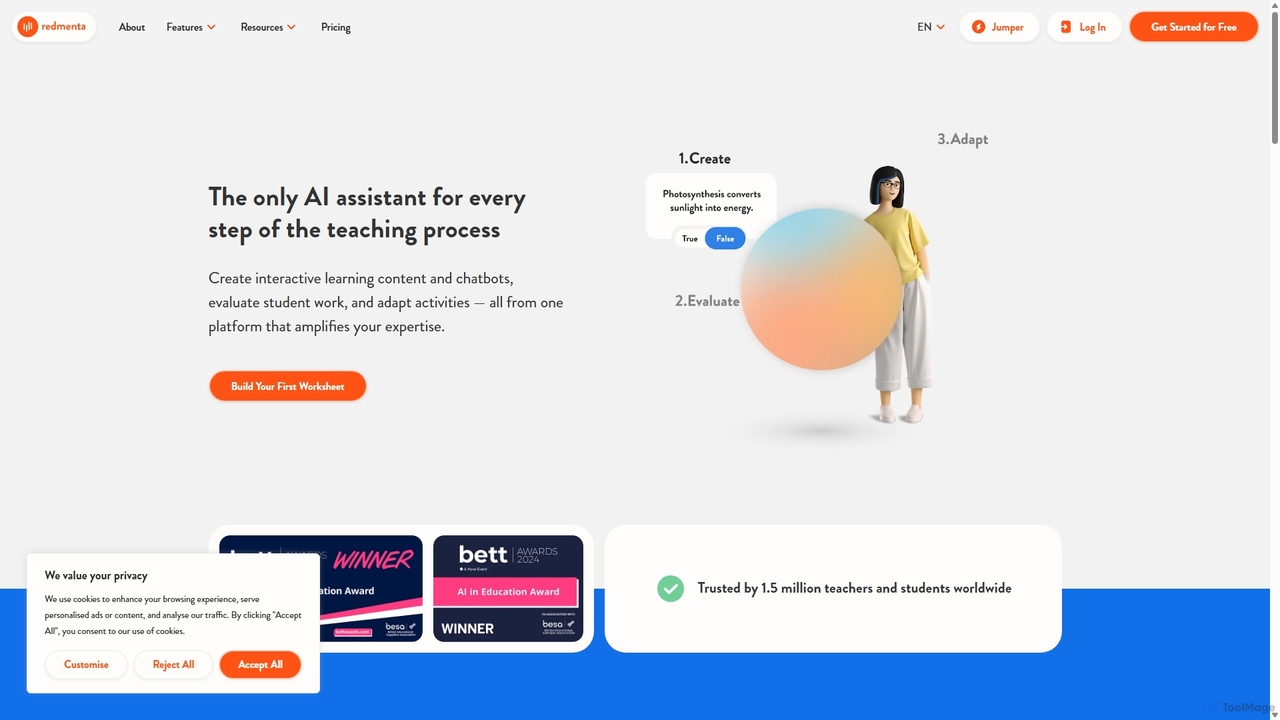
Redmenta
Redmenta is an AI-powered teaching assistant designed for educators and schools to streamline lesson planning, content creation, and student assessment. It helps teachers generate customized lesson plans, adaptive worksheets, and quizzes in seconds. With features like an AI essay grader and rubric creator, Redmenta saves valuable time, enables personalized learning, and provides insightful performance analytics to support every student's unique educational journey.
Teaching Assistant
Teacherbot
Teacherbot is an AI-powered platform designed for educators to instantly create high-quality teaching resources. It helps teachers generate lesson plans, worksheets, quizzes, and parent communications in seconds, significantly reducing workload and freeing up time to focus on students.
Lesson Planning
SchoolAI
SchoolAI is a powerful AI writing assistant designed for educators. It helps teachers save hours of administrative work by automating the creation of lesson plans, report card comments, parent emails, and educational materials. Streamline workflows and focus more on teaching.
Lesson Planningreportcardcomments Categories
reportcardcomments Embed Widget
Copy this embed code to place the badge on your blog, article, or product site and send readers directly to this ToolMage detail page.

Related AI tools
ReportPoint
An AI-powered tool designed for teachers to effortlessly generate personalized student reports. By converting simple bullet points into comprehensive, well-structured narratives, ReportPoint saves educators countless hours on administrative tasks, allowing them to focus more on teaching.
Teaching AssistantSchoolAI
SchoolAI is a trusted AI platform designed for education, empowering teachers and supporting every learner. It offers tools for personalized learning, lesson planning, real-time student monitoring, and content creation, saving educators over 10 hours per week. With a strong focus on safety and data privacy (FERPA & COPPA compliant), SchoolAI provides an interactive AI assistant for students and a comprehensive productivity suite for teachers, all within a secure, teacher-controlled environment.
Personalized LearningRedmenta
Redmenta is an AI-powered teaching assistant designed for educators and schools to streamline lesson planning, content creation, and student assessment. It helps teachers generate customized lesson plans, adaptive worksheets, and quizzes in seconds. With features like an AI essay grader and rubric creator, Redmenta saves valuable time, enables personalized learning, and provides insightful performance analytics to support every student's unique educational journey.
Teaching AssistantTeacherbot
Teacherbot is an AI-powered platform designed for educators to instantly create high-quality teaching resources. It helps teachers generate lesson plans, worksheets, quizzes, and parent communications in seconds, significantly reducing workload and freeing up time to focus on students.
Lesson PlanningSchoolAI
SchoolAI is a powerful AI writing assistant designed for educators. It helps teachers save hours of administrative work by automating the creation of lesson plans, report card comments, parent emails, and educational materials. Streamline workflows and focus more on teaching.
Lesson Planning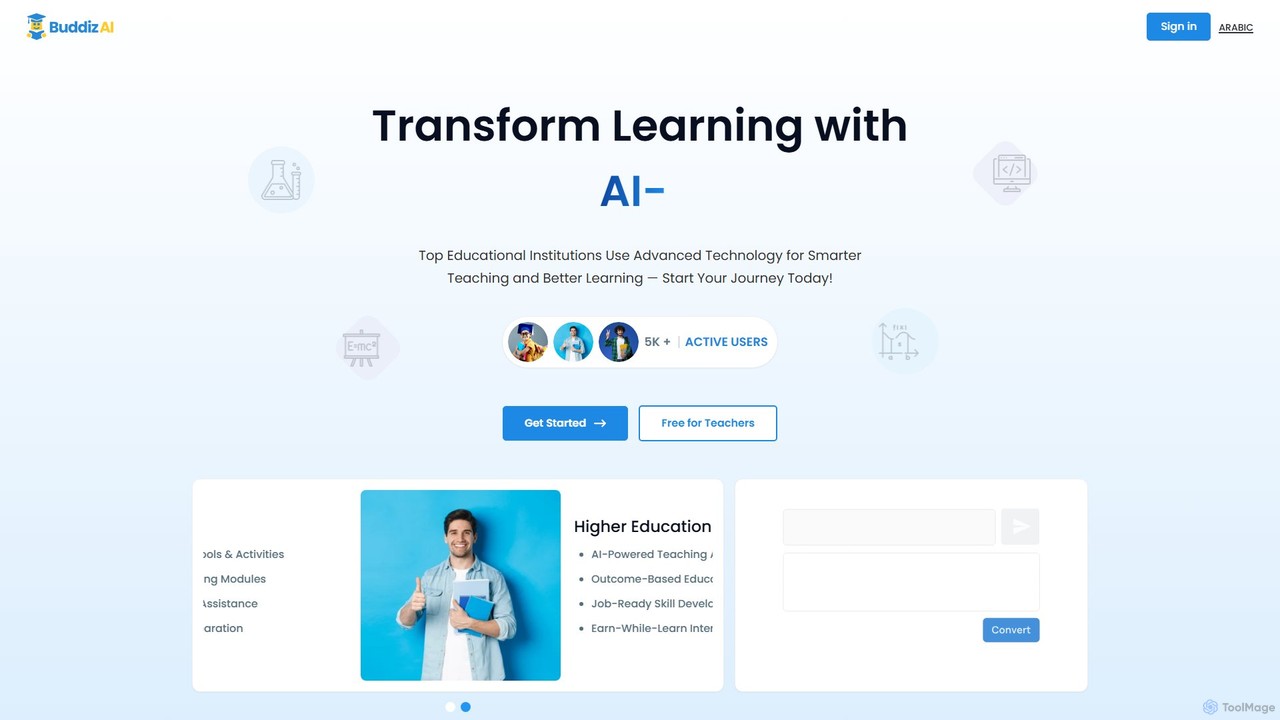
buddiz
Buddiz is an AI-powered educational platform for K-12 and higher education. It provides a suite of tools for teachers, students, and institutions to create personalized learning activities, streamline lesson planning, offer interactive homework assistance, and track student outcomes for smarter teaching and better learning.
Teaching Assistant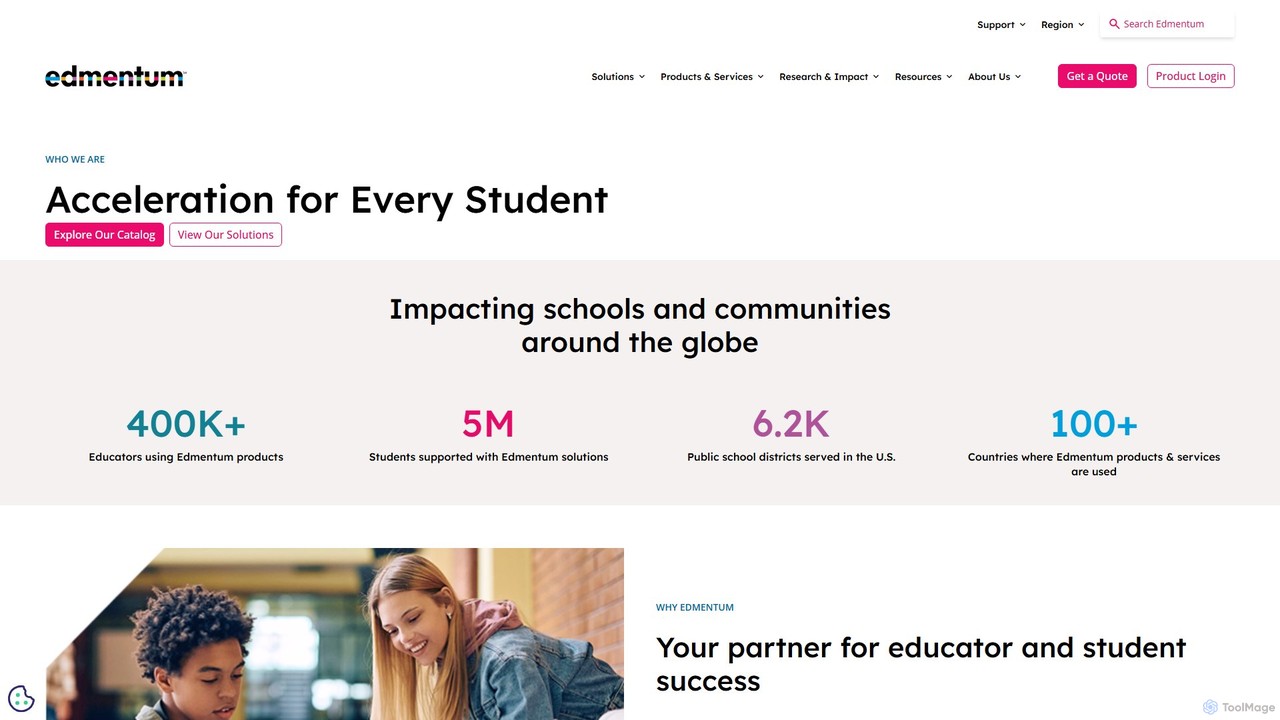
Edmentum
Edmentum is a comprehensive K-12 learning acceleration platform, providing personalized digital curriculum, assessments, and educational services. It empowers educators with data-driven insights and tools to support individual student needs, from intervention and credit recovery to career and technical education, fostering academic growth and future readiness.
Learning Platform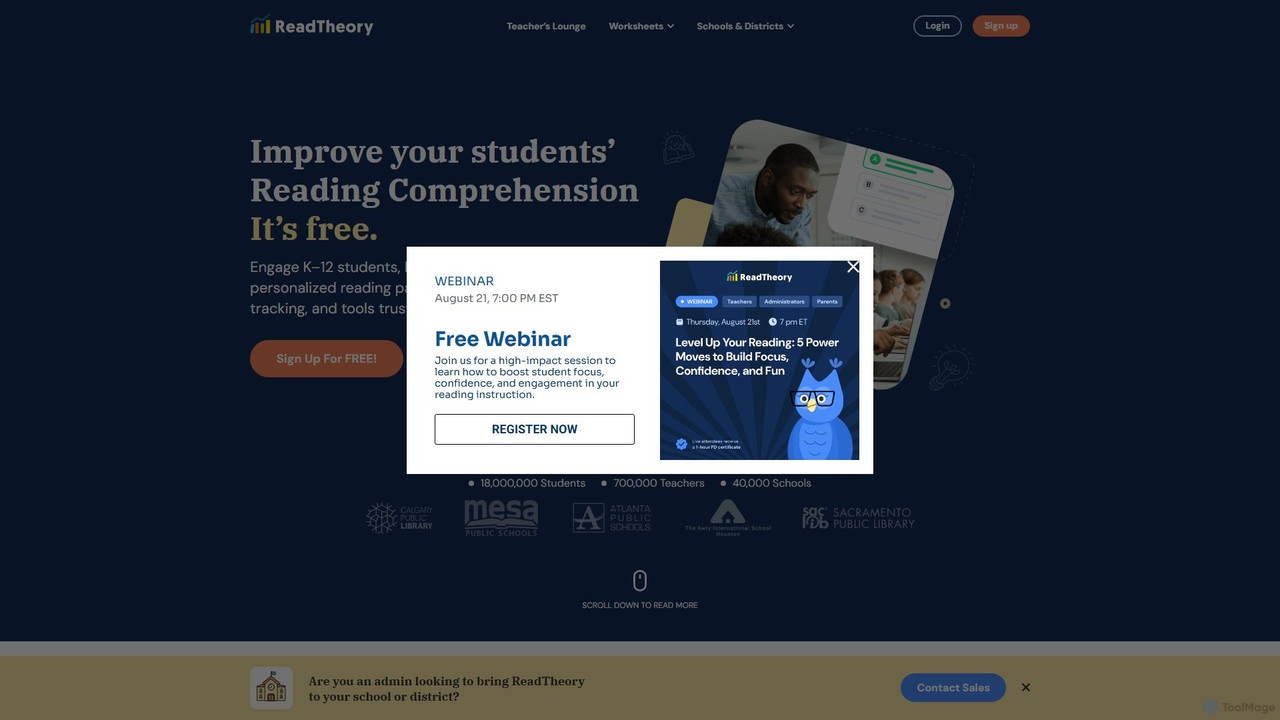
ReadTheory
ReadTheory is an AI-powered adaptive learning platform offering personalized reading comprehension exercises for K-12 and ESL students. It assesses each student's reading level and provides tailored texts and questions to improve literacy skills, while offering teachers powerful data and classroom management tools.
Language Learning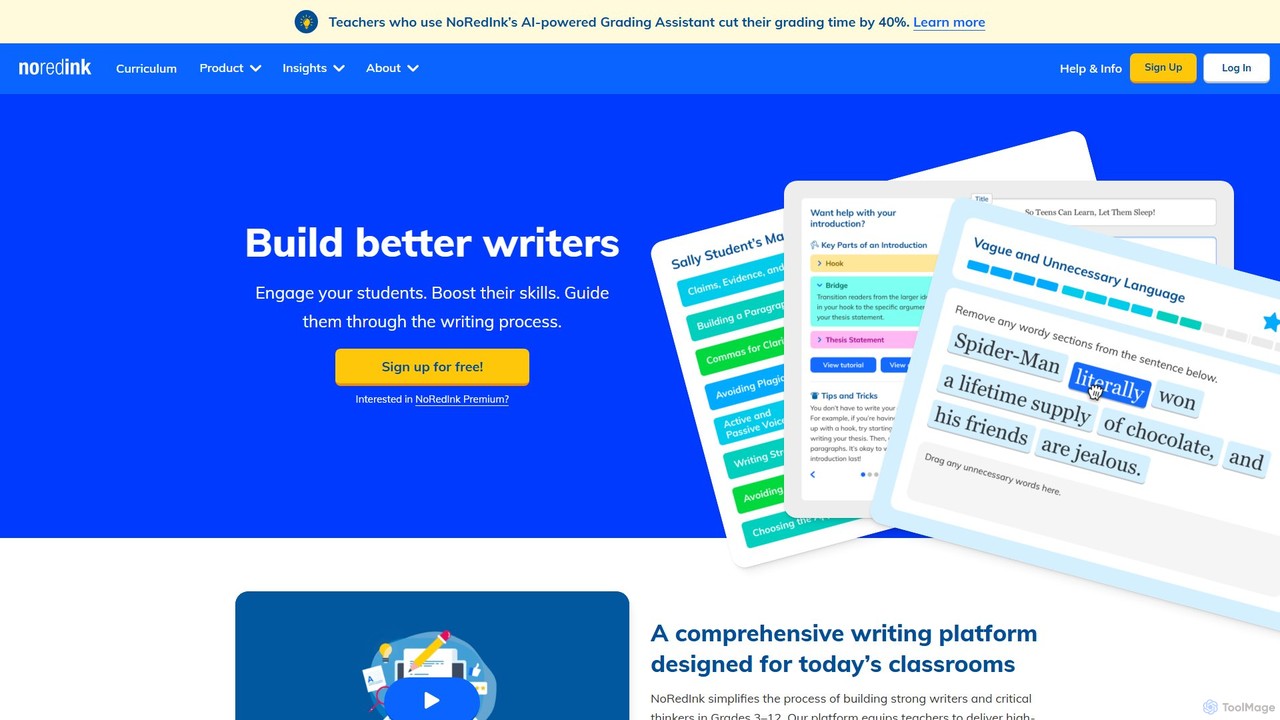
NoRedInk
NoRedInk is an AI-powered online writing curriculum for students in grades 3-12. It improves grammar and writing skills through adaptive learning, high-interest personalized content, and guided composition tools. It helps teachers deliver effective instruction, track progress, and save time with features like AI grading and originality insights.
Language Learning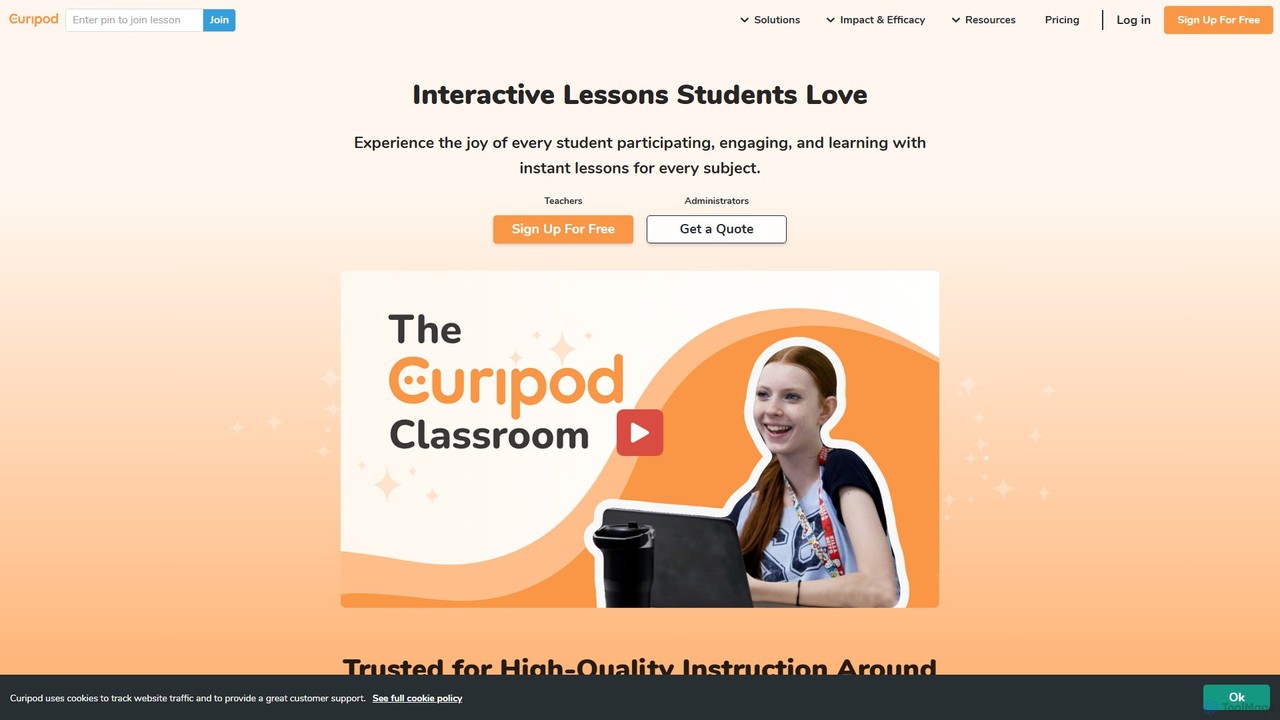
Curipod
Curipod is an AI-powered platform that helps educators create interactive lessons to boost student engagement, participation, and learning. It generates complete, standards-aligned lessons with activities like polls, drawings, and open-ended questions, providing real-time AI feedback to students to foster critical thinking and writing skills.
Lesson Planning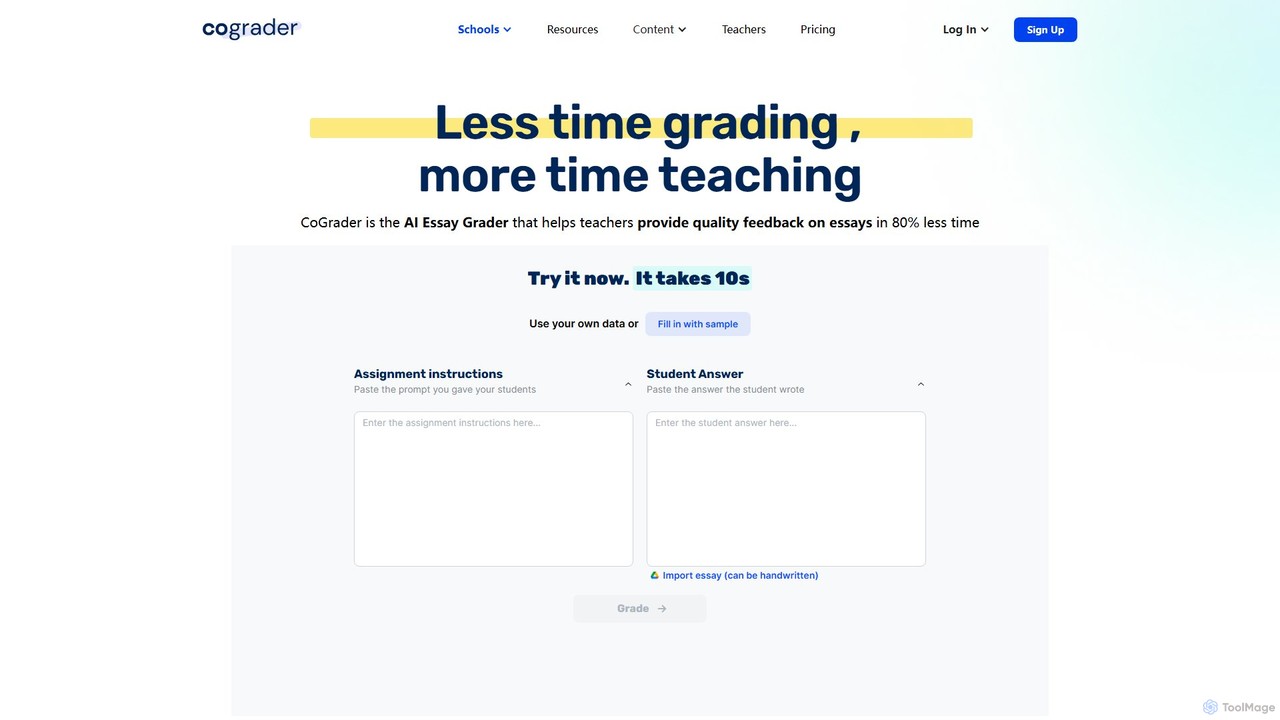
CoGrader
CoGrader is an AI-powered essay grader designed for educators. It saves up to 80% of grading time by providing instant, rubric-based feedback on written assignments. It integrates with LMS platforms like Google Classroom, Canvas, and Schoology, helping teachers focus more on teaching and less on grading.
Assessment
Literably
Literably is an AI-powered literacy assessment tool for K-12 schools. It listens to students read aloud, automatically transcribes their reading, and provides teachers with detailed data on fluency, accuracy, and comprehension, saving hours of manual assessment time.
Literacy Assessment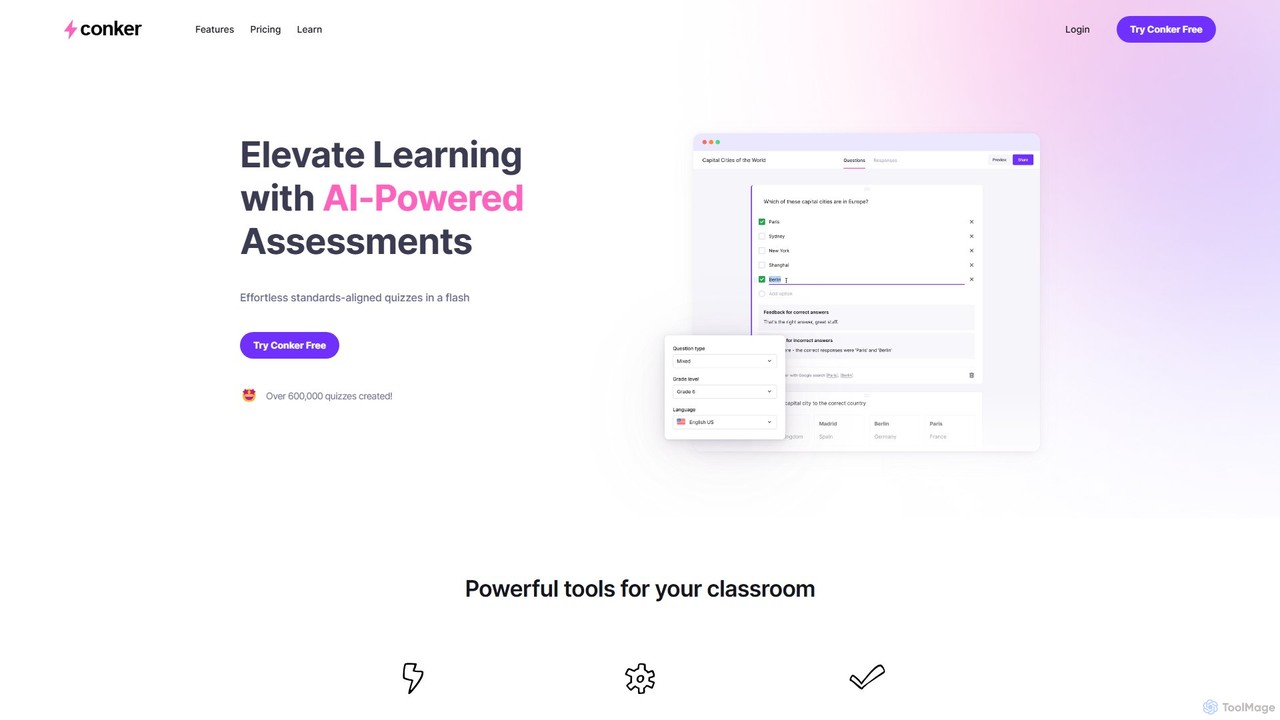
Conker
Conker is an AI-powered quiz generator designed for educators. It instantly creates customizable, standards-aligned assessments and quizzes with various question types. This tool helps teachers save time, differentiate instruction, and increase student engagement by integrating seamlessly with platforms like Google Forms and Canvas.
Assessment Generation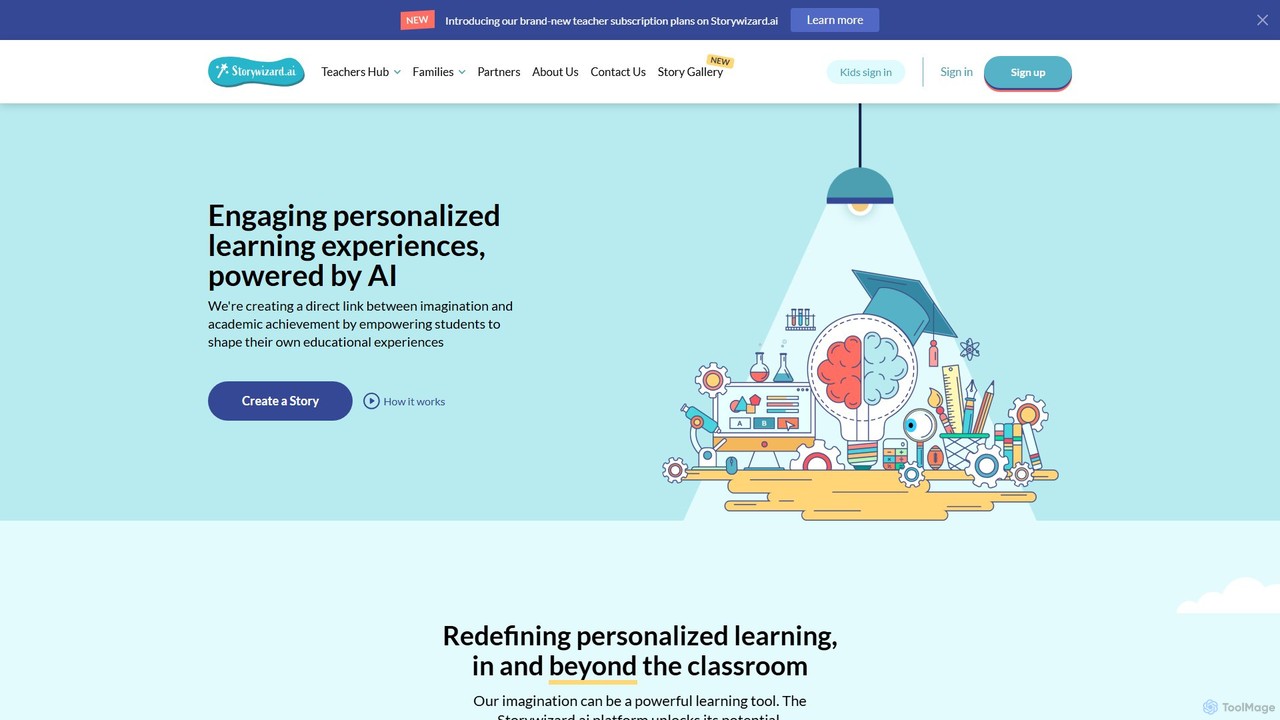
Storywizard.ai
Storywizard.ai is an AI-powered platform designed to create personalized and engaging learning experiences for children. It enables families and educators to generate unique stories with illustrations, turning any child into the hero of their own adventure. The tool supports differentiated learning with customizable assignments, vocabulary controls, and progress tracking, making education both fun and effective.
Generative Ai
coschool
coschool is an AI-powered co-pilot for educators, designed to streamline workflows and reduce administrative burdens. It helps teachers generate high-quality lesson plans, quizzes, worksheets, report card comments, and other educational materials in minutes, freeing up valuable time to focus on teaching and student engagement.
Assessment Generation
reportcardcomments Comments (0)
Sign in to comment.
Sign inNo comments yet.