

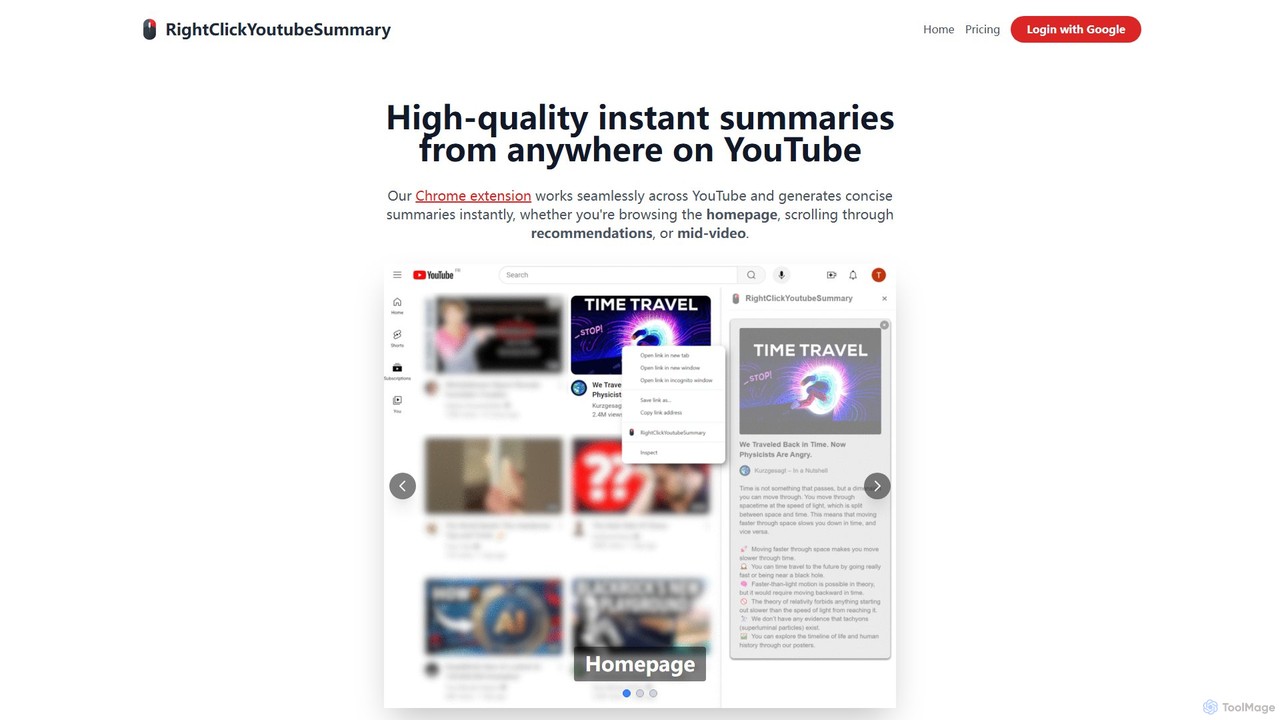
RightClickYouTubeSummary Overview
RightClickYouTubeSummary is a revolutionary AI-powered Chrome extension designed to transform your YouTube experience. It provides high-quality, instant summaries of any video with a simple right-click, allowing you to grasp the core message and key insights without spending hours watching. This tool is seamlessly integrated into the YouTube interface, working flawlessly whether you're on the homepage, scrolling through your subscription feed, or on a specific video page. It's the ultimate productivity hack for anyone who relies on YouTube for learning, research, or entertainment, helping you make informed decisions about what to watch and absorb information more efficiently than ever before.
How to use RightClickYouTubeSummary
Getting started with RightClickYouTubeSummary is incredibly simple and designed for a seamless workflow. Follow these steps to begin summarizing videos in seconds:
- Installation: First, visit the Chrome Web Store and add the RightClickYouTubeSummary extension to your browser. The installation is quick and requires just a few clicks.
- Navigate to YouTube: Open YouTube in your Chrome browser. The extension automatically activates and integrates itself into the YouTube environment.
- Find a Video: Browse for any video you're interested in. The tool works on video thumbnails on the homepage, in search results, in your subscription feed, and on the channel pages.
- Right-Click to Summarize: Hover your mouse over the video thumbnail you want to summarize and perform a right-click. A context menu will appear.
- Generate Summary: Select the "Get AI Summary" option from the context menu. The AI will instantly process the video's transcript and content.
- View the Summary: A concise, well-structured summary will appear in an overlay or a pop-up window, presenting the key points, main arguments, and conclusions of the video. You can read it, copy it for your notes, and close it to continue browsing.
Core Features of RightClickYouTubeSummary
- Instant AI Summaries: Leverages advanced AI models to analyze video transcripts and generate accurate, concise summaries in a matter of seconds.
- Seamless YouTube Integration: Functions as a native part of the YouTube experience. No need to copy and paste video URLs into a separate application or website.
- One-Click Accessibility: The intuitive right-click functionality makes it one of the most convenient summarization tools available, minimizing disruption to your browsing flow.
- Comprehensive Coverage: Generate summaries from anywhere on YouTube—the homepage, search results, subscription feeds, and directly on the watch page.
- High-Quality Output: The summaries are not just a collection of keywords. They are structured to provide a coherent overview, capturing the main ideas, critical data points, and overall narrative of the video.
- Timestamped Breakdowns: Summaries often include timestamps that link to the specific moments in the video where a key point is discussed, allowing you to jump directly to the most relevant sections.
- Easy to Copy and Share: The generated summary text can be easily selected and copied to your clipboard, perfect for saving notes, sharing insights with colleagues, or creating study guides.
Use Cases for RightClickYouTubeSummary
This tool is versatile and benefits a wide range of users:
- Students and Researchers: Quickly evaluate the relevance of long academic lectures, tutorials, or documentaries. Extract key information for research papers and study notes without watching hours of footage.
- Business Professionals: Stay ahead of industry trends by summarizing conference talks, market analyses, and product reviews. Share key takeaways with your team in a concise format.
- Content Creators: Efficiently analyze competitor content to understand their video structure and key arguments. Also useful for quickly reviewing your own published videos to create blog posts or social media content.
- Casual Viewers: Avoid clickbait and decide if a long video is worth your time. Get the gist of "how-to" guides or news reports in seconds.
Advantages of RightClickYouTubeSummary
The primary advantage of RightClickYouTubeSummary is its ability to save you a significant amount of time. Beyond that, it offers several key benefits:
- Boosted Productivity: By condensing video content, you can process more information in less time, making your learning and research far more efficient.
- Informed Viewing Decisions: Read a summary first to decide if the full video aligns with your interests or needs, ensuring you only invest time in valuable content.
- Enhanced Comprehension and Retention: Reading a summary can help reinforce key concepts from a video, improving your ability to remember and apply the information.
- Accessibility: It serves as a great tool for users who may have difficulty processing audio information or are in an environment where they cannot play sound.
Pricing and Plans
RightClickYouTubeSummary offers a flexible freemium model to suit different usage needs:
- Casual (Free): Perfect for light users. This plan includes 5 summaries per day at no cost.
- Classic: Ideal for regular users like students and professionals. For $5 per month, you get 15 summaries per day. A yearly subscription is available for $45 per year (a 25% discount).
- Premium: Designed for power users and researchers. For $20 per month, this plan provides 100 summaries per day. The yearly option costs $180 per year (a 25% saving).
All plans provide access to the same high-quality AI summarization engine, with the main difference being the daily summary limit.
RightClickYouTubeSummary Alternatives

SummarizeYT
SummarizeYT is an AI-powered browser extension that uses ChatGPT to generate concise summaries of YouTube videos. It helps you save time by quickly grasping the key points of any video without watching it in its entirety, integrating seamlessly into the YouTube interface.
Learning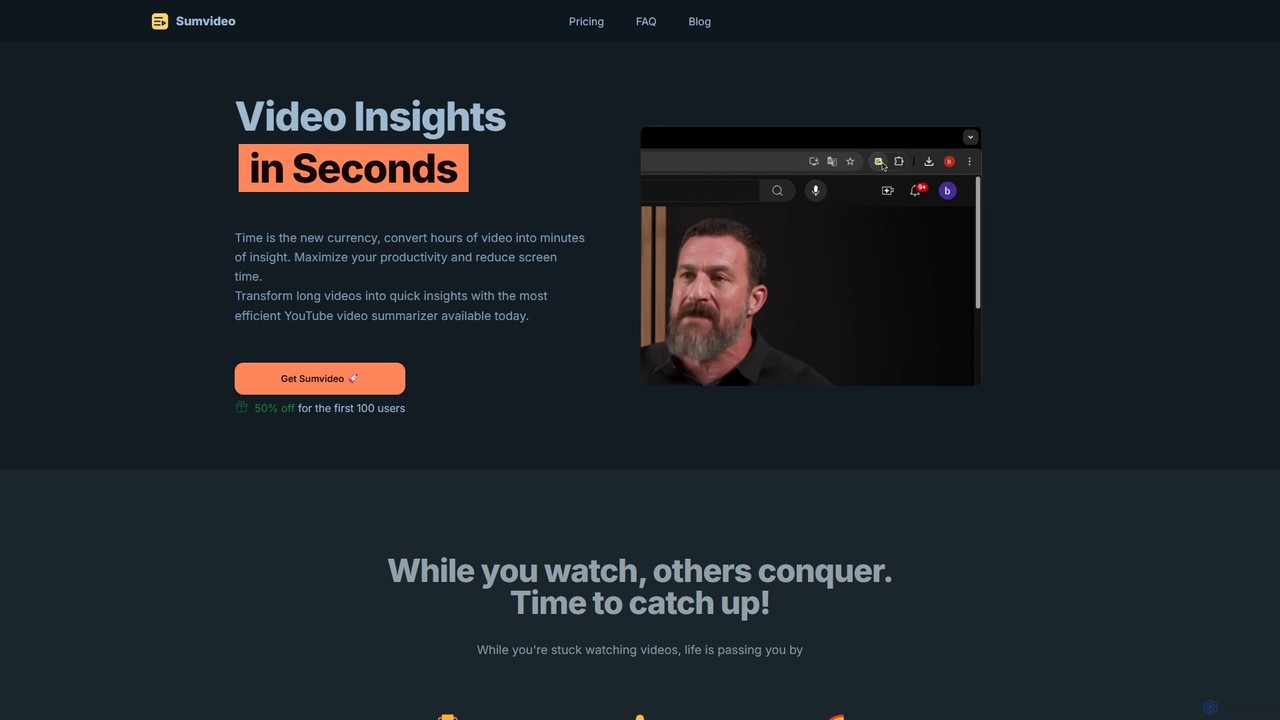
Sumvideo
Sumvideo is an AI-powered Chrome extension that transforms long YouTube videos into concise, easy-to-read summaries. Save hours of screen time by instantly extracting key points, main ideas, and actionable insights. Ideal for students, researchers, and professionals looking to boost productivity and learn more efficiently without watching entire videos.
Chrome Extensions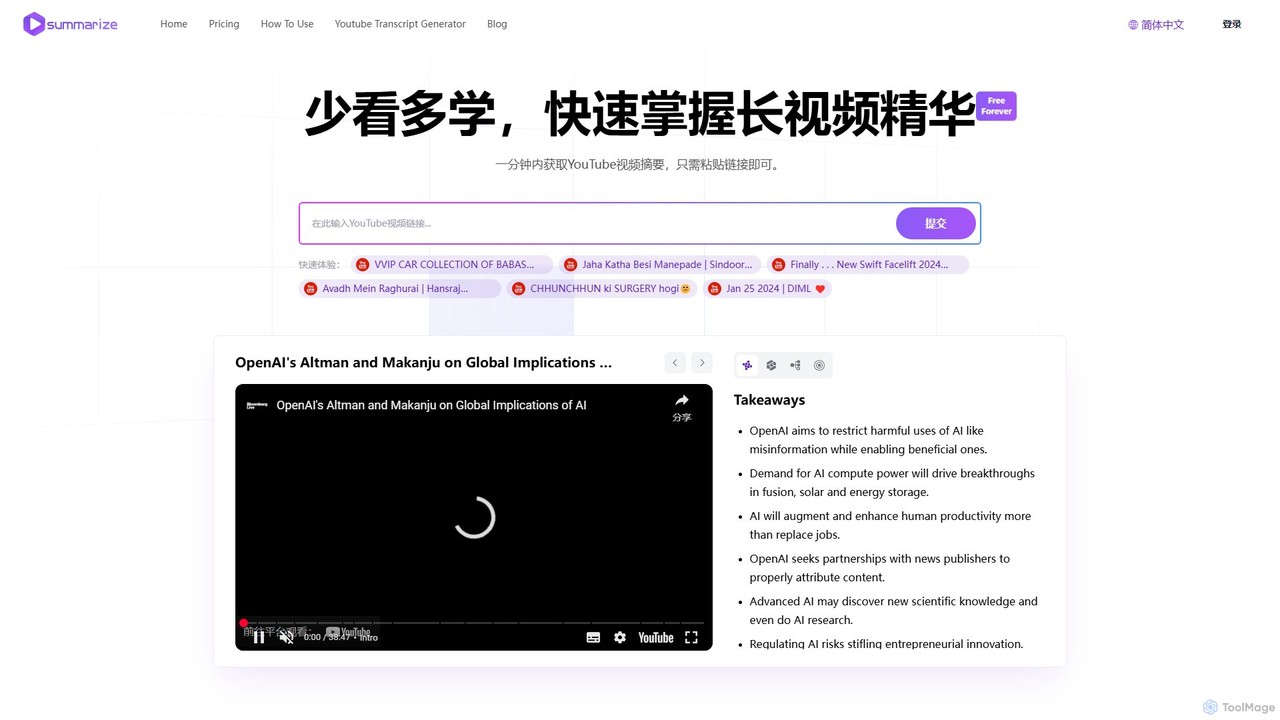
Summarize.ing
Summarize.ing is an AI-powered tool that instantly generates comprehensive summaries of any YouTube video. Powered by Claude 3.5 Sonnet, it extracts key points, creates mind maps, and provides FAQs to help you learn faster and save valuable time. Simply paste a video link to get detailed, multi-dimensional insights in under a minute. Ideal for students, researchers, and lifelong learners.
Learning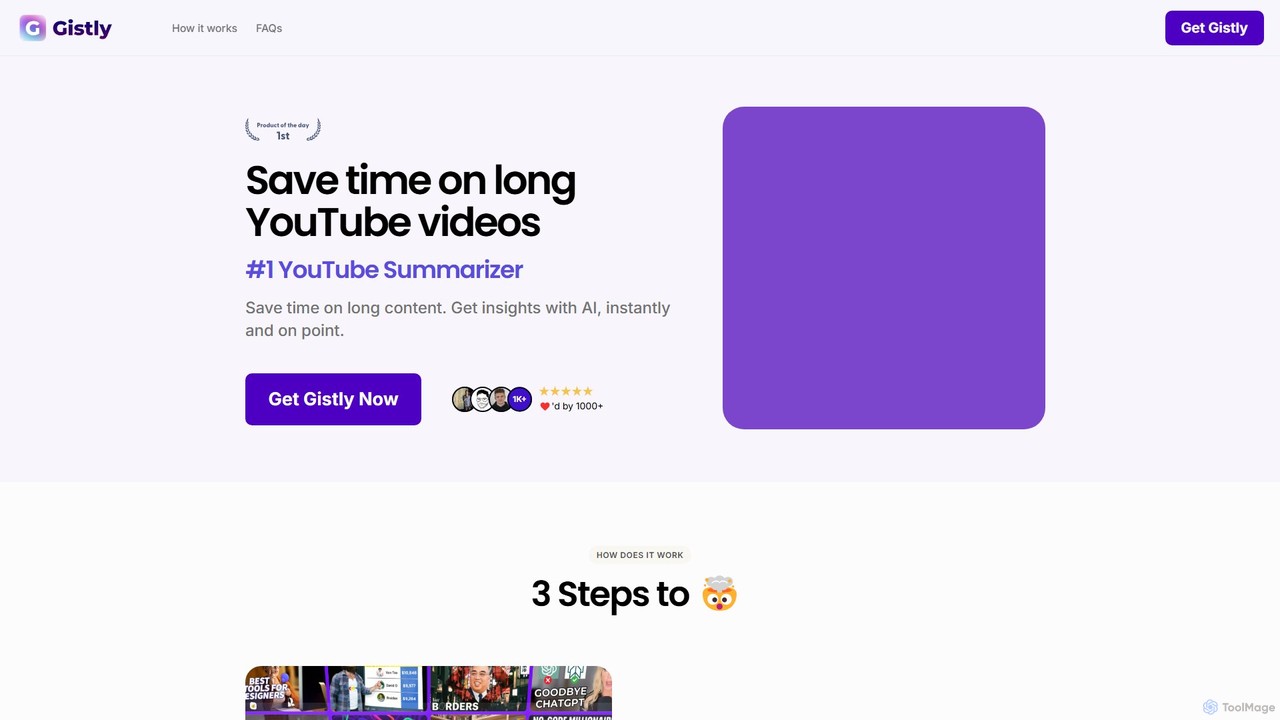
Gistly
Gistly is an AI-powered browser extension that summarizes YouTube videos instantly. Using ChatGPT technology, it provides concise summaries, key insights, and full transcripts in over 40 languages. It helps users save time, understand content faster, and repurpose video material. Gistly also offers a free AI FAQ generator to create FAQs from any website URL.
Learning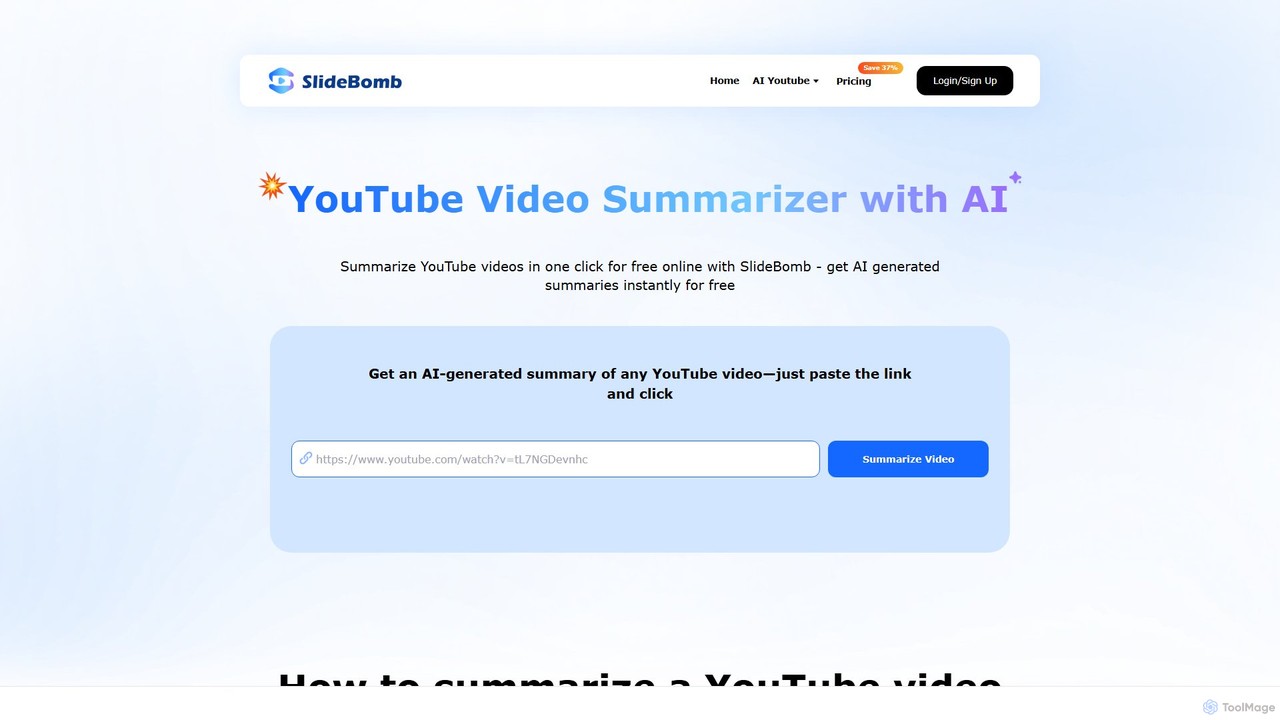
Slidebomb
Slidebomb is an AI-powered tool that instantly summarizes YouTube videos. Simply paste a video URL to get a concise, AI-generated summary, saving you time and boosting productivity. It's ideal for students, professionals, and anyone looking to quickly grasp the key insights from long videos without watching them in their entirety.
LearningRightClickYouTubeSummary Categories
RightClickYouTubeSummary Embed Widget
Copy this embed code to place the badge on your blog, article, or product site and send readers directly to this ToolMage detail page.

Related AI tools
Sumvideo
Sumvideo is an AI-powered Chrome extension that transforms long YouTube videos into concise, easy-to-read summaries. Save hours of screen time by instantly extracting key points, main ideas, and actionable insights. Ideal for students, researchers, and professionals looking to boost productivity and learn more efficiently without watching entire videos.
Chrome ExtensionsSummarize.ing
Summarize.ing is an AI-powered tool that instantly generates comprehensive summaries of any YouTube video. Powered by Claude 3.5 Sonnet, it extracts key points, creates mind maps, and provides FAQs to help you learn faster and save valuable time. Simply paste a video link to get detailed, multi-dimensional insights in under a minute. Ideal for students, researchers, and lifelong learners.
LearningGistly
Gistly is an AI-powered browser extension that summarizes YouTube videos instantly. Using ChatGPT technology, it provides concise summaries, key insights, and full transcripts in over 40 languages. It helps users save time, understand content faster, and repurpose video material. Gistly also offers a free AI FAQ generator to create FAQs from any website URL.
LearningSlidebomb
Slidebomb is an AI-powered tool that instantly summarizes YouTube videos. Simply paste a video URL to get a concise, AI-generated summary, saving you time and boosting productivity. It's ideal for students, professionals, and anyone looking to quickly grasp the key insights from long videos without watching them in their entirety.
Learning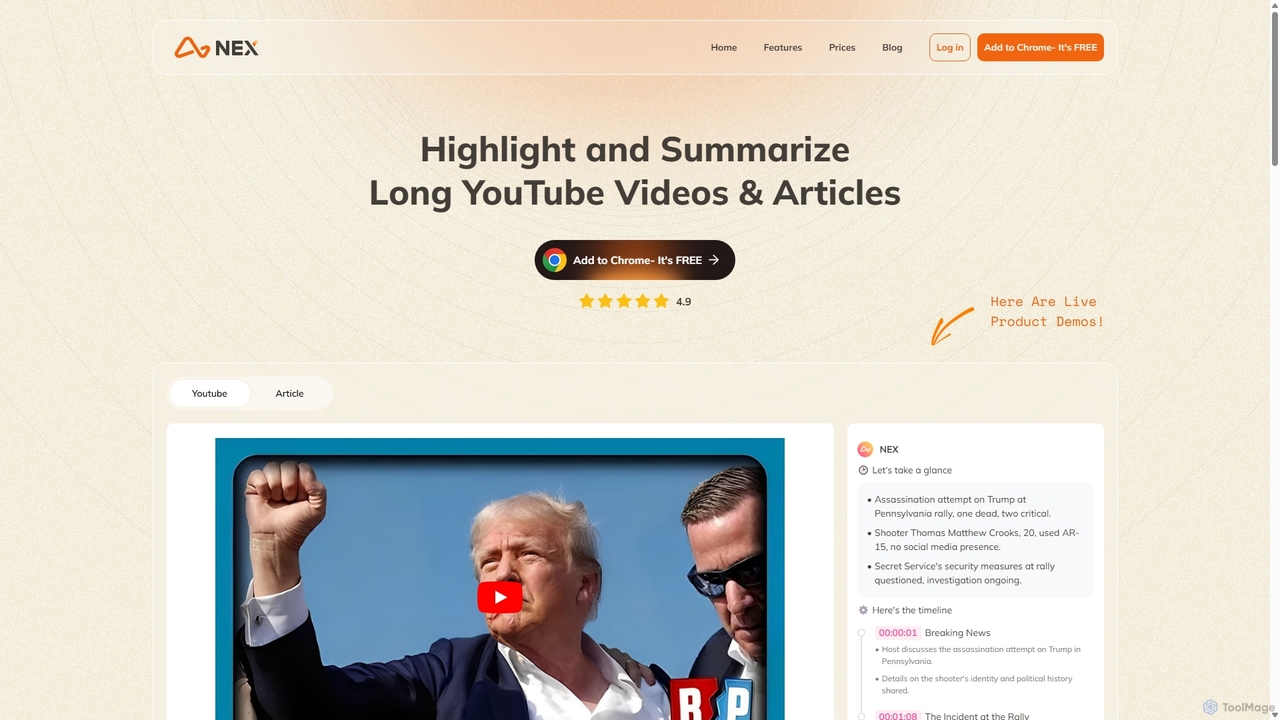
Nex
Nex is an AI Knowledge Copilot, a Chrome extension that summarizes long YouTube videos and articles. It extracts key takeaways, creates interactive timelines for videos, and highlights essential text, helping you absorb information up to 10x faster and build a personal knowledge base.
Chrome Extensions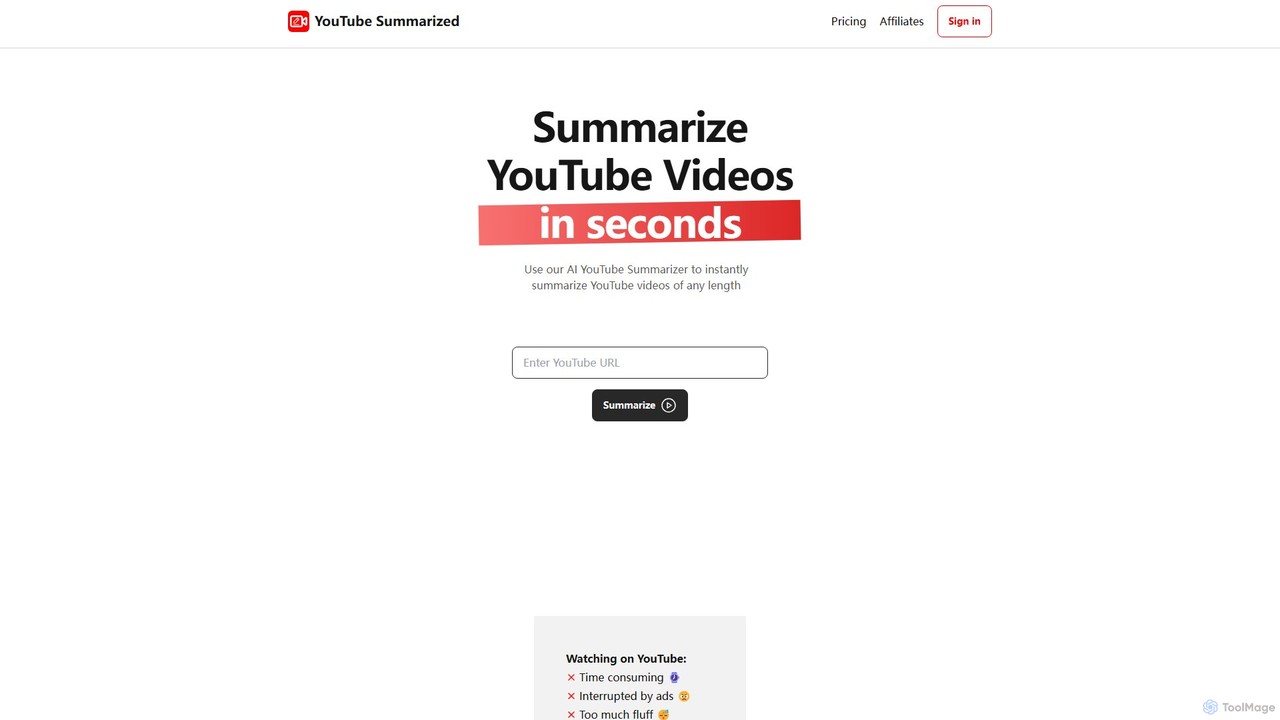
youtubesummarized
youtubesummarized is an AI-powered tool that instantly condenses any YouTube video into a concise, easy-to-read summary. Save time, avoid ads, and grasp key information in seconds. Ideal for students, researchers, and professionals who need to absorb video content efficiently. It offers browser extensions for seamless integration and supports multiple languages, making learning faster and more accessible.
Note TakingSummarizeYT
SummarizeYT is an AI-powered browser extension that uses ChatGPT to generate concise summaries of YouTube videos. It helps you save time by quickly grasping the key points of any video without watching it in its entirety, integrating seamlessly into the YouTube interface.
Learning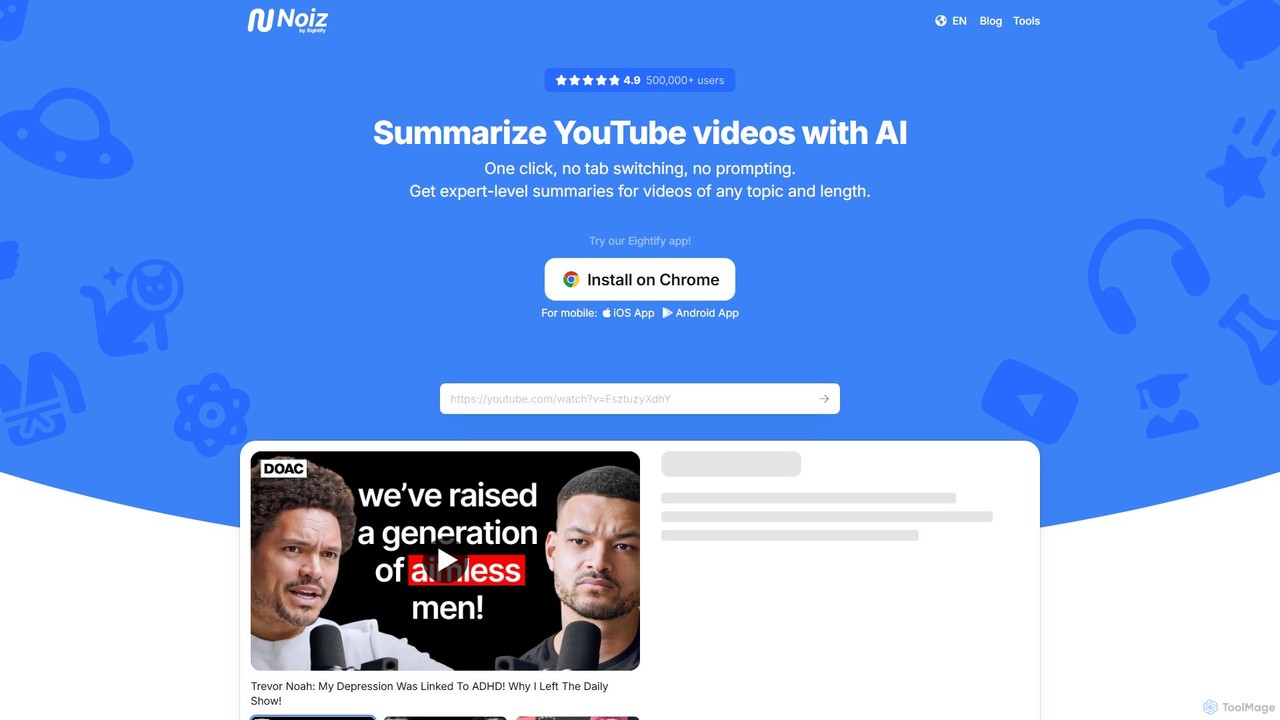
noiz
noiz is an AI-powered productivity suite designed to save you time. Its core feature is a YouTube video summarizer that provides instant, timestamped summaries and transcripts in over 40 languages. It also offers a collection of free AI tools for content creation, marketing, and education, making it a versatile assistant for students, creators, and professionals.
Learning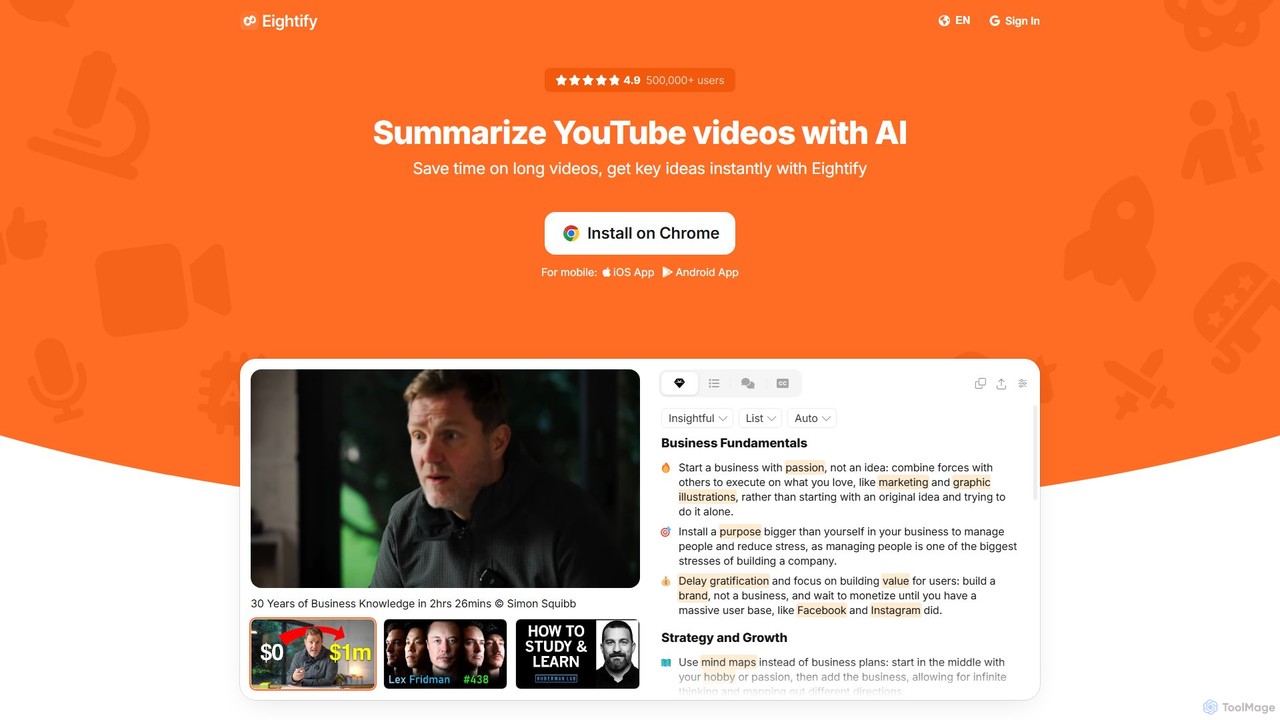
Eightify
Eightify is an AI-powered YouTube video summarizer that saves you time by generating concise, accurate summaries. Available as a browser extension and mobile app, it extracts key ideas, provides timestamped outlines, and transcribes video content. With support for over 40 languages, it's the perfect tool for professionals, students, and content creators to quickly grasp the essence of long videos, boosting productivity and learning efficiency.
Learning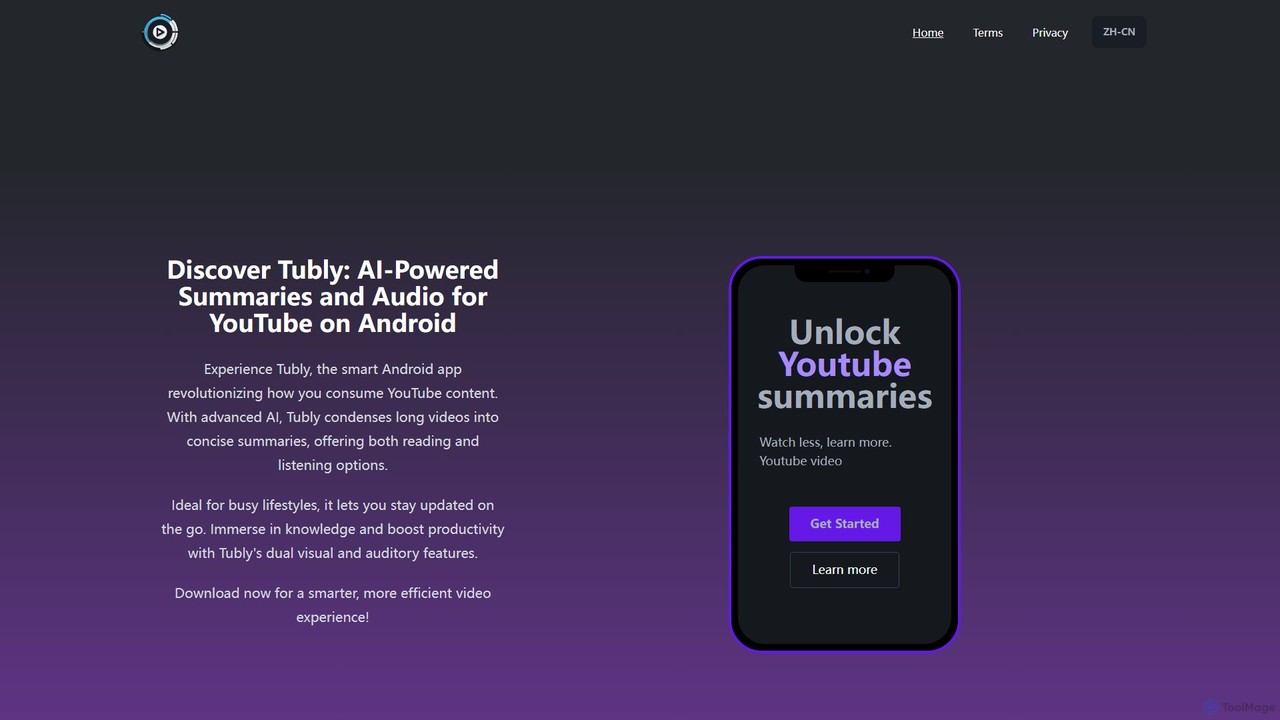
Tubly
Tubly is an AI-powered Android app that transforms long YouTube videos into concise text and audio summaries. It features multilingual translation, interactive timestamps, and a feed summarizer to help you learn more in less time. Ideal for busy individuals, it boosts productivity by making video content easily digestible on the go.
Learning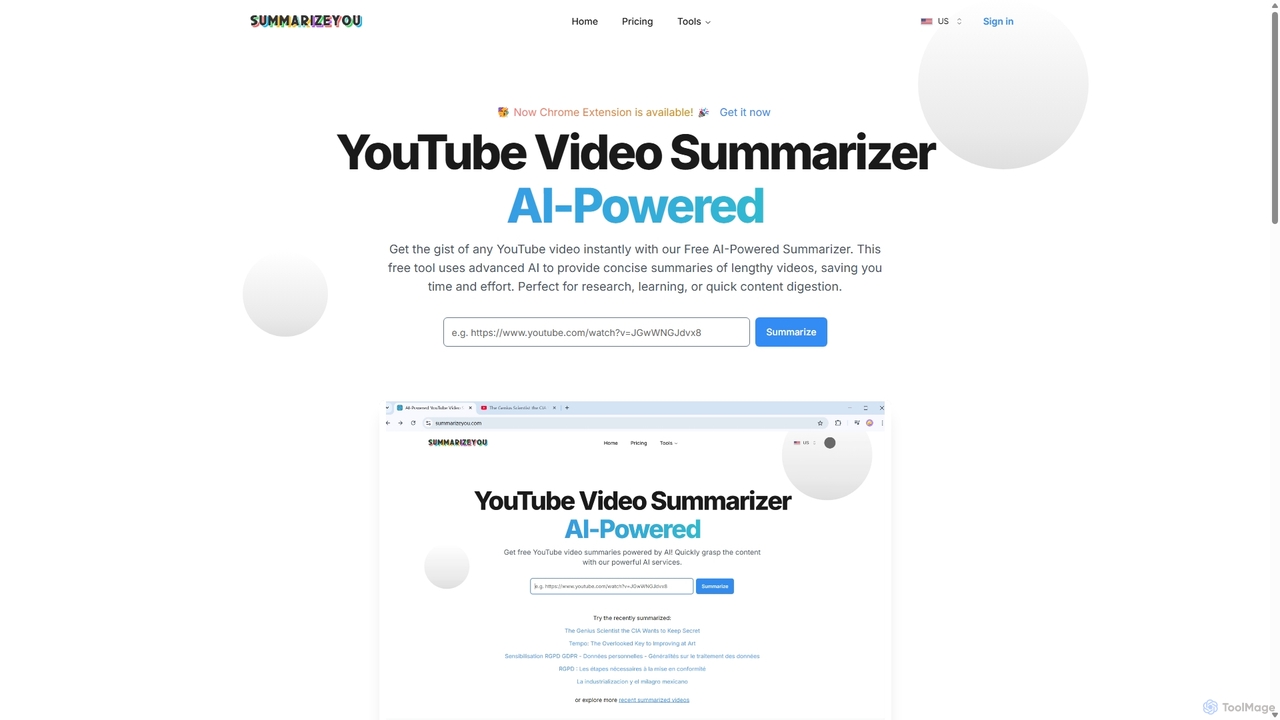
SummarizeYou
SummarizeYou is an AI-powered tool that instantly summarizes YouTube videos. It provides concise summaries, timestamped breakdowns, downloadable subtitles, and interactive mind maps, saving time for students, researchers, and professionals. It also features a Chrome extension for seamless integration.
Learning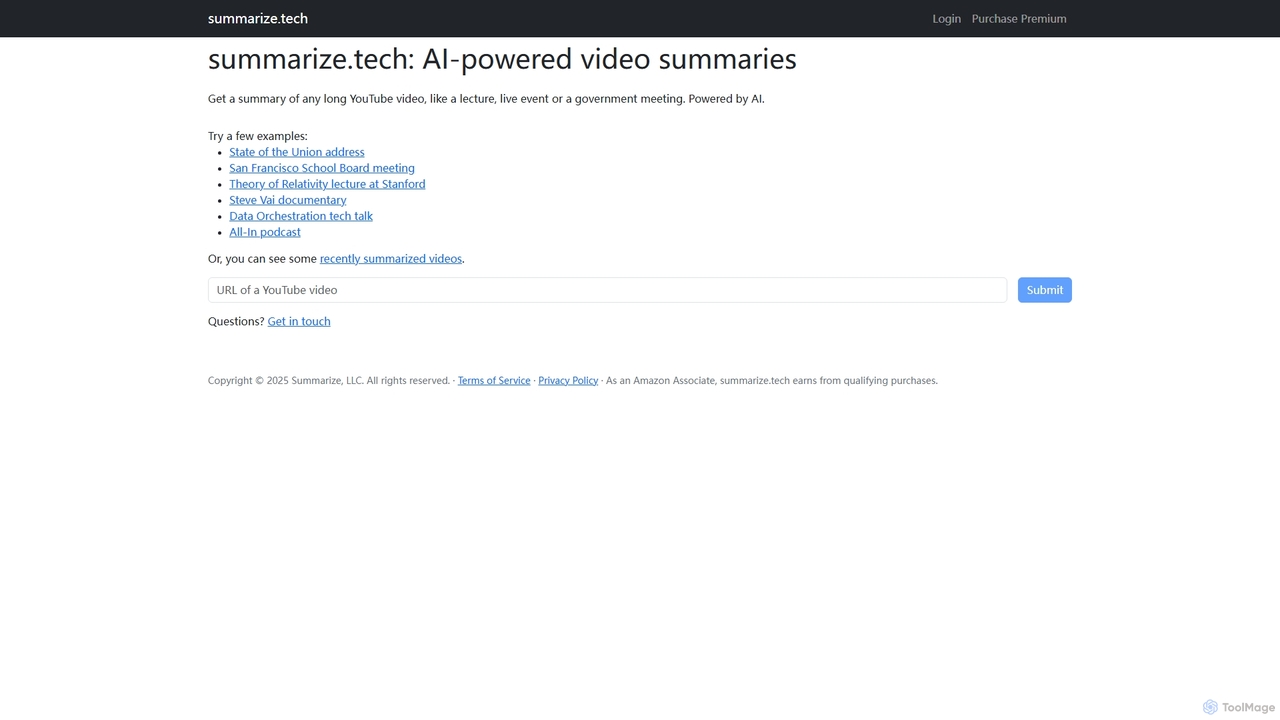
Summarize.tech
Summarize.tech is an AI-powered tool that instantly generates concise text summaries of long YouTube videos. Ideal for students, researchers, and professionals, it helps you quickly grasp the key points of lectures, live events, government meetings, and documentaries without watching them in their entirety. Simply paste a YouTube URL to save time and boost your learning and research efficiency.
Learning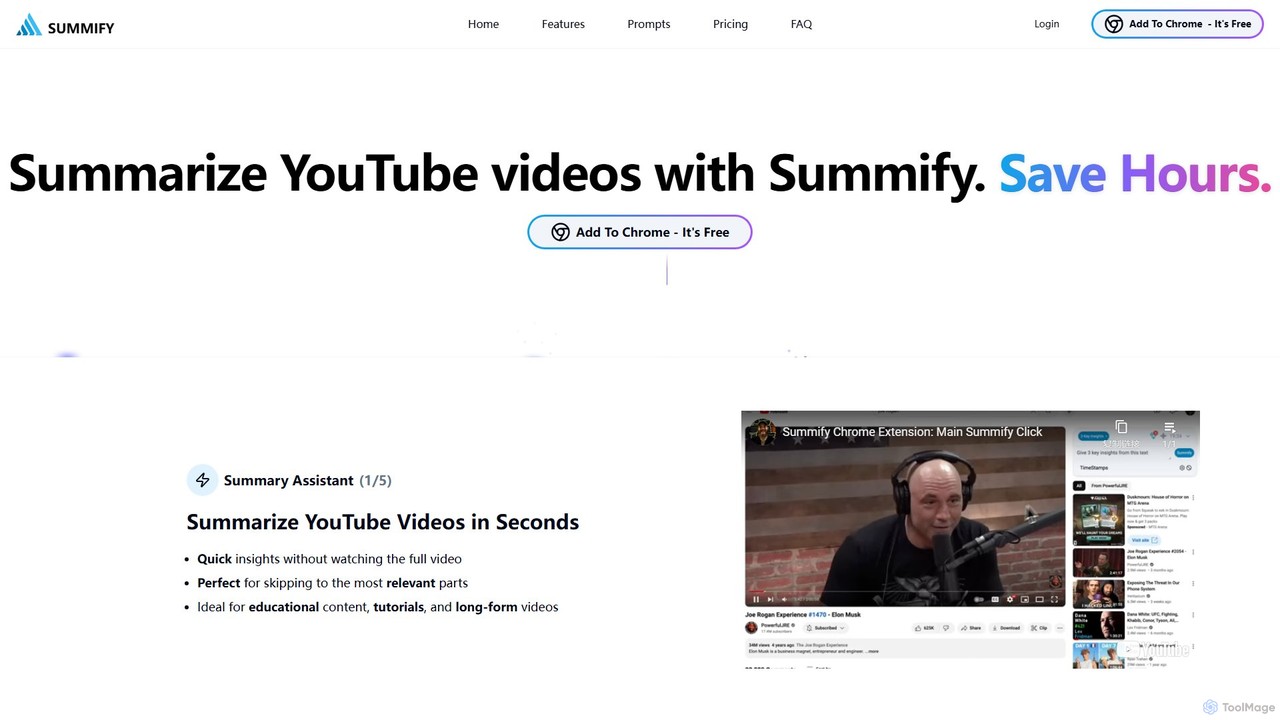
SummifyAI
SummifyAI is a powerful Chrome extension that uses AI to summarize YouTube videos in seconds. It helps users save time by providing quick insights, summarizing specific timestamps, and allowing custom questions about the video content. Ideal for students, professionals, and researchers, it transforms videos into a searchable knowledge base.
Chrome Extensions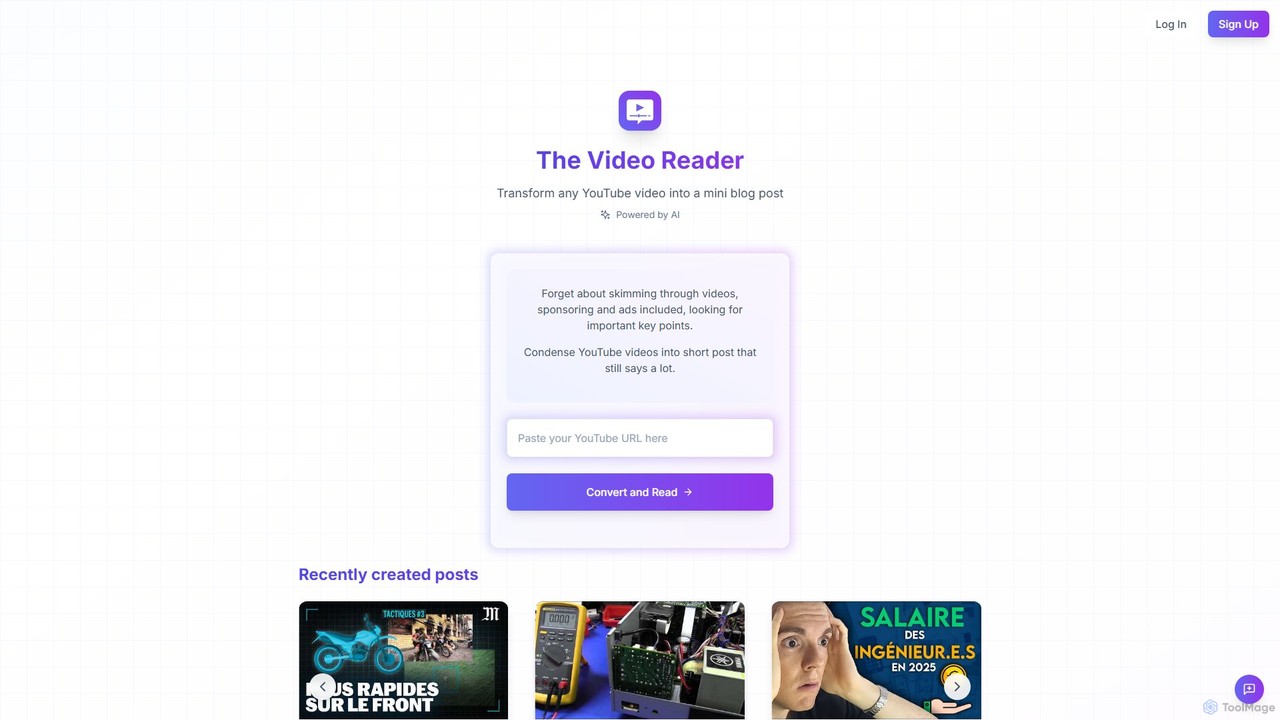
The Video Reader
The Video Reader is an AI-powered tool that transforms any YouTube video into a concise, readable blog post. It automatically transcribes, summarizes, and extracts key points, allowing you to grasp the core message of a video in minutes. Ideal for students, researchers, and content creators looking to save time and repurpose content efficiently.
Repurposing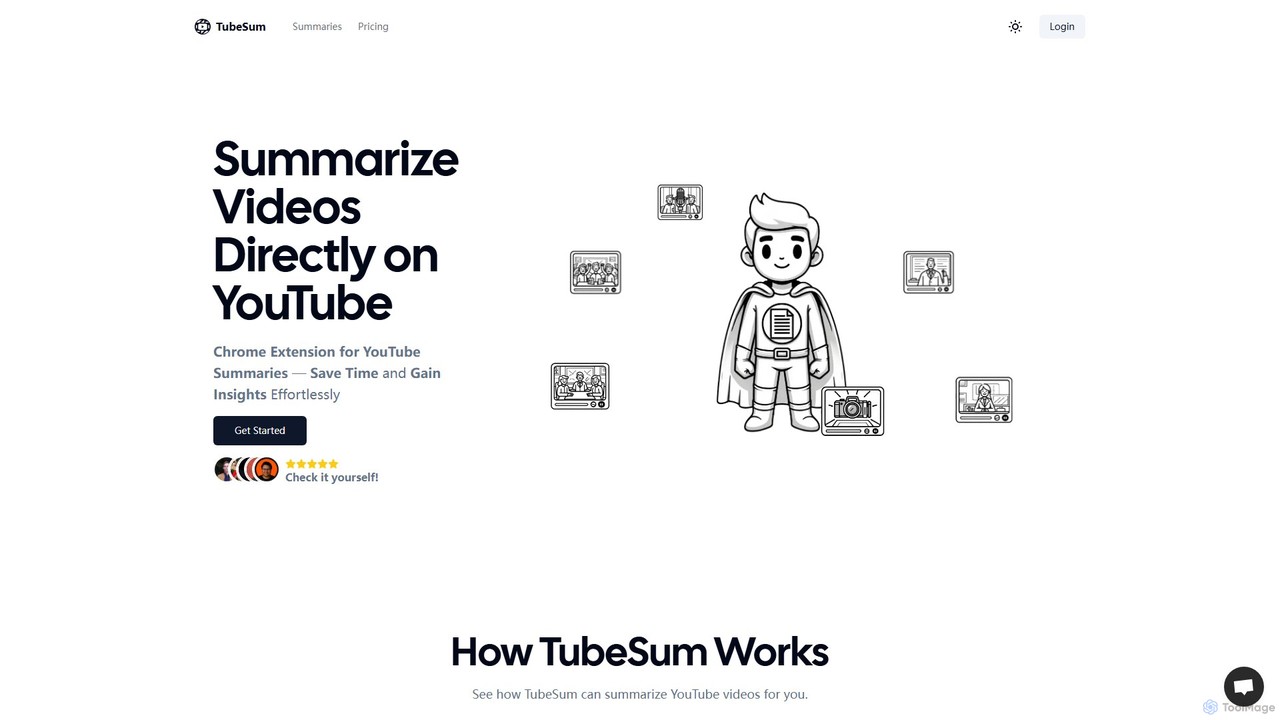
TubeSum
TubeSum is an AI-powered Chrome extension that integrates directly with YouTube to provide concise video summaries. It helps users save time and quickly grasp key insights from long videos like lectures, tutorials, reviews, and news broadcasts without watching them in their entirety.
Learning
RightClickYouTubeSummary Comments (0)
Sign in to comment.
Sign inNo comments yet.