ToolMage
Sign in

Best 9 Content Creation AI tools for Video

Popular Content Creation AI tools in Video include Pikzels, yttrendz, Summify, Spotter Studio, Trenz, theaivoicegenerator, SummarizeYT, RightClickYouTubeSummary, and video2quiz, helping you work more efficiently.

SummarizeYT
Freemium

SummarizeYT

SummarizeYT is an AI-powered browser extension that uses ChatGPT to generate concise summaries of YouTube videos. It helps you save time by quickly grasping the key points of any video without watching it in its entirety, integrating seamlessly into the YouTube interface.

Learning
Visits 5.5KFavorites 124Likes 108
Spotter Studio
Freemium

Spotter Studio

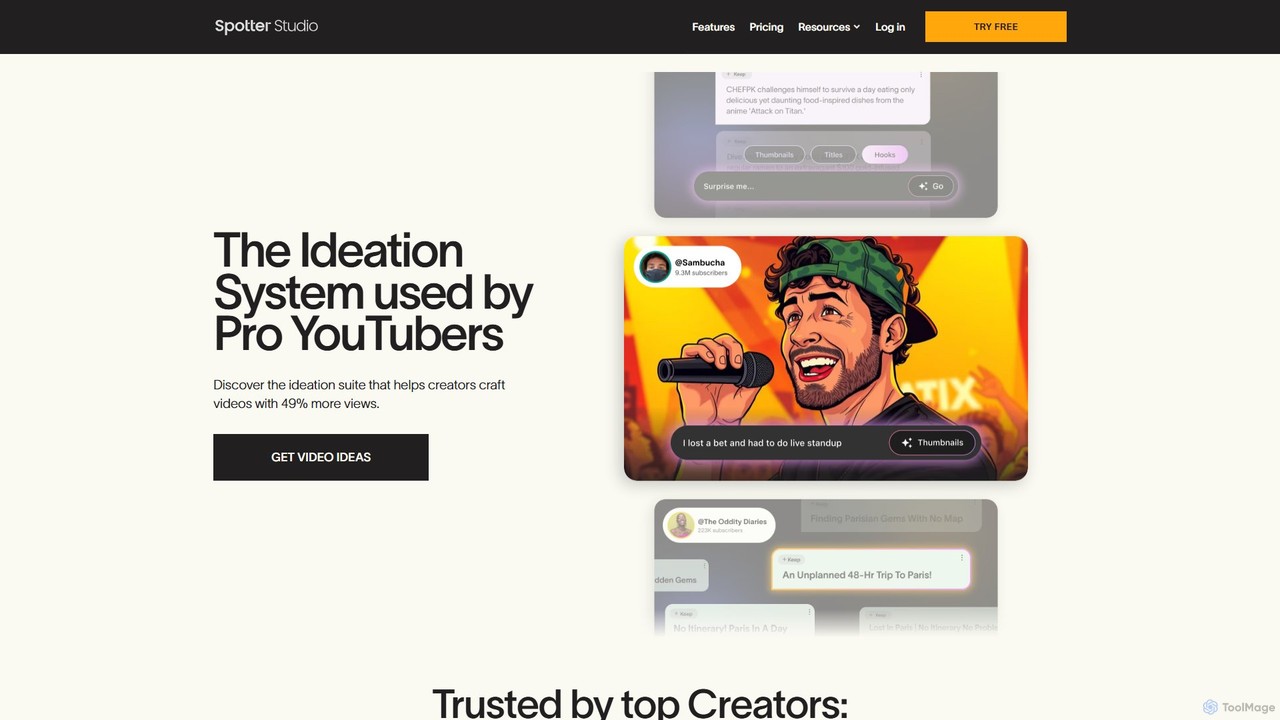
Spotter Studio is an AI-powered ideation system designed for professional YouTubers. It acts as a personalized brainstorm partner and research copilot, helping creators generate data-driven video ideas, titles, and thumbnail concepts tailored to their channel's unique style. It streamlines the creative workflow, from ideation to project planning, to help produce high-performing content.

Social Media Marketing
Visits 20.9KFavorites 104Likes 123
theaivoicegenerator
Freemium

theaivoicegenerator

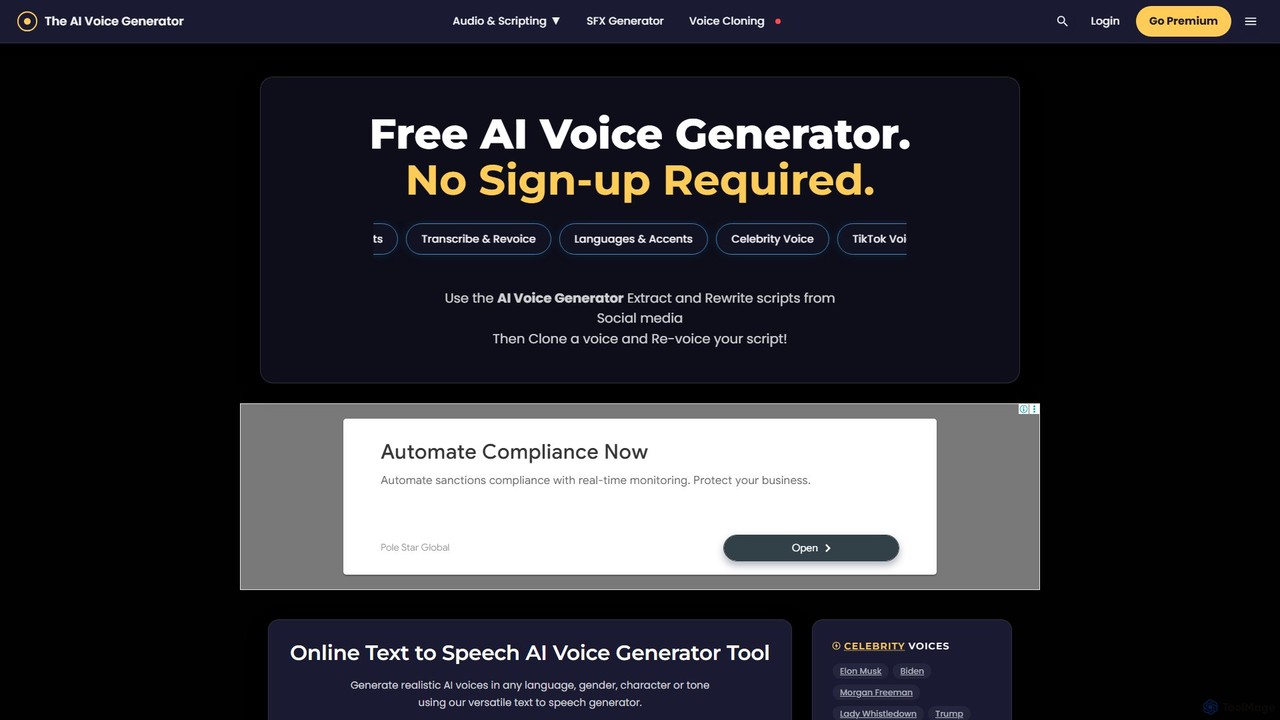
A versatile AI audio toolkit offering free text-to-speech (TTS) with celebrity and character voices, an AI sound effects (SFX) generator, and premium voice cloning. Supports over 120 languages with no sign-up required for basic features, making it ideal for content creators, developers, and marketers.

Text To Speech
Visits 14.6KFavorites 117Likes 113
Trenz
Freemium

Trenz

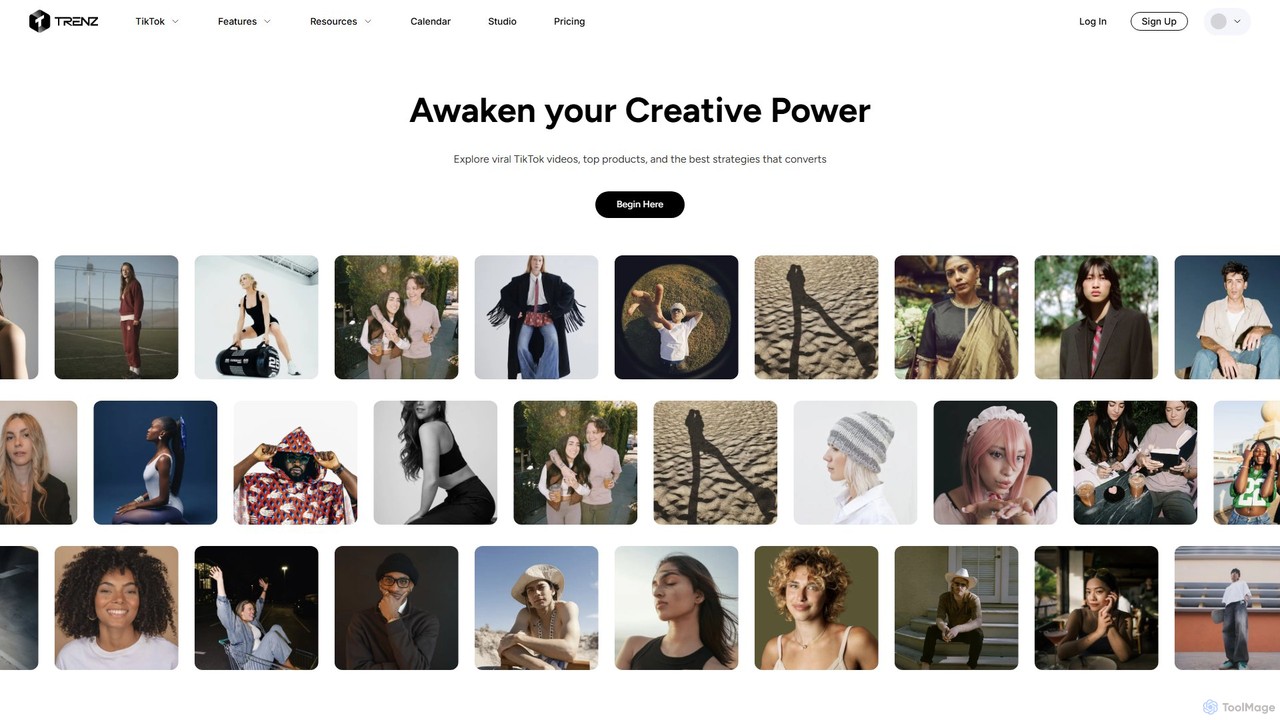
Trenz is an AI-powered, all-in-one platform for TikTok creators and brands. It helps scale TikTok Shop and UGC campaigns by providing real-time data on viral trends, top-performing products, and successful creator strategies. Users can discover content ideas, track industry leaders, and find high-converting products to boost engagement, followers, and sales.

Product Research
Visits 16KFavorites 152Likes 141
Summify
Freemium

Summify

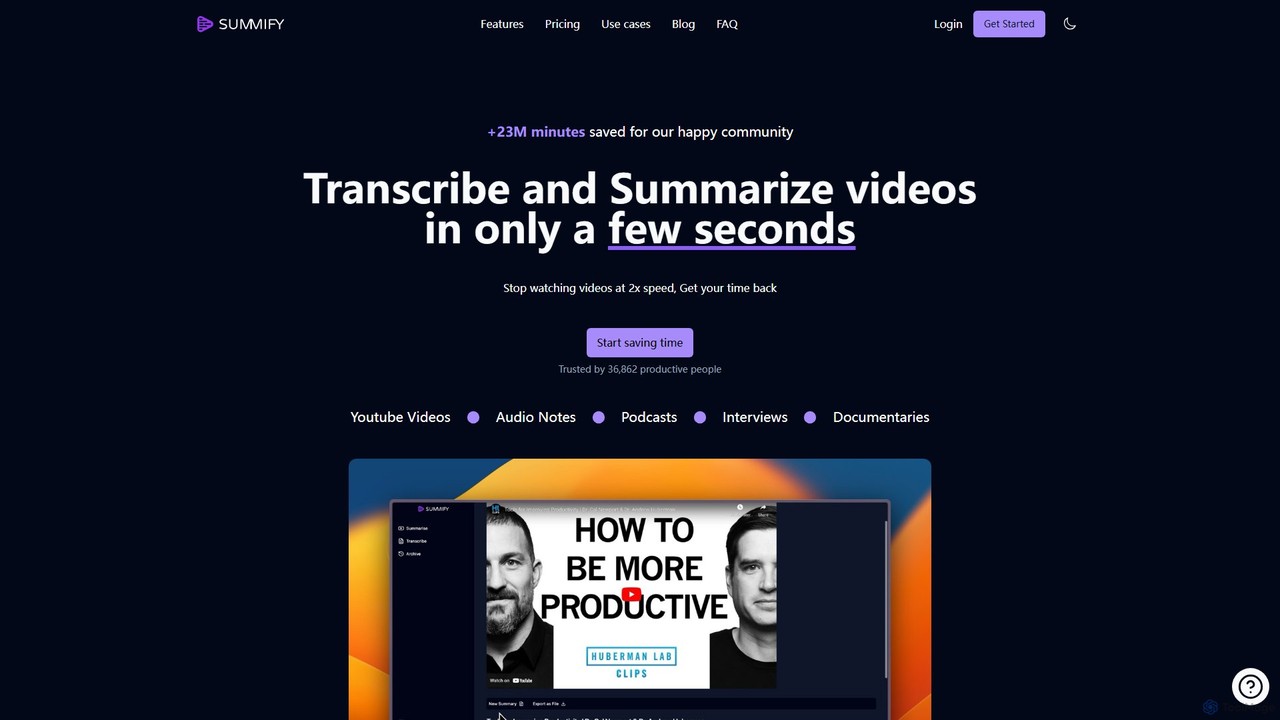
Summify is an AI-powered tool that transcribes and summarizes video and audio content in seconds. It supports over 130 languages, automatically detects speakers, and transforms lengthy content into concise summaries, blog posts, or social media threads. Ideal for content creators, students, marketers, and researchers looking to save time and repurpose content efficiently.

Transcription
Visits 26.9KFavorites 117Likes 105
video2quiz
Freemium

video2quiz

video2quiz is an AI-powered tool that automatically generates quizzes from any video in seconds. Simply upload a video, and the tool creates a comprehensive quiz to validate learning and knowledge retention, delivering it directly to your email as a PDF, Word, or CSV file.

Assessment
Visits 3.9KFavorites 108Likes 112
RightClickYouTubeSummary
Freemium

RightClickYouTubeSummary

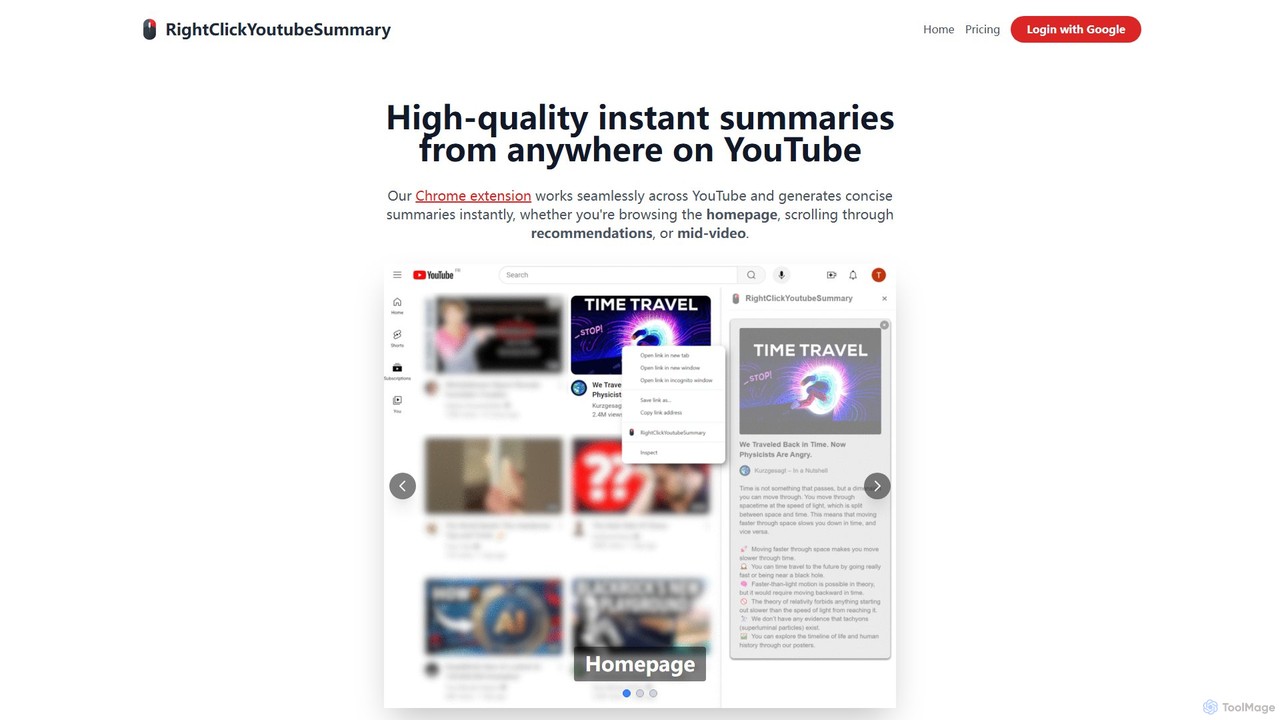
RightClickYouTubeSummary is a powerful Chrome extension that uses AI to generate instant, high-quality summaries of any YouTube video. Simply right-click on a video to get a concise overview, helping you save time, increase productivity, and quickly understand video content without watching it in its entirety.

Learning
Visits 4KFavorites 132Likes 125
yttrendz
Free

yttrendz

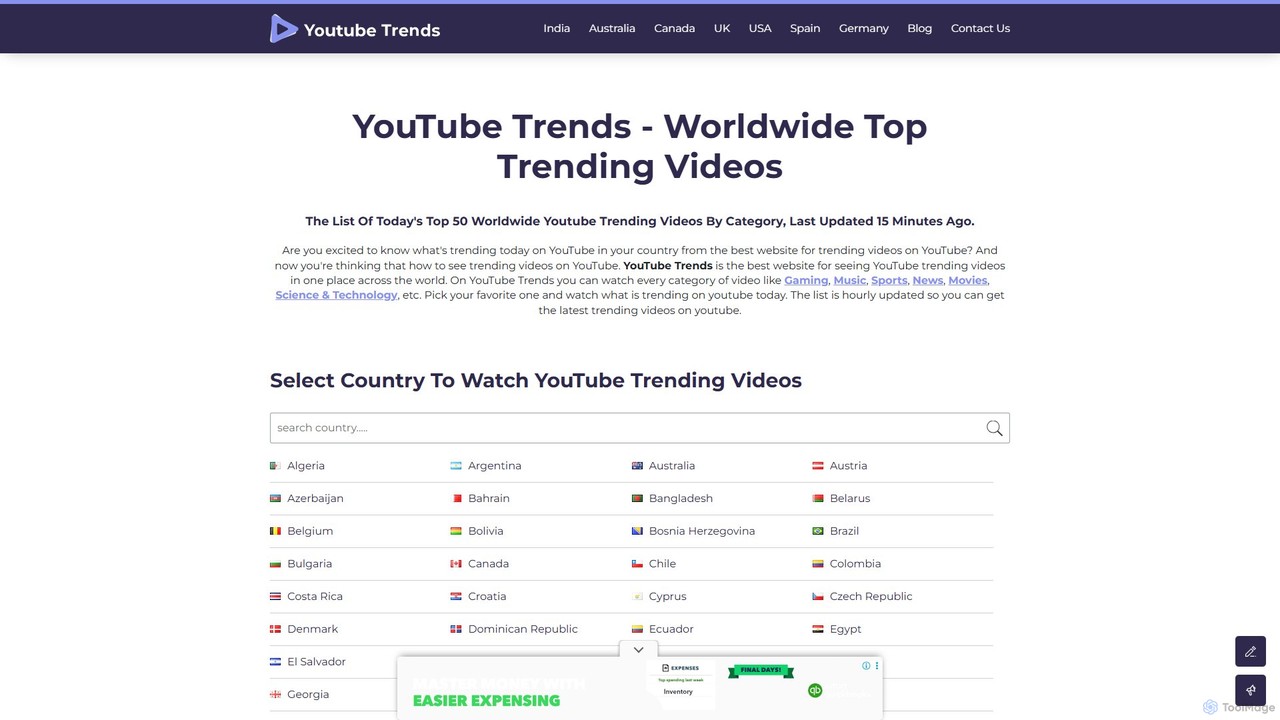
yttrendz is a powerful analytics platform that tracks and displays the top 50 trending YouTube videos worldwide. Users can filter trends by country and specific categories like Gaming, Music, and News. It's an essential free tool for content creators, marketers, and researchers to discover viral content, generate video ideas, and understand global and local video trends, all powered by the official YouTube API for real-time, authentic data.

Social Media Marketing
Visits 29.3KFavorites 111Likes 113
Pikzels
Freemium

Pikzels

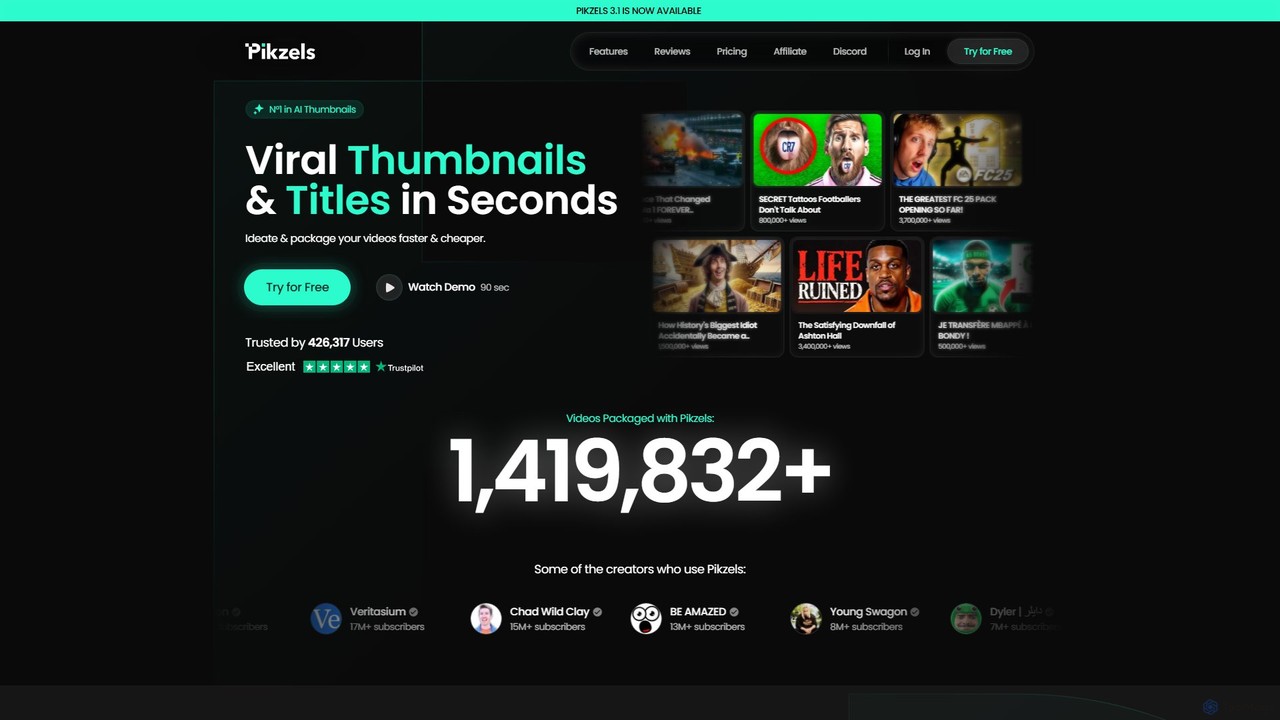
Pikzels is the #1 AI-powered platform for content creators, designed to generate viral YouTube thumbnails and compelling video titles in seconds. It uses specialized AI models trained exclusively on successful thumbnails to maximize click-through rates. With unique features like custom face "Personas," FaceSwap technology, and an intuitive editor, Pikzels helps YouTubers package their videos faster, save money on design, and significantly grow their audience.

Image Generation
Visits 208.7KFavorites 100Likes 101

About Content Creation

AI Video Content Creation tools are a specialized category of software designed to automate and accelerate the video production process, often starting from text inputs. They leverage technologies like natural language processing and generative AI to transform scripts, articles, or simple prompts into complete video sequences with visuals, voiceovers, and music. This enables users to rapidly produce marketing materials, educational content, and social media videos without extensive technical skills. These tools are distinct from traditional video editors as their primary focus is on generation and assembly rather than manual editing of existing footage.

Core Features

  • Text-to-Video Generation: Automatically converts scripts, blog posts, or prompts into synchronized video scenes.
  • AI Voiceover & Narration: Generates realistic, human-like voiceovers from text in multiple languages and accents.
  • Automated Asset Sourcing: Intelligently finds and suggests relevant stock footage, images, and background music.
  • Template-Based Assembly: Creates videos quickly using pre-designed templates for specific formats like social media ads or explainers.
  • AI Scriptwriting Assistance: Helps generate or refine video scripts based on topics, keywords, or target audience.

Use Cases

These tools are ideal for marketing teams, content creators, and educators who need to produce video content at scale. For example, a marketer can turn a blog post into a summary video for social media in minutes, or an educator can create animated explainer videos from lesson notes without any animation experience. They are also valuable for businesses needing to create consistent internal training or product update videos.

How to Choose

When selecting a tool, consider the quality and variety of its stock media library, as this directly impacts the final video's uniqueness. Evaluate the naturalness and range of the AI voices available. Also, assess the level of customization allowed after the initial generation and its integration capabilities with other content platforms or social media schedulers.

Featured tool rankings

Content Creation use cases

1

Convert Blog Posts into Engaging Videos

Content marketers use these tools to repurpose written articles into dynamic video content. By inputting a blog post URL, the AI analyzes the text, extracts key points to create a script, generates a voiceover, and automatically selects relevant stock footage and images to match the narrative. This process transforms a static article into an engaging video for platforms like YouTube or LinkedIn in minutes, significantly expanding content reach and audience engagement without requiring video production resources.

2

Generate Social Media Ads from Product Descriptions

E-commerce managers and marketers can quickly create video ads by simply providing a product description or key features. The AI tool generates a short, impactful script, selects visuals (either from a stock library or uploaded product images), adds text overlays with pricing or calls-to-action, and sets it to upbeat music. This allows for the rapid creation and A/B testing of multiple ad variations, optimizing for conversion rates on platforms like Instagram, Facebook, and TikTok without a dedicated video team.

3

Produce Corporate Training & Onboarding Videos

Human Resources and training departments use AI video creators to develop consistent and scalable training materials. They can input training manuals or scripts, choose a professional AI avatar presenter, and generate modules in multiple languages. This approach significantly reduces the cost and logistical complexity associated with hiring actors and film crews, while ensuring all employees receive standardized, high-quality training content that can be updated easily.

4

Create Educational Explainer Videos

Educators and online course creators can transform complex topics or lesson plans into simple, animated explainer videos. By providing a script, the tool generates scenes with animated characters, icons, and text overlays synchronized with an AI-generated voiceover. This makes learning more visual and accessible, improving student engagement and knowledge retention without requiring specialized animation software or design skills.

5

Automate News Summary Videos

Digital media publishers and news agencies can automate the creation of daily or weekly news briefing videos. By feeding news articles or RSS feeds into the system, the AI can summarize the content, generate a concise script, and produce short video summaries with headlines, key images, and AI narration. This allows them to publish timely video content across multiple platforms quickly, keeping their audience informed and engaged with minimal manual effort.

6

Generate Real Estate Video Tours

Real estate agents can create compelling property video tours without professional videography. By uploading property photos and inputting key details like price, location, and features, the AI tool assembles a dynamic slideshow-style video. It can add text overlays highlighting features, apply smooth transitions between images, and set the tour to appropriate background music, creating a professional-looking virtual tour to attract potential buyers on listings and social media.

Content Creation FAQ

What are AI Video Content Creation tools?

AI Video Content Creation tools are applications that use artificial intelligence to automate the process of making videos, often starting from a text prompt, script, or article. Their main function is to generate and assemble content—such as finding stock footage, creating voiceovers, and syncing visuals—rather than requiring users to manually edit pre-recorded clips. They are designed for speed and efficiency, enabling users without video editing skills to produce content quickly.

How do AI Video Creation tools differ from standard Video Editors?

The main difference lies in the workflow and starting point. AI Video Creation tools generate content from an idea or text, automating asset selection and assembly. Standard Video Editors require you to manually import, cut, arrange, and enhance existing video and audio clips. In short:

  • AI Creators: Focus on speed, scale, and automated generation from text. Ideal for users without editing experience.
  • Video Editors: Focus on detailed control, creative effects, and manual manipulation of footage. Ideal for filmmakers and professional editors.

Who should use AI Video Content Creation tools?

These tools are ideal for individuals and teams who need to produce video content quickly and at scale, often without a background in video production. Key users include:

  • Marketers: For creating social media ads, promotional videos, and content marketing videos.
  • Content Creators: For repurposing blog posts or creating simple YouTube videos.
  • Educators & Trainers: For developing instructional materials and online courses.
  • Small Business Owners: For producing marketing content without a large budget or dedicated team.

What are the key features to look for in an AI video creator?

When choosing a tool, evaluate these core features:

  • Text-to-Video Quality: How well it interprets text and selects relevant, high-quality visuals.
  • AI Voice Options: The range of languages, accents, and the overall naturalness of the generated voices.
  • Media Library: The size, quality, and diversity of the integrated stock video, image, and music library.
  • Customization & Editing: The ability to edit the AI-generated output, such as changing scenes, text, timing, and branding elements.
  • Export Options: The supported resolutions (e.g., 1080p, 4K) and aspect ratios (e.g., 16:9, 9:16) for different platforms.

Can I use my own footage and voiceover in these tools?

Yes, most modern AI video creation platforms offer a hybrid approach. While their core feature is AI-powered generation from text, they typically allow you to upload your own assets. This includes your own video clips, images, brand logos, and pre-recorded audio files or voiceovers. This flexibility enables you to combine the speed of AI-generated content with your own unique branding and assets for a more personalized final product.