

Screens Overview
Screens is an advanced AI-powered contract review tool designed to scale legal expertise and accelerate business operations. By integrating seamlessly into Microsoft Word, it empowers legal professionals, law firms, and businesses to review and redline contracts with unprecedented speed and accuracy. The core of Screens is its 'playbook' system, which allows users to program their specific contractual requirements and standards into the tool. This transforms subjective legal knowledge into a scalable, consistent, and automated process.
With Screens, the tedious task of manual contract review becomes a streamlined, one-click operation. The AI analyzes documents against your custom-built or community-sourced playbooks, instantly identifying non-compliant clauses and suggesting appropriate redlines. This not only saves countless hours but also ensures a high degree of consistency and reduces the risk of human error across all agreements.
How to use Screens
Using Screens is designed to be intuitive and fit within existing legal workflows:
- Create or Select a Playbook: Start by defining your contract standards. You can create a custom 'screen' (playbook) from scratch in minutes, detailing your specific requirements for clauses, terms, and conditions. Alternatively, you can leverage a library of expert-crafted playbooks from the Screens community or even auto-generate one based on your existing standard documents.
- Run the Screen in MS Word: Open your contract document in Microsoft Word. With the Screens add-in, you can run your chosen playbook directly on the document.
- Review AI Suggestions: The AI will instantly analyze the contract and highlight any clauses that deviate from your playbook's rules. It provides clear redline suggestions for each identified issue.
- One-Click Resolution: For each flagged clause, you can accept the suggested redline with a single click, automatically updating the document. This dramatically speeds up the revision process.
- Bulk Analysis: For larger projects, you can upload thousands of contracts (in Word or PDF format) to the Screens platform. The tool will analyze them in bulk against your playbook, measure compliance, and extract key data points, which can be easily exported to Excel for further analysis and reporting.
Core Features of Screens
- AI-Powered Redlining: Automatically reviews contracts and suggests redlines based on your predefined rules.
- Customizable Playbooks (Screens): Create highly detailed and nuanced playbooks that capture your unique legal standards and risk tolerance.
- Direct Microsoft Word Integration: Review and edit contracts within the familiar environment of MS Word, eliminating the need to switch between applications.
- Bulk Contract Analysis: Analyze thousands of documents at once, including Word files and PDFs, to check for compliance and extract data.
- Community & Expert Playbooks: Access a library of pre-built playbooks crafted by legal experts to get a head start on your review projects.
- One-Click Clause Resolution: Quickly resolve non-compliant clauses with AI-generated suggestions.
- Fully Auditable Results: Maintain a clear record of all changes and reviews for compliance and auditing purposes.
- Collaborative Workspaces: Share playbooks and collaborate with team members to ensure everyone is working from the same standards.
Use Cases for Screens
Screens is valuable for a wide range of professionals and organizations:
- In-House Legal Departments: Standardize contract review across the company, ensure compliance with internal policies, and free up lawyers to focus on strategic negotiations.
- Law Firms: Increase efficiency and offer more competitive, fixed-fee services for contract review. Scale the expertise of senior partners to junior associates.
- Sales Teams: Accelerate deal cycles by quickly reviewing sales agreements and NDAs against pre-approved company standards.
- Procurement and Sourcing: Streamline the review of vendor contracts, ensuring favorable terms and mitigating risks.
- Solo Practitioners and Small Firms: Compete with larger firms by leveraging AI to handle a higher volume of work with greater accuracy.
Advantages of Screens
The primary advantage of Screens is its ability to scale legal expertise. It transforms the knowledge of your best lawyers into a tool that anyone on the team can use, ensuring consistency and quality. This leads to significant efficiency gains, faster deal closures, and reduced legal risk. Its seamless integration with Microsoft Word means a minimal learning curve and no disruption to existing workflows. The flexibility to create custom playbooks makes it adaptable to any type of contract and any specific industry or company requirement.
Pricing and Plans
Screens offers a pricing structure to fit different needs:
- Free Workspace: $0/month. This plan includes unlimited custom-built screens, access to community screens, and allows for 5 contract uploads per month with unlimited collaboration.
- Pro Workspace: $149/month (with an annual commitment). This plan includes everything in the Free plan but increases the limit to 50 contract uploads per month.
*Screens also offers a free Pro Workspace for non-profits, law students, and law professors on an as-available basis.
Traffic
Latest traffic
Status
Monthly traffic trend
- 2025-9: 5.7K
- 2026-1: 5.5K
- 2026-2: 4.2K
- 2026-3: 2.1K
- 2026-4: 1.3K
- 2026-5: 1.7K
Geography
Top 5 countries / regions
- 🇺🇸United States100.0%
Top keywords
| Keyword | Cost per click |
|---|---|
| how to screens | $0.44 |
| nd word addin | $0.00 |
| screen ai | $0.00 |
| screens | $1.23 |
| vendor ai | $5.71 |
Screens Alternatives
ContractCrab
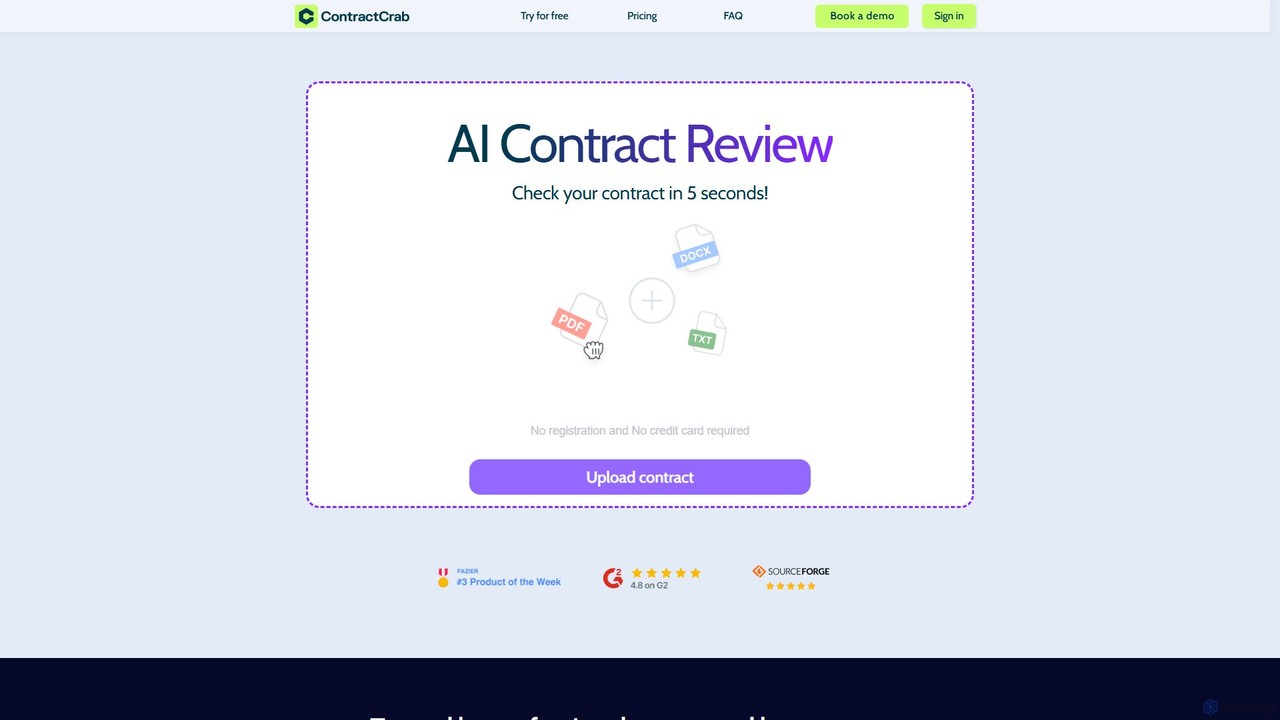
ContractCrab is an AI-powered contract review tool that analyzes legal documents in seconds. It automatically flags risky clauses, provides one-page summaries, and suggests improvements, offering a fast, affordable, and secure alternative to traditional legal review for businesses, freelancers, and individuals.
Compliance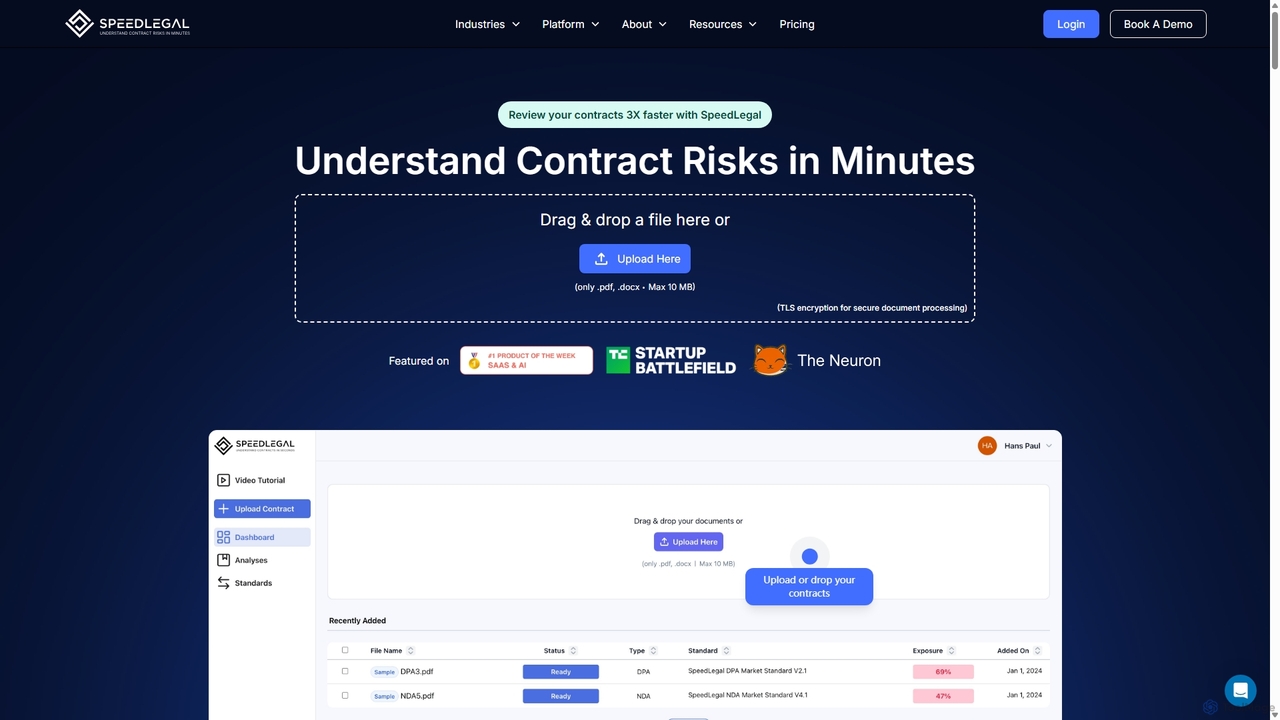
SpeedLegal
SpeedLegal is an AI-powered contract paralegal designed to help lawyers and professionals review contracts faster. It automatically analyzes documents to identify hidden risks, unfavorable terms, and potential issues. The platform provides personalized suggestions, automated summaries, and an AI Q&A feature to simplify complex legal language and accelerate negotiations.
Compliance
TrustDoc
TrustDoc is an AI-powered document management and evaluation platform designed to automate document validation, analysis, and verification. It helps organizations streamline workflows, ensure accuracy and compliance, and enhance collaboration by using AI to score, summarize, and justify document content against predefined templates and standards.
Compliance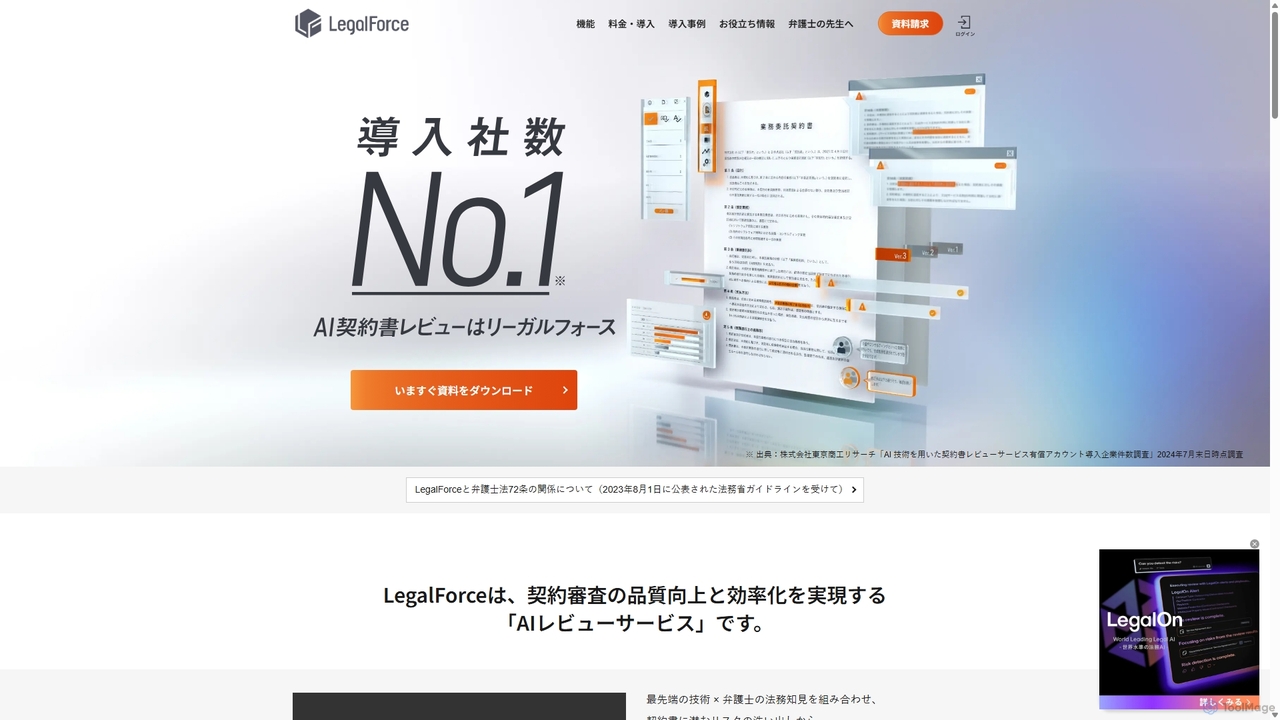
LegalForce Cloud
An AI-powered contract review platform that streamlines legal workflows. It automatically identifies risks, suggests revisions, and provides access to a vast library of templates, helping legal teams and law firms improve efficiency and accuracy.
Compliance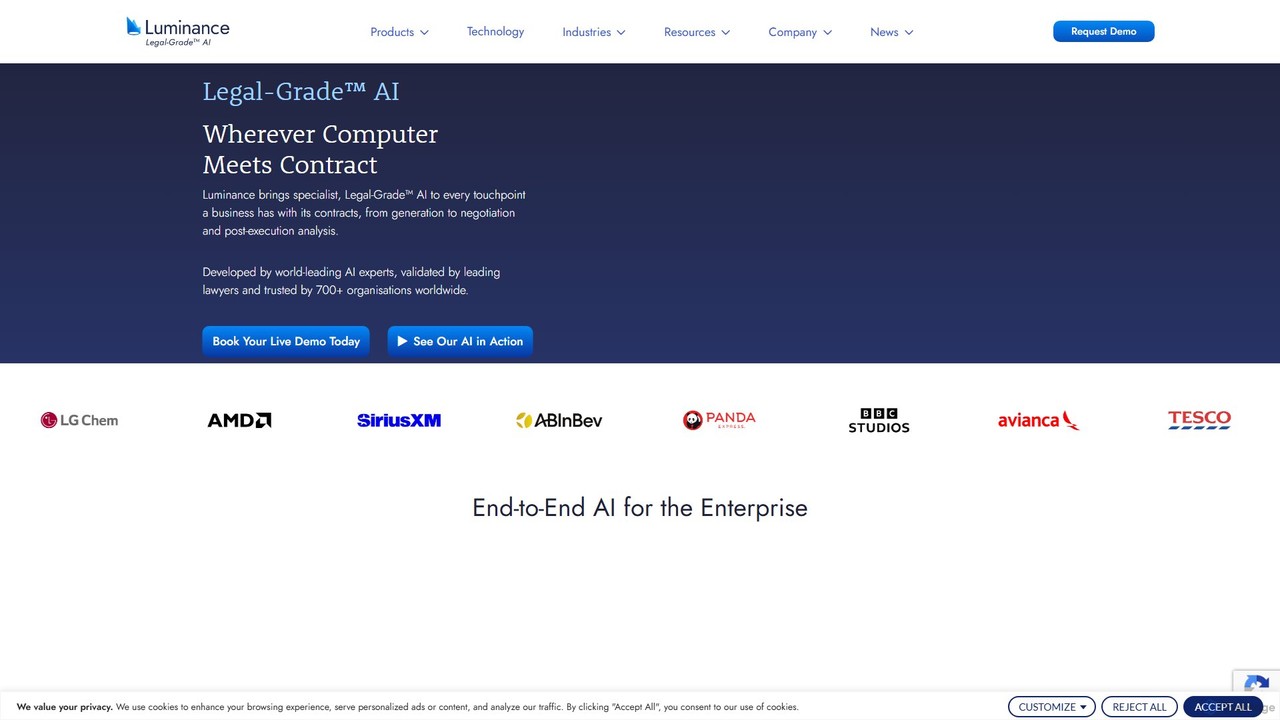
Luminance
Luminance is a world-leading Legal-Grade™ AI platform for legal and business professionals. It leverages specialized AI to automate the analysis, negotiation, and management of contracts and legal documents, enhancing efficiency, accuracy, and risk mitigation across organizations.
ComplianceScreens Categories
Screens Embed Widget
Copy this embed code to place the badge on your blog, article, or product site and send readers directly to this ToolMage detail page.

Related AI tools
ContractCrab
ContractCrab is an AI-powered contract review tool that analyzes legal documents in seconds. It automatically flags risky clauses, provides one-page summaries, and suggests improvements, offering a fast, affordable, and secure alternative to traditional legal review for businesses, freelancers, and individuals.
ComplianceLegalForce Cloud
An AI-powered contract review platform that streamlines legal workflows. It automatically identifies risks, suggests revisions, and provides access to a vast library of templates, helping legal teams and law firms improve efficiency and accuracy.
Compliance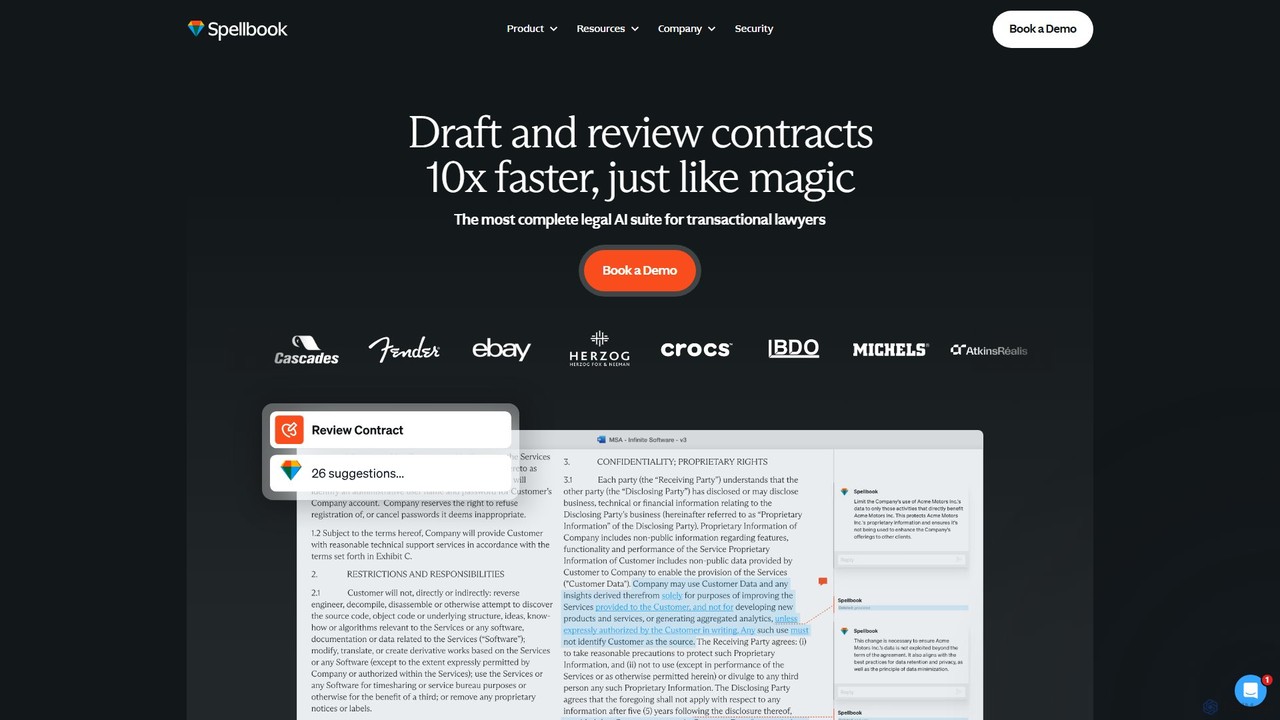
Spellbook
Spellbook is an AI-powered legal assistant that integrates directly into Microsoft Word. It leverages advanced models like GPT-4o to help lawyers draft, review, and redline contracts up to 10 times faster. It offers features like risk detection, clause drafting, contract benchmarking, and an AI agent for complex multi-document workflows, trusted by thousands of legal professionals worldwide.
Compliance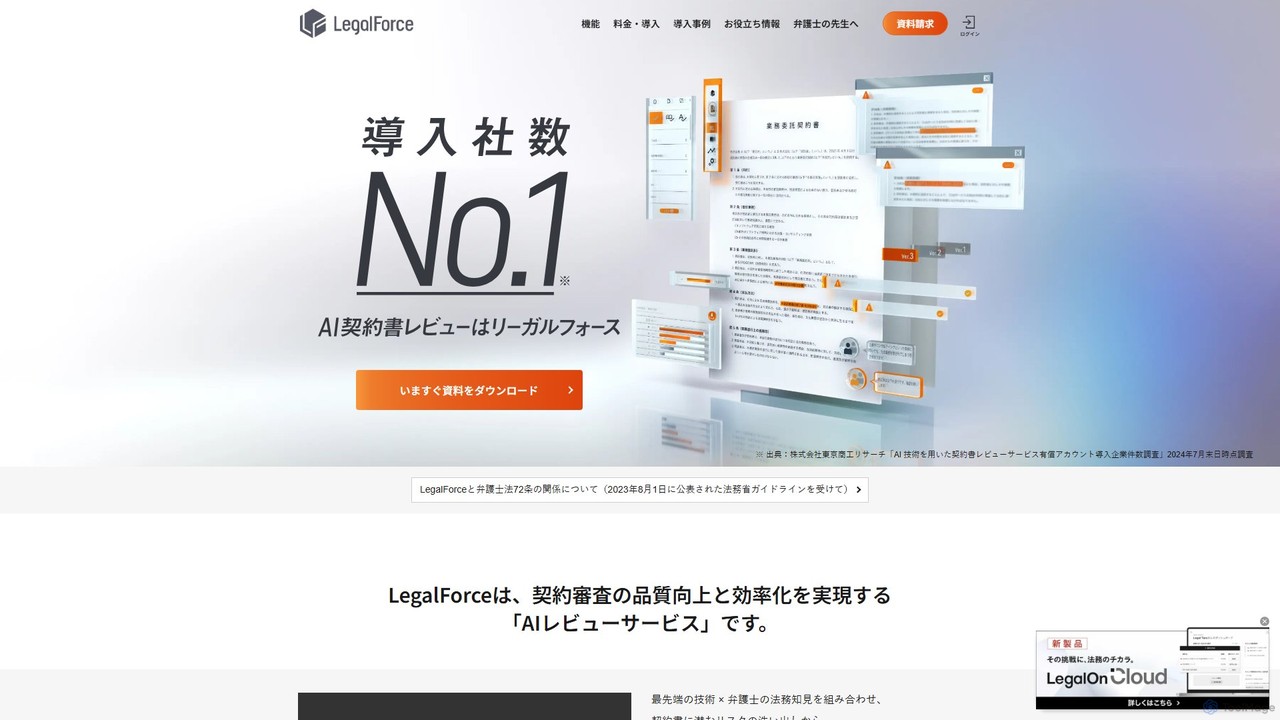
LegalForce
An AI-powered contract review platform for legal teams and law firms. It automates risk detection, provides lawyer-supervised clause suggestions, and streamlines the entire contract lifecycle. By combining advanced AI with legal expertise, LegalForce helps businesses improve review quality, reduce turnaround time, and build a centralized knowledge base.
Compliance
Jyek
Jyek is an AI agent platform that understands objectives, creates execution plans, uses tools, and delivers verifiable results for complex, multi-step tasks.
AutomationSpeedLegal
SpeedLegal is an AI-powered contract paralegal designed to help lawyers and professionals review contracts faster. It automatically analyzes documents to identify hidden risks, unfavorable terms, and potential issues. The platform provides personalized suggestions, automated summaries, and an AI Q&A feature to simplify complex legal language and accelerate negotiations.
Compliance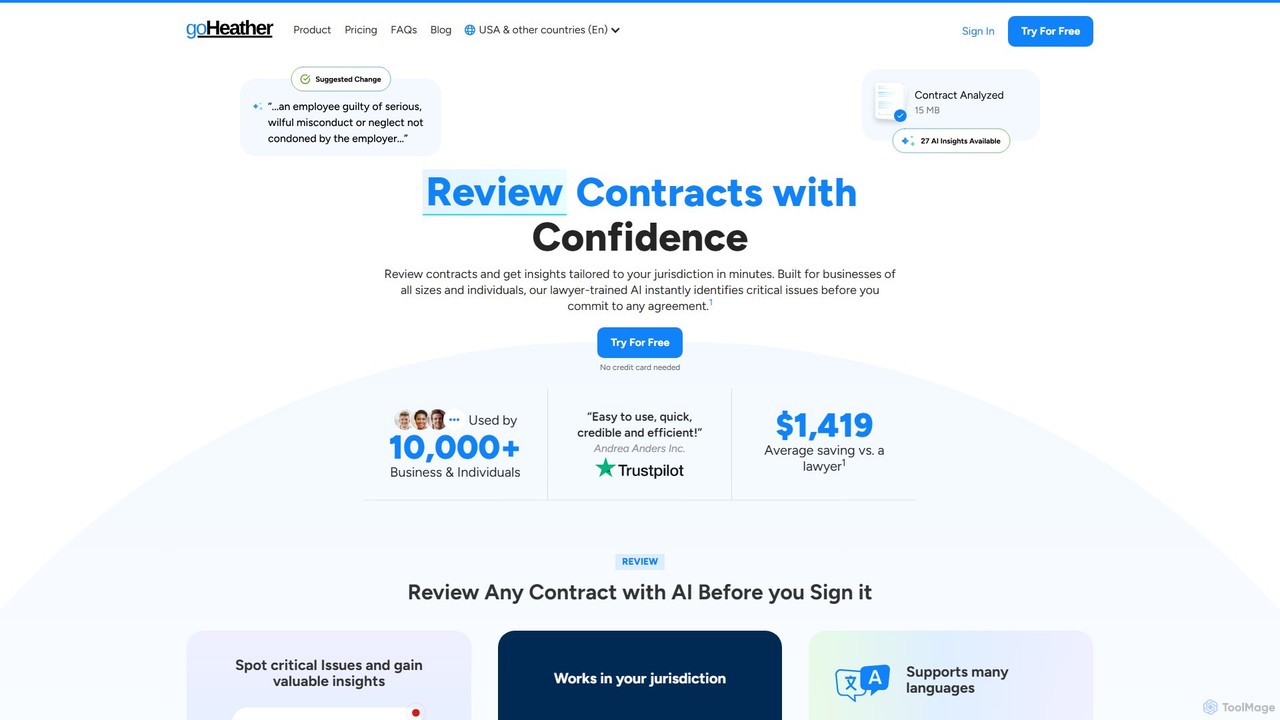
goHeather
goHeather is a lawyer-trained AI platform for effortless contract drafting and review. It helps businesses and individuals analyze legal documents, identify critical risks, and gain jurisdiction-specific insights in minutes. Features include a Microsoft Word add-in, AI chat, and customizable review playbooks.
Human Resources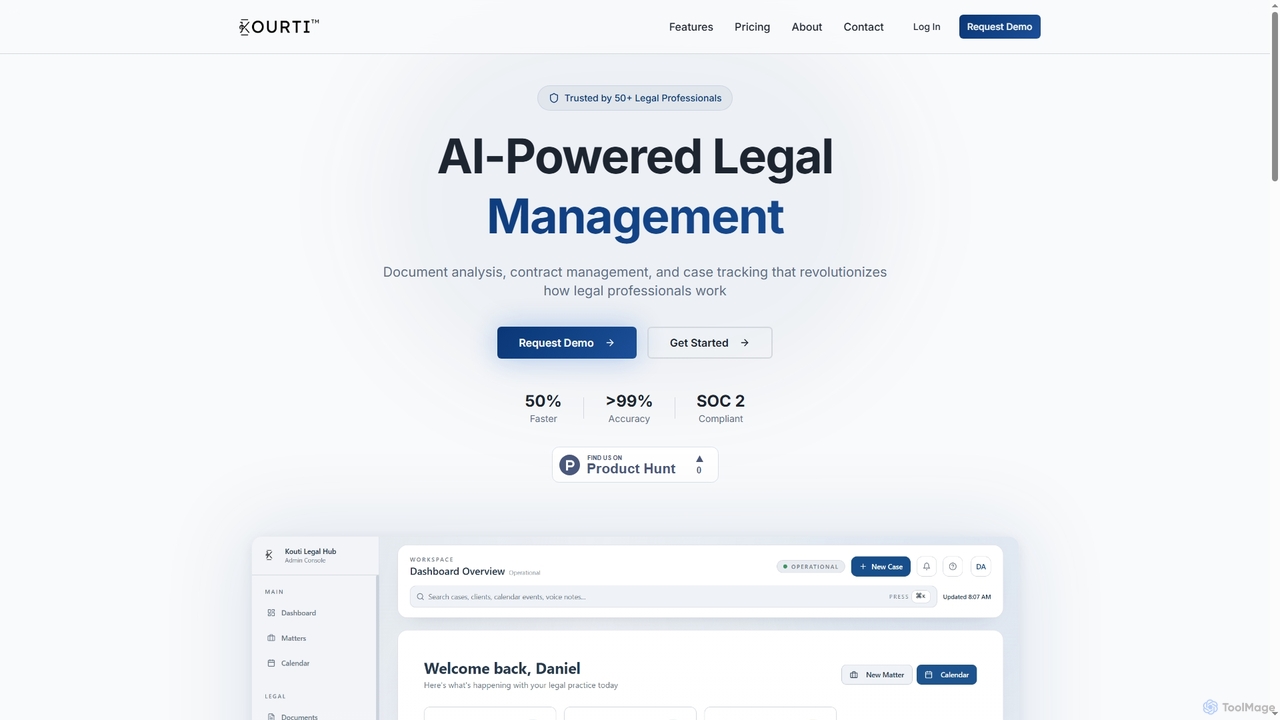
Kourti
Kourti is an AI-powered legal management platform designed to revolutionize how legal professionals work. It offers advanced features for document analysis, smart contract management, and dynamic case tracking, enhancing efficiency and accuracy across legal operations.
Contract Management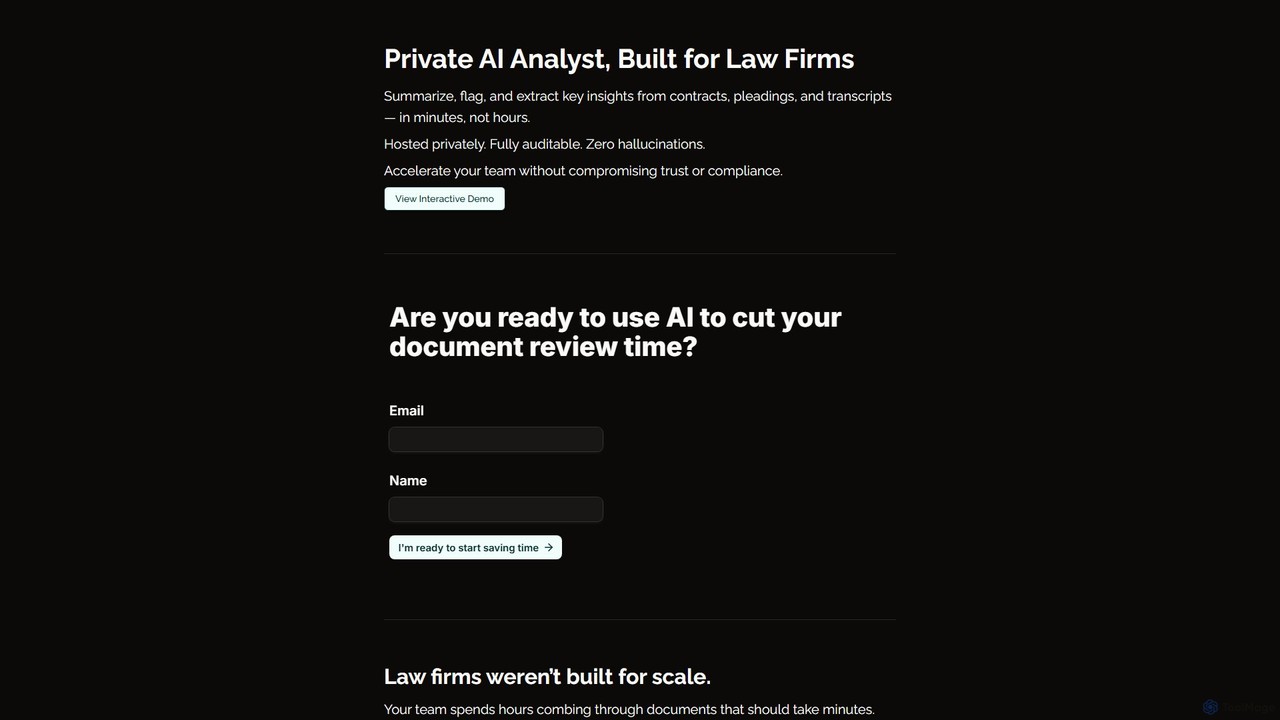
Ghostie
Ghostie is a private, on-premise AI analyst designed for law firms. It securely summarizes legal documents, flags risks in contracts, and extracts key insights from pleadings and transcripts in minutes, ensuring zero data exposure, full auditability, and no hallucinations.
Document Analysis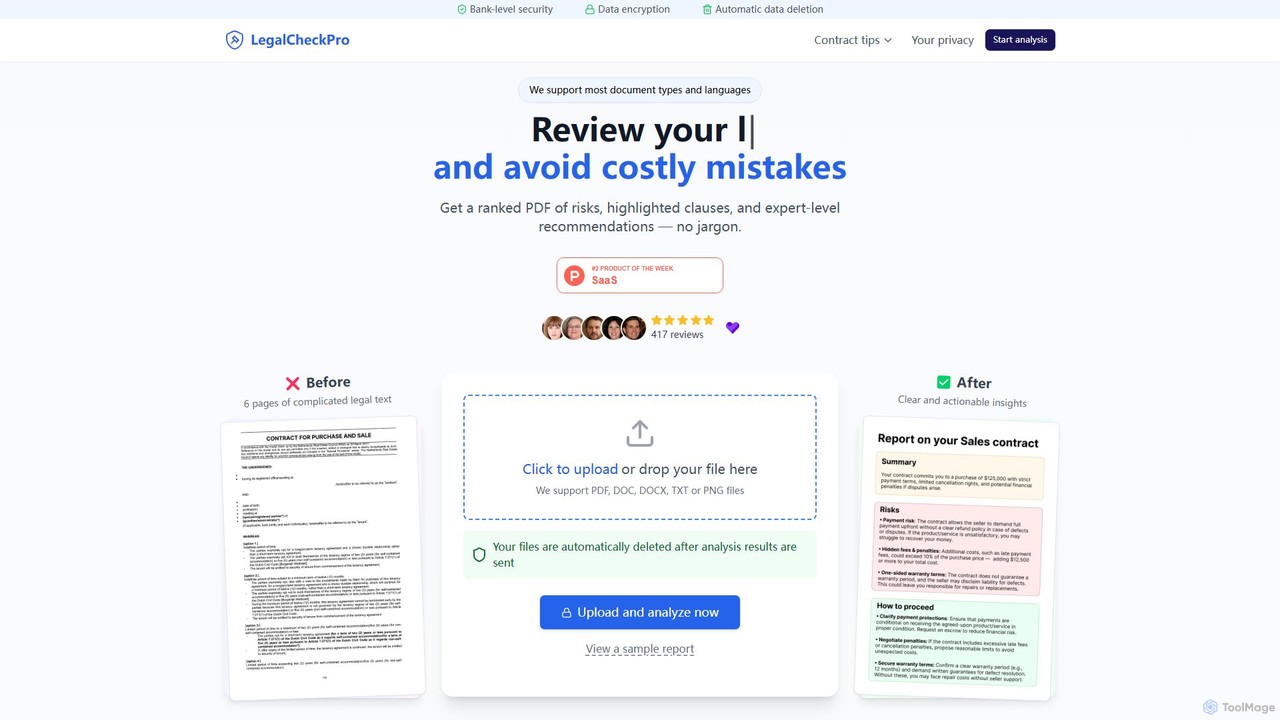
LegalCheckPro
LegalCheckPro is an AI-powered tool for instant contract review and risk analysis. It helps users understand complex legal documents like employment contracts, NDAs, and rental agreements by identifying potential risks, highlighting ambiguous clauses, and providing expert-level, jargon-free recommendations. The service combines advanced AI with verification by legal professionals to ensure accuracy and reliability.
Compliance
LegalGemini
LegalGemini is an AI-powered assistant designed for the legal world. It streamlines legal research, document analysis, summarization, and drafting. Featuring a secure, hallucination-free AI, it helps legal professionals quickly find precedents, analyze contracts, and create precise legal documents. With its secure LGiVault for data management and collaborative features, LegalGemini boosts efficiency, saves time, and allows legal teams to focus on strategic, high-value work.
Contract Analysis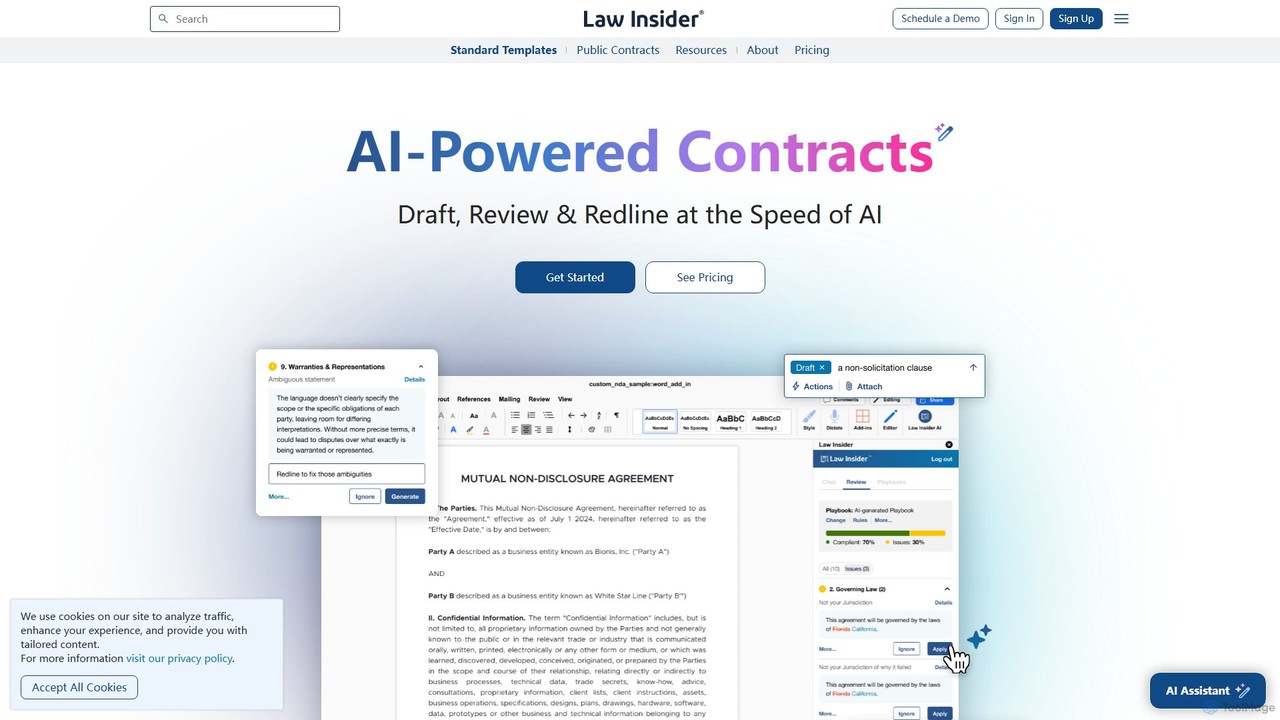
Law Insider
Law Insider is an AI-powered platform for legal professionals, offering tools to draft, review, and redline contracts with unprecedented speed. It leverages the world's largest public contract database to provide data-backed insights, AI-driven suggestions, and standardized templates, streamlining the entire contract lifecycle.
Compliance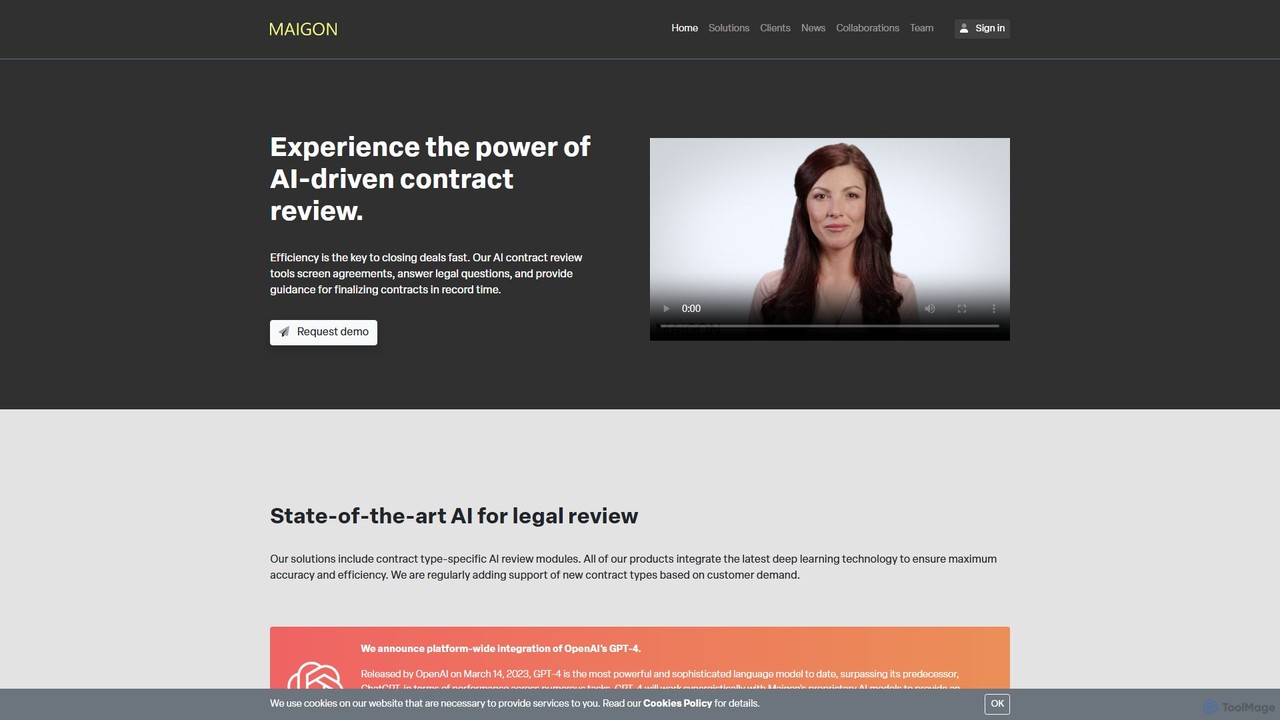
maigon
Maigon is a state-of-the-art AI platform designed for rapid and accurate contract review. It leverages proprietary deep learning models and GPT-4 to analyze legal documents, identify risks, and ensure compliance with regulations like GDPR. Ideal for legal teams, law firms, and businesses, Maigon automates repetitive review tasks, saving time and resources.
Risk ManagementTrustDoc
TrustDoc is an AI-powered document management and evaluation platform designed to automate document validation, analysis, and verification. It helps organizations streamline workflows, ensure accuracy and compliance, and enhance collaboration by using AI to score, summarize, and justify document content against predefined templates and standards.
Compliance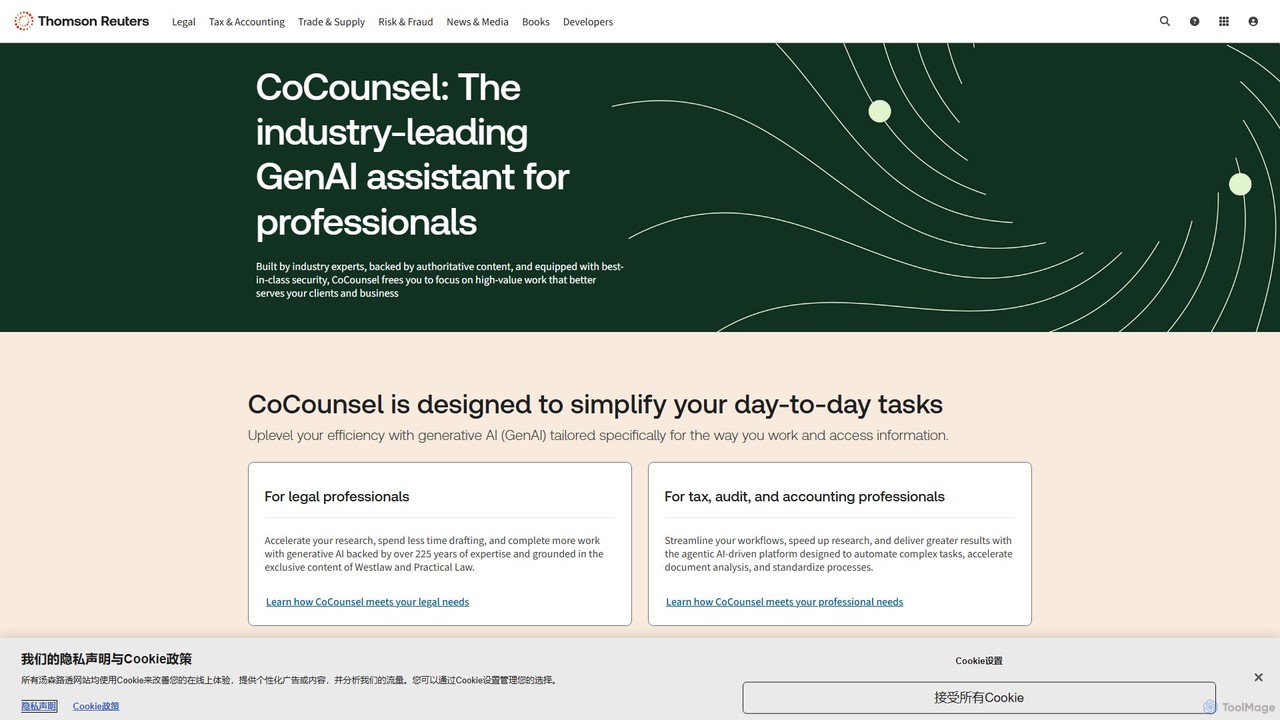
CoCounsel
CoCounsel is a professional-grade generative AI assistant from Thomson Reuters, designed for legal, tax, and accounting professionals. It accelerates complex tasks like legal research, document review, and drafting by leveraging trusted, authoritative content and ensuring top-tier data security and privacy.
Accounting
Screens Comments (0)
Sign in to comment.
Sign inNo comments yet.