


Speechki Overview
Speechki is a state-of-the-art AI-powered text-to-speech (TTS) and voice generation platform designed to convert any text into high-quality, natural-sounding audio. With a massive library of over 1,100 realistic voices across more than 80 languages, Speechki empowers users to make their content more accessible, engaging, and global. The platform is built for a diverse range of users, including content creators, business owners, marketers, educators, and podcasters, providing them with the tools to effortlessly create professional-grade voice-overs, audiobooks, podcast segments, and more.
At its core, Speechki features a sophisticated visual editor that gives users granular control over the audio output. This editor is not just a simple text box; it's a comprehensive workspace for perfecting audio. It also offers a groundbreaking AI Voice Cloning feature, capable of creating a high-fidelity digital replica of a voice that is 99% similar to the original, opening up new possibilities for personalized audio content. Furthermore, its integration as a ChatGPT plugin allows users to generate audio directly within their conversations, streamlining the workflow from text creation to audio production.
How to use Speechki
Using Speechki is designed to be an intuitive and straightforward process, whether you're using the web platform or the ChatGPT plugin.
- Sign Up and Get Started: Begin by signing up on the Speechki website to access a free trial. This allows you to explore the platform's capabilities and see how it fits your needs.
- Input Your Text: You can either type or paste your text directly into the advanced visual editor on the Speechki platform.
- Use the ChatGPT Plugin: For an even faster workflow, install the Speechki plugin in ChatGPT. You can then simply ask ChatGPT to convert any generated text into audio.
- Customize Your Audio: In the visual editor, select a voice from the extensive library. You can fine-tune the audio by adjusting the speed, tone, and pitch. Use advanced features like SSML tags to control prosody, add pauses, and manage character roles for dialogues.
- Proof-Listen and Refine: The real-time proof-listening feature allows you to hear changes as you make them, ensuring the final audio is perfect before generation.
- Generate and Download: Once you are satisfied with the setup, click to generate the audio. The final file can be downloaded and shared across your favorite platforms and tools.
Core Features of Speechki
- Extensive Voice Library: Access over 1,100 realistic AI voices in more than 80 languages and various accents, ensuring you can find the perfect voice for any project and reach a global audience.
- AI Voice Cloning: Create a high-fidelity, 99% accurate clone of your own voice or any other voice with permission. This is perfect for creating a consistent brand voice or personalizing audio content.
- Advanced Visual Editor: A powerful editor that provides complete control over audio output. Features include real-time proof-listening, chapter-like formatting, and streamlined role management for multi-character conversations.
- Nuanced Speech Control: Utilize Speech Synthesis Markup Language (SSML), phonemes, and prosody controls to fine-tune every aspect of the speech, including pauses, emphasis, and pronunciation for incredibly lifelike results.
- ChatGPT Plugin Integration: Seamlessly convert text to audio directly within the ChatGPT interface, transforming your text-based conversations into shareable audio files instantly.
- Audiogram and Music Generation: Enhance your audio content by creating engaging audiograms for social media and even generating background music to complement your voice-overs.
- Global Reach: Support for multicast and multilanguage delivery allows you to produce and distribute content in multiple languages simultaneously.
Use Cases for Speechki
Speechki is a versatile tool that caters to various professional and personal needs:
- Content Creators: Convert blog posts, articles, and newsletters into audio versions to increase engagement and accessibility. Create voice-overs for videos without needing expensive equipment.
- Educators: Develop audio-based learning materials, lectures, and study guides to support different learning styles and create a more inclusive educational experience for students.
- Businesses and Marketers: Produce professional voice-overs for marketing videos, product demonstrations, and corporate training materials. Enhance customer experience with automated, high-quality voice responses.
- Podcasters: Quickly generate scripts, intros, outros, or even full podcast episodes. Transcribe existing episodes and convert them into different languages to expand your audience.
- Authors and Publishers: Transform eBooks and manuscripts into audiobooks with distinct character voices, making them accessible to a wider audience.
- Personal Use: Convert any text you want to read—articles, documents, or stories—into audio to listen to while driving, exercising, or multitasking.
Advantages of Speechki
Speechki stands out with its combination of quality, versatility, and user-friendliness. The primary advantage is the sheer realism of its AI voices, which are trained on vast datasets of human speech. The platform's deep customization options, from simple speed adjustments to complex SSML editing, provide unparalleled control. The voice cloning feature is a game-changer for personalization and branding. Finally, the seamless integration with ChatGPT makes it one of the most efficient text-to-audio workflows available today.
Pricing and Plans
Speechki operates on a freemium model. New users can sign up for a free trial to get a feel for the platform's features and generate a limited amount of audio. After the trial, users can choose from a variety of paid subscription plans tailored to different usage levels, from individual creators to large businesses. For the most up-to-date and detailed information on pricing and the features included in each plan, please visit the official Speechki website.
Speechki Alternatives
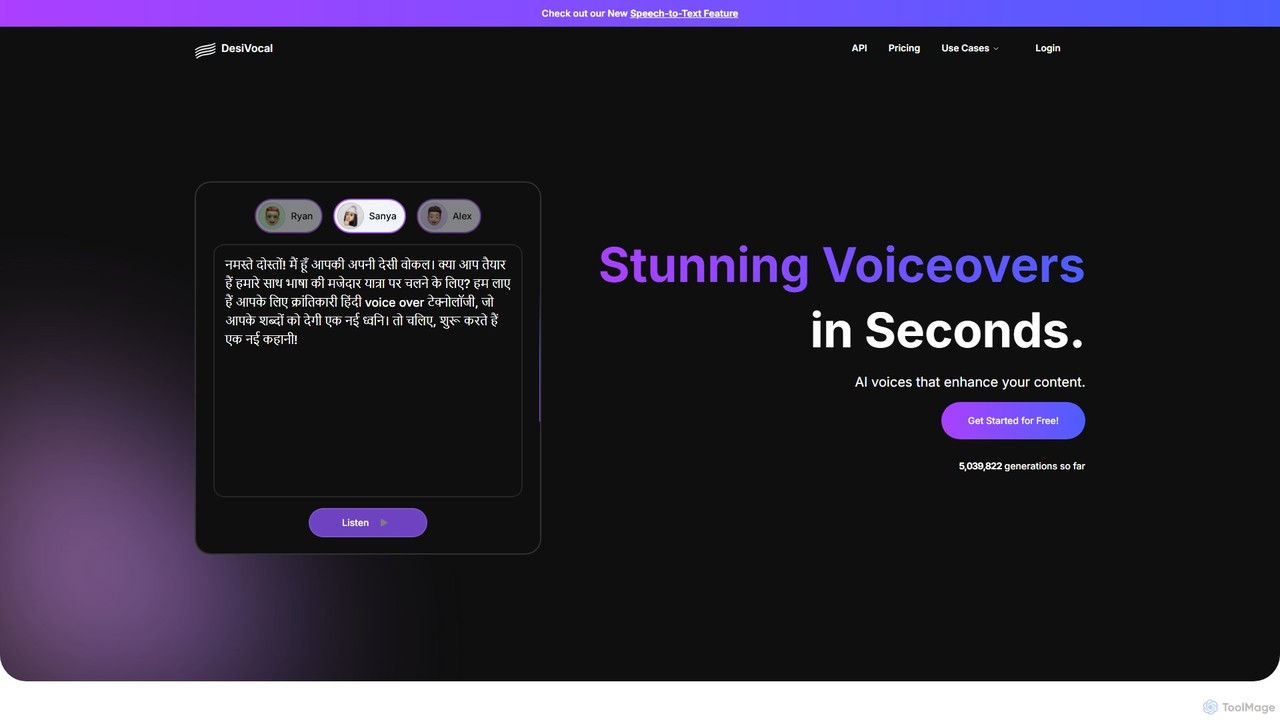
DesiVocal
DesiVocal is a powerful AI voice generator specializing in high-quality, authentic text-to-speech (TTS) conversions, with a strong focus on Indian and global languages. It enables content creators, marketers, and businesses to produce stunning voiceovers, audiobooks, and ad narrations in seconds. The platform also offers advanced features like ethical voice cloning, a voice changer, and speech-to-text transcription, making it a comprehensive solution for all audio content needs.
Text To Speech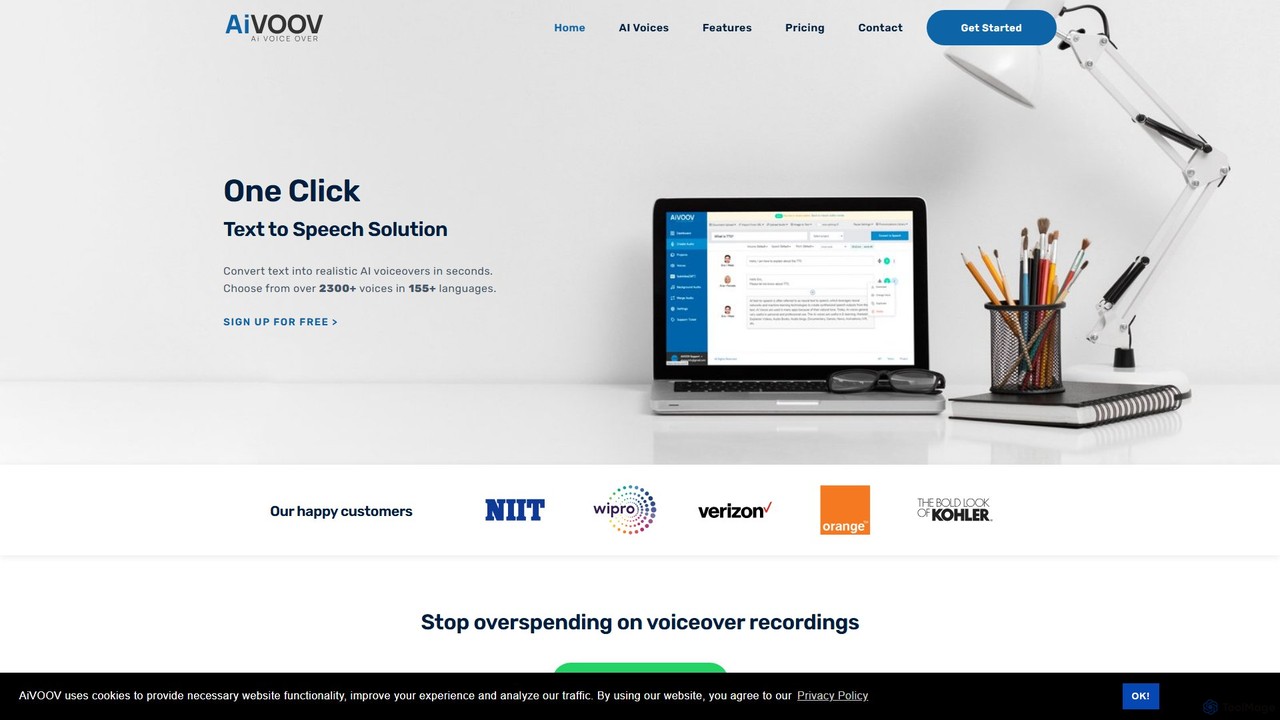
AiVOOV
AiVOOV is an advanced AI text-to-speech (TTS) and voice generator that converts text into realistic, human-like voiceovers. It offers a vast library of over 2300 voices in more than 155 languages and accents, catering to a wide range of applications like video narration, podcasts, e-learning, and marketing content. With powerful features including podcast hosting, SRT file generation, and background music integration, AiVOOV provides a comprehensive, one-click solution for professional-grade audio production.
Text To Speech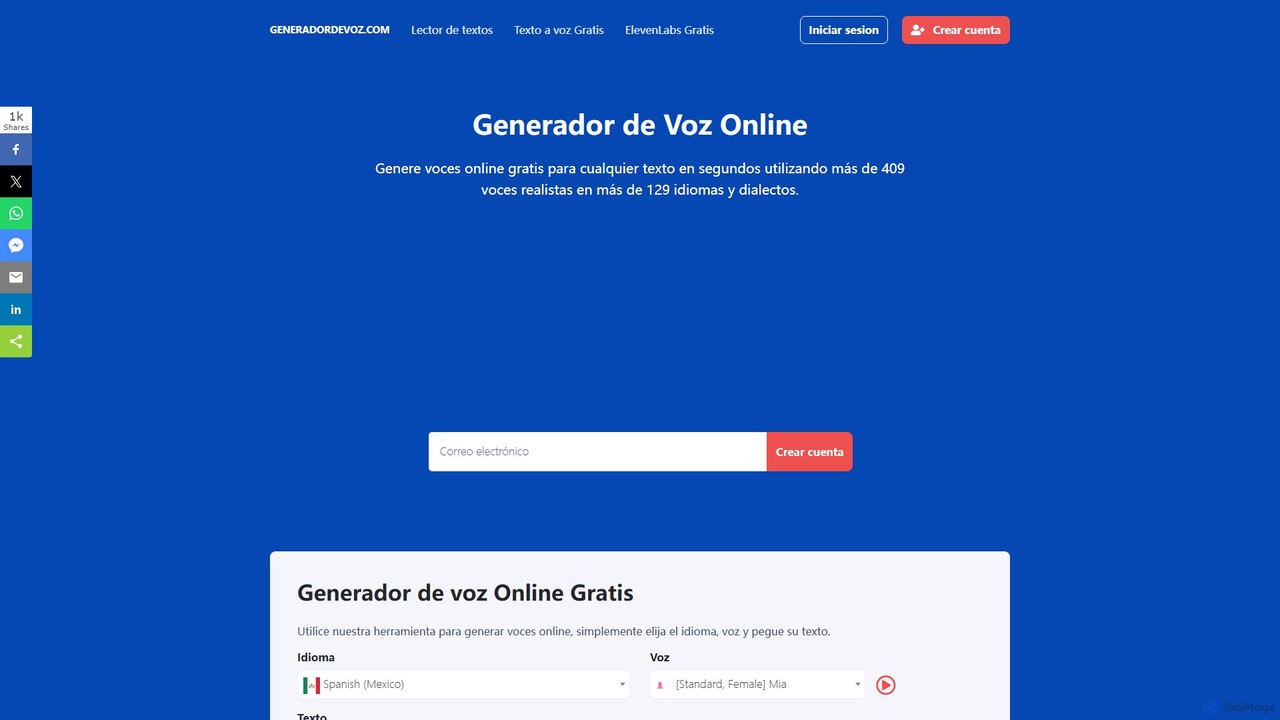
Generador de Voz
An AI-powered online text-to-speech generator that creates realistic voiceovers in seconds. It supports over 129 languages and dialects with more than 409 natural-sounding voices. Ideal for content creators, marketers, educators, and developers, offering both a free quick-use tool and an advanced panel with enhanced features for professional projects.
Text To Speech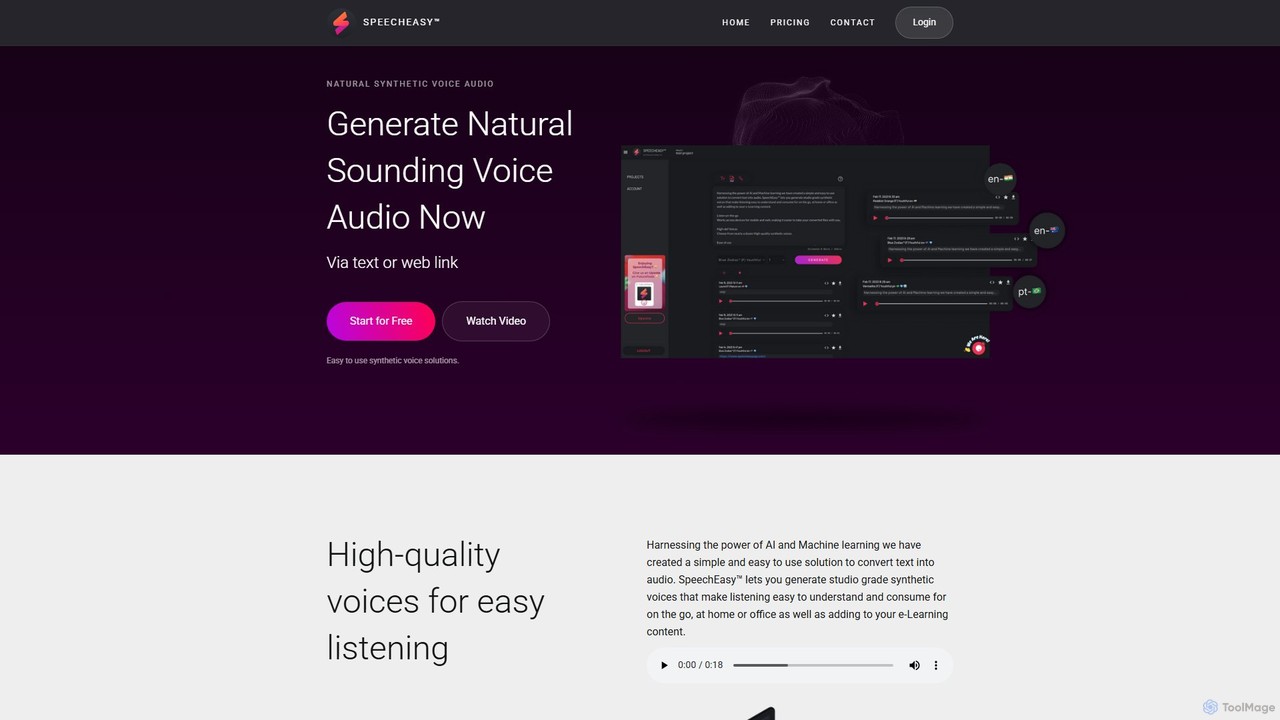
SpeechEasy
SpeechEasy is an advanced AI-powered text-to-speech platform that converts written text into high-quality, natural-sounding audio. It's designed for content creators, marketers, educators, and publishers to effortlessly generate professional voiceovers for videos, e-learning courses, audiobooks, and marketing materials. With a wide range of voices and languages, SpeechEasy streamlines audio production, saving time and costs.
Text To Speech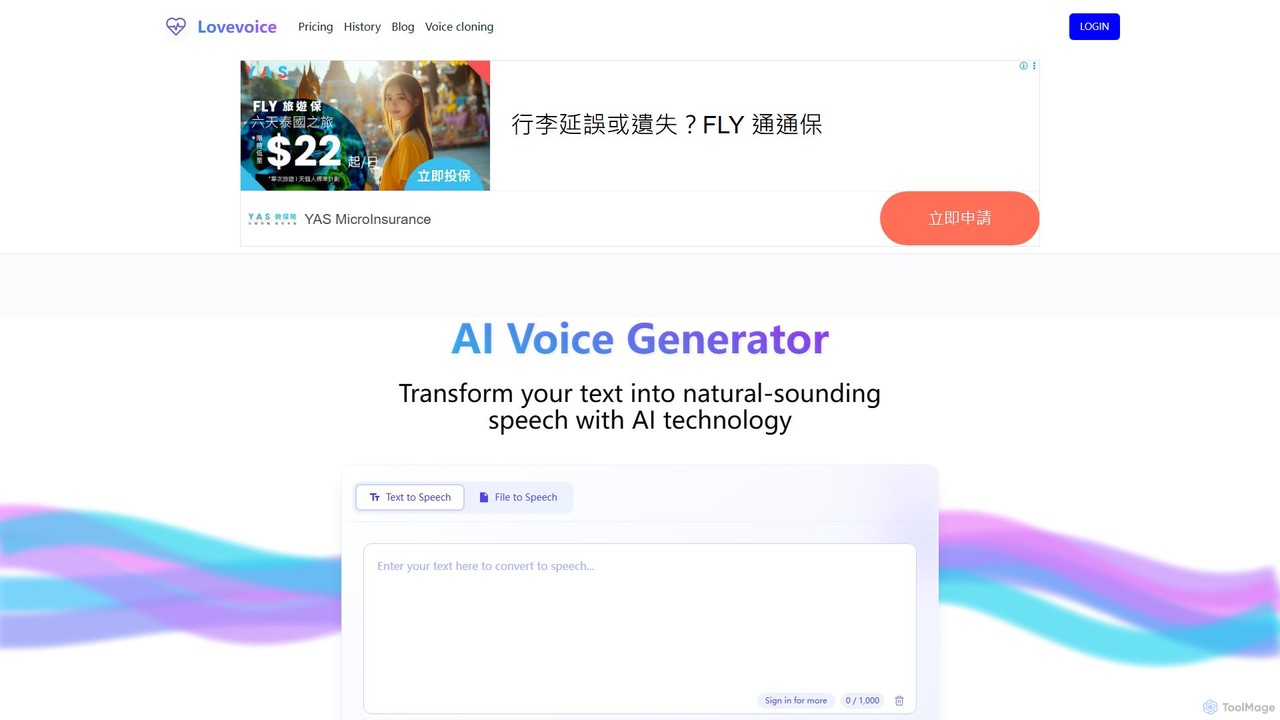
Lovevoice
Lovevoice is a powerful AI voice generator that transforms text into natural-sounding speech. It supports over 70 languages with nearly 300 realistic voices. Ideal for content creators, marketers, and educators, it offers customizable voice settings and high-quality MP3 downloads. Its unique pricing model features a one-time purchase for character credits that never expire, making it a flexible and cost-effective solution for all voiceover needs.
Text To SpeechSpeechki Categories
Speechki Embed Widget
Copy this embed code to place the badge on your blog, article, or product site and send readers directly to this ToolMage detail page.

Related AI tools
Lazybird
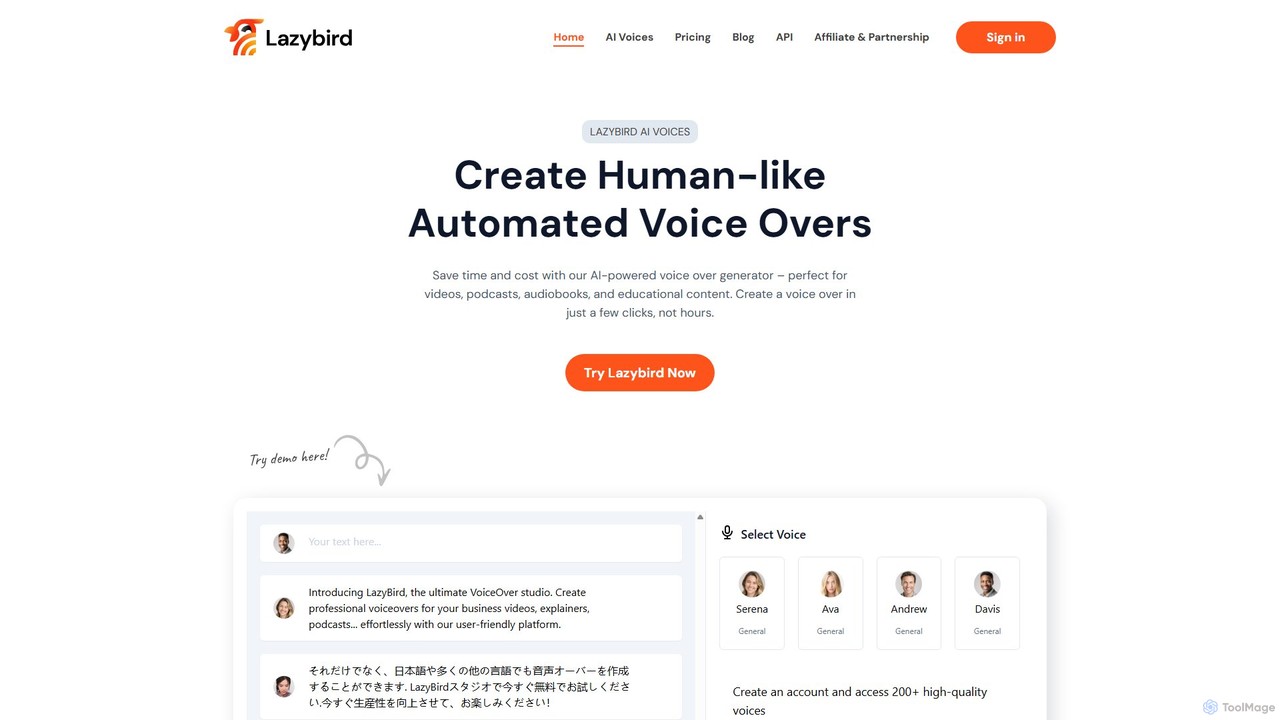
Lazybird is an AI-powered text-to-speech generator that creates high-quality, human-like voice-overs for various content types. With over 200 voices in 100+ languages, it's perfect for videos, podcasts, audiobooks, and educational materials. The platform offers detailed customization of pitch, speed, and pauses, along with voice cloning capabilities. Its cost-effective, pay-as-you-go model makes it accessible for creators and businesses of all sizes.
Text To Speech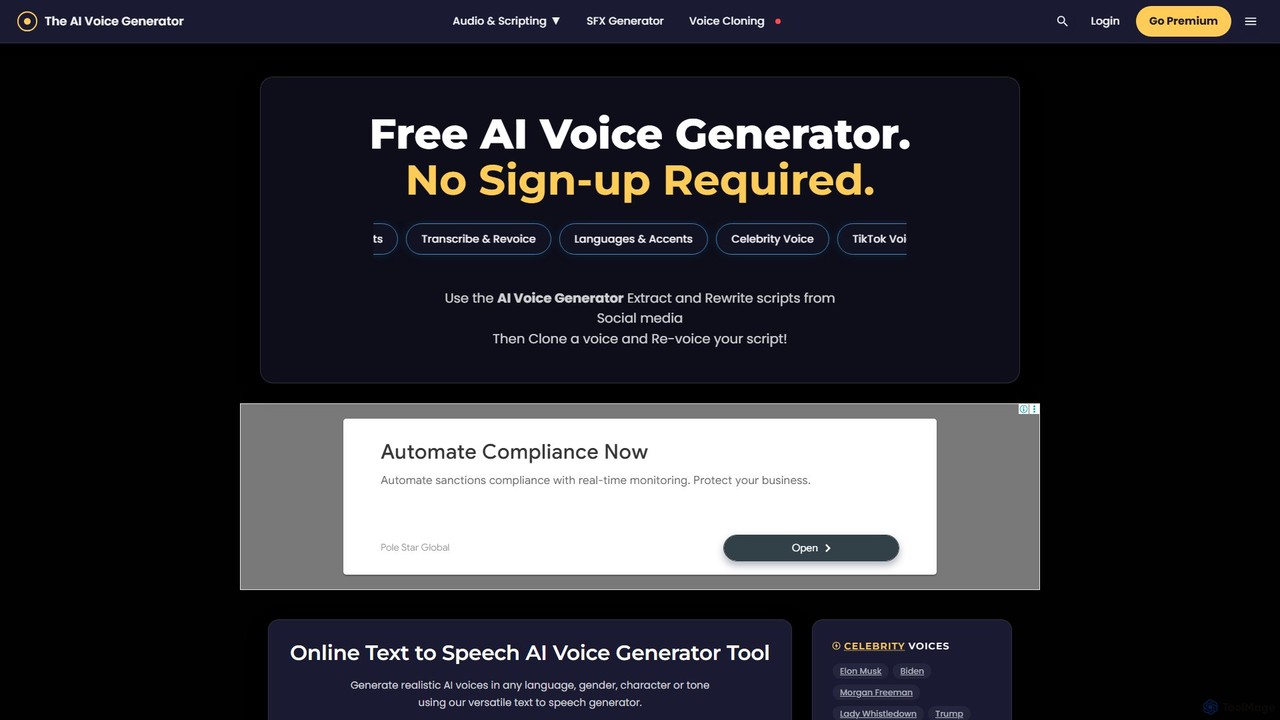
theaivoicegenerator
A versatile AI audio toolkit offering free text-to-speech (TTS) with celebrity and character voices, an AI sound effects (SFX) generator, and premium voice cloning. Supports over 120 languages with no sign-up required for basic features, making it ideal for content creators, developers, and marketers.
Text To SpeechDesiVocal
DesiVocal is a powerful AI voice generator specializing in high-quality, authentic text-to-speech (TTS) conversions, with a strong focus on Indian and global languages. It enables content creators, marketers, and businesses to produce stunning voiceovers, audiobooks, and ad narrations in seconds. The platform also offers advanced features like ethical voice cloning, a voice changer, and speech-to-text transcription, making it a comprehensive solution for all audio content needs.
Text To SpeechAiVOOV
AiVOOV is an advanced AI text-to-speech (TTS) and voice generator that converts text into realistic, human-like voiceovers. It offers a vast library of over 2300 voices in more than 155 languages and accents, catering to a wide range of applications like video narration, podcasts, e-learning, and marketing content. With powerful features including podcast hosting, SRT file generation, and background music integration, AiVOOV provides a comprehensive, one-click solution for professional-grade audio production.
Text To SpeechGenerador de Voz
An AI-powered online text-to-speech generator that creates realistic voiceovers in seconds. It supports over 129 languages and dialects with more than 409 natural-sounding voices. Ideal for content creators, marketers, educators, and developers, offering both a free quick-use tool and an advanced panel with enhanced features for professional projects.
Text To Speech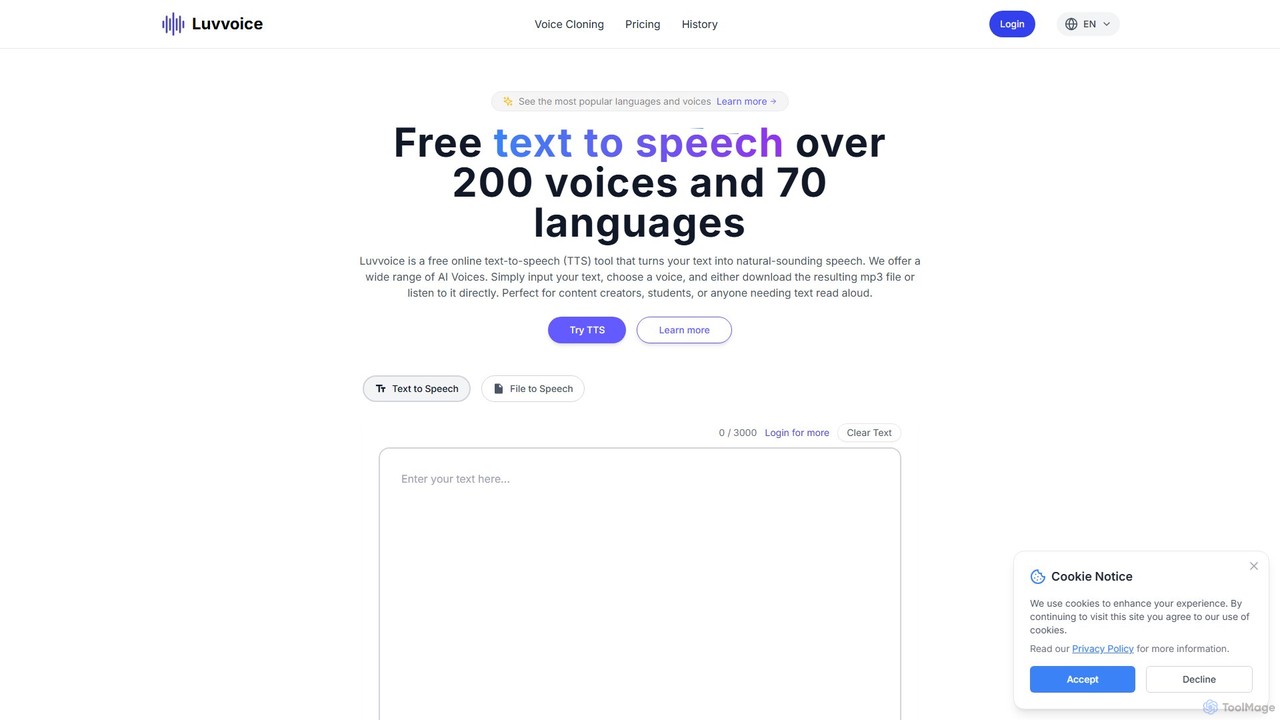
Luvvoice
Luvvoice is an advanced AI voice generator offering free text-to-speech (TTS) and voice cloning services. It converts text into natural-sounding speech with over 300 voices in 70+ languages. Key features include document-to-speech conversion (PDF, TXT), adjustable speech settings, and high-quality voice cloning from a short audio sample. It's ideal for content creators, educators, and businesses.
Voice Cloning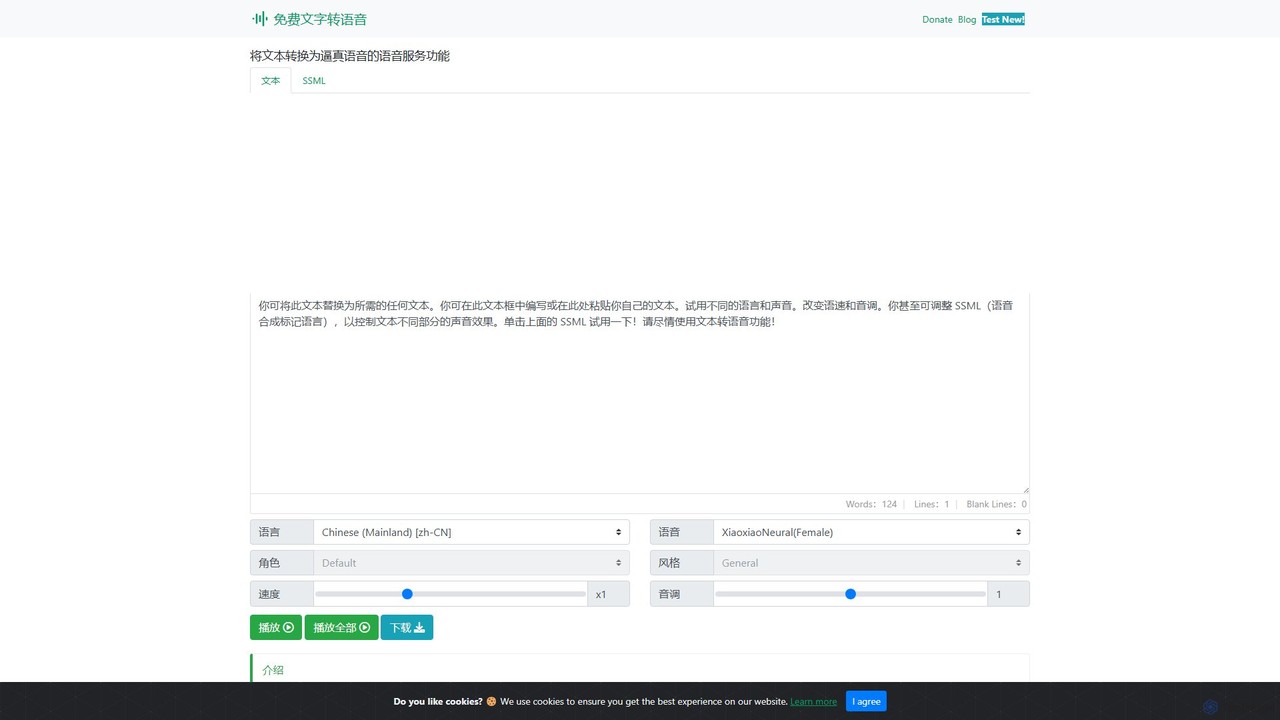
Text to Speech Online
A free, powerful online text-to-speech converter that uses advanced AI to generate realistic, human-like voices. It supports over 129 languages and 330+ neural voices, offering extensive customization of speed, pitch, and style for various applications.
Text To Speech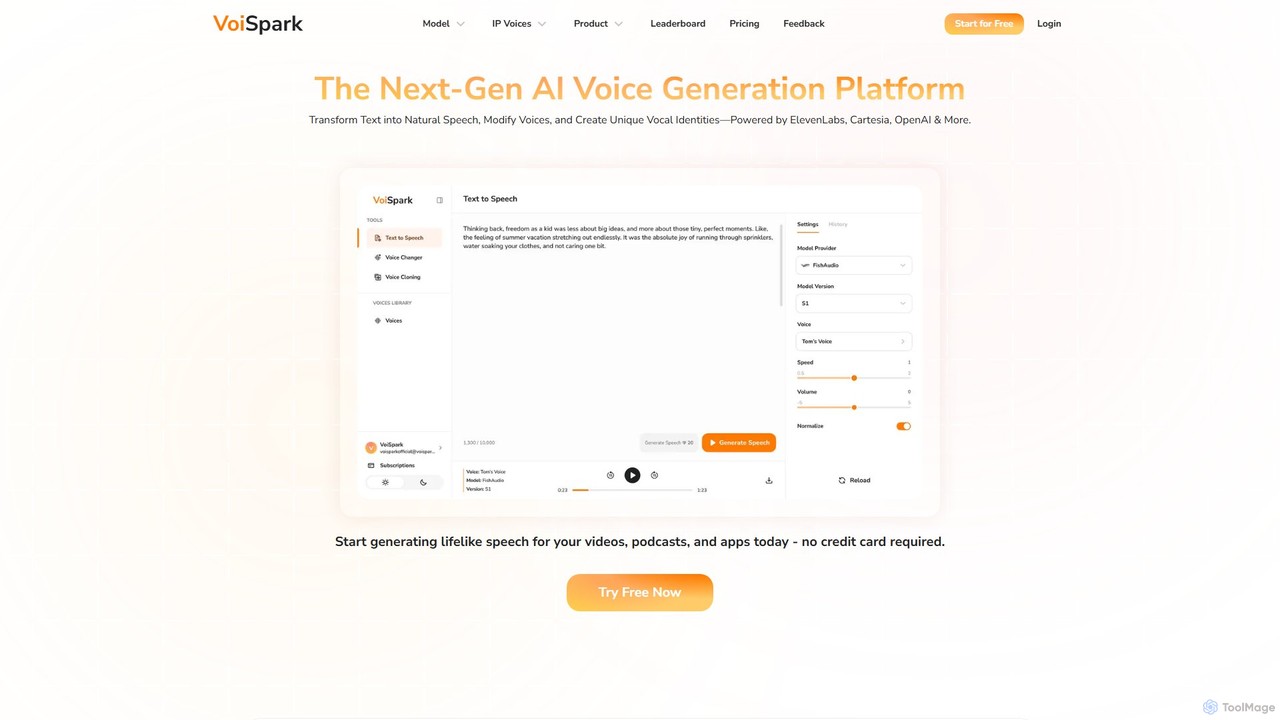
VoiSpark
VoiSpark is a next-generation AI voice platform offering a suite of tools for text-to-speech, voice cloning, voice changing, and custom voice design. Powered by leading models like ElevenLabs and OpenAI, it enables creators and businesses to generate ultra-realistic, studio-quality audio in over 50 languages for podcasts, videos, e-learning, and more.
Audio Editing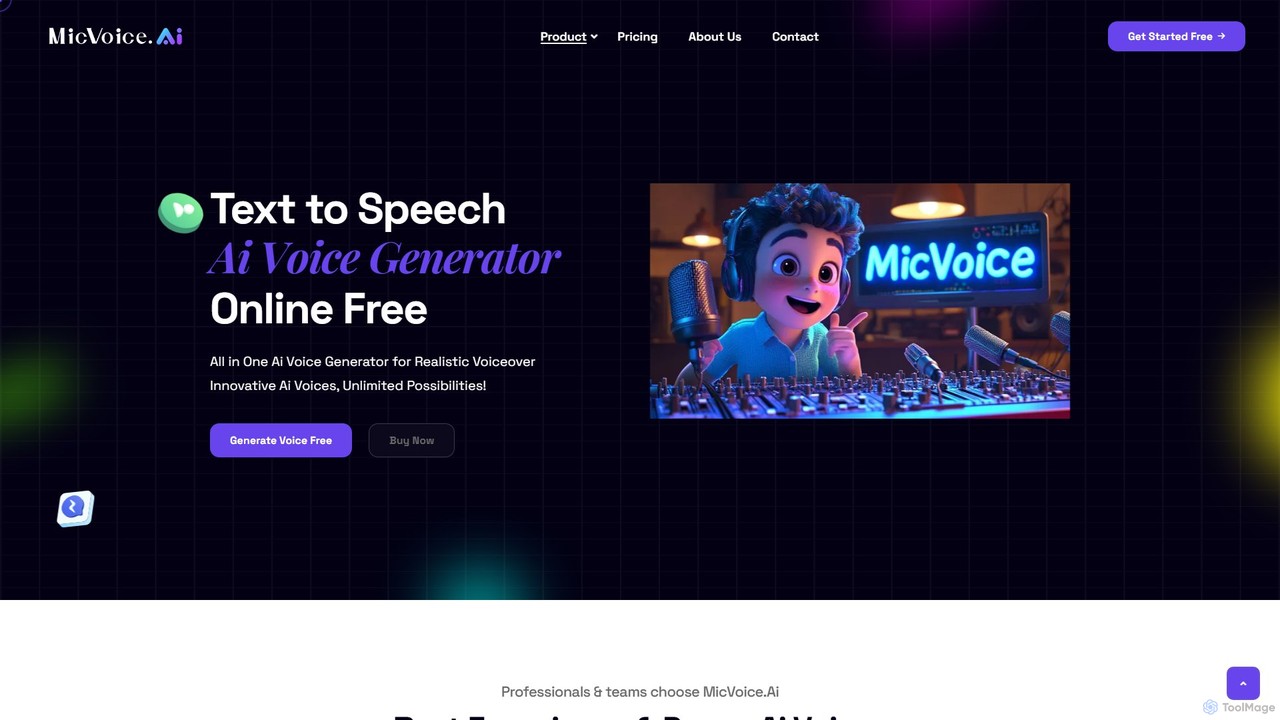
MicVoice.ai
MicVoice.ai is an advanced AI voice generator that converts text to natural-sounding speech. It offers text-to-speech, voice cloning, and voice changing capabilities, supporting various inputs like text, PDF, and JPG. Ideal for content creators, marketers, and educators to produce high-quality voiceovers for audiobooks, ads, and e-learning.
Text To Speech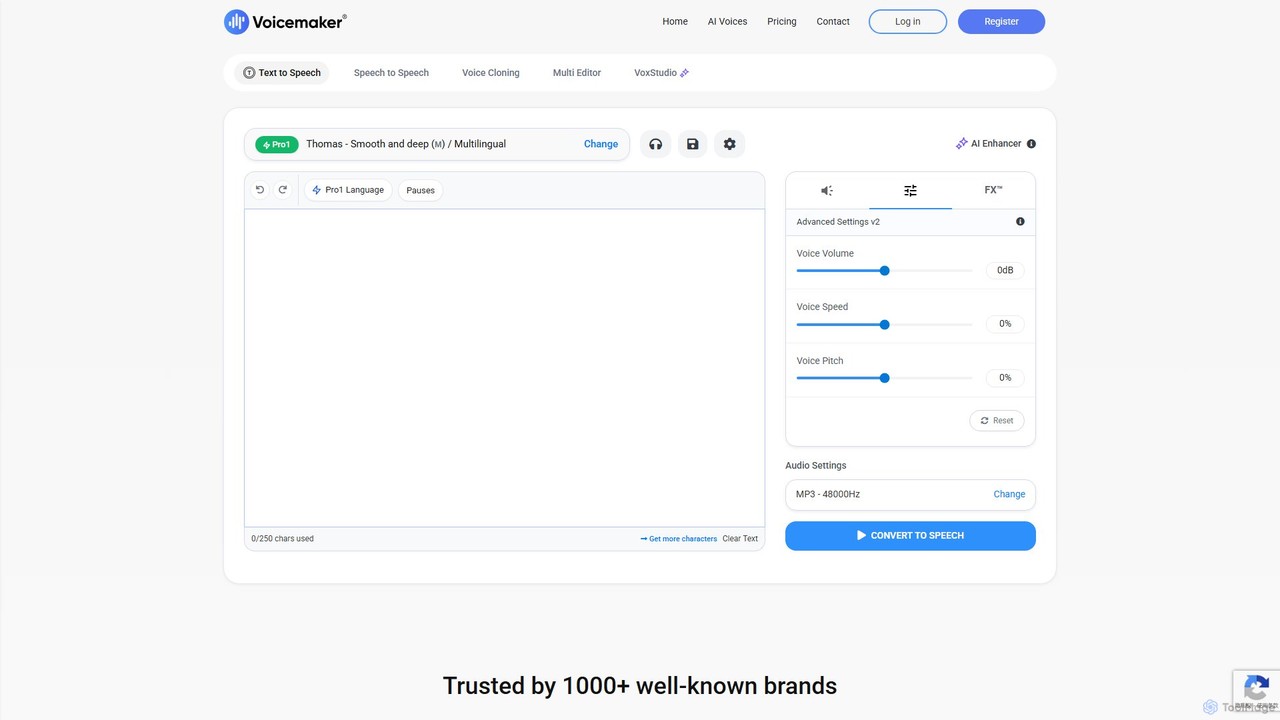
Voicemaker
Voicemaker is a powerful AI text-to-speech converter that transforms text into natural-sounding audio. It offers over 1000 voices in 140+ languages, advanced features like voice cloning, SSML support, and a rich voice effects library (VoxFX™). Ideal for content creators, developers, and businesses, it provides a versatile platform for creating high-quality voiceovers for videos, podcasts, e-learning, and more.
Text To Speech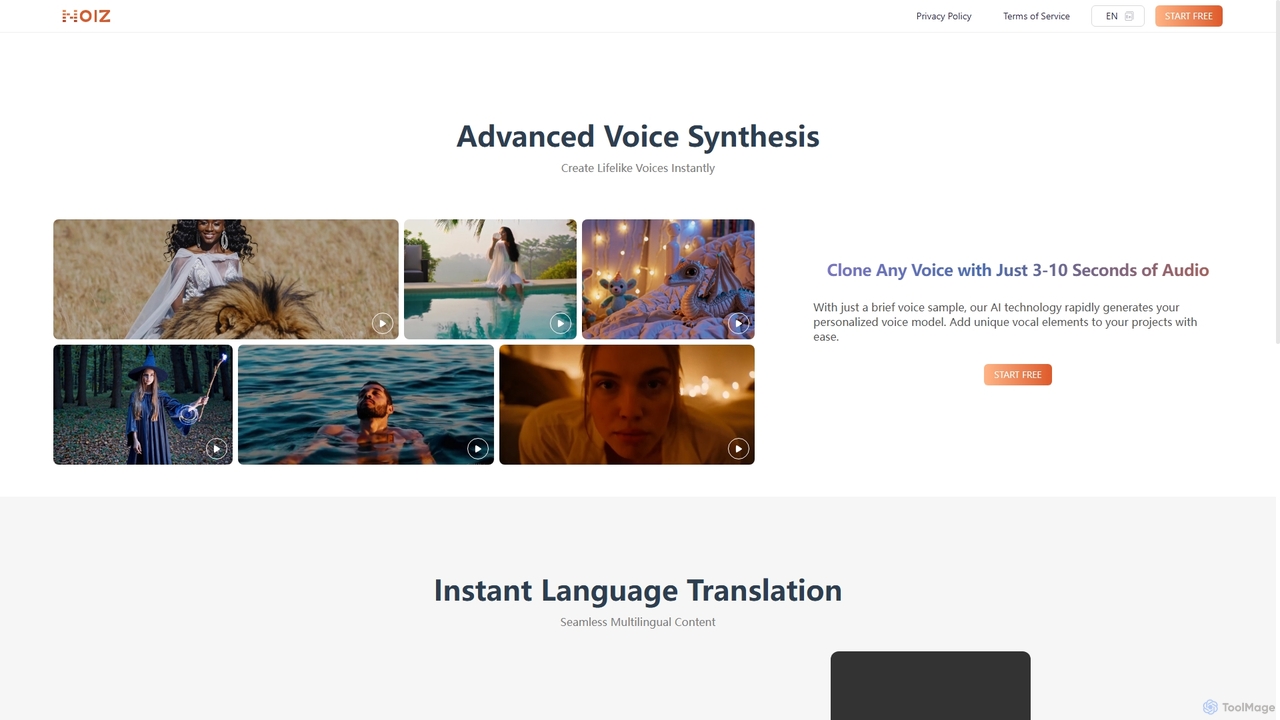
Noiz
Noiz is an advanced AI voice platform for text-to-speech, voice cloning, and instant video dubbing. Create lifelike voices, clone any voice from a 3-10 second audio clip, and translate your content into multiple languages while preserving the original vocal characteristics. Ideal for content creators, marketers, and developers.
Voice Synthesis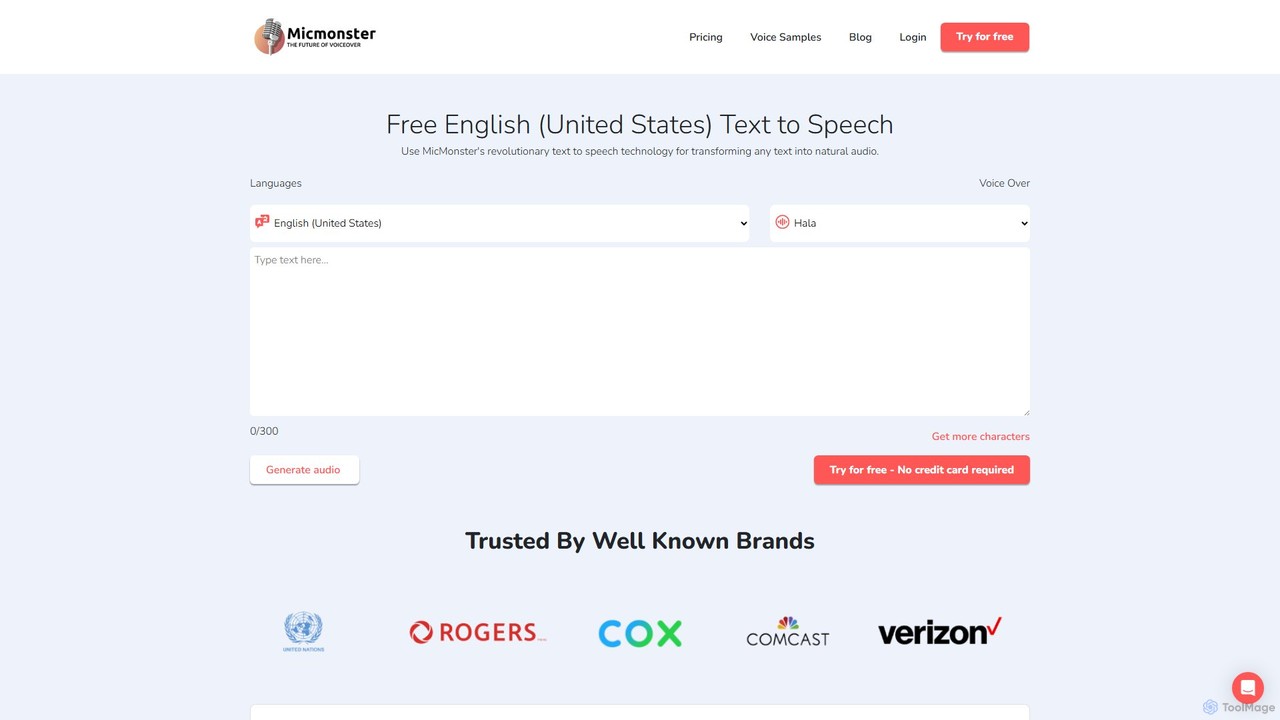
MicMonster
MicMonster is a powerful AI text-to-speech generator that transforms any text into natural-sounding voiceovers. It offers over 800 voices across 140+ languages, an advanced editor for fine-tuning, and a multi-voice feature. Ideal for content creators, marketers, and educators, it simplifies the creation of high-quality audio for YouTube, podcasts, e-learning, and more.
Text To Speech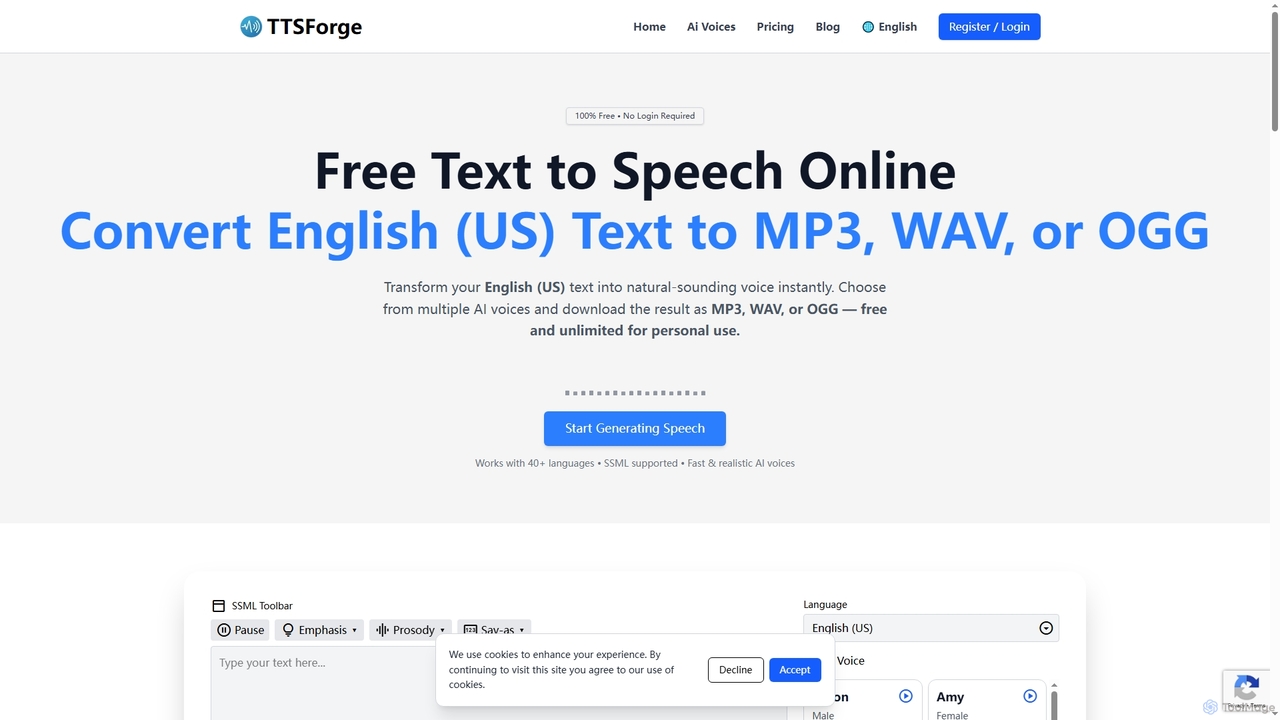
TTSForge
TTSForge is a free online text-to-speech platform that converts written text into natural-sounding audio using advanced AI voices. It supports over 40 languages and allows users to download audio in MP3, WAV, or OGG formats for various personal and commercial projects.
Text To Speech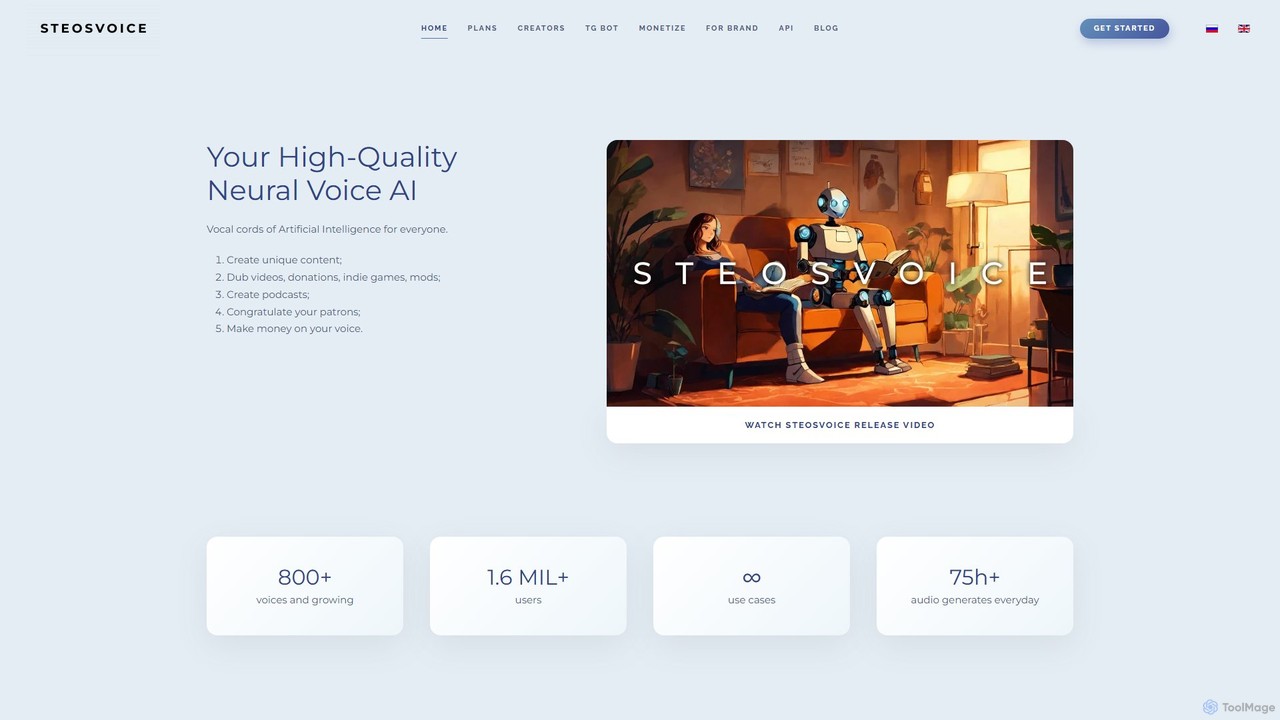
SteosVoice
SteosVoice (formerly CyberVoice) is a high-quality neural voice AI platform that generates realistic speech from text. With over 800 voices, it serves content creators, businesses, and game developers for dubbing, podcasts, audio articles, and more. It offers both a free Telegram bot for quick tasks and comprehensive paid plans for commercial use.
Text To Speech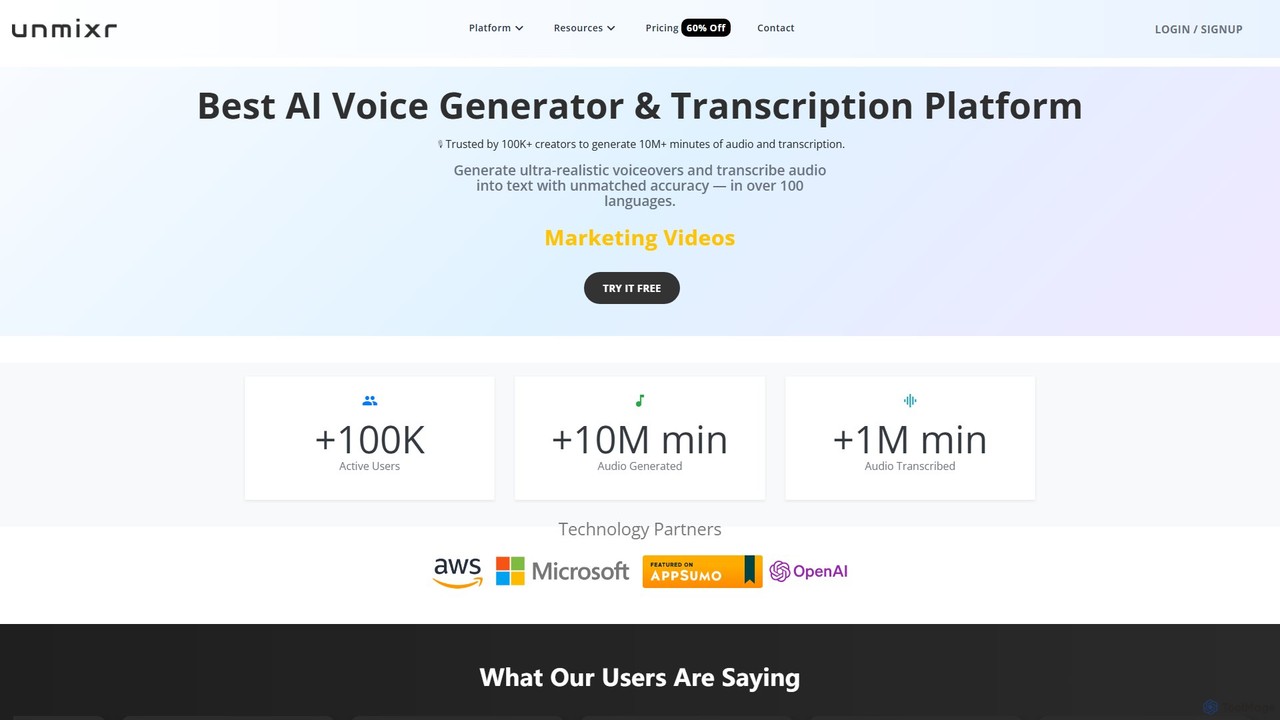
unmixr
unmixr is an all-in-one AI platform for content creation, offering ultra-realistic text-to-speech, highly accurate audio/video transcription, and seamless video dubbing in over 100 languages. It also includes voice cloning, an AI chatbot, and copywriting tools, making it a comprehensive solution for creators, marketers, and filmmakers.
Text To Speech
Speechki Comments (0)
Sign in to comment.
Sign inNo comments yet.