


StartConvo Overview
StartConvo is a cutting-edge AI chatbot platform designed to revolutionize how businesses interact with their customers. It provides a comprehensive suite of tools that allows anyone, regardless of technical skill, to build, customize, and deploy intelligent chatbots on their websites. By automating responses to common queries, StartConvo helps businesses enhance their customer service, reduce support ticket volume, and improve user engagement around the clock. The platform's core is a sophisticated AI engine that understands context and user intent, delivering accurate and helpful responses that feel natural and human-like.
Praised by e-commerce owners, SaaS entrepreneurs, and digital marketing agencies, StartConvo is built for scalability and ease of use. It empowers companies to create a 24/7 virtual support team, freeing up human agents to focus on more complex issues while ensuring no customer query goes unanswered. With extensive customization options, businesses can tailor the chatbot's appearance and personality to perfectly match their brand identity.
How to use StartConvo
Getting started with StartConvo is a straightforward process designed for speed and efficiency:
- Sign Up: Create an account on the StartConvo platform to access the dashboard.
- Create Your Chatbot: Use the intuitive no-code builder. You can start from scratch or choose from a variety of pre-built templates tailored for different industries like e-commerce, education, or SaaS.
- Train the AI: Feed the chatbot your data. This can be done by providing a link to your FAQ page, uploading documents (like product manuals or policy guides), or manually entering question-and-answer pairs. The AI will learn from this content to provide accurate answers.
- Customize the Appearance: Tailor the chatbot widget's colors, logo, avatar, and welcome messages to align with your website's branding.
- Integrate with Your Website: StartConvo will provide a simple line of JavaScript code. Copy and paste this code into your website's HTML before the closing `` tag.
- Launch and Monitor: Once embedded, the chatbot is live. Use the built-in analytics dashboard to monitor its performance, review conversation logs, and gain insights into customer needs to continuously optimize its responses.
Core Features of StartConvo
- No-Code Chatbot Builder: An intuitive, visual interface that allows you to design complex conversation flows without writing a single line of code.
- Advanced Natural Language Processing (NLP): The AI can understand user intent, context, and nuances in language, providing more than just keyword-based answers.
- Knowledge Base Integration: Automatically train your chatbot by syncing it with your existing help center, FAQs, or other documentation.
- High Customization: Full control over the chatbot's visual design, branding, and conversational tone to create a unique brand experience.
- Seamless Website Integration: Effortlessly embed the chatbot on any website with a simple copy-paste code snippet.
- 24/7 Automated Support: Provide instant, reliable support to your customers at any time of day or night.
- Lead Generation Capabilities: Program the chatbot to proactively engage visitors, ask qualifying questions, and capture contact information to grow your sales pipeline.
- Analytics and Reporting: A comprehensive dashboard that tracks key metrics such as conversation volume, resolution rates, and user satisfaction.
Use Cases for StartConvo
StartConvo is versatile and can be adapted for various industries and purposes:
- E-commerce: Answer product questions, track orders, handle return queries, and recommend products to increase sales.
- SaaS Companies: Onboard new users, provide instant technical support, and answer billing questions to improve user retention.
- Educational Institutions: Assist prospective and current students with queries about admissions, courses, and campus services.
- Digital Marketing Agencies: Build and manage custom chatbots for clients as a value-added service, improving client website engagement and lead capture.
- Tech Startups: Offer scalable customer support from day one without the high overhead of a large support team.
Advantages of StartConvo
Implementing StartConvo provides significant competitive advantages:
- Drastically Improved Response Times: Customers receive instant answers, leading to higher satisfaction and loyalty.
- Significant Cost Reduction: Automate a large portion of customer inquiries, reducing the need for extensive human support staff.
- Increased Operational Efficiency: Frees up your support team to handle high-priority, complex issues that require a human touch.
- 24/7 Availability: Capture leads and support customers even outside of business hours, ensuring you never miss an opportunity.
- Ease of Use: The no-code platform makes powerful AI technology accessible to non-technical users.
Pricing and Plans
StartConvo is expected to follow a freemium pricing model, making it accessible for businesses of all sizes. While specific details should be confirmed on the official website, the structure is likely to be:
- Free Plan: A basic plan ideal for individuals or small businesses to test the platform. It would likely include one chatbot, a limited number of monthly conversations, and standard features.
- Paid Plans (e.g., Starter, Pro, Enterprise): Tiered plans for growing businesses and large corporations. These plans typically offer a higher volume of conversations, more chatbots, advanced features like API access, removal of StartConvo branding, and dedicated customer support.
For the most accurate and up-to-date pricing, please visit the official StartConvo website.
StartConvo Alternatives
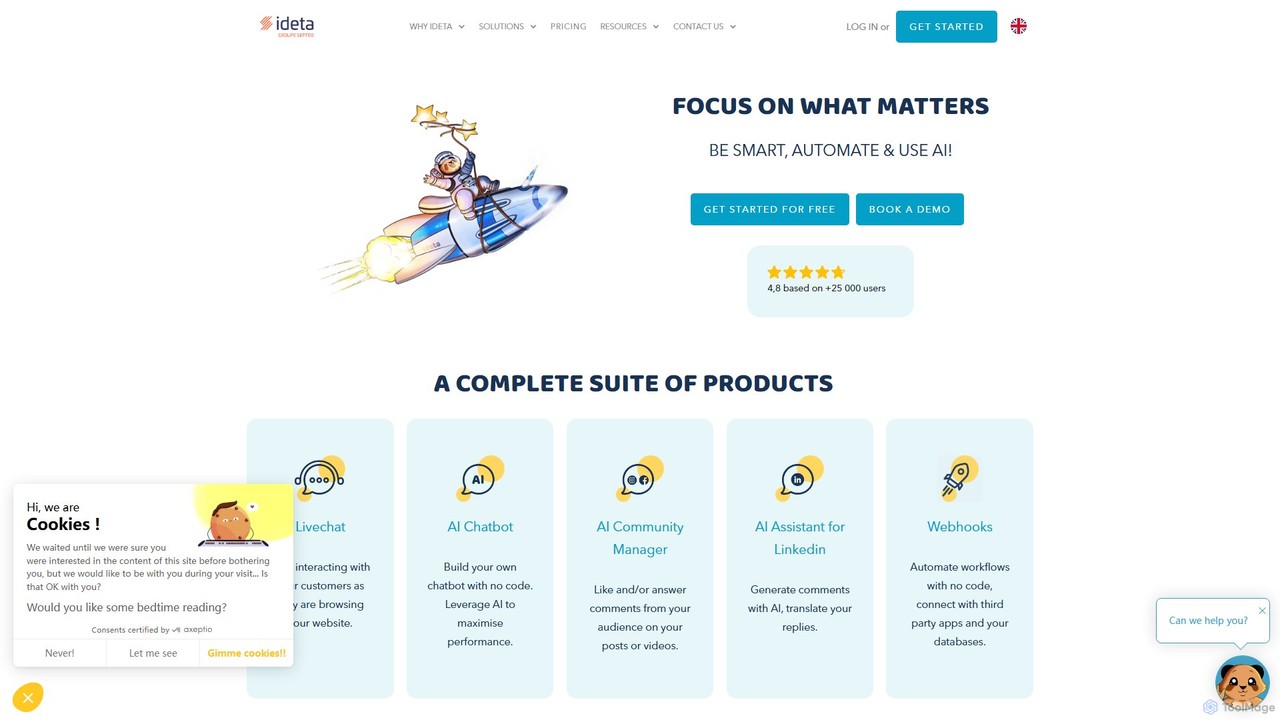
ideta
Ideta is a no-code platform for building, training, and deploying AI-powered chatbots and callbots. It helps businesses automate customer service, generate leads, and streamline internal communication 24/7, with seamless integration and human handover capabilities.
Chatbot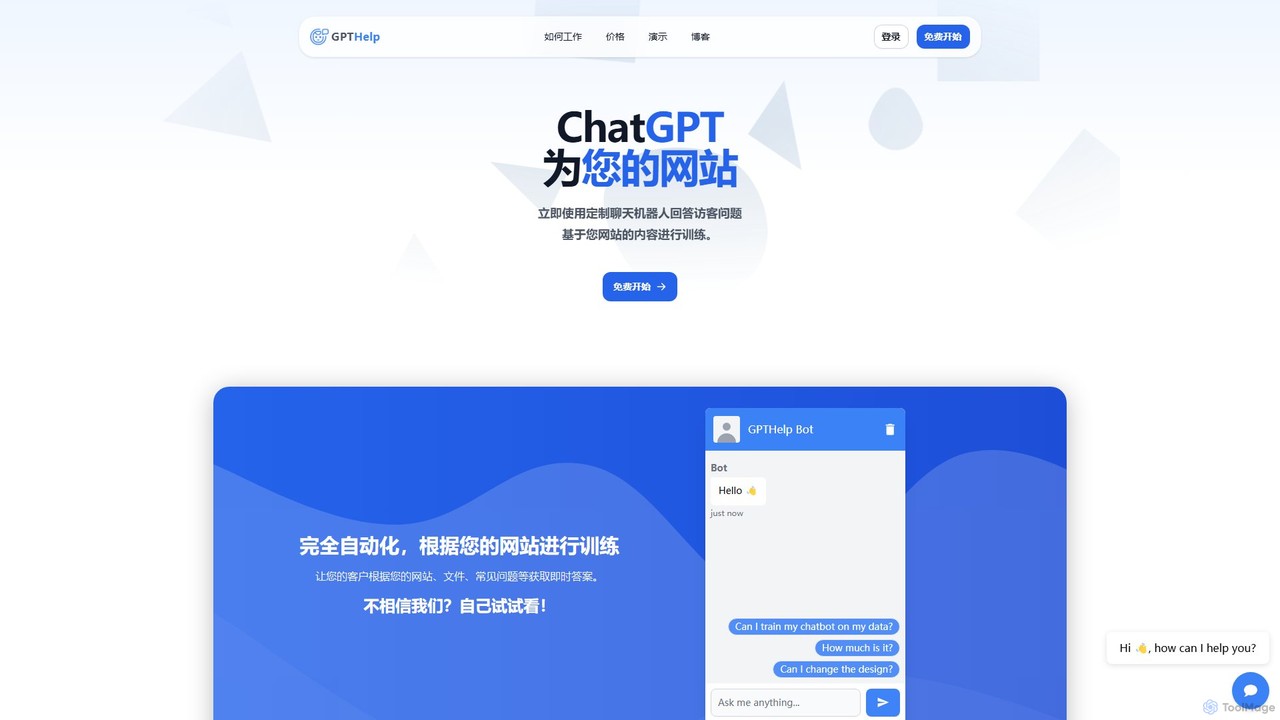
GPTHelp.ai
GPTHelp.ai is an AI-powered platform that allows you to create a custom chatbot for your website in minutes. It trains on your website content, documents, and FAQs to provide instant, accurate answers to visitor questions, automating customer support and enhancing user engagement 24/7.
Chatbot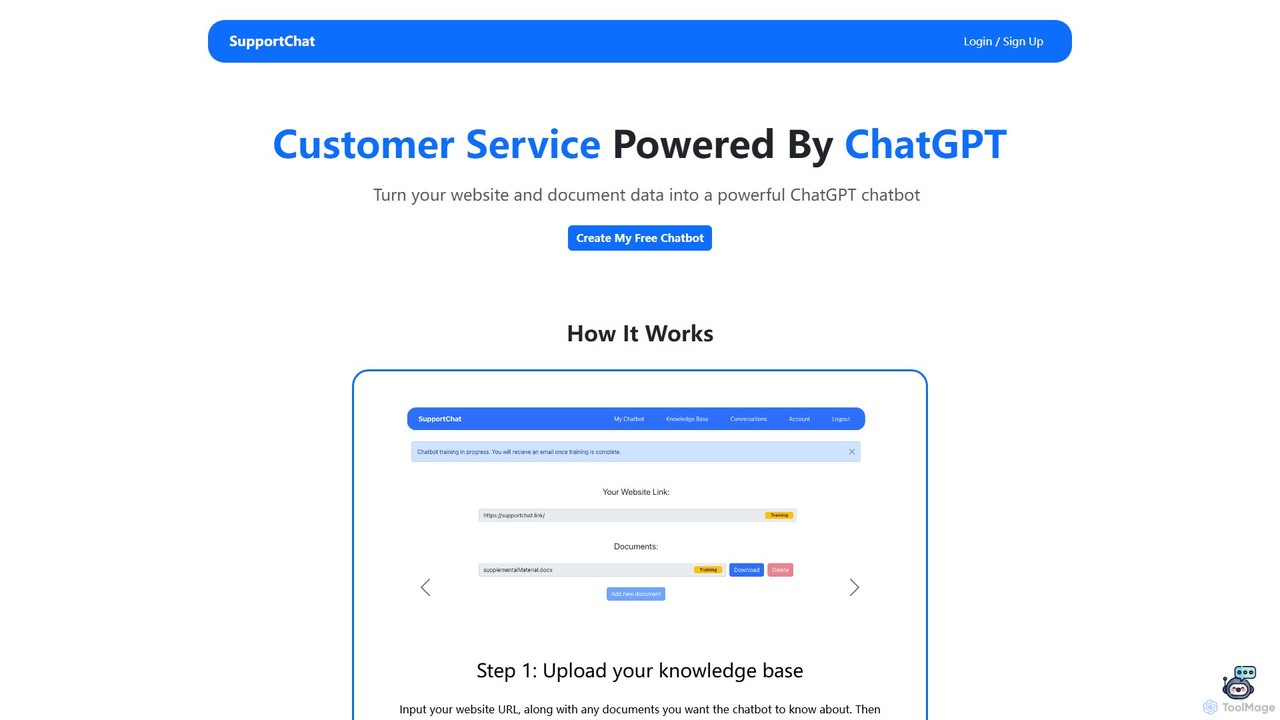
SupportChat
SupportChat is an AI-powered tool that transforms your website content and documents into an intelligent ChatGPT chatbot. It provides instant, 24/7 customer service, automates responses, and helps you understand and engage with your customers more effectively. No coding required.
Chatbot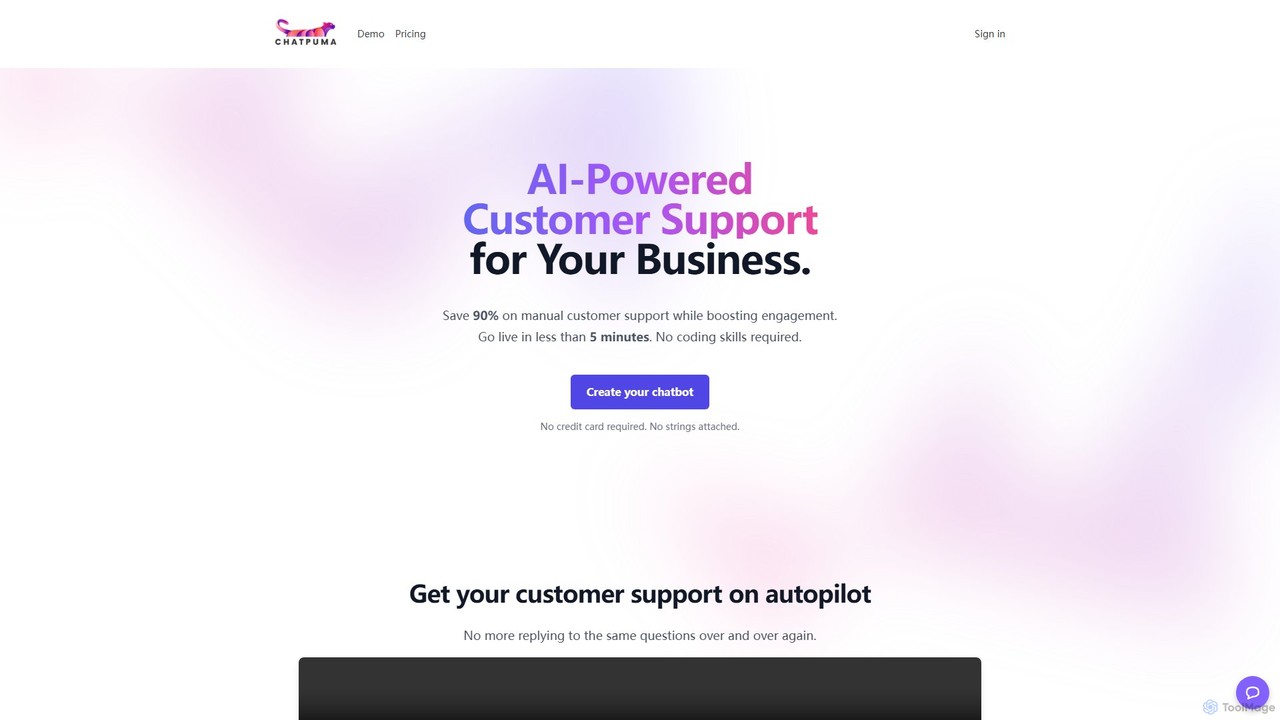
ChatPuma
ChatPuma is a no-code AI chatbot builder designed to enhance customer service. By training on your website content, documents, and files, it creates intelligent chatbots that provide instant, 24/7 support. This automates responses to repetitive questions, reduces operational costs by up to 90%, and boosts sales conversions by personalizing customer interactions. Go live in minutes without any coding skills and integrate a powerful support agent directly into your website.
Chatbot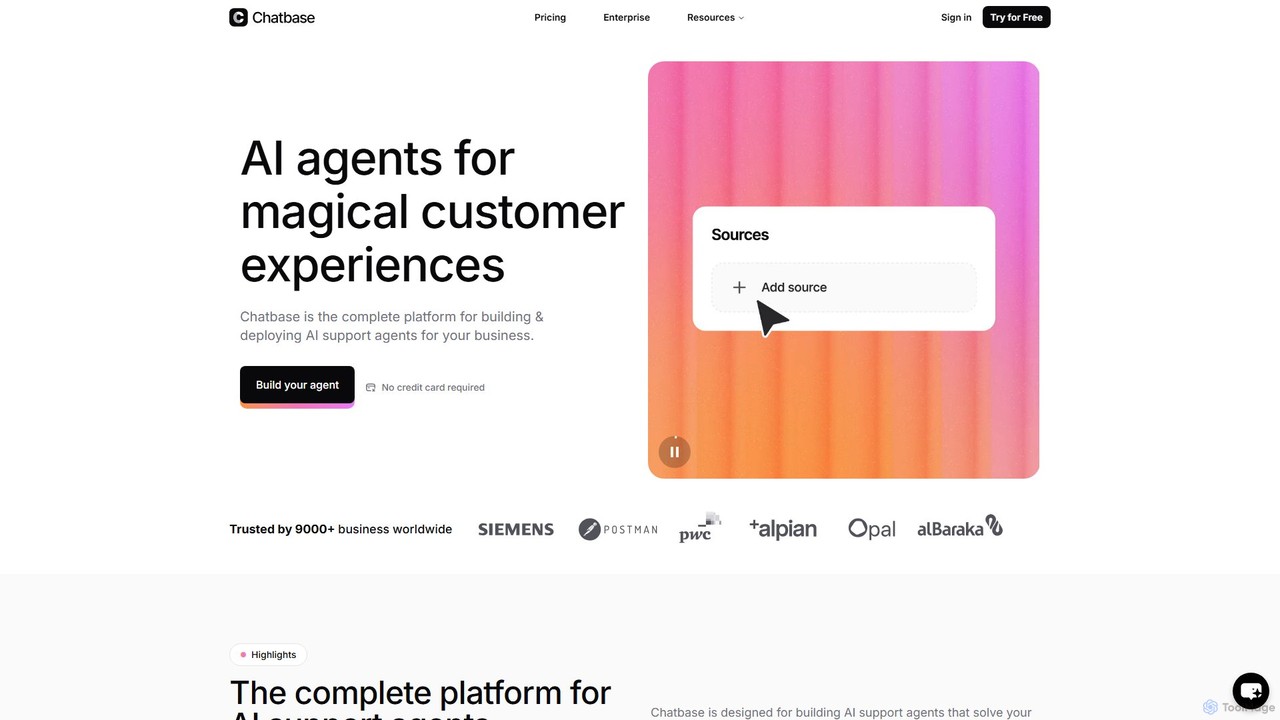
Chatbase
Chatbase is a comprehensive platform for building and deploying AI-powered support agents. Train custom chatbots on your business data to provide instant, personalized answers, automate tasks, and enhance customer experiences. It integrates with your existing tools, supports over 80 languages, and offers enterprise-grade security, making it a complete solution for modern customer service.
ChatbotStartConvo Categories
StartConvo Embed Widget
Copy this embed code to place the badge on your blog, article, or product site and send readers directly to this ToolMage detail page.

Related AI tools
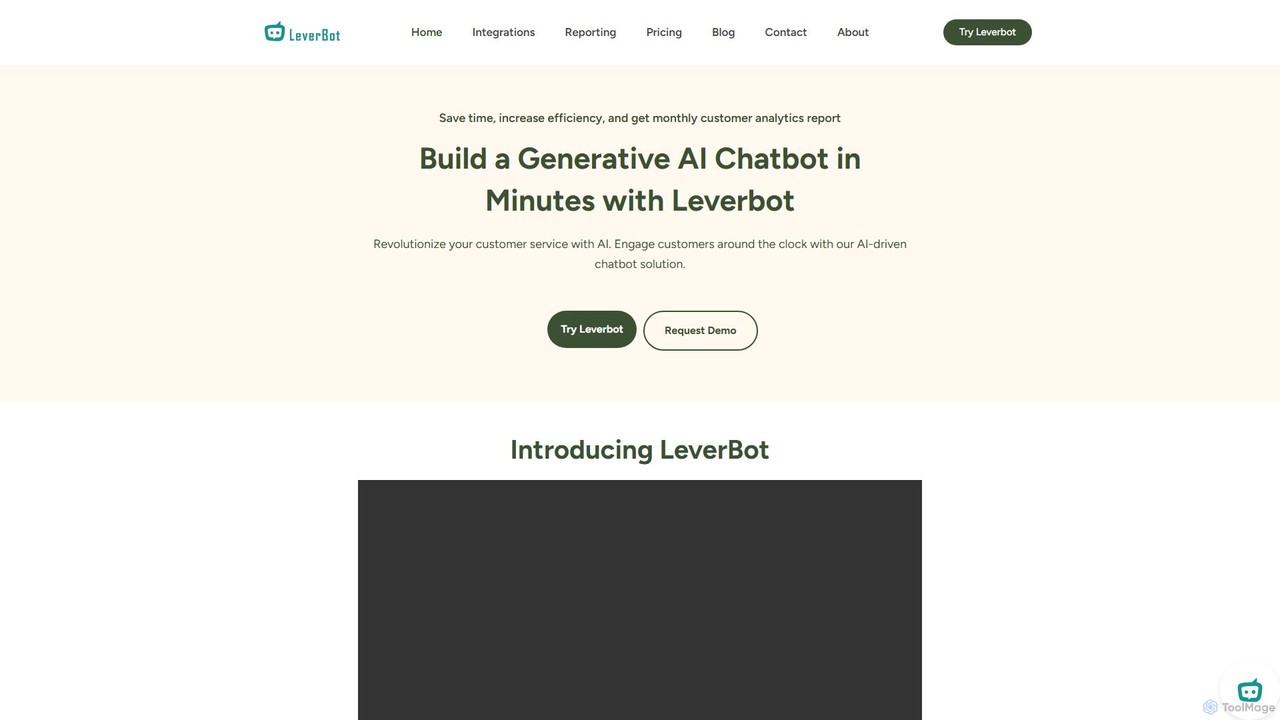
LeverBot
LeverBot is a no-code platform for building generative AI chatbots for customer service. It helps businesses automate support, increase customer engagement, and reduce operational costs by up to 40%. The platform supports training on various data sources and provides detailed monthly analytics.
Lead Generationideta
Ideta is a no-code platform for building, training, and deploying AI-powered chatbots and callbots. It helps businesses automate customer service, generate leads, and streamline internal communication 24/7, with seamless integration and human handover capabilities.
Chatbot
Jyek
Jyek is an AI agent platform that understands objectives, creates execution plans, uses tools, and delivers verifiable results for complex, multi-step tasks.
AutomationGPTHelp.ai
GPTHelp.ai is an AI-powered platform that allows you to create a custom chatbot for your website in minutes. It trains on your website content, documents, and FAQs to provide instant, accurate answers to visitor questions, automating customer support and enhancing user engagement 24/7.
ChatbotSupportChat
SupportChat is an AI-powered tool that transforms your website content and documents into an intelligent ChatGPT chatbot. It provides instant, 24/7 customer service, automates responses, and helps you understand and engage with your customers more effectively. No coding required.
ChatbotChatPuma
ChatPuma is a no-code AI chatbot builder designed to enhance customer service. By training on your website content, documents, and files, it creates intelligent chatbots that provide instant, 24/7 support. This automates responses to repetitive questions, reduces operational costs by up to 90%, and boosts sales conversions by personalizing customer interactions. Go live in minutes without any coding skills and integrate a powerful support agent directly into your website.
Chatbot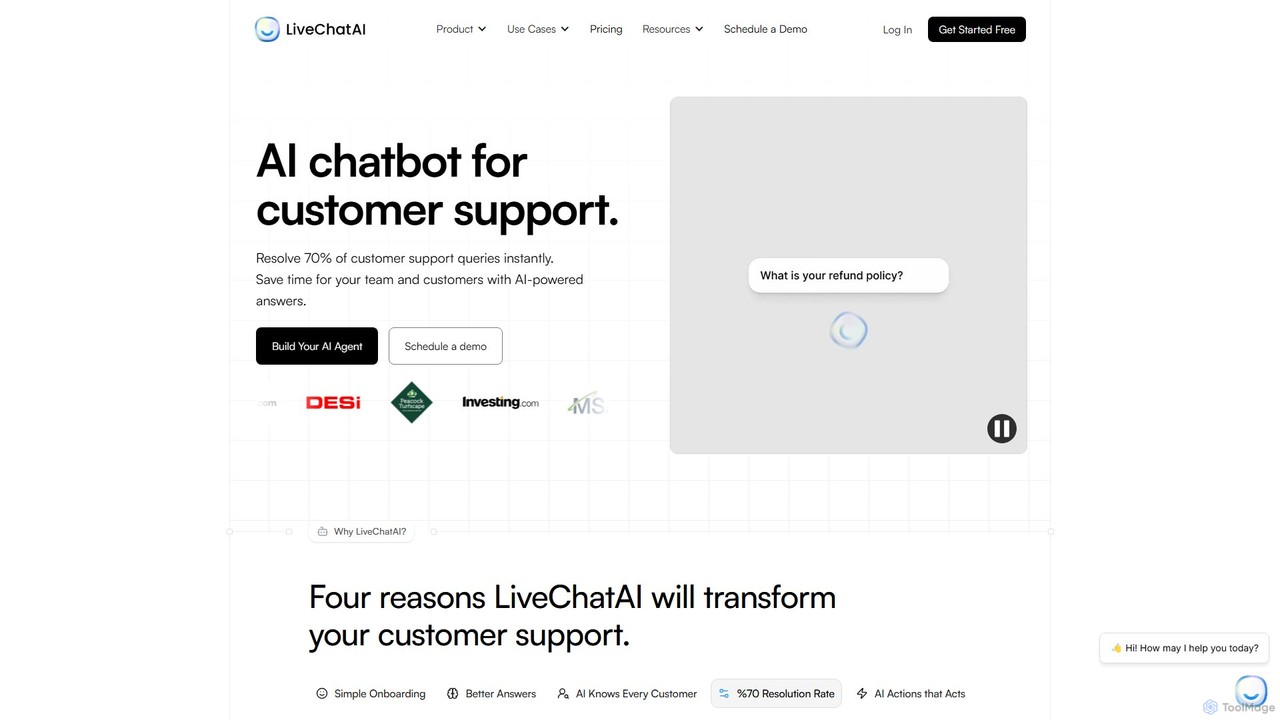
LiveChatAI
LiveChatAI is a GPT-4o powered platform that creates an AI chatbot for customer support, trained on your own data. It aims to instantly resolve up to 70% of customer queries, offering 24/7 automated assistance, seamless human handoff, and powerful AI Actions to automate tasks beyond conversation.
Chatbot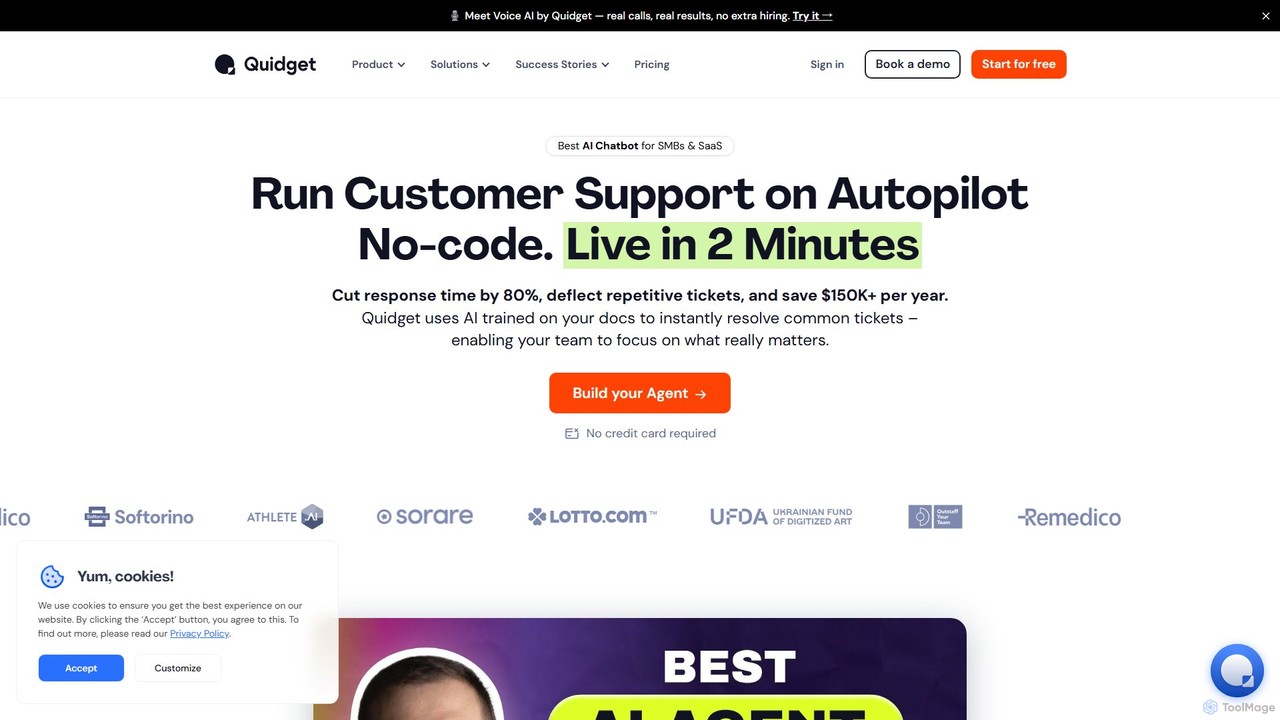
Quidget
Quidget is a no-code AI chatbot designed for SMBs and SaaS companies to automate customer support and lead capture. Trained on your own data, it instantly resolves up to 80% of common queries, offers 24/7 multilingual support, and integrates seamlessly with tools like Zendesk, Slack, and WhatsApp. It features a Voice AI for real calls and provides a human handoff for complex issues.
Chatbot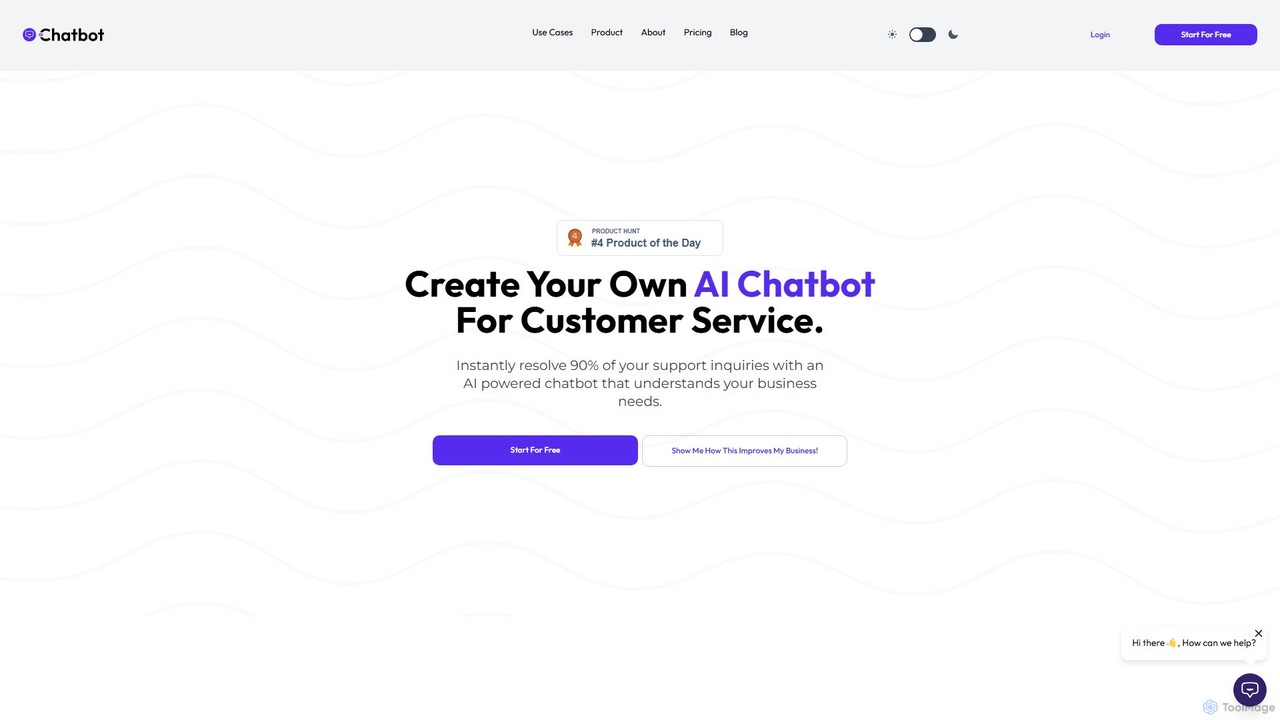
AIChatbot
AIChatbot is a no-code AI chatbot builder designed for customer service. It allows you to create a custom GPT-powered chatbot trained on your own data, such as PDFs, URLs, or sitemaps. It supports over 95 languages, integrates with various platforms, and aims to instantly resolve up to 90% of support inquiries, boost sales, and capture more leads.
Chatbot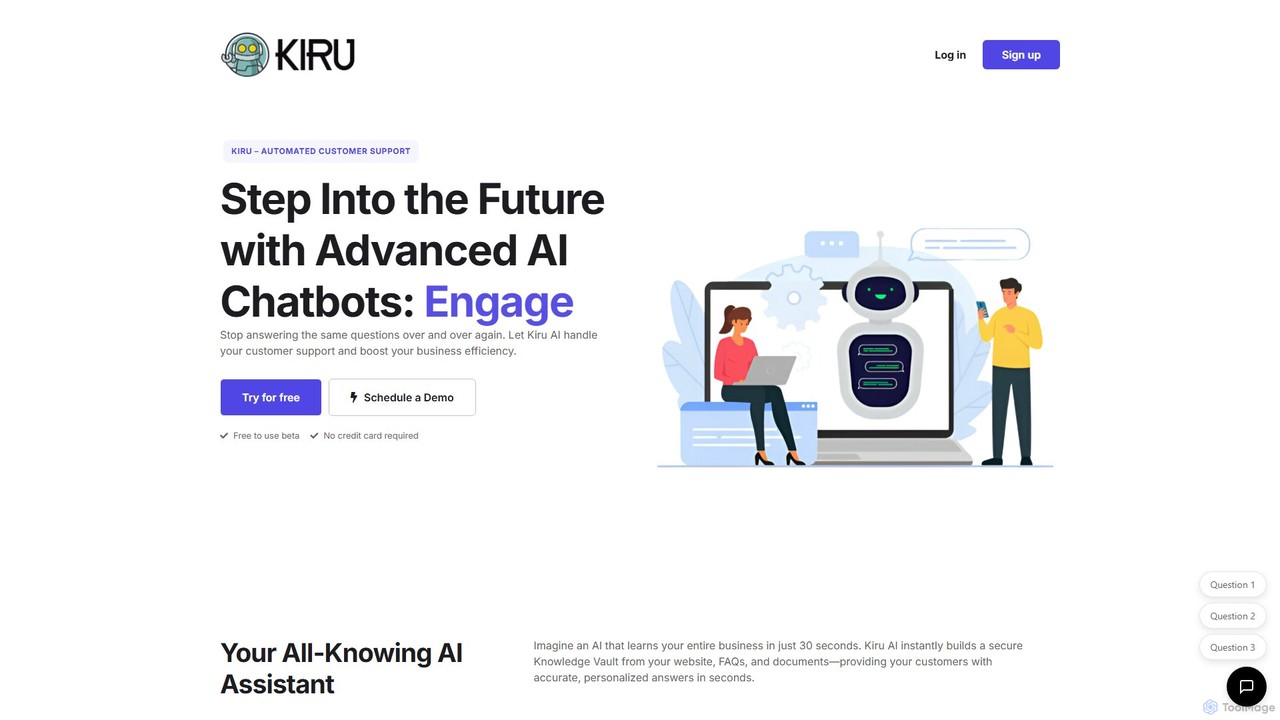
Kiru
Kiru is an advanced AI chatbot designed for automated customer support. It learns your entire business knowledge from websites, FAQs, and documents in seconds to provide instant, accurate, and personalized answers to customer queries, aiming to reduce support tickets by 80% and boost sales.
Chatbot
Chatsome
Chatsome is a no-code AI chatbot platform that helps businesses automate customer service and boost sales. Train your own chatbot on your company's data to provide instant, 24/7 support, guide users to products, and handle inquiries like order status. It's fully customizable to match your brand and easy to install on any website.
Chatbot
Chatcare
Chatcare is a ChatGPT-powered chatbot designed for e-commerce businesses. It instantly answers up to 90% of customer questions, provides real-time order updates, and proactively engages visitors to increase sales. Trainable on your own content, it offers 24/7 automated support, reducing the workload on your team and enhancing the customer experience.
Chatbot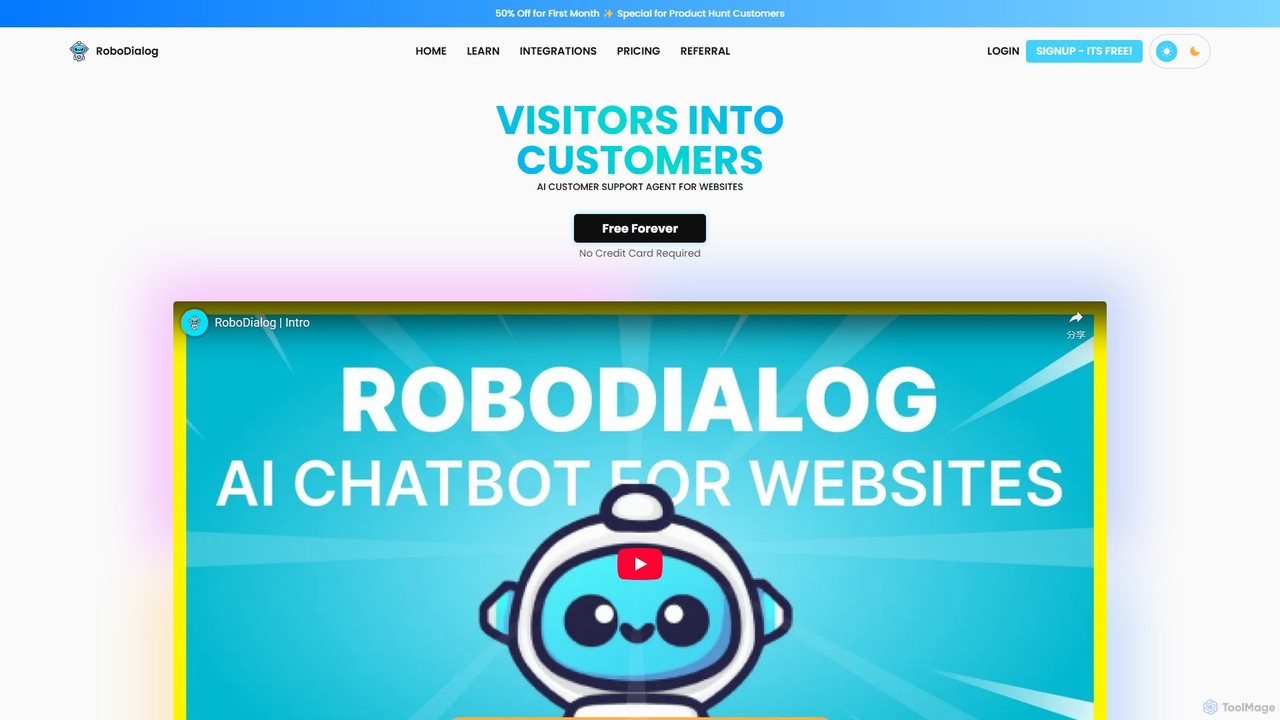
RoboDialog
RoboDialog is a no-code AI customer support agent for websites, designed to convert visitors into customers. It allows businesses to build and train intelligent chatbots using their own data, customize conversation flows with a visual builder, and seamlessly integrate human support. It supports extensive integrations and offers a generous free plan.
Chatbot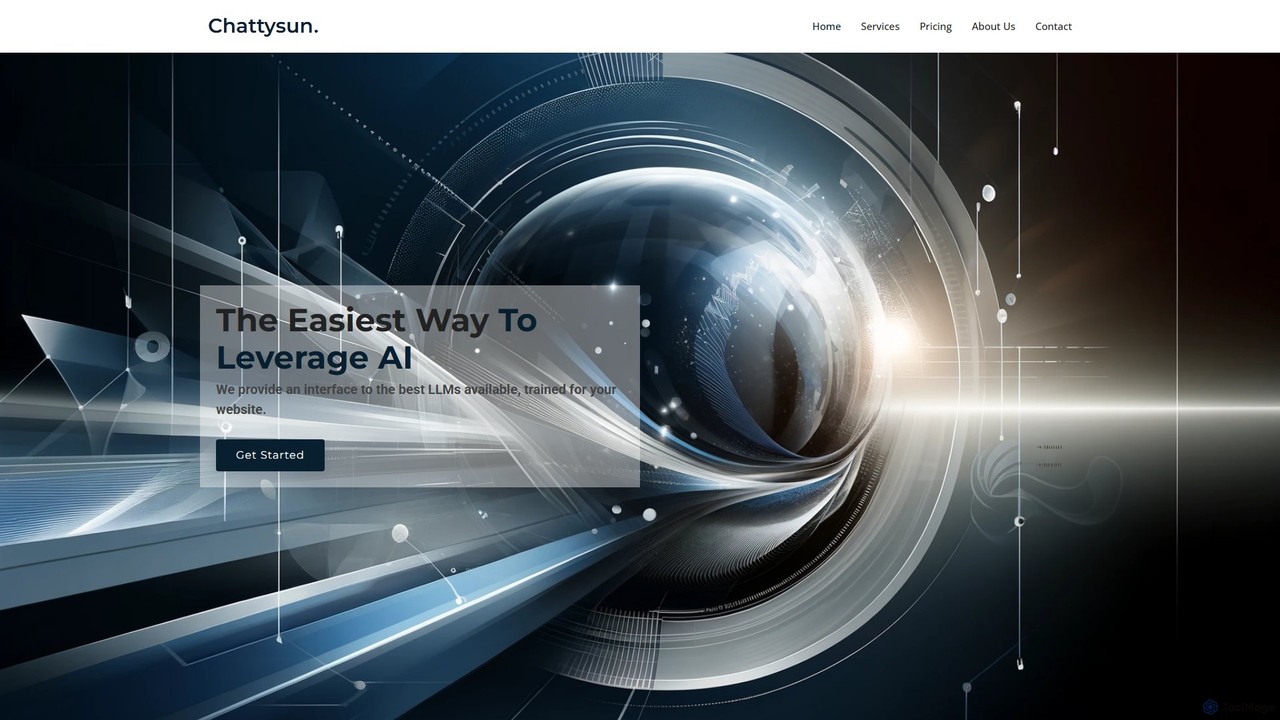
chattysun
Chattysun offers an easy-to-use AI chatbot builder that allows businesses to deploy a custom-trained AI assistant on their website. By leveraging your own data, it provides instant, 24/7 customer support, enhances lead generation, and automates sales inquiries. The platform features a simple script integration, a comprehensive dashboard for monitoring conversations, and customizable instructions to align the AI with your brand's voice and goals. It's designed for businesses of all sizes seeking to improve customer engagement and operational efficiency.
Chatbot
Tactful
Tactful is an AI-powered, next-generation customer service platform that unifies communications across all channels. It combines human agents with AI innovation, featuring a no-code automation studio, intelligent chatbots, and smart routing to enhance agent productivity and deliver exceptional customer experiences at scale.
Conversational Ai
StartConvo Comments (0)
Sign in to comment.
Sign inNo comments yet.