

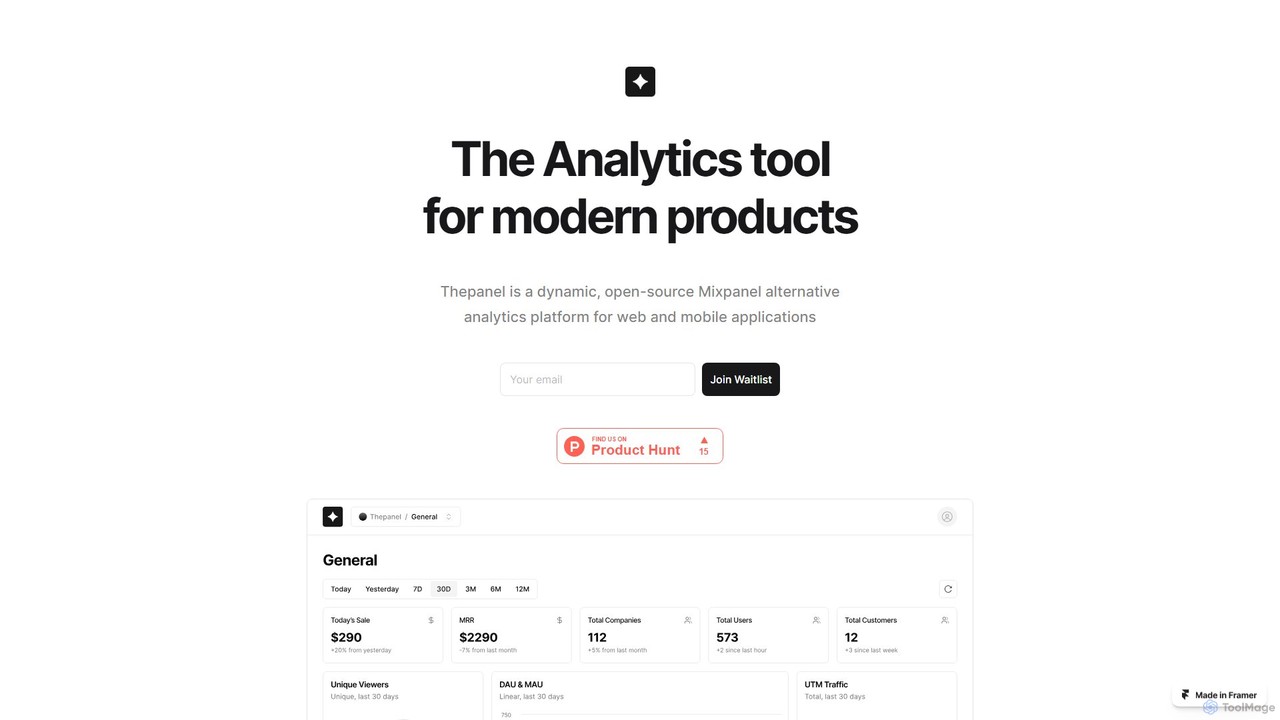
Thepanel Overview
Thepanel is a comprehensive, open-source analytics tool designed for modern product teams, data analysts, and marketers. It provides a powerful suite of features to monitor, analyze, and understand user behavior in real-time. By combining traditional event tracking with advanced AI capabilities, Thepanel empowers businesses to move beyond simple metrics and uncover deep, actionable insights from their data. Its open-source nature ensures flexibility, transparency, and community-driven development, making it a strong alternative to proprietary analytics solutions.
The platform is built to handle data from a multitude of sources, allowing you to create a single, unified view of your customer journey. Whether your data resides in databases, web services, or third-party applications, Thepanel can integrate it seamlessly. This holistic approach breaks down data silos and provides a complete picture of user interactions across your entire product ecosystem.
How to use Thepanel
Getting started with Thepanel is a straightforward process designed for both technical and non-technical users:
- Data Integration: Begin by connecting your data sources. You can use Thepanel's SDKs for your website or mobile app, or leverage the seamless Segment integration to pipe in data from various platforms. The tool also supports direct connections to databases and other web services.
- Event Tracking Setup: Define the key user interactions you want to monitor. This could include events like 'user_signup', 'button_click', 'form_submission', or 'purchase_completed'. Once defined, Thepanel will start collecting this data in real-time.
- Dashboard Customization: Navigate to the dashboard section and create personalized views of your most important metrics. Use the intuitive drag-and-drop interface to add widgets, charts, funnels, and tables. Arrange the layout to best suit your analysis needs and share dashboards with your team.
- Analyze User Behavior: Dive deep into the data. Create user segments based on behavior or demographics, build conversion funnels to identify drop-off points, and analyze retention cohorts to understand long-term user engagement.
- Leverage AI Insights: Activate the AI Support feature to unlock predictive analytics. Thepanel's AI can automatically identify trends, detect anomalies in your data, and generate insights about potential user churn or conversion opportunities, helping you make proactive decisions.
- Migrate Existing Data: If you are switching from another platform like Mixpanel, use the dedicated export/import feature to smoothly migrate your historical data, ensuring no loss of analytical context.
Core Features of Thepanel
- AI-Powered Predictive Analytics: Utilizes advanced AI and machine learning to forecast user behavior, identify hidden patterns, and provide automated insights, enabling data-driven decision-making.
- Real-Time Event Tracking: Monitor and analyze a wide range of user interactions as they happen, including clicks, page views, form submissions, and custom events.
- Customizable Dashboards: A flexible drag-and-drop interface allows you to build and personalize dashboards with various widgets to visualize key performance indicators (KPIs) and metrics that matter most to you.
- Seamless Data Integration: Connect to any data source, from web and mobile SDKs to databases and third-party services via Segment, creating a unified and holistic view of your data.
- Easy Migration from Mixpanel: A dedicated feature to easily import your data from Mixpanel, ensuring a smooth and painless transition between analytics platforms.
- Open Source Platform: Benefit from the transparency, flexibility, and active community of an open-source project. Customize the tool to your specific needs and contribute to its evolution.
- Advanced User Segmentation: Group users into segments based on their behavior, properties, or event history for more targeted and granular analysis.
Use Cases for Thepanel
Thepanel is versatile and can be adapted for various roles and industries:
- Product Managers: To track feature adoption rates, understand user journeys through the product, analyze the impact of new releases, and validate hypotheses with A/B testing data.
- Marketing Teams: To measure campaign effectiveness, analyze conversion funnels from ad click to purchase, and segment audiences for targeted retargeting campaigns.
- Data Analysts: To perform complex queries, consolidate data from disparate sources into a single platform, and build comprehensive reports for stakeholders.
- Startup Founders: To gain a deep understanding of early user behavior, identify the 'aha!' moment for users, and monitor key growth metrics to inform strategy.
- Developers: To debug user-facing issues by replaying user sessions or analyzing event streams, and to monitor the performance of specific application features.
Advantages of Thepanel
Thepanel offers several key advantages over other analytics tools:
- No Vendor Lock-In: As an open-source tool, you have full control over your data and the platform itself. You can host it on your own infrastructure and customize it without limitations.
- Cost-Effective: The open-source nature potentially offers a free, self-hosted version, making it an accessible option for startups and smaller teams. Paid plans, if offered, are typically competitive.
- Future-Forward Analytics: The integration of AI for predictive insights puts it a step ahead of many traditional analytics tools that focus only on historical data.
- Holistic Data View: Its ability to integrate with any data source eliminates blind spots and provides a true 360-degree view of the user.
- Community Support: Leverage the knowledge and contributions of a global community of developers and users for support, new features, and integrations.
Pricing and Plans
As an open-source platform, Thepanel likely offers a free, self-hosted Community Edition that includes core analytics features. For businesses seeking managed hosting, dedicated support, and advanced enterprise features, there are typically paid plans available. Since specific pricing is not listed on the website, it is recommended to contact their team directly at @thepaneldev for details on cloud-hosted or enterprise offerings.
Thepanel Alternatives
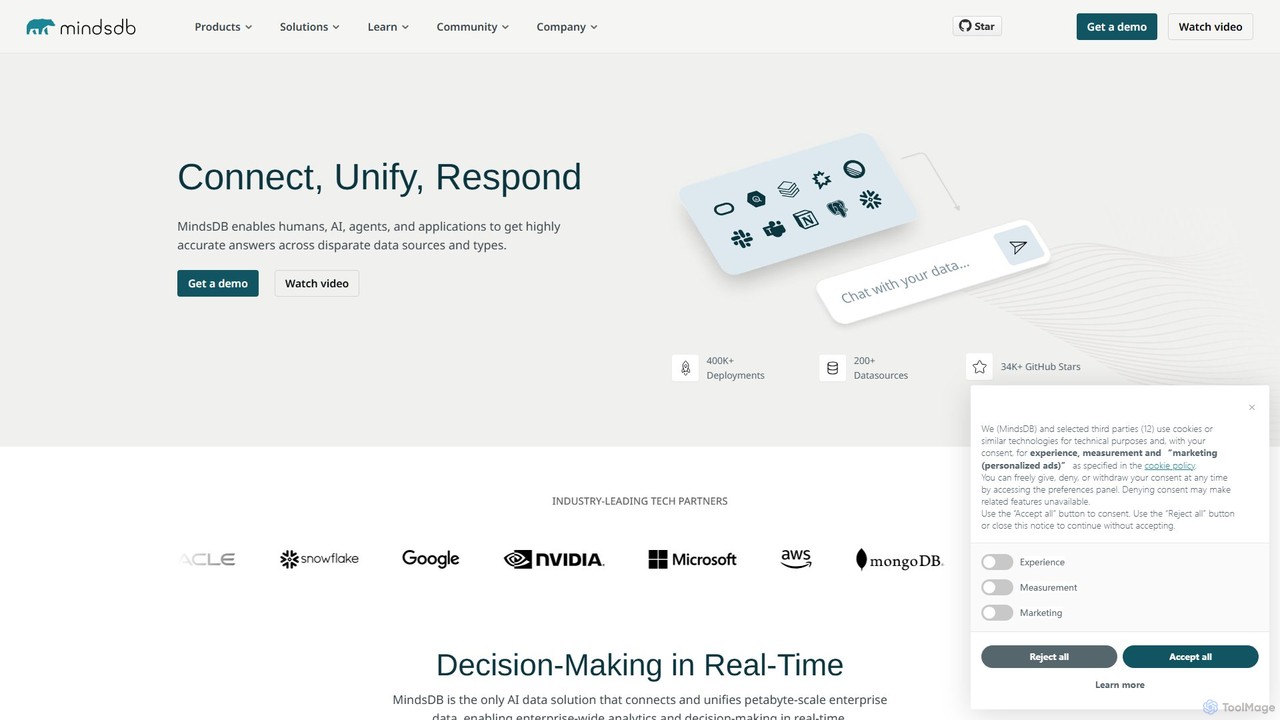
MindsDB
MindsDB is an AI data automation platform that brings machine learning into your database. It allows developers and data analysts to create, train, and deploy AI models using standard SQL queries, connecting to over 200 data sources to provide real-time predictions and analytics without complex ETL pipelines.
Business Intelligence
7gc
7gc is a next-generation AI-powered platform for business intelligence and workflow automation. It integrates disparate data sources, provides predictive analytics, and enables users to build intelligent, automated processes without code, transforming raw data into actionable insights and operational efficiency.
Business Intelligence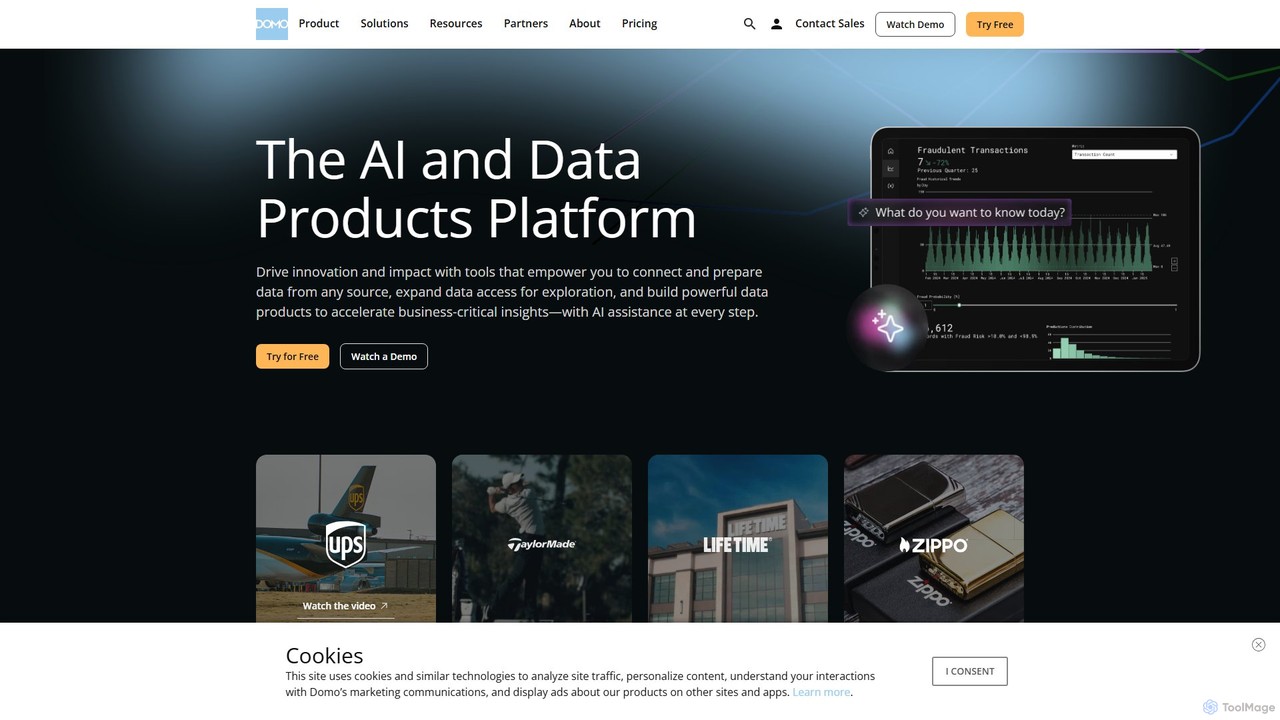
Domo
Domo is an AI-powered cloud platform that integrates all your business data, providing real-time analytics, interactive dashboards, and automated workflows. It empowers users to build data products, create AI agents, and make faster, data-driven decisions across the entire organization.
Business Intelligence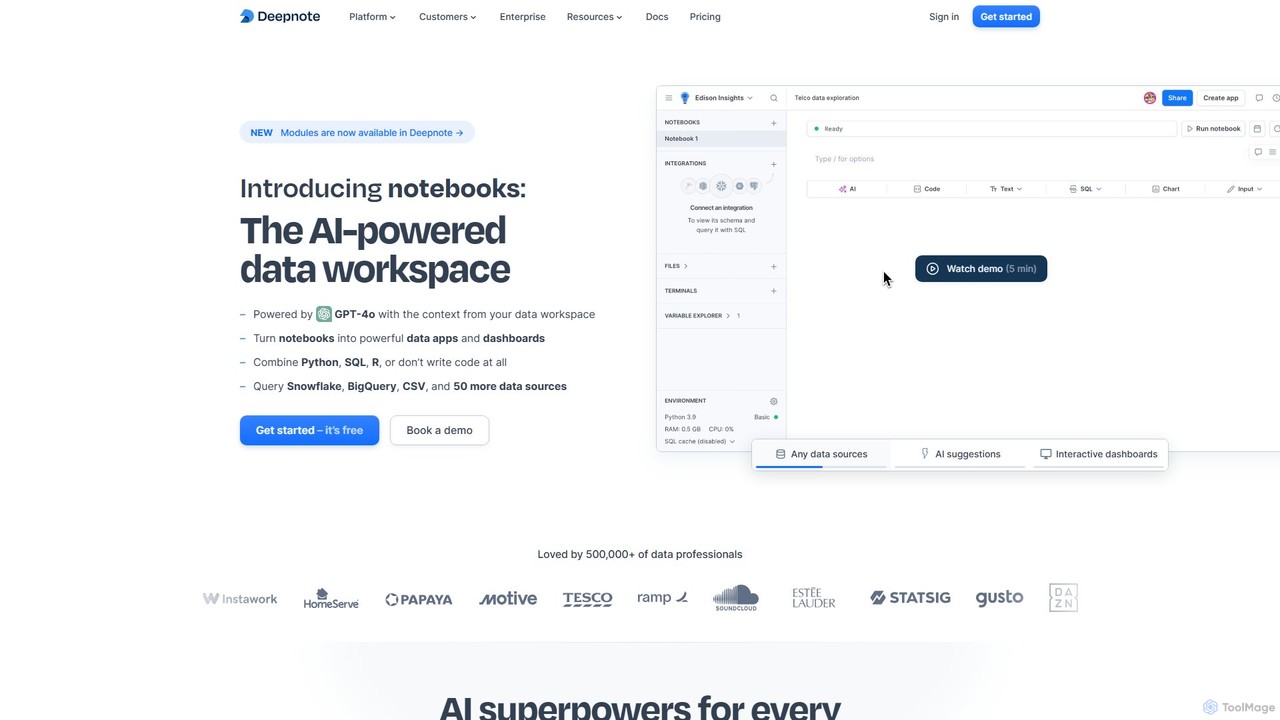
Deepnote
Deepnote is an AI-powered, collaborative data science notebook for teams. It unifies Python, SQL, and R in a single cloud-based workspace, enabling users to explore data, build machine learning models, and create interactive dashboards and apps with ease. Powered by GPT-4o, it automates analysis and code generation, making data science accessible to all skill levels.
Business Intelligence
Ajelix
Ajelix is an AI-powered suite of tools designed to enhance productivity for Excel and Google Sheets users. It acts as an AI data analyst, automating tasks, generating formulas and VBA scripts, creating insightful reports, and providing advanced data analysis through a simple chat interface.
Business IntelligenceThepanel Categories
Thepanel Embed Widget
Copy this embed code to place the badge on your blog, article, or product site and send readers directly to this ToolMage detail page.

Related AI tools
MindsDB
MindsDB is an AI data automation platform that brings machine learning into your database. It allows developers and data analysts to create, train, and deploy AI models using standard SQL queries, connecting to over 200 data sources to provide real-time predictions and analytics without complex ETL pipelines.
Business Intelligence7gc
7gc is a next-generation AI-powered platform for business intelligence and workflow automation. It integrates disparate data sources, provides predictive analytics, and enables users to build intelligent, automated processes without code, transforming raw data into actionable insights and operational efficiency.
Business Intelligence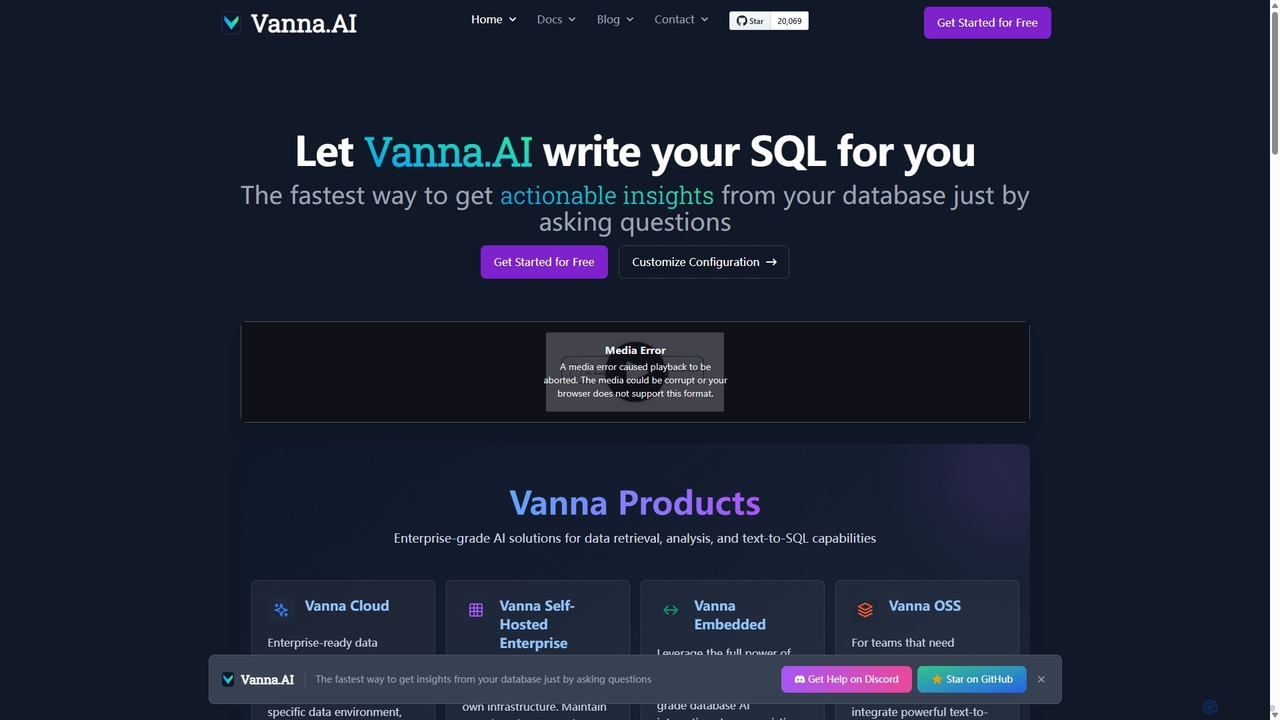
Vanna.AI
Vanna.AI is an open-source, personalized AI SQL agent that transforms natural language questions into accurate SQL queries. It uses a Retrieval-Augmented Generation (RAG) model trained on your specific database schema, documentation, and past queries to achieve high accuracy on complex datasets. It's designed for security, flexibility, and easy integration into any application, empowering both technical and non-technical users to gain insights from their data effortlessly.
Business Intelligence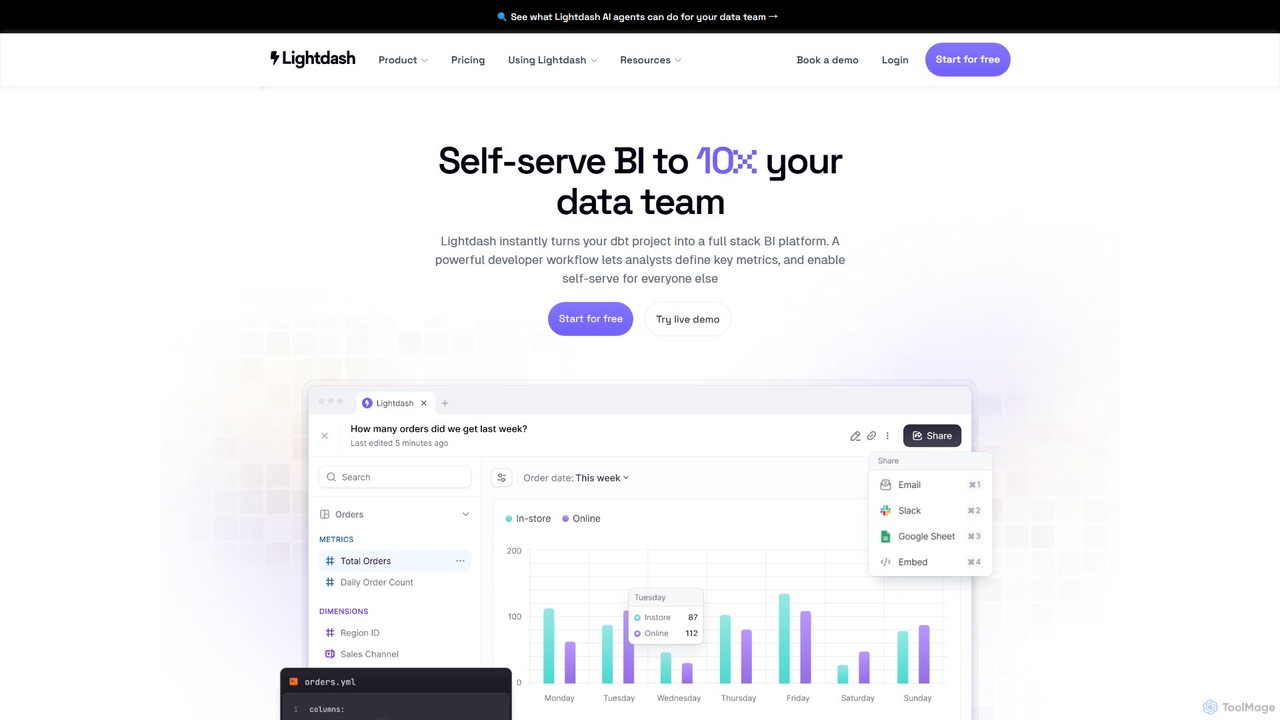
Lightdash
Lightdash is an open-source, AI-powered business intelligence (BI) platform built specifically for dbt. It empowers entire teams with self-serve analytics, allowing users to ask data questions in plain English. With developer-friendly workflows and no per-user pricing, it's designed to make data accessible to everyone, from data engineers to business stakeholders.
Data Science
Crackerjack
Crackerjack is an AI-powered business intelligence and data analytics platform. It automates the process of uncovering insights from complex data, generating expert-level reports, and providing predictive analytics to accelerate strategic decision-making for businesses of all sizes.
Business Intelligence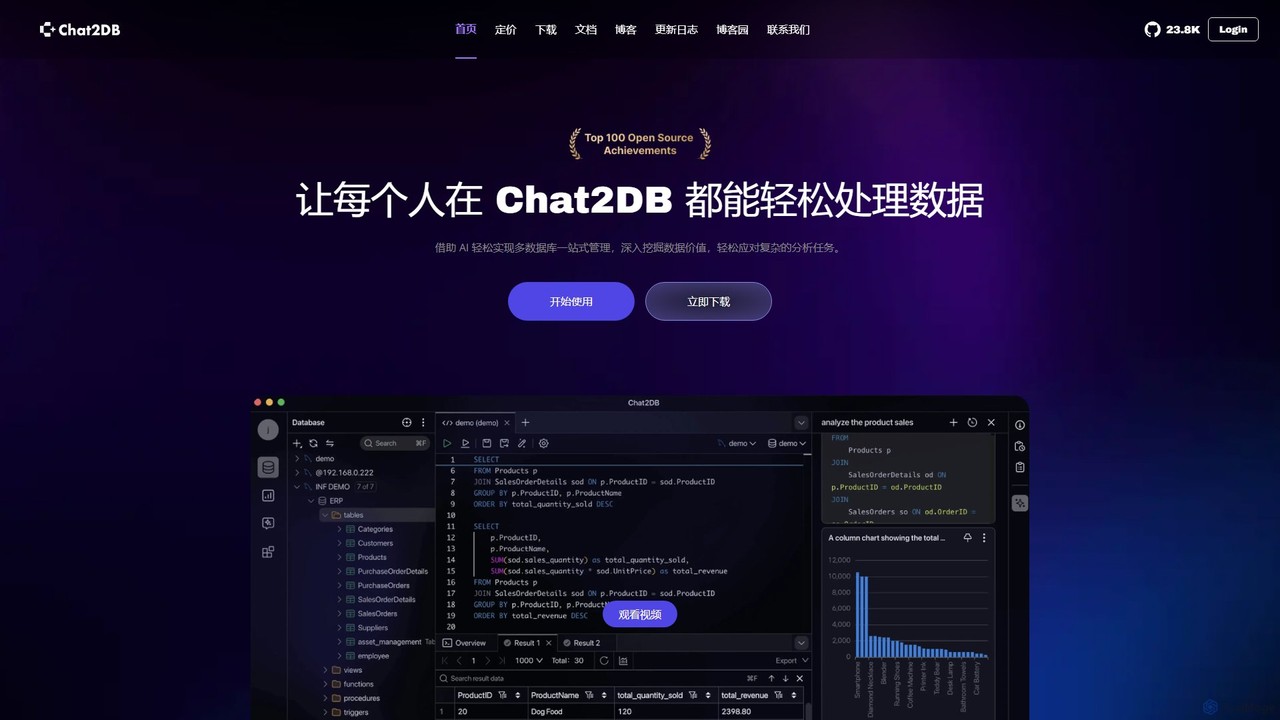
Chat2DB
Chat2DB is an intelligent, all-in-one database management tool powered by AI. It supports over 30 databases, including MySQL, PostgreSQL, and MongoDB, allowing users to manage, query, and analyze data using natural language. Features include AI SQL generation, data visualization, no-code dashboard creation, and robust security protocols, making it ideal for developers, analysts, and business users.
Business Intelligence
Textify Analytics
Textify Analytics is an AI-powered data analysis platform that transforms raw text and numerical data into actionable insights. Designed for students, analysts, and businesses, it offers intuitive tools for market research, recruiting intelligence, and data-driven decision-making, supported by a vast database of charts and analytics.
Analytics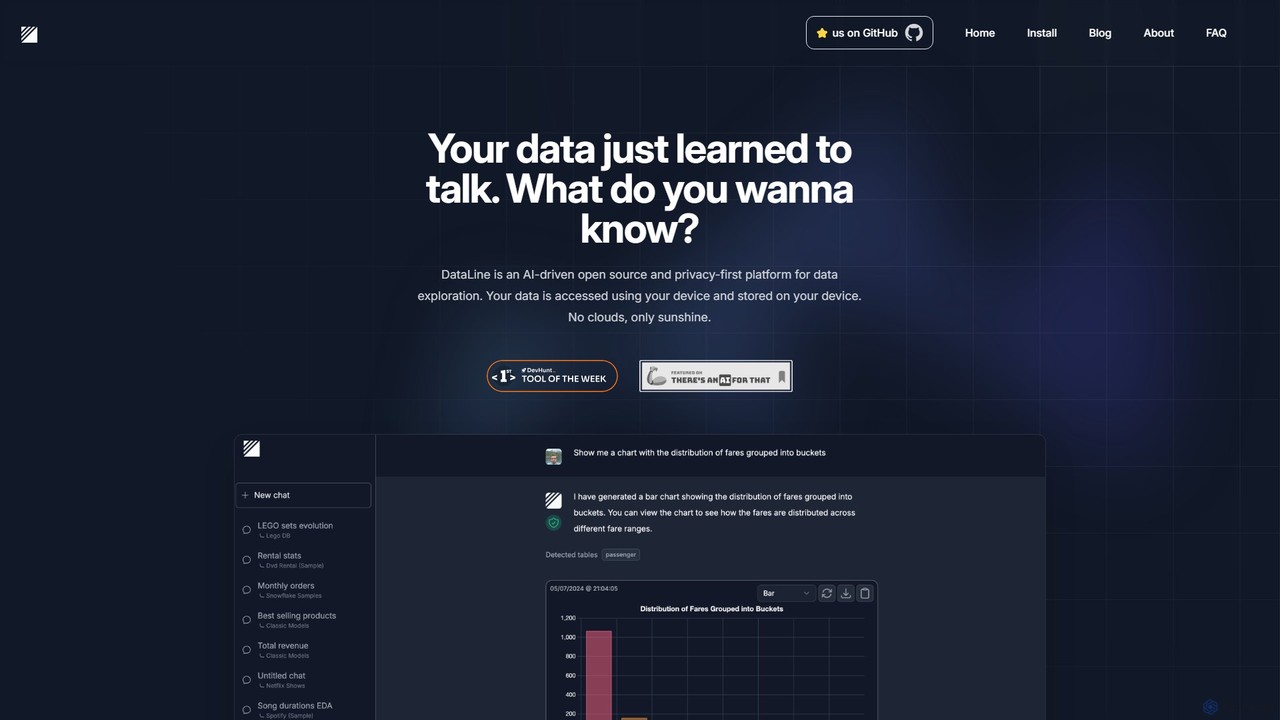
DataLine
DataLine is an open-source, privacy-first AI platform that allows you to explore your data through natural language. Securely connect to your databases and files, ask questions, and get instant insights and visualizations without your data ever leaving your machine.
Analytics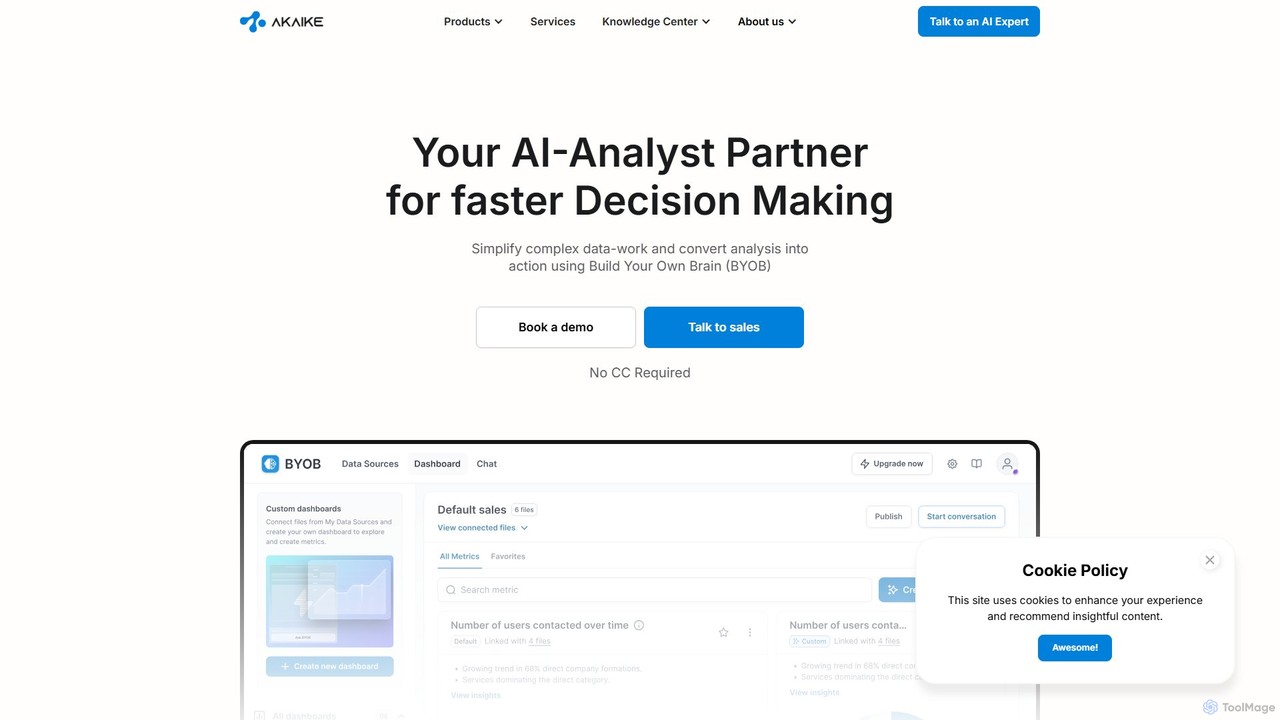
BYOB
BYOB (Build Your Own Brain) by Akaike is an enterprise-grade AI analyst platform that transforms complex data into actionable insights. It connects to multiple data sources, both structured and unstructured, allowing teams to make faster, data-driven decisions through a conversational chat interface. BYOB provides proactive analytics and seamlessly integrates into existing workflows, empowering departments like finance, marketing, and sales without needing to expand the data team.
Business Intelligence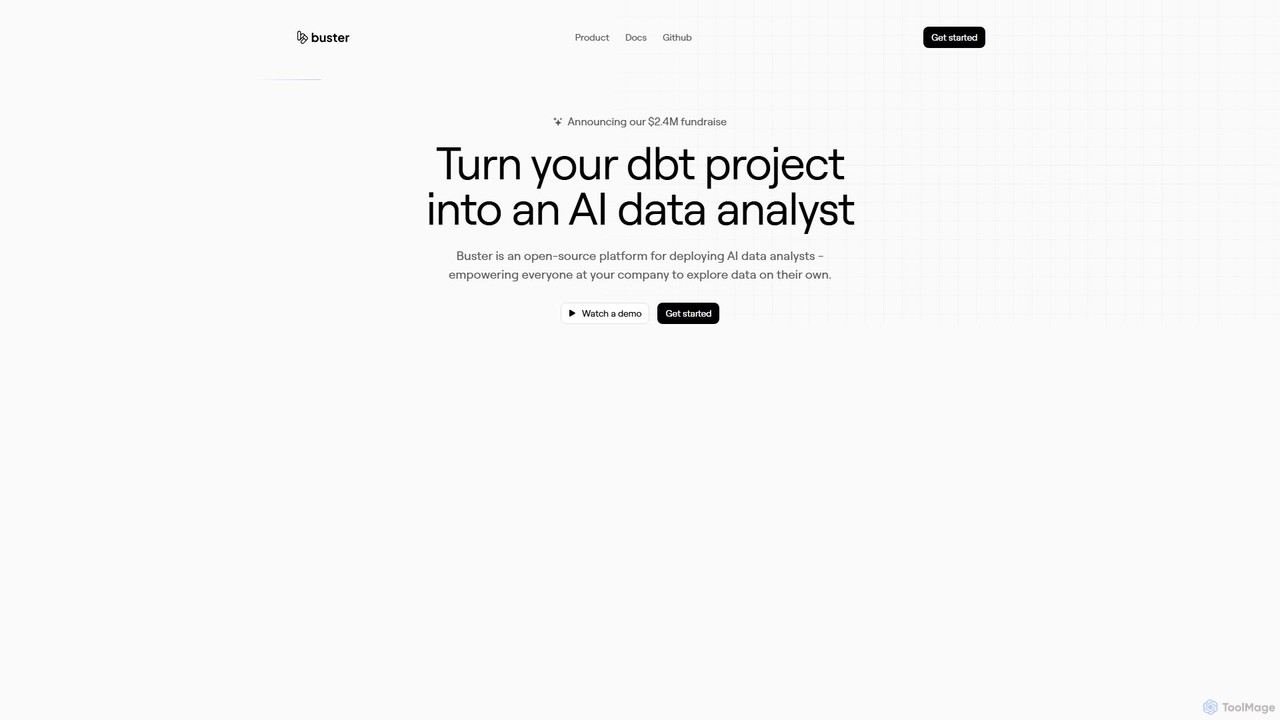
Buster
Buster is an open-source AI data analyst platform that empowers everyone in a company to explore data using plain English. It integrates with dbt projects, allowing business users to ask questions, generate visualizations, and build dashboards without writing code, while freeing up data teams from ad-hoc requests.
Business Intelligence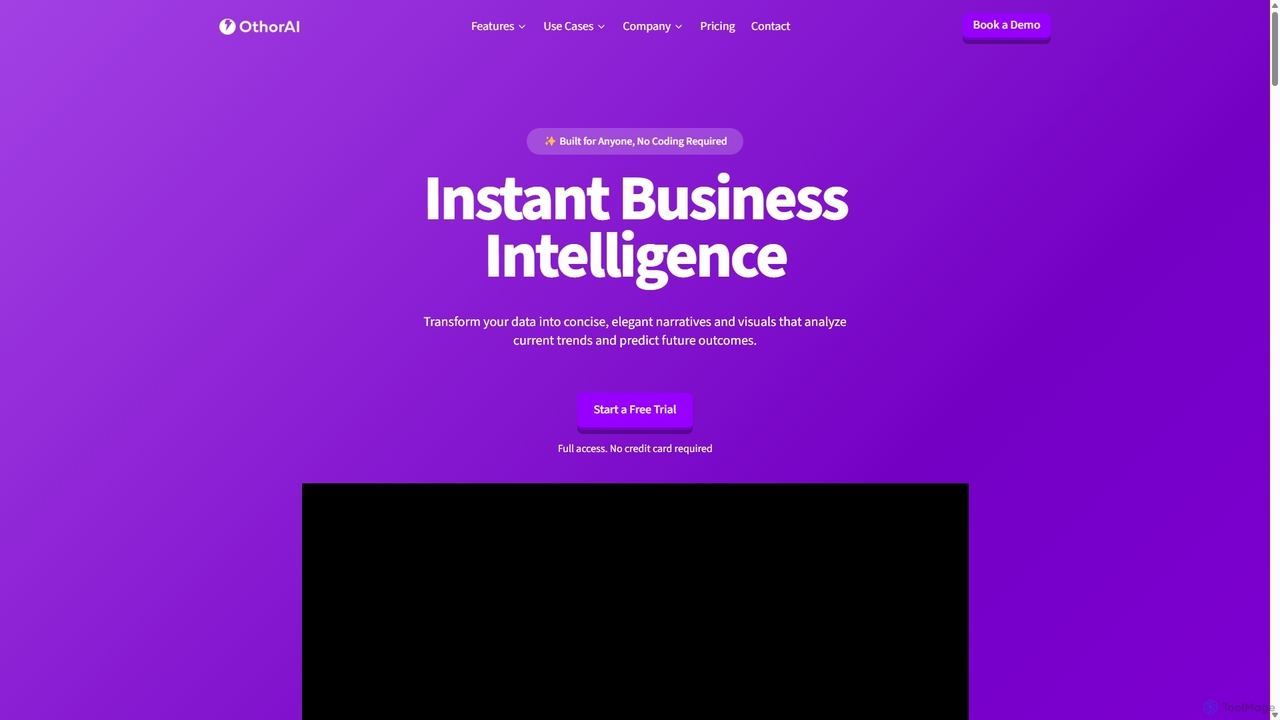
Othor AI
Othor AI is a no-code business intelligence platform that transforms your data into actionable insights in seconds. It automatically generates narrative-driven reports, smart charts, and predictive analytics, enabling anyone in your organization to make faster, data-driven decisions without technical expertise. Connect your data sources and get instant dashboards and executive summaries.
Business Intelligence
Jyek
Jyek is an AI agent platform that understands objectives, creates execution plans, uses tools, and delivers verifiable results for complex, multi-step tasks.
Automation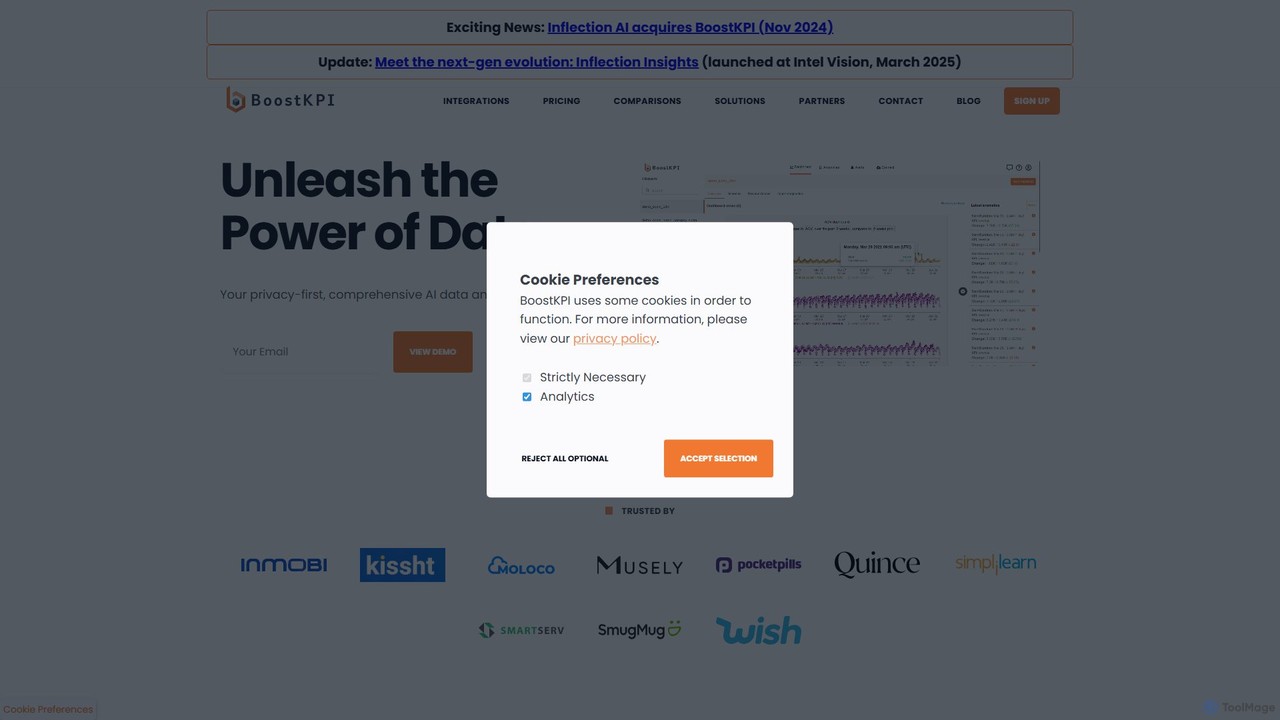
BoostKPI
BoostKPI is a privacy-first AI data analyst platform, powered by its AI assistant, ADA. It automates anomaly detection, root cause analysis, and data visualization, enabling businesses to quickly uncover actionable insights from their data. By connecting to various data warehouses or accepting file uploads, BoostKPI transforms complex datasets into clear reports, heatmaps, and drill-down analyses, making data-driven decision-making faster and more accessible for teams of all sizes.
Business Intelligence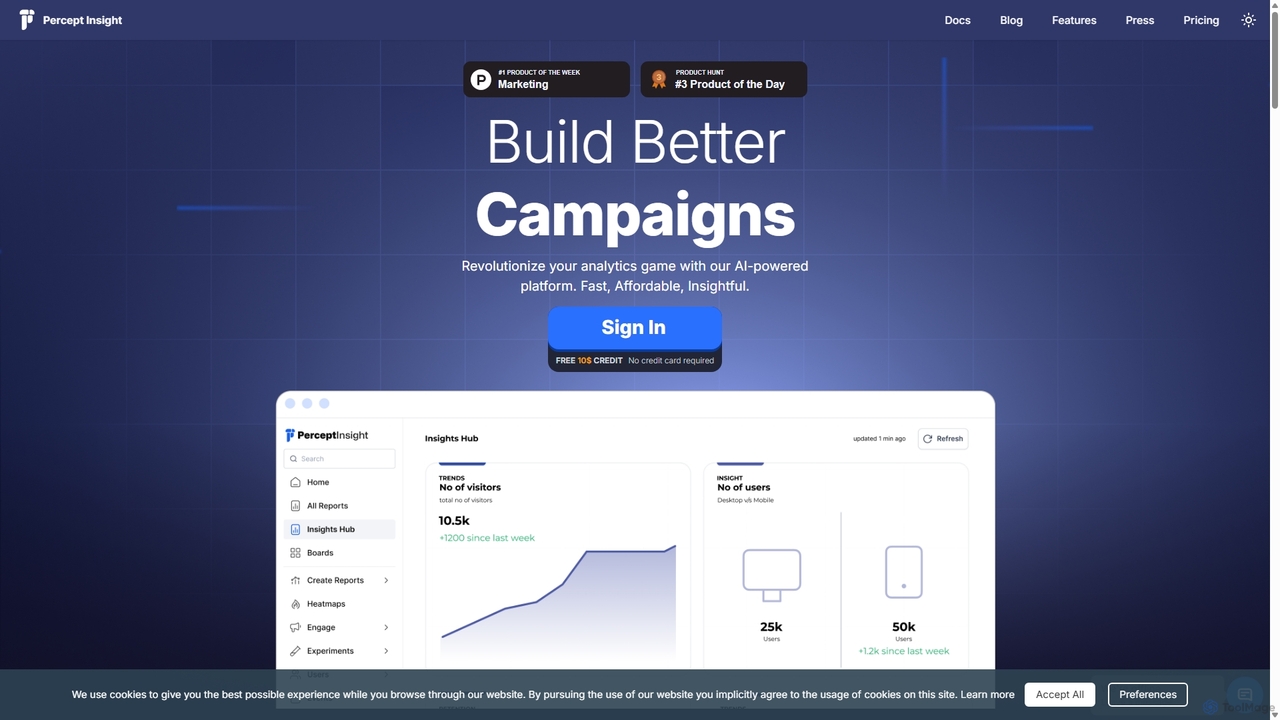
Percept Insight
Percept Insight is an AI-powered, all-in-one analytics and engagement platform for product managers and marketers. It provides deep, real-time insights into user behavior, funnels, and cohorts, enabling data-driven decisions. The platform combines powerful analytics with multi-channel engagement tools (WhatsApp, SMS, email) to improve user retention and conversions, all with a cost-effective, pay-as-you-use pricing model.
Business Intelligence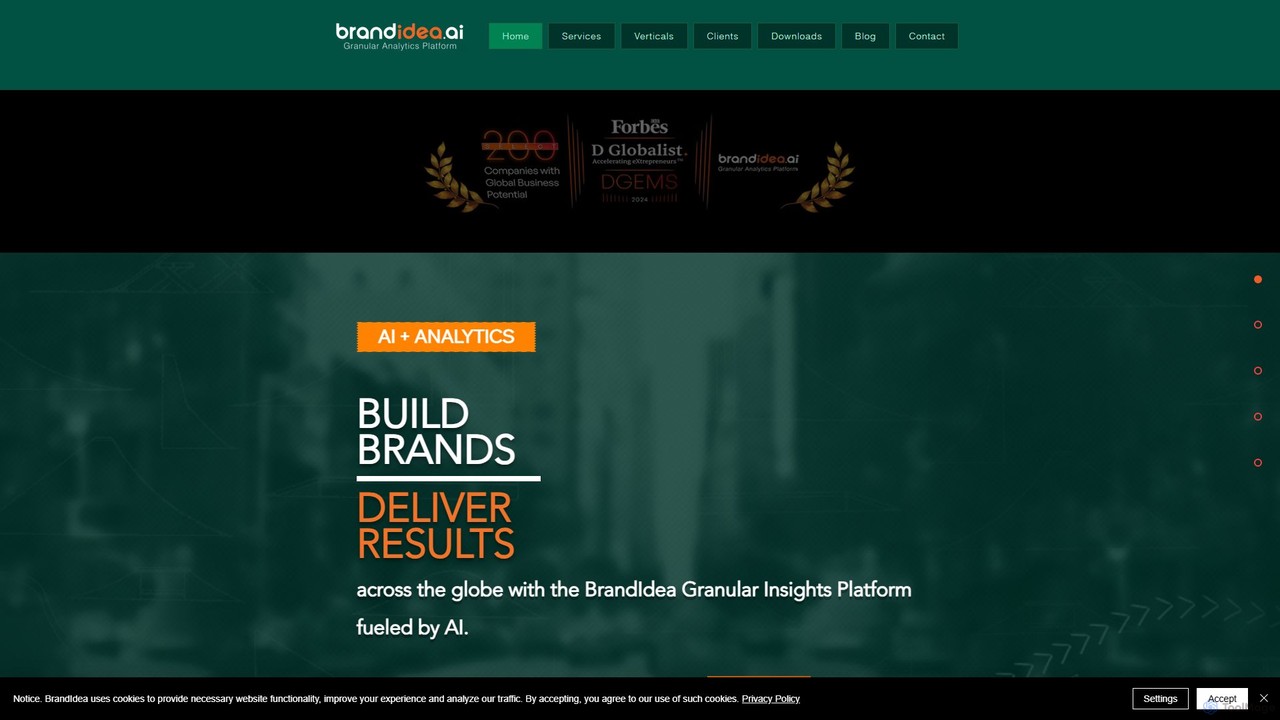
brandidea
An AI-powered granular analytics platform for sales and marketing. It transforms hyper-local data from markets like India into actionable insights, moving beyond traditional analytics to provide predictive and prescriptive guidance. It helps enterprises optimize strategies, enhance ROI, and accelerate brand growth through data-driven decision-making.
Business Intelligence
Thepanel Comments (0)
Sign in to comment.
Sign inNo comments yet.