

Lightdash Overview
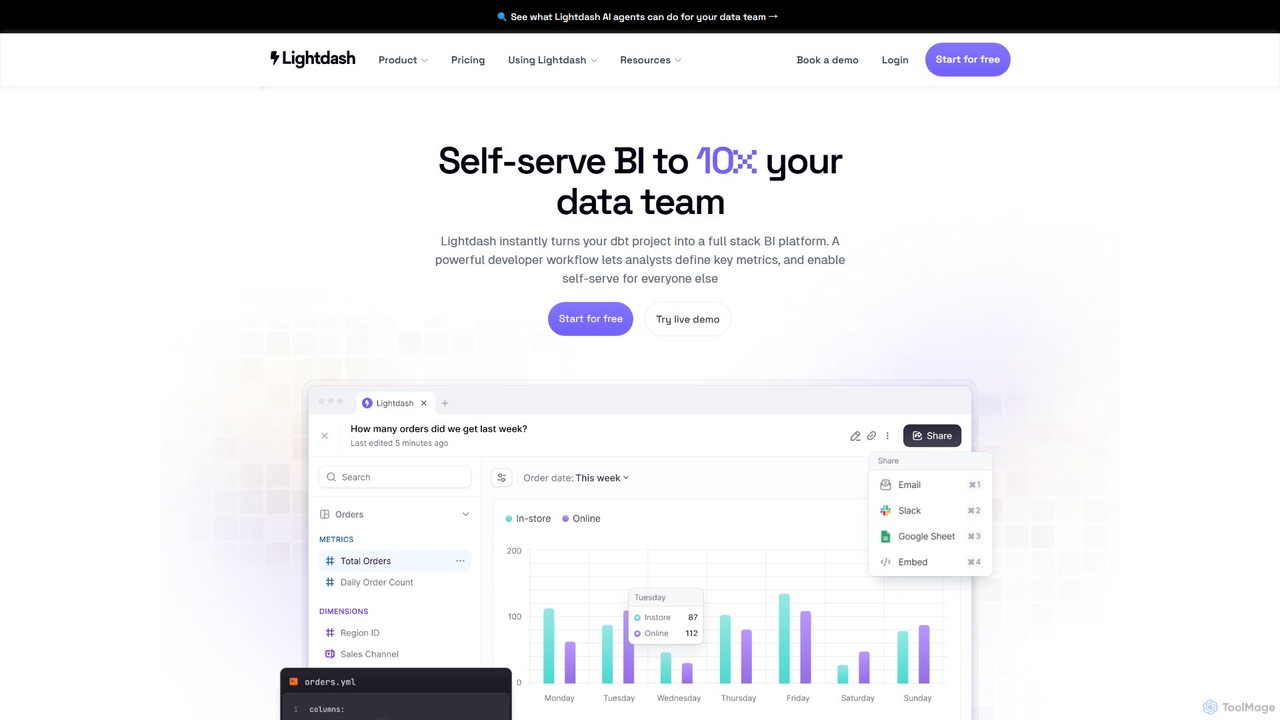
Lightdash is a modern, open-source business intelligence (BI) platform designed to work seamlessly with dbt (data build tool). It bridges the gap between powerful data transformation and accessible data exploration, creating a single source of truth for metrics and insights. The platform is built on the principle that data should be available to everyone in an organization, not just a select few. It achieves this through an intuitive user interface, powerful developer tools, and a revolutionary AI Analyst feature.
At its core, Lightdash leverages your existing dbt project to define a semantic layer. This means all your business logic, metrics, and dimensions are defined once in code, version-controlled in Git, and then made available across the entire organization. This approach eliminates data silos and ensures consistency in reporting. For data consumers, Lightdash offers a no-SQL, self-service environment where they can build reports, create interactive dashboards, and explore data with ease. For data teams, it provides a robust set of tools that align with software engineering best practices, including CI/CD integration, a powerful CLI, and staging environments.
How to use Lightdash
Getting started with Lightdash is a streamlined process designed for modern data teams. First, you connect Lightdash to your dbt project and your data warehouse (like BigQuery, Snowflake, or Redshift). Lightdash automatically reads your dbt models and metrics, creating the foundation for your BI platform. Data teams can then refine the semantic layer, adding dimensions and metrics directly within their dbt project files. Using developer previews and CI/CD workflows, they can test changes in a staging environment before promoting them to production, ensuring data quality and governance. Once set up, business users can log in and start exploring. They can use the intuitive report builder to drag and drop fields, apply filters, and visualize data without writing a single line of SQL. Alternatively, they can use the 'AI Analyst' feature by simply asking questions in plain English, such as "What were our top 10 selling products last quarter?", and Lightdash's AI will generate the corresponding report and visualization. Insights can be shared via Slack, email, or embedded directly into other applications.
Core Features of Lightdash
- AI Data Analyst: Allows users to ask questions in natural language to build reports and dashboards, making data analysis accessible to non-technical team members.
- dbt-Native Integration: Leverages your dbt project as the single source of truth for your metrics and business logic, ensuring consistency and governance.
- Developer-Friendly Workflows: Supports software engineering best practices with version control (Git), CI/CD integration, developer previews, and a command-line interface (CLI).
- Self-Serve Exploration: An intuitive UI for non-technical users to explore data, create visualizations, and build dashboards without needing to know SQL.
- Embedded Analytics: Easily embed interactive, customer-facing dashboards and charts directly into your own applications with secure, configurable options.
- Unlimited Users: Pricing plans are not based on the number of users, allowing you to scale data access across your entire organization without prohibitive costs.
- Open Source Core: The core platform is open source, providing transparency, flexibility, and the option for self-hosting.
- Comprehensive Integrations: Connects with major data warehouses, Git providers (GitHub, GitLab), and business tools like Slack and Google Sheets.
Use Cases for Lightdash
Lightdash is versatile and can be applied across various business functions. For example, a marketing team can use it to build self-serve dashboards to track campaign performance and customer acquisition costs. A sales team can ask the AI Analyst for real-time updates on their pipeline and conversion rates. Product teams can embed usage analytics directly into their application, providing valuable insights to their customers. For leadership, Lightdash provides a high-level view of key business metrics, all sourced from a governed and trusted data model. It's also ideal for companies looking to migrate from expensive, legacy BI tools like Looker, offering a more flexible and cost-effective solution.
Advantages of Lightdash
The primary advantage of Lightdash is its unique combination of developer power and business user accessibility. By being dbt-native, it ensures that analytics are built on a solid, governed foundation. The 'unlimited users' pricing model is a significant differentiator, removing barriers to data access and encouraging a data-informed culture. The AI Analyst feature democratizes data analysis further, empowering every team member to answer their own questions. Being open-source offers unparalleled transparency and customizability, while the cloud offering provides a fully managed, scalable solution with world-class support.
Pricing and Plans
Lightdash offers several pricing tiers to suit different needs, all with unlimited users:
- Open Source: A free, self-hosted version that includes the core BI platform, dbt integration, and CI/CD capabilities. Ideal for those who want to manage their own infrastructure.
- Cloud Starter: Priced at $800/month, this plan is perfect for smaller teams. It's a fully hosted, zero-configuration solution with community support.
- Cloud Pro: Priced at $2400/month, this plan is for growing teams and includes everything in Starter plus AI Data Analyst features, advanced security (SSO), dedicated support via Slack, and automated migration tools.
- Enterprise: Custom pricing for large organizations requiring advanced security, private deployment options, custom SLAs, and dedicated account management.
- Embedding Platform: Usage-based pricing for embedding analytics into applications, with options for pay-as-you-go or predictable monthly costs.
Traffic
Latest traffic
Status
Monthly traffic trend
- 2025-9: 33.3K
- 2026-1: 39.0K
- 2026-2: 47.0K
- 2026-3: 54.7K
- 2026-4: 47.6K
- 2026-5: 45.9K
Geography
Top 5 countries / regions
- 🇮🇳India50.6%
- 🇺🇸United States26.2%
- 🇬🇧United Kingdom11.3%
- 🇩🇪Germany6.4%
- 🇧🇷Brazil5.4%
Traffic sources
| Source type | Percentage |
|---|---|
Direct | 81.3% |
Referral | 18.0% |
Email | 0.7% |
Top keywords
| Keyword | Cost per click |
|---|---|
| light dash | $5.36 |
| lightdash | $4.19 |
| lightdash data apps sandbox | $0.00 |
| lightdash dbt | $0.00 |
| metric tree lightdash | $0.00 |
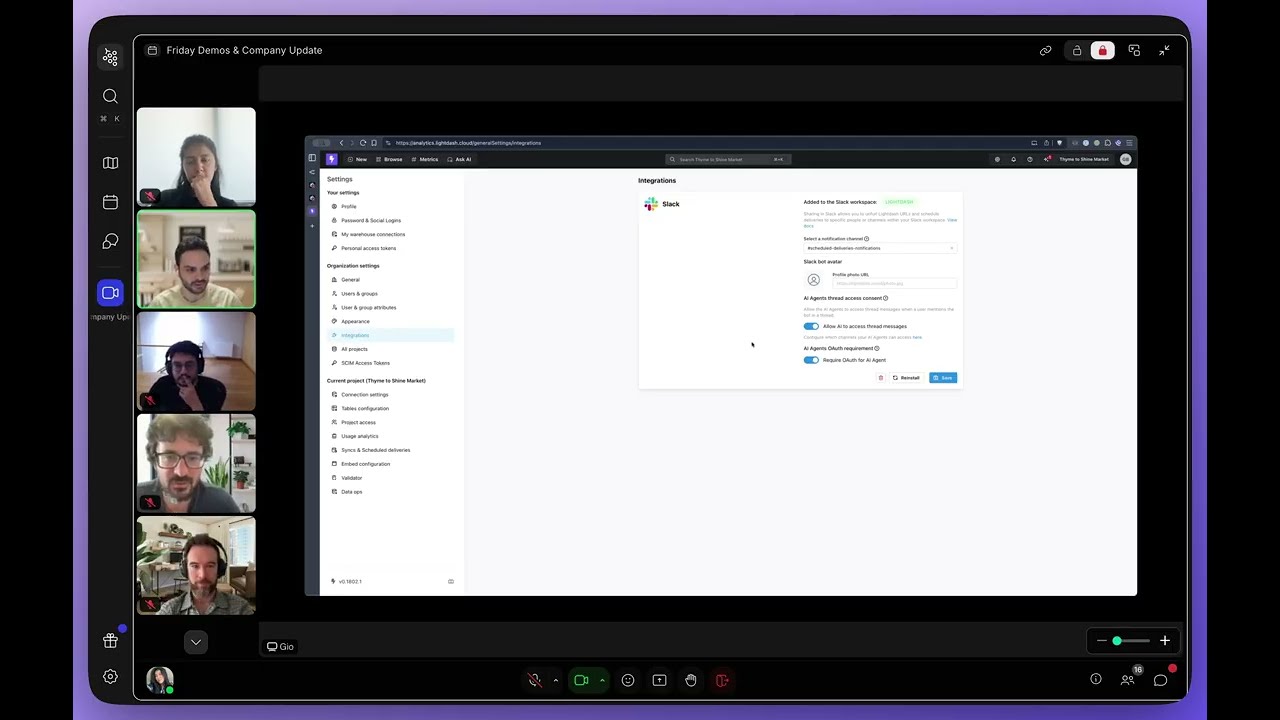
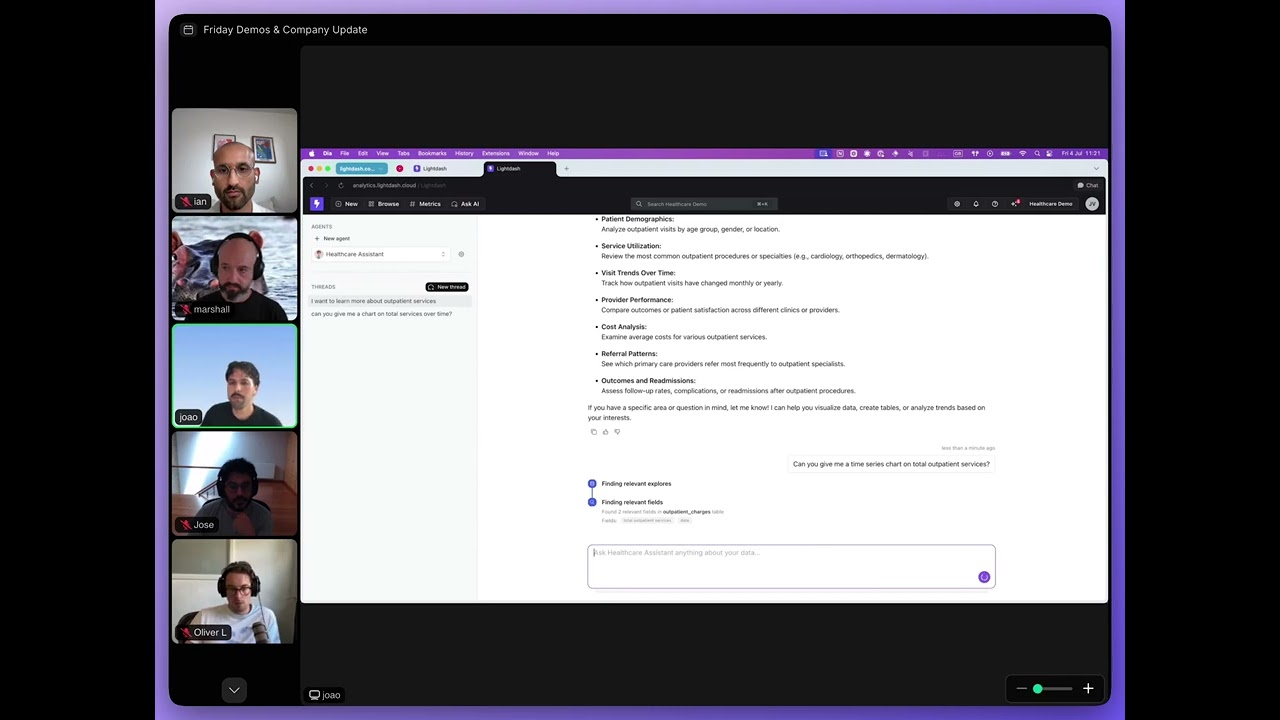
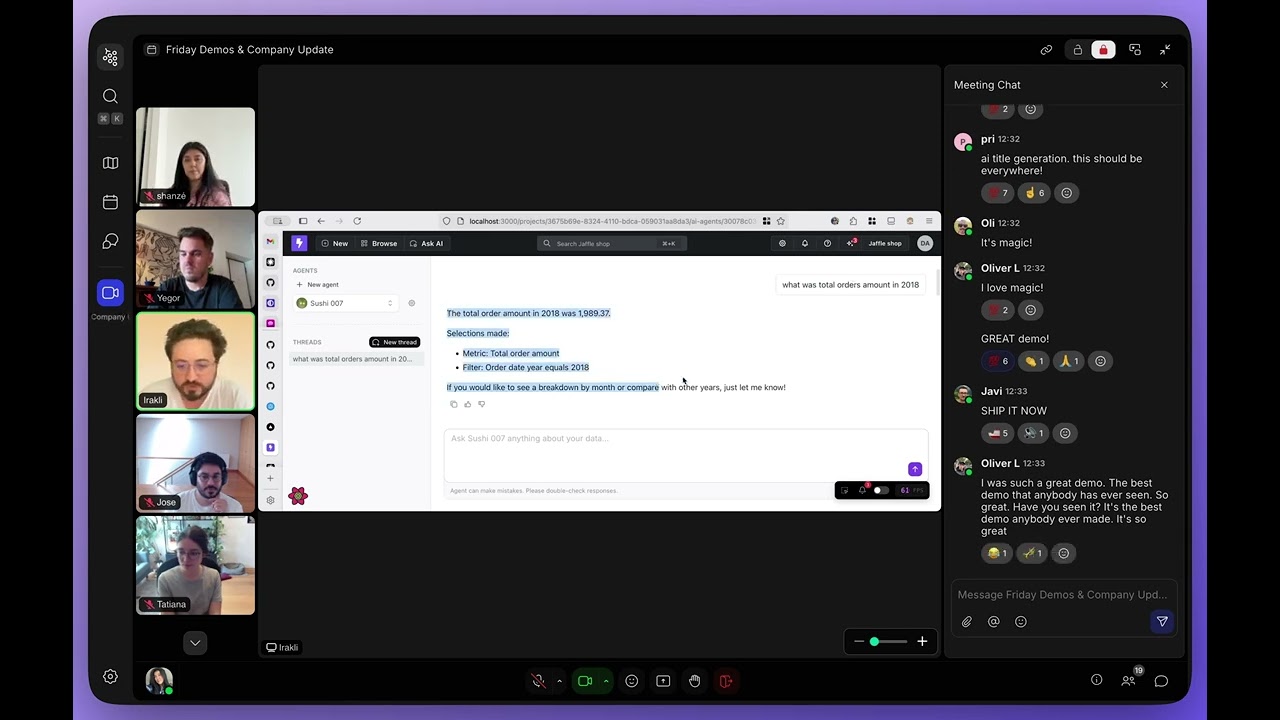
Lightdash Videos on YouTube


Lightdash Alternatives
Athenic
Athenic is an AI-powered data analyst and self-service Business Intelligence (BI) platform. It enables teams to get instant insights from their data by asking questions in natural language, eliminating the need for complex SQL queries. It's designed for SaaS, CPG, and manufacturing industries to accelerate analysis and empower non-technical users.
Business Intelligence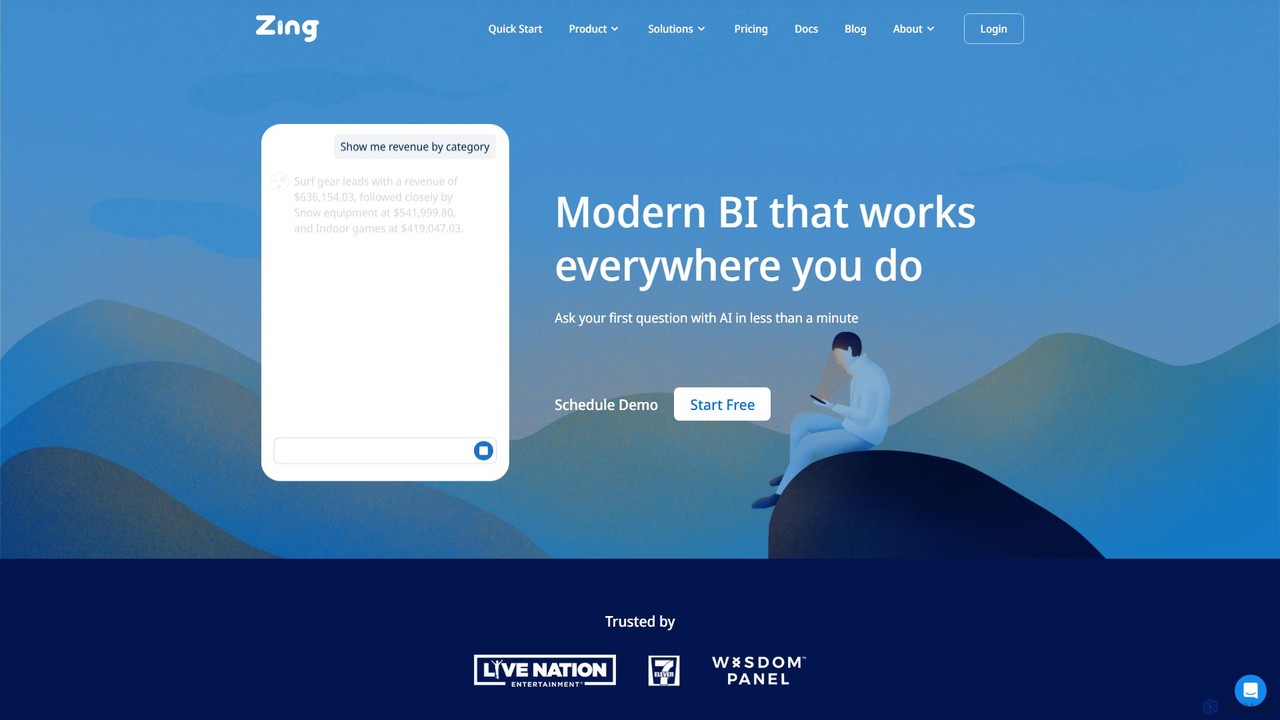
Zing Data
Zing Data is a GenAI-powered business intelligence (BI) platform that enables users to query data using natural language. It works across web and mobile, connecting to various data sources to create interactive visualizations and real-time alerts without complex data modeling, making data analysis accessible to everyone.
Business Intelligence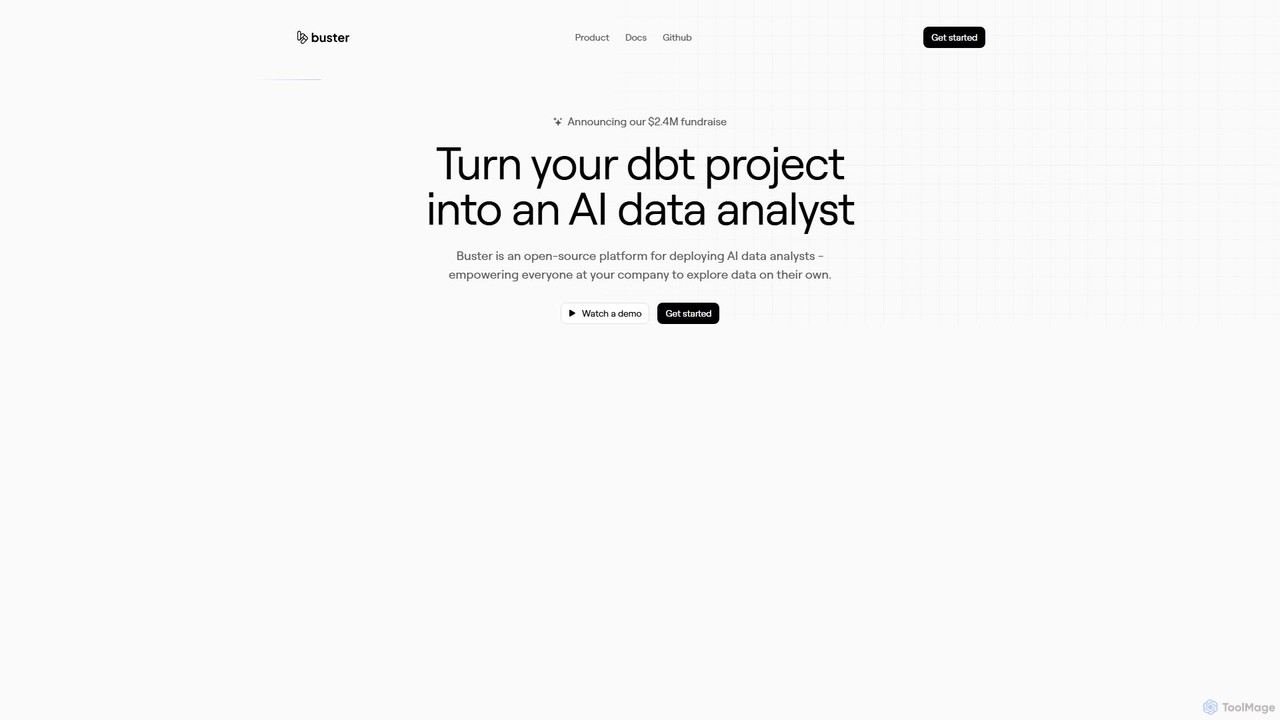
Buster
Buster is an open-source AI data analyst platform that empowers everyone in a company to explore data using plain English. It integrates with dbt projects, allowing business users to ask questions, generate visualizations, and build dashboards without writing code, while freeing up data teams from ad-hoc requests.
Business Intelligence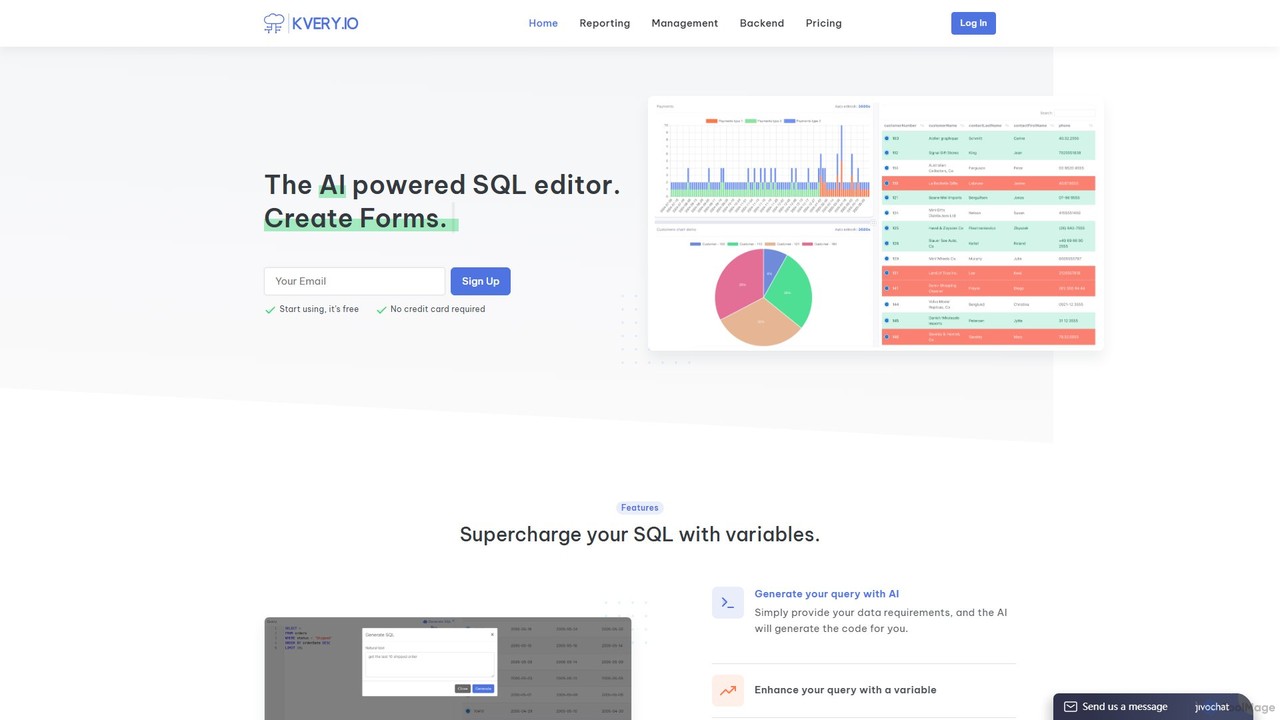
Kvery
Kvery is an AI-powered SQL editor and database analytics platform designed to streamline data workflows. It enables users to generate complex SQL queries using natural language, create interactive reports and dashboards, and visualize data with various chart types. Kvery aims to boost productivity and reduce development costs for both startups and enterprises by making database management intuitive and efficient.
Business Intelligence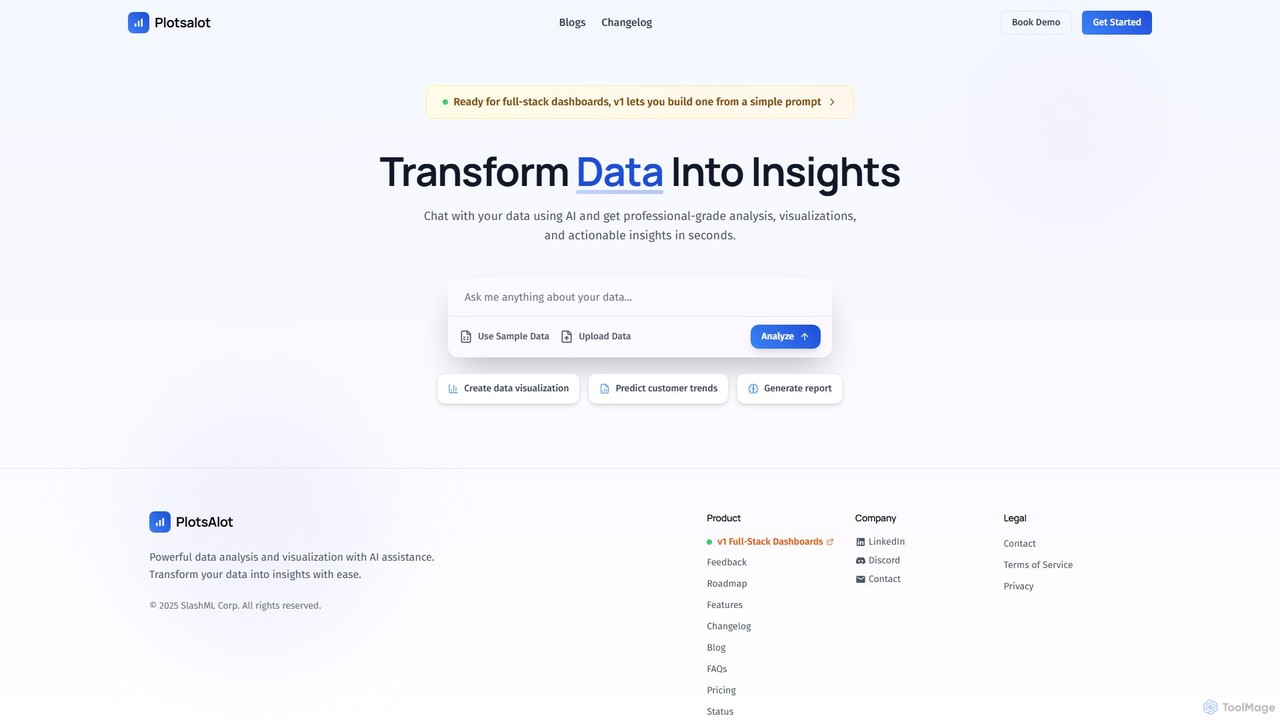
PlotsAlot
PlotsAlot is an AI-powered data analysis and visualization platform that transforms raw data into professional-grade charts, dashboards, and actionable insights. Simply upload your data and use natural language prompts to chat with it, perform advanced analysis, and predict trends in seconds.
Business IntelligenceLightdash Categories
Lightdash Embed Widget
Copy this embed code to place the badge on your blog, article, or product site and send readers directly to this ToolMage detail page.

Related AI tools
Buster
Buster is an open-source AI data analyst platform that empowers everyone in a company to explore data using plain English. It integrates with dbt projects, allowing business users to ask questions, generate visualizations, and build dashboards without writing code, while freeing up data teams from ad-hoc requests.
Business Intelligence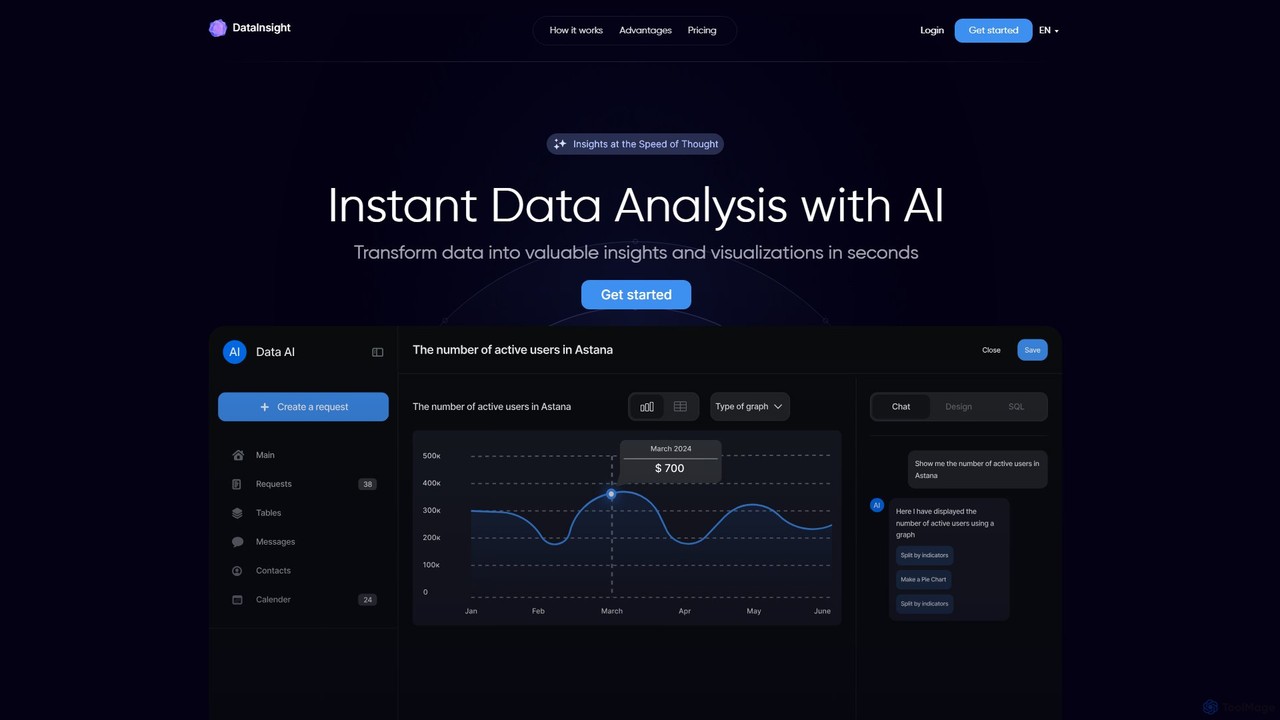
DataInsight
DataInsight is an AI-powered platform that transforms your business data into actionable insights and visualizations in seconds. Connect your databases like Postgres, MySQL, and BigQuery, and ask questions in plain English to receive instant answers. Generate custom graphs and tables, export reports, and replace the need for multiple analytics tools or a dedicated data analyst. It's a fast, secure, and cost-effective solution for data-driven decision-making.
Business Intelligence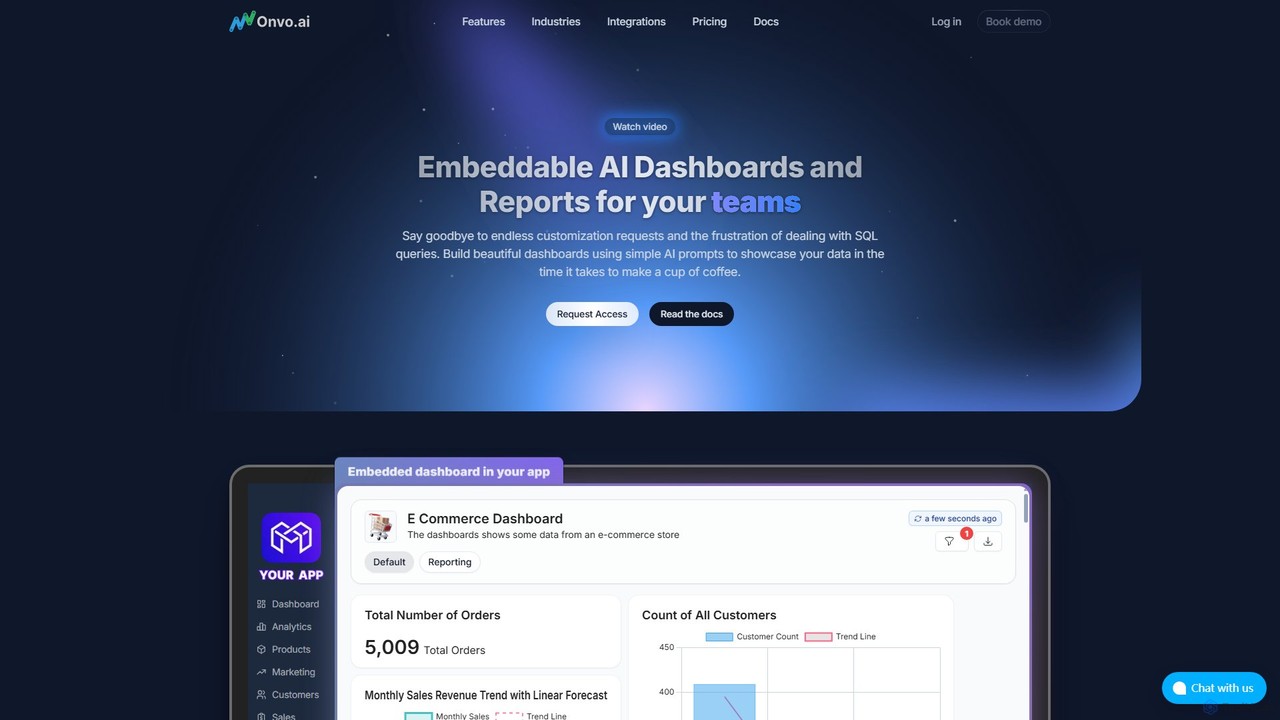
Onvo AI
Onvo AI is a powerful platform for building and embedding AI-driven dashboards and reports directly into your applications. It replaces complex SQL queries with simple natural language prompts, allowing both technical and non-technical users to create stunning data visualizations effortlessly. This solution saves significant engineering resources and empowers your teams and customers with secure, self-service analytics.
Business Intelligence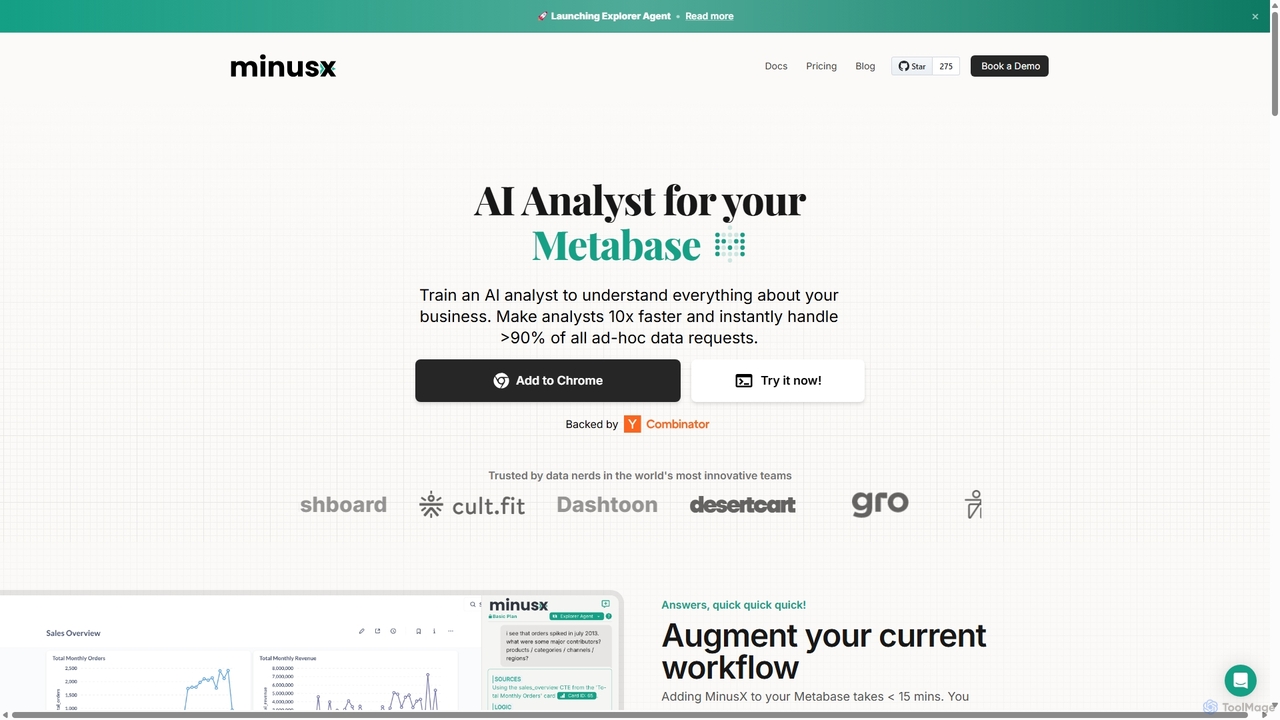
Minusx
Minusx is an AI data analyst designed to integrate seamlessly with Metabase. It empowers data analysts, business users, and executives to query data using natural language, handling over 90% of ad-hoc requests instantly. By acting as a Chrome extension within your existing workflow, Minusx enhances productivity, codifies business knowledge through 'Context Engineering', and provides quick, accurate insights directly from your dashboards and reports, all while ensuring data security.
Analytics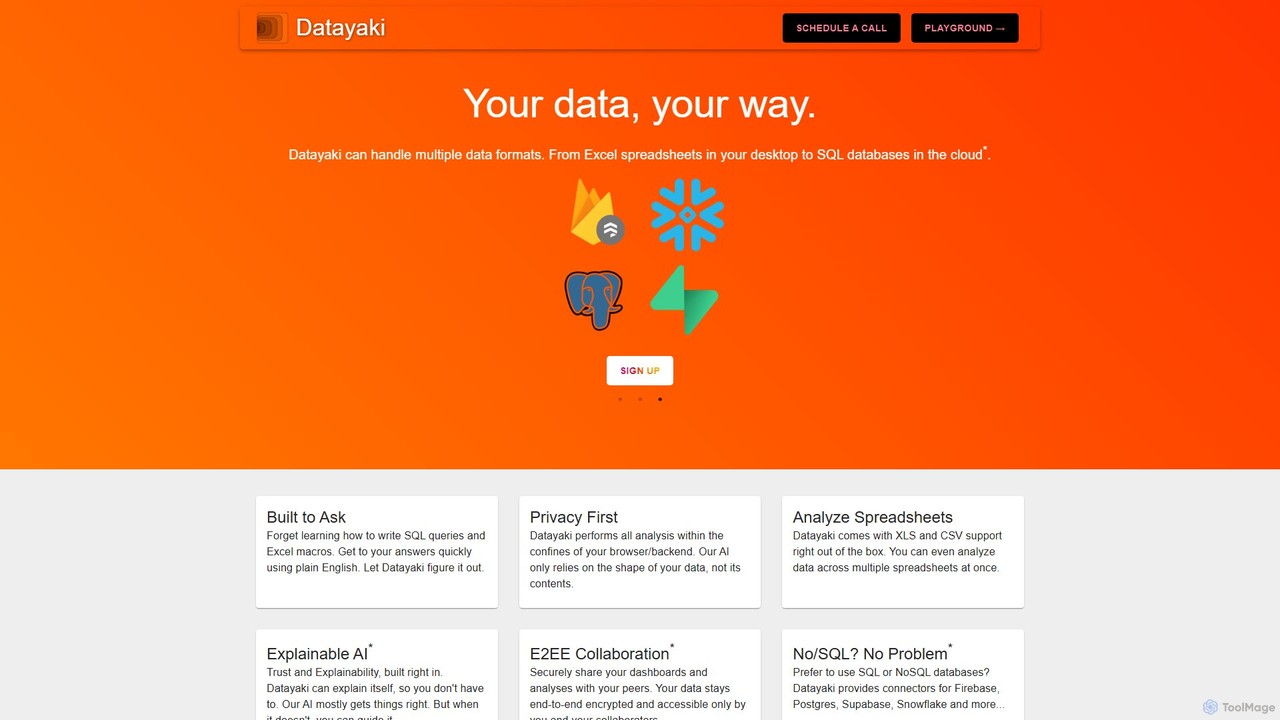
Datayaki
Datayaki is an AI-powered data analyst that lets you find insights from your data by asking questions in plain English. It supports formats like Excel and CSV, eliminating the need for SQL or complex formulas. With a strong focus on privacy, all analysis is performed locally in your browser, ensuring your data remains secure and confidential. It's designed for professionals and teams who need fast, accessible, and secure data analysis.
Data Visualization
pandalyst
Pandalyst is an AI-powered data analysis platform that transforms how you interact with data. Ask questions in natural language and receive instant visualizations, insights, and reports. It automates complex data tasks, making business intelligence accessible to everyone, from analysts to business leaders, without writing a single line of code.
Low Code No Code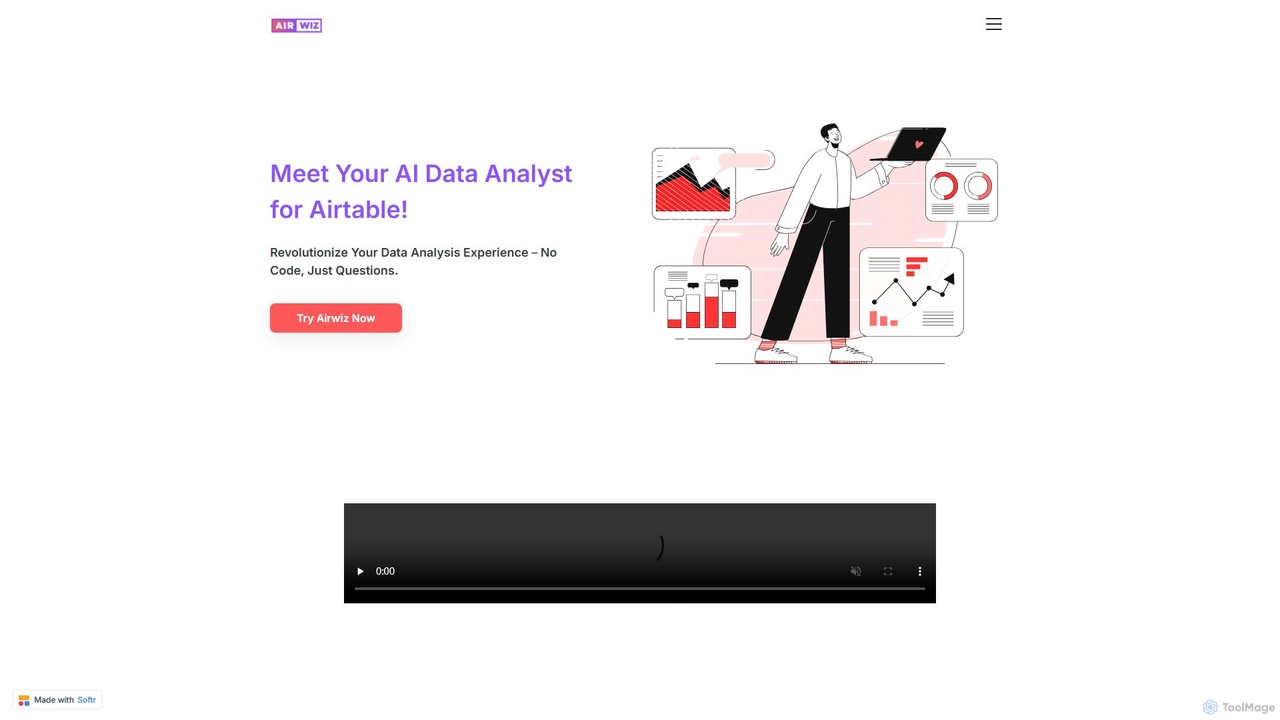
airwiz
Airwiz is an AI-powered data analyst designed specifically for Airtable. It allows users to ask complex questions about their data in plain English and receive instant, actionable insights. With seamless integration and no coding required, Airwiz democratizes data analysis, enabling teams in product, finance, and operations to make faster, data-driven decisions directly from their Airtable bases.
No CodeAthenic
Athenic is an AI-powered data analyst and self-service Business Intelligence (BI) platform. It enables teams to get instant insights from their data by asking questions in natural language, eliminating the need for complex SQL queries. It's designed for SaaS, CPG, and manufacturing industries to accelerate analysis and empower non-technical users.
Business IntelligenceZing Data
Zing Data is a GenAI-powered business intelligence (BI) platform that enables users to query data using natural language. It works across web and mobile, connecting to various data sources to create interactive visualizations and real-time alerts without complex data modeling, making data analysis accessible to everyone.
Business Intelligence
Microsoft Power BI
Microsoft Power BI is a leading business analytics and data visualization platform that empowers users to connect to, model, and visualize their data. It leverages AI-powered features like natural language Q&A and automated insights to uncover hidden patterns, create interactive reports and dashboards, and facilitate data-driven decision-making across an organization.
Business Intelligence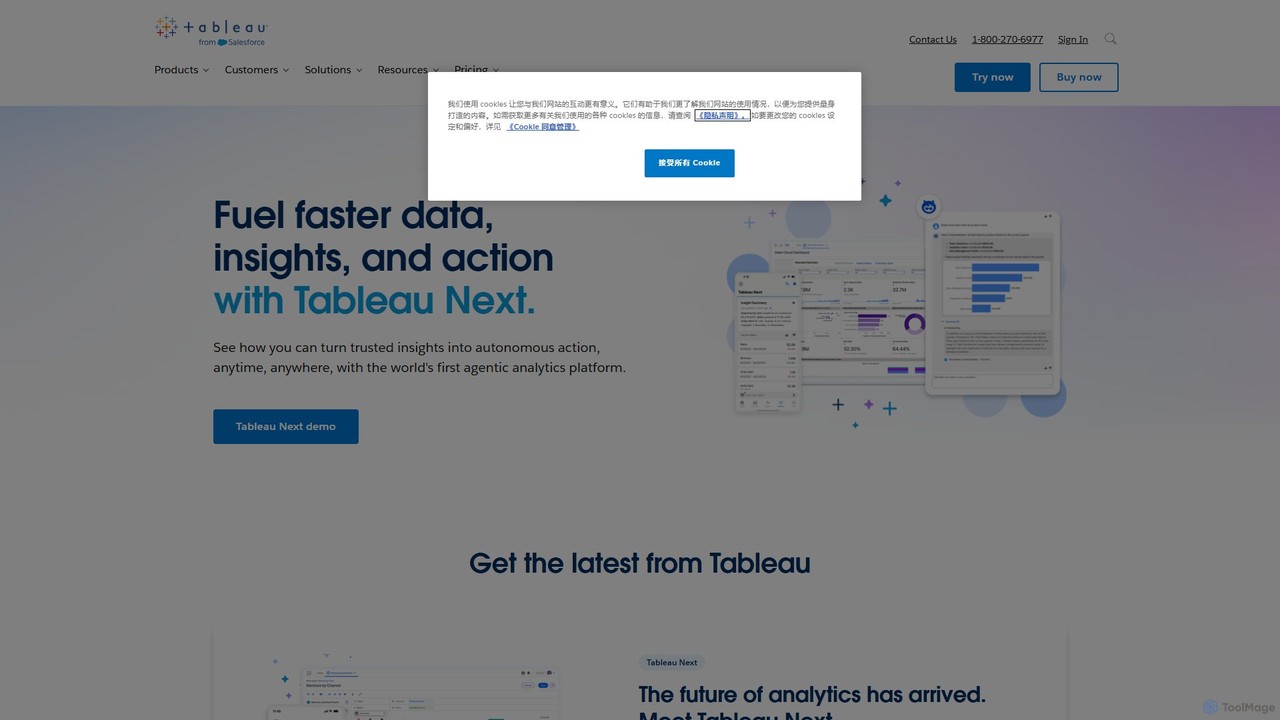
Tableau
Tableau is a leading AI-powered business intelligence and analytics platform that helps people see and understand data. It enables users to create interactive dashboards, perform complex data analysis, and share insights across their organization, enhanced by AI features like Tableau Agent for accelerated decision-making.
Business Intelligence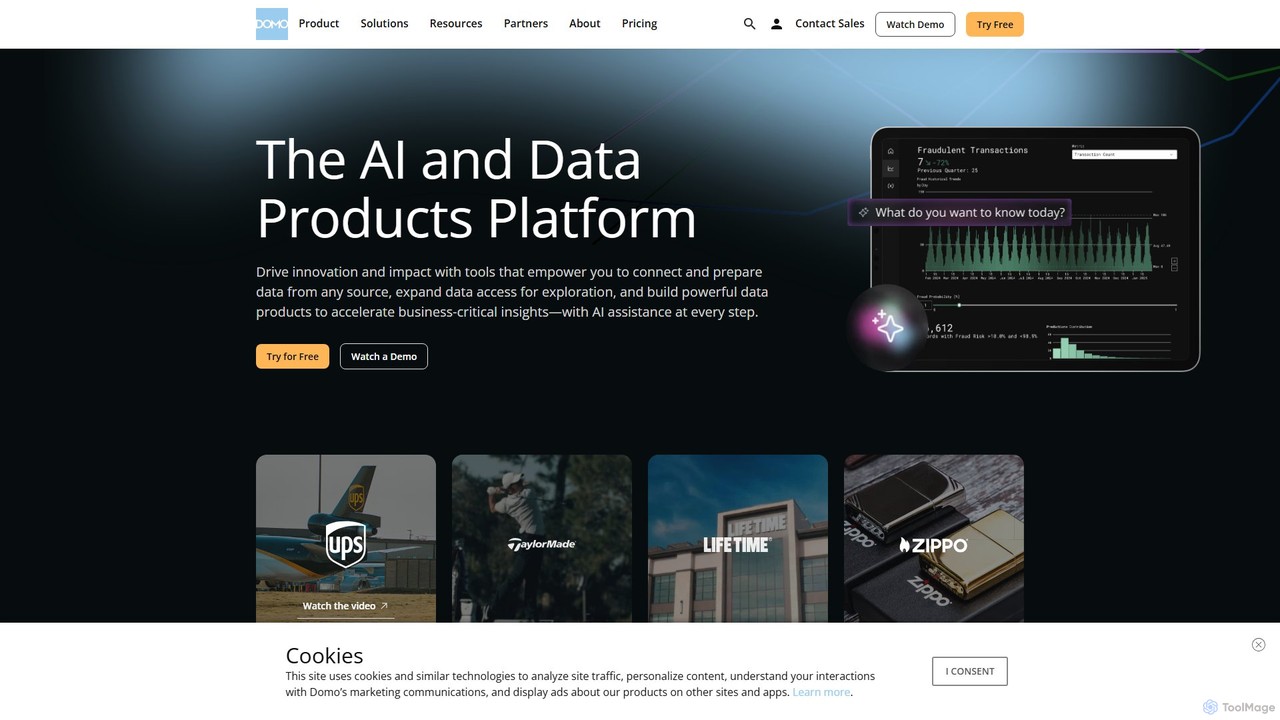
Domo
Domo is an AI-powered cloud platform that integrates all your business data, providing real-time analytics, interactive dashboards, and automated workflows. It empowers users to build data products, create AI agents, and make faster, data-driven decisions across the entire organization.
Business Intelligence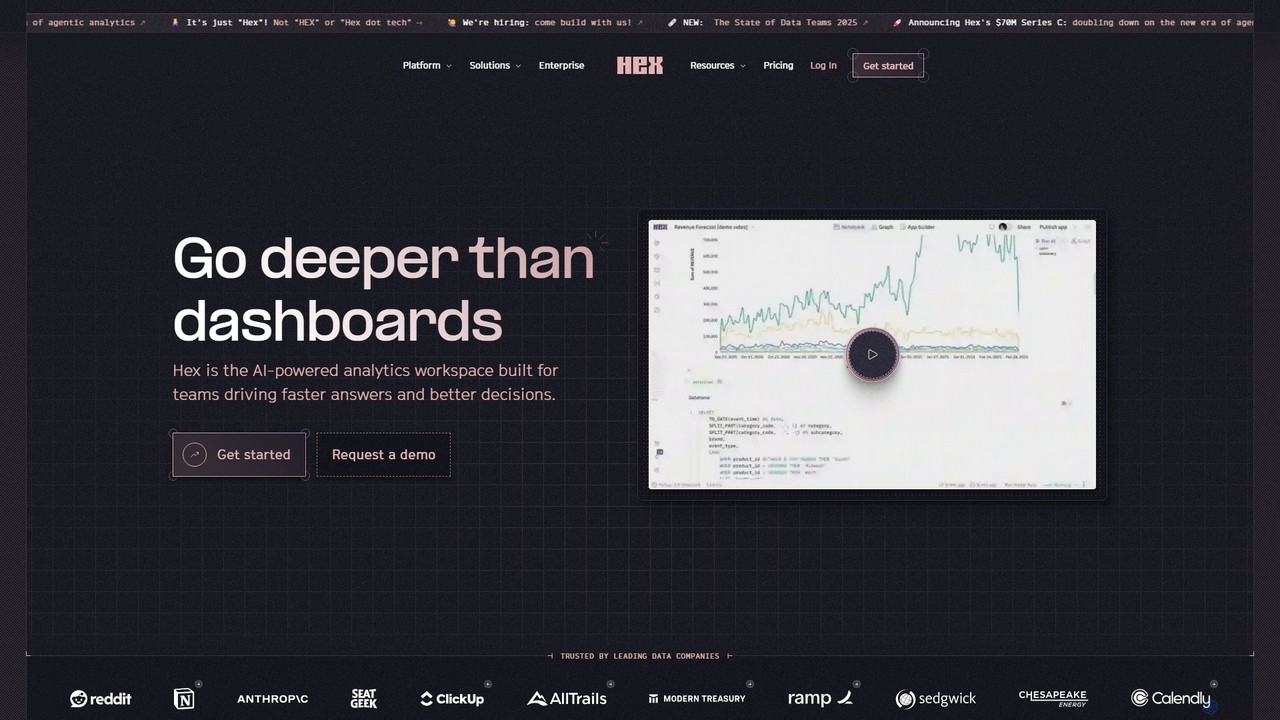
Hex
Hex is an AI-powered analytics workspace designed for teams. It integrates notebooks for Python and SQL, interactive data apps, and self-serve exploration into a single collaborative platform, enabling faster, data-driven decision-making.
Data Science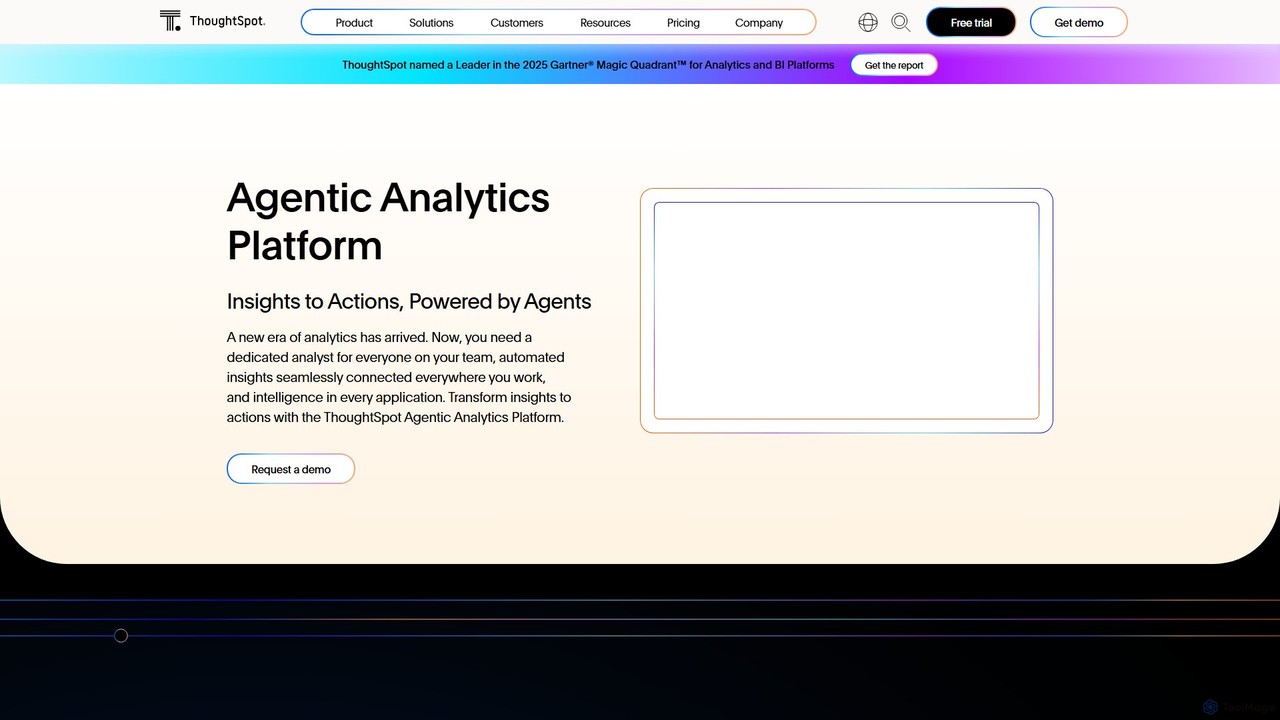
ThoughtSpot
ThoughtSpot is an AI-powered Agentic Analytics platform that enables anyone to get granular, data-driven insights using natural language search. It features AI agents, interactive dashboards, and embedded analytics to democratize data and accelerate decision-making across enterprises.
Business Intelligence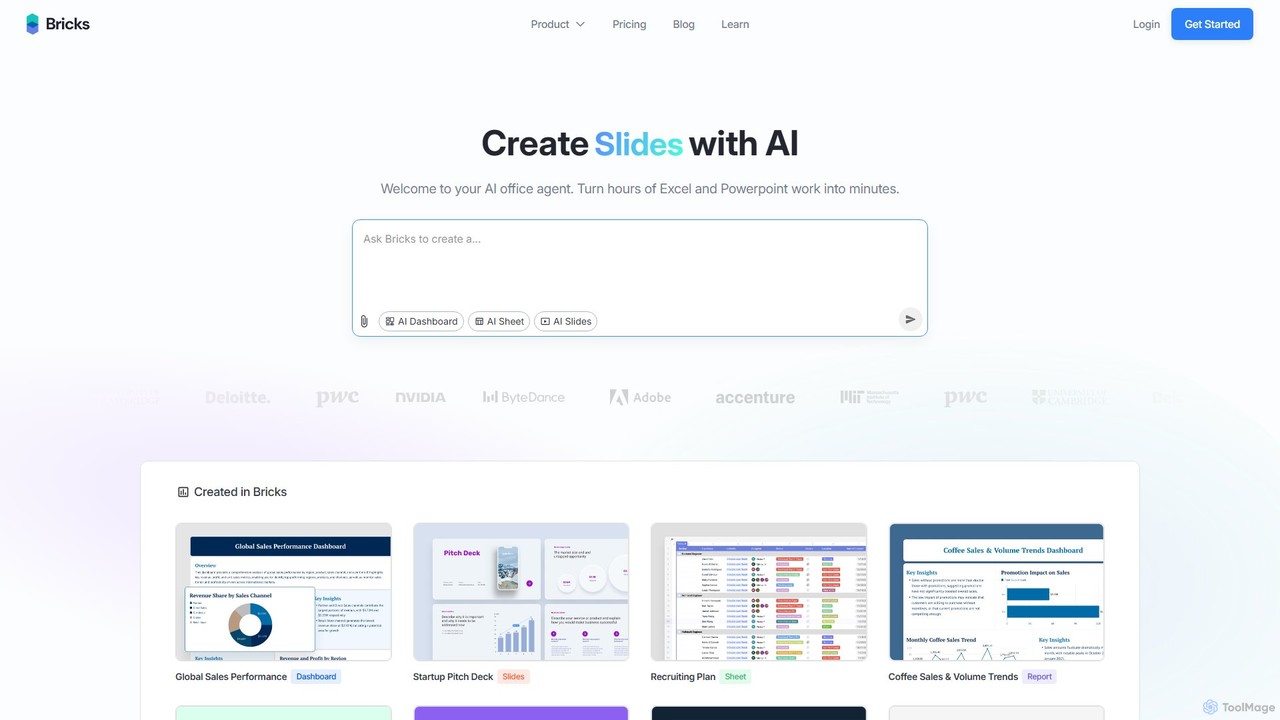
thebricks
thebricks is an AI-powered workspace that transforms data analysis and reporting. It allows users to create interactive dashboards, dynamic spreadsheets, and professional slides using simple natural language prompts. Turn hours of manual work in Excel and PowerPoint into minutes, streamlining your workflow and boosting productivity.
Business Intelligence
Lightdash Comments (0)
Sign in to comment.
Sign inNo comments yet.