


threadquilt Overview
threadquilt is an innovative AI-powered platform designed to solve a common problem for social media users: the difficulty of reading, sharing, and archiving long, valuable threads. With a single click, it transforms scattered threads from platforms like X (Twitter) into beautifully formatted, cohesive articles or blog posts. This tool is indispensable for content creators, marketers, researchers, and anyone who wants to preserve and repurpose insightful online conversations.
The core of threadquilt lies in its intelligent content aggregation and formatting engine. It automatically fetches all tweets in a given thread, removes distracting elements like replies and UI clutter, and presents the content in a clean, linear format. The AI capabilities further enhance this by offering smart summaries, suggesting engaging titles, and even improving the overall flow and readability of the text, making the content ready for a wider audience.
How to use threadquilt
Using threadquilt is designed to be simple and intuitive, requiring just a few steps to convert a thread into a polished article:
- Paste the URL: Find the first tweet of the thread you want to convert on X (Twitter) or another supported platform. Copy its URL.
- Generate the Quilt: Paste the URL into the input field on the threadquilt homepage and click the "Quilt it!" button.
- AI-Powered Editing: The tool will instantly fetch and format the thread. You can then use the intuitive editor to make changes. Modify the text, rearrange content, remove specific tweets, or add your own commentary. Use the AI assistant to generate a summary or suggest a better title.
- Customize Appearance: Adjust the look and feel of your article. On premium plans, you can add your own logo and branding to create a professional appearance.
- Export and Share: Once you are satisfied, export your finished 'quilt' in various formats, including PDF for easy sharing, HTML to embed on your website, or Markdown for use in other content systems.
Core Features of threadquilt
- One-Click Thread Conversion: Instantly turns any X (Twitter) thread into a single, readable article.
- AI-Powered Summarization & Titling: Automatically generates concise summaries and catchy headlines for your content.
- Rich Text Editor: Edit and format the generated article, add images, links, and custom text to enrich the content.
- Multiple Export Formats: Export your content as a PDF, HTML file, Markdown, or even a shareable image.
- Clutter-Free Reading: Removes ads, replies, and other distracting UI elements for a focused reading experience.
- Custom Branding: Paid users can add their own logos and remove threadquilt branding for a professional look.
- Content Archiving: Securely save and archive important threads that might otherwise be deleted or lost.
- API Access: For developers and businesses, an API is available to integrate threadquilt's functionality into their own applications and workflows.
Use Cases for threadquilt
threadquilt is a versatile tool for various professionals:
- Content Creators: Effortlessly repurpose popular Twitter threads into detailed blog posts for their websites, increasing SEO value and reaching a new audience.
- Marketers: Compile user-generated content, customer testimonials, or event live-tweets into shareable reports or marketing materials.
- Educators and Students: Save and share insightful threads from experts as supplementary reading material or for research citations.
- Journalists and Researchers: Quickly archive and analyze important conversations and breaking news threads for reporting.
- Community Managers: Document and share key announcements or discussions from community threads in a more permanent and accessible format.
Advantages of threadquilt
threadquilt offers significant advantages over manual methods or simple screenshotting. Its primary benefit is efficiency, saving hours of copy-pasting and reformatting. The AI enhancements add a layer of intelligence, transforming raw content into a polished piece. Furthermore, the multiple export options and branding features provide a level of professionalism and flexibility that is unmatched by other tools. It helps users unlock the latent value in their social media content, turning ephemeral conversations into durable assets.
Pricing and Plans
threadquilt operates on a freemium model, making it accessible to everyone.
- Free Plan: Ideal for casual users. It allows for a limited number of thread conversions per month, includes basic editing features, and exports content with a threadquilt watermark.
- Pro Plan: Designed for professionals and power users. This plan offers unlimited thread conversions, advanced AI features (summarization, title generation), all export formats (PDF, HTML, MD), custom branding options, and priority customer support.
- Business/API Plan: A custom plan for businesses and developers who need to integrate threadquilt's capabilities into their systems via API access. Pricing is based on usage and specific requirements.
threadquilt Alternatives
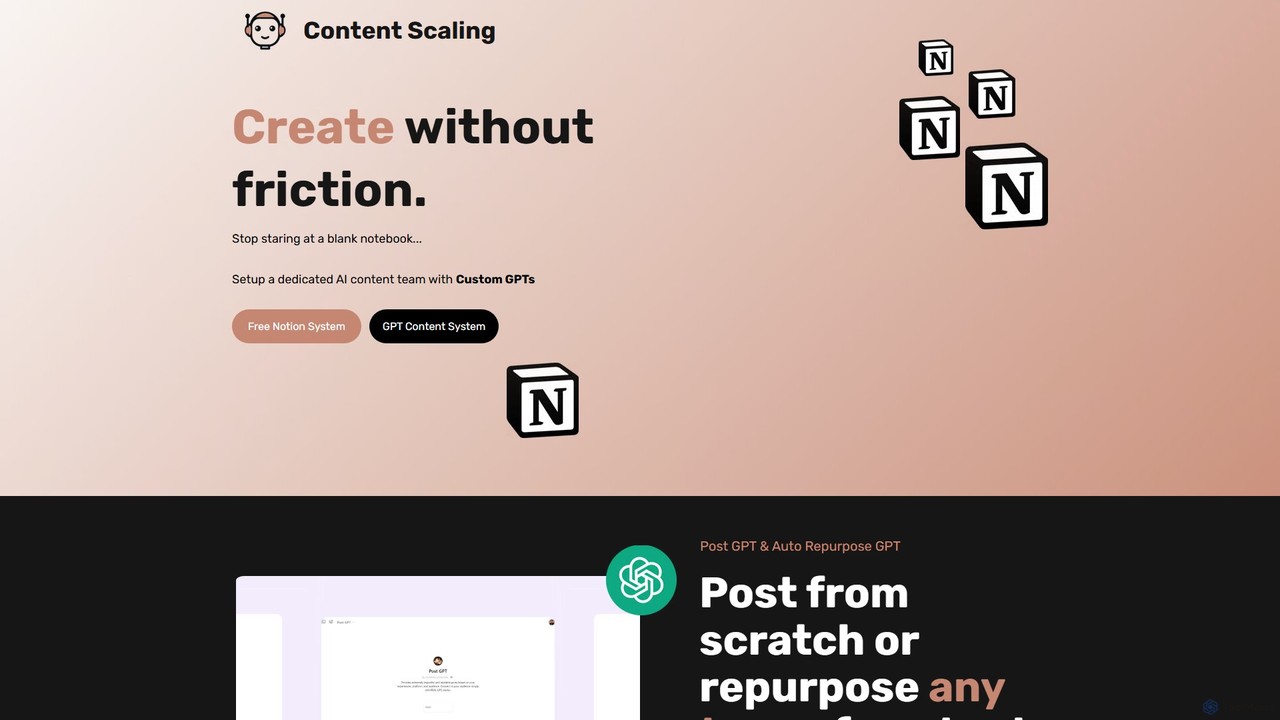
Content Scaling
A comprehensive content creation system combining Notion templates and a suite of custom GPTs. It automates ideation, writing, repurposing, and management, helping creators and marketers scale their content production efficiently.
Social Media Marketing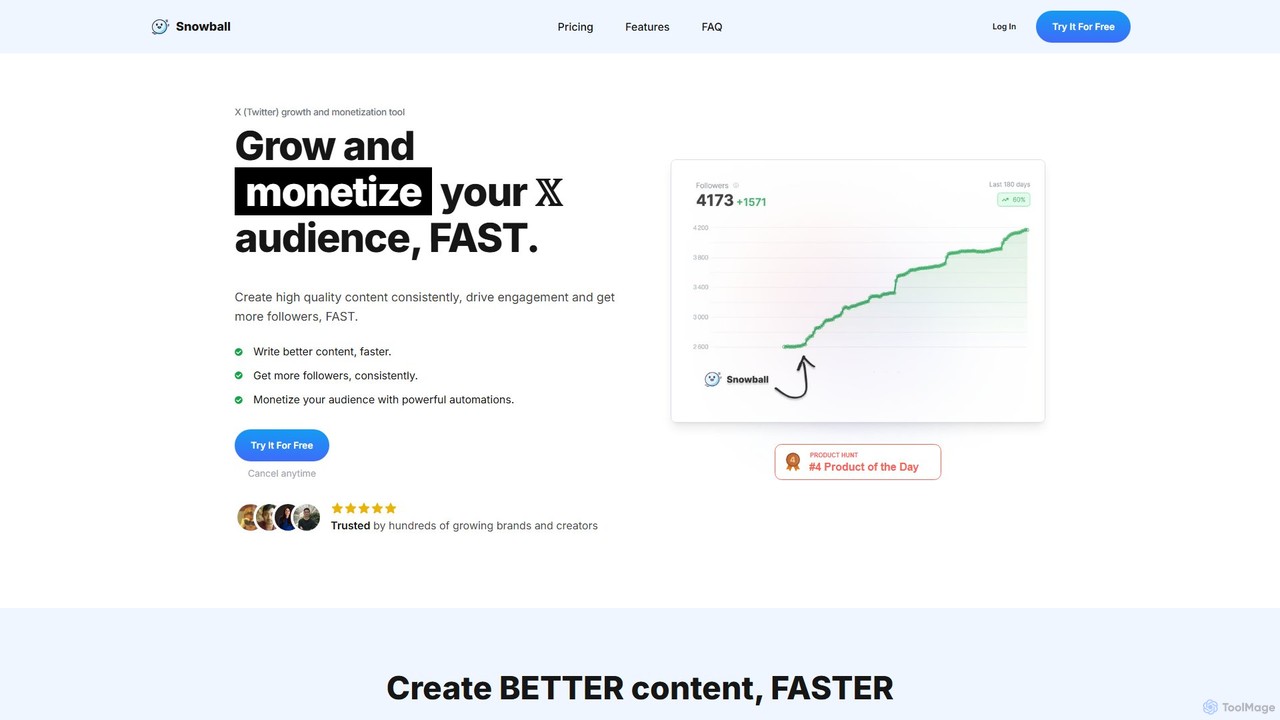
Snowball
Snowball is an AI-powered growth and monetization tool for X (Twitter). It helps creators and brands write better content faster, schedule posts, automate engagement, and track follower growth. Features include an AI writing assistant, viral tweet templates, smart replies, auto-reposting, and detailed analytics to accelerate audience growth on the platform.
Social Media Management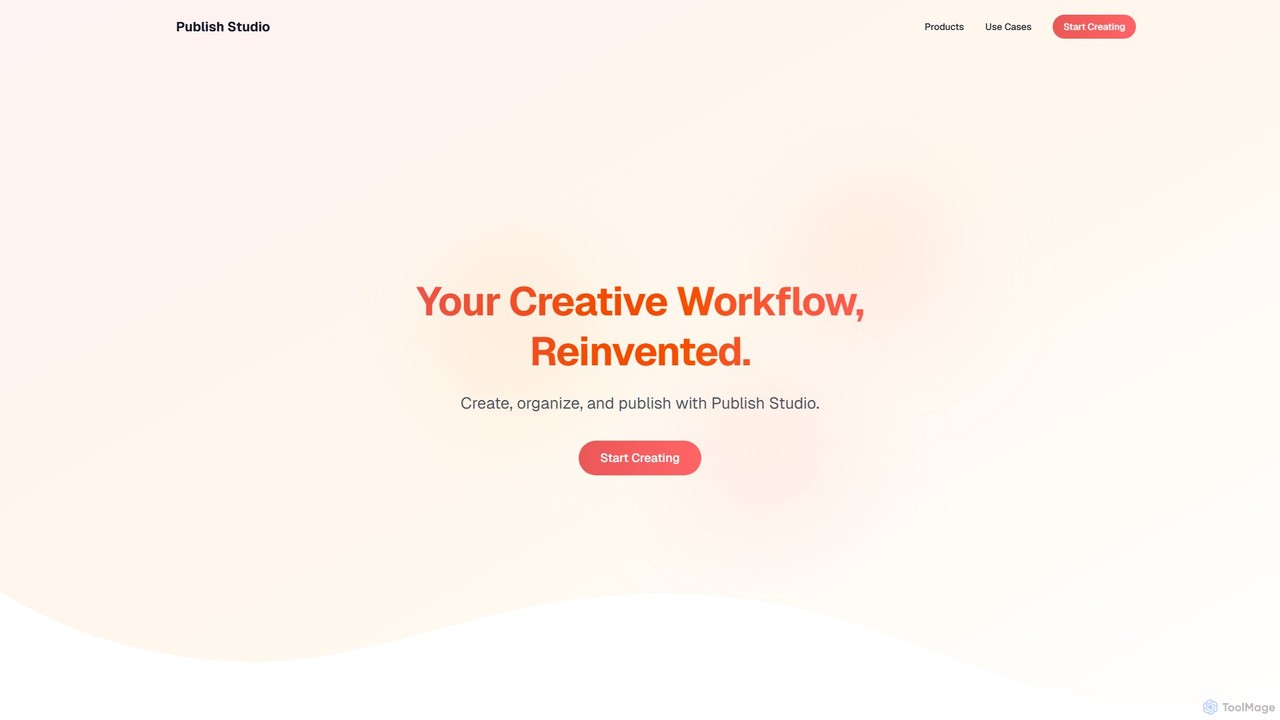
Publish Studio
Publish Studio is an all-in-one, AI-powered content creation and publishing platform. It helps creators, marketers, and bloggers streamline their workflow by providing tools to write, organize, schedule, and publish content to multiple platforms like WordPress, Medium, and social media from a single dashboard.
Image Editing
Buffer
Buffer is an all-in-one social media management platform designed to help individuals, businesses, and agencies grow their brand presence. It simplifies content planning, scheduling, and publishing across multiple networks like Instagram, Facebook, and TikTok. With its integrated AI Assistant, users can effortlessly generate ideas, create engaging posts, and analyze performance to optimize their social media strategy.
Social Media Analytics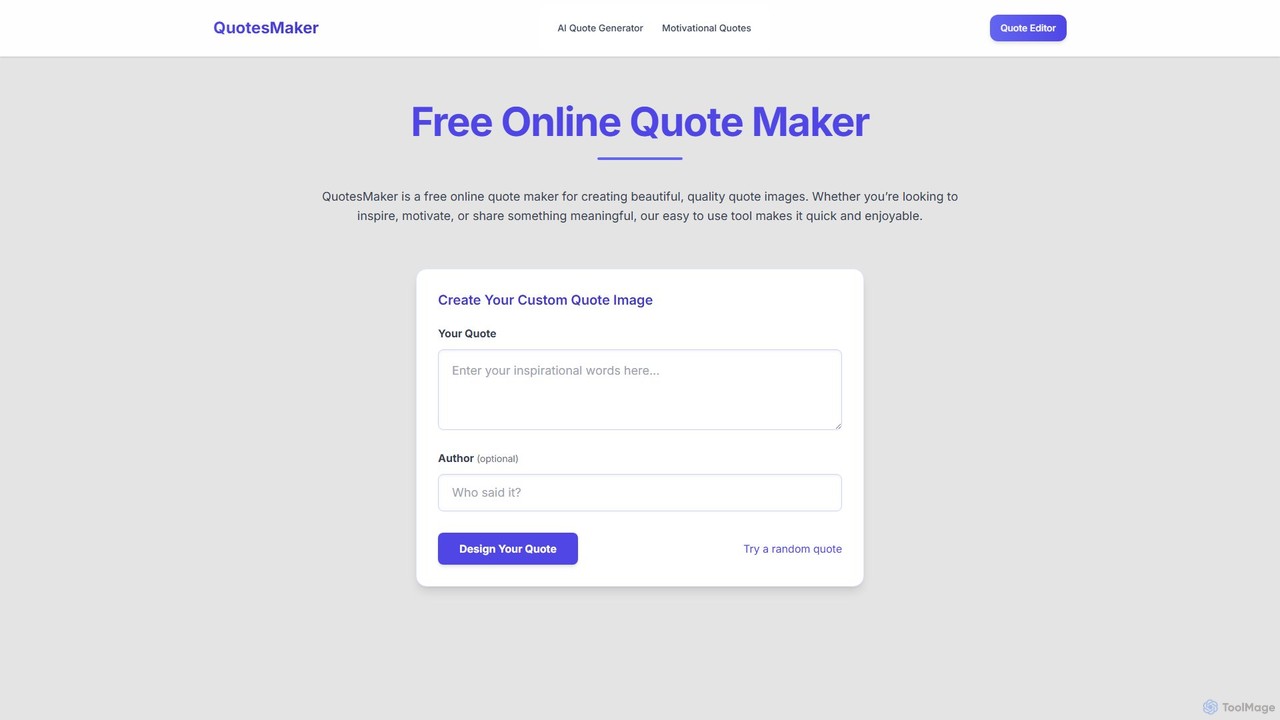
QuotesMaker
QuotesMaker is a free AI-powered tool for generating and designing beautiful quote images. Instantly create unique, inspiring quotes and customize them with an advanced editor for social media, presentations, and personal motivation, all without watermarks.
Image Generationthreadquilt Categories
threadquilt Embed Widget
Copy this embed code to place the badge on your blog, article, or product site and send readers directly to this ToolMage detail page.

Related AI tools
Content Scaling
A comprehensive content creation system combining Notion templates and a suite of custom GPTs. It automates ideation, writing, repurposing, and management, helping creators and marketers scale their content production efficiently.
Social Media Marketing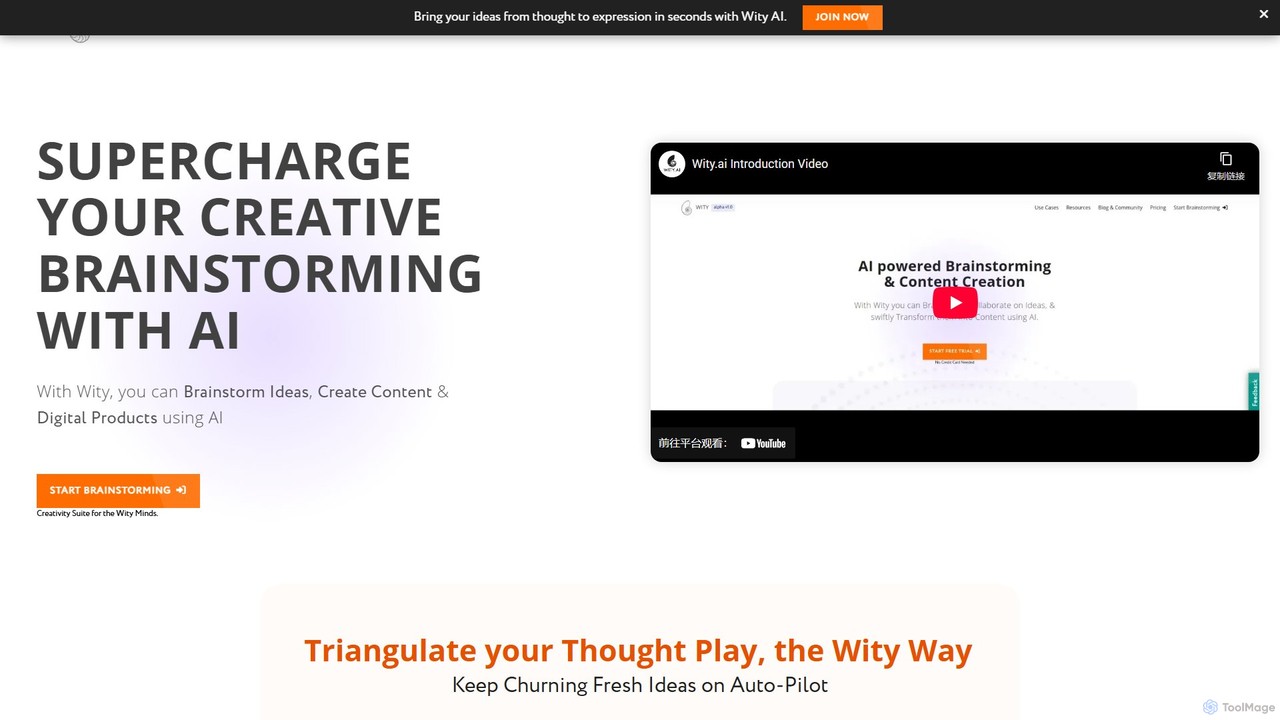
Wity
Wity is an AI-powered platform designed to supercharge creative brainstorming and content creation. It helps users transform abstract ideas into structured content, digital products, and marketing strategies using visual ideation tools, the Snowflake Method, and customizable AI agents.
Logo Generator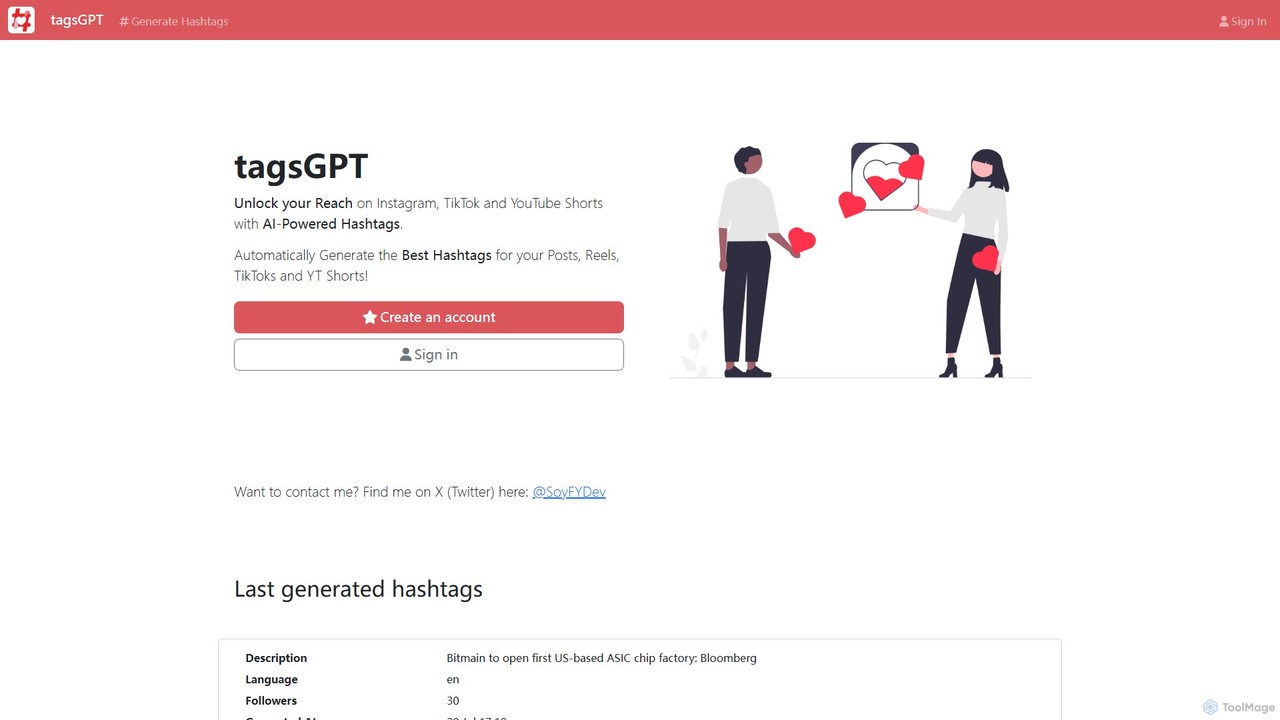
TagsGPT
TagsGPT is an AI-powered tool designed to generate optimized hashtags for social media platforms like Instagram, TikTok, and YouTube Shorts. It helps content creators, marketers, and businesses increase their reach, engagement, and visibility by providing relevant and trending tags based on post descriptions.
Social Media Marketing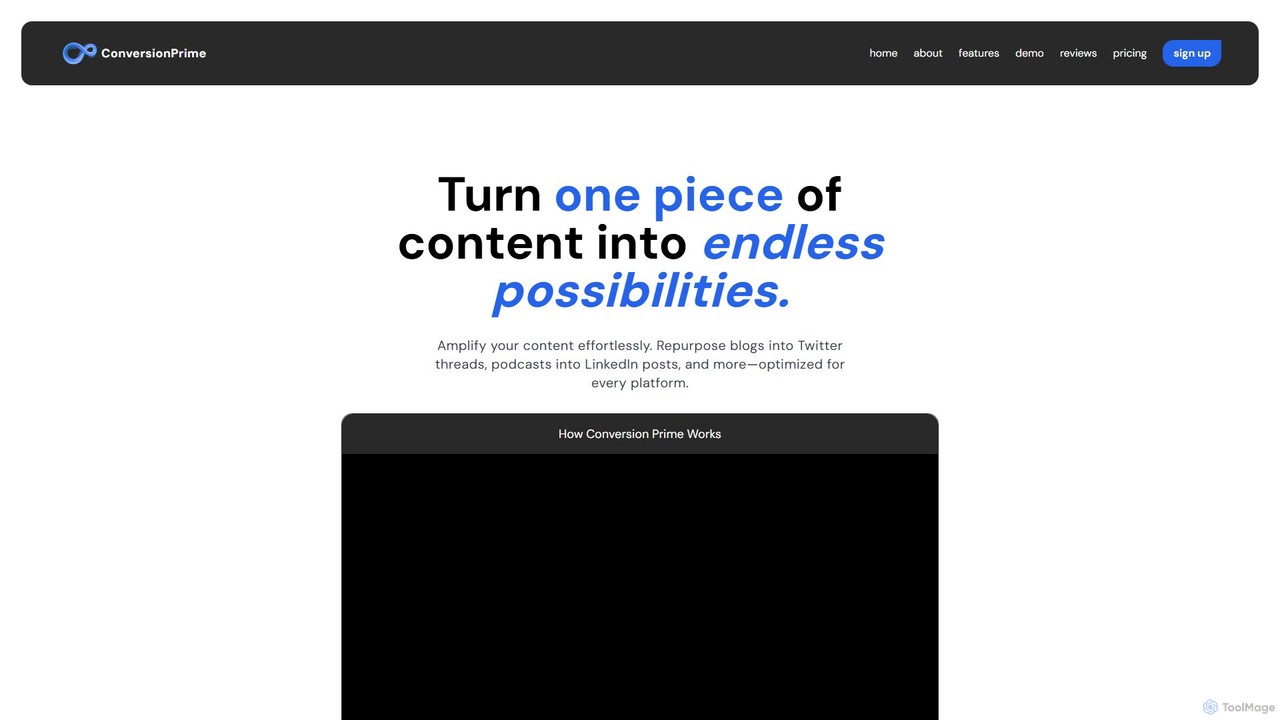
ConversionPrime
ConversionPrime is an AI-powered content repurposing tool designed for creators, marketers, and businesses. It effortlessly transforms a single piece of content, like a blog post or video, into multiple high-performing formats optimized for various social media platforms such as Twitter and LinkedIn. This helps you maximize reach, boost engagement, and scale your content strategy efficiently, saving significant time and effort while preventing creator burnout.
Automation
ai2006
ai2006 is an all-in-one AI-powered platform designed to boost productivity and creativity. It integrates advanced tools for text generation, image creation, and data analysis through an intelligent chat interface. Ideal for marketers, content creators, and developers, it streamlines complex workflows by combining multiple AI capabilities into a single, intuitive workspace, saving time and enhancing output quality.
Image Generator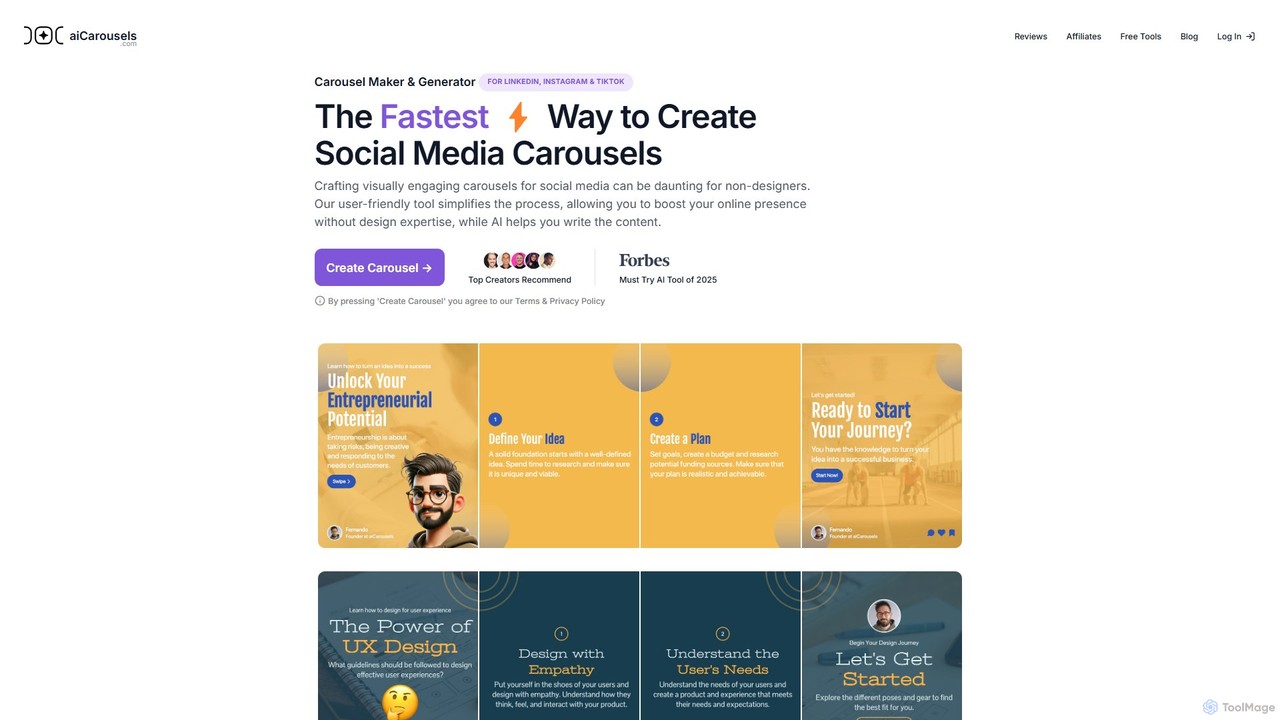
aicarousels
An AI-powered tool that enables users to quickly create professional and engaging carousels for social media platforms like LinkedIn, Instagram, and TikTok. It simplifies design and content writing, making it perfect for non-designers, marketers, and content creators.
Graphic Design
SinCode
SinCode was an all-in-one AI content creation platform offering a suite of tools for writing, image generation, and coding. The project has been discontinued, and its domain now directs users to agent.ai, a platform with various AI agent tools.
Image Generation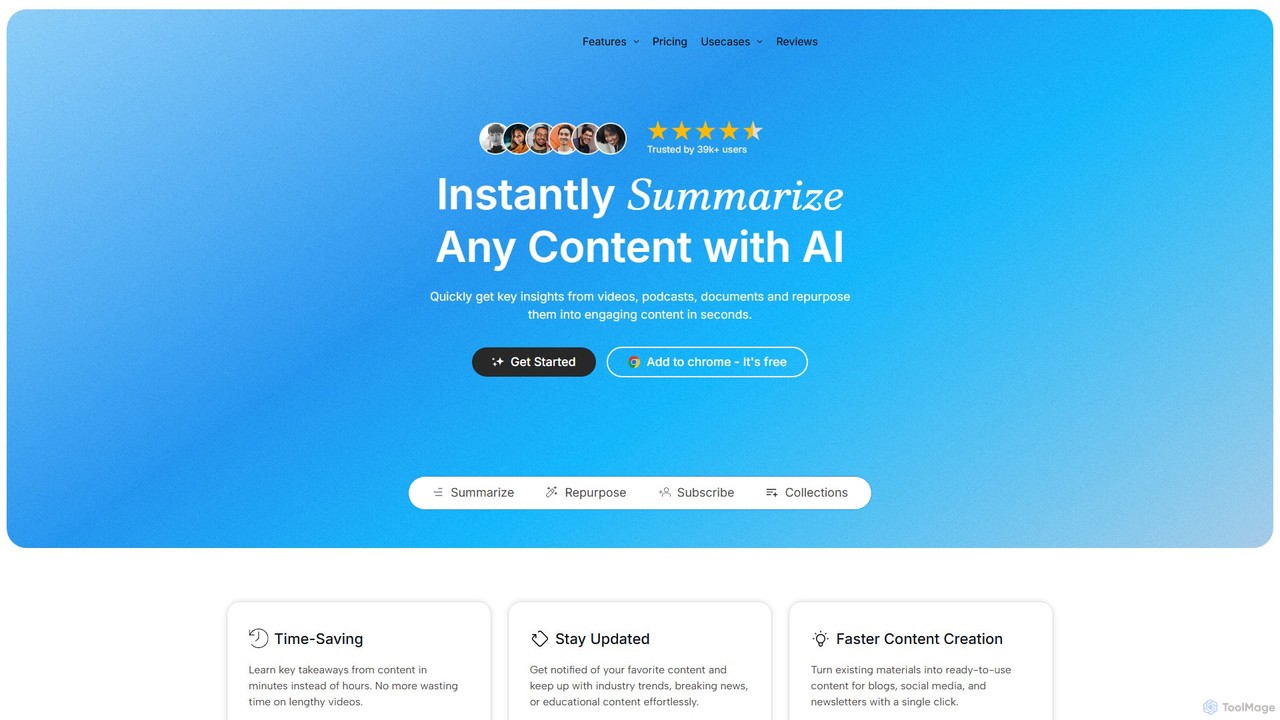
TubeOnAI
TubeOnAI is an all-in-one AI-powered platform that instantly summarizes diverse content like YouTube videos, podcasts, web articles, and documents (PDFs, Google Docs). It also excels at repurposing this content into various formats such as blog posts, social media threads, and video scripts, significantly boosting productivity for creators, marketers, and students.
Repurposing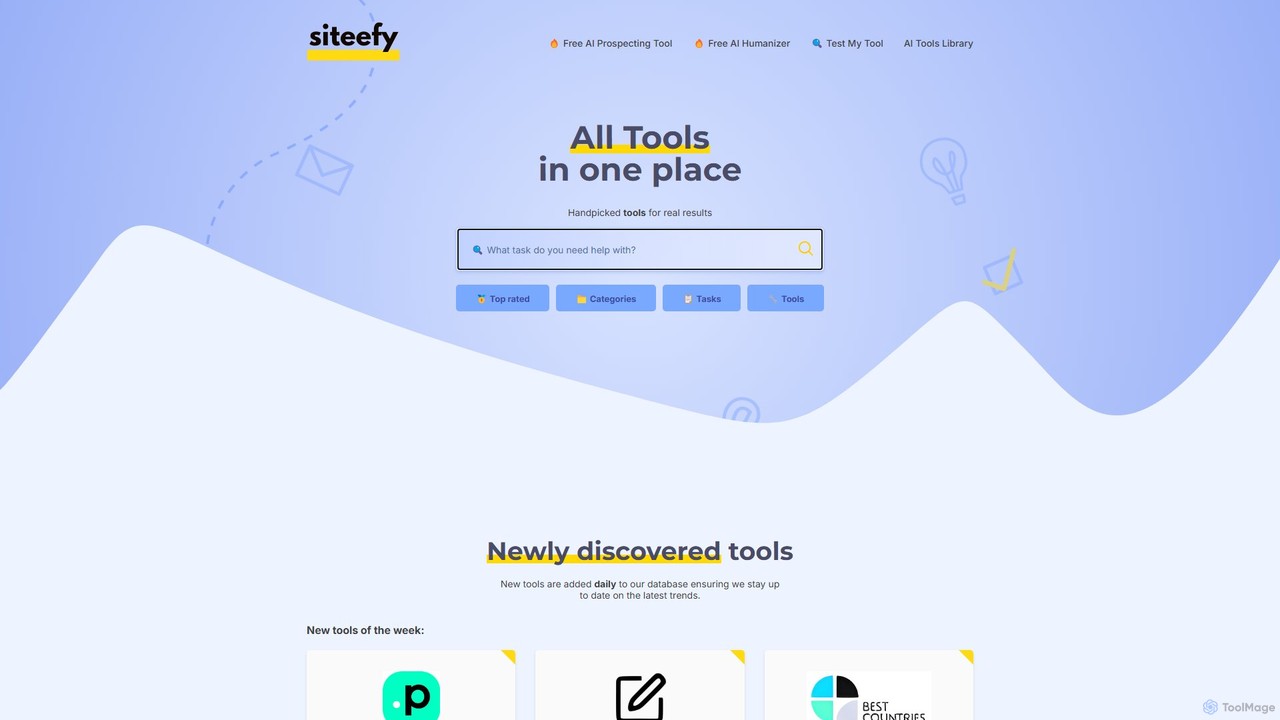
siteefy
siteefy is a comprehensive platform featuring a curated library of AI and business tools, alongside its own suite of free utilities like an AI Text Humanizer. It's designed to help users discover the right tools for any task, from content creation and marketing to website development, ensuring efficiency and high-quality results.
Content Creation
Podcast Rocket
Podcast Rocket is an all-in-one AI-powered platform designed to simplify the entire podcasting workflow. From idea generation and scriptwriting to automated audio editing, transcription, and content repurposing, it helps creators save time, improve quality, and grow their audience effortlessly. Ideal for both beginners and seasoned podcasters.
Podcasting
JustThink
JustThink is a comprehensive, all-in-one AI platform that integrates generative chat, content writing, text-to-speech, AI art, and video creation. It is designed for marketers, educators, content creators, and businesses to enhance productivity, streamline workflows, and foster creativity through a single, collaborative interface.
Image Generation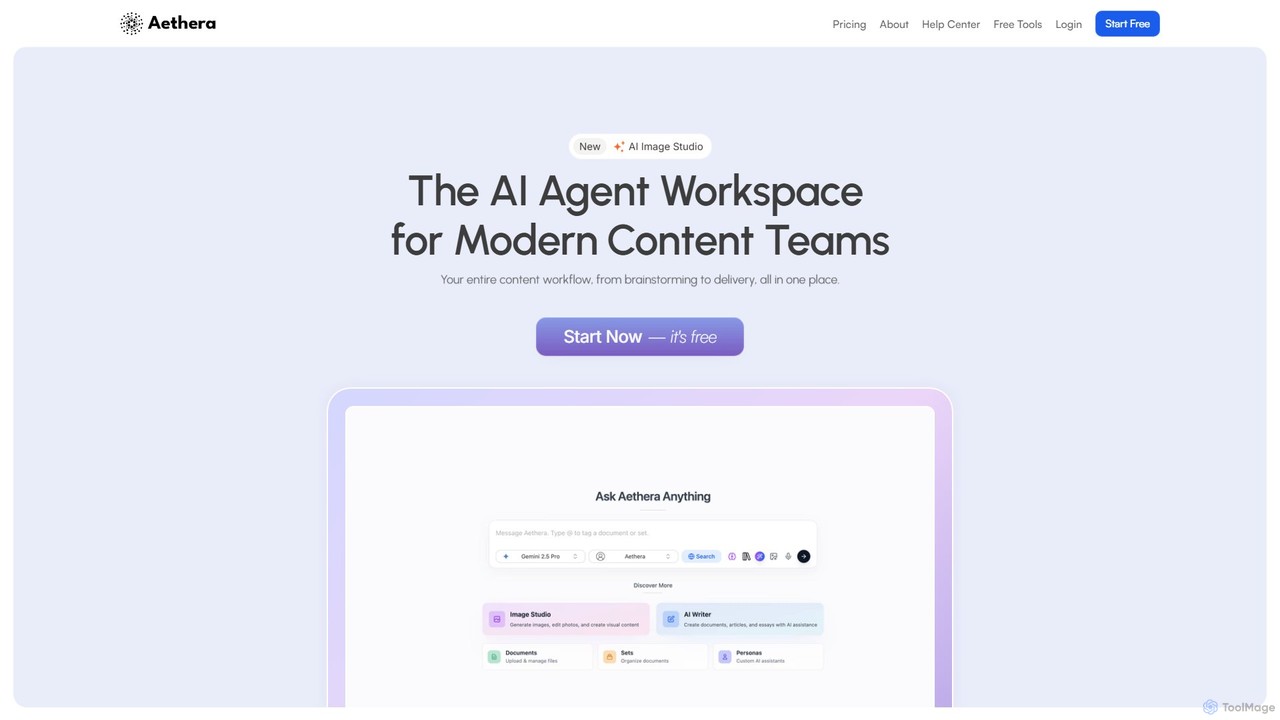
aethera
Aethera is an all-in-one AI agent workspace designed for modern content teams. It integrates AI-powered writing, image generation, document analysis, and research into a single, unified platform, eliminating the need to juggle multiple tools. It provides access to over 30 language models and 15 image models to streamline the entire content workflow from brainstorming to delivery.
Image Generation
Notebooks.app
Notebooks.app is an AI-powered whiteboard designed for content creation. It centralizes research, notes, videos, and websites on an infinite canvas, enabling users to generate high-quality, context-aware content 80% faster. It's ideal for marketers, creators, and agencies looking to streamline their workflow, repurpose content, and maintain brand consistency with a customizable AI.
Content Creation
omniai.club
omniai.club is an all-in-one AI-powered ecosystem designed for creators, marketers, and developers. It replaces multiple tools by offering a suite of agents for writing, coding, image generation, voice cloning, transcription, and expert chatbots, aiming to accelerate content creation and authority building by 10x and 5x respectively.
Transcription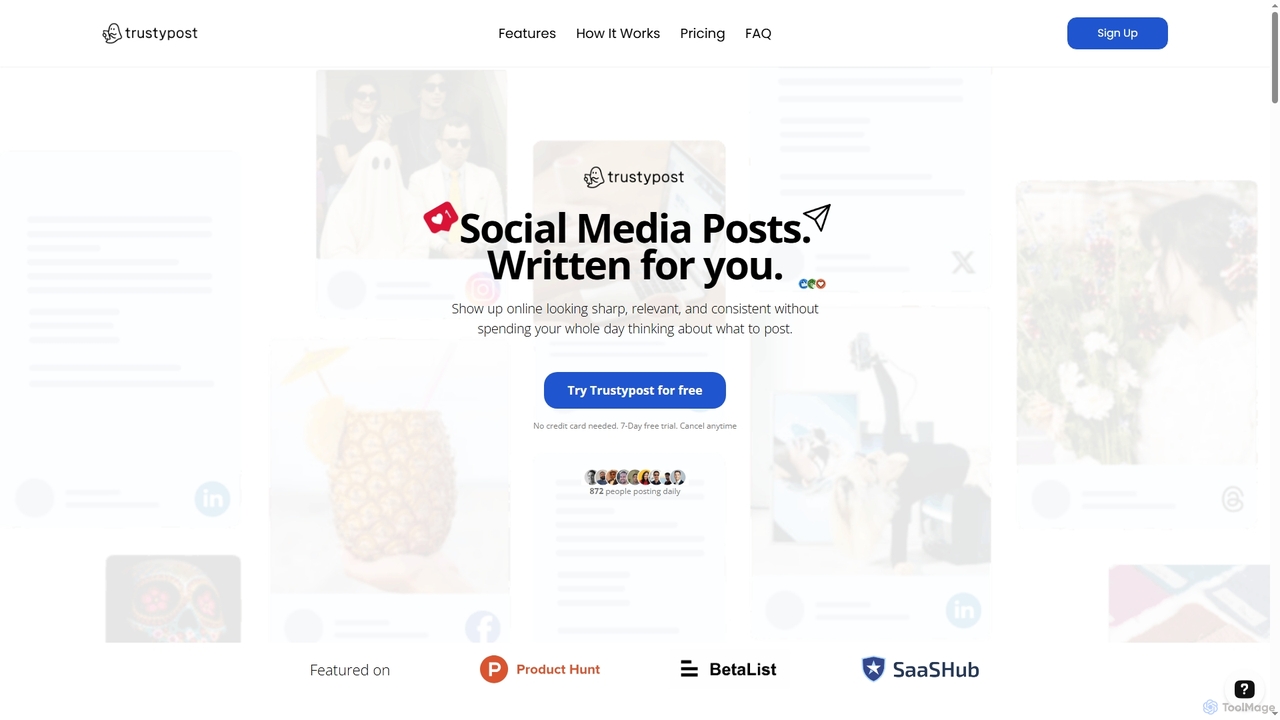
Trustypost
Trustypost is an AI social media ghostwriter designed to help businesses and individuals create high-quality, on-brand social media posts effortlessly. It learns your unique writing style and audience interests, generating relevant content ideas and posts daily, enabling consistent online presence without the time commitment.
Writing
threadquilt Comments (0)
Sign in to comment.
Sign inNo comments yet.