

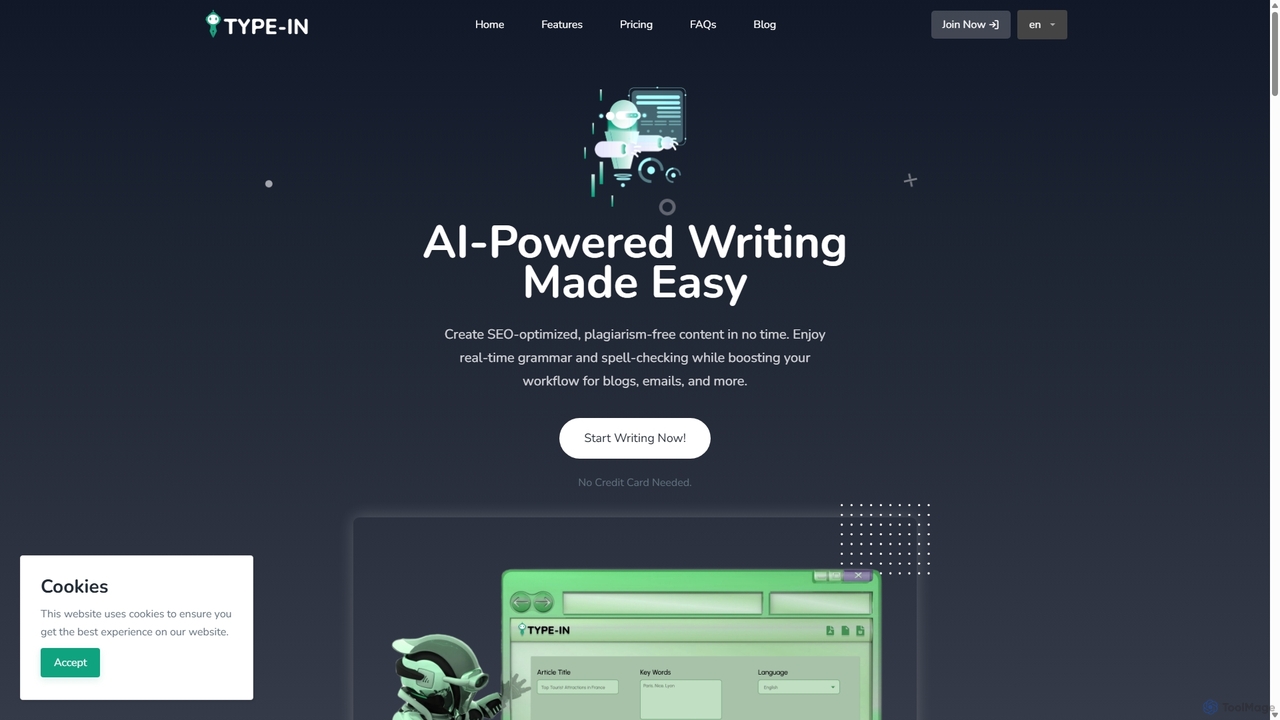
Type In Overview
Type In is a comprehensive AI-powered writing assistant designed to make content creation effortless, efficient, and high-quality. It serves a wide range of users, from digital marketers and business owners to students and academic writers, by providing a robust suite of tools to generate SEO-optimized, plagiarism-free content instantly. With its intuitive interface available as both a web application and a Chrome extension, Type In integrates seamlessly into any workflow, enhancing productivity across various platforms.
How to use Type In
Getting started with Type In is a simple, three-step process designed for maximum efficiency:
- Select a Template: Begin by choosing from over 20 specialized content creation templates. Whether you need a blog post, a professional email, social media content, or an academic summary, there's a template tailored to your specific needs.
- Fill out the Form: Provide a detailed description of the content you require. Input key information, target keywords, desired tone, and any other relevant instructions. The more comprehensive your input, the more accurate and relevant the AI-generated output will be.
- Get Your Content: In seconds, the AI processes your requirements and generates high-quality, ready-to-use content. The output is optimized for search engines, checked for plagiarism, and crafted to engage your target audience effectively.
Core Features of Type In
- AI Content Writer: Access over 20 content creation templates, including blog idea generators, article writers, and rewriters.
- AI Writing Aid: Benefit from real-time grammar and spell checking, sentence rewriting for clarity, and contextual suggestions to improve writing style and tone.
- Content Enhancement: Automatically rephrase content in various tones (formal, friendly, persuasive), summarize long texts, adapt tone for different platforms, and generate multiple variations to avoid repetition.
- Multilingual Support: Write and translate content in multiple languages to reach a global audience. The tool includes real-time translation and automatic language detection.
- Plagiarism Detection: Ensure content originality with a built-in plagiarism checker that scans against a massive database. It provides detailed reports and suggestions for rewriting detected content.
- Flexible Writing Styles: Adapt your writing to different audiences (B2B, B2C, academic) and purposes. Control the tone to be persuasive, educational, or casual as needed.
- Multi-Platform Accessibility: Use Type In as a standalone web app or a convenient Chrome extension, with real-time synchronization of your work across all devices.
- Security & Analytics: Your data is protected with end-to-end encryption and Web3 privacy integration. A user dashboard provides analytics to track writing quality and gain actionable feedback.
- AI Chat Assistance: Get 24/7 support for any questions, from content creation queries to technical assistance, via an intelligent AI chatbot.
Use Cases for Type In
Type In is a versatile tool suitable for various professional and academic needs:
- Digital Marketers: Quickly generate SEO-optimized blog posts, product descriptions, ad copy, and social media captions to drive traffic and engagement.
- Business Owners: Craft professional emails, business proposals, web content, and reports with the right tone and clarity, saving valuable time.
- Students & Academics: Improve academic writing by summarizing research papers, checking for grammar errors, ensuring originality, and maintaining a formal tone.
- Bloggers & Content Creators: Overcome writer's block by generating fresh ideas, catchy titles, and engaging article sections, significantly speeding up the content creation process.
Advantages of Type In
The primary advantage of Type In is its ability to automate and simplify the entire writing workflow. It boosts productivity by reducing the time spent on research, drafting, and editing. The platform guarantees high-quality, SEO-friendly, and original content, which is crucial for online visibility and credibility. Its multilingual capabilities break down language barriers, while robust security features ensure user data remains private and secure. The flexible pricing models make it accessible to everyone, from individuals to large teams.
Pricing and Plans
Type In offers a range of flexible pricing plans to suit different needs and budgets:
- Free Plan: Includes 10,000 words/month, 100 images/month, and access to 17 AI document templates.
- Trial Plan: A step up with 50,000 words/month, 500 images/month, and 61 AI document templates.
- Pro Plan: Priced at $3/month, $30/year, or $350 for a lifetime subscription. It offers 200,000 words/month, 250 images/month, speech-to-text features, and access to 3 AI chatbots.
- Premium Plan: The top-tier plan at $7/month, $70/year, or $770 for a lifetime subscription. It includes unlimited words, 450 images/month, unlimited speech-to-text, and 11 AI chatbots.
- Prepaid Packs: For users with smaller, specific needs, prepaid packs are available, starting from $5 for 1,000 words.
Type In Alternatives
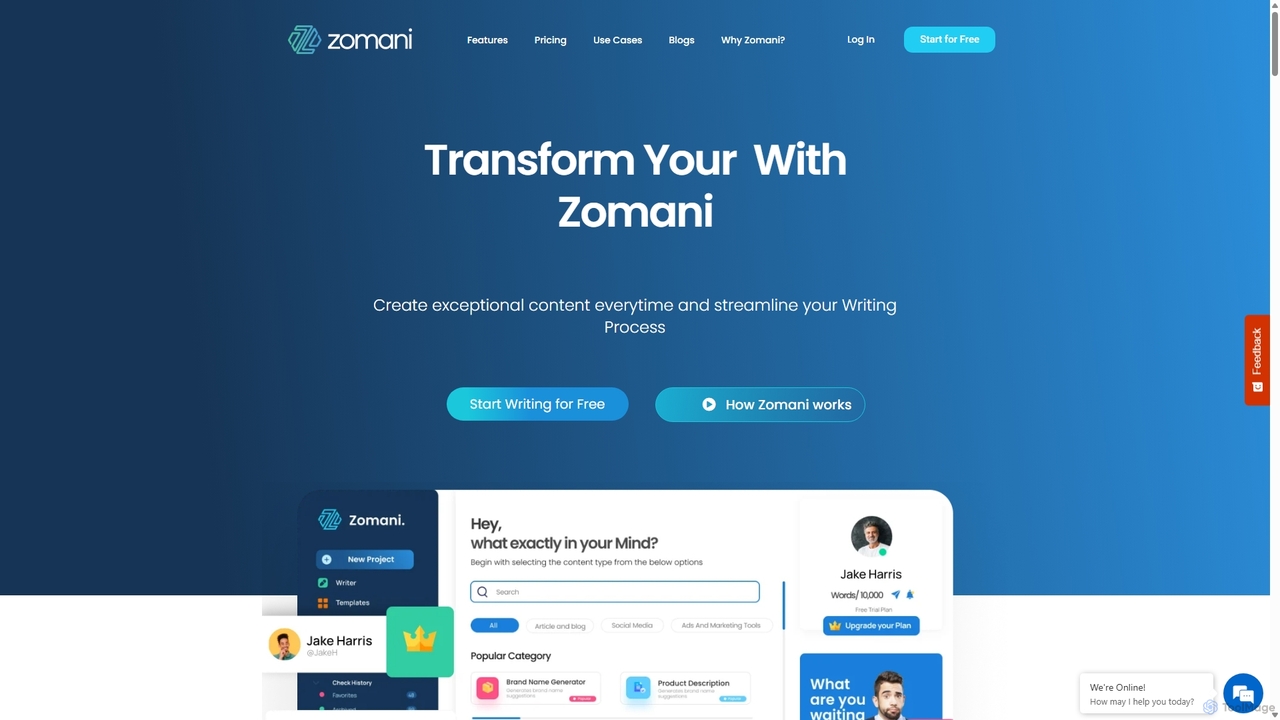
Zomani
Zomani is an all-in-one AI platform designed to streamline content creation, digital marketing, and lead generation. It functions as an advanced AI copywriter, SEO writer, AI art generator, and a customizable AI chatbot builder, offering a comprehensive suite for marketers, writers, and businesses to enhance productivity and produce high-quality content efficiently.
Chatbots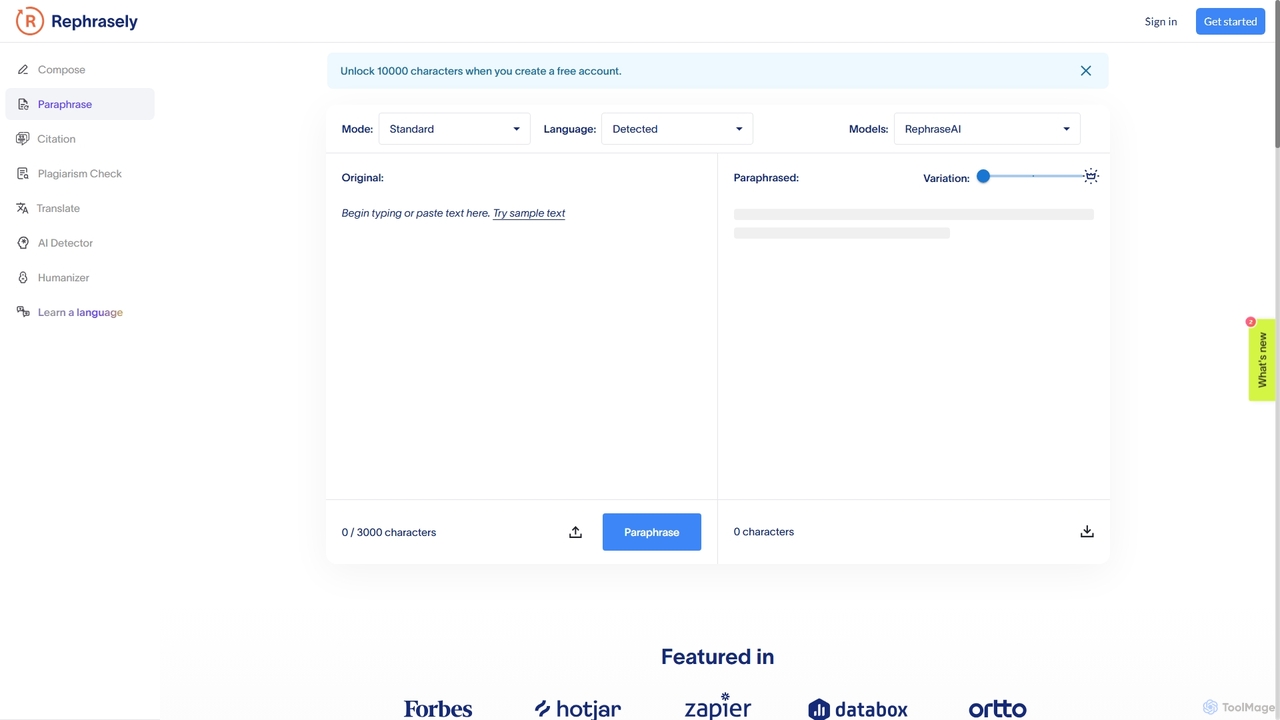
Rephrasely
Rephrasely is a comprehensive AI-powered writing assistant that offers a suite of tools to enhance your writing process. It features a powerful paraphrasing tool with over 18 modes, a content composer that generates text from keywords, a plagiarism checker supporting 50+ languages, and an automatic citation generator. Supporting over 100 languages, Rephrasely is designed for students, writers, and professionals to improve clarity, overcome writer's block, and ensure originality.
Academic
Paraphrase Tool
An AI-powered writing assistant that offers paraphrasing in over 100 languages with 18+ writing modes. It also includes a plagiarism checker, grammar checker, text generator from keywords, and an automatic citation creator, making it an all-in-one solution for students, writers, and content creators.
Academic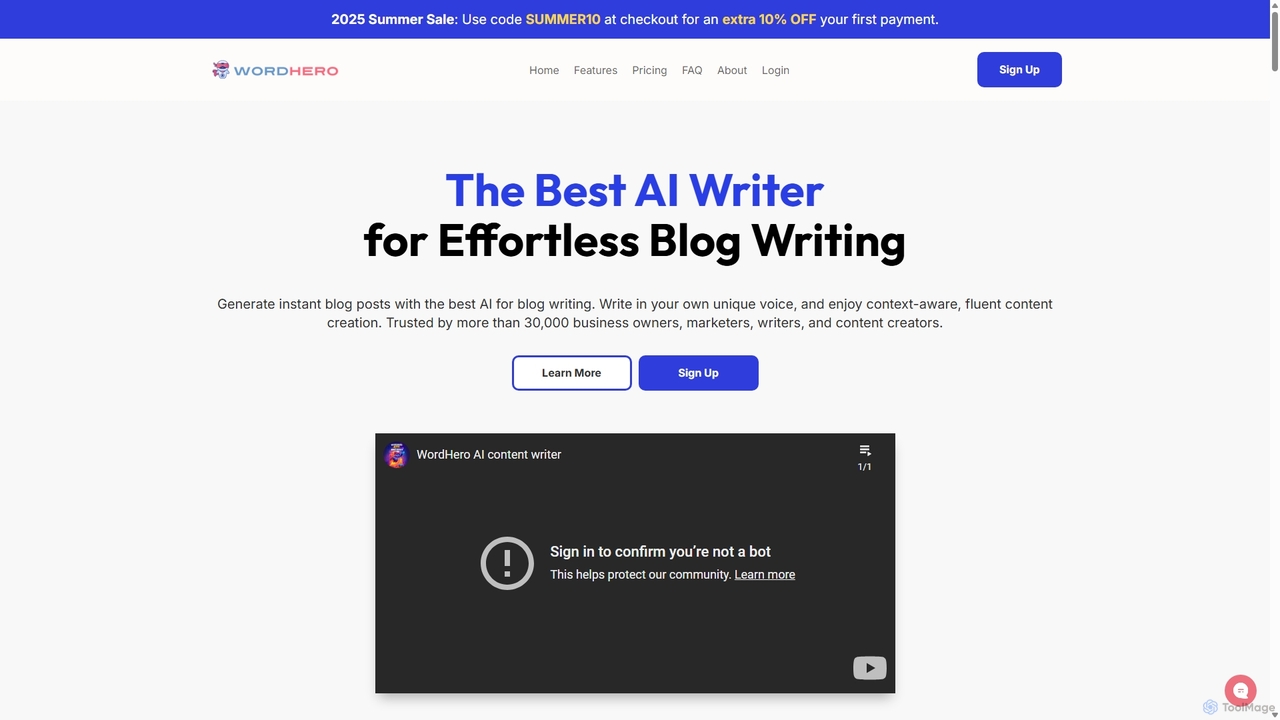
WordHero
WordHero is a powerful AI writing assistant designed to help marketers, bloggers, and business owners create high-quality, SEO-optimized content in seconds. Powered by GPT-4o, it offers over 70 writing tools, one-click blog post generation, brand voice customization, and AI image creation. It supports 108 languages, making it a versatile solution for global content strategies and saving countless hours on writing and research.
Blogging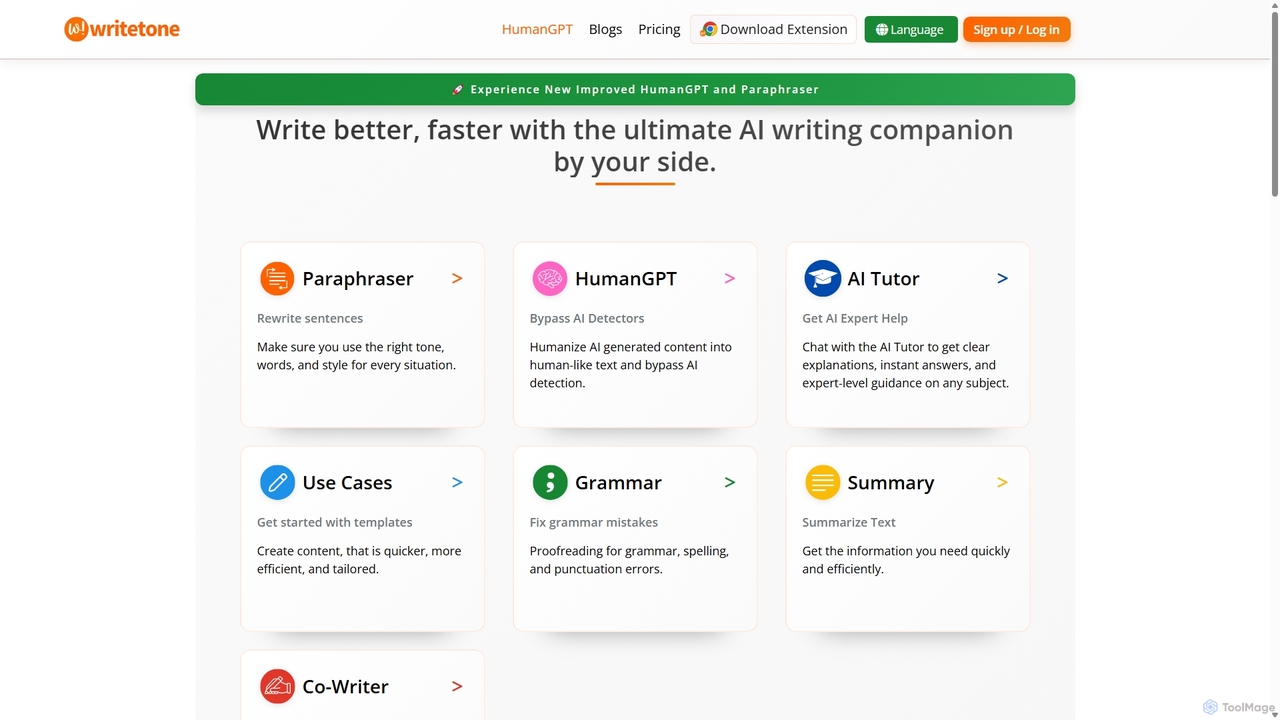
Writetone
Writetone is an AI-powered writing companion designed to help users write better and faster. It offers a comprehensive suite of tools including a paraphraser, grammar checker, summarizer, and a unique HumanGPT feature to bypass AI detection. With over 90 writing tones and support for 50+ languages, it adapts to any writing style for emails, academic papers, marketing copy, and more. It's an all-in-one platform for students, marketers, and writers.
Academic WritingType In Categories
Type In Jobs
Type In Embed Widget
Copy this embed code to place the badge on your blog, article, or product site and send readers directly to this ToolMage detail page.

Related AI tools

Yaara
Yaara is an AI-powered writing assistant designed to help marketers, content creators, and businesses generate high-quality content quickly and efficiently. It offers a wide range of templates for creating blog posts, social media content, ad copy, emails, and more, helping users overcome writer's block and scale their content production.
Content CreationZomani
Zomani is an all-in-one AI platform designed to streamline content creation, digital marketing, and lead generation. It functions as an advanced AI copywriter, SEO writer, AI art generator, and a customizable AI chatbot builder, offering a comprehensive suite for marketers, writers, and businesses to enhance productivity and produce high-quality content efficiently.
ChatbotsWritetone
Writetone is an AI-powered writing companion designed to help users write better and faster. It offers a comprehensive suite of tools including a paraphraser, grammar checker, summarizer, and a unique HumanGPT feature to bypass AI detection. With over 90 writing tones and support for 50+ languages, it adapts to any writing style for emails, academic papers, marketing copy, and more. It's an all-in-one platform for students, marketers, and writers.
Academic Writing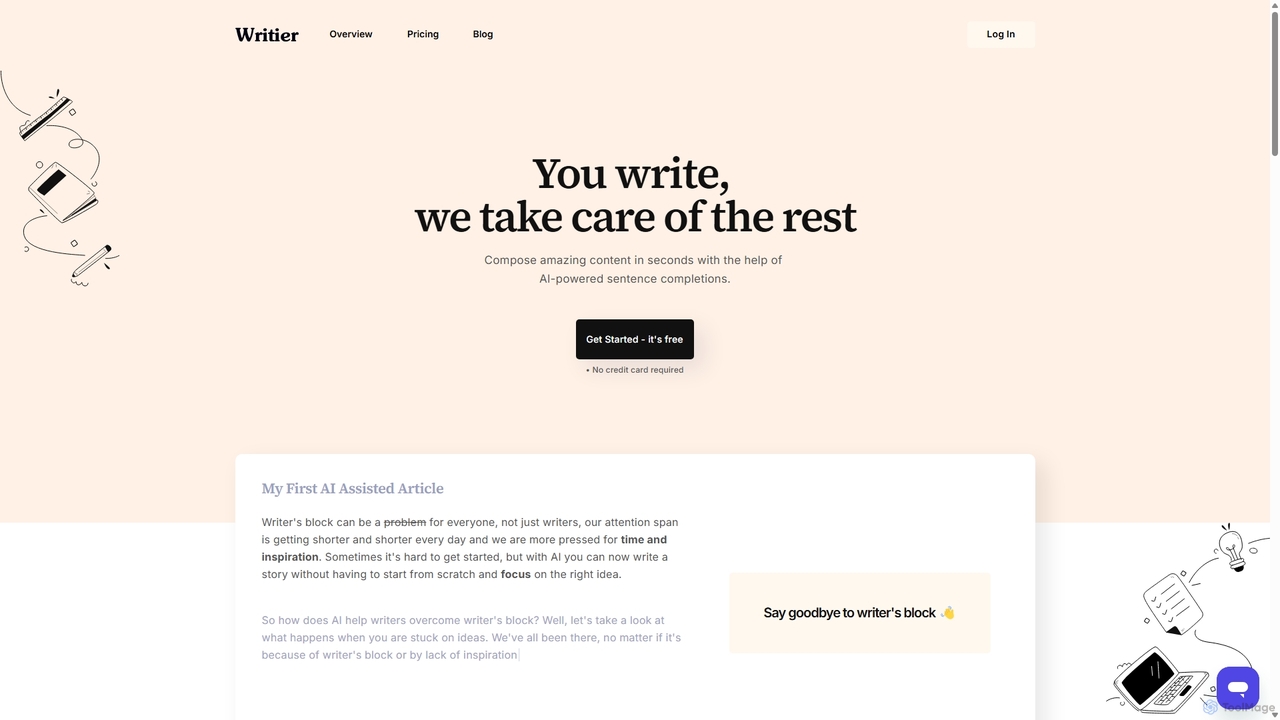
Writier
Writier is an AI-powered writing assistant designed to help users overcome writer's block and create high-quality content effortlessly. Leveraging GPT-3, it offers intelligent sentence completions, multi-language support, and tone adjustments to enhance productivity. It generates 100% original content while maintaining the user's unique writing style, making it ideal for content creators, marketers, and writers.
Content Creation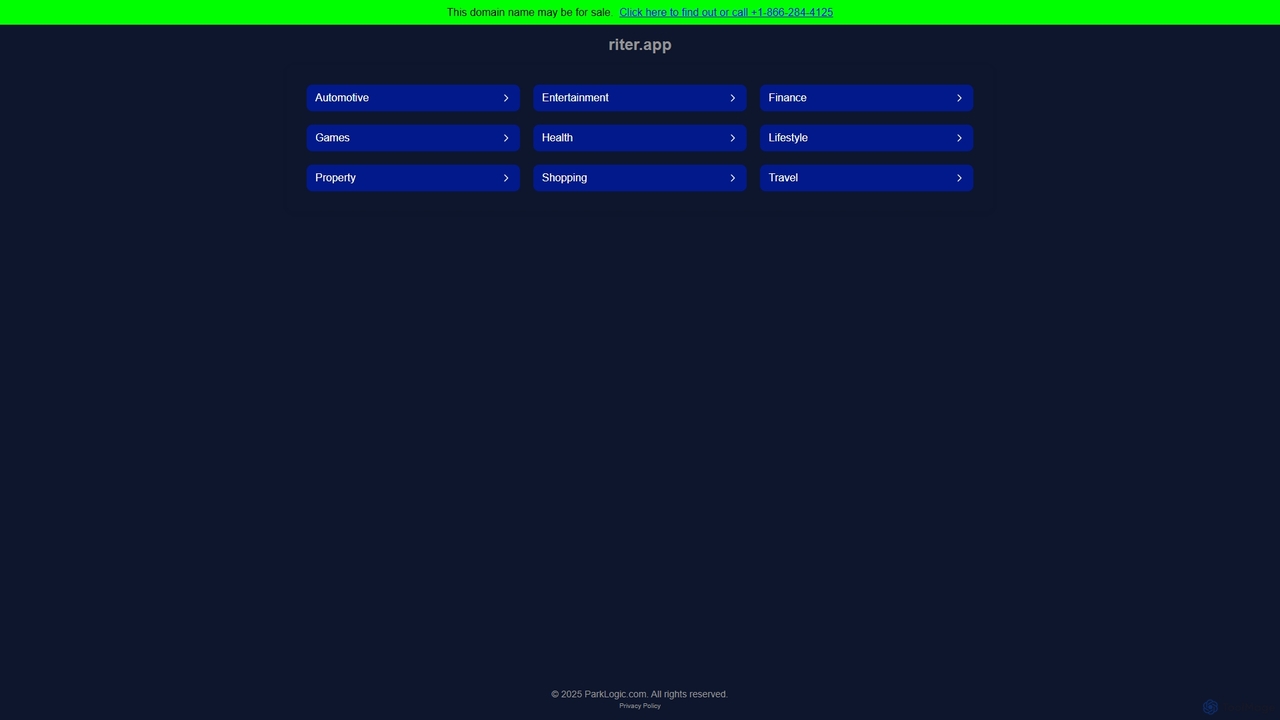
Riter
Riter is an advanced AI-powered writing assistant designed to help users create high-quality, engaging, and SEO-optimized content in seconds. From blog posts and marketing copy to emails and social media updates, Riter streamlines the entire content creation process, overcoming writer's block and boosting productivity for creators, marketers, and businesses.
Content Creation
My GPT Wizard
My GPT Wizard is an AI-powered content creation platform designed to transform your ideas into high-quality text effortlessly. It helps marketers, writers, and businesses generate engaging articles, social media posts, ad copy, and more, saving time and overcoming writer's block with AI magic.
Content Creation
writeasily
writeasily is an AI-powered writing assistant designed to help users create high-quality, engaging, and SEO-optimized content effortlessly. It offers a suite of tools for content generation, paraphrasing, grammar checking, and tone adjustment, catering to marketers, writers, students, and businesses to enhance productivity and overcome writer's block.
Content Creation
Aitoolbox
Aitoolbox is an all-in-one AI content generation platform designed to streamline workflows for marketers, writers, and businesses. It offers a vast suite of tools for creating articles, ad copy, social media posts, product descriptions, and AI voiceovers. Powered by advanced models like GPT and DALL-E, it supports over 54 languages, enabling users to produce diverse, high-quality content efficiently.
Text To Speech
WritelyAI
WritelyAI is an advanced AI writing assistant designed to help users create high-quality, human-like content at an accelerated pace. It specializes in bypassing AI detection, making it ideal for bloggers, marketers, and students. The platform offers collaborative workspaces, creative prompts to overcome writer's block, and a variety of content generation tools for articles, emails, and stories.
Content Creation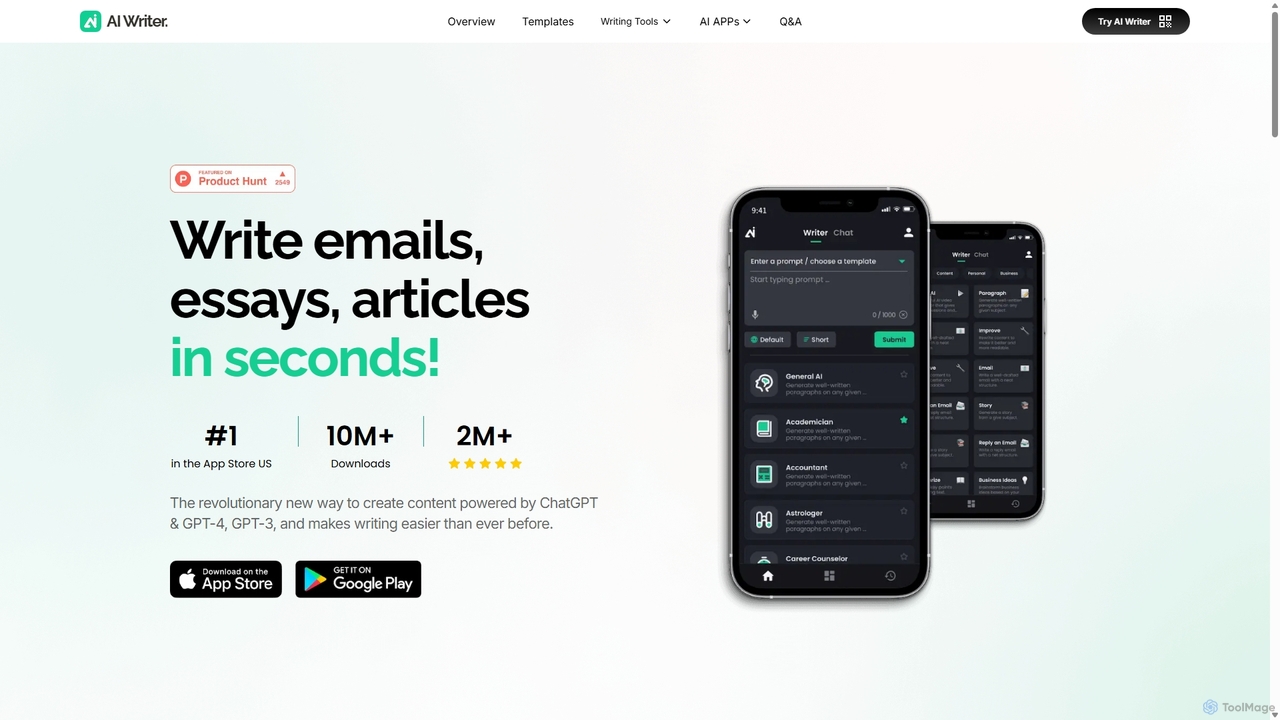
AI Writer
AI Writer is a versatile writing assistant powered by GPT-4, designed to generate high-quality content in seconds. It offers over 100 tools for creating essays, articles, emails, and social media posts. Key features include paraphrasing, grammar checking, text summarization, and content humanization, helping users overcome writer's block and enhance productivity across multiple devices.
Academic Writing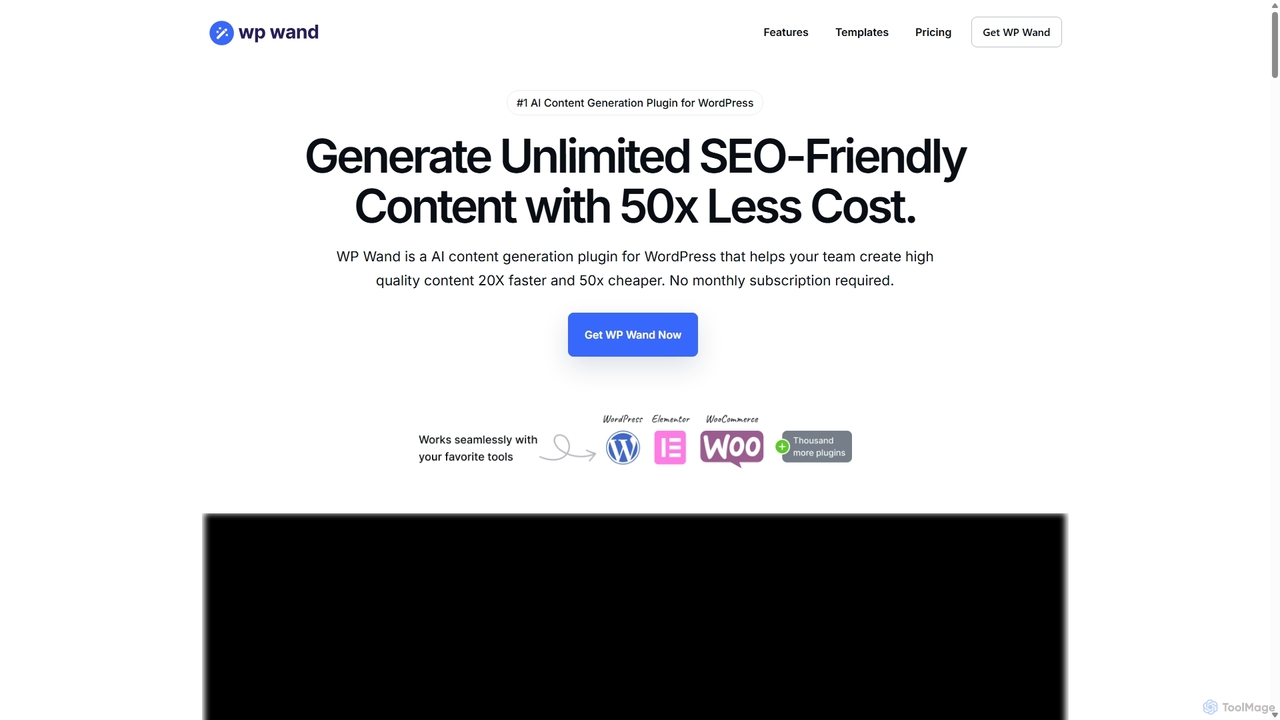
WP Wand
WP Wand is an AI content generation plugin for WordPress that allows users to create unlimited, SEO-friendly content directly within the WordPress editor. It leverages your own OpenAI API key, making content creation up to 50x more cost-effective than subscription-based services. With over 40 templates, it streamlines the creation of blog posts, marketing copy, and more.
Seo
Write.bot
Write.bot is an advanced AI-powered writing assistant designed to help users generate high-quality, original content effortlessly. From blog posts and marketing copy to emails and social media updates, it streamlines the entire content creation process, saving time and boosting creativity.
Content Creation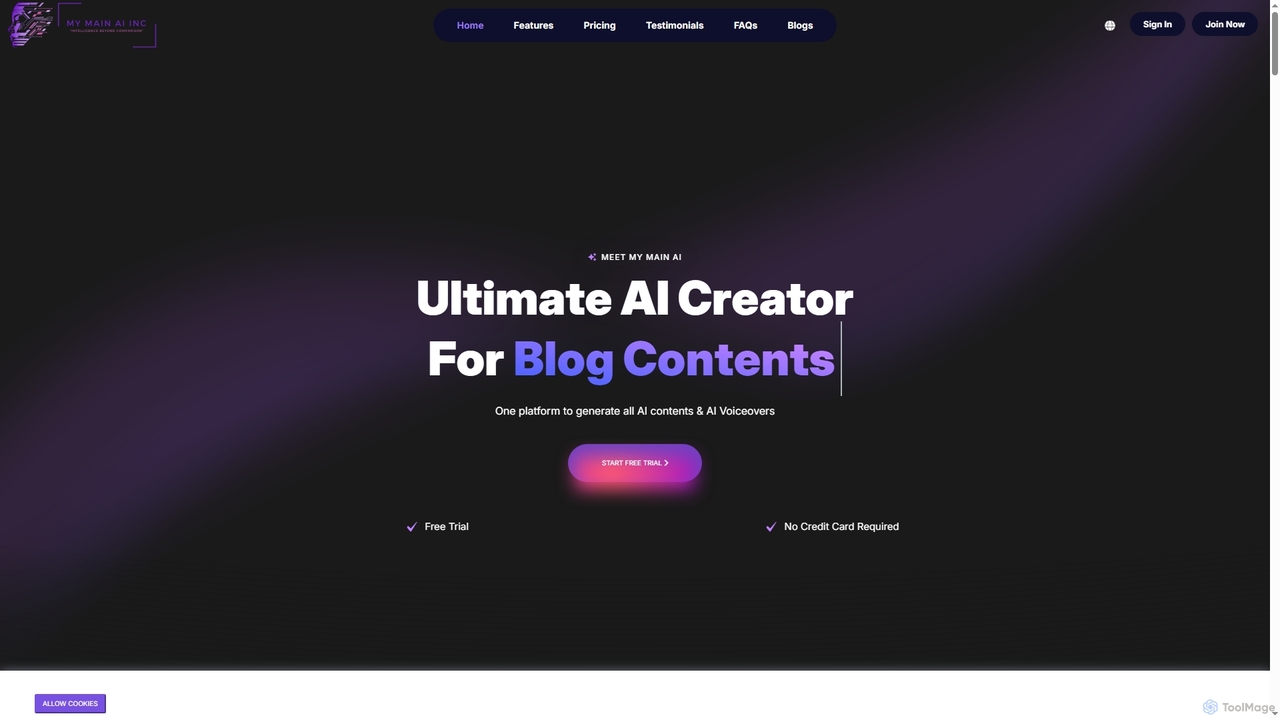
My Main AI
My Main AI is an all-in-one AI platform designed to accelerate content creation, image generation, voiceovers, speech-to-text, and code generation. It offers over 70 templates, multilingual support, and advanced AI models to streamline various tasks for individuals and businesses.
ChatbotsParaphrase Tool
An AI-powered writing assistant that offers paraphrasing in over 100 languages with 18+ writing modes. It also includes a plagiarism checker, grammar checker, text generator from keywords, and an automatic citation creator, making it an all-in-one solution for students, writers, and content creators.
AcademicWordHero
WordHero is a powerful AI writing assistant designed to help marketers, bloggers, and business owners create high-quality, SEO-optimized content in seconds. Powered by GPT-4o, it offers over 70 writing tools, one-click blog post generation, brand voice customization, and AI image creation. It supports 108 languages, making it a versatile solution for global content strategies and saving countless hours on writing and research.
Blogging
Type In Comments (0)
Sign in to comment.
Sign inNo comments yet.