


xantonai Overview
xantonai is a revolutionary no-code platform that empowers businesses of all sizes to harness the power of artificial intelligence for process automation. In today's fast-paced digital environment, efficiency is key. xantonai addresses this need by providing an intuitive, visual interface where users can design, build, and deploy complex automated workflows. It acts as a central hub, connecting your disparate software applications (like CRMs, email platforms, project management tools, and databases) and enabling them to communicate and work together seamlessly. The core of xantonai lies in its ability to let you create custom AI agents that can perform tasks previously requiring human intelligence, such as data extraction, text analysis, and intelligent decision-making, making it a powerful alternative to tools like Zapier or Make, but with a deeper AI integration.
How to use xantonai
Getting started with xantonai is a straightforward process designed for both technical and non-technical users:
- Sign Up and Connect: Create an account and navigate to the integration hub. Connect your essential business applications (e.g., Google Workspace, Salesforce, Slack, Trello) using secure, pre-built connectors or the universal API.
- Design Your Workflow: Go to the visual workflow builder. Start with a trigger, which is an event that initiates the automation (e.g., 'New Email Received in Gmail' or 'New Lead in Salesforce').
- Add Action Steps: Drag and drop action modules into your workflow. These are the tasks you want to automate. You can add logic, delays, and conditional paths to create sophisticated processes.
- Incorporate AI Agents: Add a custom xantonai AI agent to your workflow. Configure it to perform specific tasks like 'Extract invoice number and amount from email attachment', 'Analyze customer feedback for sentiment', or 'Categorize support tickets based on content'.
- Test and Activate: Run a test of your workflow with sample data to ensure every step functions as expected. Once you are satisfied, activate the workflow, and it will run automatically in the background, 24/7.
- Monitor and Optimize: Use the analytics dashboard to monitor the performance of your automations, track task execution, and identify opportunities for further optimization.
Core Features of xantonai
- Visual Workflow Builder: An intuitive drag-and-drop interface for designing and visualizing complex business processes without any coding knowledge.
- AI Agent Creation: Build and train custom AI agents for tasks like Natural Language Processing (NLP), data extraction from documents, sentiment analysis, and intelligent routing.
- Extensive Integration Library: A vast collection of pre-built connectors for hundreds of popular SaaS tools, databases, and APIs, ensuring seamless connectivity across your tech stack.
- Advanced Data Transformation: Tools to parse, clean, format, and manipulate data as it moves between applications, ensuring consistency and accuracy.
- Conditional Logic and Routing: Create dynamic, multi-step workflows with complex rules, branches, and filters to handle any business scenario.
- Real-time Analytics and Logging: A comprehensive dashboard to monitor workflow performance, track execution history, and debug issues quickly.
- Enterprise-Grade Security: Features like data encryption, role-based access control (RBAC), and compliance with major data protection standards.
Use Cases for xantonai
xantonai can be applied across various departments to drive efficiency:
- Sales & Marketing: Automate lead nurturing by sending personalized follow-up emails based on user behavior. Automatically enrich new CRM leads with data from public sources and assign them to the correct sales representative.
- Customer Support: Instantly categorize and prioritize incoming support tickets. Use an AI agent to answer common questions via email or chat, and automatically escalate complex issues to human agents with all relevant context attached.
- Finance & Accounting: Automate the entire accounts payable process. When an invoice is received via email, xantonai can extract the details, get approval via Slack, and create a bill in your accounting software like QuickBooks or Xero.
- Human Resources: Streamline the recruitment process by automatically screening resumes, scheduling interviews with qualified candidates, and initiating the onboarding workflow for new hires.
Advantages of xantonai
Implementing xantonai provides a significant competitive edge:
- Democratize Automation: Empowers non-technical employees (citizen automators) to build their own solutions, reducing reliance on IT departments.
- Increase Operational Efficiency: Drastically reduces the time spent on repetitive, manual tasks, allowing your team to focus on high-value, strategic initiatives.
- Reduce Human Error: Automation ensures that processes are executed consistently and accurately, minimizing costly mistakes in data entry and processing.
- Enhanced Scalability: Scale your operations and handle increased volume without needing to proportionally increase your workforce.
- Data-Driven Insights: Gain a clearer view of your business processes and identify bottlenecks or areas for improvement through the analytics dashboard.
Pricing and Plans
xantonai offers a flexible pricing structure to suit different needs, from individuals to large enterprises. (Note: This is a representative model as actual pricing is not available).
- Free Plan: Ideal for individuals and small projects, offering a limited number of tasks and basic features to get started.
- Starter Plan: Designed for professionals and small teams, providing more tasks, multi-step workflows, and access to premium app integrations.
- Pro Plan: Best for growing businesses, offering higher task limits, advanced AI features, conditional logic, and priority support.
- Enterprise Plan: A custom solution for large organizations with requirements for advanced security, dedicated support, SSO, and unlimited scalability. Contact sales for a custom quote.
xantonai Alternatives
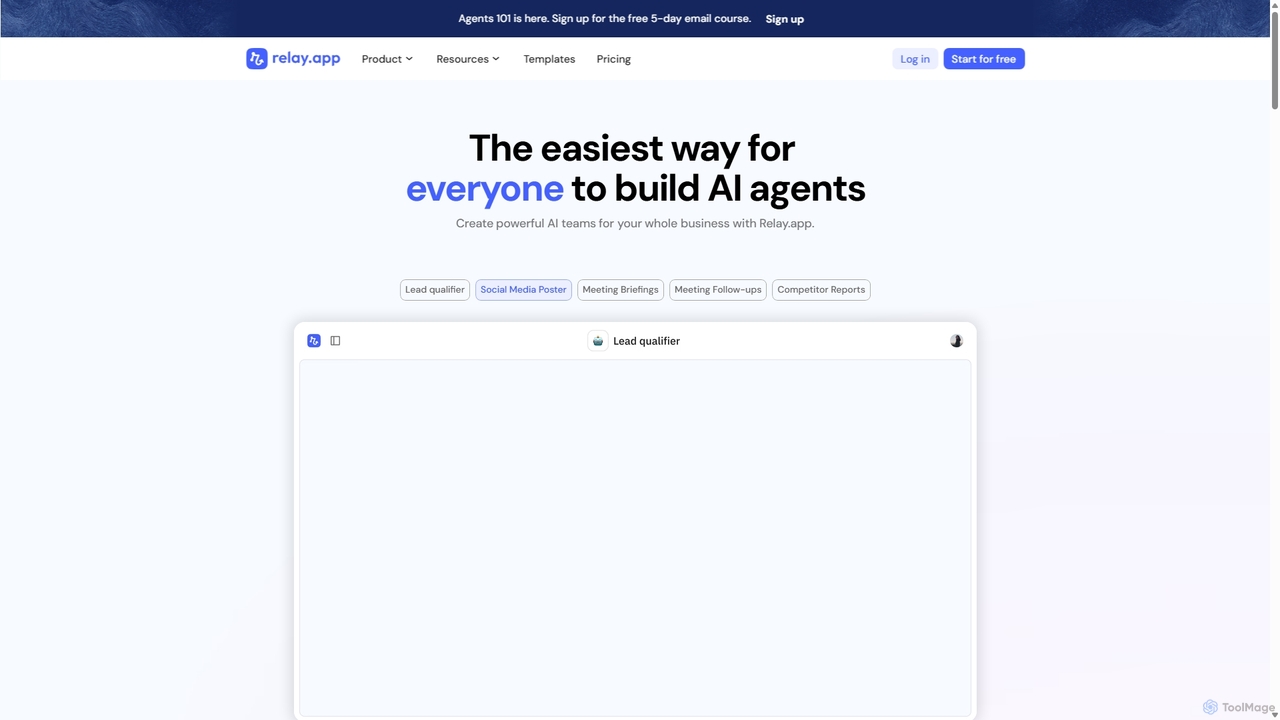
Relay.app
Relay.app is an intuitive no-code platform for building powerful AI agents and automating complex workflows. It uniquely combines AI-driven steps with 'human-in-the-loop' checkpoints for approvals and data entry. With over 100 integrations and a user-friendly interface, it simplifies processes for sales, marketing, and operations, making it a powerful alternative to tools like Zapier and Make.com.
Workflow Management
automi
automi is an AI-powered, no-code platform for building custom AI agents and automating complex workflows. Connect hundreds of apps, integrate powerful AI models, and streamline your business processes to boost productivity and save time.
Workflow Management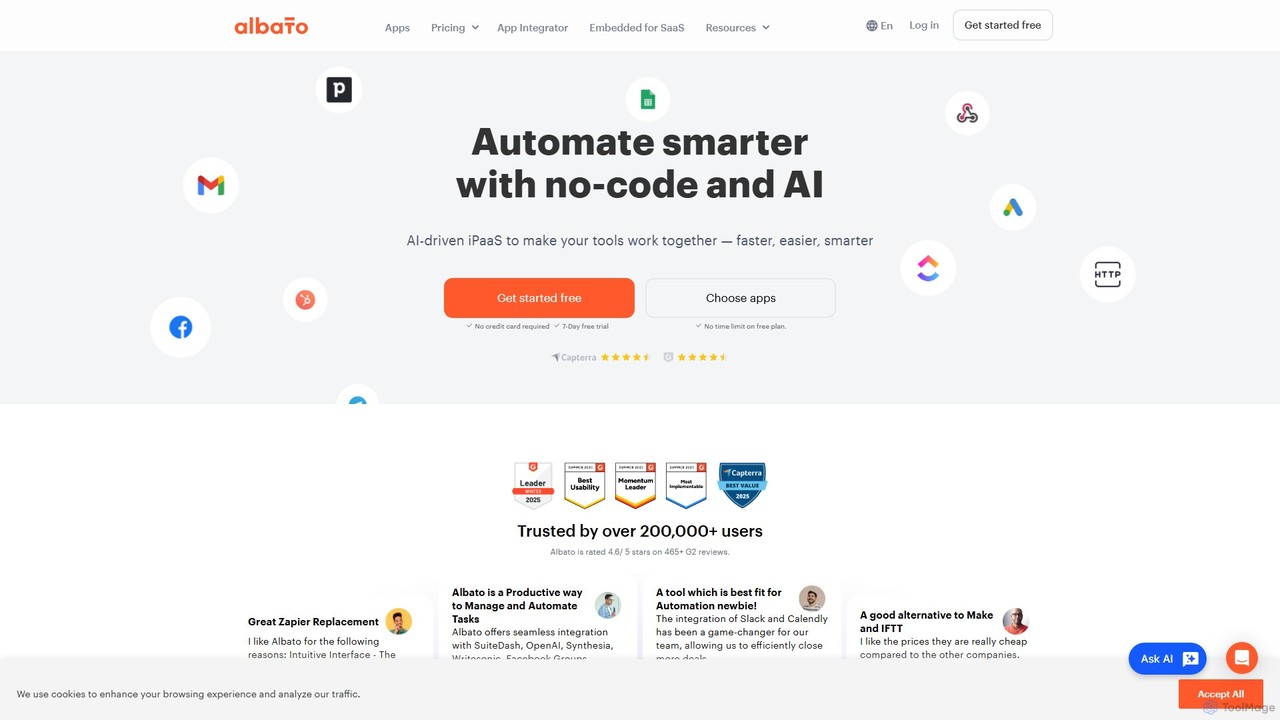
Albato
Albato is an AI-driven, no-code integration platform (iPaaS) that empowers users to connect over 800 applications and automate complex workflows effortlessly. It serves as a powerful alternative to Zapier and Make, offering an intuitive interface, extensive app library, and the ability to build custom integrations. Ideal for businesses of all sizes, Albato simplifies data synchronization, task automation, and process management, enhancing productivity and efficiency without requiring any coding knowledge.
Workflow Management
Wordware
Wordware is a no-code platform that transforms plain English descriptions into powerful AI workflows. It connects with over 2,000 applications, enabling users to automate complex tasks, build custom AI agents, and power entire products without writing a single line of code. It's designed for both individual makers and enterprise teams to innovate and improve efficiency.
Workflow Management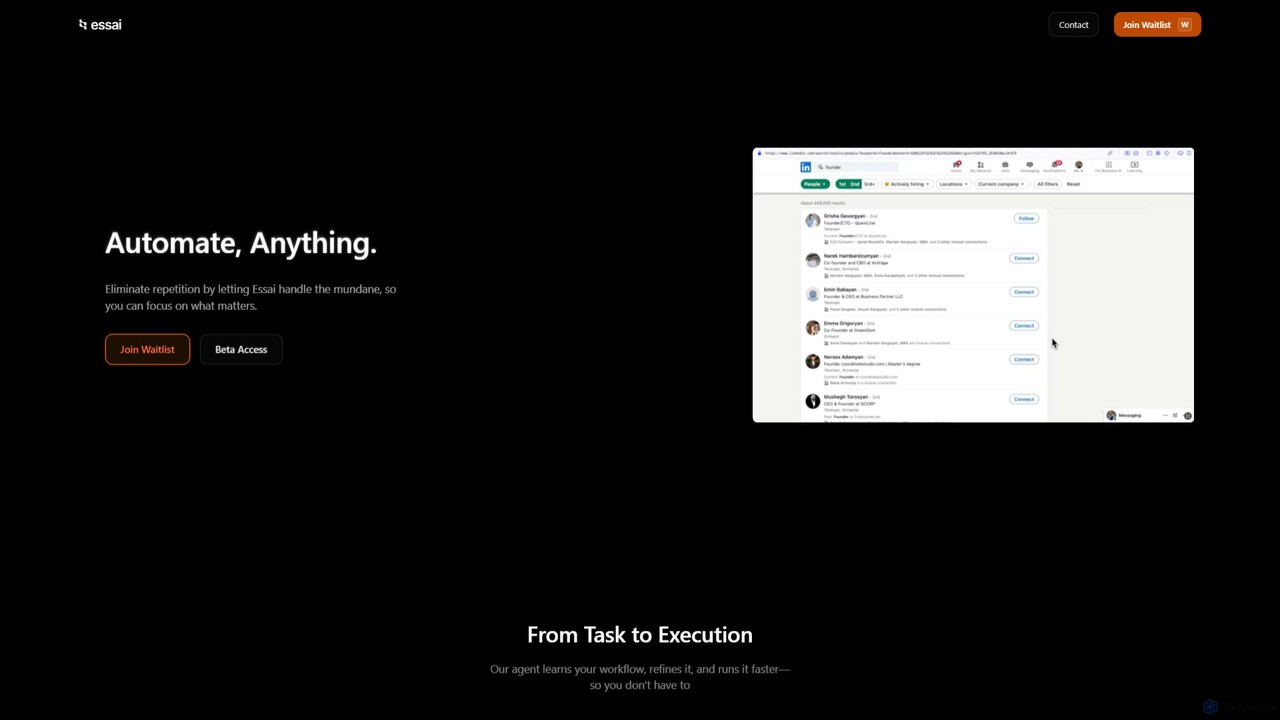
Essai
Essai is an AI-powered automation platform that learns and executes your repetitive digital tasks. By observing your keystrokes and clicks, the Essai agent identifies patterns, builds workflows, and runs them on your behalf, freeing you to focus on more strategic work. It seamlessly integrates across various applications and industries to streamline operations.
Workflow Managementxantonai Categories
xantonai Embed Widget
Copy this embed code to place the badge on your blog, article, or product site and send readers directly to this ToolMage detail page.

Related AI tools
Relay.app
Relay.app is an intuitive no-code platform for building powerful AI agents and automating complex workflows. It uniquely combines AI-driven steps with 'human-in-the-loop' checkpoints for approvals and data entry. With over 100 integrations and a user-friendly interface, it simplifies processes for sales, marketing, and operations, making it a powerful alternative to tools like Zapier and Make.com.
Workflow Managementautomi
automi is an AI-powered, no-code platform for building custom AI agents and automating complex workflows. Connect hundreds of apps, integrate powerful AI models, and streamline your business processes to boost productivity and save time.
Workflow Management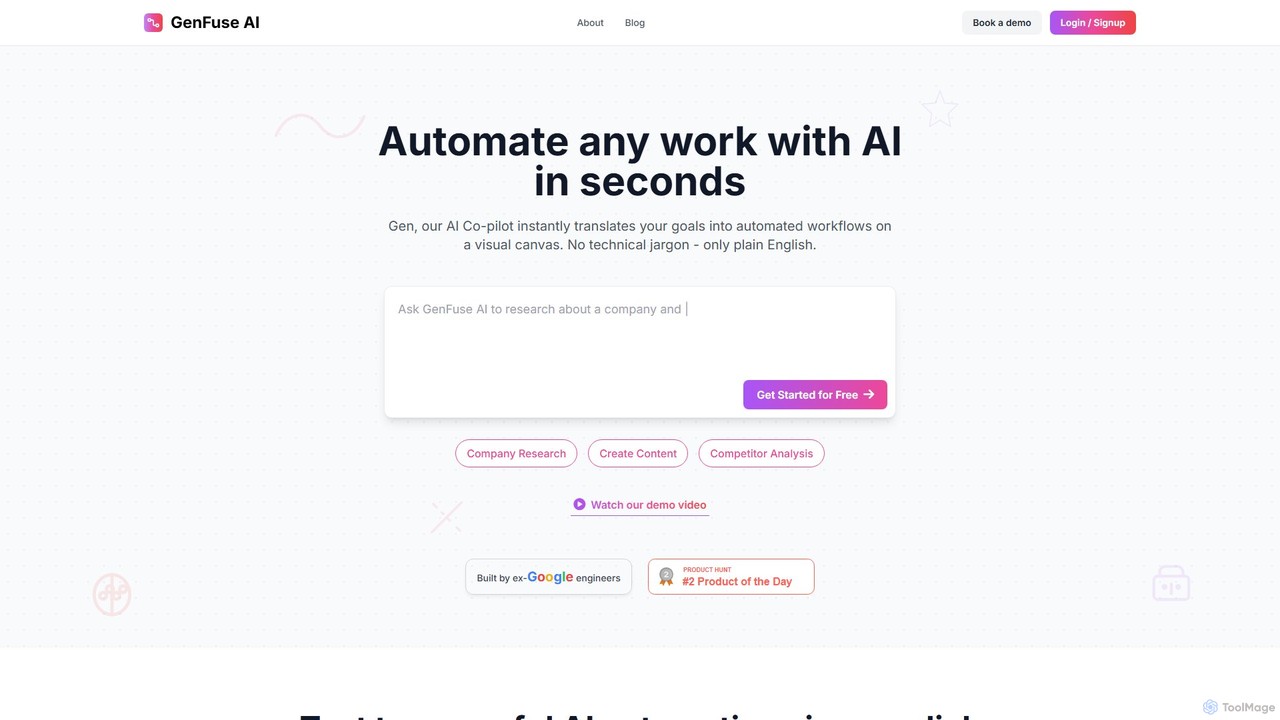
GenFuse AI
GenFuse AI is an AI-native platform that transforms your goals into automated workflows using plain English. Built by ex-Google engineers, it allows you to connect your apps, automate repetitive tasks, and build complex agentic automations without any coding or technical jargon. Simply describe what you want, and the AI builds it.
Marketing AutomationAlbato
Albato is an AI-driven, no-code integration platform (iPaaS) that empowers users to connect over 800 applications and automate complex workflows effortlessly. It serves as a powerful alternative to Zapier and Make, offering an intuitive interface, extensive app library, and the ability to build custom integrations. Ideal for businesses of all sizes, Albato simplifies data synchronization, task automation, and process management, enhancing productivity and efficiency without requiring any coding knowledge.
Workflow ManagementWordware
Wordware is a no-code platform that transforms plain English descriptions into powerful AI workflows. It connects with over 2,000 applications, enabling users to automate complex tasks, build custom AI agents, and power entire products without writing a single line of code. It's designed for both individual makers and enterprise teams to innovate and improve efficiency.
Workflow Management
aify
aify is a powerful no-code platform for building and running custom AI-powered workflows. Connect various AI models and applications to automate complex tasks, from content creation and data analysis to customer support and marketing campaigns, all within a visual, drag-and-drop interface.
No Code
aiflow.ai
aiflow.ai is a no-code platform for building and automating AI-powered workflows. Visually connect your favorite apps and AI models to streamline tasks, from content creation and data analysis to customer support, boosting productivity and innovation for your business.
Workflow Management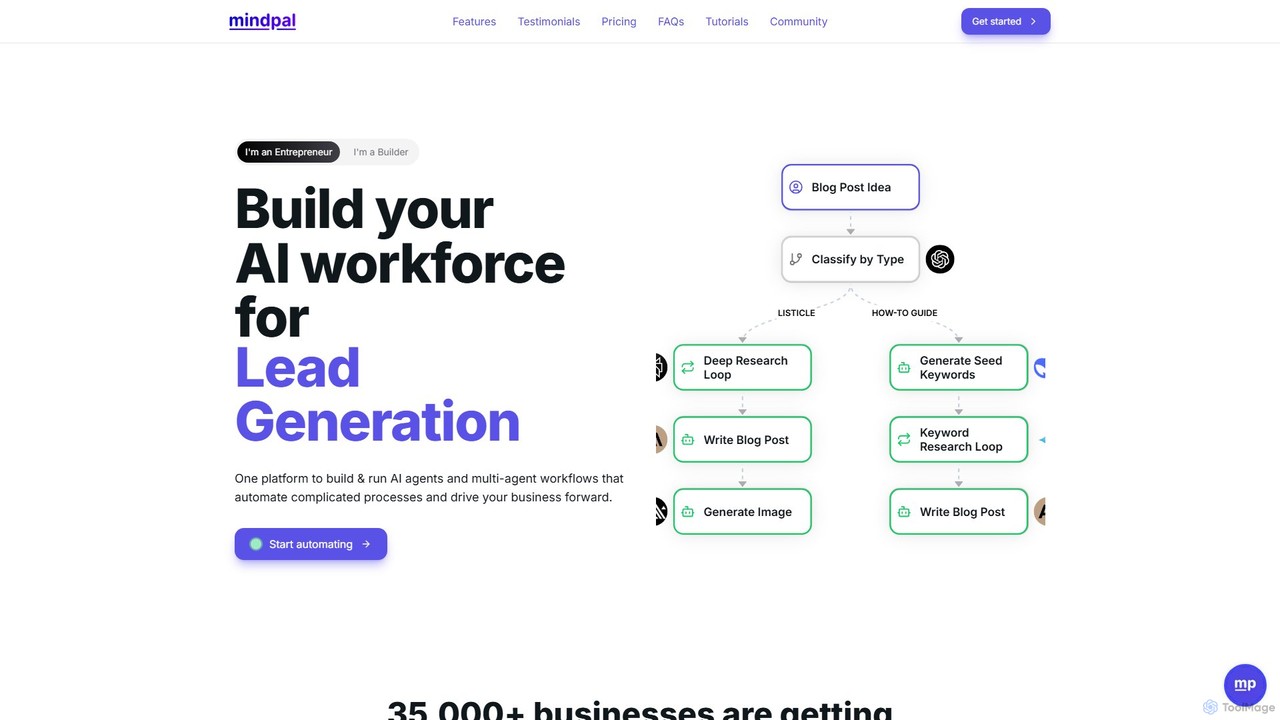
MindPal
MindPal is a platform for building a custom AI workforce. It enables users to create specialized AI agents and connect them into multi-agent workflows to automate complex business processes, from marketing and research to data analysis, enhancing productivity by 25x.
Chatbots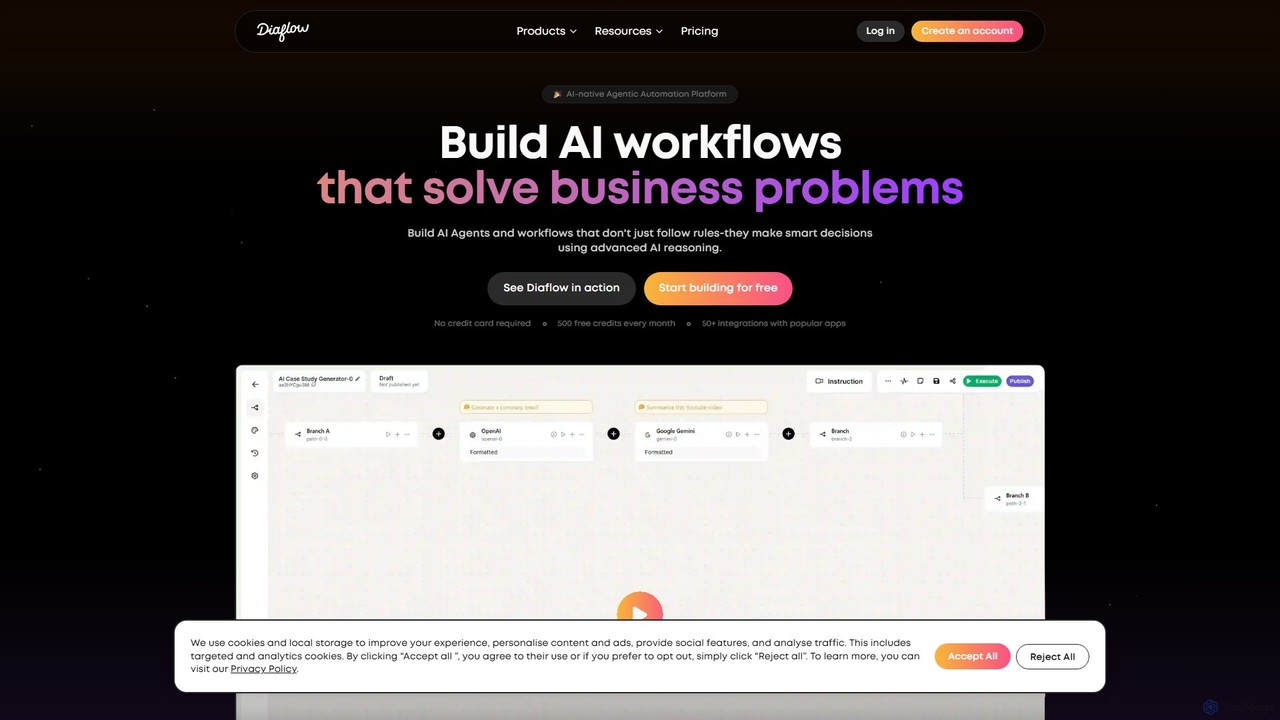
Diaflow
Diaflow is an AI-native, no-code platform for building intelligent workflows and agentic automations. It empowers users to solve complex business problems by creating smart, decision-making agents and internal tools without writing any code. It features a drag-and-drop builder, extensive integrations, and a built-in productivity suite.
Data Management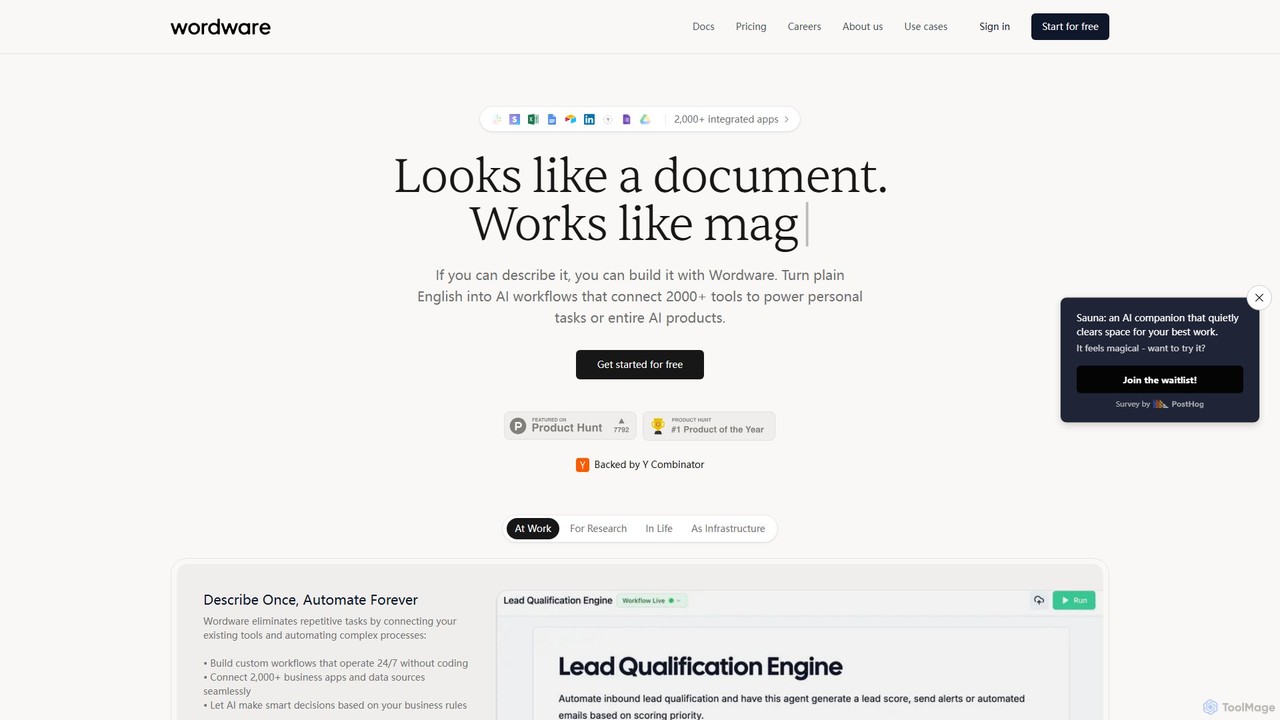
Wordware
Wordware is an AI-first workflow automation platform that lets you build complex automations using plain English. Connect over 2,000 apps and leverage advanced AI models to automate personal tasks, business processes, or even entire AI products without writing code. It's designed for building nuanced, reliable AI agents you can trust and deploy anywhere.
No Code
doflow.io
doflow.io is an AI-native workflow automation platform designed to connect your apps and automate complex tasks. It allows you to build intelligent workflows using a visual canvas, integrating powerful AI models to streamline marketing, sales, and operational processes without writing any code.
Business Intelligence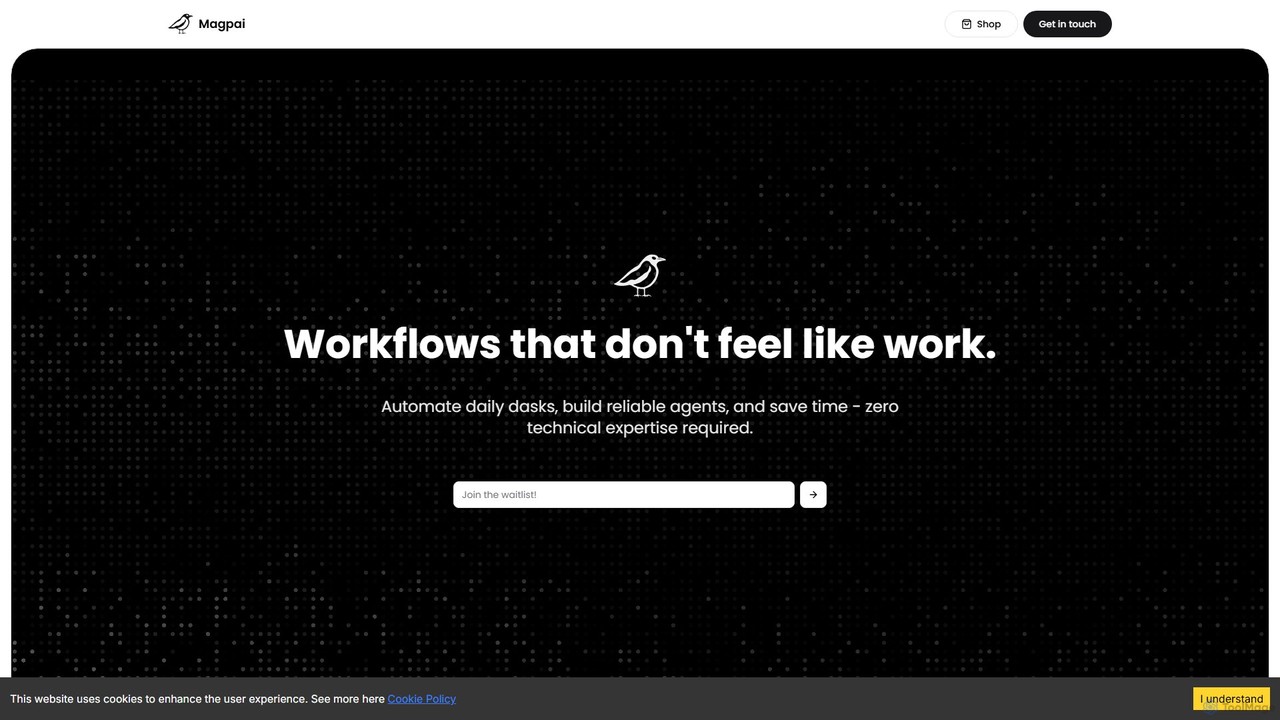
Magpai
Magpai is a user-friendly, no-code AI platform designed to automate daily tasks and build custom workflows. Positioned as the 'Canva of automation,' it allows anyone, regardless of technical skill, to create powerful AI agents and streamline business processes through an intuitive drag-and-drop interface. It serves various industries, from marketing to manufacturing, offering both a DIY platform and expert-built solutions.
Workflow Management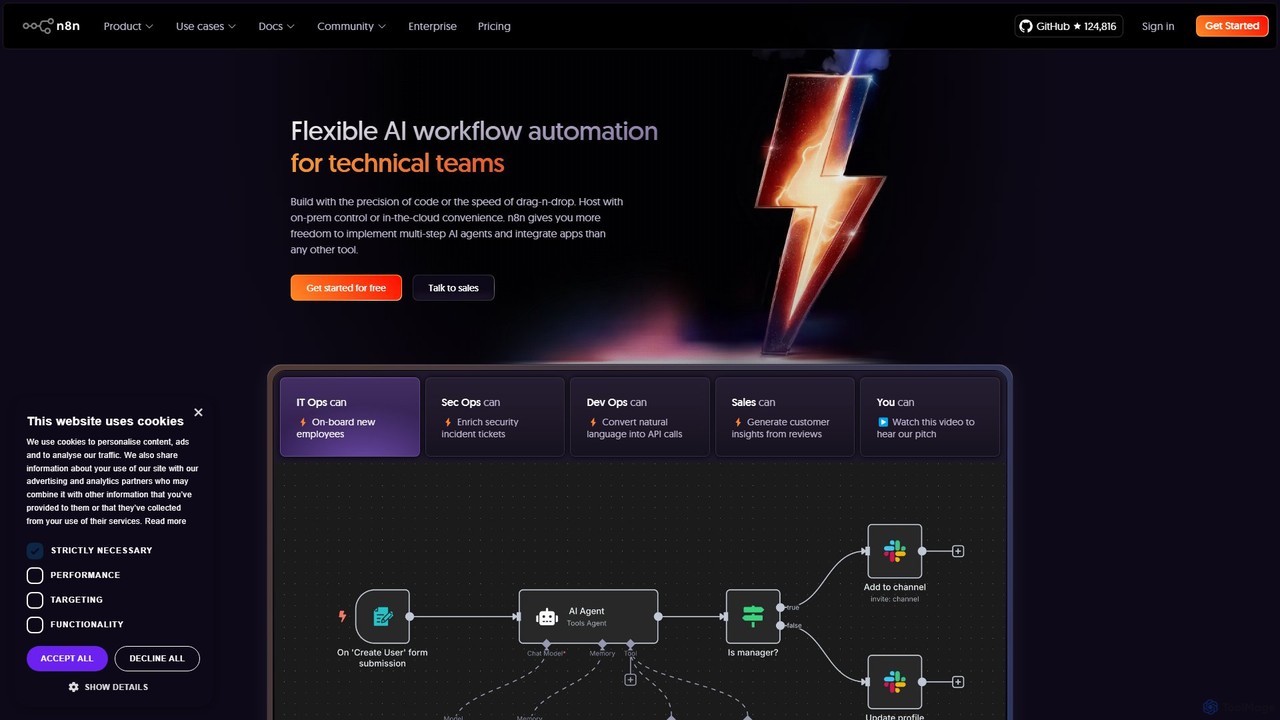
n8n
n8n is a source-available, node-based workflow automation platform designed for both technical and non-technical users. It enables you to connect hundreds of applications and services, including powerful AI models, to automate complex tasks and processes. With options for both cloud hosting and self-hosting, n8n offers unparalleled flexibility, control, and scalability for building everything from simple data syncs to sophisticated AI agents.
Crm
zmaticoo
zmaticoo is an AI-powered automation platform that connects your favorite apps and services to streamline workflows. It enables you to automate repetitive tasks without any coding, using an intuitive visual builder to create intelligent, multi-step processes that boost productivity and efficiency for businesses and individuals.
Automation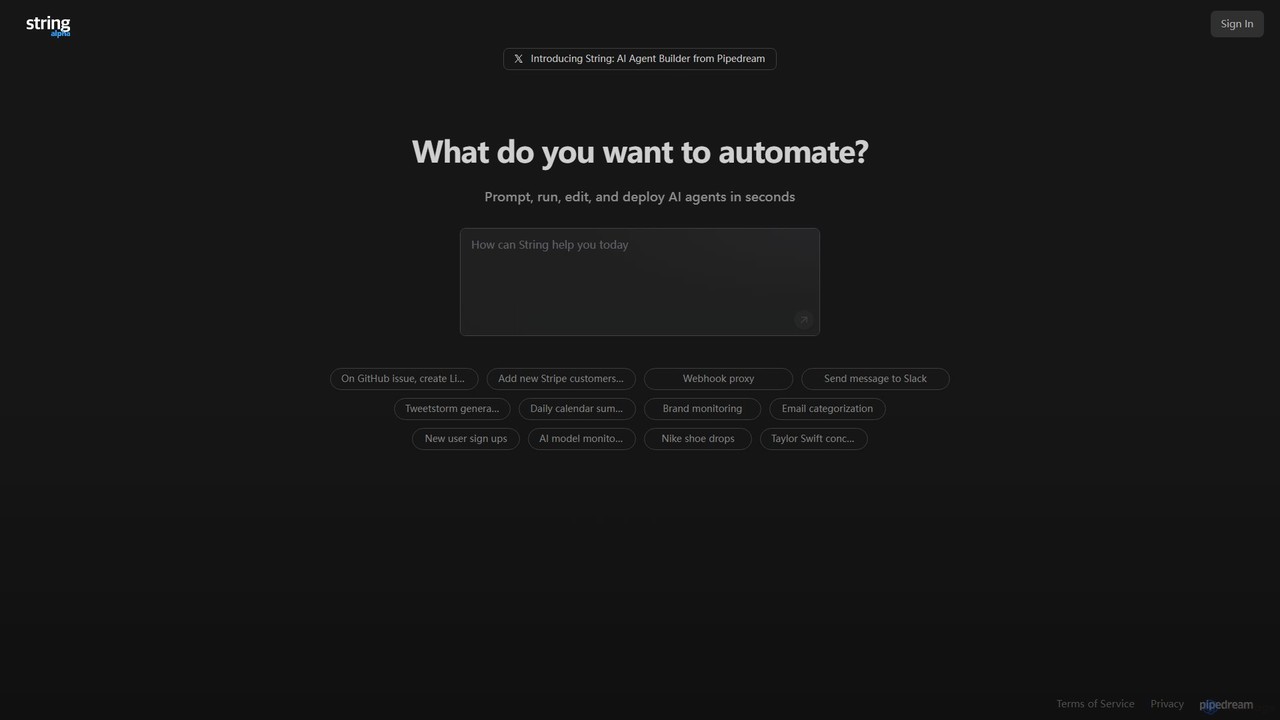
String
String is an AI agent builder from Pipedream that allows you to create, run, and deploy automated workflows in seconds. Using natural language prompts, you can build agents that connect various applications like Google Sheets, GitHub, Stripe, and HubSpot. It's designed for automating complex tasks, from data synchronization and brand monitoring to content generation and custom notifications, without needing extensive coding knowledge.
No Code & Low Code
xantonai Comments (0)
Sign in to comment.
Sign inNo comments yet.