
Command-G
Command-G is a free, native AI copilot for Xcode, designed for iOS, macOS, and visionOS developers. It enhances …
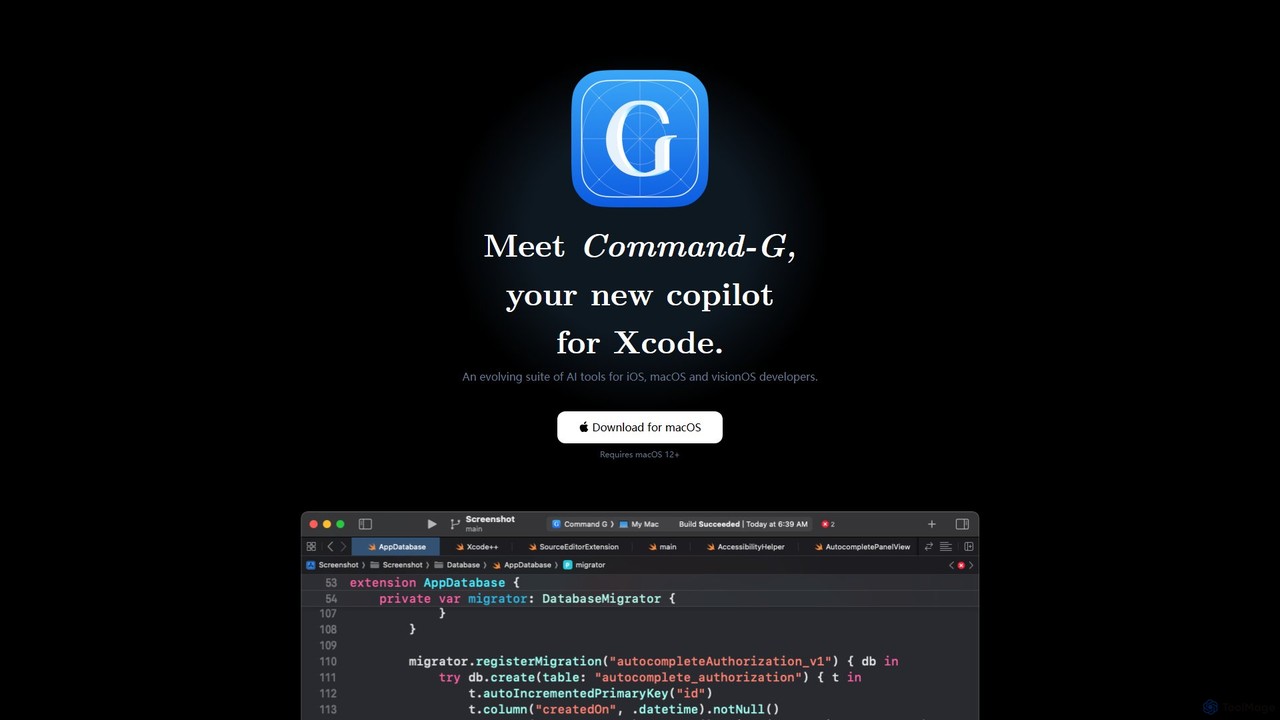
Command-G is a free, native AI copilot for Xcode, designed for iOS, macOS, and visionOS developers. It enhances productivity with intelligent code autocompletion powered by Codeium and an integrated GPT-4 chat that uses your code as context. With a strong focus on privacy, it ensures your code never leaves your machine.
About Programming
AI Programming tools are a specialized type of AI assistant designed to accelerate the software development lifecycle. They leverage large language models trained on vast codebases to provide intelligent code completion, identify bugs, and generate code snippets from natural language prompts. These tools integrate directly into development environments (IDEs) to help developers write cleaner, more efficient code faster, significantly reducing repetitive tasks. Their primary value lies in augmenting a developer's skills by acting as a collaborative pair programmer.
Core Features
- Intelligent Code Completion: Suggests context-aware code snippets and entire functions, going beyond simple syntax.
- AI-Powered Debugging: Analyzes code to identify potential bugs, suggest fixes, and explain complex errors.
- Code Generation & Refactoring: Translates natural language descriptions into functional code and restructures existing code for better readability and performance.
- Automated Documentation: Generates comments and documentation, such as docstrings, based on the code's functionality.
- Unit Test Generation: Creates relevant test cases automatically to ensure code quality and robustness.
Use Cases
These tools are widely used by software developers, data scientists, and students. They are particularly effective for rapid prototyping, maintaining and understanding legacy codebases, and learning new programming languages or frameworks by seeing best-practice examples generated in real-time.
How to Choose
When selecting an AI Programming tool, consider its language and IDE support to ensure compatibility with your stack. Evaluate the accuracy and relevance of its suggestions. Also, review its security policies, especially whether it processes code locally or in the cloud, which is critical for proprietary projects. Finally, compare pricing models and features for team collaboration.
ProgrammingUse Cases
Accelerating Feature Development
A full-stack developer is building a new user authentication module. Instead of writing boilerplate code from scratch, they use an AI programming assistant. By typing a comment like `// function to handle user login with email and password`, the tool generates the complete function structure, including input validation and error handling. This reduces development time by over 30% and allows the developer to focus on core business logic.
Automating Unit Test Generation
A quality assurance engineer needs to increase test coverage for a complex financial calculation service. They select a function and ask the AI tool to generate unit tests. The tool analyzes the code and creates multiple test cases, including edge cases and boundary conditions that a human might overlook. This process automates a tedious task, improves code reliability, and ensures new changes don't introduce regressions.
Refactoring Legacy Code
A maintenance team is tasked with modernizing a large, poorly documented legacy codebase. They use an AI programming tool to understand complex functions by asking for explanations in plain English. The tool also suggests refactoring opportunities, such as simplifying nested loops or extracting methods, to improve code readability and performance without breaking existing functionality. This significantly lowers the barrier to entry for working with old systems.
Learning a New Programming Language
A student learning Python for data science uses an AI coding assistant as a learning aid. When they are unsure how to implement a specific data manipulation task using the Pandas library, they write a comment describing their goal. The tool provides the correct Python code, along with a brief explanation. This interactive, real-time feedback loop accelerates their learning curve much faster than searching through documentation.
AI-Powered Debugging and Error Analysis
A junior developer encounters a cryptic runtime error that they don't understand. Instead of spending hours searching online forums, they paste the error message into their AI assistant. The tool not only explains what the error means in simple terms but also analyzes the relevant code block and suggests a specific fix. This turns a potential roadblock into a quick learning opportunity and minimizes downtime.
Generating Code from Natural Language
A data analyst with basic SQL skills needs to write a complex query to join multiple tables and perform aggregations. They describe the desired report in a natural language prompt, such as "Get the total monthly sales for each product category for the last year." The AI programming tool translates this request into an optimized SQL query, empowering the analyst to retrieve data independently without needing to consult a database administrator.