ToolMage
Sign in

Best 2 Transcription AI tools for Ai Assistant

Popular Transcription AI tools in Ai Assistant include PetsApp and Report Fox AI, helping you work more efficiently.

Report Fox AI
Freemium

Report Fox AI

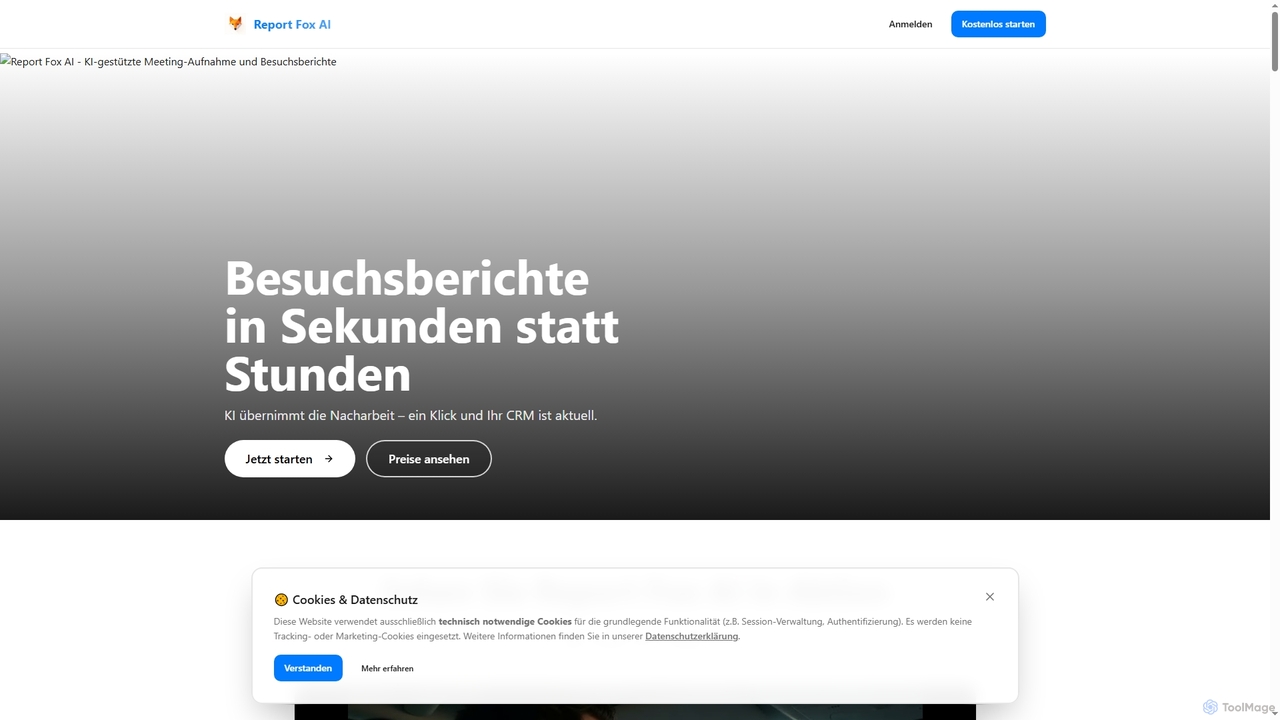
Report Fox AI is an innovative AI tool designed to transform sales meeting documentation from hours to seconds. It automates the creation of professional visit reports, extracts key insights, and seamlessly integrates with CRM systems like Salesforce and Dynamics 365, significantly boosting sales team productivity and data accuracy.

Transcription
Visits 5.8KFavorites 127Likes 139
PetsApp
Paid

PetsApp

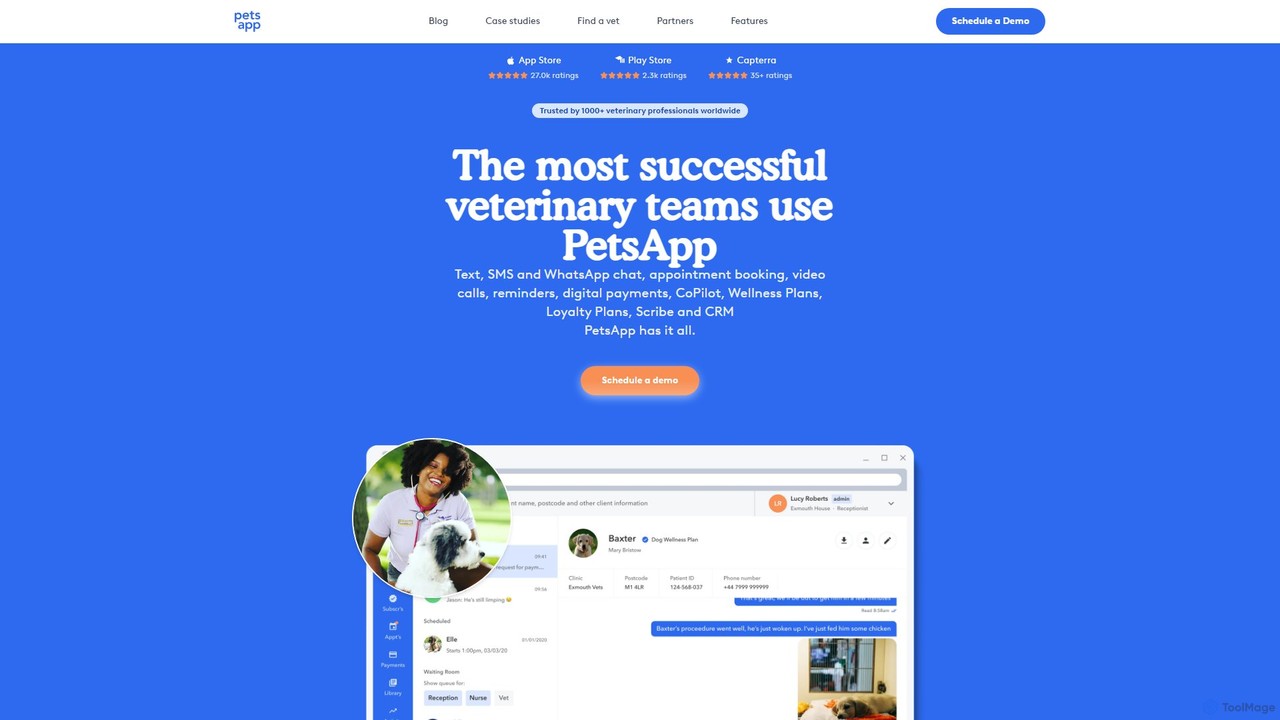
PetsApp is an all-in-one platform for veterinary practices, combining client communication, appointment booking, digital payments, and AI-powered assistants. It helps clinics save time, increase revenue, and enhance client relationships through tools like WhatsApp integration, wellness plans, and AI-driven note-taking.

Transcription
Visits 51.3KFavorites 133Likes 132

About Transcription

AI Transcription tools are a specialized type of AI assistant that automatically converts spoken language from audio or video files into written text. These tools leverage advanced Automatic Speech Recognition (ASR) technology to achieve high levels of accuracy and speed, far exceeding manual transcription capabilities. They are essential for professionals who need to quickly create searchable, editable, and shareable records of conversations, interviews, or meetings. Many tools also offer advanced features like speaker identification and timestamping, adding valuable context to the text.

Core Features

  • Automated Speech Recognition (ASR): Accurately converts audio and video speech into text, often with punctuation and formatting.
  • Speaker Diarization: Identifies and labels different speakers within a single audio file, attributing dialogue correctly.
  • Timestamping: Aligns the transcribed text with specific timecodes in the source media, making it easy to reference.
  • Multi-language Support: Capable of transcribing content in numerous languages, dialects, and accents.
  • Custom Vocabulary: Allows users to add specific names, jargon, or technical terms to a dictionary to improve recognition accuracy.

Use Cases

AI Transcription tools are widely used across various sectors. In media, journalists and podcasters use them to transcribe interviews for articles and show notes. Academic researchers analyze qualitative data from focus groups and interviews. In business, teams generate automatic meeting minutes and action items. Video creators also rely on these tools to produce subtitles and captions for accessibility and SEO.

How to Choose

When selecting an AI Transcription tool, consider several key factors. Evaluate the stated accuracy rate and test it with your typical audio quality. Check the list of supported languages and dialects. Assess the quality of speaker identification and the usability of the editor for corrections. Finally, compare pricing models (per-minute vs. subscription) and review the platform's security and data privacy policies, especially for sensitive content.

Transcription use cases

1

Transcribing Interviews for Journalism and Podcasting

A journalist or podcaster needs to quickly process a lengthy interview to find key quotes and create content. Instead of spending hours manually transcribing a 90-minute audio recording, they upload the file to an AI transcription tool. Within minutes, they receive a full, time-stamped transcript with speakers identified. They can then search the text for keywords, instantly locate impactful statements, and copy-paste them directly into their article or show notes, reducing content preparation time by over 90%.

2

Generating Subtitles for Video Content

A video creator wants to make their content more accessible and improve its SEO by adding accurate captions. They upload their finished video file to an AI transcription service. The tool not only transcribes the dialogue but also generates a time-coded subtitle file (like an .SRT or .VTT). The creator can quickly review and edit the text for accuracy within the platform's editor, then download the file and upload it directly to their video hosting platform. This process automates a tedious task, ensuring accessibility compliance and making their video content searchable by search engines.

3

Documenting Business Meetings and Action Items

A project manager needs an accurate record of a weekly team meeting to track decisions and assign tasks. They use an AI transcription tool that integrates with their video conferencing software to record and transcribe the meeting in real-time. The resulting transcript identifies each speaker, allowing the manager to easily see who said what. They can then highlight key decisions and action items within the transcript and export a summary to share with the team. This creates an objective source of truth and ensures no critical tasks are forgotten.

4

Analyzing Qualitative Data for Academic Research

An academic researcher conducting a study has collected hours of audio from focus groups. To perform qualitative analysis, they need a written record of these discussions. Using an AI transcription tool with high accuracy and speaker diarization, they convert all audio files into text. The tool separates each participant's contribution, making it easy to code themes and analyze patterns in the conversation. This accelerates the data preparation phase of the research, allowing the researcher to focus on analysis and interpretation rather than manual transcription.

5

Creating Study Notes from Lectures and Seminars

A university student records a two-hour lecture on a complex topic. To create effective study materials, they need to review the key points. They upload the audio recording to an AI transcription tool. The tool provides a full text transcript, which the student can then search for specific terms, copy key definitions into their notes, and highlight important concepts. This transforms a passive listening experience into an active learning resource, making exam preparation more efficient and thorough without the need to re-listen to the entire lecture.

6

Assisting Legal Professionals with Depositions

A paralegal needs to create a verbatim written record of a lengthy client deposition for case preparation. Ensuring accuracy is critical. They use a secure, high-accuracy AI transcription service designed for legal use. After uploading the audio, they receive a detailed transcript that they can review alongside the audio. The ability to quickly search the document for key phrases and names saves hours of manual review, helping the legal team build their case more efficiently and with a reliable text-based reference.

Transcription FAQ

What is an AI Transcription tool?

An AI Transcription tool is software that uses artificial intelligence, specifically Automatic Speech Recognition (ASR) technology, to convert audio and video files into written text. Unlike manual transcription, it performs this task automatically and at high speed. Key features often include identifying different speakers, adding timestamps to the text, and supporting multiple languages. These tools are used by professionals in media, research, business, and education to save time and create searchable records of spoken content.

How to choose the right AI Transcription tool?

To choose the right tool, consider these factors:

  • Accuracy: Check the tool's stated accuracy rate and test it with a sample of your own audio, which may have background noise or multiple speakers.
  • Language and Dialect Support: Ensure it supports the specific languages, dialects, or accents present in your audio files.
  • Features: Determine if you need advanced features like speaker identification (diarization), timestamping, or custom vocabulary for industry-specific terms.
  • Pricing Model: Compare costs, whether it's a pay-per-minute model or a monthly/annual subscription, and choose what fits your usage volume.
  • Security: If you handle sensitive information, verify the tool's data privacy and security protocols.
What is the difference between AI transcription and manual transcription?

The primary differences are speed, cost, and accuracy. AI transcription is significantly faster, often delivering results in minutes, and is more cost-effective. However, its accuracy can be affected by poor audio quality, strong accents, or technical jargon. Manual transcription is done by a human, which is much slower and more expensive. While humans can better interpret difficult audio and context, achieving near-perfect accuracy, AI tools are rapidly closing this gap and are often sufficient for most use cases, especially when followed by a quick human review.

Can AI transcription tools handle multiple speakers?

Yes, many advanced AI transcription tools can handle multiple speakers effectively. This feature is known as 'speaker diarization' or 'speaker identification'. The tool analyzes vocal characteristics to distinguish between different people speaking in the same audio file. It then labels the transcript, indicating which speaker said each part of the dialogue (e.g., 'Speaker 1', 'Speaker 2'). This is extremely useful for transcribing interviews, meetings, and focus groups, as it provides a clear, organized record of the conversation.

What file formats are typically supported by transcription tools?

AI transcription tools generally support a wide range of common audio and video file formats for input. For audio, this includes MP3, WAV, M4A, and FLAC. For video, common formats like MP4, MOV, and AVI are usually accepted. For output, they typically offer several options for downloading the transcript, such as plain text (.TXT), Microsoft Word (.DOCX), and subtitle files like SubRip (.SRT) or WebVTT (.VTT), which are essential for video captioning. The exact list of supported formats varies by tool, so it's important to check before committing.